AppRecs review analysis
AppRecs rating 4.3. Trustworthiness 77 out of 100. Review manipulation risk 24 out of 100. Based on a review sample analyzed.
★★★★☆
4.3
AppRecs Rating
Ratings breakdown
5 star
67%
4 star
0%
3 star
33%
2 star
0%
1 star
0%
What to know
✓
Low review manipulation risk
24% review manipulation risk
✓
Credible reviews
77% trustworthiness score from analyzed reviews
✓
Good user ratings
67% positive sampled reviews
About Arduino Programming Tutorial
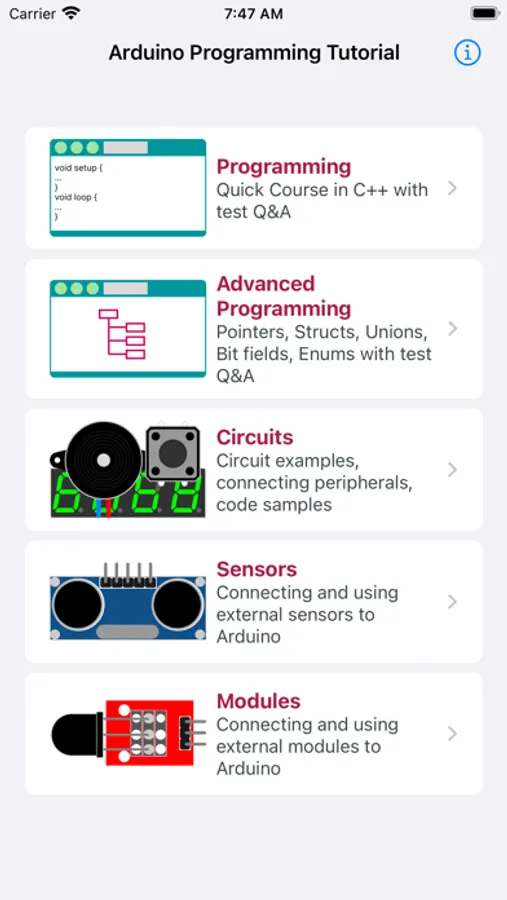
Arduino Programming Tutorial offers over 200 lessons, guides, circuit designs, and a simplified C++ course — perfect for both beginners and experienced makers, students, and engineers.
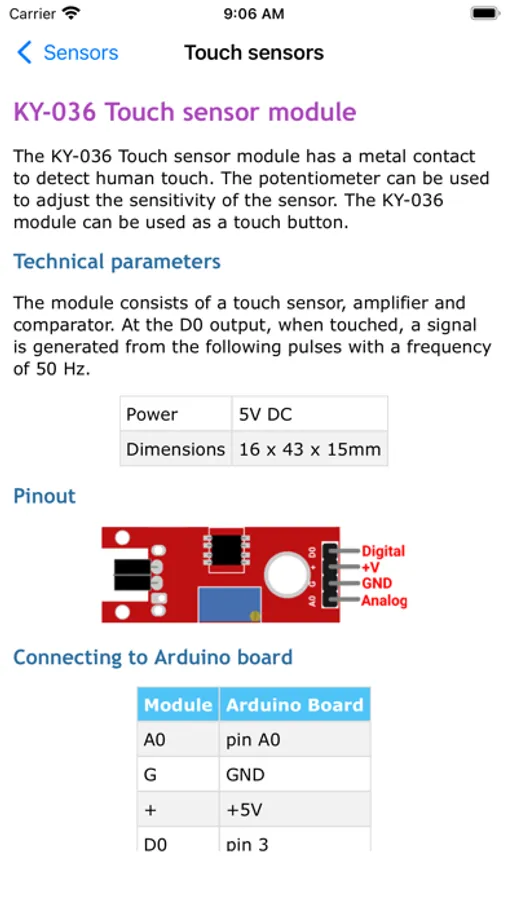
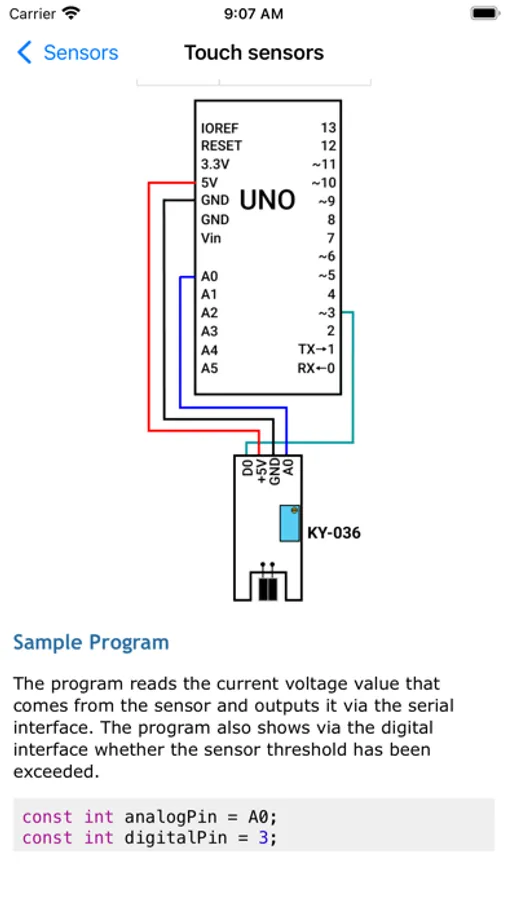
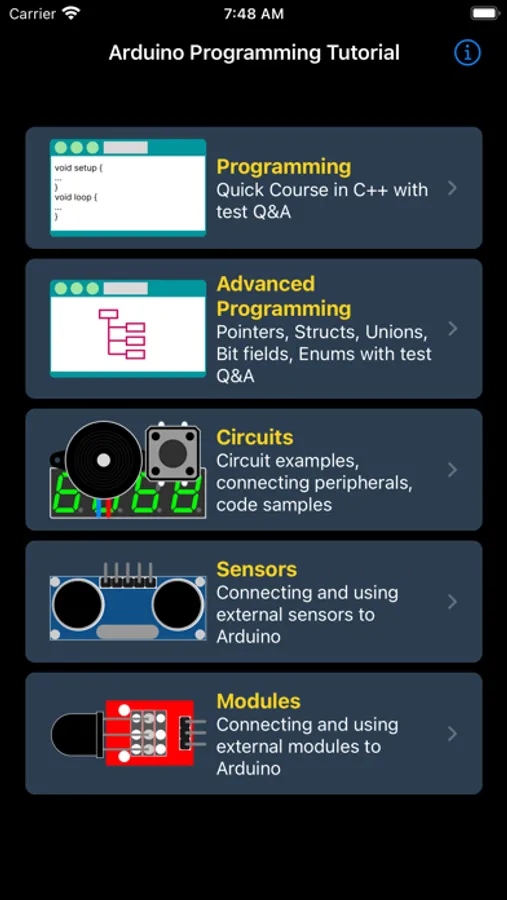
This app serves as a complete reference for using Arduino with a wide range of components, including analog/digital sensors and external modules. Each topic includes detailed descriptions, wiring instructions, integration steps, and example code.
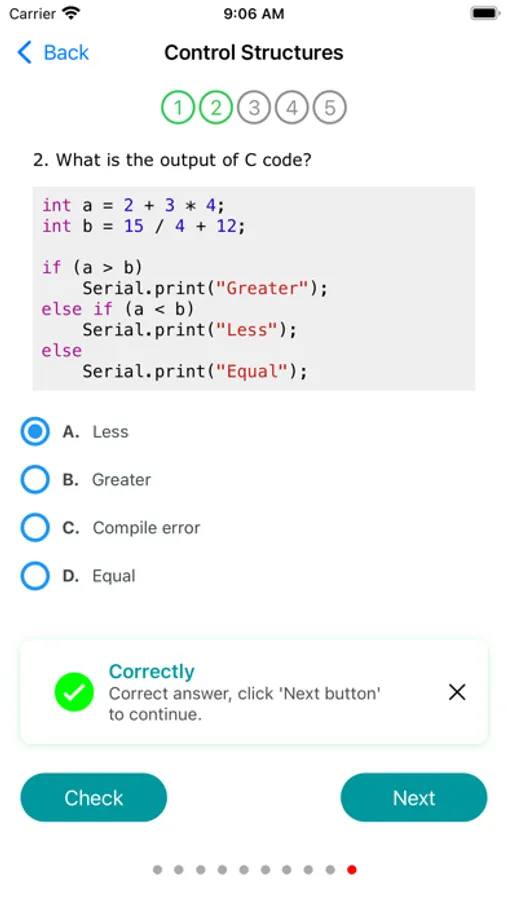
To support your learning, the app also features quiz sections — ideal for practicing, reviewing concepts, or preparing for interviews and exams.
Available Languages:
English, French, German, Indonesian, Italian, Polish, Portuguese, Russian, Spanish, Turkish, and Ukrainian.
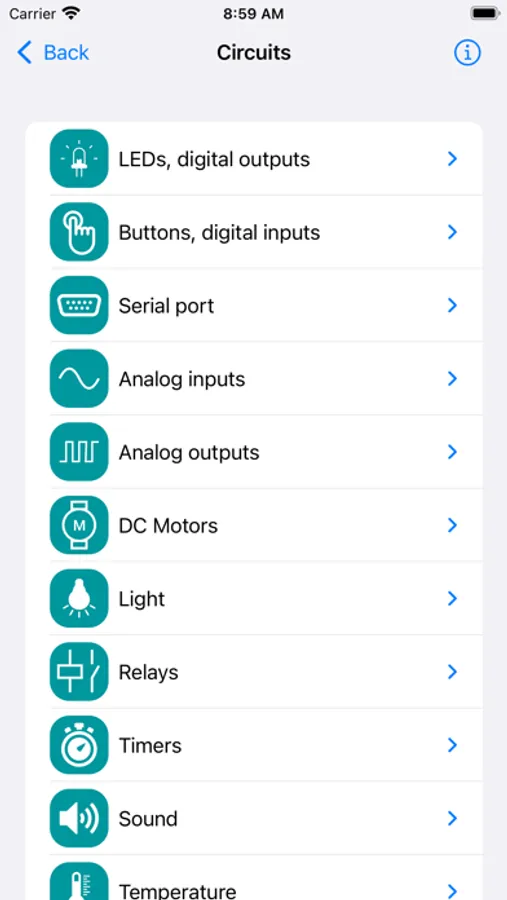
The app includes practical hardware examples such as:
• LEDs, digital outputs
• Buttons, digital inputs
• Serial port
• Analog inputs
• Analog outputs
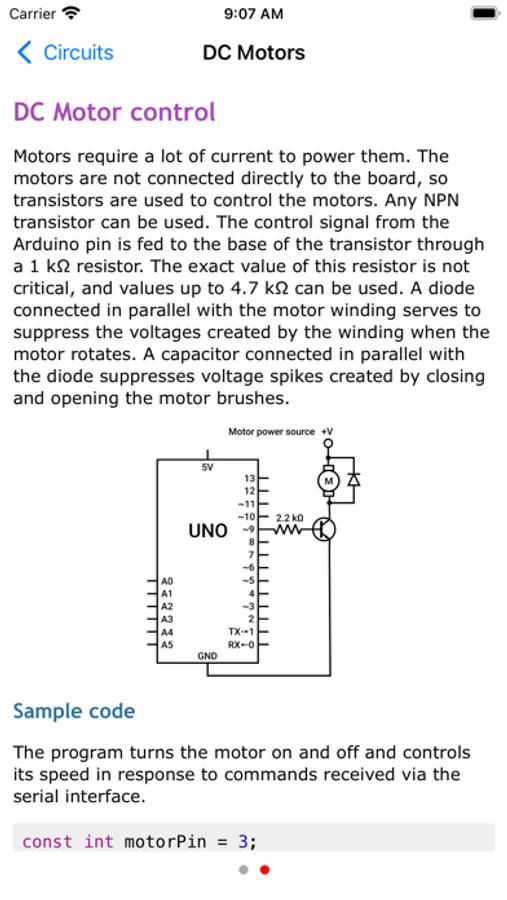
• DC Motors
• Timers
• Sound
• Ambient light sensors
• Measuring distance
• Vibration sensors
• Temperature and humidity sensors
• Rotary encoders
• Sound modules
• Displacement sensors
• Infrared Sensors
• Magnetic field sensors
• Touch sensors
• Tracking sensors
• Flame detectors
• Heartbeat sensors
• LED modules
• Buttons and joysticks
• Relays
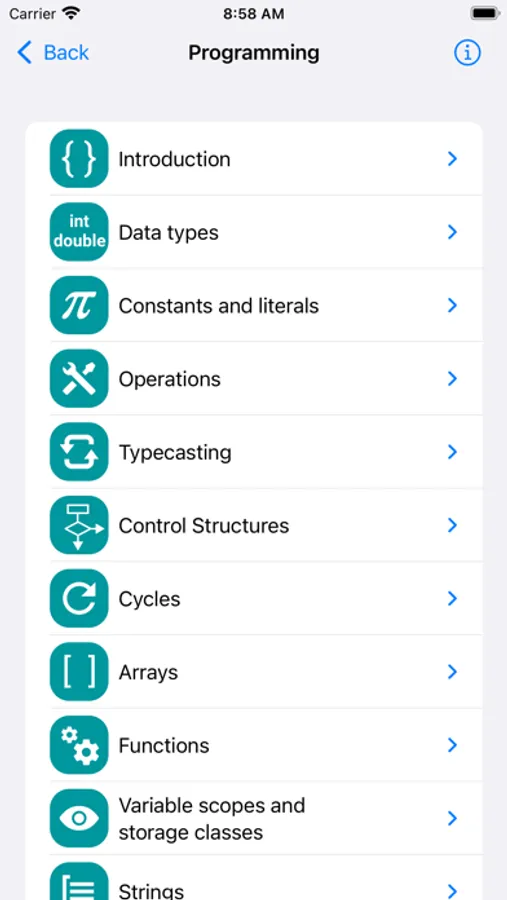
The programming guide covers the following topics:
• Data types
• Constants and literals
• Operations
• Typecasting
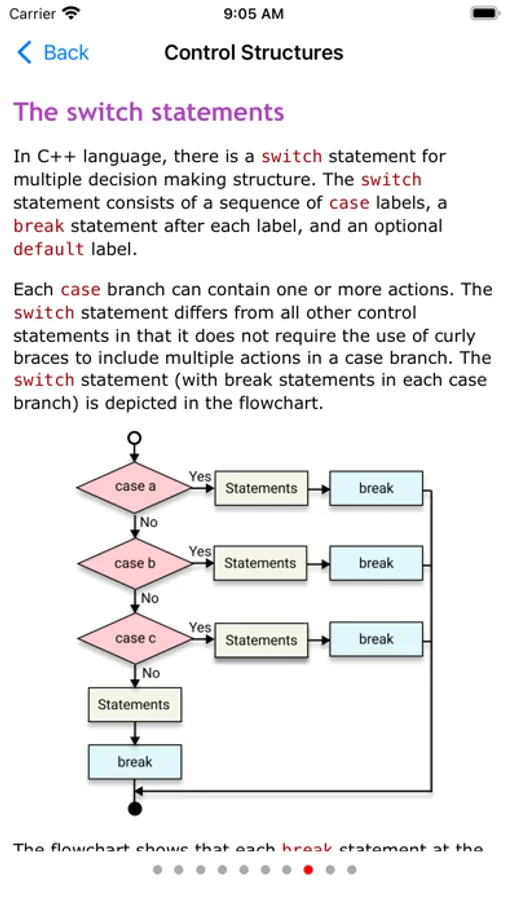
• Control Structures
• Loops
• Arrays
• Functions
• Variable scopes and storage classes
• Strings
• Pointers
• Structs
• Unions
• Bit fields
• Enums
• Preprocessor directives
• Test questions/answers
• Communications
• Serial Port functions and samples
• Serial Monitor usage
All app contents and quizzes are updated in every new version.
Note: The Arduino trademark, as well as all other trade names mentioned in this program, are registered trademarks of their respective companies. This program is developed by an independent developer and is in no way affiliated with these companies and is not an official Arduino training course.
This app serves as a complete reference for using Arduino with a wide range of components, including analog/digital sensors and external modules. Each topic includes detailed descriptions, wiring instructions, integration steps, and example code.
To support your learning, the app also features quiz sections — ideal for practicing, reviewing concepts, or preparing for interviews and exams.
Available Languages:
English, French, German, Indonesian, Italian, Polish, Portuguese, Russian, Spanish, Turkish, and Ukrainian.
The app includes practical hardware examples such as:
• LEDs, digital outputs
• Buttons, digital inputs
• Serial port
• Analog inputs
• Analog outputs
• DC Motors
• Timers
• Sound
• Ambient light sensors
• Measuring distance
• Vibration sensors
• Temperature and humidity sensors
• Rotary encoders
• Sound modules
• Displacement sensors
• Infrared Sensors
• Magnetic field sensors
• Touch sensors
• Tracking sensors
• Flame detectors
• Heartbeat sensors
• LED modules
• Buttons and joysticks
• Relays
The programming guide covers the following topics:
• Data types
• Constants and literals
• Operations
• Typecasting
• Control Structures
• Loops
• Arrays
• Functions
• Variable scopes and storage classes
• Strings
• Pointers
• Structs
• Unions
• Bit fields
• Enums
• Preprocessor directives
• Test questions/answers
• Communications
• Serial Port functions and samples
• Serial Monitor usage
All app contents and quizzes are updated in every new version.
Note: The Arduino trademark, as well as all other trade names mentioned in this program, are registered trademarks of their respective companies. This program is developed by an independent developer and is in no way affiliated with these companies and is not an official Arduino training course.
Arduino Programming Tutorial Screenshots
Tap to Rate:
Reviews for Arduino Programming Tutorial
Terra0603
This app is amazing
As someone who is pretty much completely new to Arduino coding this is amazing, thank you!
Wd1i
Ads driving me crazy
Wish I could buy out of the ads. Will use this till I can find A suitable book. I was wrong. There is a paid version and I like it a lot. Learning code is like a new language and this ap makes it easier. Thank You.