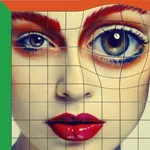
With this image editing app, you can manipulate specific areas by pushing, pulling, rotating, and reflecting pixels. Includes tools for retouching facial features, reshaping body parts, and creating artistic distortions.
AppRecs review analysis
AppRecs rating 4.0. Trustworthiness 76 out of 100. Review manipulation risk 25 out of 100. Based on a review sample analyzed.
★★★★☆
4.0
AppRecs Rating
Ratings breakdown
5 star
68%
4 star
10%
3 star
1%
2 star
3%
1 star
17%
What to know
✓
Low review manipulation risk
25% review manipulation risk
✓
Credible reviews
76% trustworthiness score from analyzed reviews
✓
High user satisfaction
78% of sampled ratings are 4+ stars (4.1★ average)
About Liquify Filter
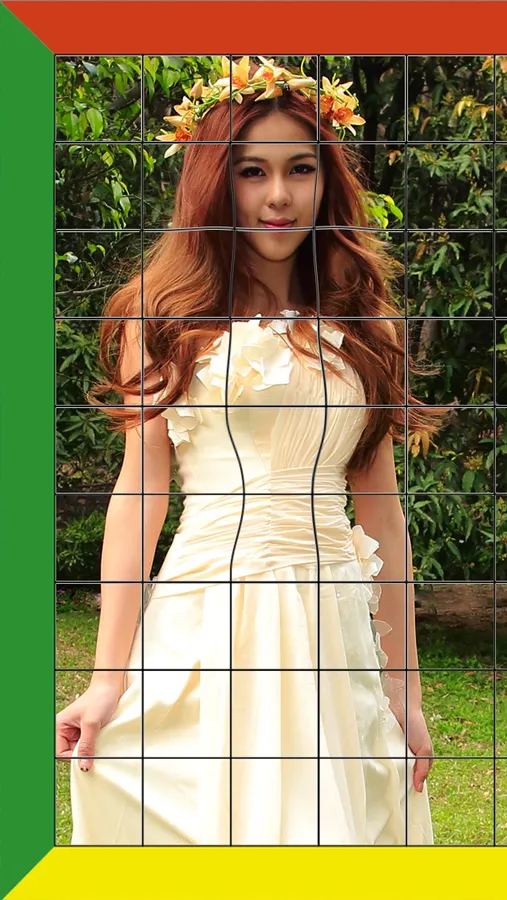
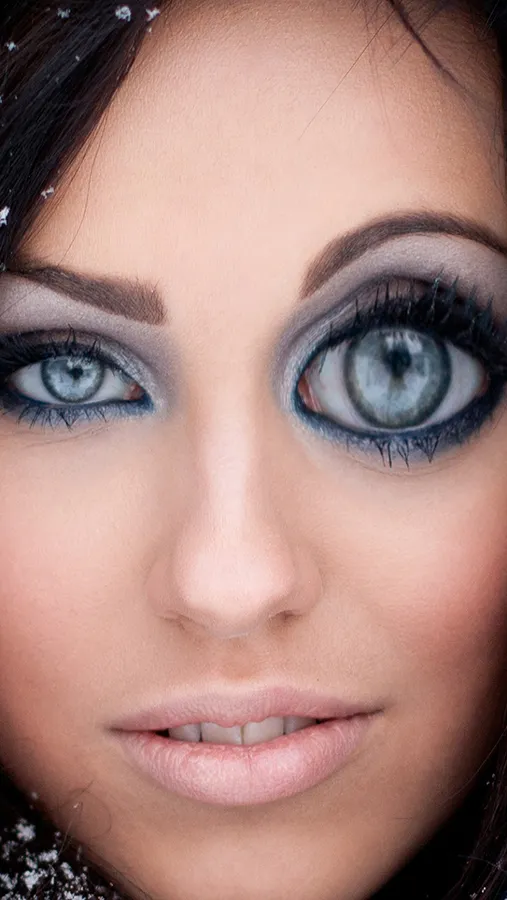
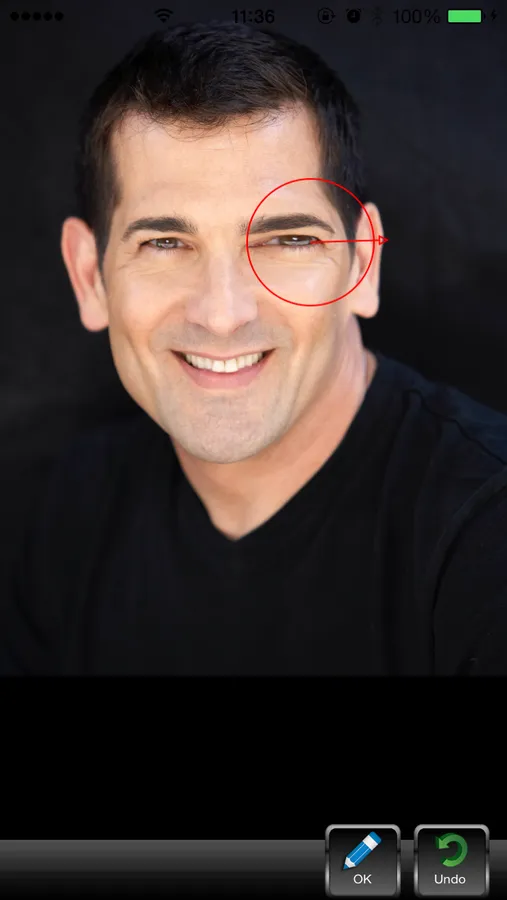
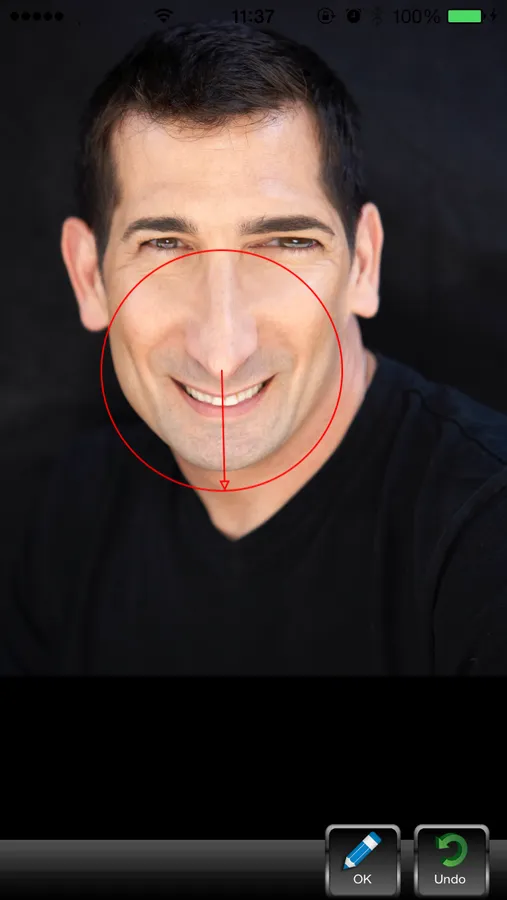
Push, pull, rotate, reflect, pucker, and bloat any area of an image. The distortions you create can be subtle or drastic, which makes the Liquify command a powerful tool for retouching images as well as creating artistic effects.
The Liquify filter in iPhone/iPad is a fabulous little tool for helping to eliminate some of these undesired areas in an image. Essentially, it allows you to ‘push’ or ‘move’ pixels around to manipulate the shape of something. The Liquify filter allows us to distort the pixels in a given image without losing quality.
You can use tools in the Liquify filter to:
• Remove bulges from arms, legs, and thighs.
• Make a nose smaller.
• Make eyes or lips smaller or larger.
• Make chins, stomachs, and thighs, smaller.
• Refine a chin or jaw line.
• Change an expression slightly.
• Adjust eyebrows slightly.
The Liquify filter in iPhone/iPad is a fabulous little tool for helping to eliminate some of these undesired areas in an image. Essentially, it allows you to ‘push’ or ‘move’ pixels around to manipulate the shape of something. The Liquify filter allows us to distort the pixels in a given image without losing quality.
You can use tools in the Liquify filter to:
• Remove bulges from arms, legs, and thighs.
• Make a nose smaller.
• Make eyes or lips smaller or larger.
• Make chins, stomachs, and thighs, smaller.
• Refine a chin or jaw line.
• Change an expression slightly.
• Adjust eyebrows slightly.
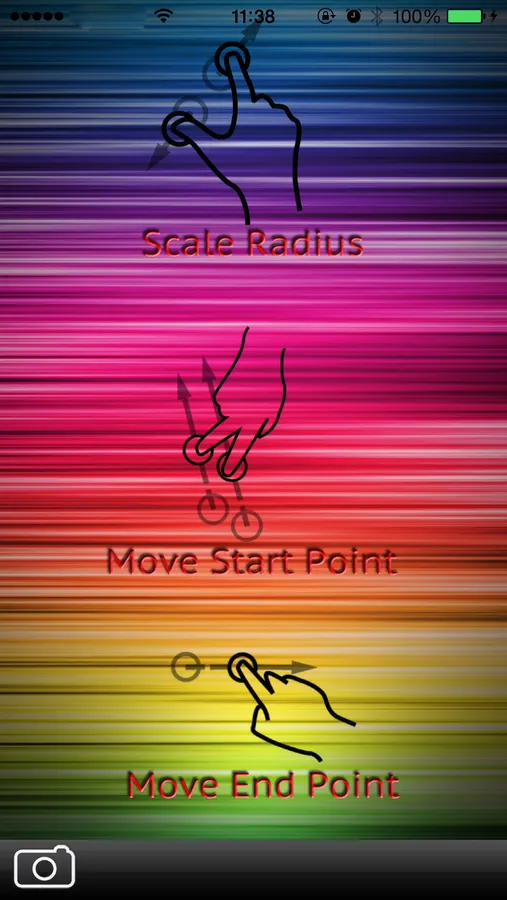
Liquify Filter Screenshots
Tap to Rate:
Reviews for Liquify Filter
gingobr
Horrible
Horrible app design.. it looks from 2007.
vbelledejesus
Its ok
Touch up photos