
AppRecs review analysis
AppRecs rating 1.6. Trustworthiness 74 out of 100. Review manipulation risk 22 out of 100. Based on a review sample analyzed.
★☆☆☆☆
1.6
AppRecs Rating
Ratings breakdown
5 star
7%
4 star
2%
3 star
5%
2 star
20%
1 star
66%
What to know
✓
Low review manipulation risk
22% review manipulation risk
✓
Credible reviews
74% trustworthiness score from analyzed reviews
⚠
Mixed user feedback
Average 1.7★ rating suggests room for improvement
About nAble Health
HOW TO USE:
After downloading the App, use the Doctor search to locate your provider by Clinic name or Doctor name, then enter your nAble Patient Portal User Name and Password to sign in.
New Users:
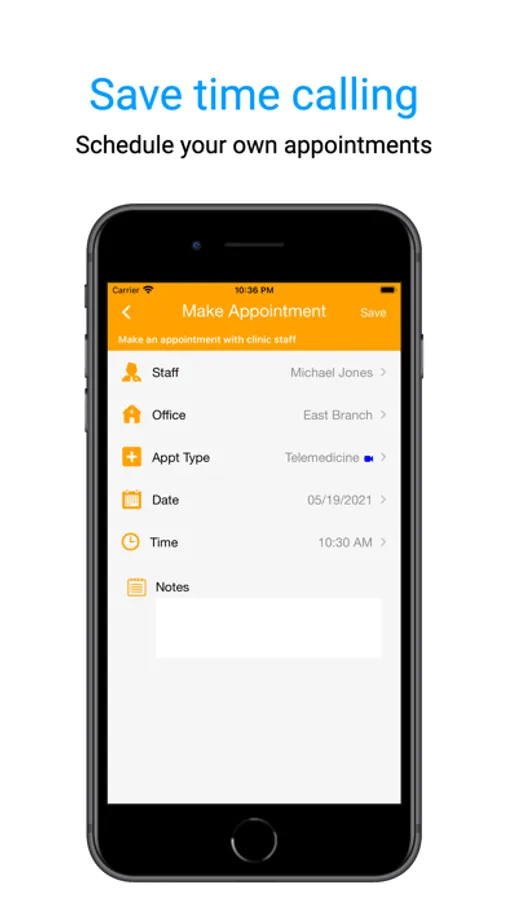
Patients who would like to make an appointment with an nAble clinic may do so by sending a request for an appointment by either searching the physician by name or by clinic.
KEY FEATURES:
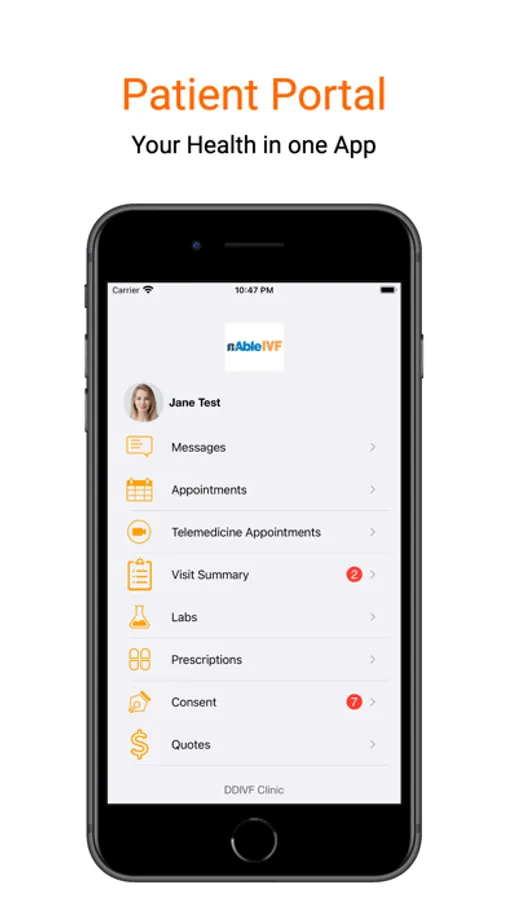
• Make appointments in real time
• Review lab results, vitals, and medications
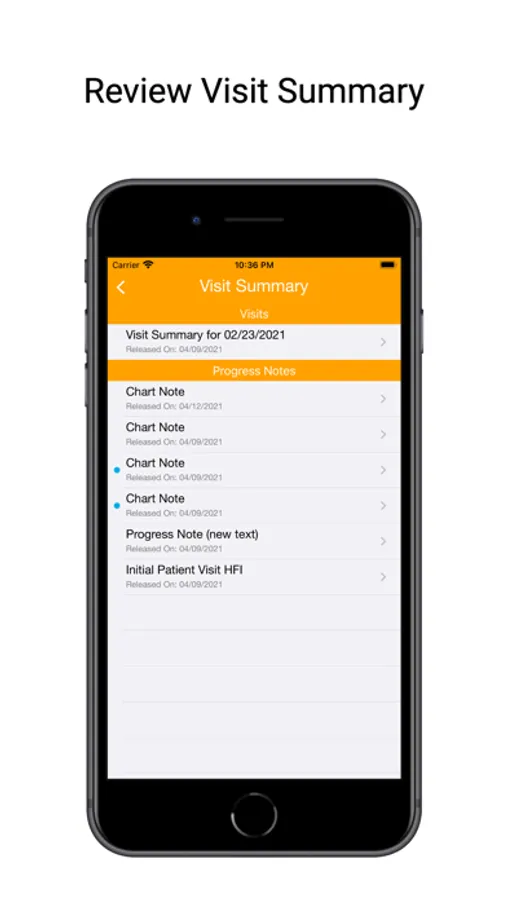
• View encounter summaries
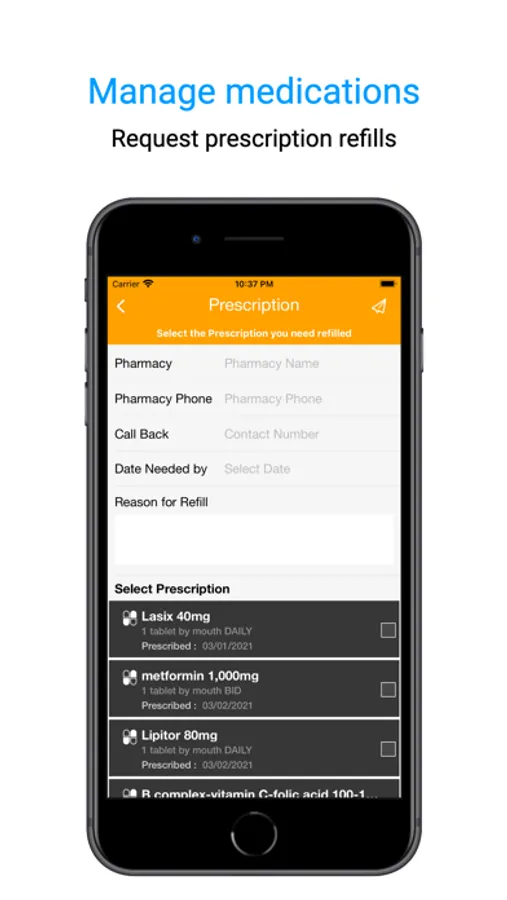
• Request prescription refills
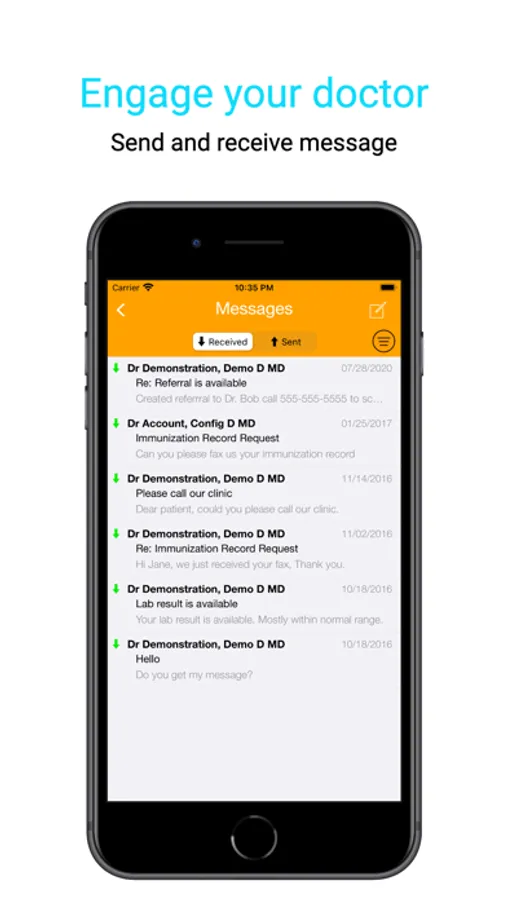
• Send and receive secure messages between patient and clinic staff
• Upload patient photo for the clinic's record
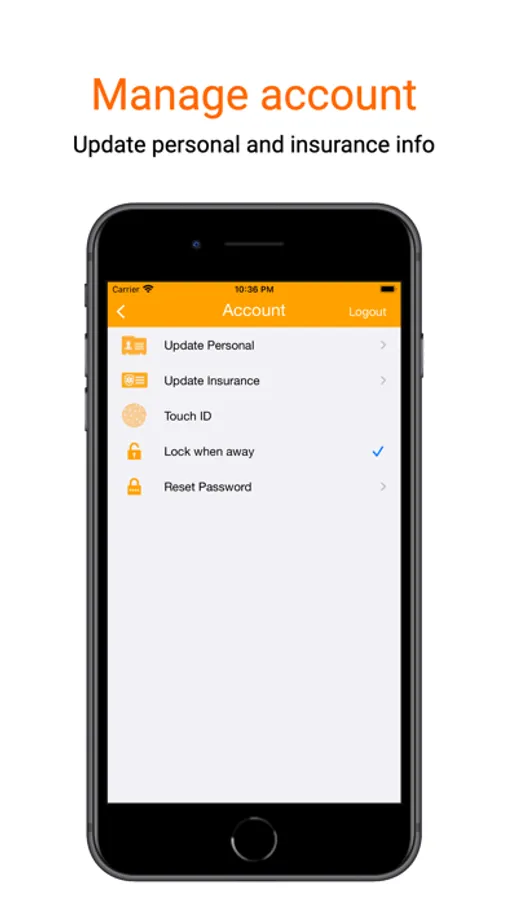
• Update insurance information, including photos of the insurance card
• Update contact information
• View outstanding balances and Pay Online*
• Patient Education & Instructions
• View and Sign patient Consent Forms
• Telemedicine Video Call*
• Faster Login using Touch ID or Face ID
* Please contact clinic if this feature is available
nAble Health Screenshots
Tap to Rate:
Reviews for nAble Health
juppoio
Clunky and UI prevents functions
There are certain parts of the UI that prevents you from accessing certain push buttons, forcing you to actually log in via the website instead, defeating the purpose of the app.
ohbrooksthegirl
Clunky messaging and sign in
Messaging in this app and on the browser is antiquated. It shows a series of messages rather than threads, like the early 2000s text message applications. Sign in is very frustrating, especially when using a password manager since the name of the app is not the same as the name of the application maker. The app frequently signs me in and out.