AppRecs review analysis
AppRecs rating 2.1. Trustworthiness 78 out of 100. Review manipulation risk 27 out of 100. Based on a review sample analyzed.
★★☆☆☆
2.1
AppRecs Rating
Ratings breakdown
5 star
21%
4 star
0%
3 star
7%
2 star
7%
1 star
64%
What to know
✓
Low review manipulation risk
27% review manipulation risk
✓
Credible reviews
78% trustworthiness score from analyzed reviews
⚠
Mixed user feedback
Average 2.1★ rating suggests room for improvement
About Video Splitter
Is your video too long to be sent? → Split and send!
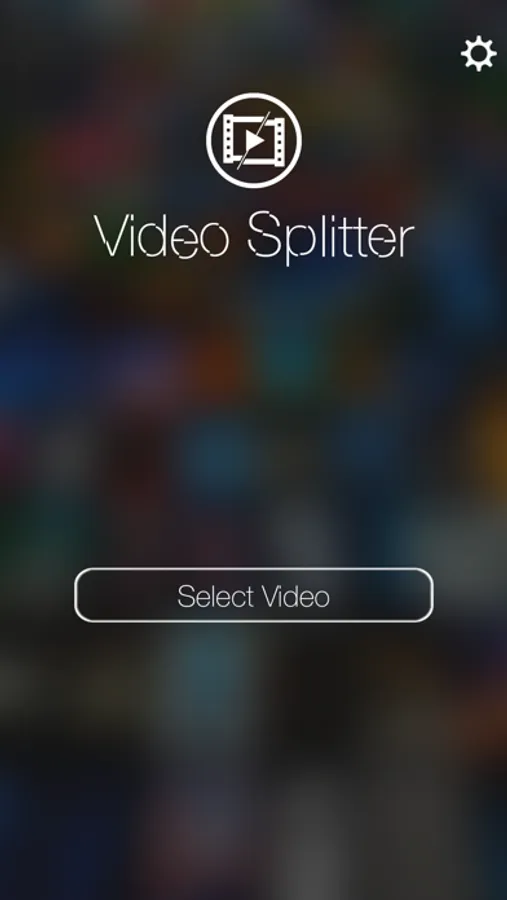
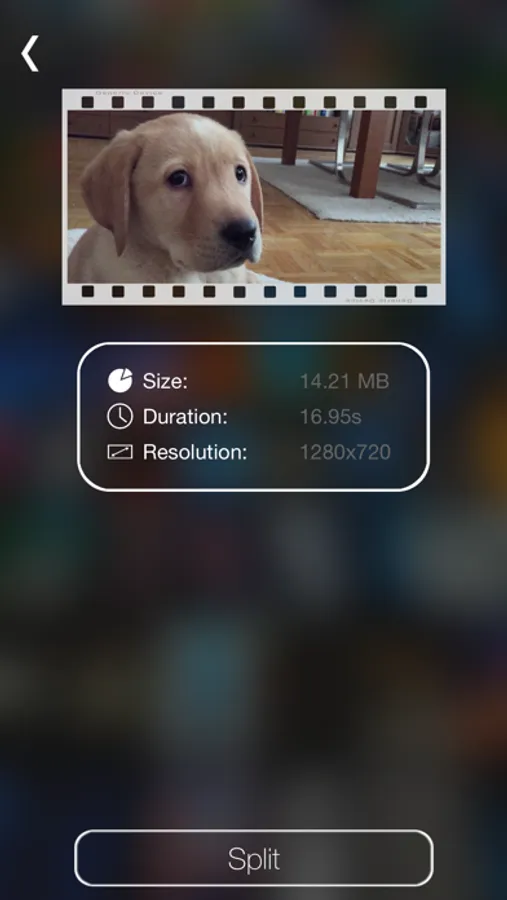
Video-Splitter splits your videos to the desired length or size for your favorite platform.
Ever encountered the problem that a video you would like to send to a friend is too long to be send by iMessage?.. or WhatsApp? or Facebook? etc.
Sure you did!
In such a case iOS lets you trim the video in length... but how do you know which length fits which platform?
Sometimes you want to trim a video and it would still be to long to be sent?... a common problem!
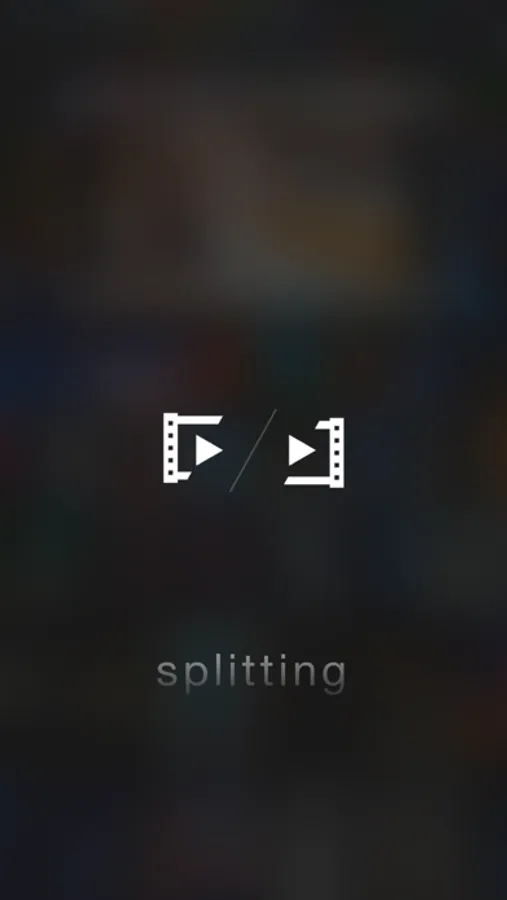
Video-Splitter splits your videos to the right length so it can be sent to your favorite platform.
It knows the length it needs based on the platform you choose.
So all YOU need to do is pick the desired platform and let Video-Splitter handle everything else!
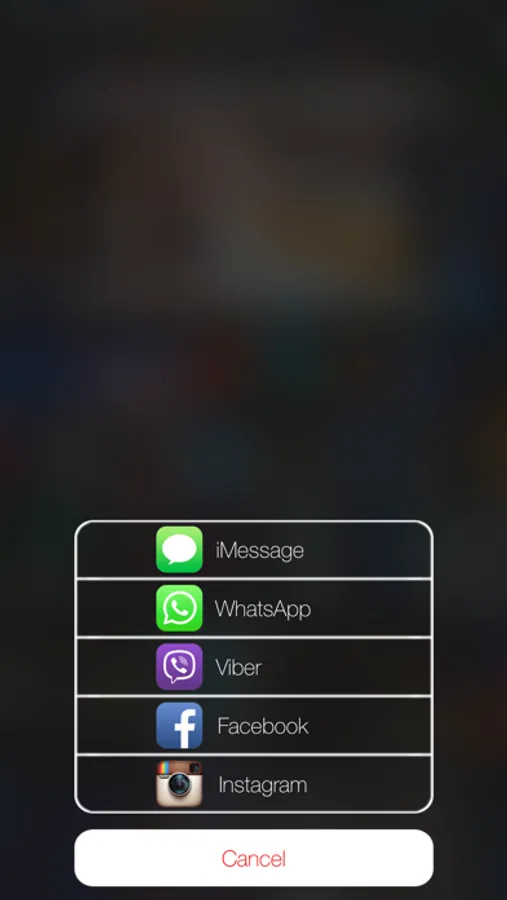
Video-Splitter works with the following platforms:
- iMessage
- WhatsApp
- Viber
- Facebook
- Instagram
And there is more...
Video-Splitter also has an iOS 8 App Extension...
which means you don't even need to open the app to split a video.
For example you could split the video right from inside the Photos app... or any other app that handles the video you want to send.
Video-Splitter splits your videos to the desired length or size for your favorite platform.
Ever encountered the problem that a video you would like to send to a friend is too long to be send by iMessage?.. or WhatsApp? or Facebook? etc.
Sure you did!
In such a case iOS lets you trim the video in length... but how do you know which length fits which platform?
Sometimes you want to trim a video and it would still be to long to be sent?... a common problem!
Video-Splitter splits your videos to the right length so it can be sent to your favorite platform.
It knows the length it needs based on the platform you choose.
So all YOU need to do is pick the desired platform and let Video-Splitter handle everything else!
Video-Splitter works with the following platforms:
- iMessage
- Viber
And there is more...
Video-Splitter also has an iOS 8 App Extension...
which means you don't even need to open the app to split a video.
For example you could split the video right from inside the Photos app... or any other app that handles the video you want to send.