
With this communication tool, you can practice speaking with delayed auditory feedback to improve fluency. Includes adjustable delay settings, pitch shift options, and headset compatibility.
AppRecs review analysis
AppRecs rating 4.2. Trustworthiness 81 out of 100. Review manipulation risk 27 out of 100. Based on a review sample analyzed.
★★★★☆
4.2
AppRecs Rating
Ratings breakdown
5 star
76%
4 star
6%
3 star
0%
2 star
3%
1 star
15%
What to know
✓
Low review manipulation risk
27% review manipulation risk
✓
Credible reviews
81% trustworthiness score from analyzed reviews
✓
High user satisfaction
82% of sampled ratings are 4+ stars (4.2★ average)
About Fonate DAF
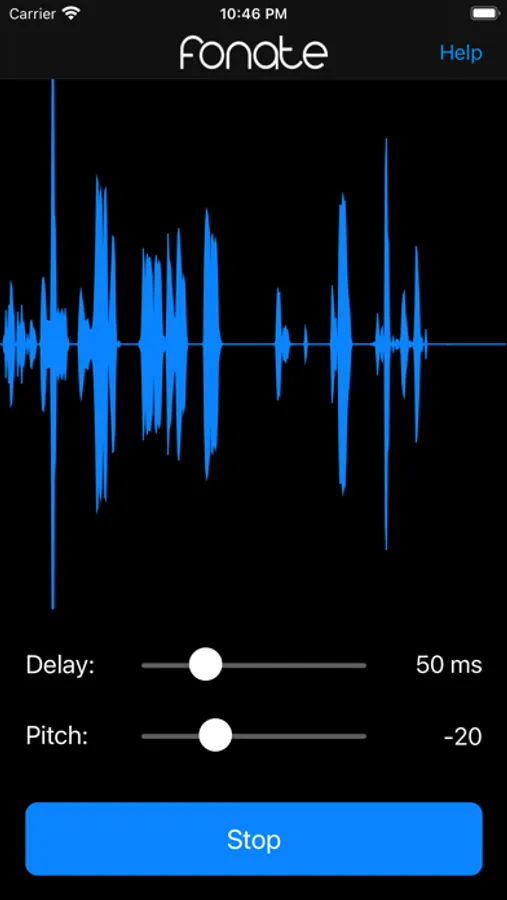
Using a wired or bluetooth headset, you are able hear your voice with a slight delay and change in pitch as you speak.
This creates a "choral effect", which has been shown to help reduce stuttering in many people.
• Requires a wired or bluetooth headset.
Fonate DAF Screenshots
Tap to Rate:
Reviews for Fonate DAF
Ads pop out every minute
Interesting “delayed auditory feedback” App.
This really does work in affecting one’s speech. I was curious if this DAF concept could really affect someone’s speaking ability and tried using this App to myself. I do not have any stuttering disorder but I did find myself speaking really slow while this DAF was applied to me. I find myself speaking about 100% slower. My brain just passively forcing me to speak really slowly as I read texts from a book. I also didn’t find myself not able to talk properly, I was able to talk and read texts perfectly fine but really slow. In some cases, it does make you not talk properly, confusing the brain in hearing delayed syllables.
Rad050
Difficult to use, but eventually got it to work
First, this app has very little information on how to use it or troubleshoot it. It’s very frustrating. My speech therapist recommended it to me, and even she had trouble getting it to work during my appointment. Second, I figured out the order I needed to set it up in for it to work properly. 1. Open app 2. Connect bluetooth earbuds 3. Switch silent mode off I could not get the app to work if earbuds were connected before opening the app. And once the app is set up and you can hear the feedback, I was able to switch silent mode back on and still have it work. After 3 visits, we were eventually able to get it working. But the audio was still muffled and low quality. That could possibly be the noise cancelling feature in my earbuds. This is a common issue with cheap ones. I think the quality would be better if I invested in a high quality pair or use a wired pair. I would need an adapter to do that though. Overall, this app is a pain, but I experienced a little benefit