Faces - Custom backgrounds for the Apple Watch photo watch face
Zuhanden GmbH
1.8 ★
rating
$0.99
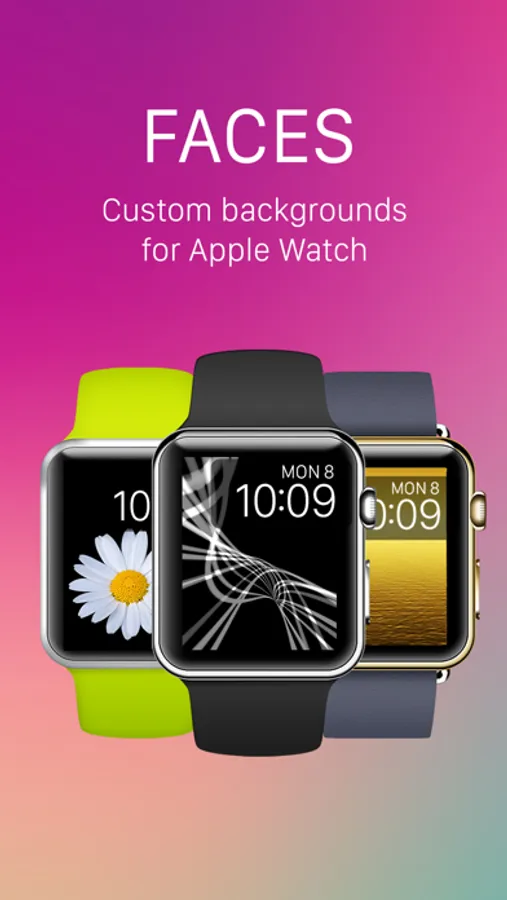
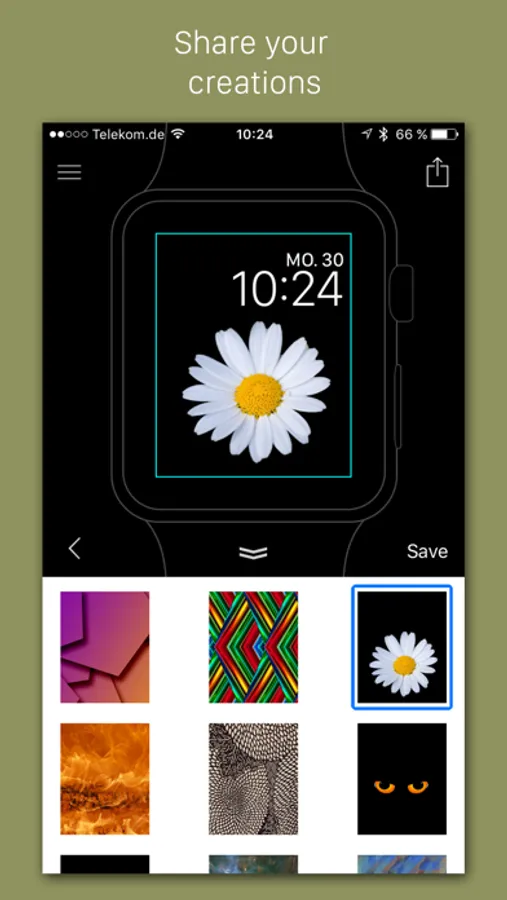
With this app, you can select and customize backgrounds for your Apple Watch photo watch face. Includes premium templates by Maarten de Boer and options to choose and optimize your own images.
About Faces - Custom backgrounds for the Apple Watch photo watch face
Faces let's you select awesome backgrounds for the “Photo” and "Album" watch face of your Apple Watch.
Personalize your Apple Watch:
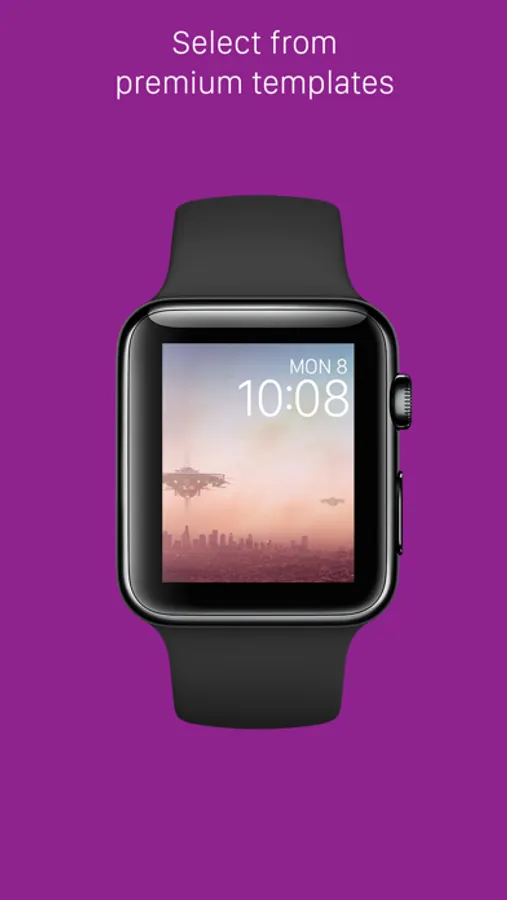
- Select from a variety of gorgeous watch face templates
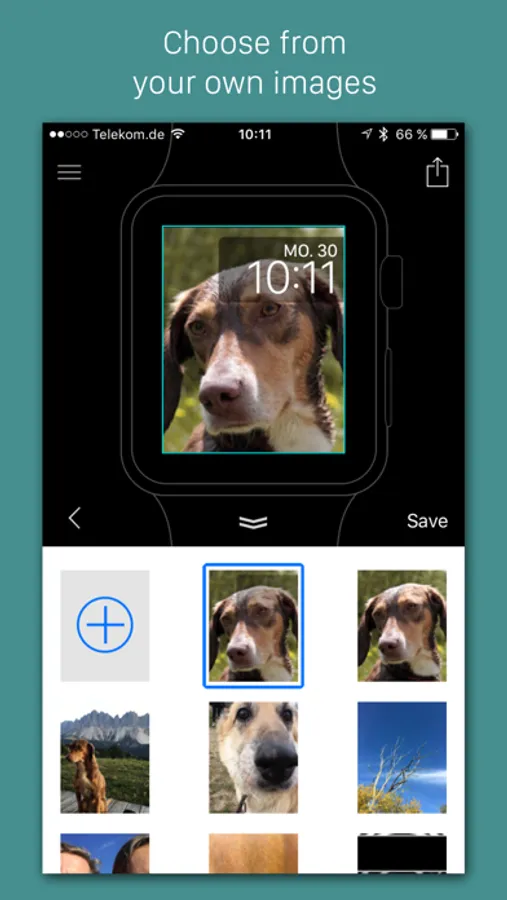
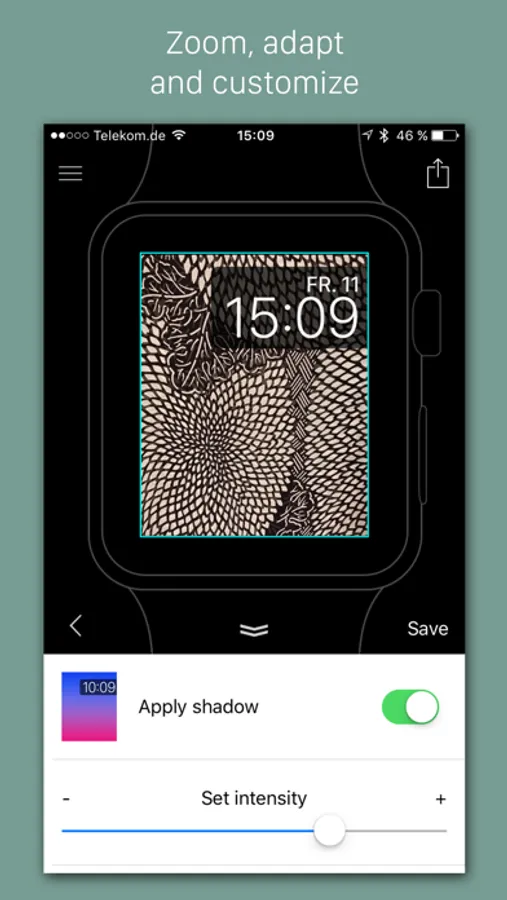
- Choose and optimize your own images as photo watch face backgrounds
- Premium templates designed by Maarten de Boer http://www.extraterrestrial.world
How to use Faces for Apple Watch:
- In Apple Watch companion app select Faces folder for photo sync
- In Faces app press “Save” button on the top right when you selected your favorite watch face
- Go to the Photos App on your Apple Watch. Wait until the images are synced
- 3D-touch on the image and set it as a watch face
IMPORTANT NOTE:
Sometimes it can take a while until the images are synced to the folder on the Apple Watch.
It helps to open the photos app on the Apple Watch to initiate the syncing process. When your background has appeared in the Photo app, 3D touch it and select the image as a watch face.
For feedback, comments and issues please email us on mobile@zuhanden.de
Made with love in Germany!
Personalize your Apple Watch:
- Select from a variety of gorgeous watch face templates
- Choose and optimize your own images as photo watch face backgrounds
- Premium templates designed by Maarten de Boer http://www.extraterrestrial.world
How to use Faces for Apple Watch:
- In Apple Watch companion app select Faces folder for photo sync
- In Faces app press “Save” button on the top right when you selected your favorite watch face
- Go to the Photos App on your Apple Watch. Wait until the images are synced
- 3D-touch on the image and set it as a watch face
IMPORTANT NOTE:
Sometimes it can take a while until the images are synced to the folder on the Apple Watch.
It helps to open the photos app on the Apple Watch to initiate the syncing process. When your background has appeared in the Photo app, 3D touch it and select the image as a watch face.
For feedback, comments and issues please email us on mobile@zuhanden.de
Made with love in Germany!