
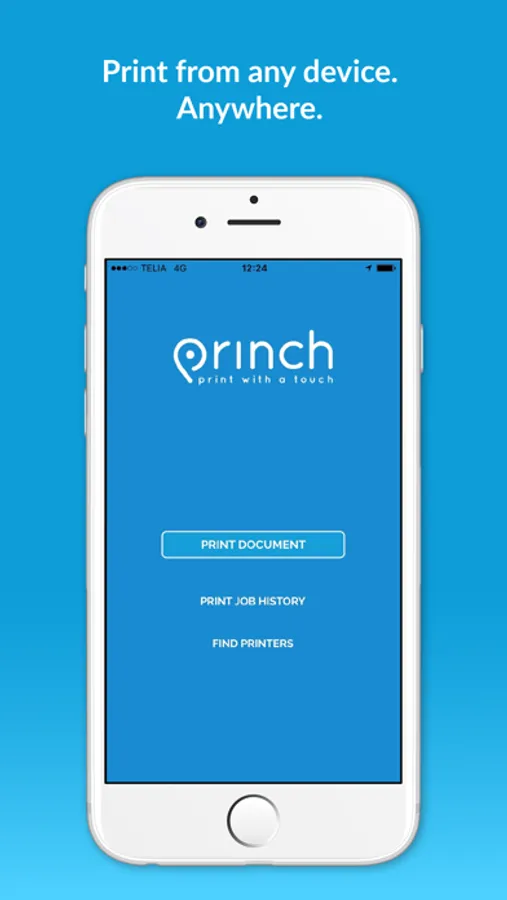
With this printing app, you can locate nearby printers, select a printer, and complete your print jobs. Includes printer search, payment options, and scanning QR codes.
AppRecs review analysis
AppRecs rating 4.4. Trustworthiness 71 out of 100. Review manipulation risk 32 out of 100. Based on a review sample analyzed.
★★★★☆
4.4
AppRecs Rating
Ratings breakdown
5 star
91%
4 star
5%
3 star
2%
2 star
1%
1 star
2%
What to know
✓
Credible reviews
71% trustworthiness score from analyzed reviews
✓
High user satisfaction
91% of sampled ratings are 5 stars
⚠
Pricing complaints
Many low ratings mention paywalls or pricing
About Princh
App quick-guide:
- Locate a nearby printer on the Princh map and go there.
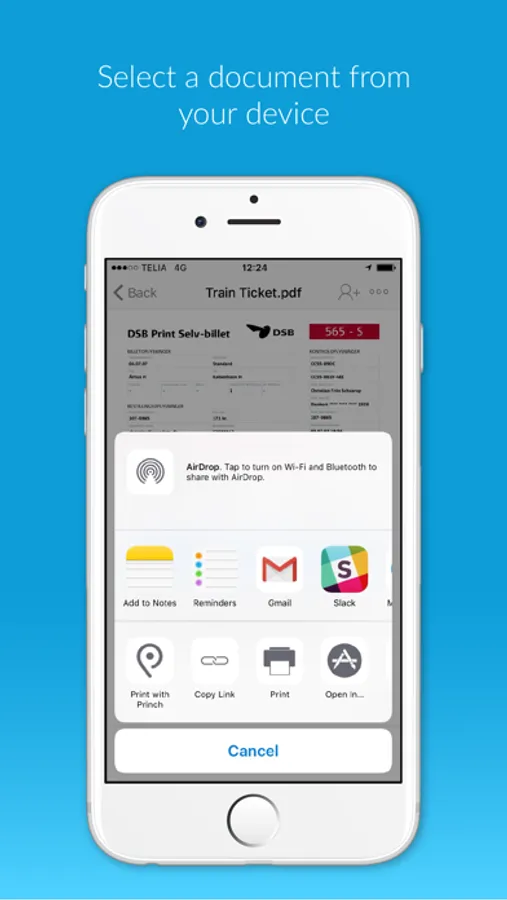
- Open the document you wish to print and tap “open in” Princh.
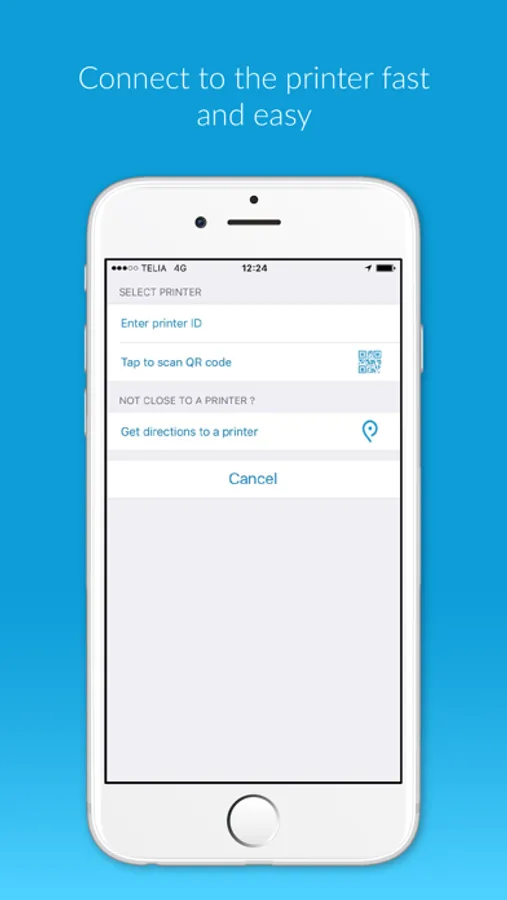
- Select the printer either by typing in the printer ID or by scanning the QR code by the printer.
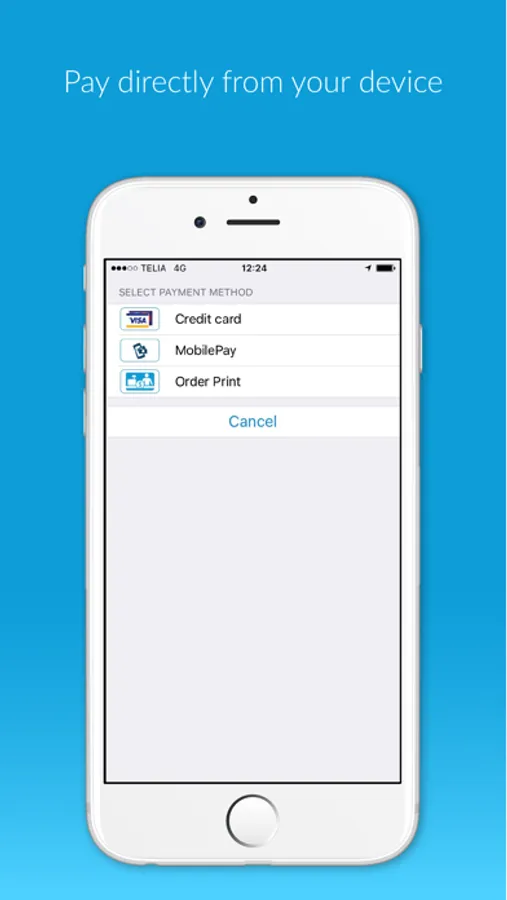
- Finish by paying for the print job with your credit card or other payment form and collect your document in the printer.
That’s it!
The Princh network consists of publicly available printers in a multitude of locations such as libraries and print shops etc.
We want to give you the best printing experience possible, so if you have any comments, questions or problems we would love to hear from you at support@princh.com
Thank you for your support!
Princh Screenshots

Tap to Rate:
Reviews for Princh
ohmygodjusttakethenickname
Allow Bulk Printing to Save Time and Avoid Frustration
Feedback: The app currently allows only one print at a time, requiring payment for each page individually. This is extremely inconvenient, especially when printing multiple documents, and repeatedly charging your card can even trigger fraud alerts from your bank. Please allow users to select as many pages as possible and pay for all of them at once—this would save time, reduce frustration, and make the app much more user-friendly for everyone.
UserNickname:)
Straight forward
It’s quick and easy to use.