PDF Scanner - Scan to PDF
dotPLAYS
1,000+
downloads
Free
AppRecs review analysis
AppRecs rating 4.5. Trustworthiness 55 out of 100. Review manipulation risk 37 out of 100. Based on a review sample analyzed.
★★★★☆
4.5
AppRecs Rating
Ratings breakdown
5 star
100%
4 star
0%
3 star
0%
2 star
0%
1 star
0%
What to know
✓
High user satisfaction
100% of sampled ratings are 5 stars
About PDF Scanner - Scan to PDF
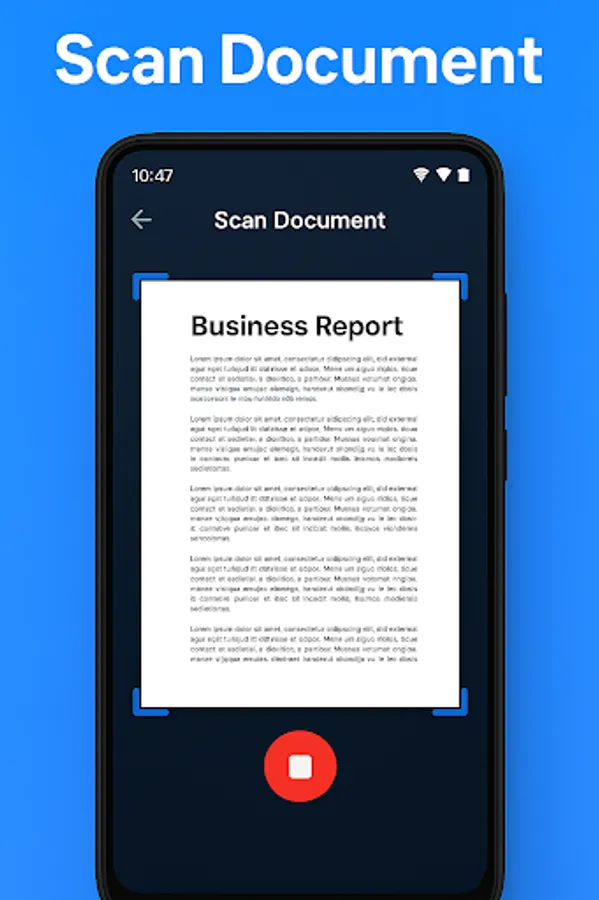
PDF Scanner - Scan to PDF turns your mobile device into a document scanner. Easily scan documents, receipts, ID cards, notes, books, and photos into high-quality PDF files.
Key Features:
- Document Scanning: Scan paper documents, receipts, books, and photos using your camera and save them as PDF files.
- Image to PDF Converter: Import images from your gallery and convert them into PDF documents.
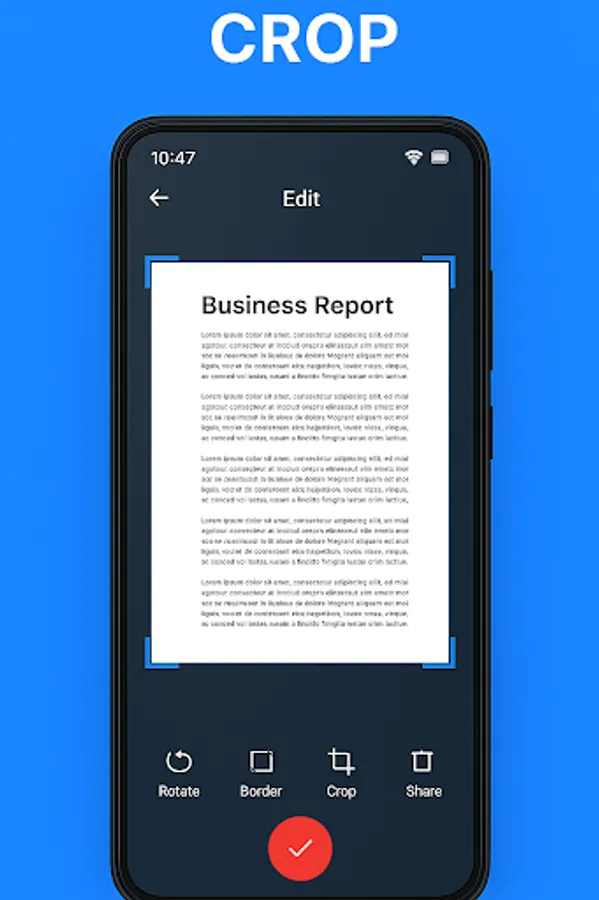
- Automatic Edge Detection: Smart cropping and adjustment for clean and clear scans.
- OCR (Text Recognition): Extract text from scanned documents if supported by your device.
- Multi-Page PDF: Scan and combine multiple pages into a single PDF file.
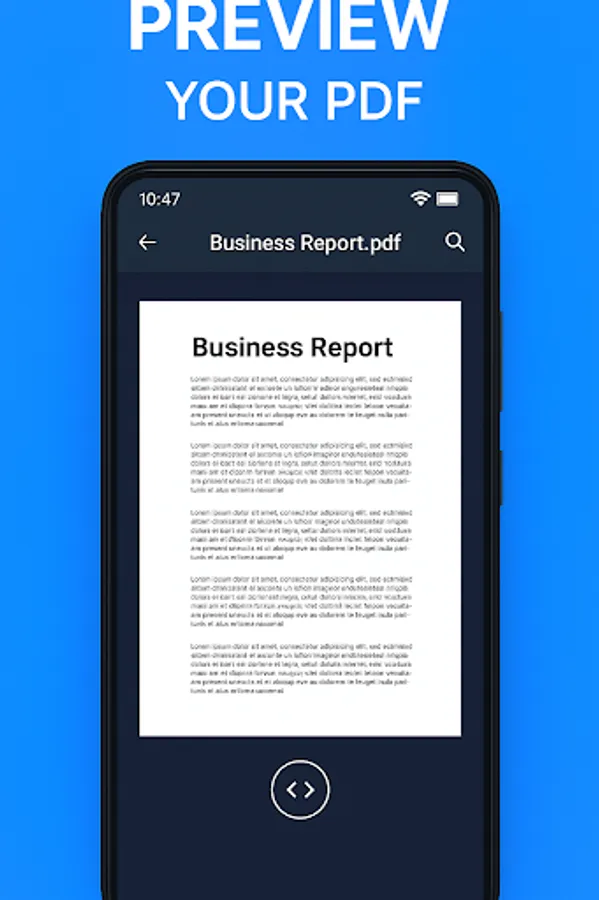
- Share and Save: Share PDF files via email, cloud services, or save them directly to your device.
- Simple Interface: User-friendly design for quick and easy scanning.
How to use:
1. Open the app and tap the camera icon to start scanning.
2. Capture a document or select an image from your gallery.
3. Adjust borders, crop, and enhance the scan if necessary.
4. Save as PDF and share if needed.
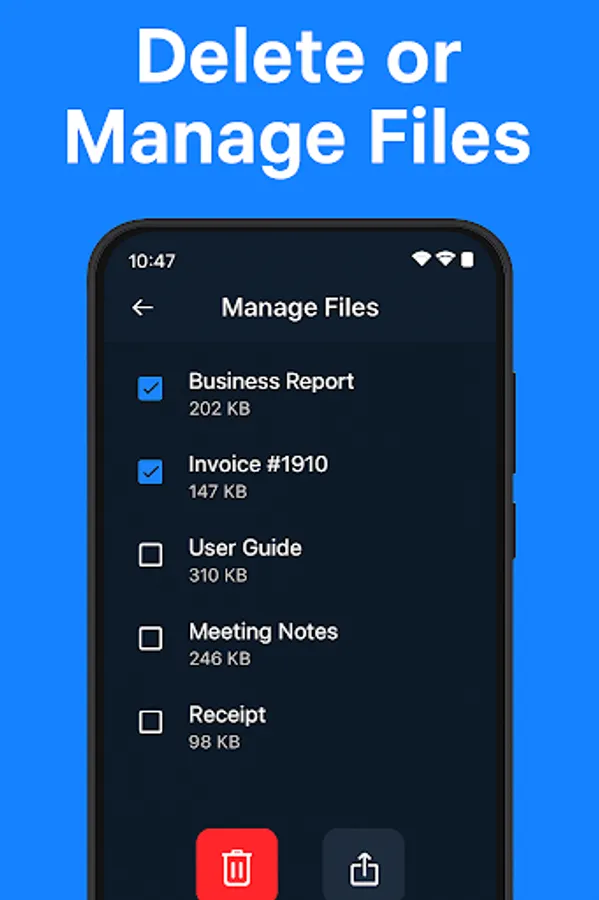
PDF Scanner - Scan to PDF helps you organize and store your documents digitally on your mobile device.
Key Features:
- Document Scanning: Scan paper documents, receipts, books, and photos using your camera and save them as PDF files.
- Image to PDF Converter: Import images from your gallery and convert them into PDF documents.
- Automatic Edge Detection: Smart cropping and adjustment for clean and clear scans.
- OCR (Text Recognition): Extract text from scanned documents if supported by your device.
- Multi-Page PDF: Scan and combine multiple pages into a single PDF file.
- Share and Save: Share PDF files via email, cloud services, or save them directly to your device.
- Simple Interface: User-friendly design for quick and easy scanning.
How to use:
1. Open the app and tap the camera icon to start scanning.
2. Capture a document or select an image from your gallery.
3. Adjust borders, crop, and enhance the scan if necessary.
4. Save as PDF and share if needed.
PDF Scanner - Scan to PDF helps you organize and store your documents digitally on your mobile device.