3D Charts
Advance-Media
2.7 ★
store rating
100,000+
downloads
Free
AppRecs review analysis
AppRecs rating 1.7. Trustworthiness 51 out of 100. Review manipulation risk 38 out of 100. Based on a review sample analyzed.
★☆☆☆☆
1.7
AppRecs Rating
Ratings breakdown
5 star
33%
4 star
0%
3 star
8%
2 star
17%
1 star
42%
What to know
⚠
Mixed user feedback
Average 2.7★ rating suggests room for improvement
⚠
Review quality concerns
38% of sampled 5-star reviews are very short
⚠
High negative review ratio
59% of sampled ratings are 1–2 stars
About 3D Charts
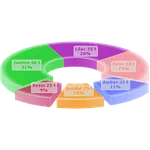
Create astonishingly good looking 3D Charts within seconds.
Visualize and share data instantly!
● ● ● ad-free ● ● ●
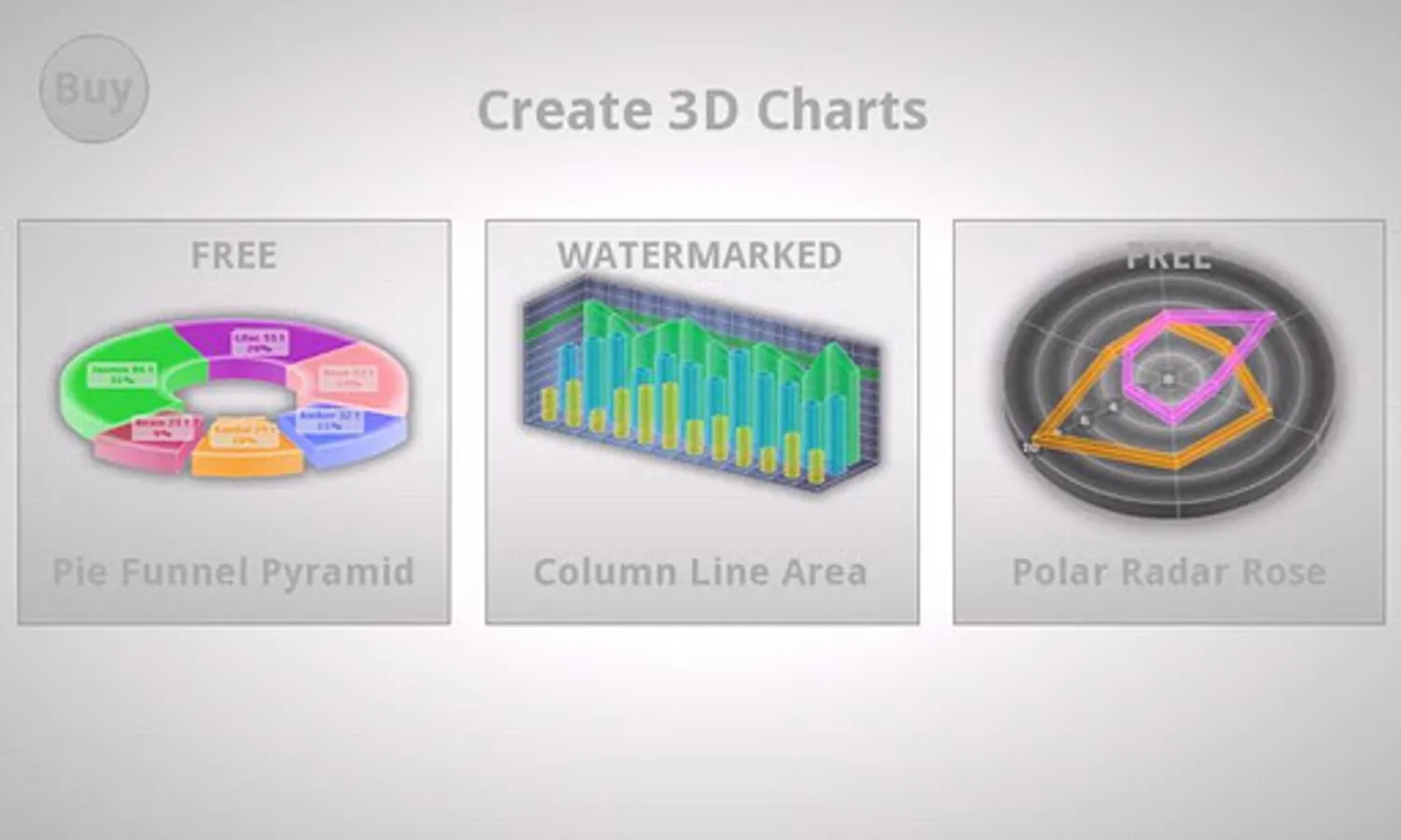
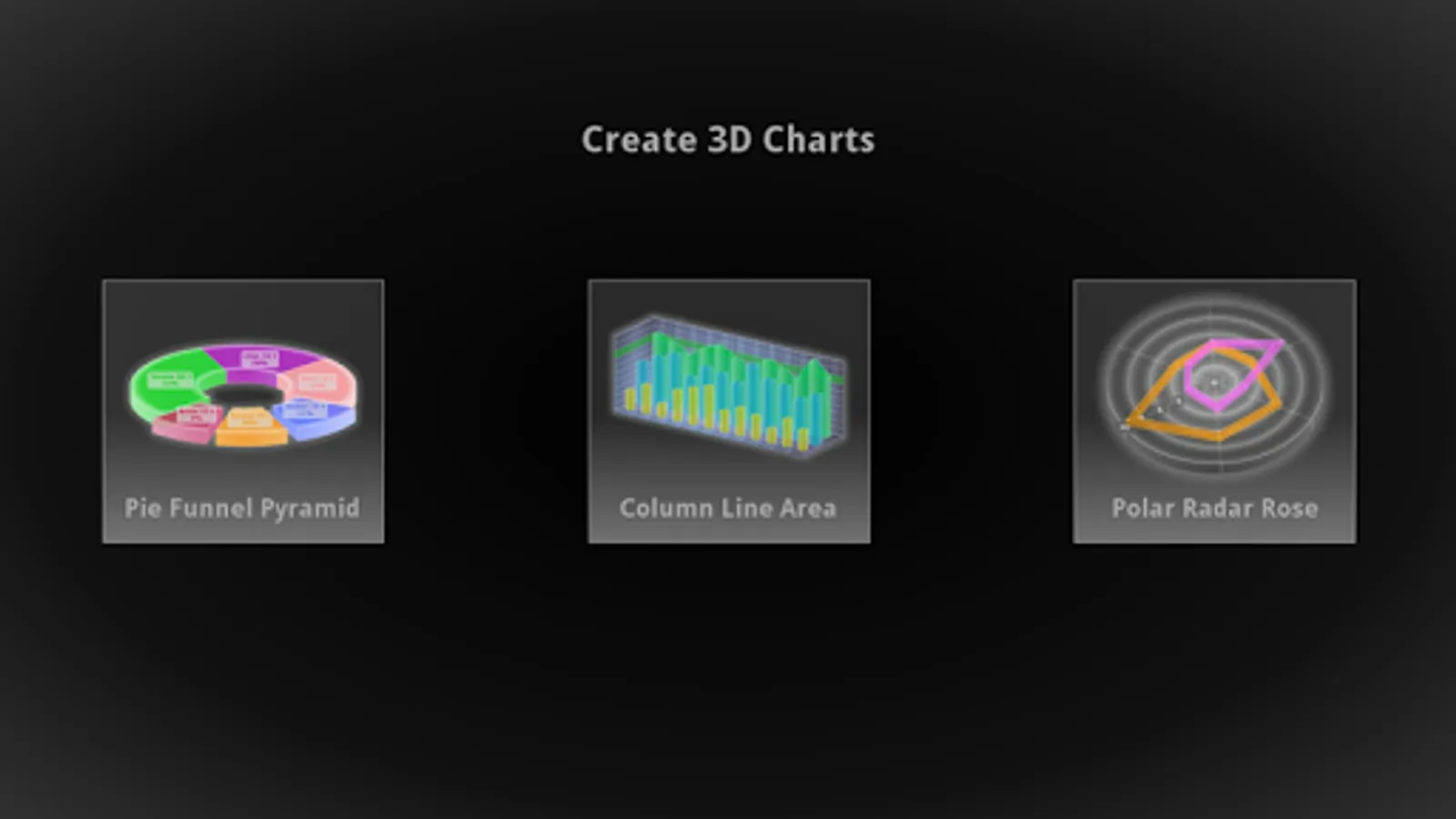
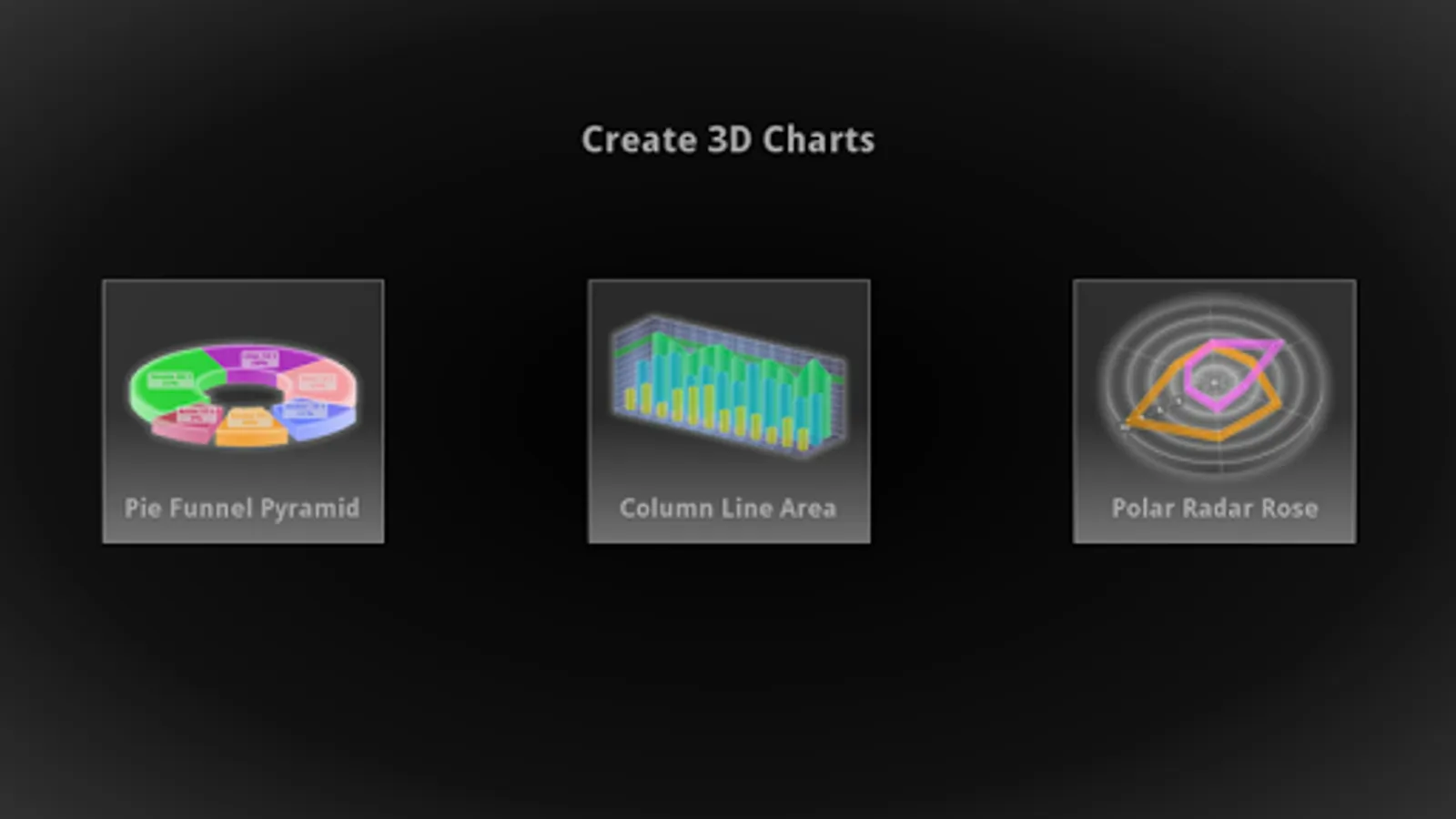
Get dozens of high end Charting types in 3D and 2D, landscape and portrait:
FREE Percentage Charts:
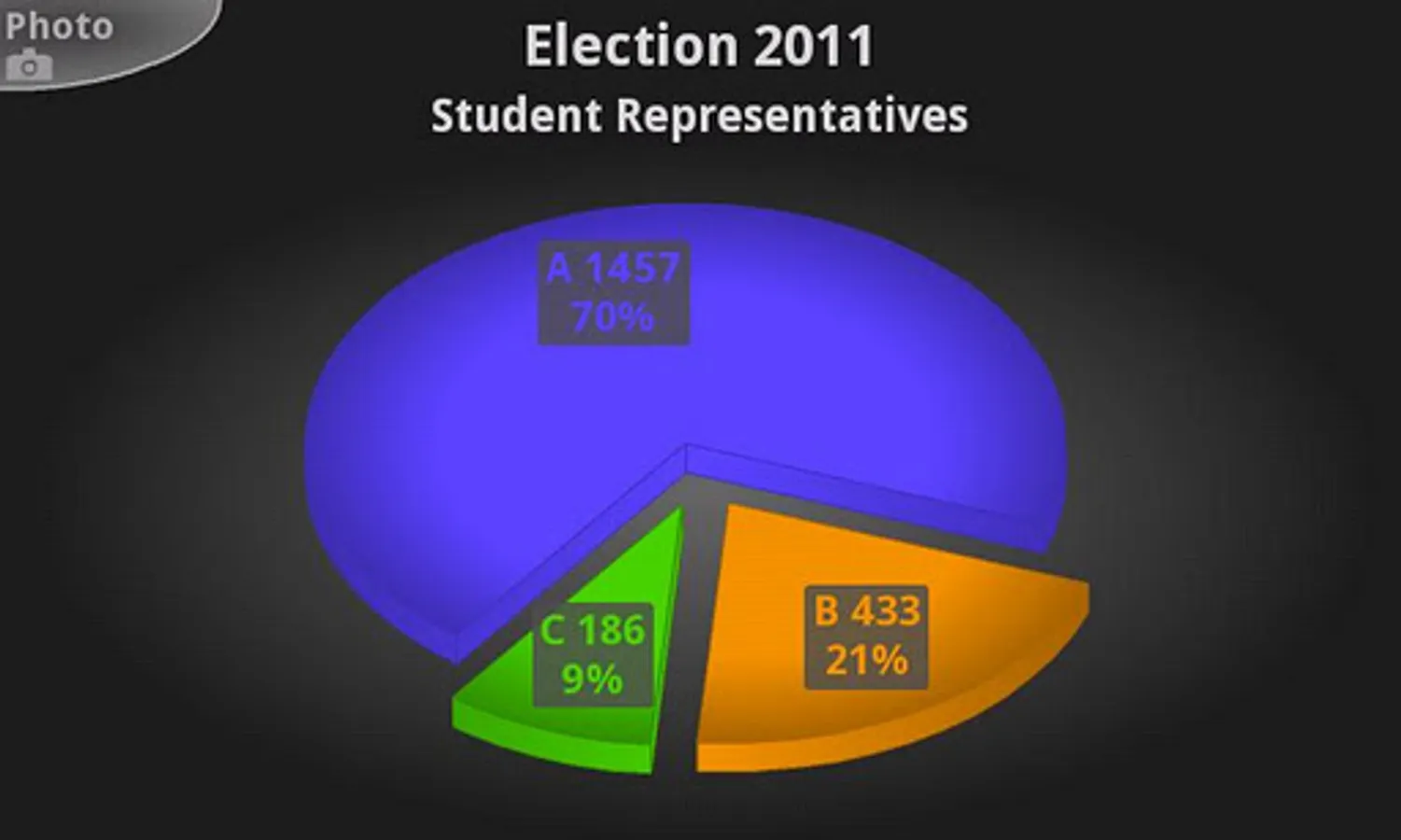
● Pie
● Doughnut
● Pyramid
● Cone
● Funnel
● staggered Column
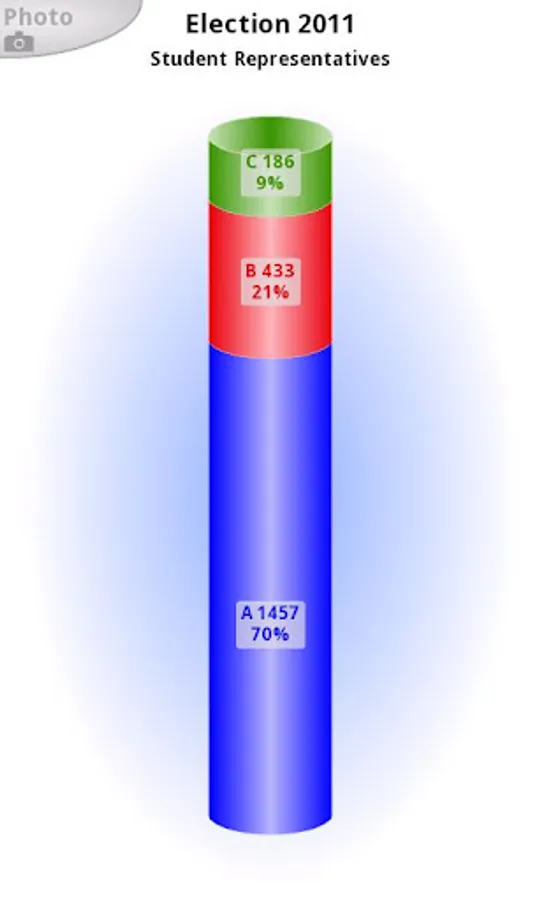
● staggered Cylinder
WATERMARKED (yet fully functional) Combination Charts:
● Line
● Area
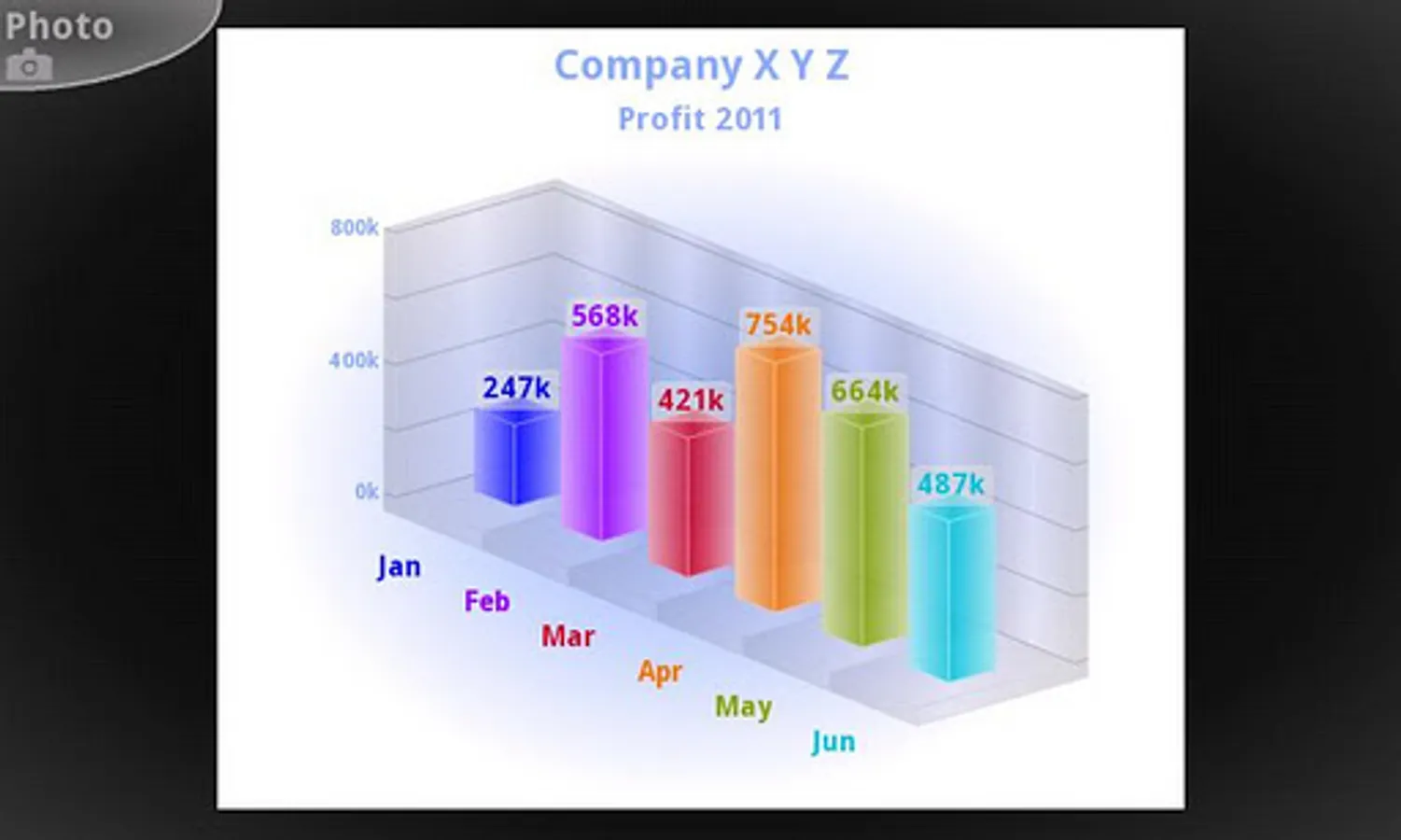
● Column
● Cylinder
● Surface (colored by series or by height/region)
● Stepline
● floating Area
● floating Column (Renko as single series)
● floating Cylinder
● Bubble
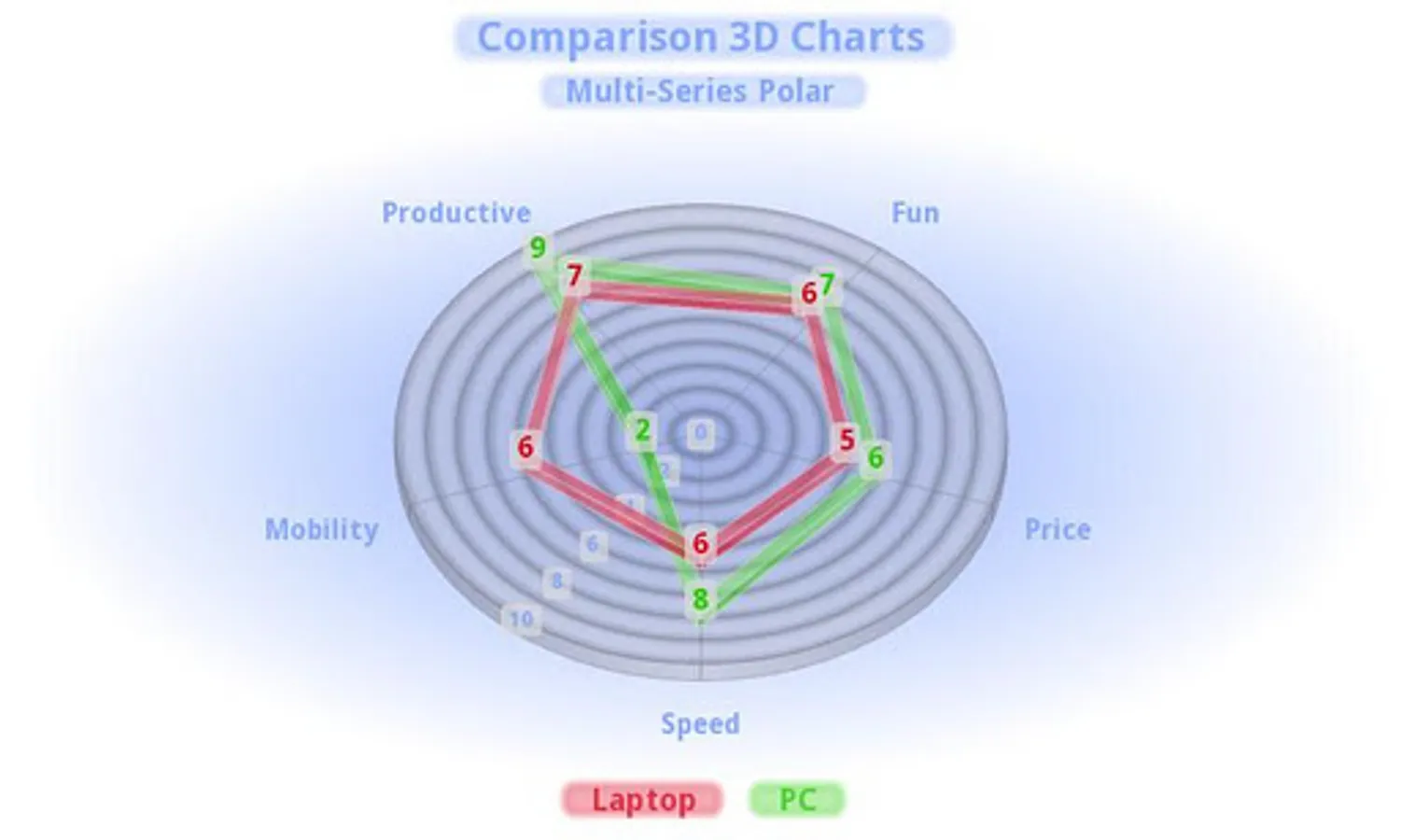
FREE Radar and Polar:
● Line
● Area
● Rose
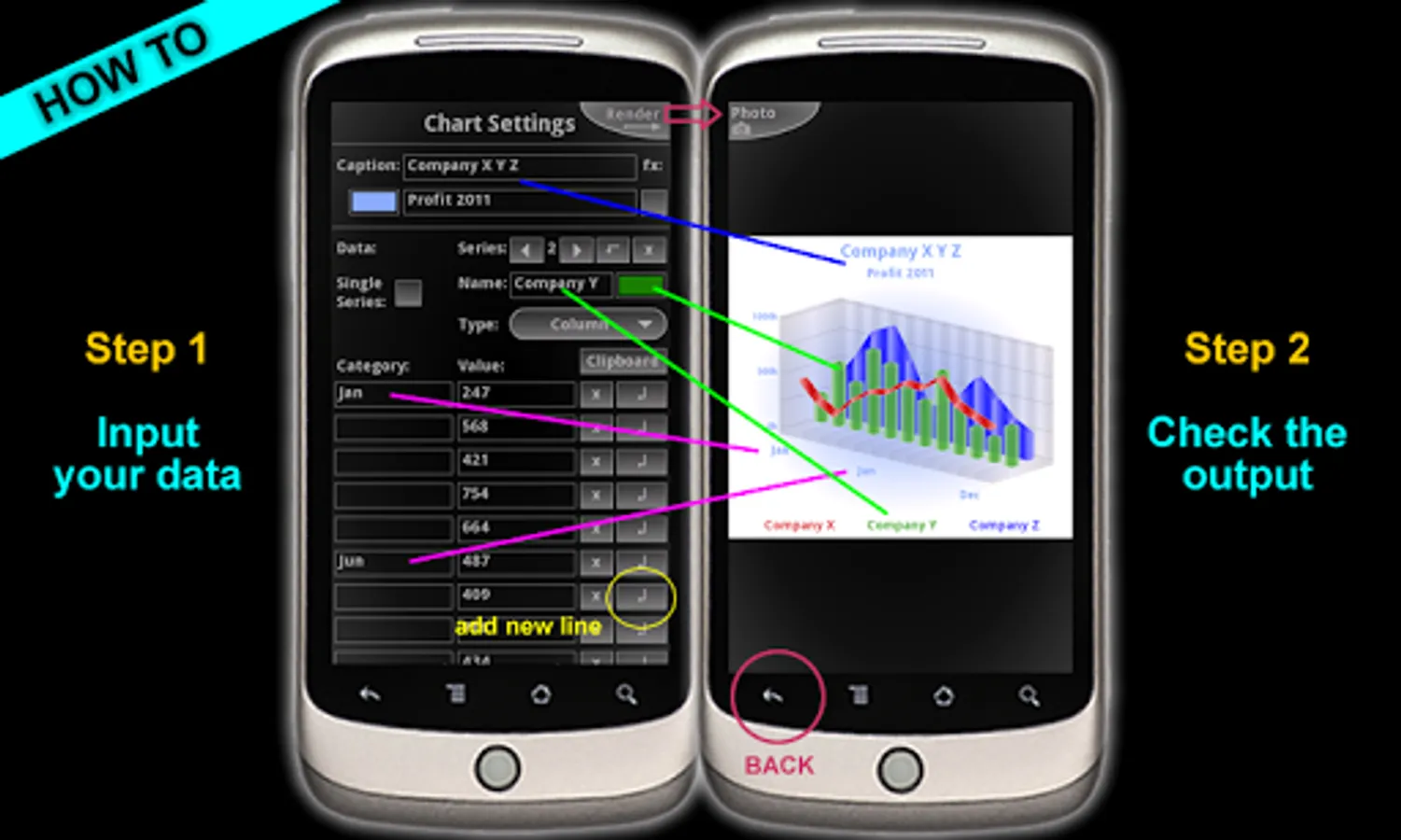
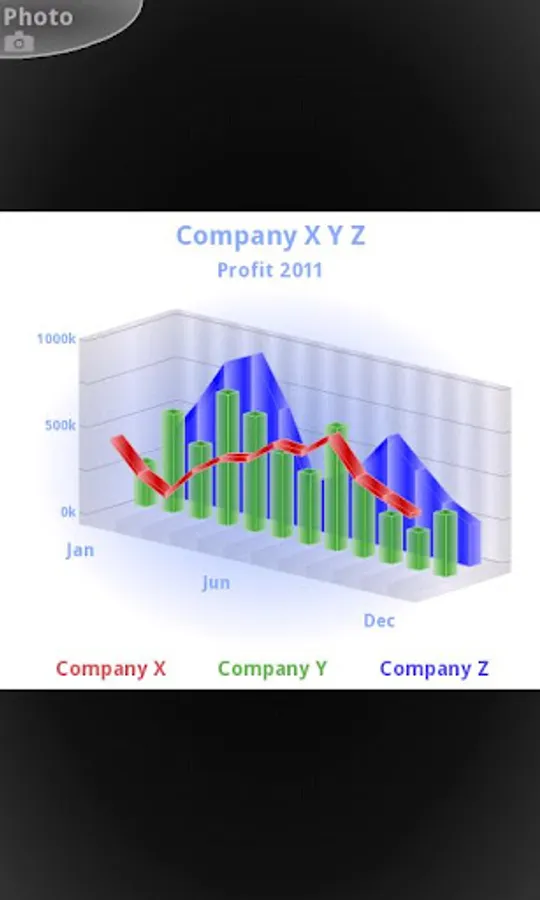
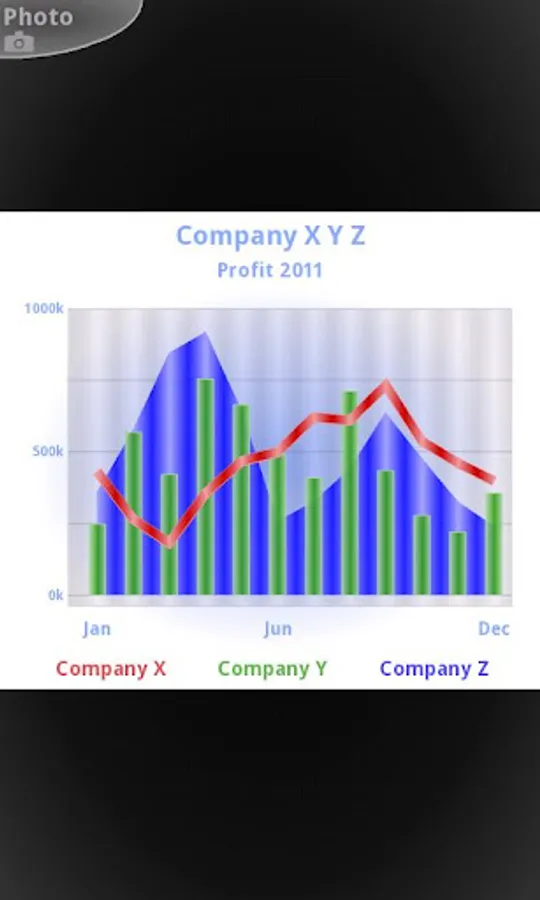
All charts are highly customizable, set your own colors load pictures and logos as background and save the graph as image rendered in 3D to Android's photo gallery. Export your charts as high quality PNG file with transparency (good for graphic designers). Use your own chart photos as attachment or upload. It's great for mobile blogging and for social sites ... boost your data analysis.
This app is the enhancement for your mobile office and journalism and press reporting on the move. It's loaded with features for science development and research. The isometric 3D projection makes data comparison easy and yet it's very eye-catching. 3D Charts is an essential tool you don't want to miss.
Set number prefix like '$ € £ ¥' or suffix like 't' for tonnes. UTF-8 font support. So type Chinese Korean Arabic Hebrew if you like. ÇÖéØ
Scaling (official SI abbreviations) font size bold number precision can be set. 3D-2D aspect ratio and width / height slider.
Yes, the data can be exported to Android's clipboard, copy and paste. All data is automatically saved. 'Save As' project option.
Intuitive User interface. Test play and plug and see for yourselves. To become professional with the 3D Charts app it's highly recommended to read the online user manual thoroughly, go: http://www.advance-media.com/3D_Charts_mobile
Tablets with big screens are welcome!
Wishing fun with mobile 3D charting, be convincing, be successful! Make your statistic count!
Visualize and share data instantly!
● ● ● ad-free ● ● ●
Get dozens of high end Charting types in 3D and 2D, landscape and portrait:
FREE Percentage Charts:
● Pie
● Doughnut
● Pyramid
● Cone
● Funnel
● staggered Column
● staggered Cylinder
WATERMARKED (yet fully functional) Combination Charts:
● Line
● Area
● Column
● Cylinder
● Surface (colored by series or by height/region)
● Stepline
● floating Area
● floating Column (Renko as single series)
● floating Cylinder
● Bubble
FREE Radar and Polar:
● Line
● Area
● Rose
All charts are highly customizable, set your own colors load pictures and logos as background and save the graph as image rendered in 3D to Android's photo gallery. Export your charts as high quality PNG file with transparency (good for graphic designers). Use your own chart photos as attachment or upload. It's great for mobile blogging and for social sites ... boost your data analysis.
This app is the enhancement for your mobile office and journalism and press reporting on the move. It's loaded with features for science development and research. The isometric 3D projection makes data comparison easy and yet it's very eye-catching. 3D Charts is an essential tool you don't want to miss.
Set number prefix like '$ € £ ¥' or suffix like 't' for tonnes. UTF-8 font support. So type Chinese Korean Arabic Hebrew if you like. ÇÖéØ
Scaling (official SI abbreviations) font size bold number precision can be set. 3D-2D aspect ratio and width / height slider.
Yes, the data can be exported to Android's clipboard, copy and paste. All data is automatically saved. 'Save As' project option.
Intuitive User interface. Test play and plug and see for yourselves. To become professional with the 3D Charts app it's highly recommended to read the online user manual thoroughly, go: http://www.advance-media.com/3D_Charts_mobile
Tablets with big screens are welcome!
Wishing fun with mobile 3D charting, be convincing, be successful! Make your statistic count!