School Days
MDickie
4.2 ★
285K ratings
10,000,000+
downloads
Free
+ in-app
AppRecs review analysis
AppRecs rating 4.2. Trustworthiness 74 out of 100. Review manipulation risk 25 out of 100. Based on a review sample analyzed.
★★★★☆
4.2
AppRecs Rating
Ratings breakdown
5 star
64%
4 star
13%
3 star
8%
2 star
4%
1 star
11%
What to know
✓
Low review manipulation risk
25% review manipulation risk
✓
Credible reviews
74% trustworthiness score from analyzed reviews
✓
High user satisfaction
78% of sampled ratings are 4+ stars (4.2★ average)
About School Days
The most popular kid in class - now celebrating over 10 MILLION downloads!
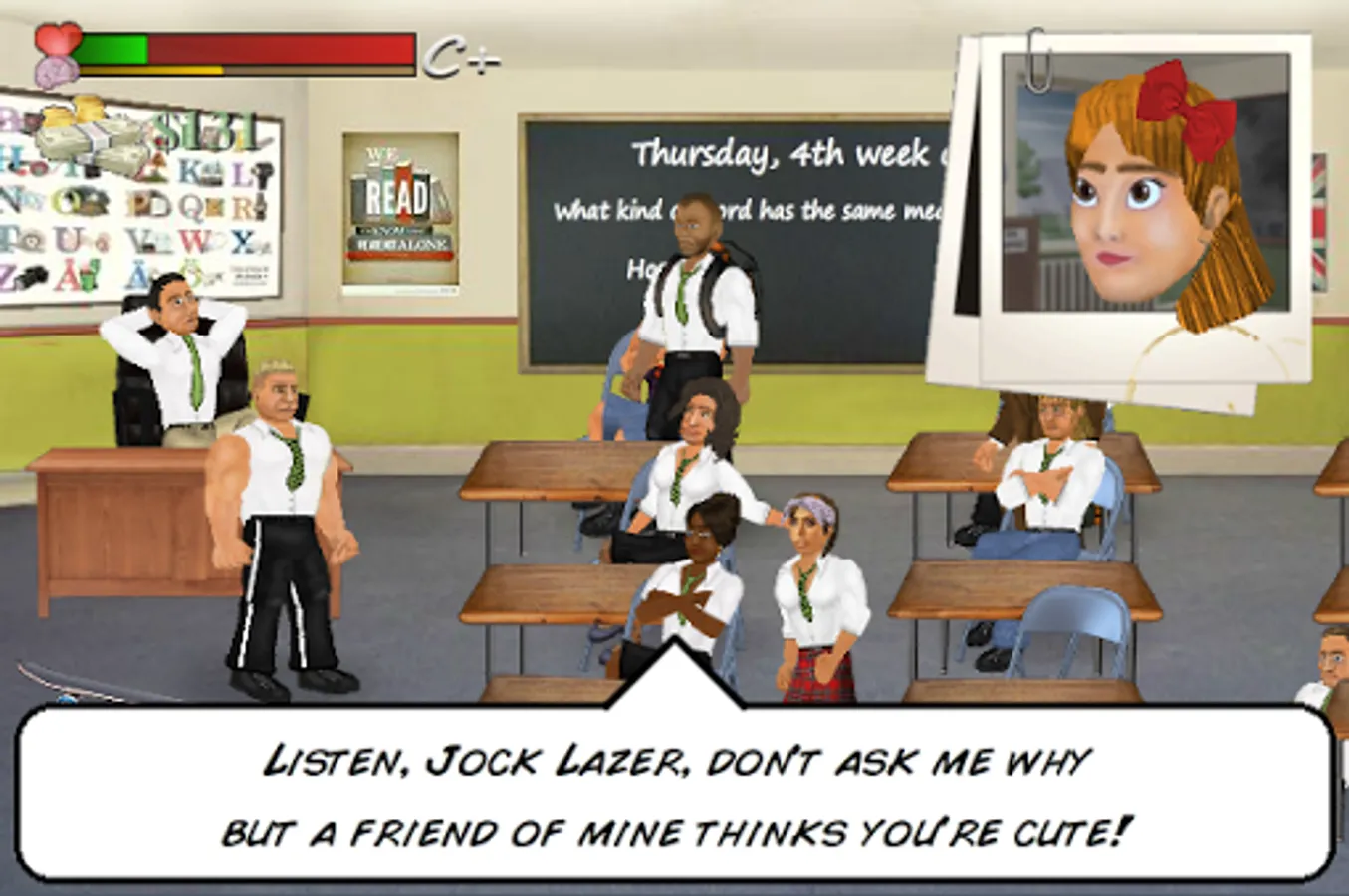
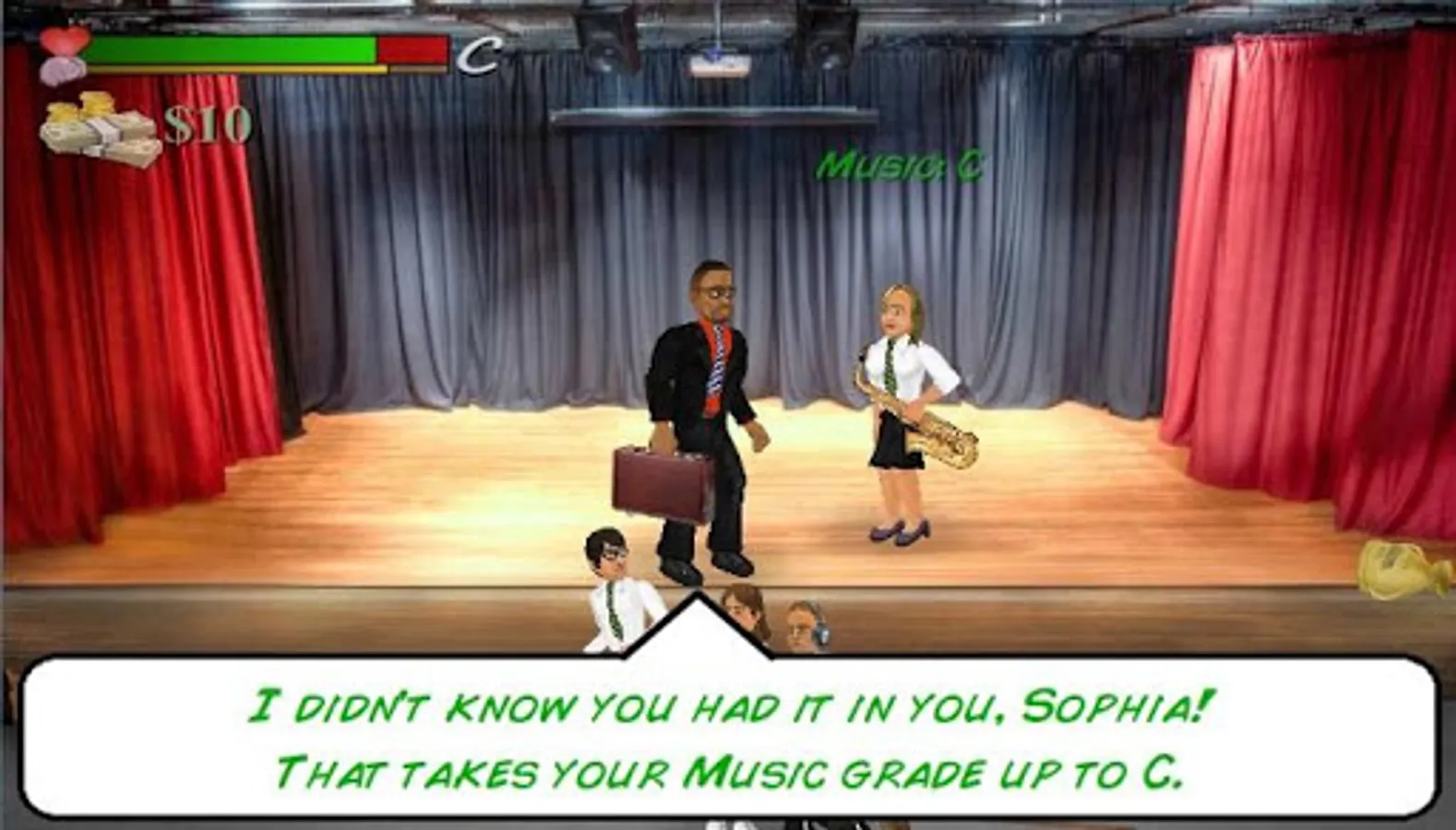
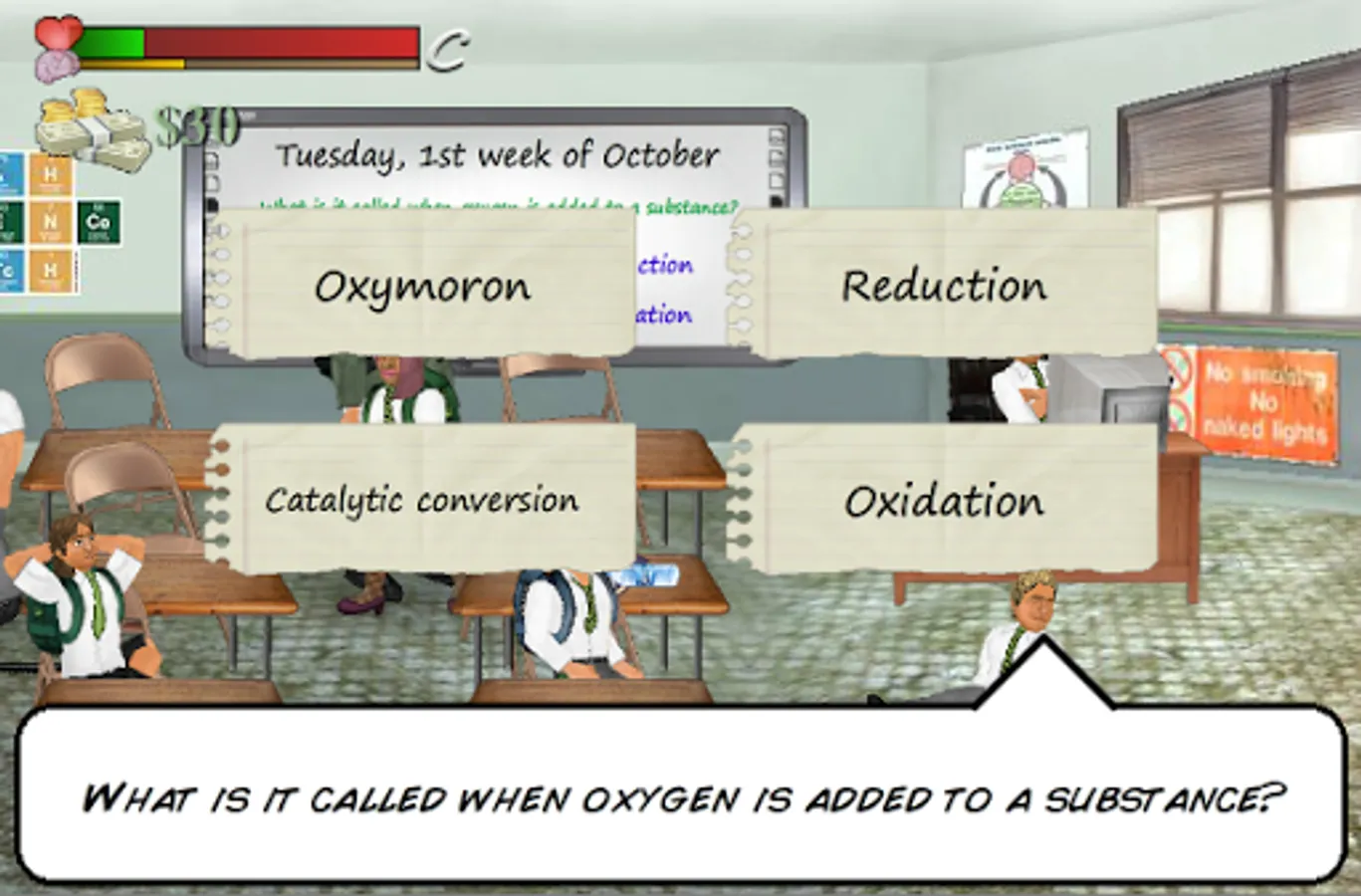
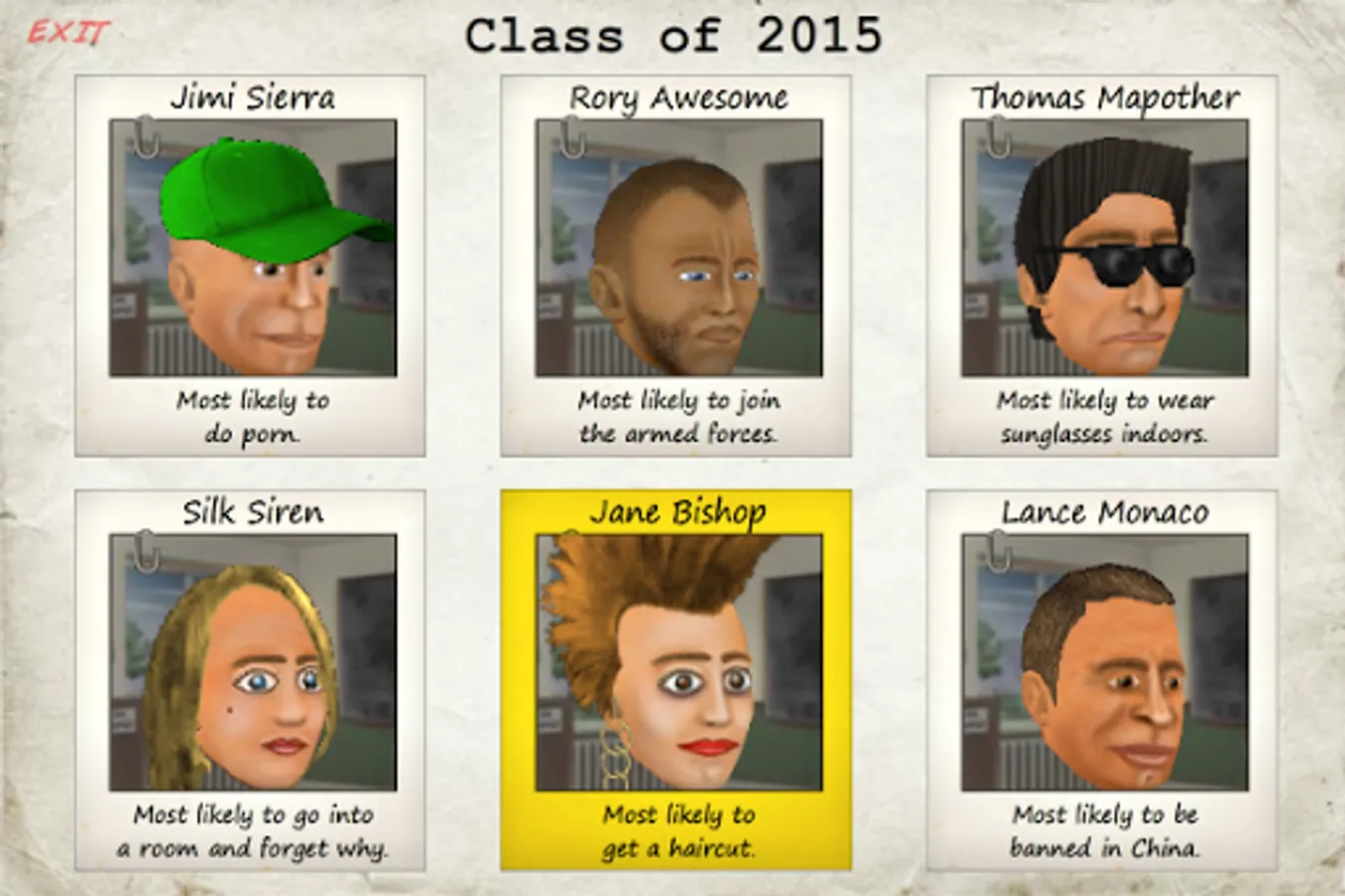
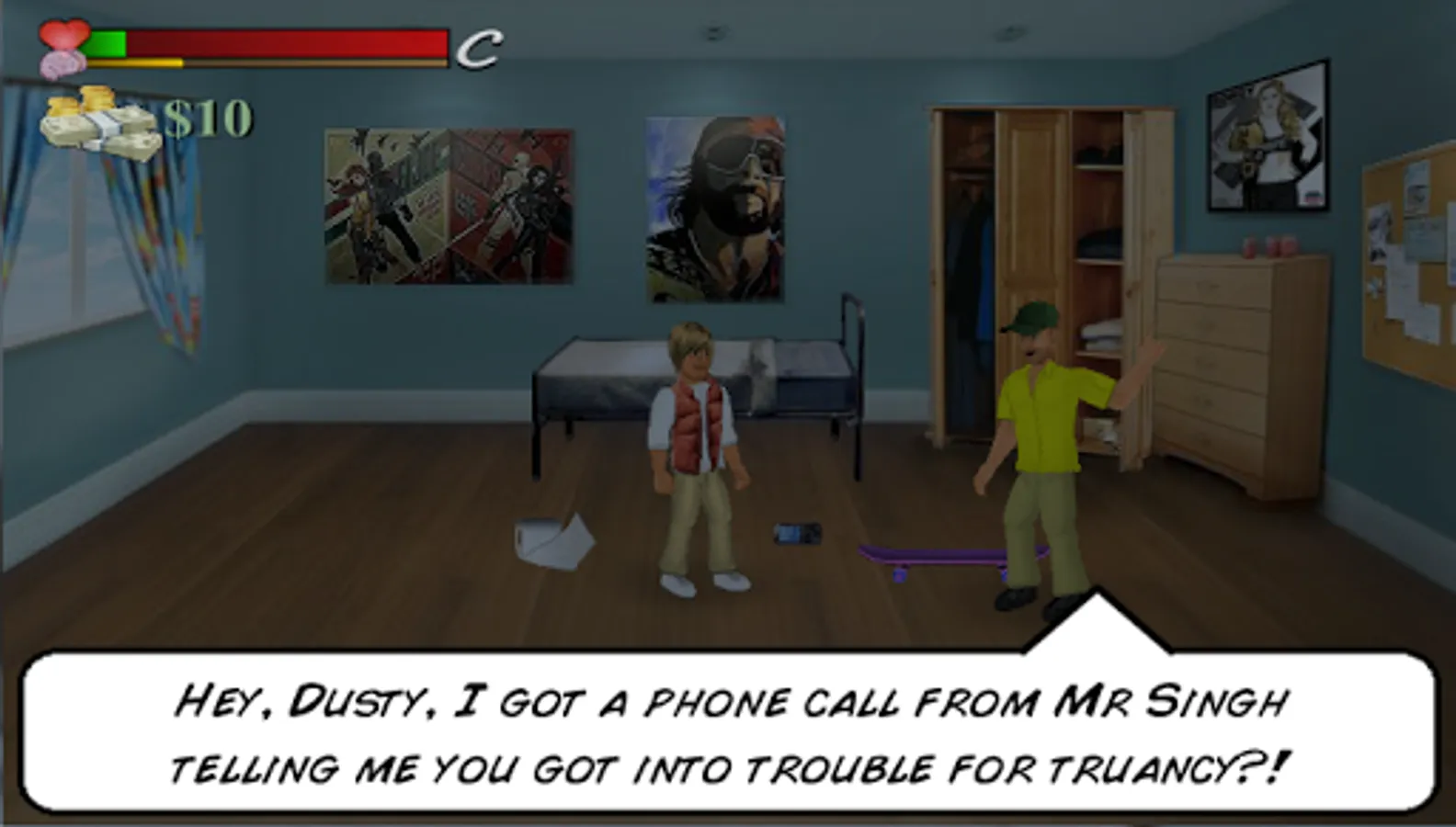
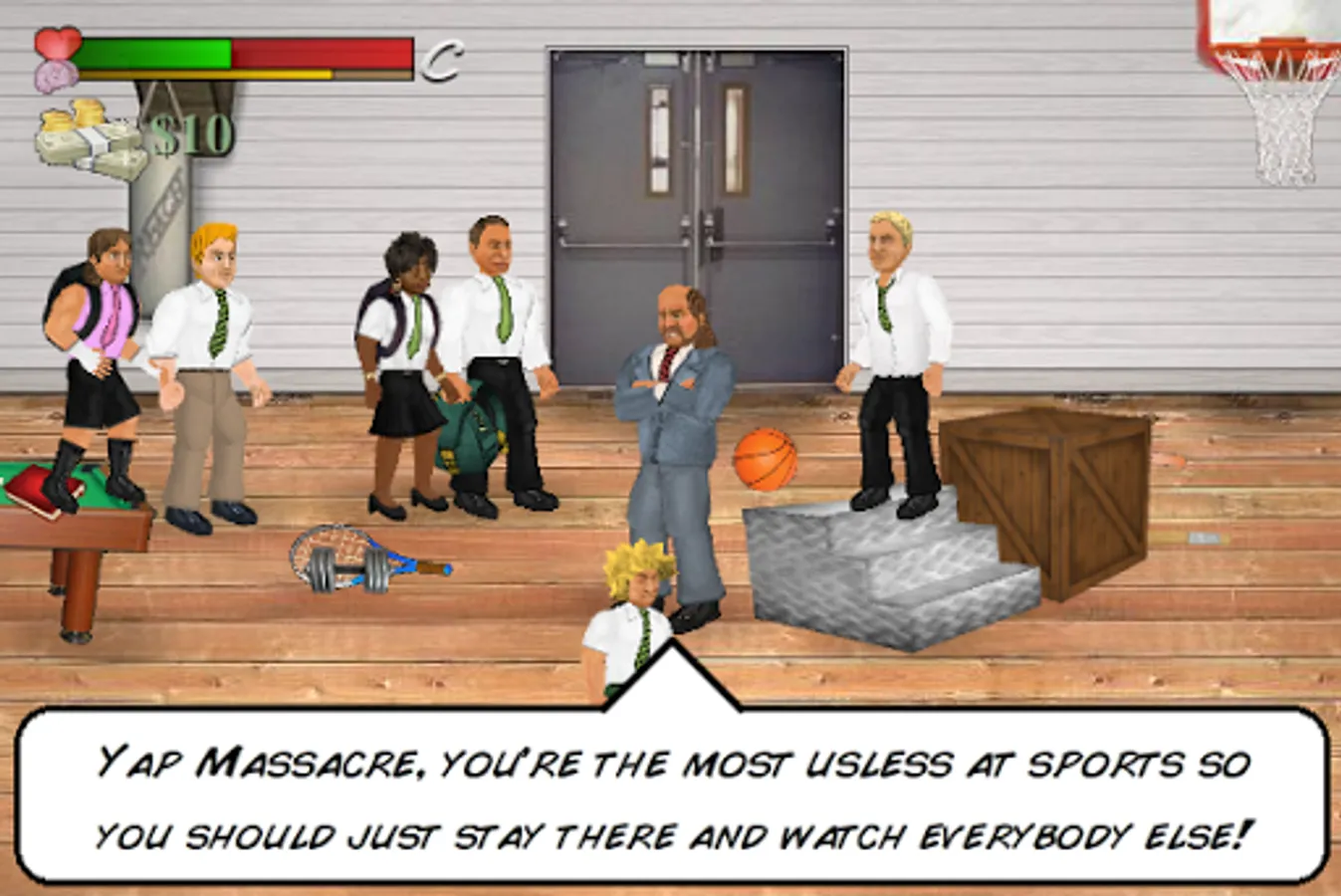
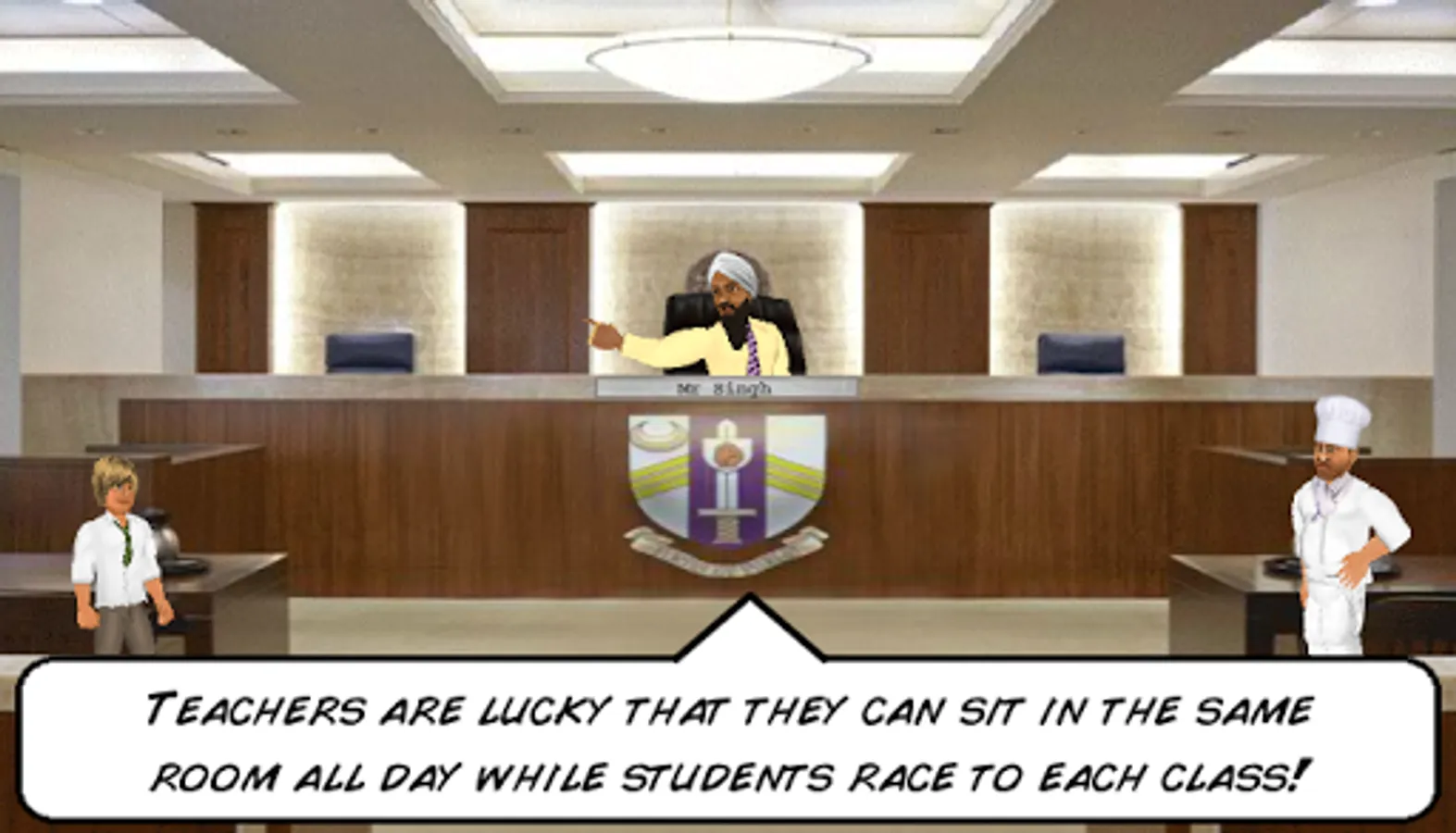
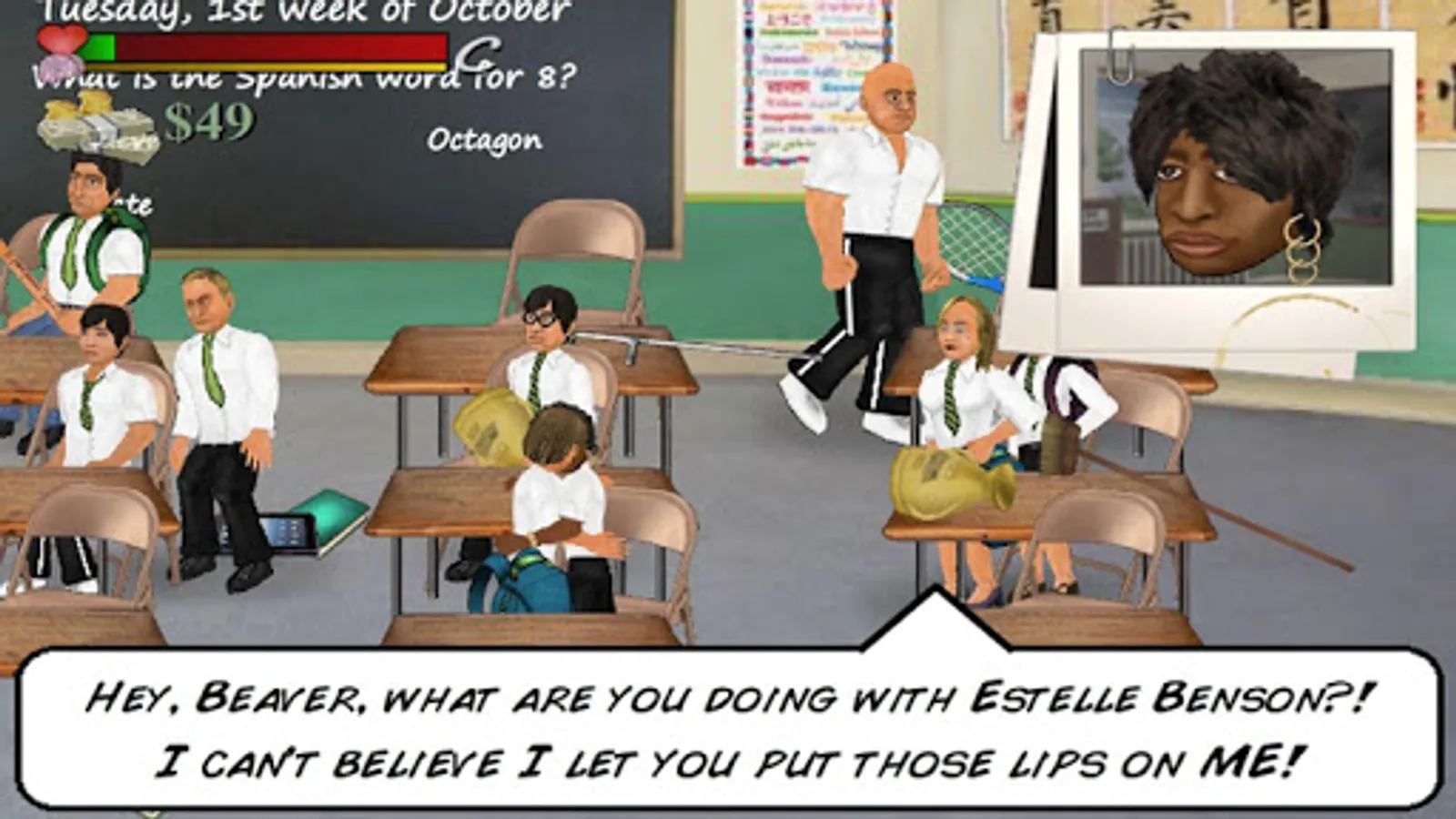
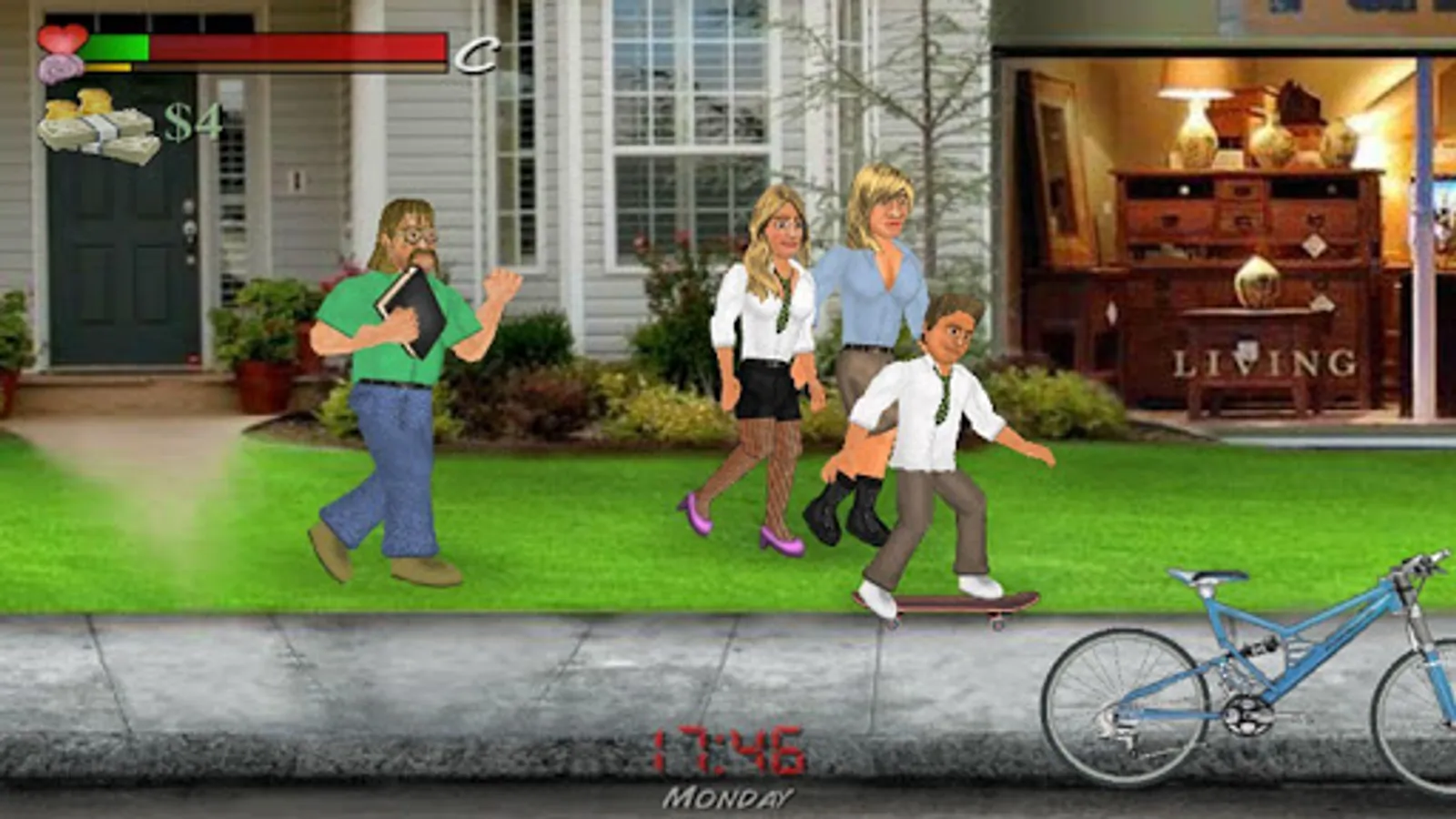
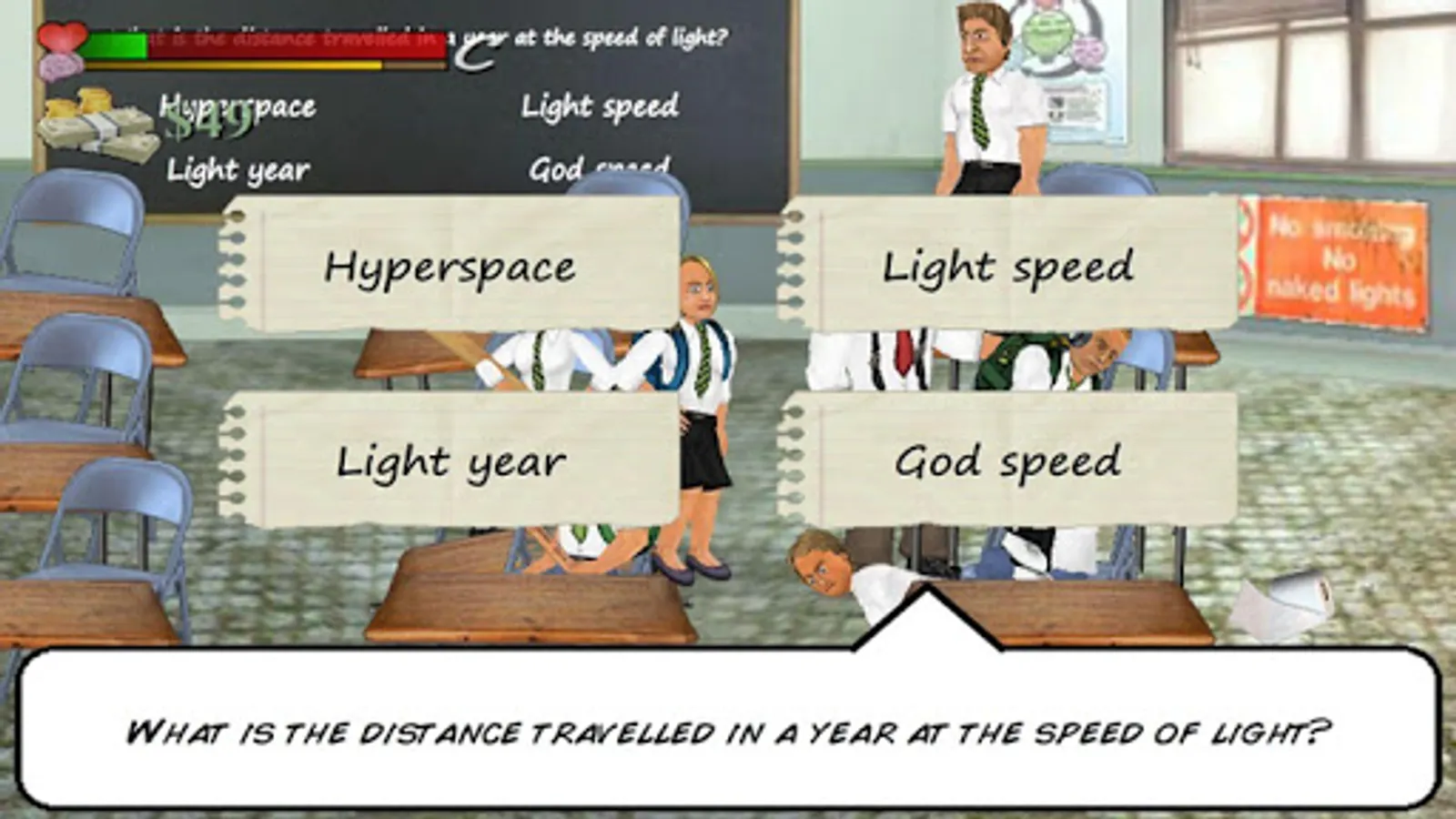
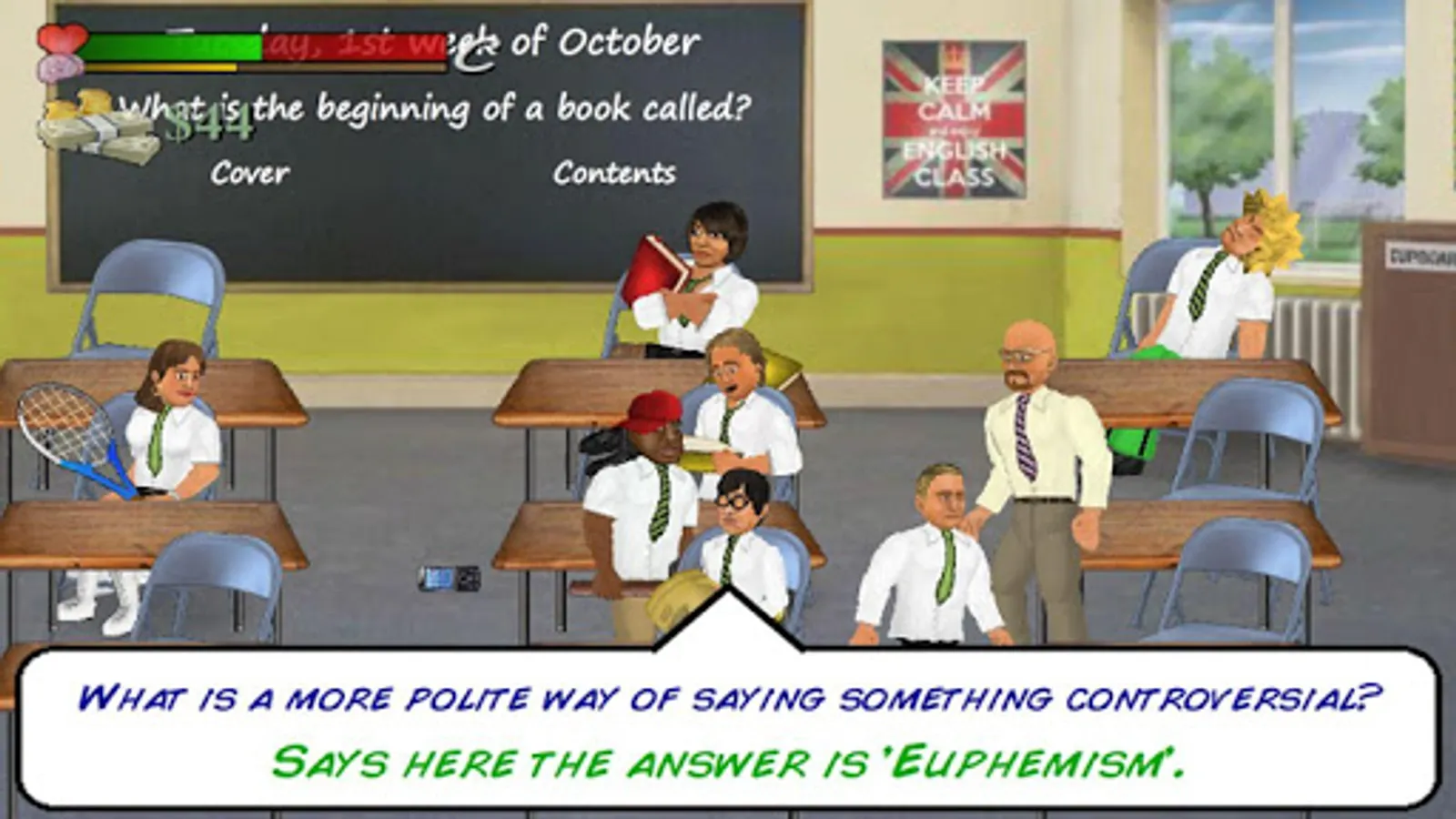
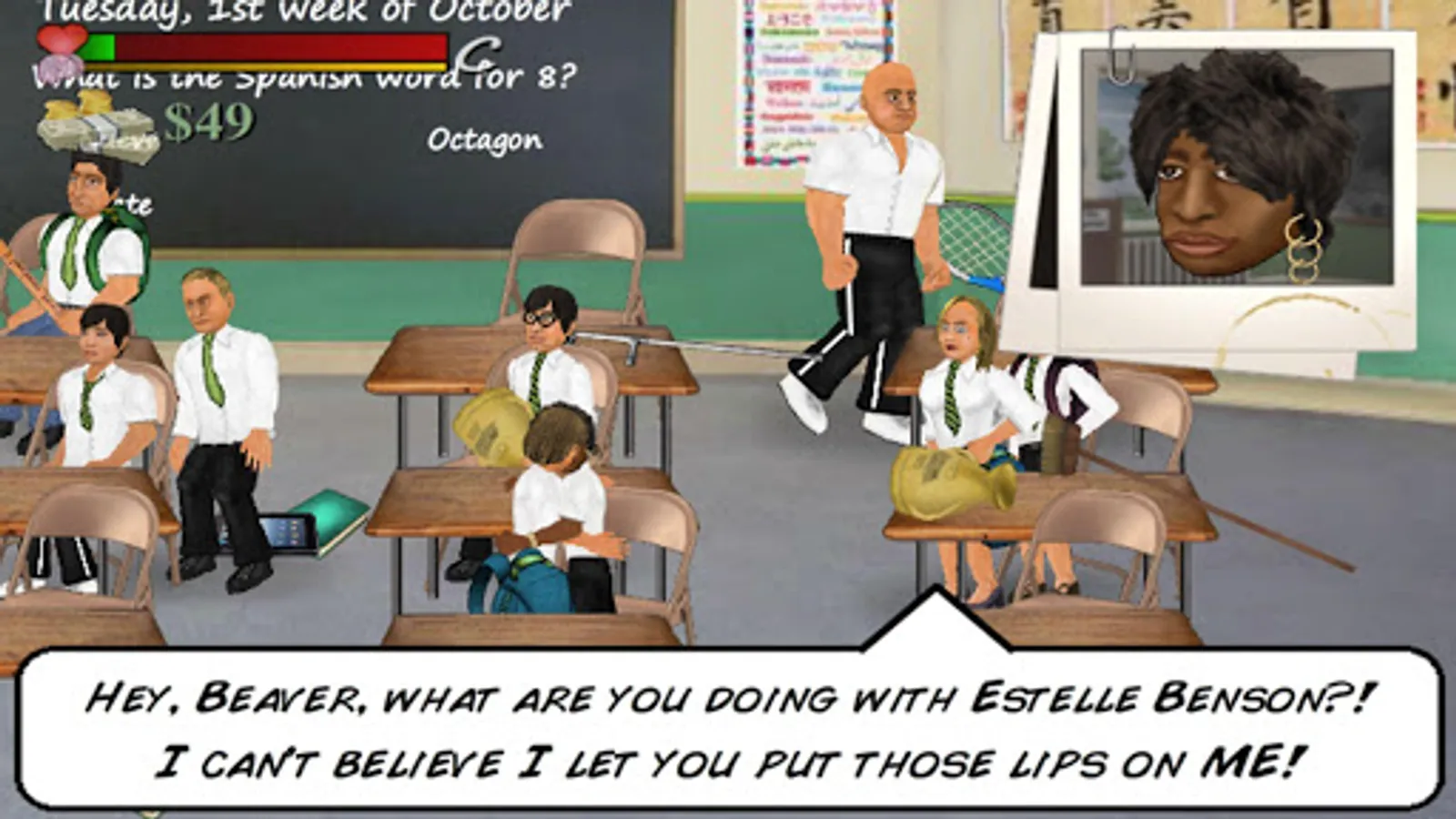
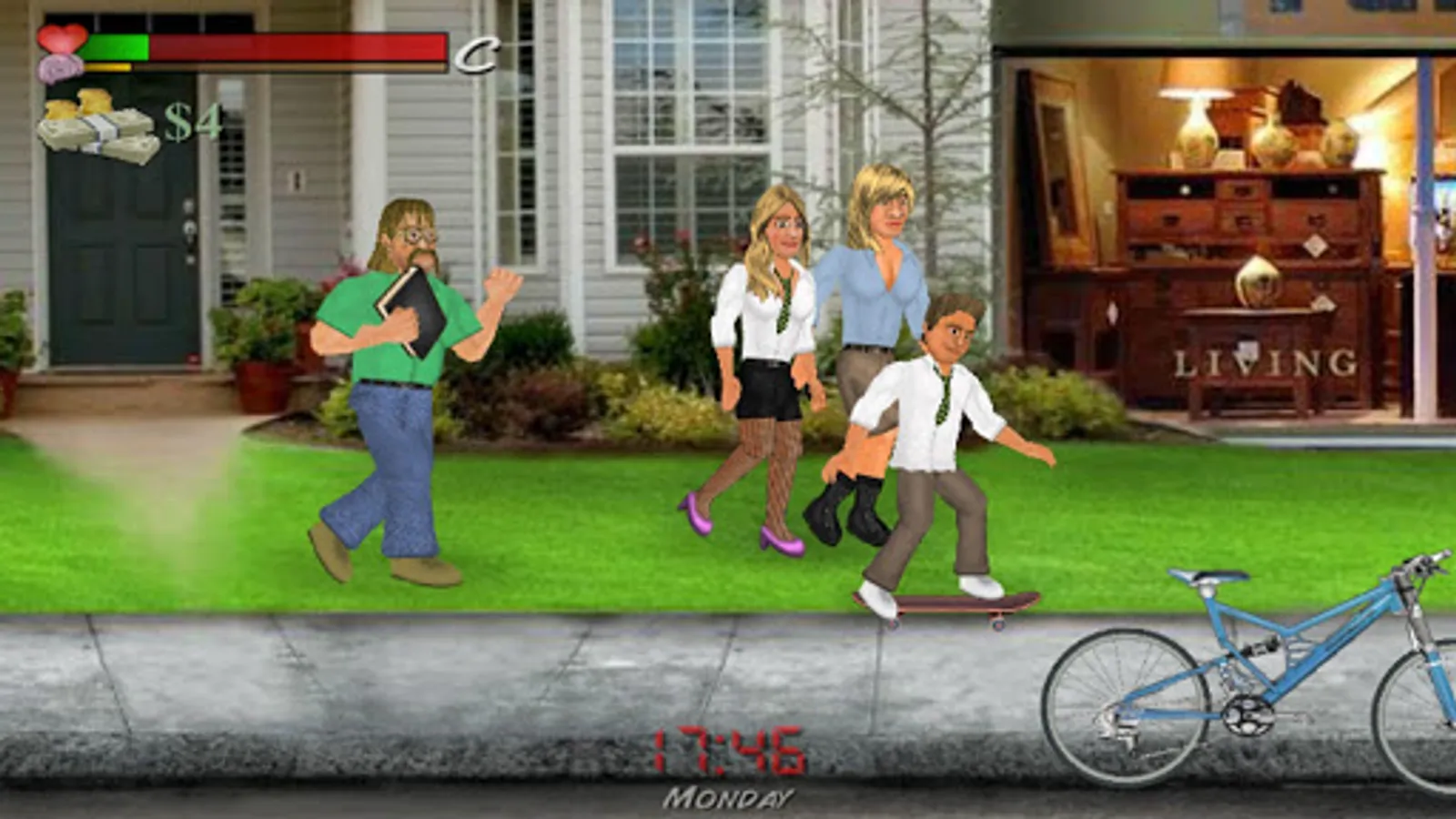
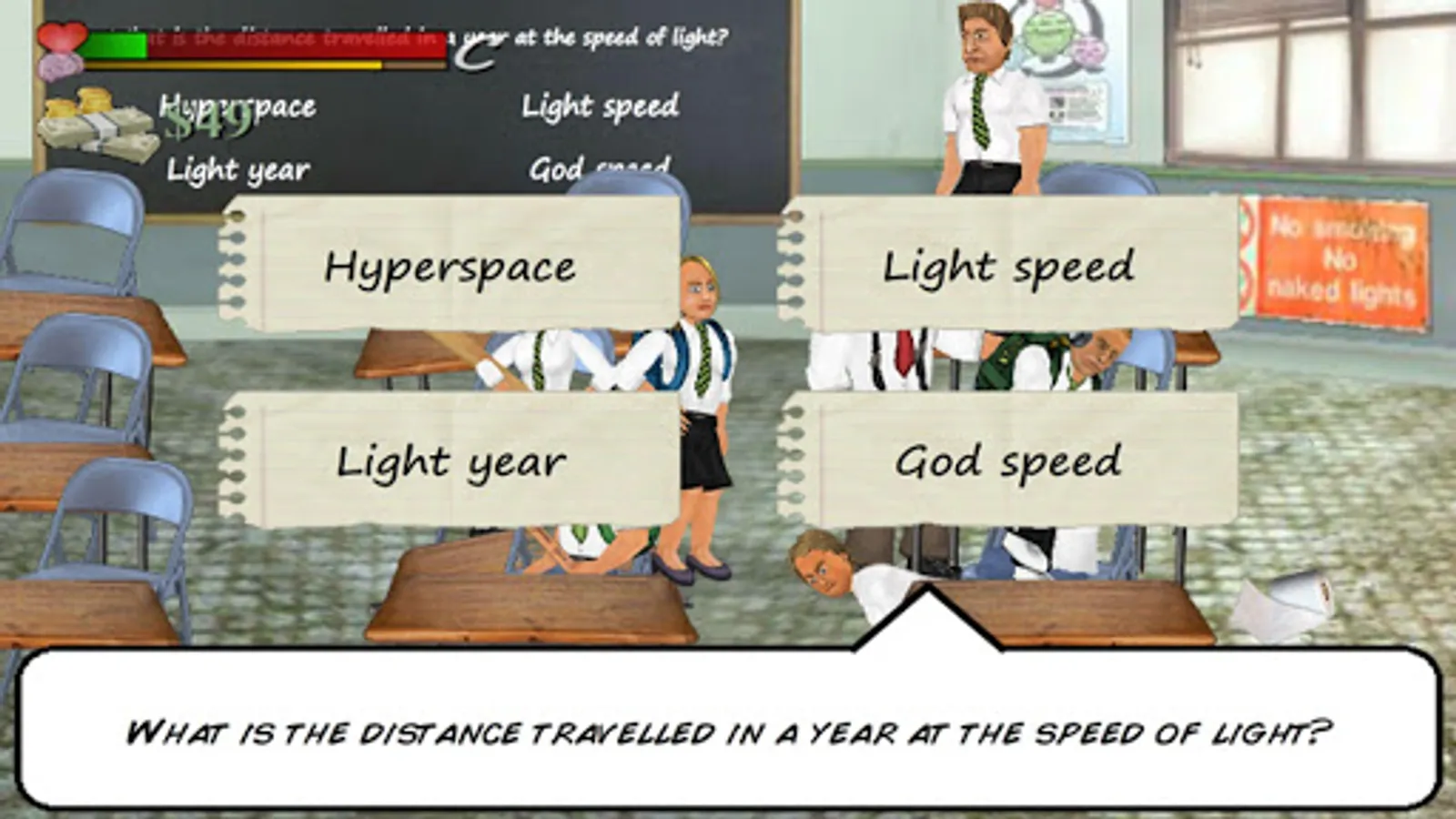
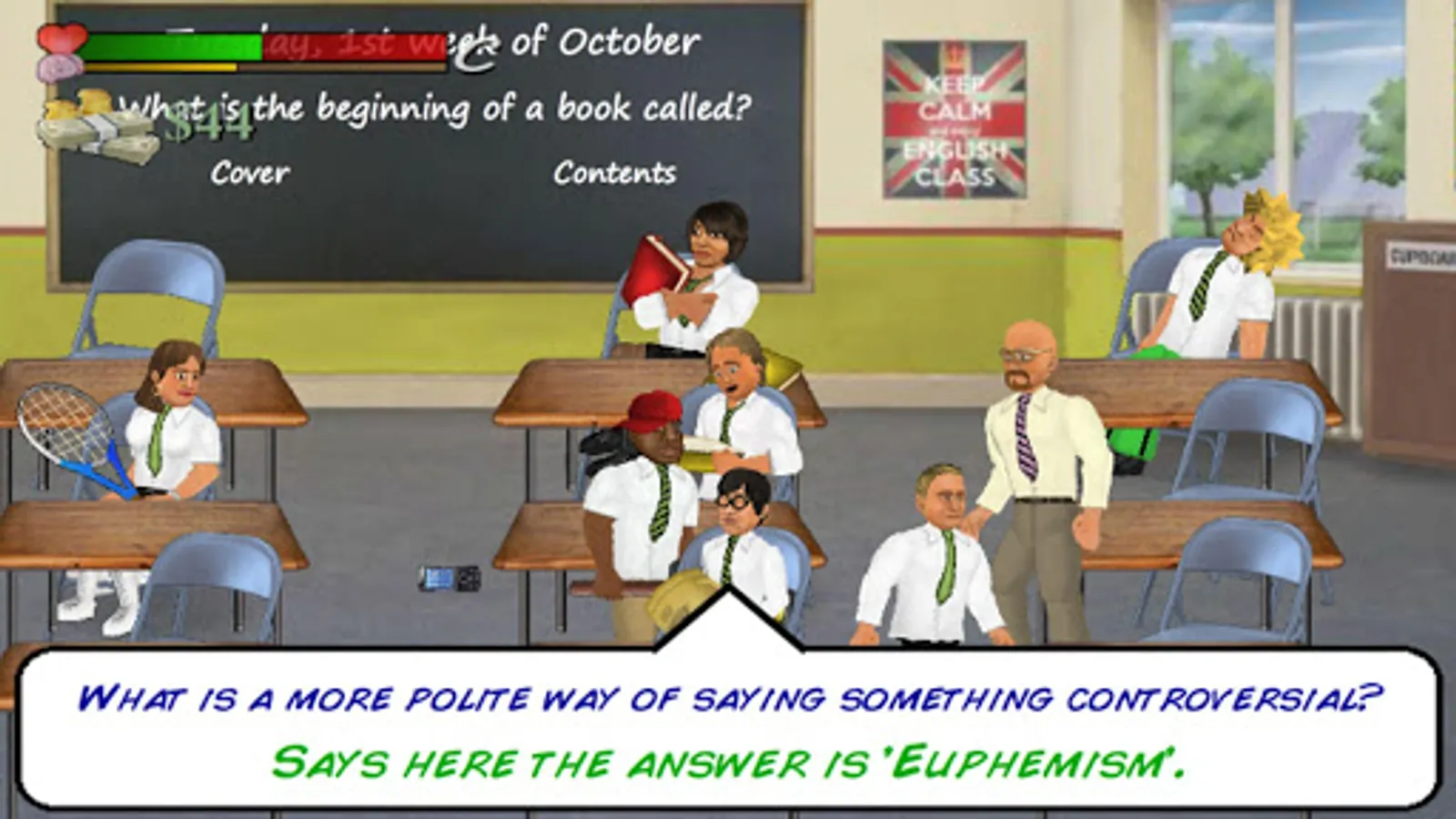
The prison has closed down and re-opened as a high school, but the challenge to survive and thrive remains the same! Live every hour of every day in real-time - from getting out of bed in the morning to attending a timetable full of classes, as you explore a city filled with interactive props. Picking up knowledge from each class helps you answer real questions in 10 different subjects, as you work towards the grades you need to graduate. But with over 100 fellow students walking the halls, an equally important popularity contest decides whether your days are filled with fun or fear.
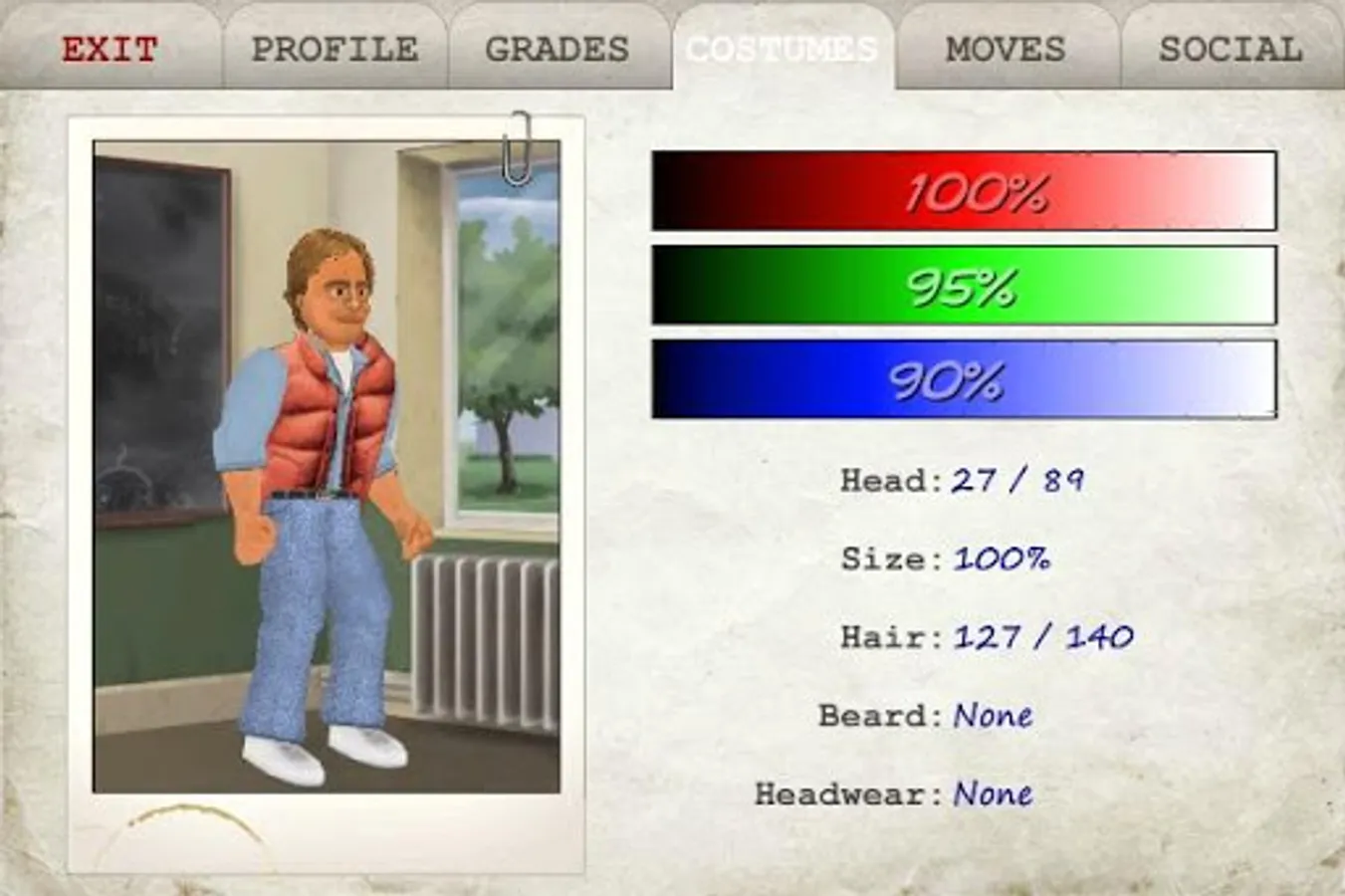
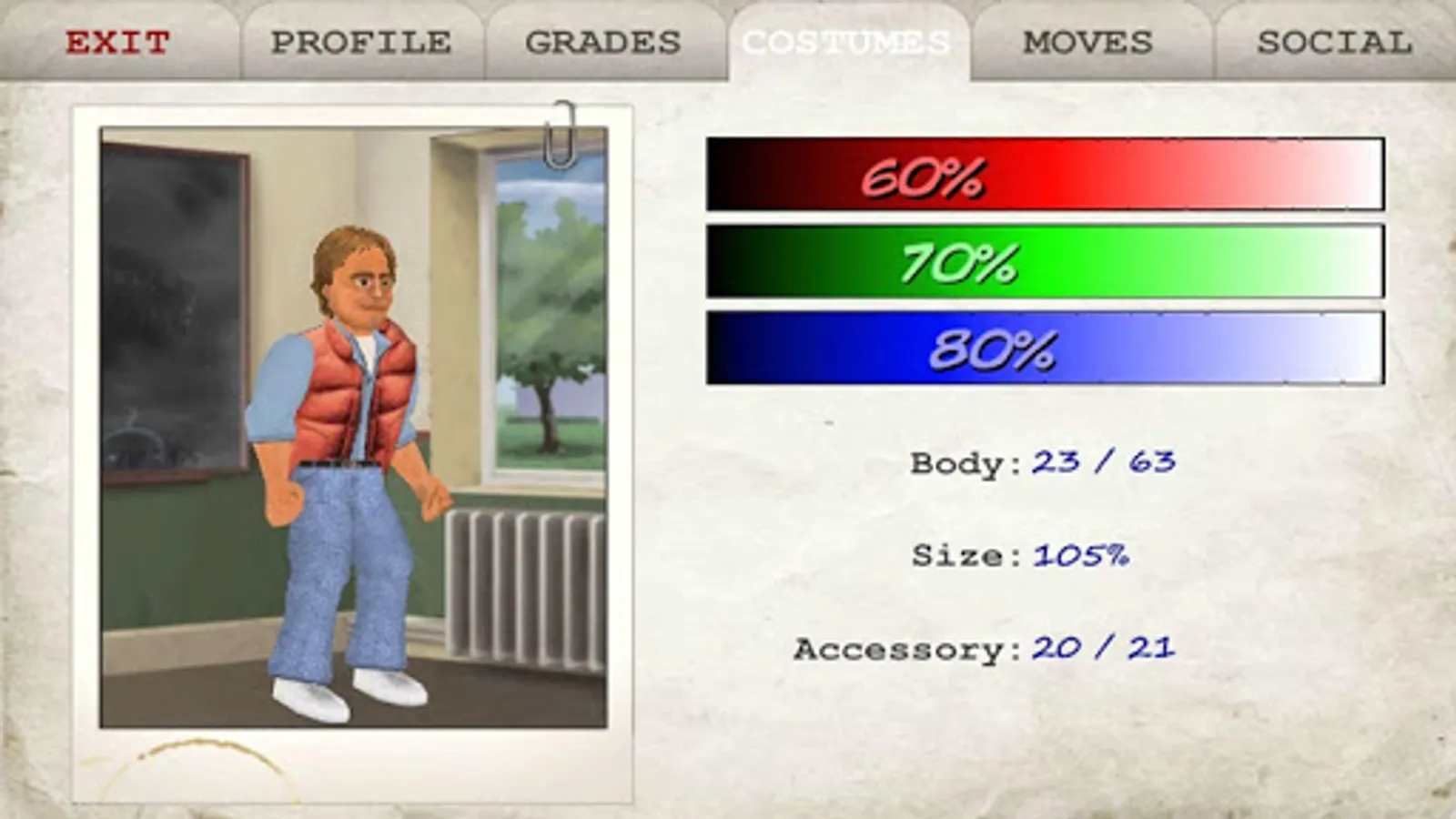
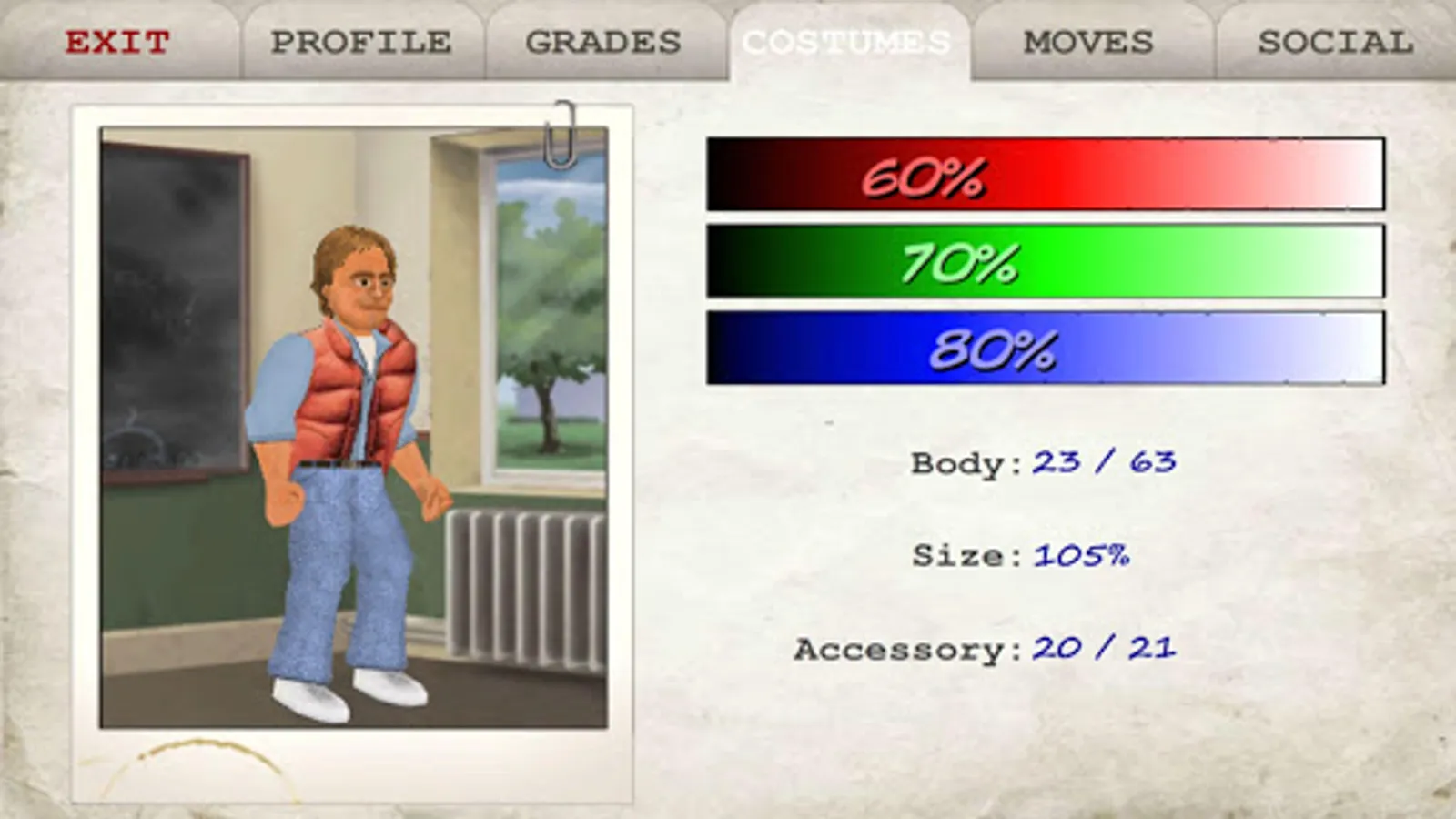
Although the game is mostly free to play, you can upgrade to a "Private" education to remove ads and make the school your own - starting with a student of your own creation and saving your changes to all 10 classes as well as the teachers and civilians. Private students also benefit from a more continuous experience that never ends until you're ready for it to.
BASIC CONTROLS:
In-game tutorials explain in more depth, but the basic controls are as follows:
A = Attack (on its own to aim low, with a direction to aim high)
G = Grapple
R = Run
P = Pick-Up / Drop (with a direction to throw)
T = Taunt (interact with props)
OTHER CONTROLS
- Press ATTACK and RUN together to launch a powerful attack.
- Press any button with any direction (or none) in a grapple to trigger different moves (as in Wrestling Revolution).
- Press RUN and PICK-UP together to set fire to a small object (which can then be used to set fire to a large object).
- Touch the clock or health meter to pause the game for more options.
- Tap the speech bubbles to speed through conversations.
PERFORMANCE
- If you find your device struggles to display lots of characters, considering keeping the "Population" option low.
- "Speed Up Frame Rate" sleeping will require good performance, so consider leaving it on "Speed Up Clock".
- Head to the "Display" options to tone down other features.
The prison has closed down and re-opened as a high school, but the challenge to survive and thrive remains the same! Live every hour of every day in real-time - from getting out of bed in the morning to attending a timetable full of classes, as you explore a city filled with interactive props. Picking up knowledge from each class helps you answer real questions in 10 different subjects, as you work towards the grades you need to graduate. But with over 100 fellow students walking the halls, an equally important popularity contest decides whether your days are filled with fun or fear.
Although the game is mostly free to play, you can upgrade to a "Private" education to remove ads and make the school your own - starting with a student of your own creation and saving your changes to all 10 classes as well as the teachers and civilians. Private students also benefit from a more continuous experience that never ends until you're ready for it to.
BASIC CONTROLS:
In-game tutorials explain in more depth, but the basic controls are as follows:
A = Attack (on its own to aim low, with a direction to aim high)
G = Grapple
R = Run
P = Pick-Up / Drop (with a direction to throw)
T = Taunt (interact with props)
OTHER CONTROLS
- Press ATTACK and RUN together to launch a powerful attack.
- Press any button with any direction (or none) in a grapple to trigger different moves (as in Wrestling Revolution).
- Press RUN and PICK-UP together to set fire to a small object (which can then be used to set fire to a large object).
- Touch the clock or health meter to pause the game for more options.
- Tap the speech bubbles to speed through conversations.
PERFORMANCE
- If you find your device struggles to display lots of characters, considering keeping the "Population" option low.
- "Speed Up Frame Rate" sleeping will require good performance, so consider leaving it on "Speed Up Clock".
- Head to the "Display" options to tone down other features.
School Days Screenshots
Tap to Rate:
Reviews for School Days
Criss Madzvimbo
12/30/2025
Best game,
Oghenefejiro Grace
12/30/2025
School Days is a good and fantastic game, and I love the fact that your player can have father, mother and even siblings.