FocusReader RSS Reader
Focus App (Social Rss Podcast)
4.3 ★
740 ratings
50,000+
downloads
Free
+ in-app
In this RSS reader app, you can manage feeds from various services and customize your reading experience. Includes article summaries, offline caching, and integration with services like Pocket and Evernote.
AppRecs review analysis
AppRecs rating 3.5. Trustworthiness 85 out of 100. Review manipulation risk 19 out of 100. Based on a review sample analyzed.
★★★☆☆
3.5
AppRecs Rating
Ratings breakdown
5 star
65%
4 star
20%
3 star
5%
2 star
4%
1 star
7%
What to know
✓
Low review manipulation risk
19% review manipulation risk
⚠
Ad complaints
Many low ratings mention excessive ads
⚠
Pricing complaints
Many low ratings mention paywalls or pricing
About FocusReader RSS Reader
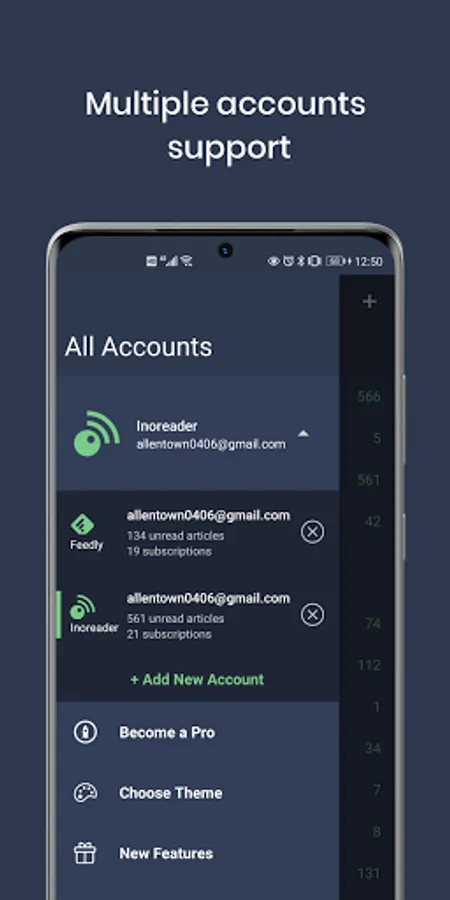
FocusReader is an modern RSS reader designed to provide the best Android reading experience possible. It will manage your feeds by either storing them locally (using OPML import) or seemlessly integrating with all of the major aggregator services (including Feedly, Inoreader, The Old Reader, Feedbin, Bazqux, Tiny Tiny RSS, FreshRSS, and Fever).
Basic, completely free features include:
• Get article summaries through AI, can set different prompts for each feed
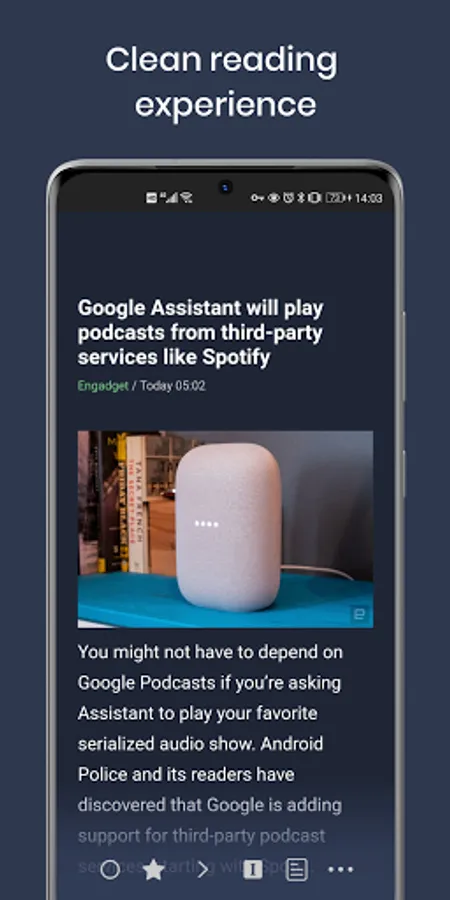
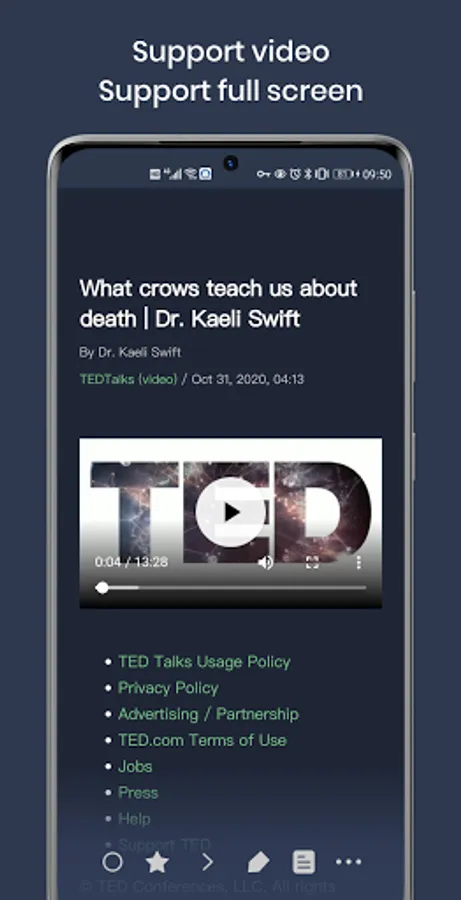
• a full-screen reading experience
• a pure reading mode that streamlines article content into a clean reading layout
• podcast support
• article translation
• gesture navigation to painlessly swipe through subsequent articles, star articles, mark read, view images, open in browser, activate readability mode, or copy/share links
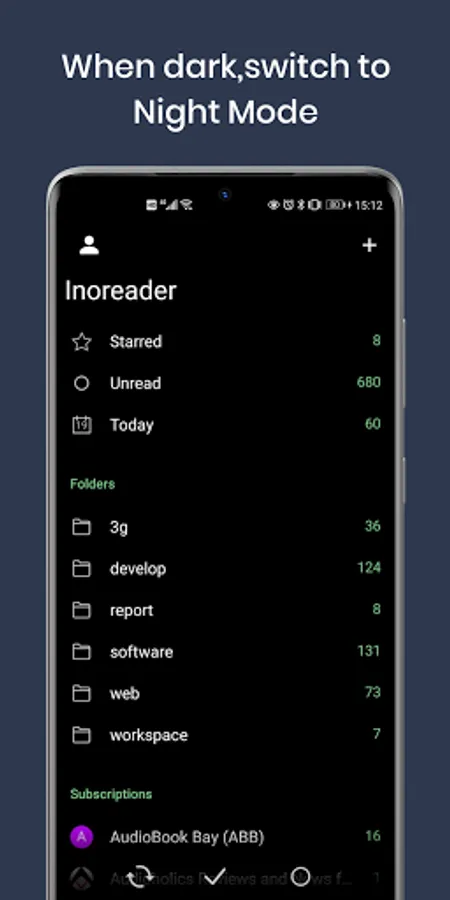
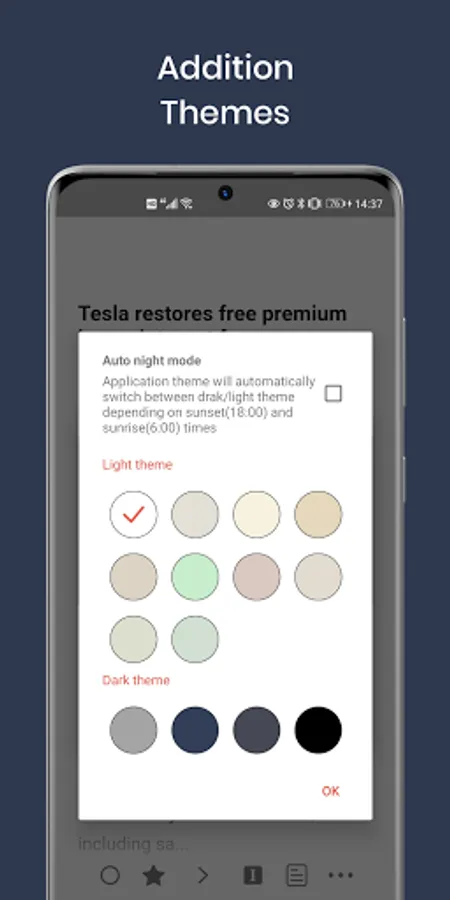
• light and dark themes
• full article caching for offline reading
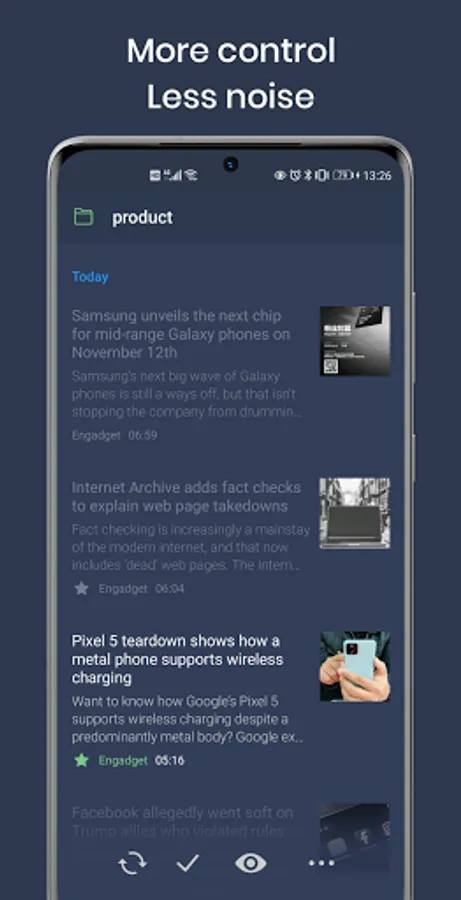
• magazine, card, and list views
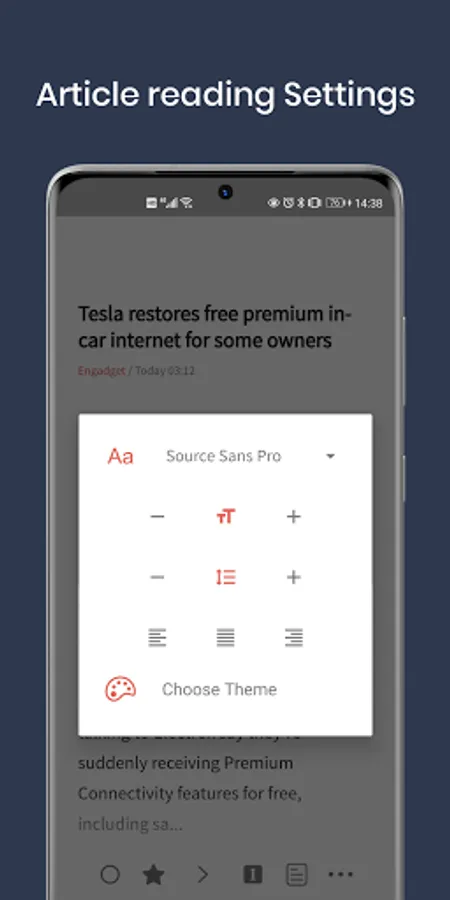
• user-defined reading settings (multiple fonts, font size, line height, line spacing, line justification)
• sync on open, sync on demand, or optional background sync
• per-feed customization settings
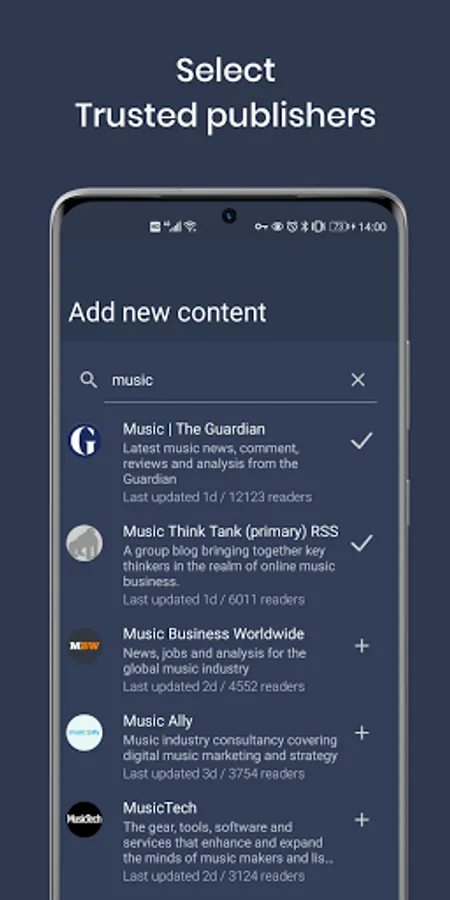
• easy new feed search and add; just type in a term you're interested in and you'll be presented with tons of feeds to choose from
• built-in image viewer/downloader
• integration with Pocket, Evernote, and Instapaper
• mark articles as read either manually or on rollover
• article sorting either ascending or descending so that you're presented with content in the chronological order you prefer
• fully support using external browser custom tabs for seemless viewing of articles that are difficult to parse
• high-definition favicons for all feeds
• optional navigation using volume buttons
We feel that continued development is best supported long-term by a subscription model. This enables FocusReader to be in continuous development, addressing bugs quickly and always adding features. Those who choose to subscribe can use the following additional features:
• user-defineable light, dark, and AMOLED themes, as well as auto-dark mode,
• complete subscription management - delete and rename feeds and folders,
• filter out or retain articles using keywords
• ability to open a feed's article using its corresponding app (for example: a YouTube feed can be set to open in the YouTube app)
• ability to add an unlimited number of accounts
• ability to backup app data locally or to Google Drive, DropBox, or OneDrive to save your setup for easy future restoration or share settings across devices
• intelligent automatic ad-removal from synced Inoreader accounts
• automatic duplicate article removal based on article title or URL
• a "Today" view that will show articles from the last 24 hours
• ability to cache images during sync (enhancing your offline reading)
• full-text article search
• Readability support that will fetch full article text into the app from partial RSS feeds; 3 different Readability engines are provided (native, Feedbin, and advanced)
Developer email:
product.allentown@outlook.com
Twitter:
https://twitter.com/allentown521
Basic, completely free features include:
• Get article summaries through AI, can set different prompts for each feed
• a full-screen reading experience
• a pure reading mode that streamlines article content into a clean reading layout
• podcast support
• article translation
• gesture navigation to painlessly swipe through subsequent articles, star articles, mark read, view images, open in browser, activate readability mode, or copy/share links
• light and dark themes
• full article caching for offline reading
• magazine, card, and list views
• user-defined reading settings (multiple fonts, font size, line height, line spacing, line justification)
• sync on open, sync on demand, or optional background sync
• per-feed customization settings
• easy new feed search and add; just type in a term you're interested in and you'll be presented with tons of feeds to choose from
• built-in image viewer/downloader
• integration with Pocket, Evernote, and Instapaper
• mark articles as read either manually or on rollover
• article sorting either ascending or descending so that you're presented with content in the chronological order you prefer
• fully support using external browser custom tabs for seemless viewing of articles that are difficult to parse
• high-definition favicons for all feeds
• optional navigation using volume buttons
We feel that continued development is best supported long-term by a subscription model. This enables FocusReader to be in continuous development, addressing bugs quickly and always adding features. Those who choose to subscribe can use the following additional features:
• user-defineable light, dark, and AMOLED themes, as well as auto-dark mode,
• complete subscription management - delete and rename feeds and folders,
• filter out or retain articles using keywords
• ability to open a feed's article using its corresponding app (for example: a YouTube feed can be set to open in the YouTube app)
• ability to add an unlimited number of accounts
• ability to backup app data locally or to Google Drive, DropBox, or OneDrive to save your setup for easy future restoration or share settings across devices
• intelligent automatic ad-removal from synced Inoreader accounts
• automatic duplicate article removal based on article title or URL
• a "Today" view that will show articles from the last 24 hours
• ability to cache images during sync (enhancing your offline reading)
• full-text article search
• Readability support that will fetch full article text into the app from partial RSS feeds; 3 different Readability engines are provided (native, Feedbin, and advanced)
Developer email:
product.allentown@outlook.com
Twitter:
https://twitter.com/allentown521