With this app, you can count people or objects and monitor occupancy levels. Includes customizable button placement, light mode, and saved settings.
AppRecs review analysis
AppRecs rating 4.0. Trustworthiness 0 out of 100. Review manipulation risk 0 out of 100. Based on a review sample analyzed.
★★★★☆
4.0
AppRecs Rating
Ratings breakdown
5 star
60%
4 star
8%
3 star
21%
2 star
3%
1 star
8%
What to know
✓
Good user ratings
68% positive sampled reviews
✓
Authentic reviews
Natural distribution, no red flags
About People Counter +
People Counter + is an essential application that operates as a tally counter when people enter venues such as discos, exhibitions, shops, theatres, museums, cinemas, travel, etc. You will know at all times if you have surpassed expected numbers of people that are inside at the time or have been at some point.
You can also count any object.
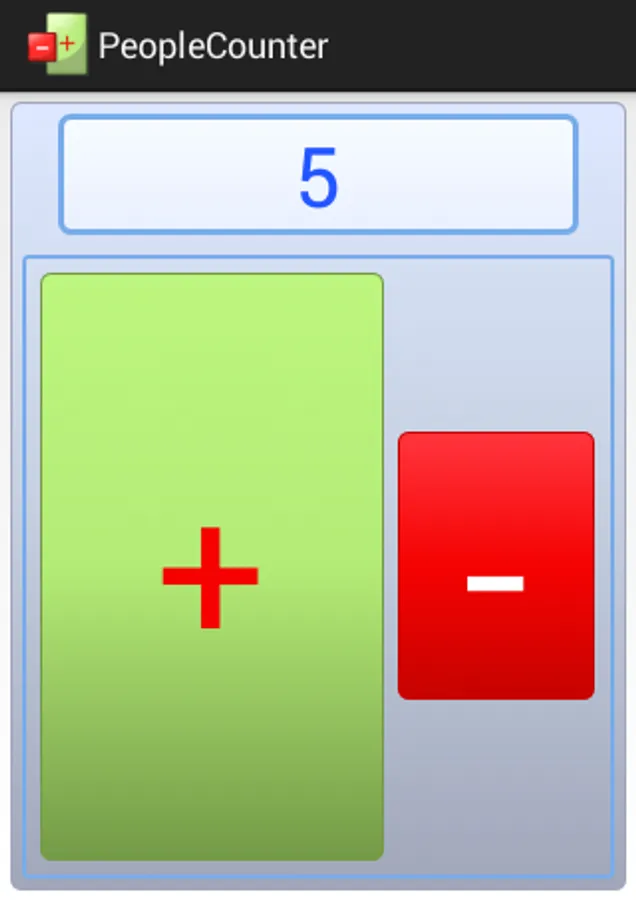
It is extremely easy to use, it has been made with the buttons + on the left or on the back depending on if the user is either left or right handed.
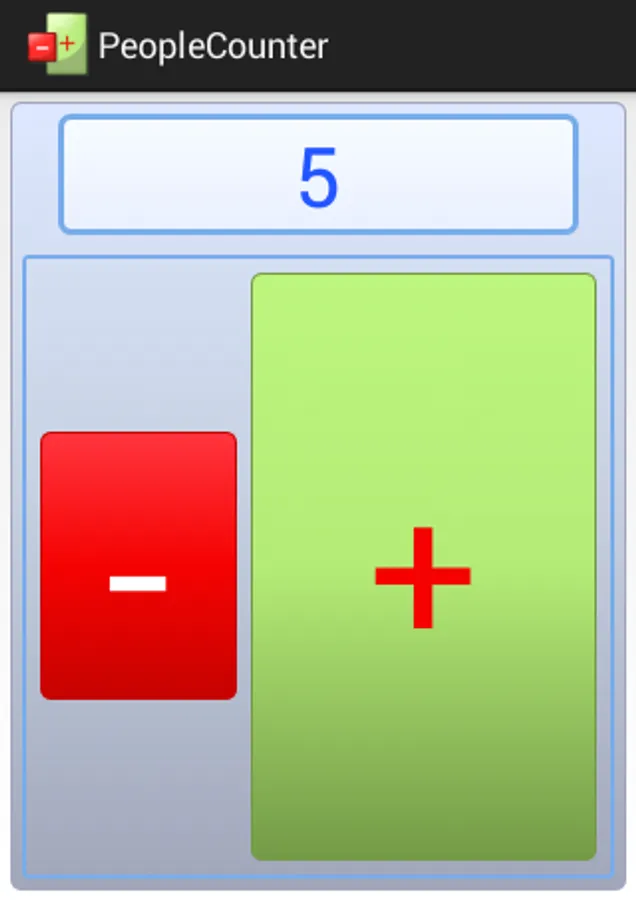
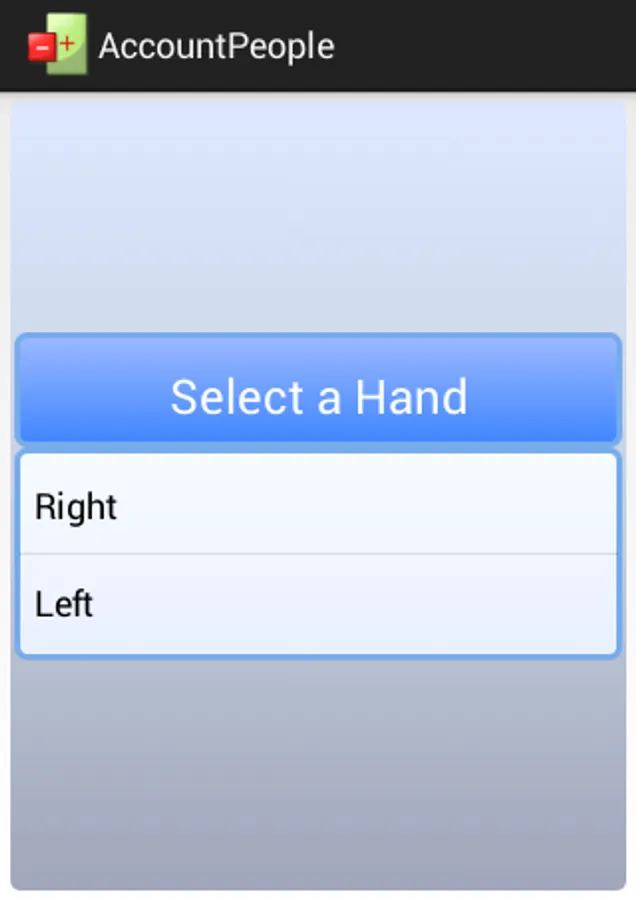
As we have not forgotten the left handed users It can be used either with the right or left hand or else the buttons can be easily placed on a different order by the choice of the service user.
The buttons can be light if used in places where not much light is available.
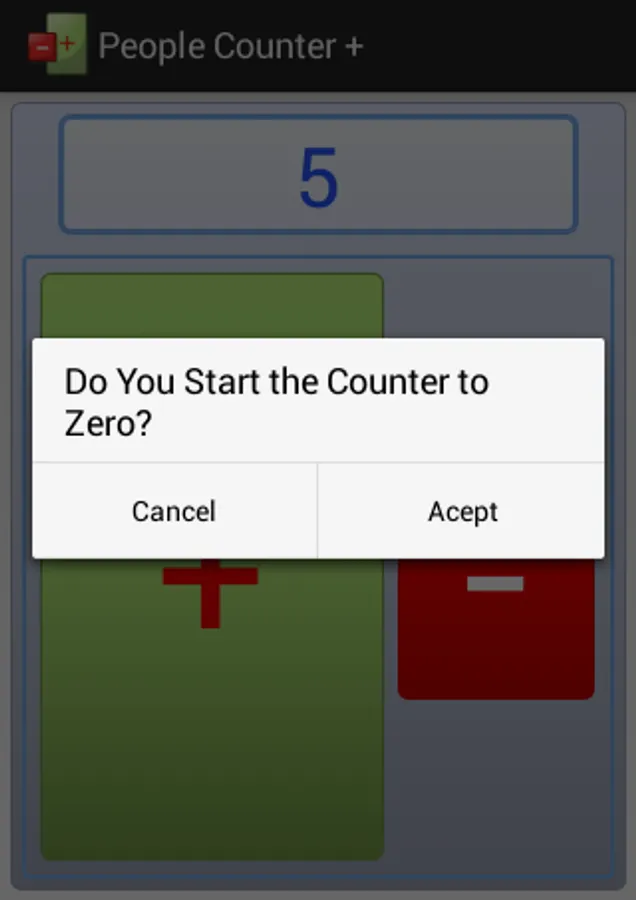
The counter can be started from 0
It Keeps the number and configurations made for the next time you use it so that it is ready to continue
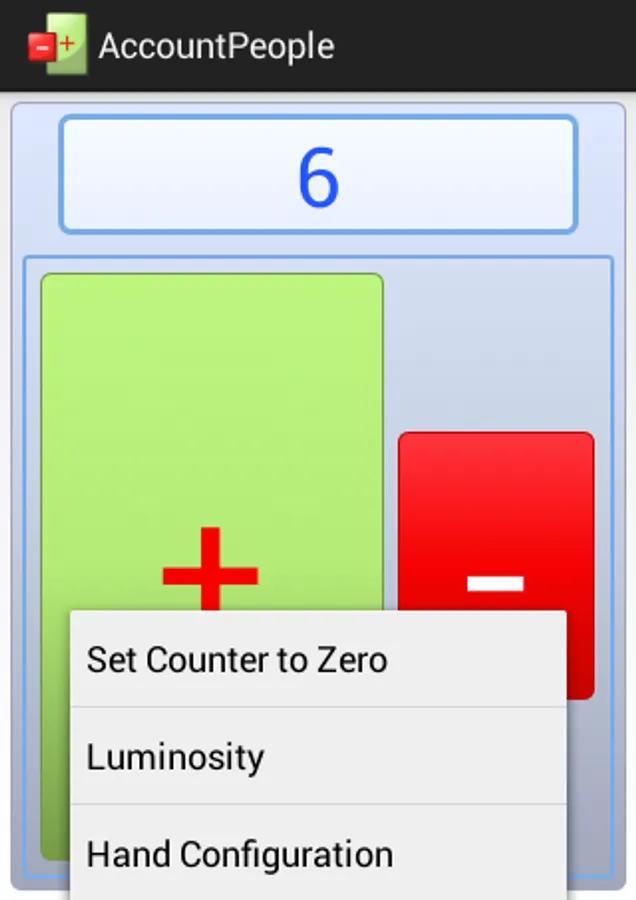
The configurations are ready in the menu of your smartphone
You can also count any object.
It is extremely easy to use, it has been made with the buttons + on the left or on the back depending on if the user is either left or right handed.
As we have not forgotten the left handed users It can be used either with the right or left hand or else the buttons can be easily placed on a different order by the choice of the service user.
The buttons can be light if used in places where not much light is available.
The counter can be started from 0
It Keeps the number and configurations made for the next time you use it so that it is ready to continue
The configurations are ready in the menu of your smartphone