Edge Lighting Infinity
IJP
3.6 ★
77 ratings
10,000+
downloads
Free
+ in-app
In this notification system app, you can customize the duration and repetition of LED edge lighting alerts. Includes control over lighting intervals, app blocking, and style settings.
AppRecs review analysis
AppRecs rating 3.0. Trustworthiness 84 out of 100. Review manipulation risk 16 out of 100. Based on a review sample analyzed.
★★★☆☆
3.0
AppRecs Rating
Ratings breakdown
5 star
49%
4 star
8%
3 star
18%
2 star
8%
1 star
18%
What to know
✓
Low review manipulation risk
16% review manipulation risk
✓
Credible reviews
84% trustworthiness score from analyzed reviews
⚠
Ad complaints
Many low ratings mention excessive ads
About Edge Lighting Infinity
NO Always On Display (AOD) hack.
NO Screen Overlays.
NO Wake Lock.
NATIVE Edge Lighting triggered by this App is as pure and efficient as it can get for a reliable LED notification system.
By default, Edge Lighting on your Samsung Galaxy device lights up only once per unread notification for a limited duration (between 4 - 8 seconds maximum.)
Edge Lighting Infinity features:
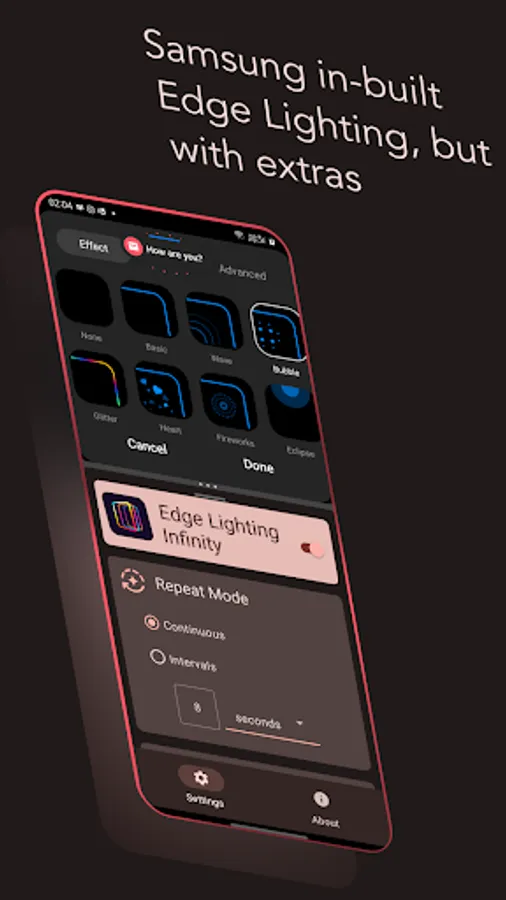
* Control Edge Lighting duration.
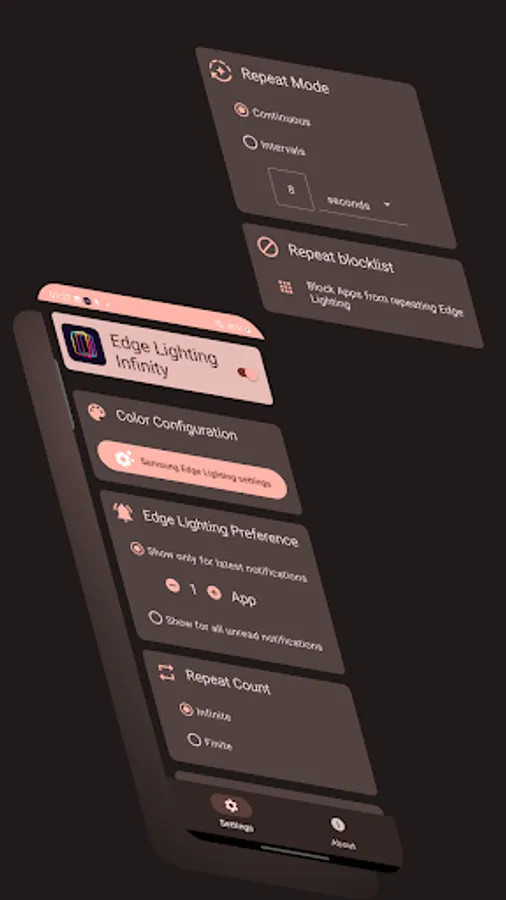
* Set a custom time interval (in seconds, minutes or hours!) This helps in conserving battery further from an already efficiently displaying native Edge Lighting.
* Repeat/persistently show Edge Lighting for configurable number of recent notifications or for all unread notifications from all Apps.
* Edge Lighting by default will show atleast once per unread notifications for all eligible Apps (set in your device's Edge Lighting settings.) You can block a list of Apps from repeating the Edge Lighting with this App.
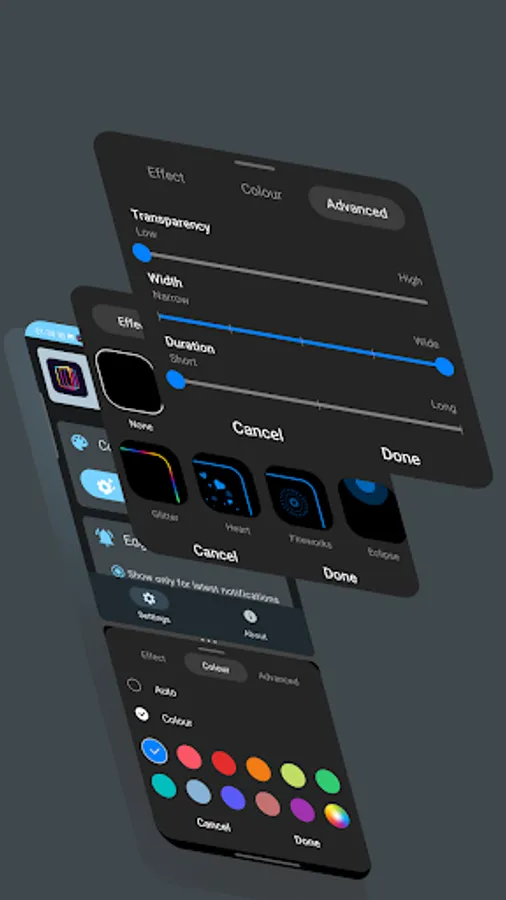
* Edge Lighting styles, which includes App based colors, notification content based colors, transparency, width, effect is all configurable in your device's in-built Edge Lighting settings.
This is an Alpha version for the App which have been tested only on Android 12 on limited number of devices, although it's compatible with Android 10+. Currently, Edge Lighting Infinity is designed to work only when the screen is off (as that's when you need a persistent LED notification system.)
Please feel free to reach out to me via email if you face any issue, I will be more than happy to resolve them.
Compatibility: Currently the App only supports Samsung Galaxy devices that have in-built Edge Lighting with actual edge based effects, this includes, Galaxy S10, S10 e, S10+, S10 Lite S10+ Olympic Games Edition, S20, S20 5G, S20 FE, S20 FE 5G, S20+ 5G, S20 Ultra 5G, S21 5G, S21 Ultra 5G, S21 5G, S21 FE 5G, S21+ 5G, S22, S22+ S22 Ultra, Note 10, Note 10 5G, Note 10+, Note 10+ 5G, Note 20 Ultra 5G, Z Fold 3 5G, Z Flip, Z Flip 5G, Z Flip 3 and Z Flip 3 5G.
Warning: If you have a wearable device connected to your phone, they will receive repeated notifications as a side effect. The App, for the moment is only designed to work standalone to notify you through Edge Lighting only on your phone.
What's next?
I am considering implementing the App's own native Edge Lighting effect if there is enough interest, which will still not wake up the CPU but will solve the issue with wearables and support other Galaxy Devices which have in-built Edge lighting but no 'effects'.
Edge Lighting Infinity Screenshots
Tap to Rate:
Reviews for Edge Lighting Infinity
No Oneyouknow
1/8/2025
How the heck do I get rid of the CONSTANT notification that it's Configured and Active!!
Sean Shay
12/27/2024
This app will not allow notifications in notifications. S24 ultra. I can't even get in settings in the app because it won't allow me to get into notifications. I paid $2.99 and it's not working. They need to let people see if it will work first