With this wallpaper app, you can add dynamic depth effects to your photos, customize the clock and date, and select from curated images. Includes depth adjustment, color matching, font options, and orientation settings.
AppRecs review analysis
AppRecs rating 2.6. Trustworthiness 82 out of 100. Review manipulation risk 25 out of 100. Based on a review sample analyzed.
★★☆☆☆
2.6
AppRecs Rating
Ratings breakdown
5 star
27%
4 star
13%
3 star
11%
2 star
4%
1 star
46%
What to know
⚠
Ad complaints
Many low ratings mention excessive ads
⚠
Pricing complaints
Many low ratings mention paywalls or pricing
⚠
Mixed user feedback
Average 2.7★ rating suggests room for improvement
About DepthFX Wallpaper
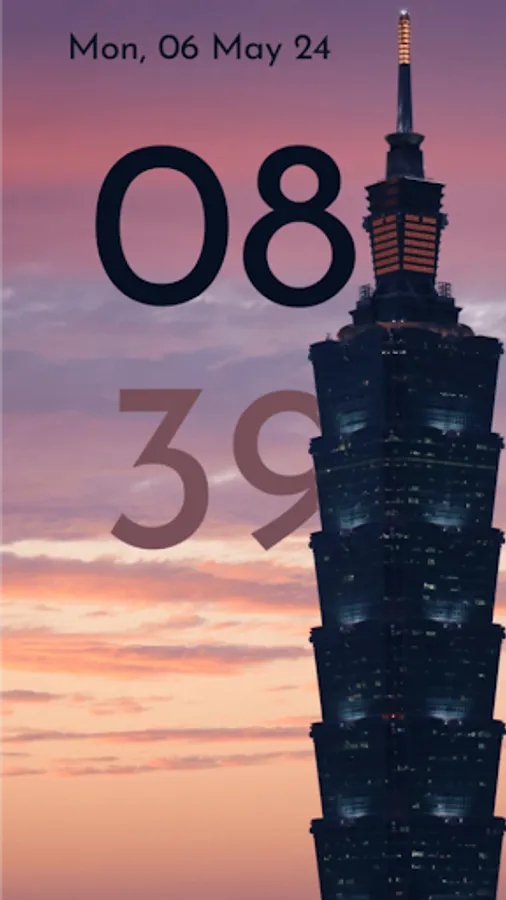
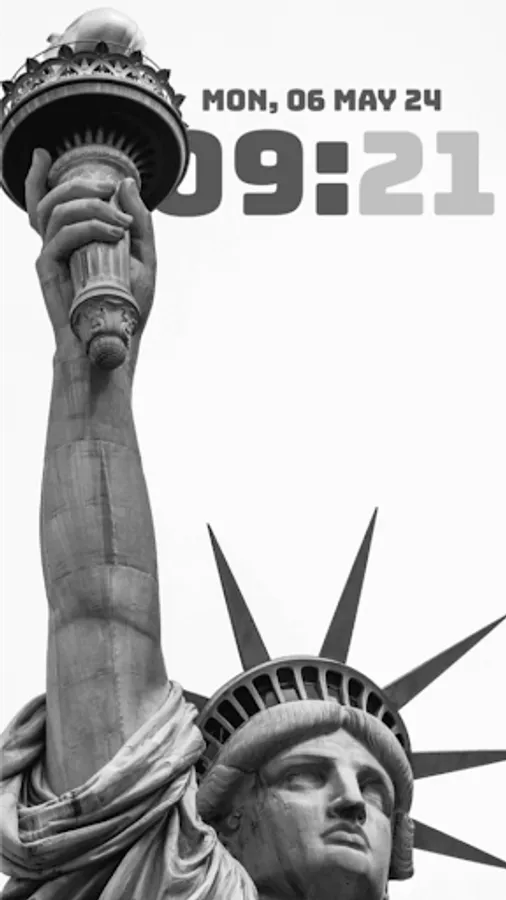
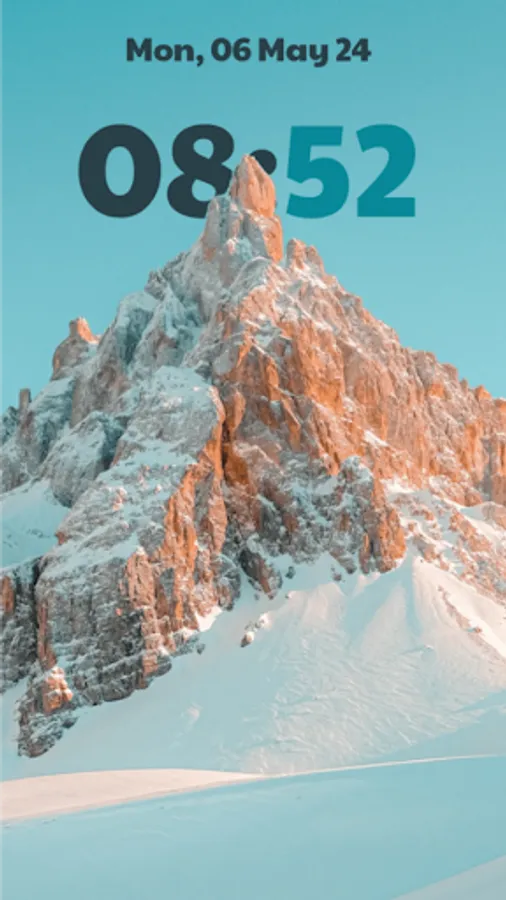
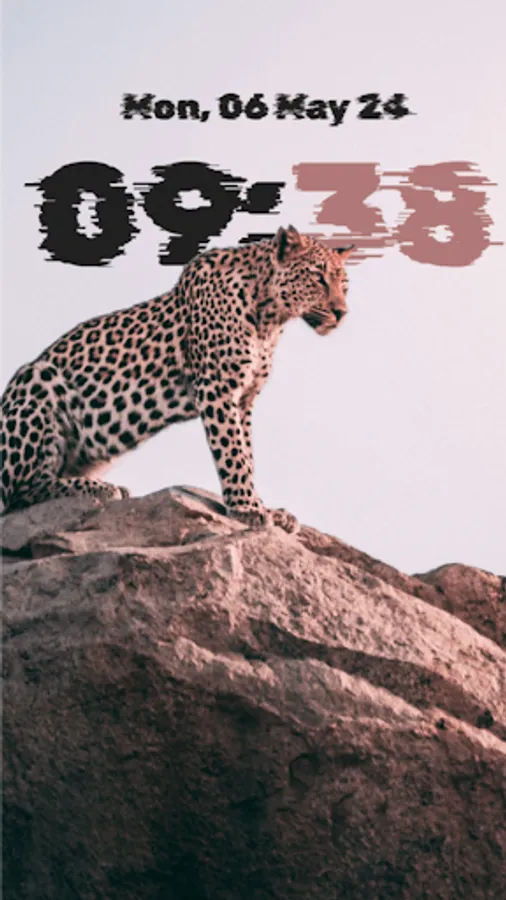
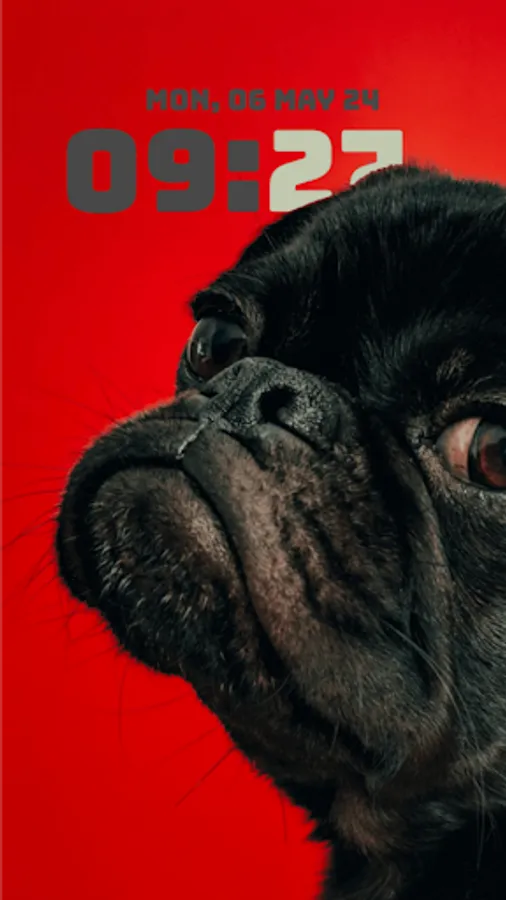
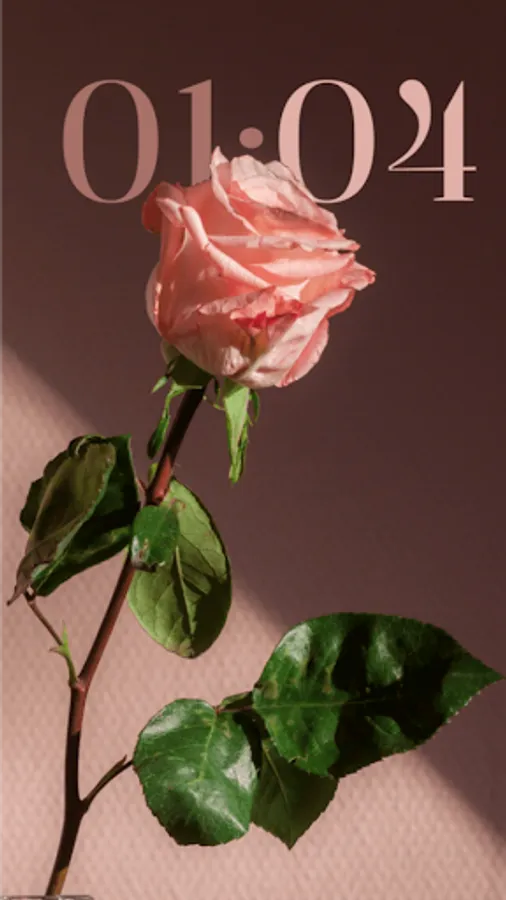
Add the magic of iOS style, but better, dynamic depth effect wallpaper to your Samsung phone! DepthFX Wallpaper adds a live clock, date to any of your chosen photo. For inspiration, the App has beautiful set of curated wallpaper that you can completely customize and experience the stunning depth and style of DepthFX.
Features:
* Choose any of your photos or select from the curated ones to set a wallpaper with depth effect added to the clock/date.
* Match the color of the clock/date with chosen photo, both the hour and minute texts can be individually colored.
* Change the font style of clock/date to match the depth of the wallpaper's style.
* Change the clock orientation between horizontal and vertical as appropriate to the chosen wallpaper.
* Wallpapers which have smokey/cloud elements, you can adjust the 'depth transparency' to have a even more stunning effect.
More features incoming, thanks for supporting this project!
NOTE: For the full effect, you might need to change your system's lockscreen/homescreen settings to remove the standard clock.
Features:
* Choose any of your photos or select from the curated ones to set a wallpaper with depth effect added to the clock/date.
* Match the color of the clock/date with chosen photo, both the hour and minute texts can be individually colored.
* Change the font style of clock/date to match the depth of the wallpaper's style.
* Change the clock orientation between horizontal and vertical as appropriate to the chosen wallpaper.
* Wallpapers which have smokey/cloud elements, you can adjust the 'depth transparency' to have a even more stunning effect.
More features incoming, thanks for supporting this project!
NOTE: For the full effect, you might need to change your system's lockscreen/homescreen settings to remove the standard clock.
DepthFX Wallpaper Screenshots


Tap to Rate:
Reviews for DepthFX Wallpaper
Alexander Karam
12/26/2025
garbage
tamer farag
12/21/2025
It's a scam