Kids360: Parental Control App
ANKO Solutions LLC
4.5 ★
229K ratings
10,000,000+
downloads
Free
+ in-app
AppRecs review analysis
AppRecs rating 4.1. Trustworthiness 70 out of 100. Review manipulation risk 26 out of 100. Based on a review sample analyzed.
★★★★☆
4.1
AppRecs Rating
Ratings breakdown
5 star
76%
4 star
11%
3 star
4%
2 star
2%
1 star
7%
What to know
✓
Low review manipulation risk
26% review manipulation risk
⚠
Ad complaints
Many low ratings mention excessive ads
⚠
Pricing complaints
Many low ratings mention paywalls or pricing
About Kids360: Parental Control App
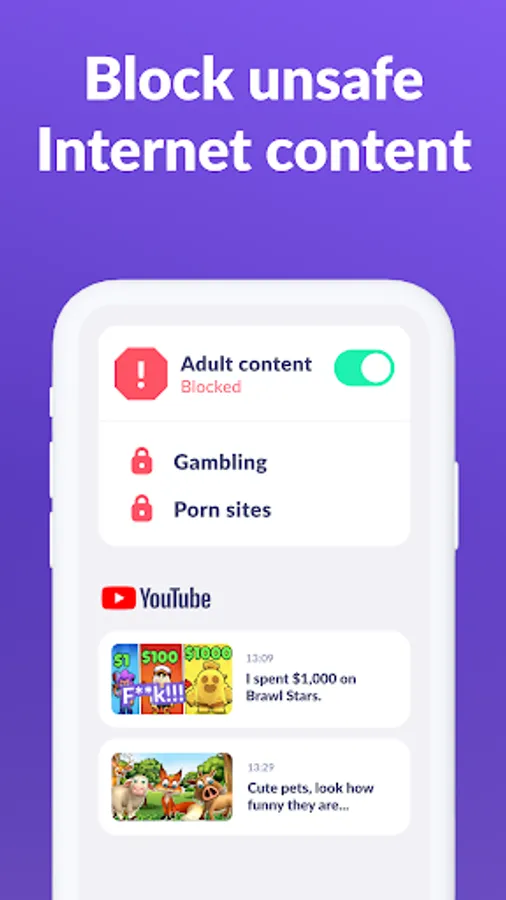
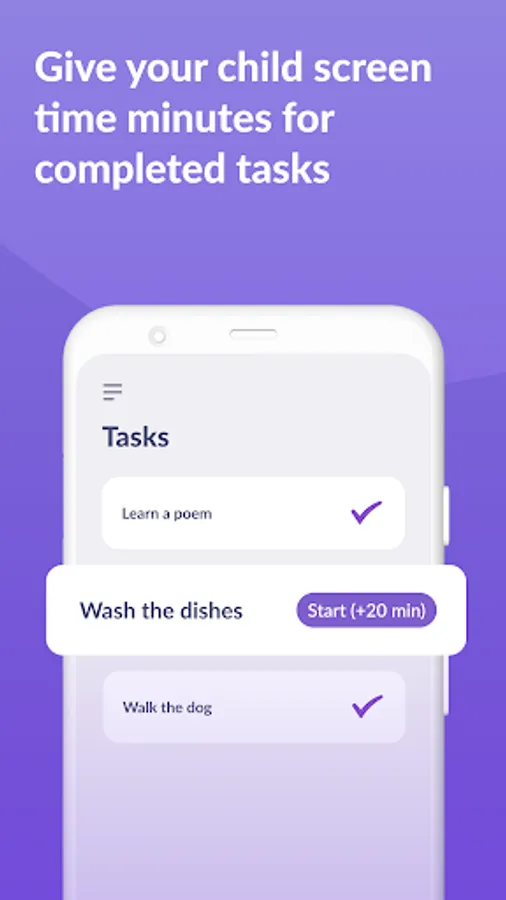
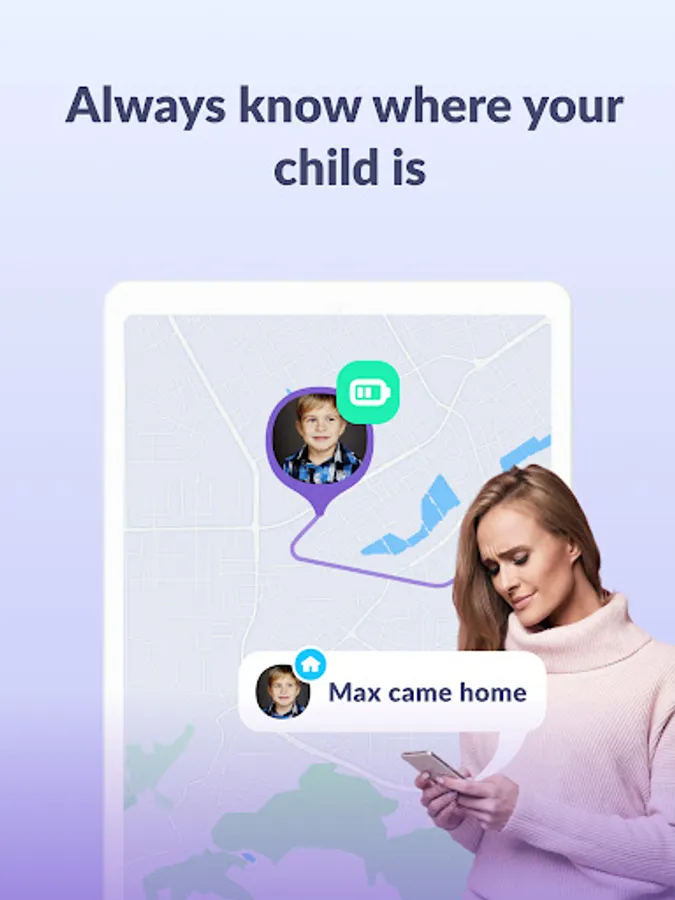
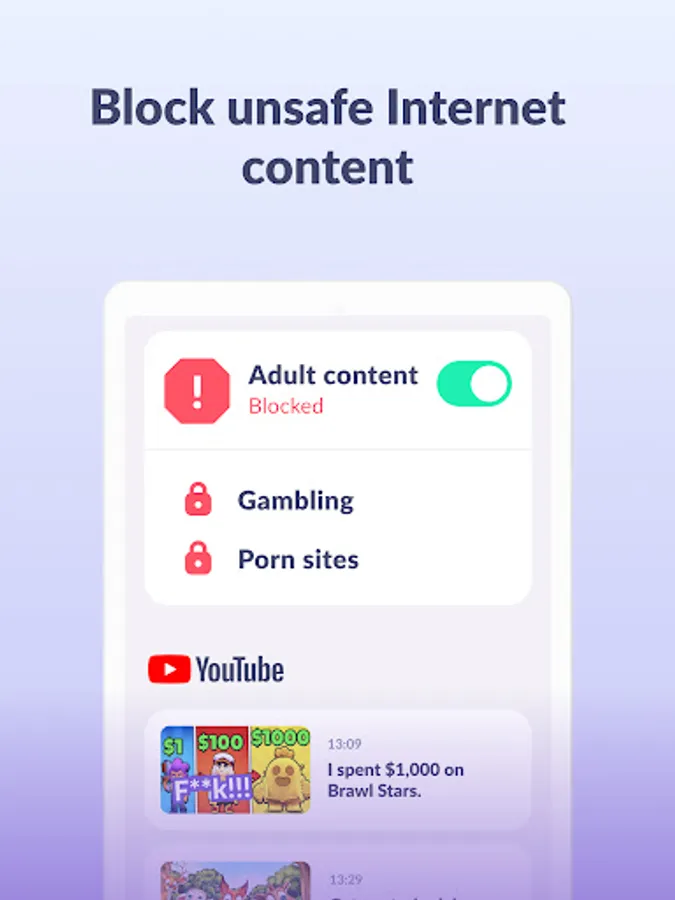
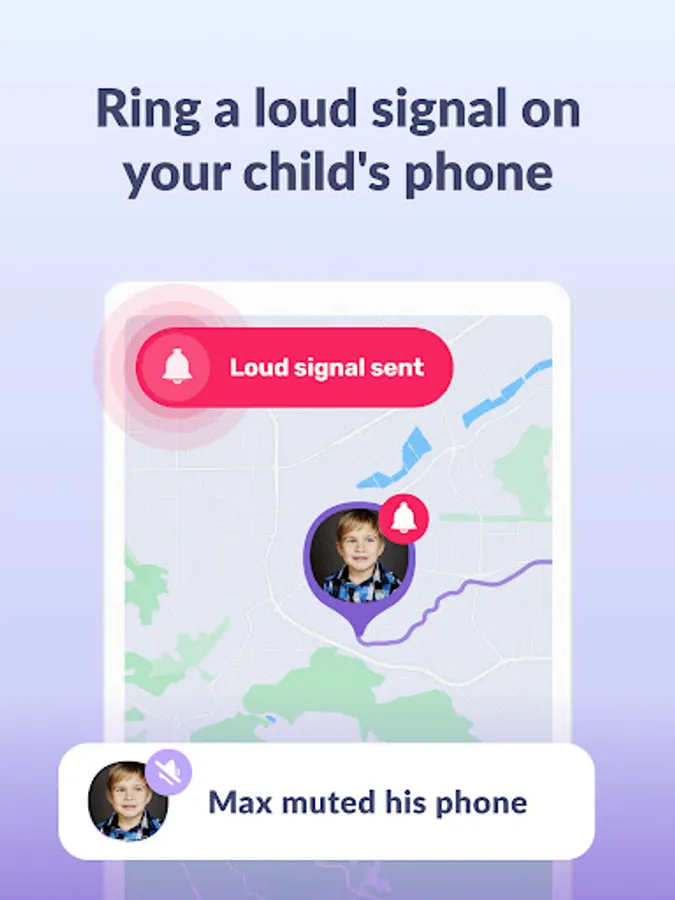
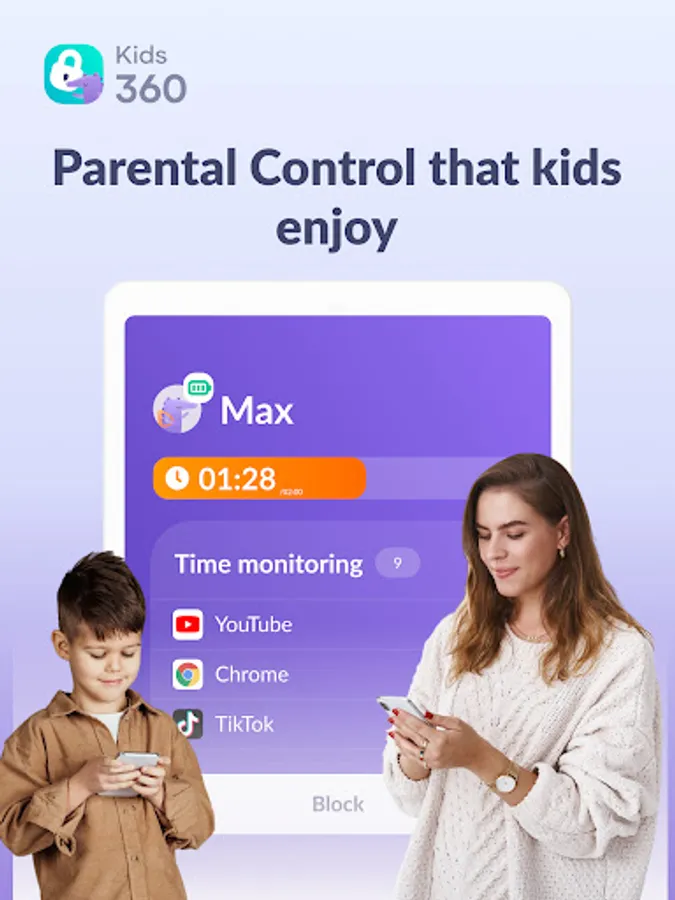
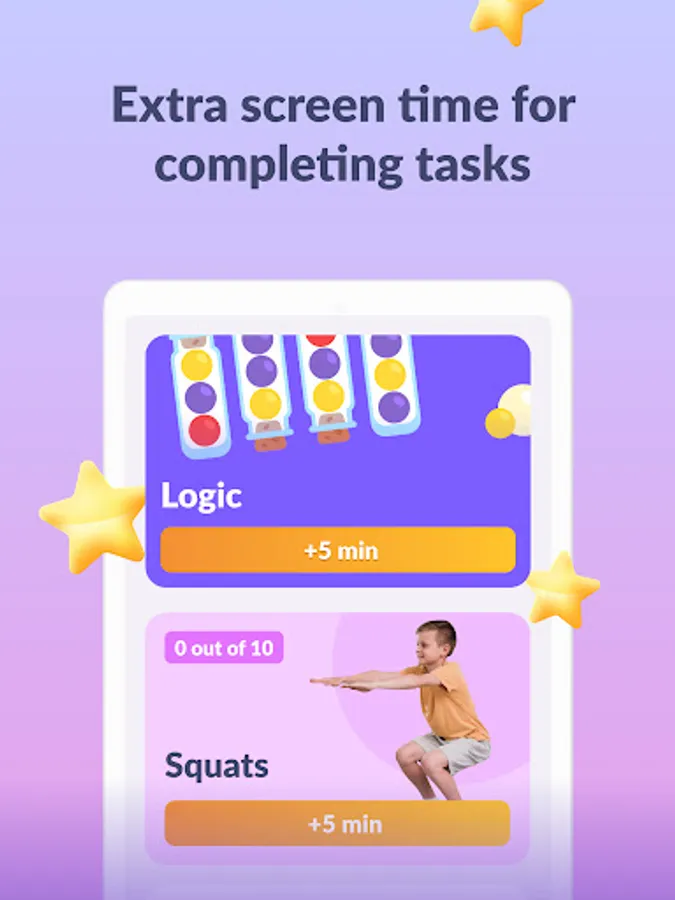
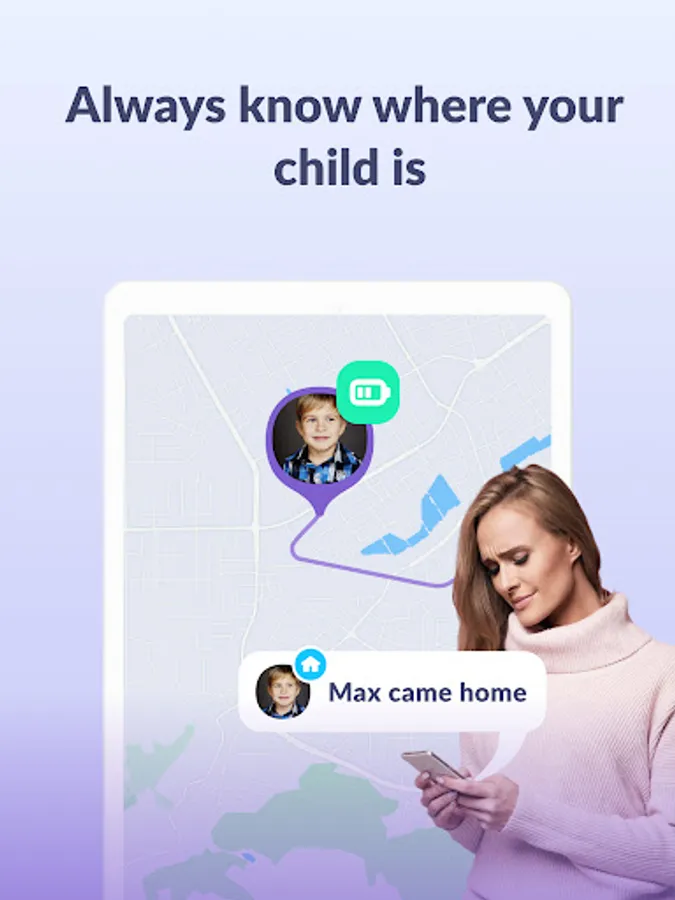
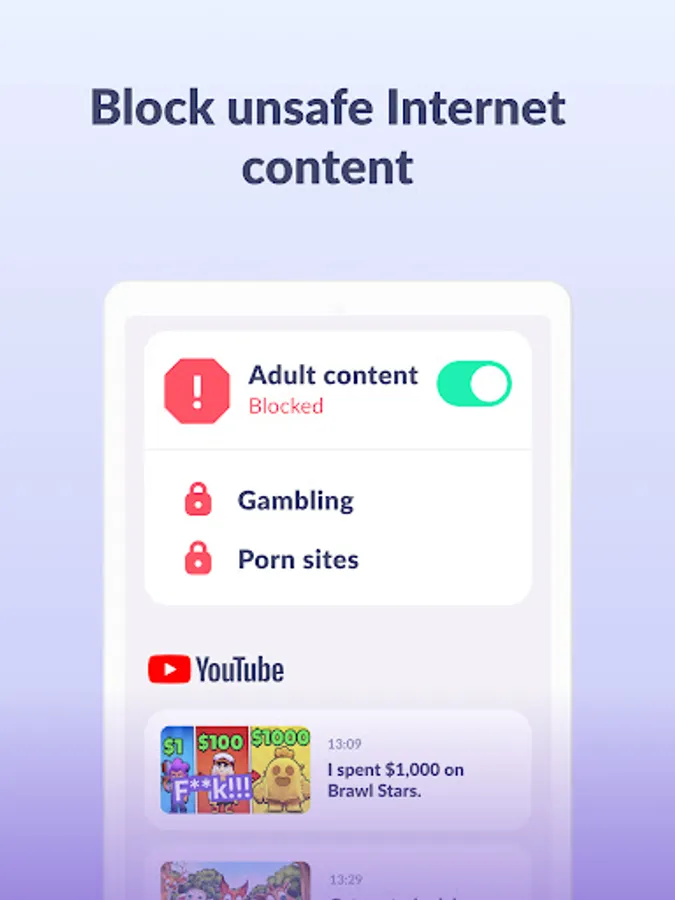
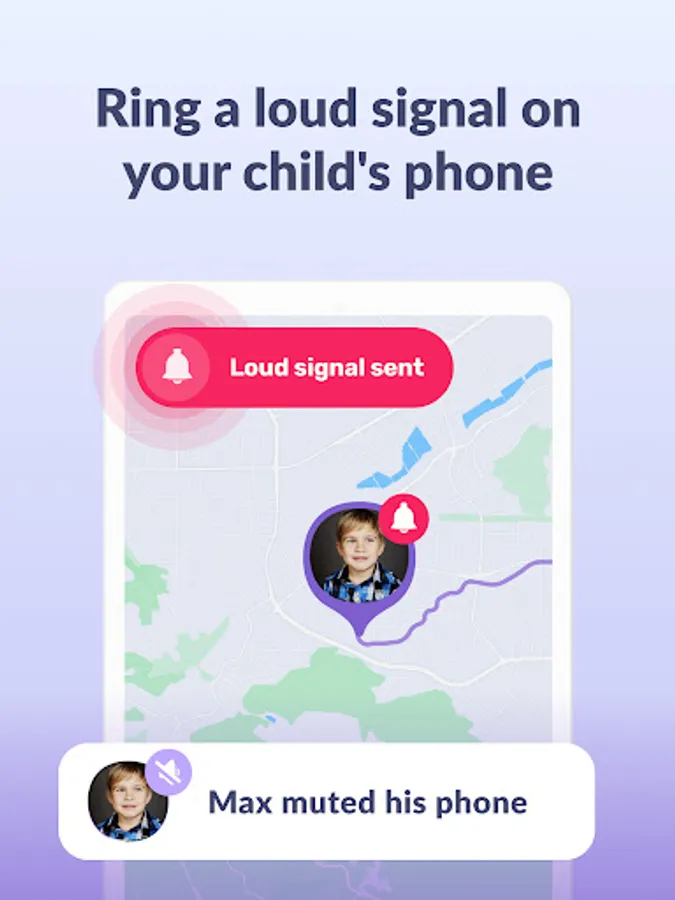
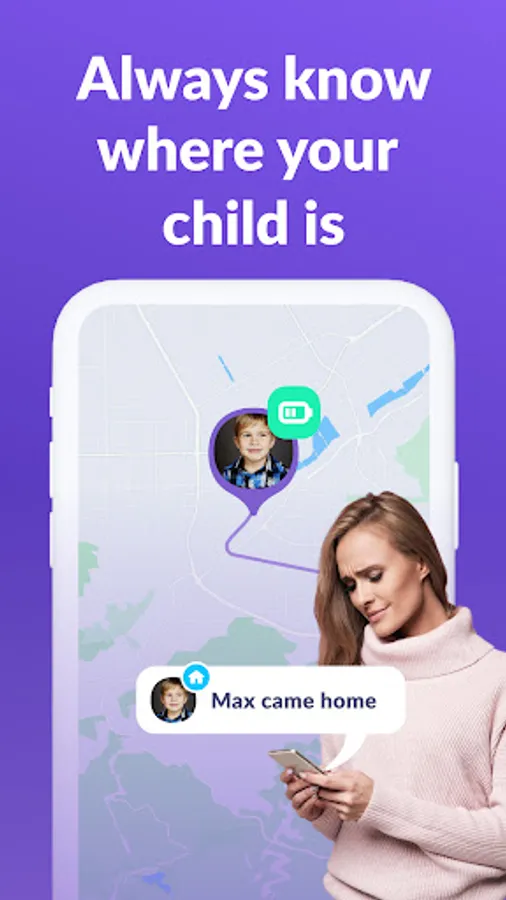
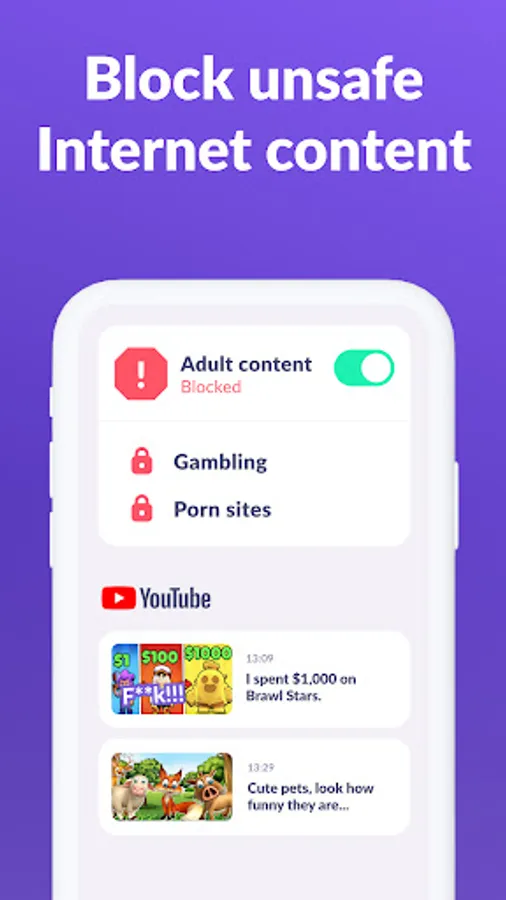
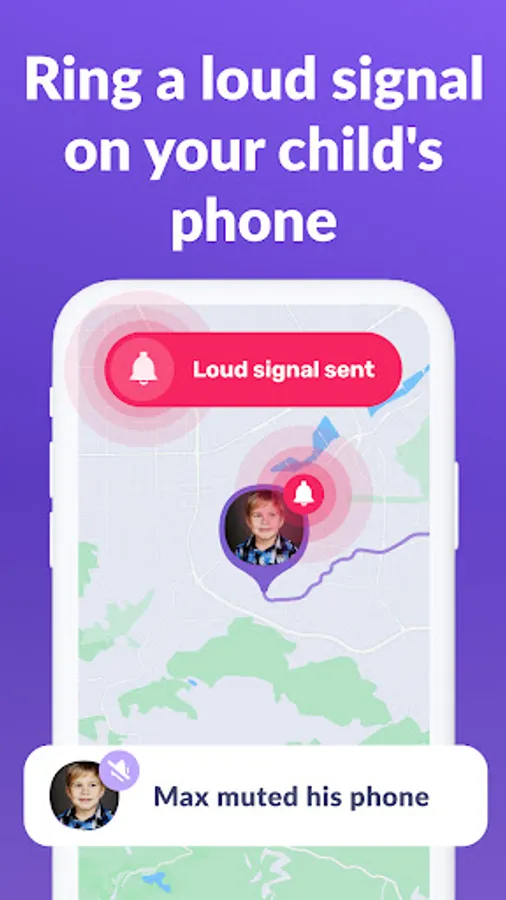
Kids360: Parental control helps limit screen time, offers an app lock, tracks usage time, and provides educational games. Ensure family safety, manage device usage, and enjoy happy kids. Set time limits, block apps, track GPS, monitor app activity, and keep children safe online with parental control functions.
The Kids360 and Alli360 parental control apps work together and have the following features:
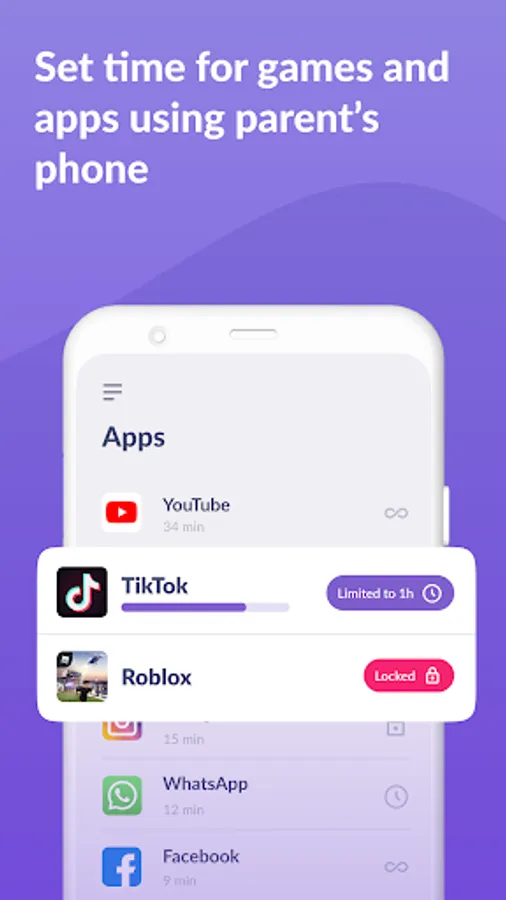
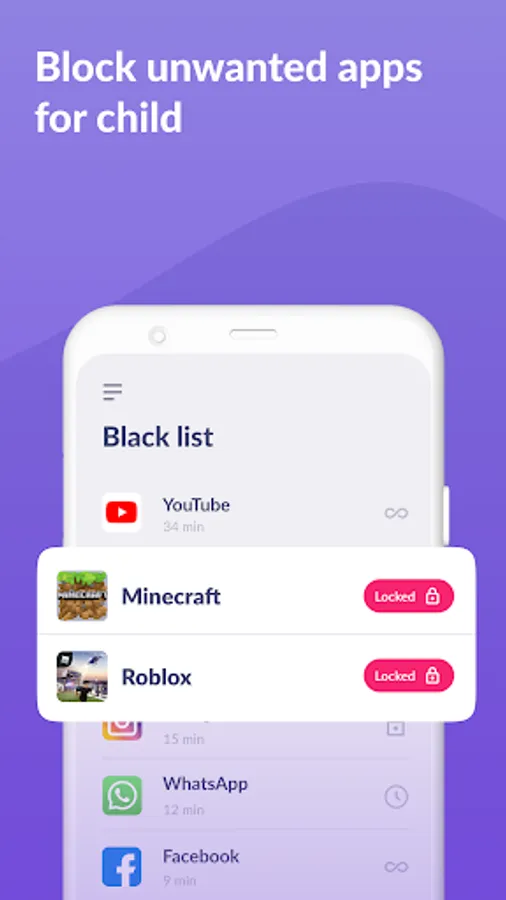
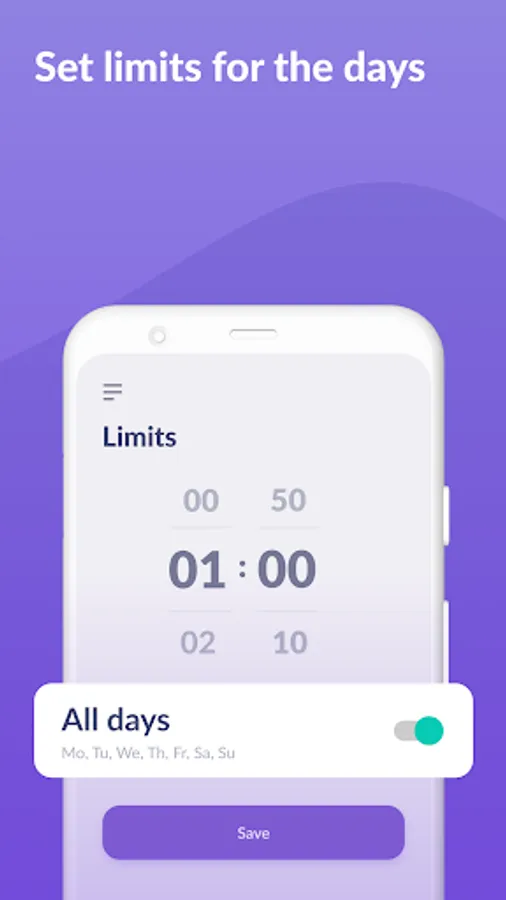
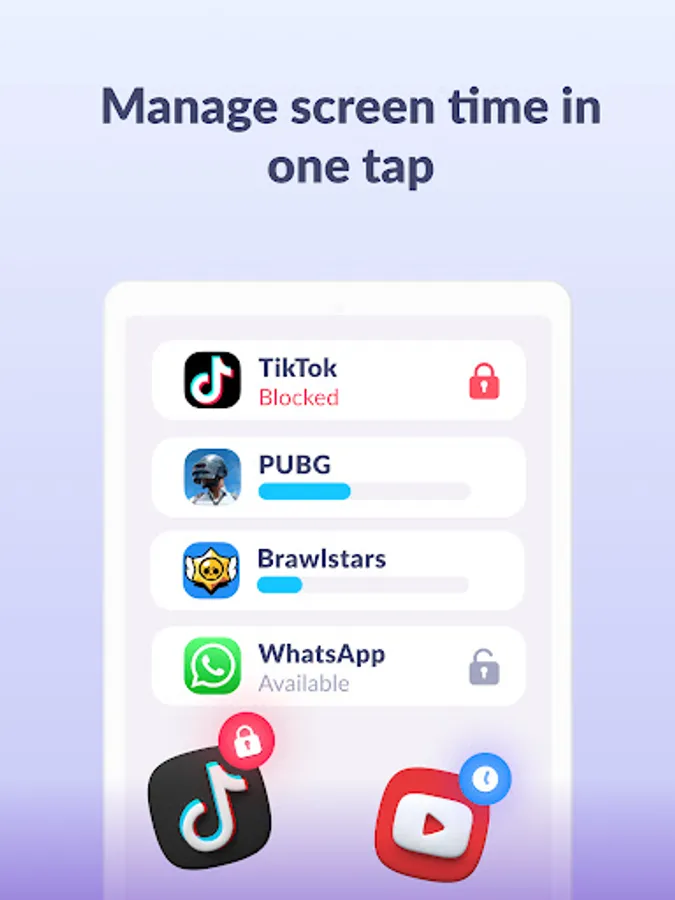
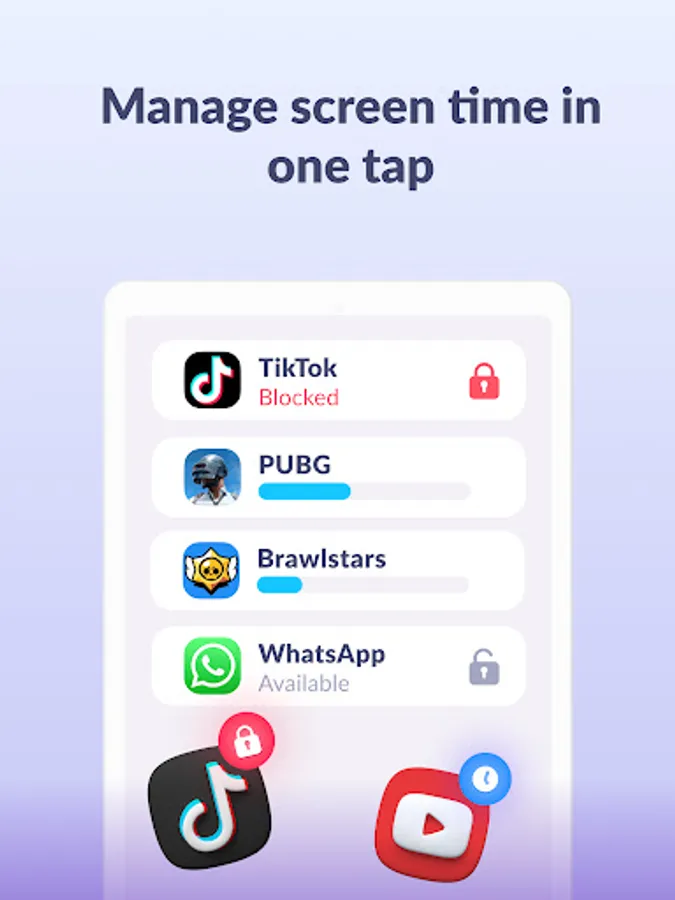
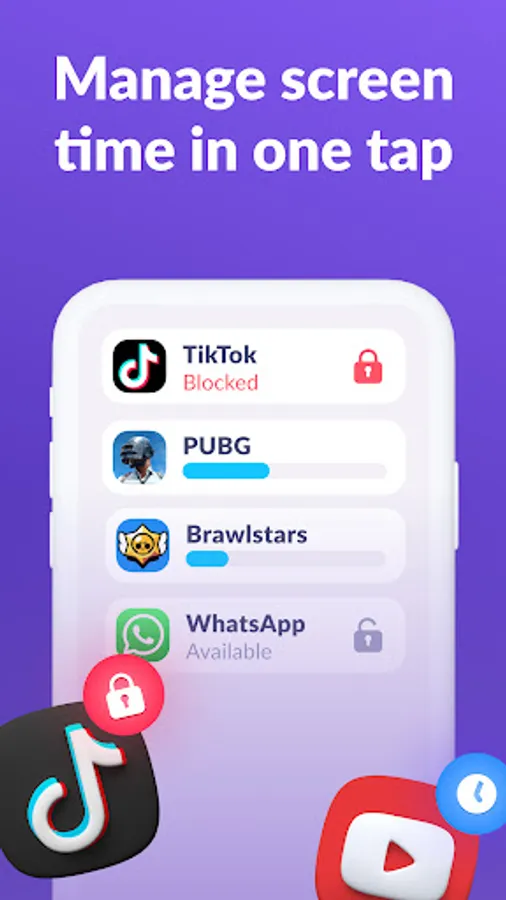
App usage limiter - Set a screen time limit on your child's phone for distracting apps, games and social media, the app will behave like a child lock app. It also enables child lock, kids mode.
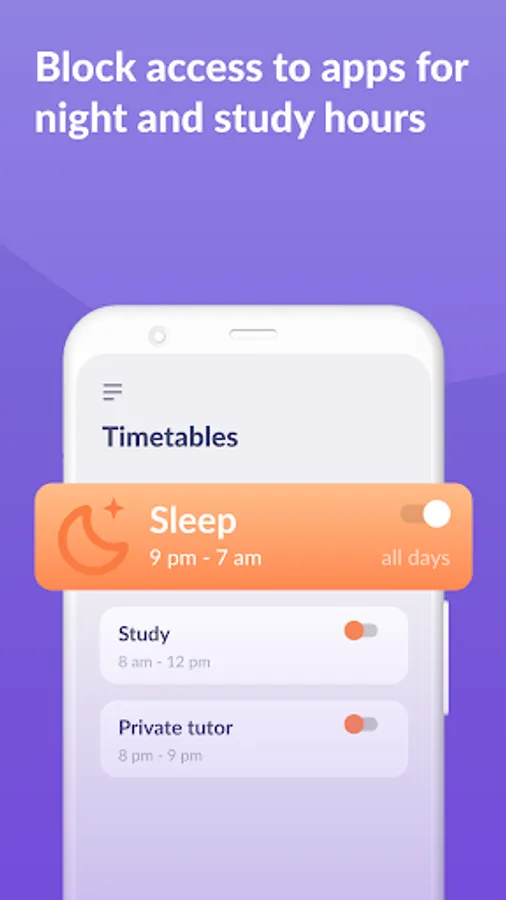
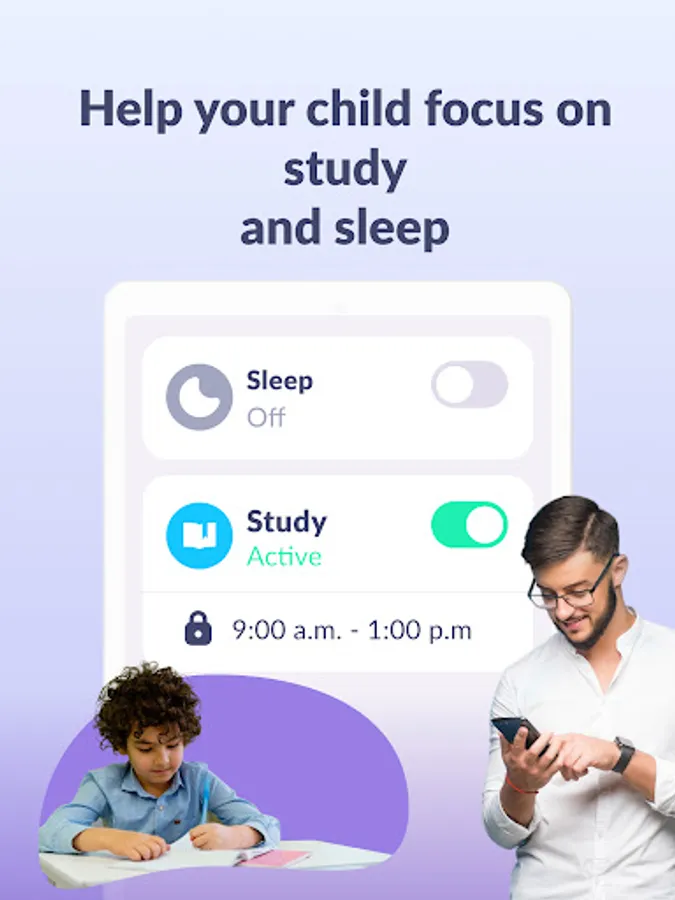
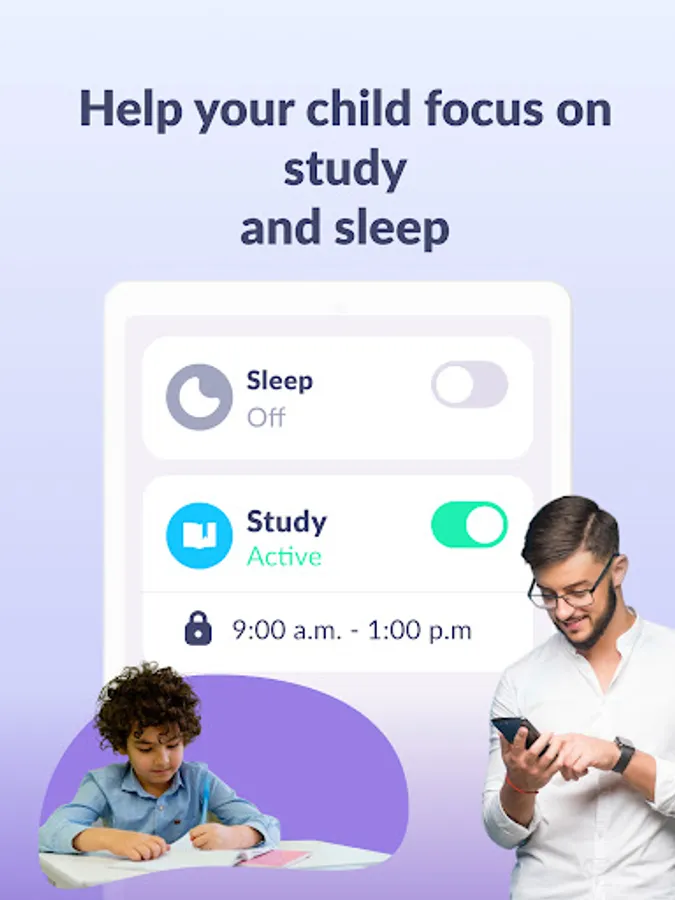
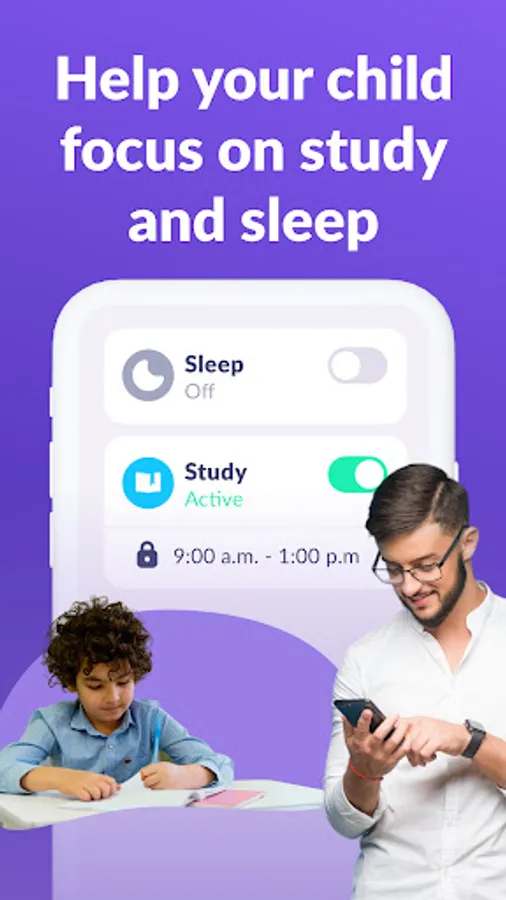
Usage schedule - Select the child's schedule for productive schooltime and a recovering sleep during bedtime. The child monitoring app & child lock will take into account the time your child spends on games, social media and entertainment apps and will limit their usage as well as limit phone usage
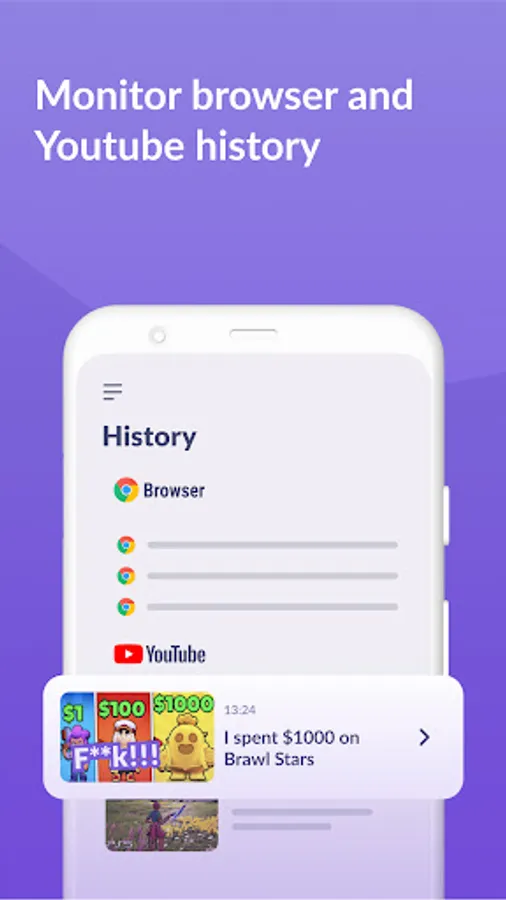
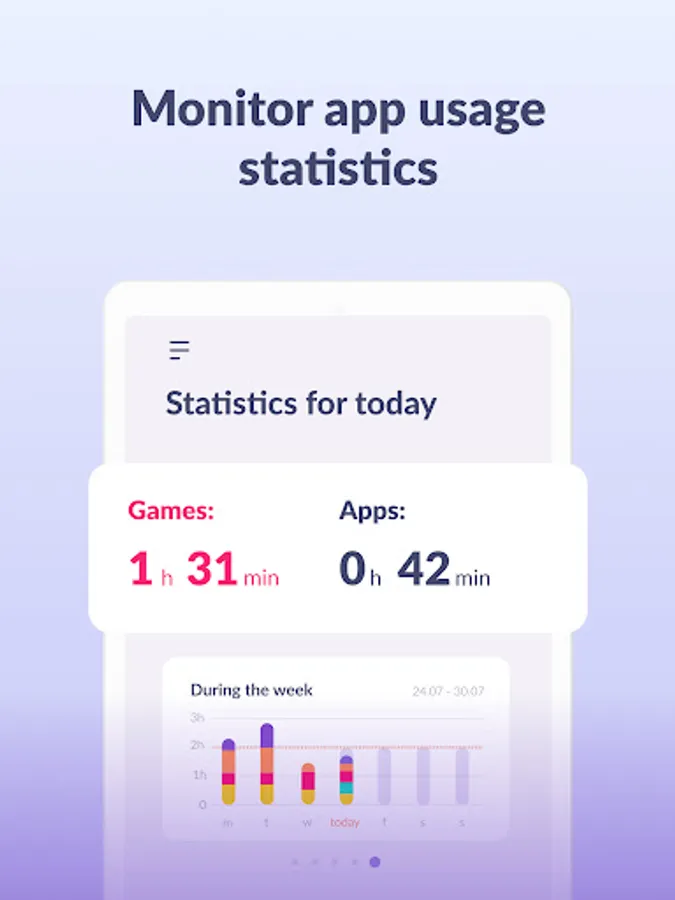
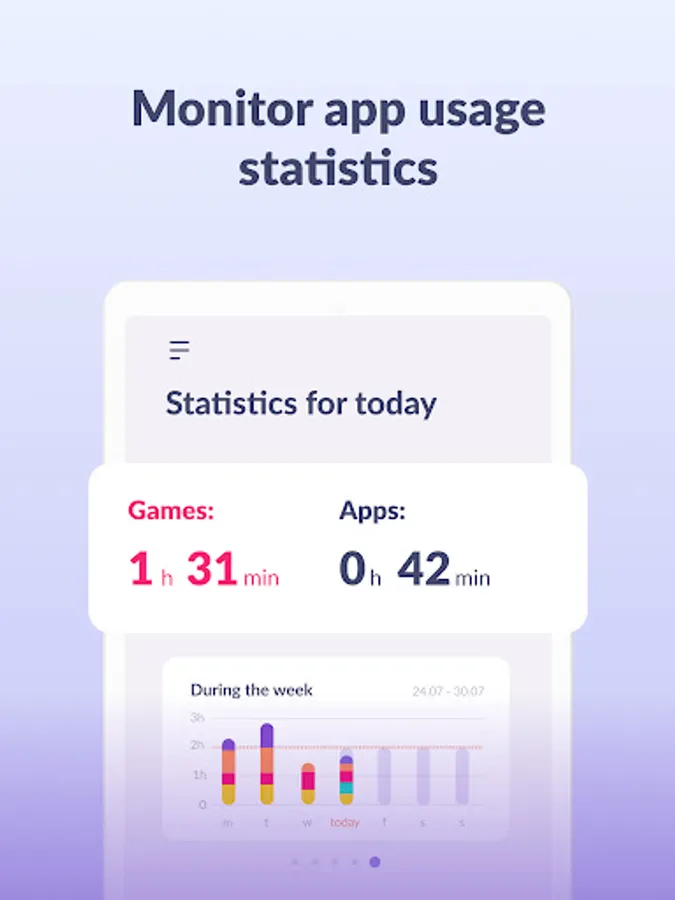
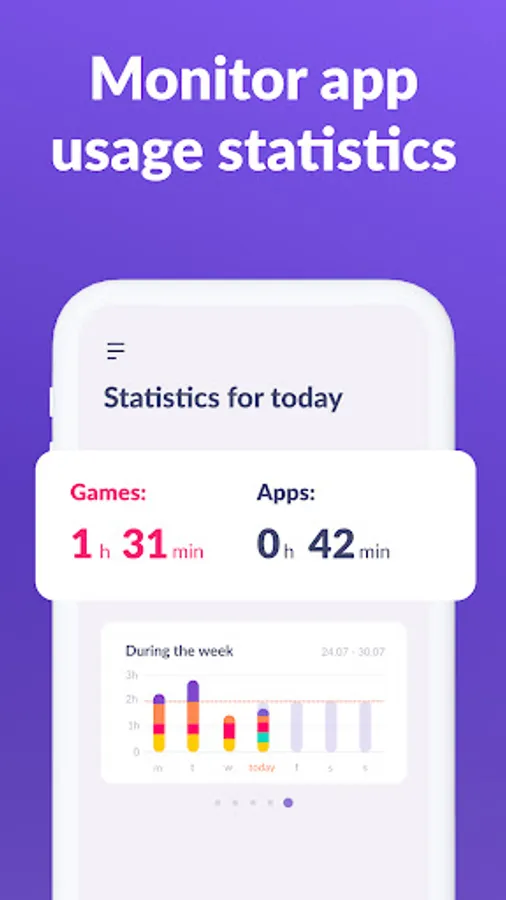
Apps statistics - Find out what apps and your child is using and for how long, see if they play during class instead of studying.
Screen time - Our child monitoring app shows how much time your child spends on their phone and helps identify the apps that occupy your child the most, enable kid control.
Stay in touch - Essential apps for calls, texts, taxis and other non-gaming and social networking apps are always available so you won't lose contact with your child
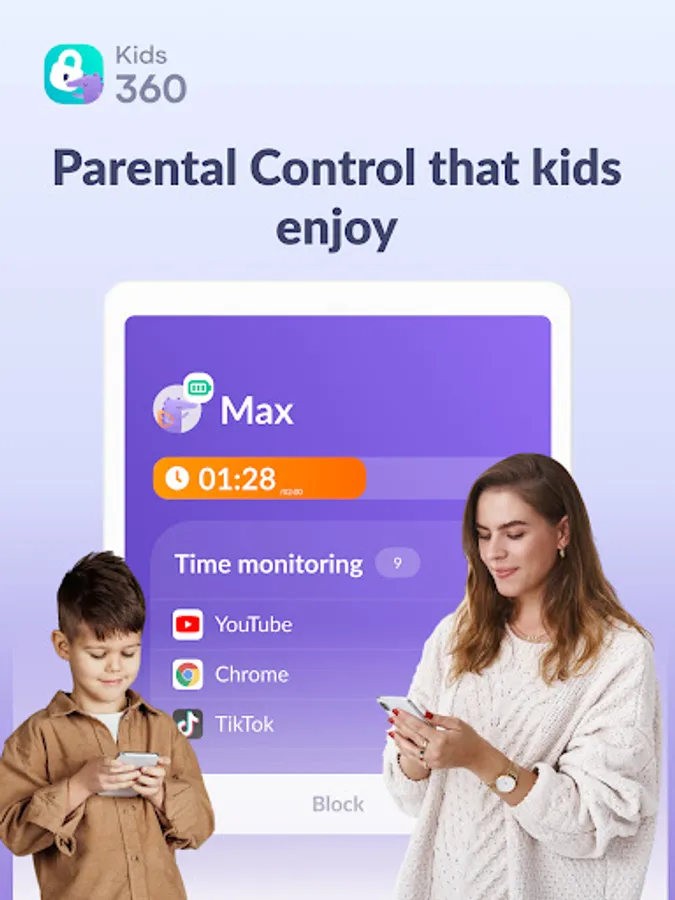
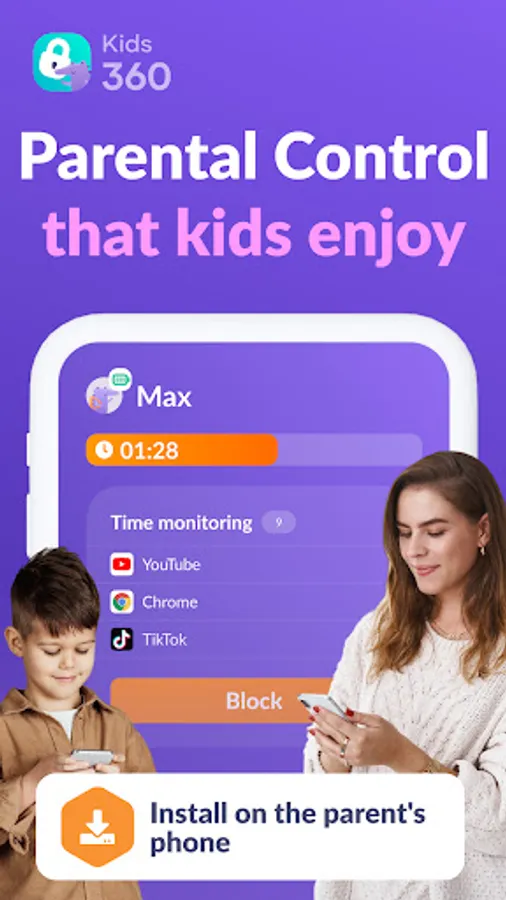
Kids360 is a child monitoring app & child lock designed for their safety and helps parents monitor screen time on their child's phone. With our mobile app tracker, you will always know how much time your child spends on their phone, what games they play and what apps they use most often.
The app cannot be installed secretly, use is permissible only with the child’s consent. Personal data is stored in strict compliance with the law and the GDPR policy.
Install the Alli360 on your child's smartphone. The app will run on your child's phone in app tracker mode, plus your child can't just delete it. You will only be able to see what apps your child is using when both apps are fully set and all permissions are given. After setting up the parental control app, you will be able to adjust the screen time on your child's phone.
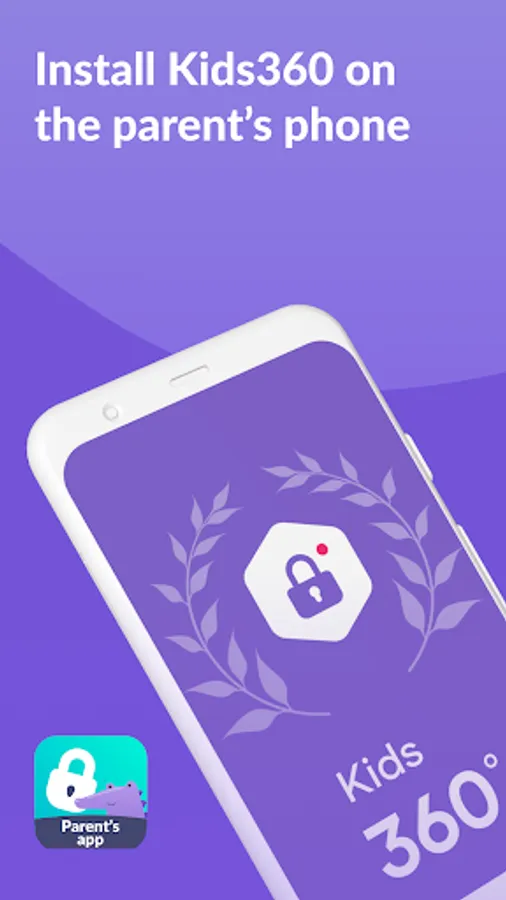
How to start using Kids360:
install Kids360 on your phone
install Alli360 on your child’s phone and enter the code you see in Kids360
allow monitoring of your child's smartphone in the Kids360 app
You can see your child's screen time on your smartphone for free once your child's device is connected. Time management features in apps (scheduling, blocking apps) are available both in a trial period and with a paid subscription.
The Kids360: parental control app asks for the following permissions:
1. Display over other apps - to block applications when time has run out
2. Special access- to limit screen time
3. Access to usage data - to collect statistics about the apps' running time
4. Autorun - to keep the app tracker running on your child's device at all times
5. Device administrator - to protect against unauthorised deletion and keep kids mode
If you have technical problems, you can always contact Kids360's 24/7 support team by e-mail support@kids360.app
The Kids360 and Alli360 parental control apps work together and have the following features:
App usage limiter - Set a screen time limit on your child's phone for distracting apps, games and social media, the app will behave like a child lock app. It also enables child lock, kids mode.
Usage schedule - Select the child's schedule for productive schooltime and a recovering sleep during bedtime. The child monitoring app & child lock will take into account the time your child spends on games, social media and entertainment apps and will limit their usage as well as limit phone usage
Apps statistics - Find out what apps and your child is using and for how long, see if they play during class instead of studying.
Screen time - Our child monitoring app shows how much time your child spends on their phone and helps identify the apps that occupy your child the most, enable kid control.
Stay in touch - Essential apps for calls, texts, taxis and other non-gaming and social networking apps are always available so you won't lose contact with your child
Kids360 is a child monitoring app & child lock designed for their safety and helps parents monitor screen time on their child's phone. With our mobile app tracker, you will always know how much time your child spends on their phone, what games they play and what apps they use most often.
The app cannot be installed secretly, use is permissible only with the child’s consent. Personal data is stored in strict compliance with the law and the GDPR policy.
Install the Alli360 on your child's smartphone. The app will run on your child's phone in app tracker mode, plus your child can't just delete it. You will only be able to see what apps your child is using when both apps are fully set and all permissions are given. After setting up the parental control app, you will be able to adjust the screen time on your child's phone.
How to start using Kids360:
install Kids360 on your phone
install Alli360 on your child’s phone and enter the code you see in Kids360
allow monitoring of your child's smartphone in the Kids360 app
You can see your child's screen time on your smartphone for free once your child's device is connected. Time management features in apps (scheduling, blocking apps) are available both in a trial period and with a paid subscription.
The Kids360: parental control app asks for the following permissions:
1. Display over other apps - to block applications when time has run out
2. Special access- to limit screen time
3. Access to usage data - to collect statistics about the apps' running time
4. Autorun - to keep the app tracker running on your child's device at all times
5. Device administrator - to protect against unauthorised deletion and keep kids mode
If you have technical problems, you can always contact Kids360's 24/7 support team by e-mail support@kids360.app
Kids360: Parental Control App Screenshots
Tap to Rate:
Reviews for Kids360: Parental Control App
naim hayy
12/30/2025
Good apps
Angelica Nica
12/29/2025
it is great