
Lime Launcher - Minimal & fast
Pinya Apps
3.9 ★
741 ratings
100,000+
downloads
Free
+ in-app
With this Android launcher, you can organize your apps with a clean interface and customize icon packs or gestures. Includes privacy features, open-source code, and options for hiding elements and adjusting appearance.
AppRecs review analysis
AppRecs rating 3.9. Trustworthiness 84 out of 100. Review manipulation risk 24 out of 100. Based on a review sample analyzed.
★★★☆☆
3.9
AppRecs Rating
Ratings breakdown
5 star
50%
4 star
18%
3 star
12%
2 star
7%
1 star
12%
What to know
✓
Low review manipulation risk
24% review manipulation risk
✓
Credible reviews
84% trustworthiness score from analyzed reviews
✓
Good user ratings
68% positive sampled reviews
About Lime Launcher - Minimal & fast
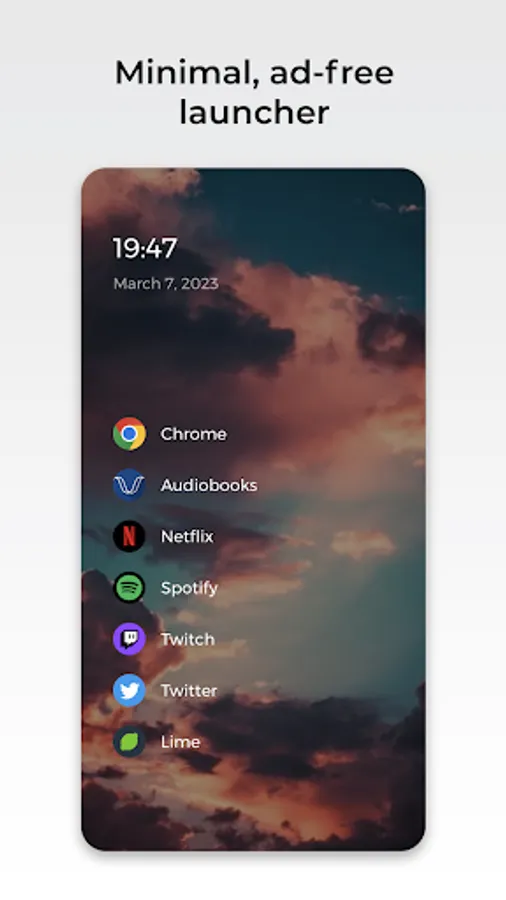
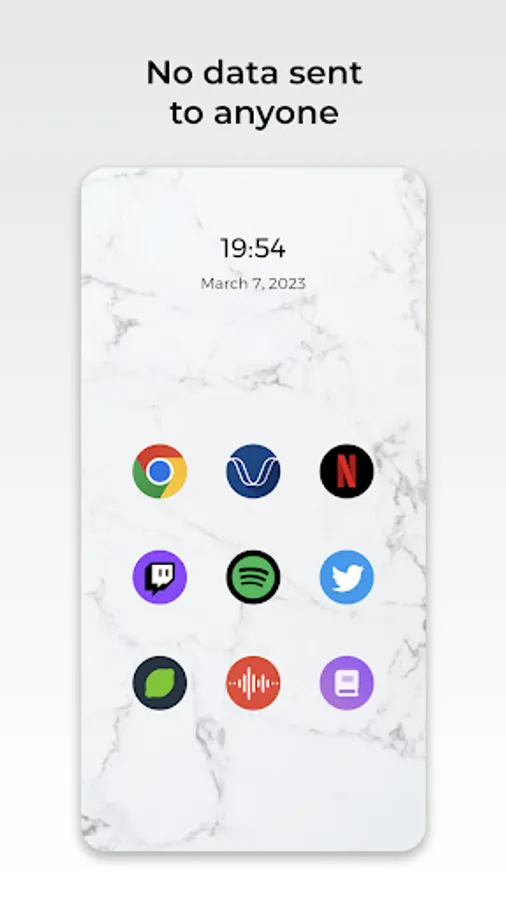
Introducing Lime Launcher - the minimalistic Android launcher that puts simplicity and efficiency first. With a clean and straightforward design, this launcher makes it easy to access and organize your apps.
Some of the key features of Lime Launcher include:
- A clean and uncluttered home screen that puts your most important apps front and center.
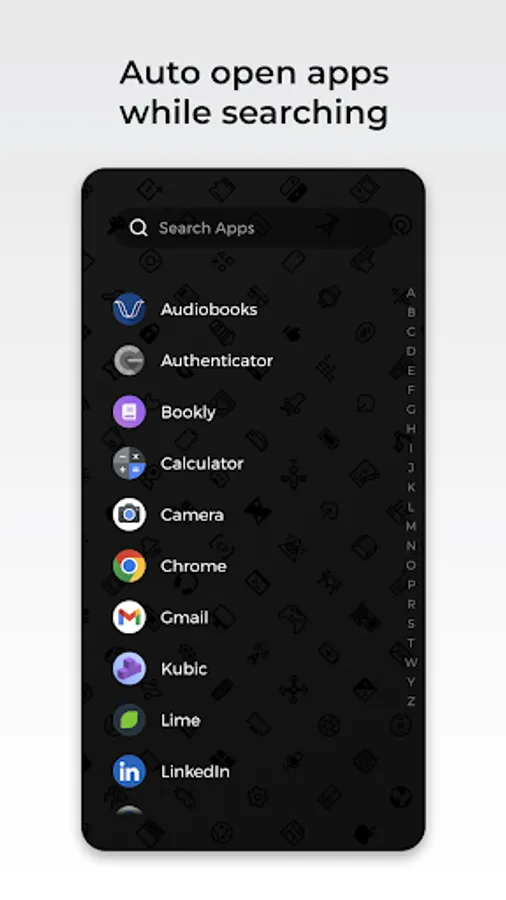
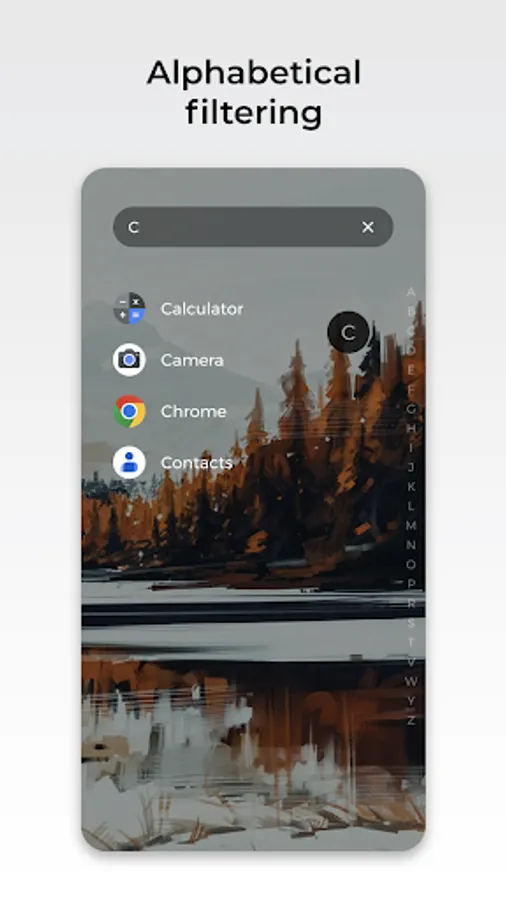
- A powerful app drawer that lets you quickly search and automatically open apps.
- A strong emphasis on privacy, with no data ever being sent to anyone and the code being open source.
- No ads to distract or disrupt your experience.
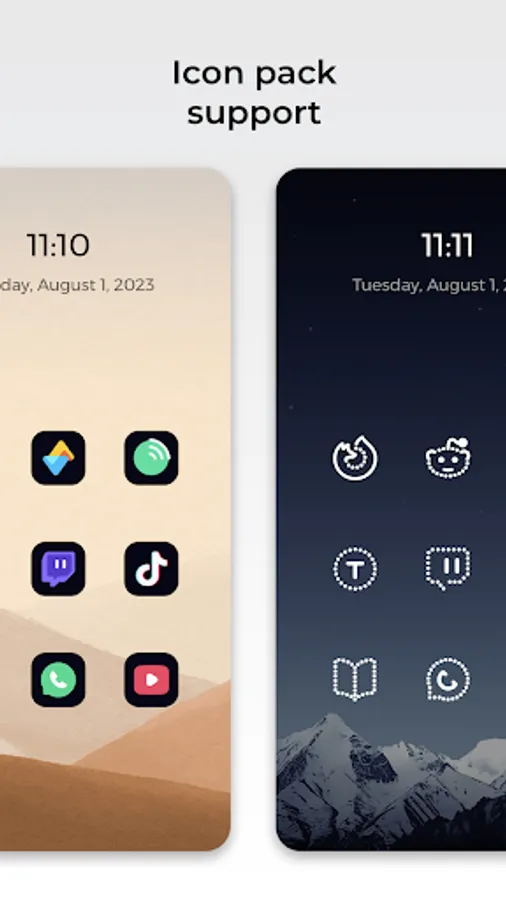
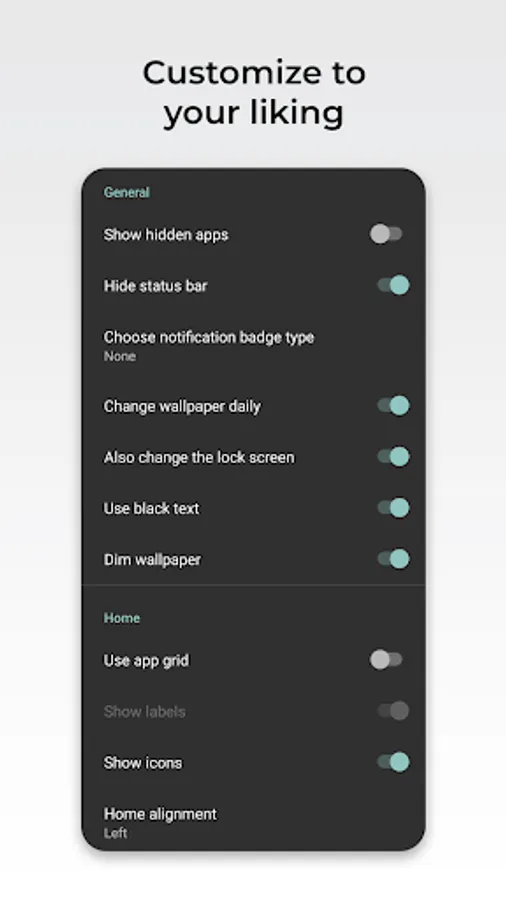
- Large range of customization options. You can use any icon pack, lock your phone with a double-tap, hide the status bar, and show notification badges.
Whether you're looking for a launcher that's easy to use or one that simply gets out of your way, Lime Launcher is the perfect choice. So if you want a minimalistic, hassle-free experience on your Android device that also prioritizes your privacy and is ad-free, give Lime Launcher a try today!
Accessibility Service:
Our Accessibility Service is used exclusively to let you turn off your phone's screen with a double-tap or swipe gesture. It is optional, disabled by default and doesn't collect or share any data.
Some of the key features of Lime Launcher include:
- A clean and uncluttered home screen that puts your most important apps front and center.
- A powerful app drawer that lets you quickly search and automatically open apps.
- A strong emphasis on privacy, with no data ever being sent to anyone and the code being open source.
- No ads to distract or disrupt your experience.
- Large range of customization options. You can use any icon pack, lock your phone with a double-tap, hide the status bar, and show notification badges.
Whether you're looking for a launcher that's easy to use or one that simply gets out of your way, Lime Launcher is the perfect choice. So if you want a minimalistic, hassle-free experience on your Android device that also prioritizes your privacy and is ad-free, give Lime Launcher a try today!
Accessibility Service:
Our Accessibility Service is used exclusively to let you turn off your phone's screen with a double-tap or swipe gesture. It is optional, disabled by default and doesn't collect or share any data.
Lime Launcher - Minimal & fast Screenshots
Tap to Rate:
Reviews for Lime Launcher - Minimal & fast
Rupesh Ravi
12/12/2025
really gud
Caleb Kamrath
11/10/2025
no custom fonts, almost all customization features are paywalled