Password Manager - Clipboard
Naoki Otsu
3.4 ★
67 ratings
5,000+
downloads
Free
+ in-app
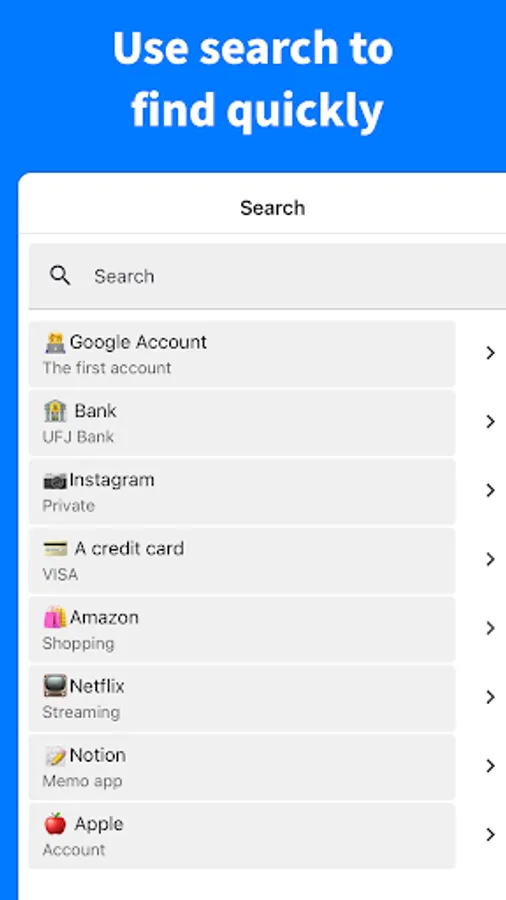
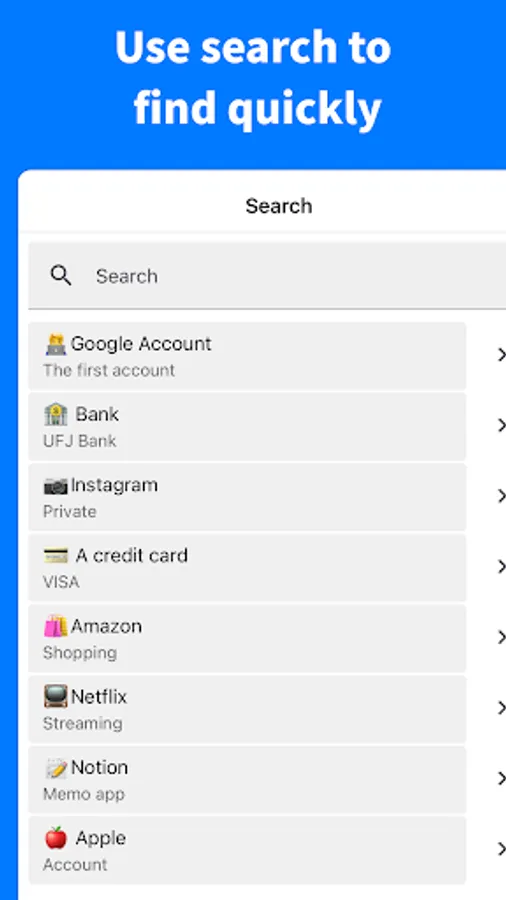
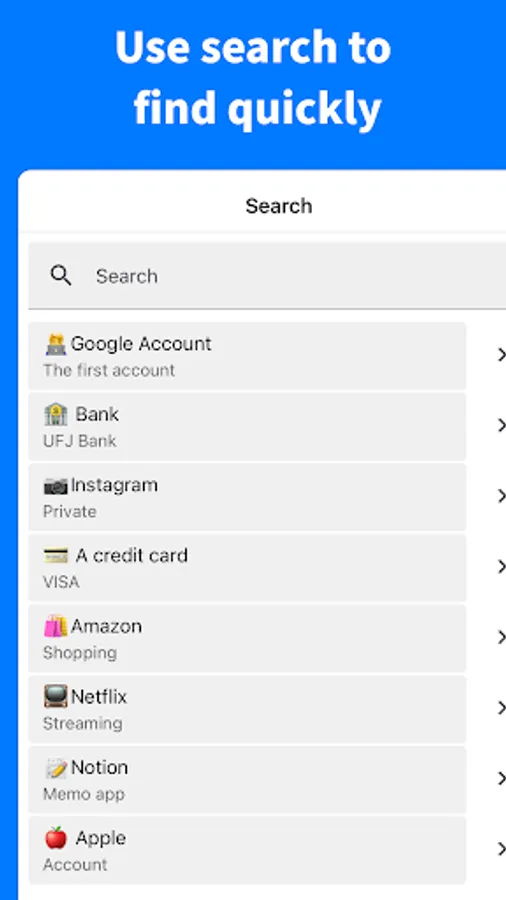
In this password manager app, you can securely store and quickly access your passwords with biometric authentication and tab notes. Includes unlimited tab creation, CSV export, dark mode, and local data protection.
AppRecs review analysis
AppRecs rating 3.4. Trustworthiness 83 out of 100. Review manipulation risk 37 out of 100. Based on a review sample analyzed.
★★★☆☆
3.4
AppRecs Rating
Ratings breakdown
5 star
38%
4 star
12%
3 star
12%
2 star
25%
1 star
12%
What to know
✓
Credible reviews
83% trustworthiness score from analyzed reviews
✓
Authentic reviews
Natural distribution, no red flags
⚠
High negative review ratio
37% of sampled ratings are 1–2 stars
About Password Manager - Clipboard
A powerful and feature-rich password management app.
Start using it immediately without any login required.
Your data is completely protected and kept private.
This app perfectly solves all your password management, data organization, and security protection needs. Equipped with powerful features including unlimited tab creation, drag and drop, alphabetical sorting, dark mode, notification system, biometric authentication, CSV export, tab notes, and more to meet all your requirements.
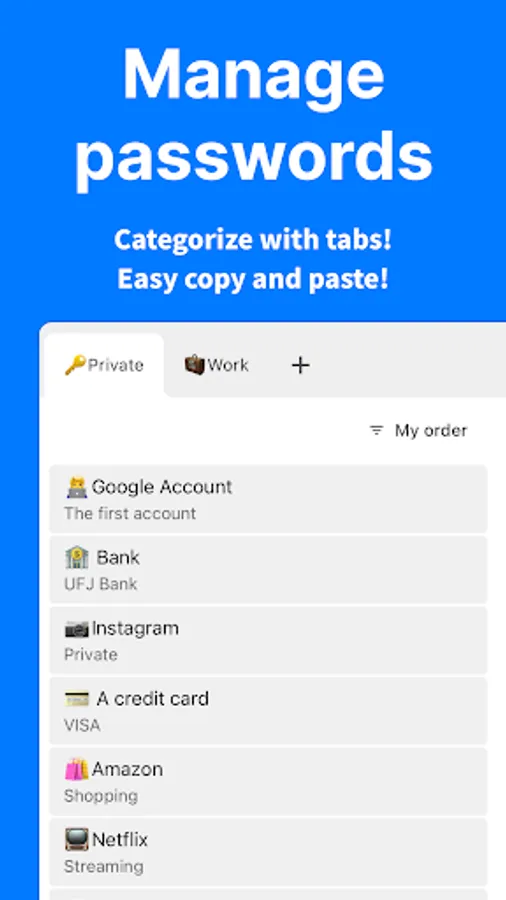
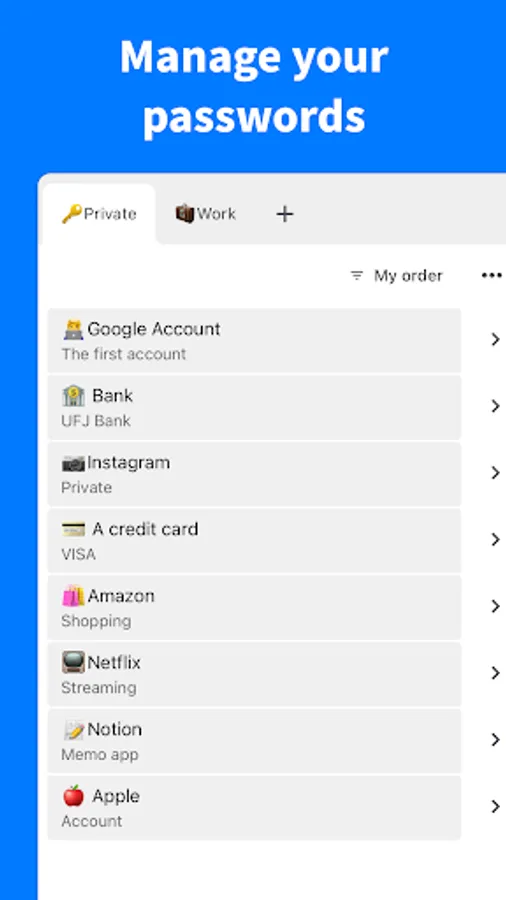
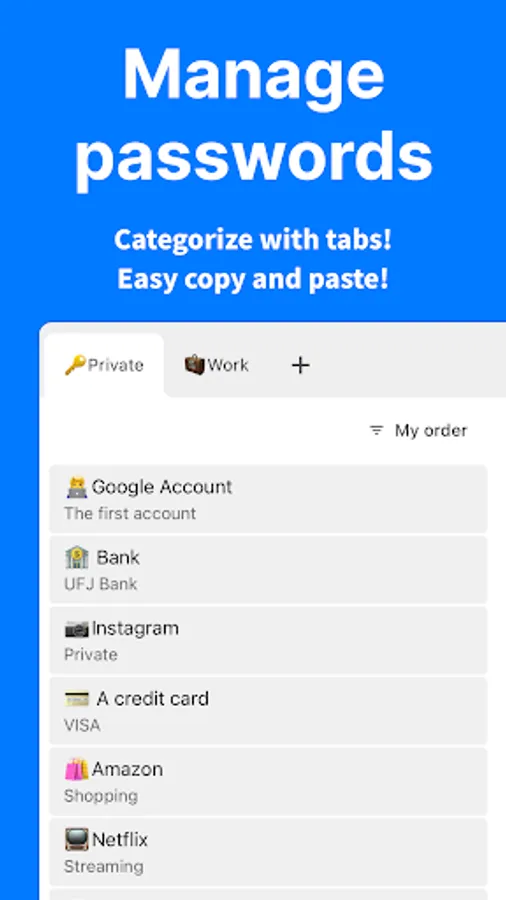
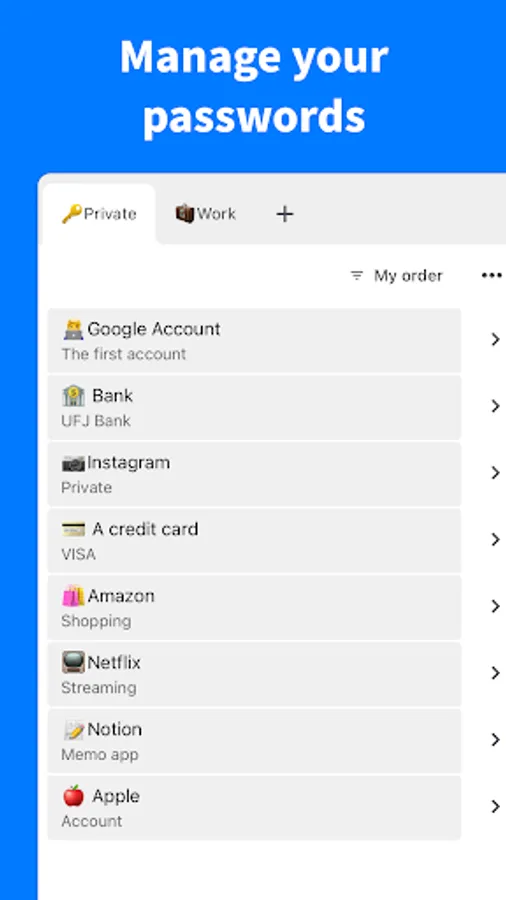
■ Password Management
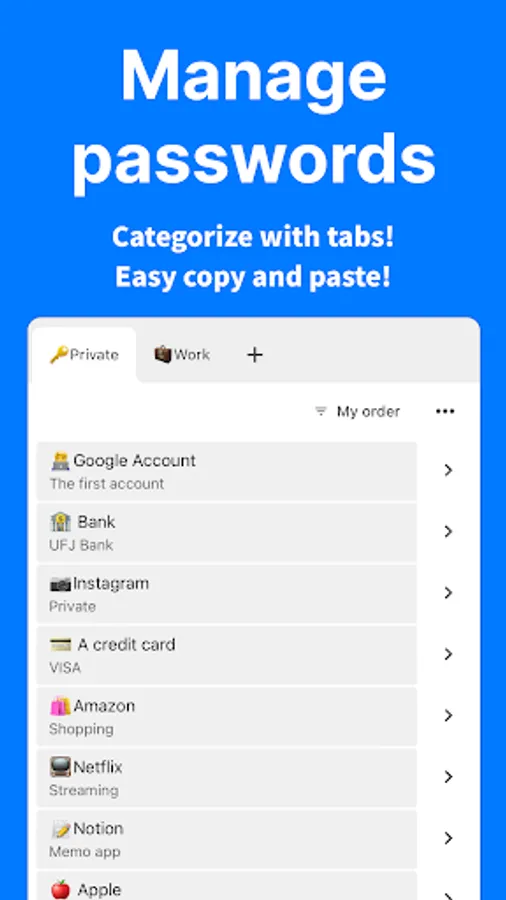
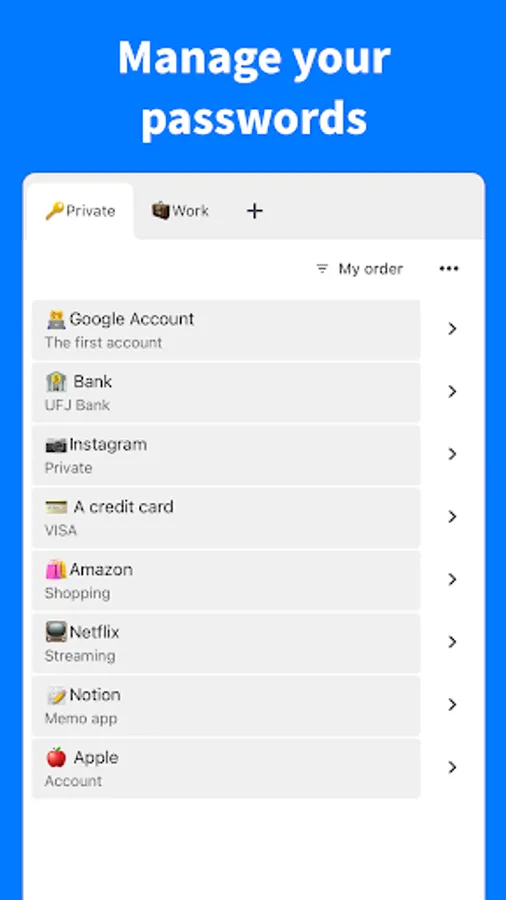
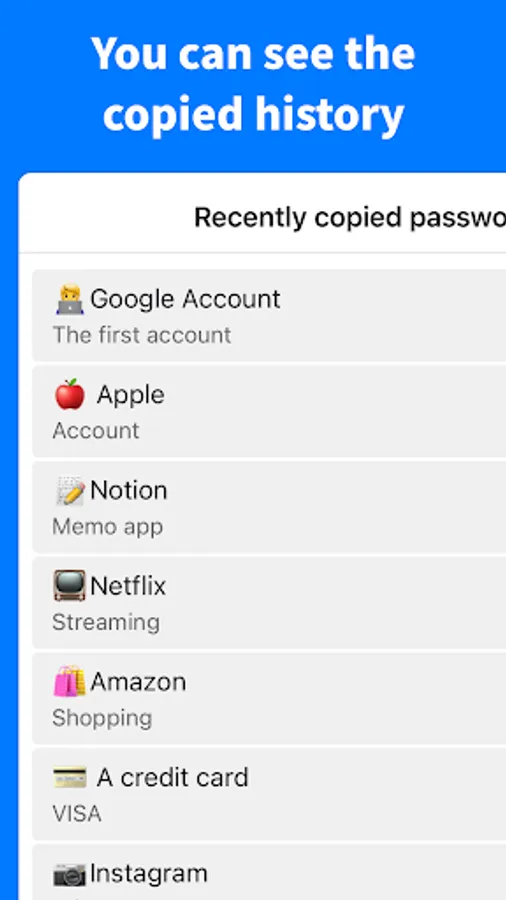
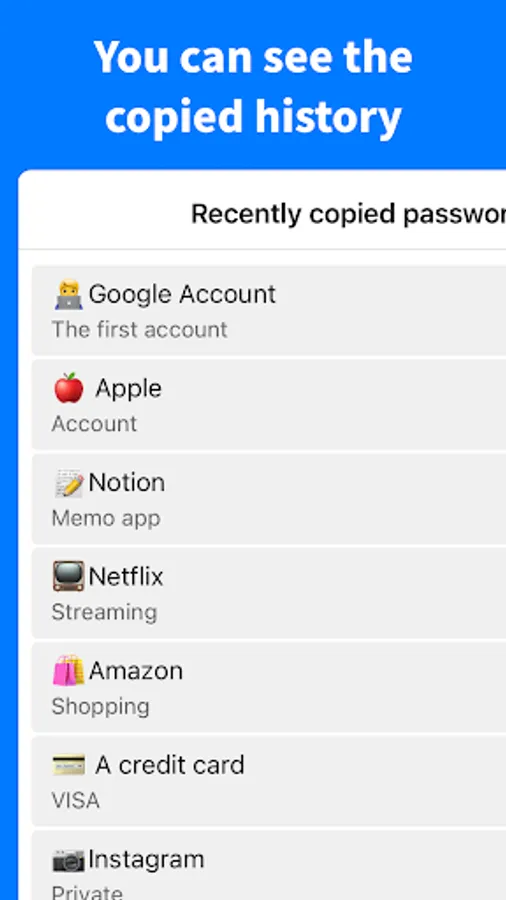
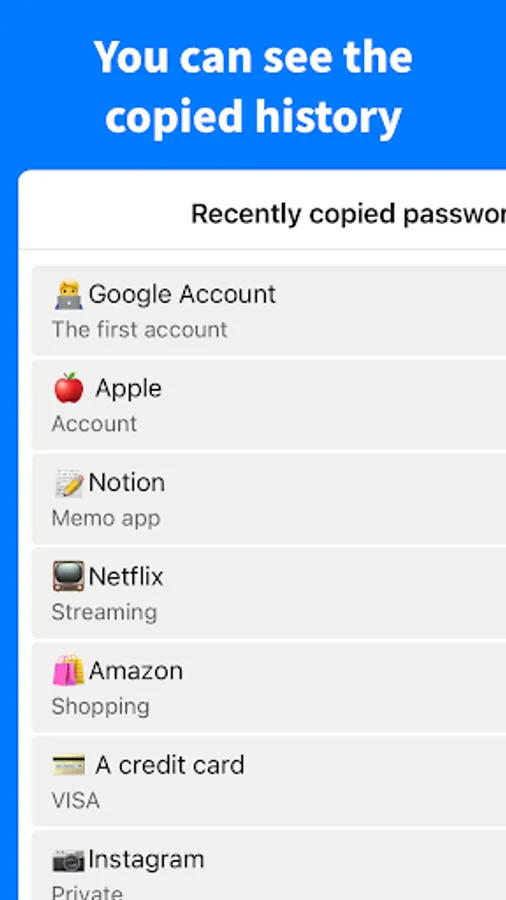
Securely store your important passwords and instantly copy and paste them when needed.
■ Unlimited Tab Management
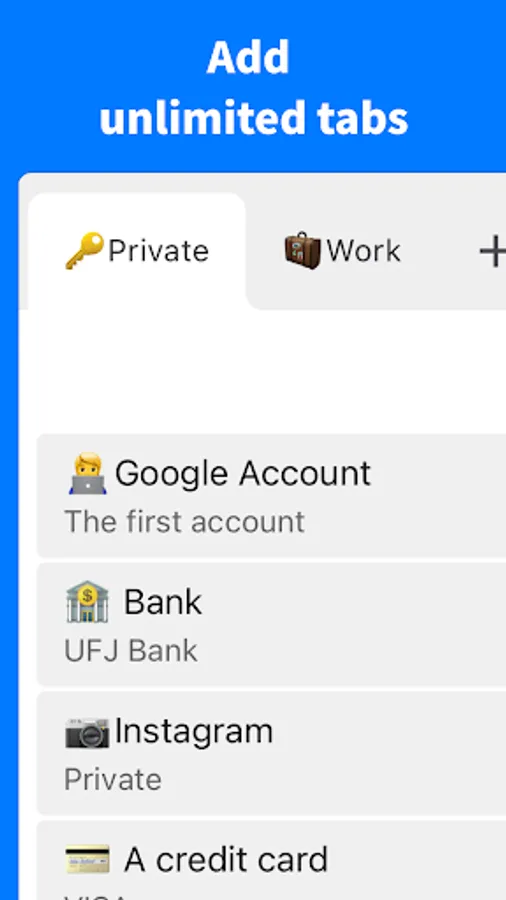
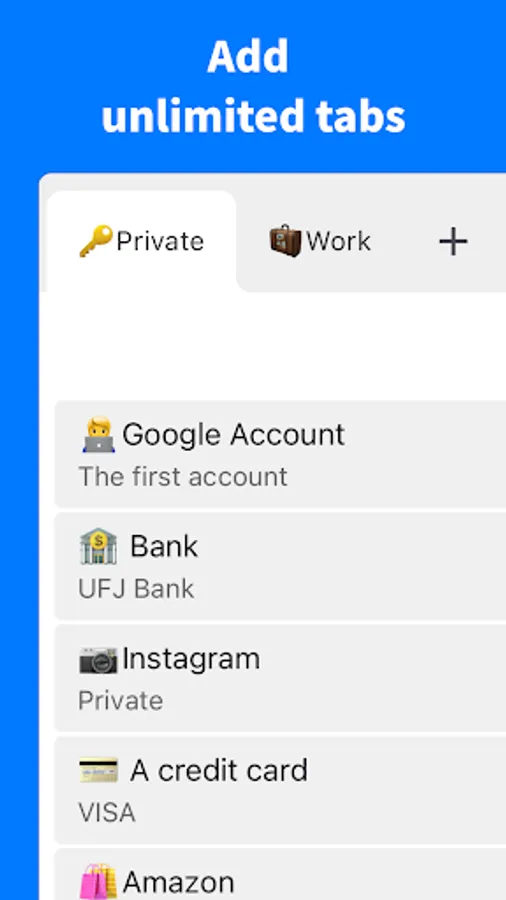
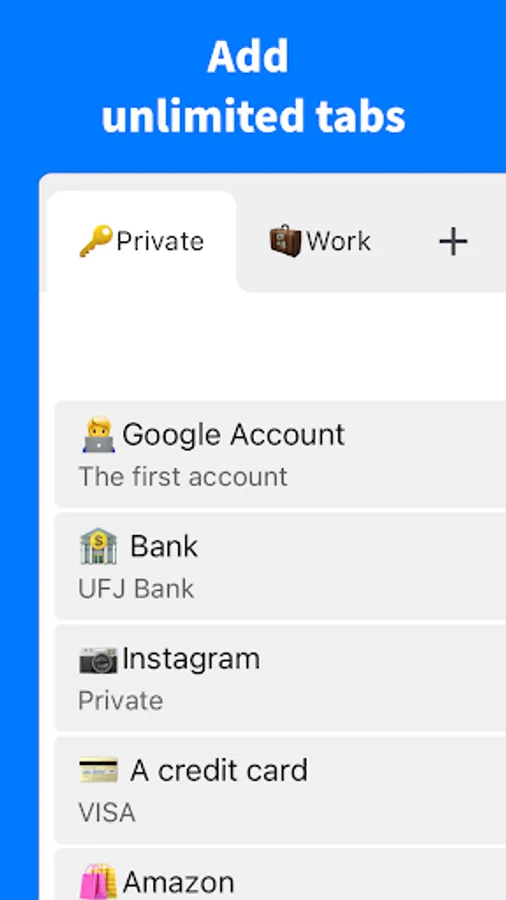
Create unlimited tabs and organize them perfectly by category.
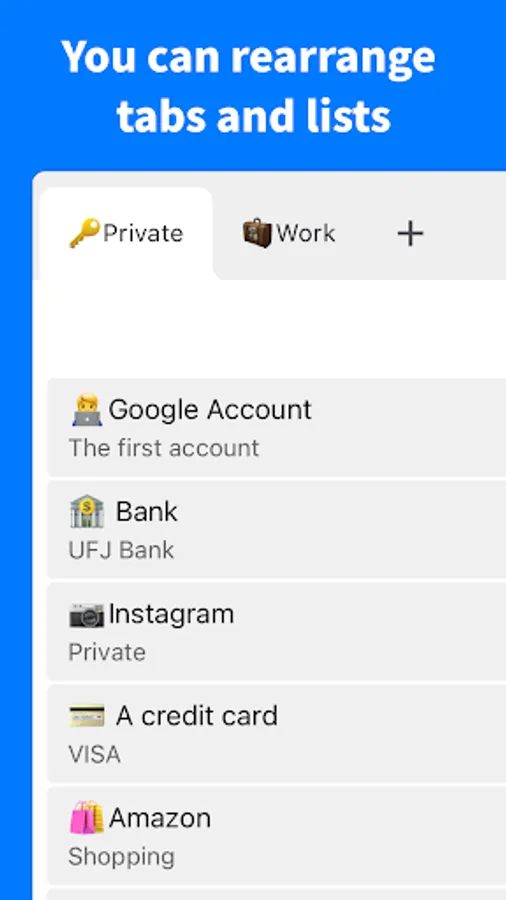
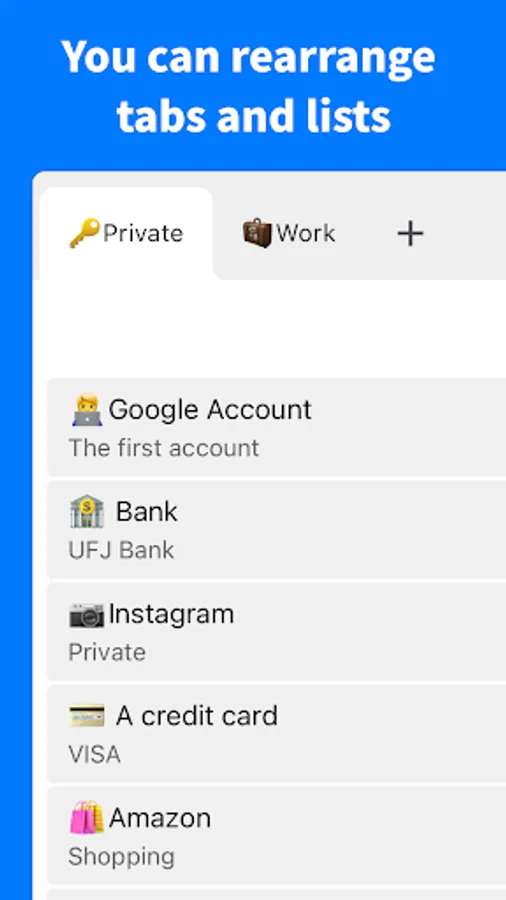
■ Flexible Rearrangement
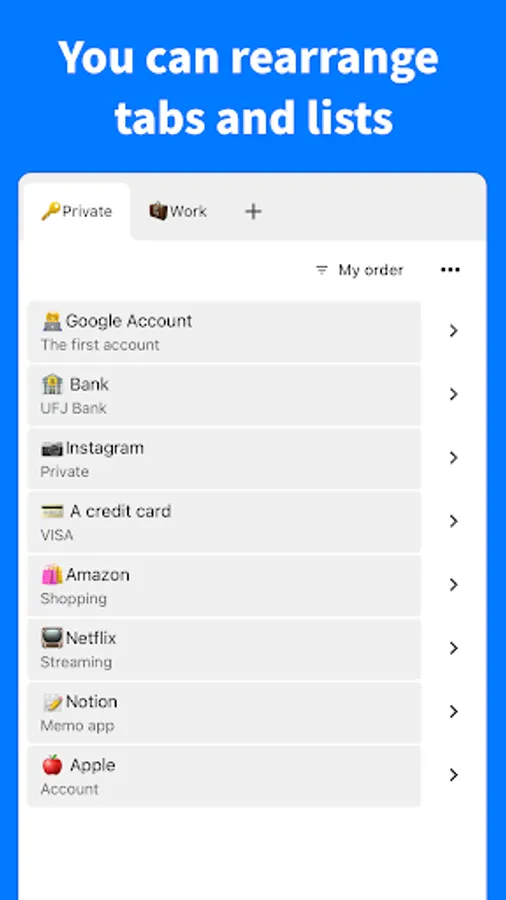
Freely rearrange tabs and tasks to achieve your optimal workflow.
■ Notification System
Receive notifications with your custom messages at specified times.
■ Biometric Authentication
Dramatically enhance your app security with biometric authentication.
■ CSV Export
Export all your data to CSV files for complete backup protection.
■ Tab Notes
Leave important notes on tabs for efficient information management.
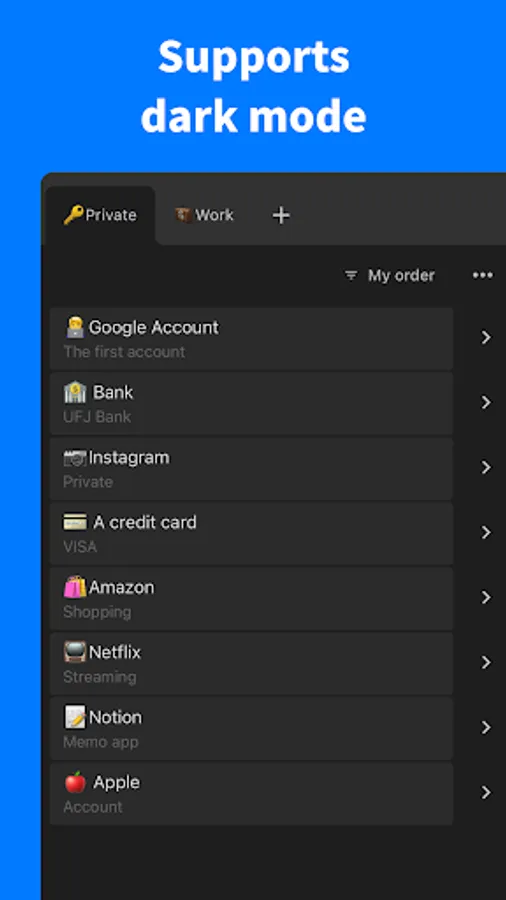
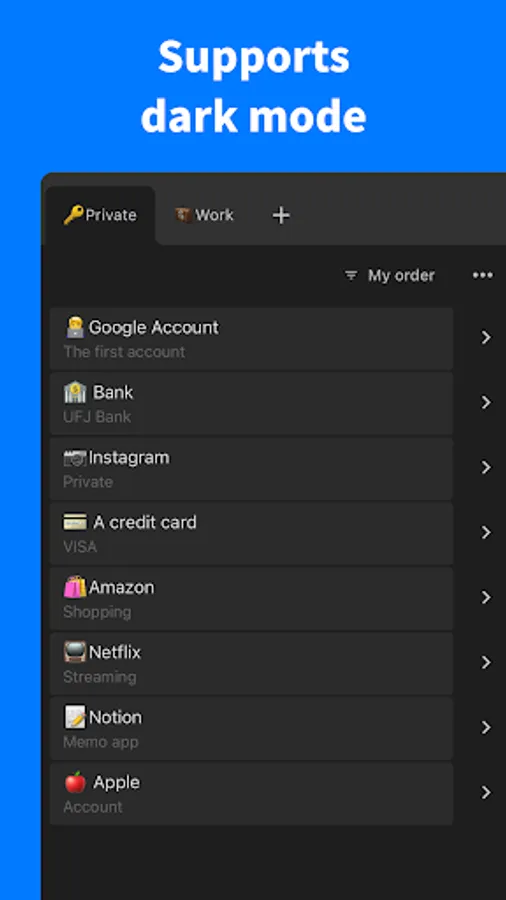
■ Dark Mode Support
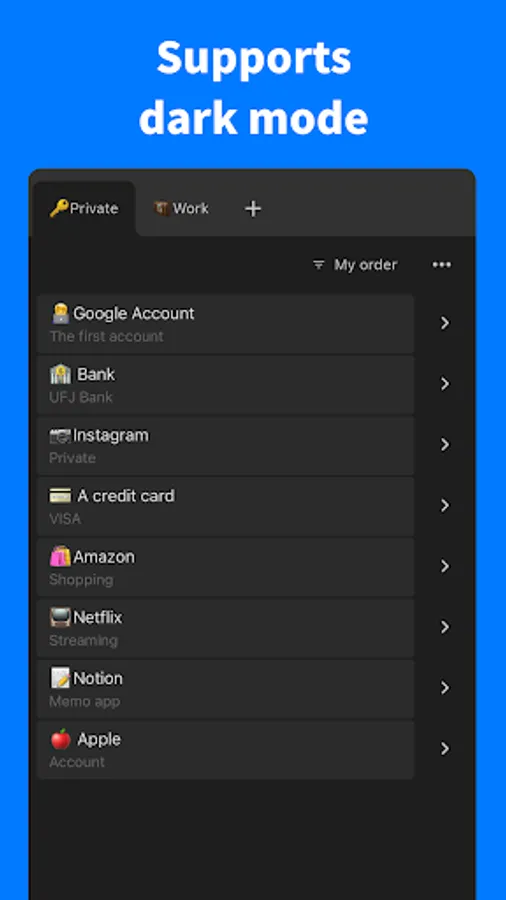
Switch freely between light and dark modes for comfortable usage.
■ No Login Required
No tedious login process required - start using immediately.
■ Complete Privacy Protection
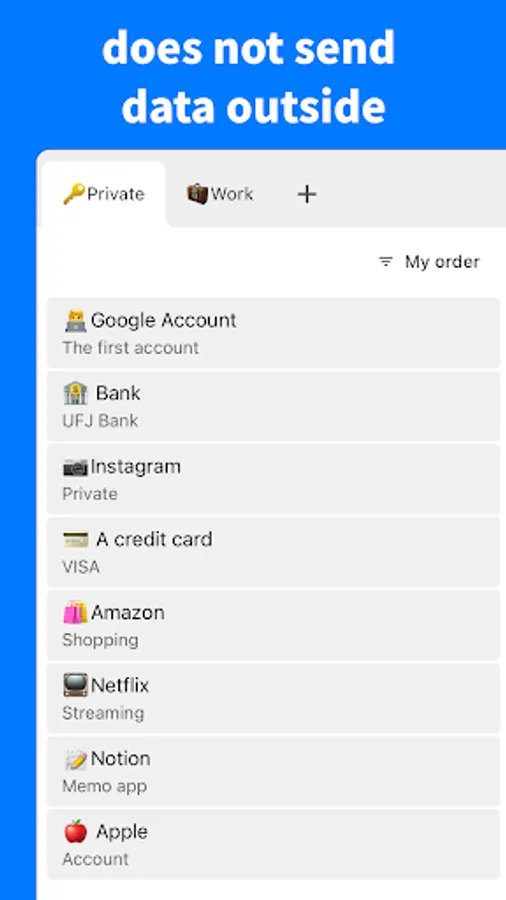
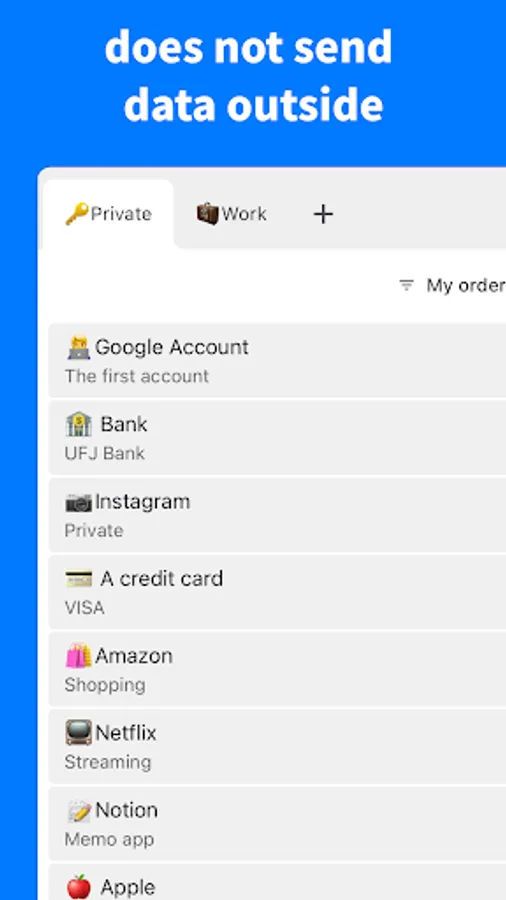
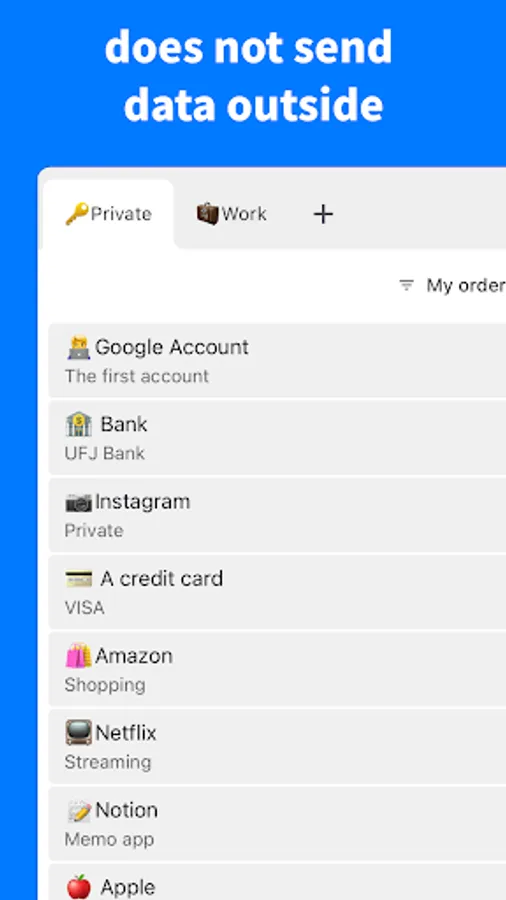
Your data is never sent anywhere. Everything is completely protected on your device. No password input or external storage is ever performed.
■ Comprehensive Support
We provide swift and reliable support when issues arise.
info@naokiotsu.com
Start using it immediately without any login required.
Your data is completely protected and kept private.
This app perfectly solves all your password management, data organization, and security protection needs. Equipped with powerful features including unlimited tab creation, drag and drop, alphabetical sorting, dark mode, notification system, biometric authentication, CSV export, tab notes, and more to meet all your requirements.
■ Password Management
Securely store your important passwords and instantly copy and paste them when needed.
■ Unlimited Tab Management
Create unlimited tabs and organize them perfectly by category.
■ Flexible Rearrangement
Freely rearrange tabs and tasks to achieve your optimal workflow.
■ Notification System
Receive notifications with your custom messages at specified times.
■ Biometric Authentication
Dramatically enhance your app security with biometric authentication.
■ CSV Export
Export all your data to CSV files for complete backup protection.
■ Tab Notes
Leave important notes on tabs for efficient information management.
■ Dark Mode Support
Switch freely between light and dark modes for comfortable usage.
■ No Login Required
No tedious login process required - start using immediately.
■ Complete Privacy Protection
Your data is never sent anywhere. Everything is completely protected on your device. No password input or external storage is ever performed.
■ Comprehensive Support
We provide swift and reliable support when issues arise.
info@naokiotsu.com
Password Manager - Clipboard Screenshots
Tap to Rate:
Reviews for Password Manager - Clipboard
Abdullah Tyagi
8/26/2025
no refund cheater company
Christina
7/3/2025
nope..I get to site. wouldn't come up. I go to submit i need password...go to enter email for new password....it pop up?