Check Calendar - Habit Tracker
Naoki Otsu
4.2 ★
10K ratings
500,000+
downloads
Free
+ in-app
In this app, you can record habits by tapping on the calendar and add notes for details. Includes customizable emojis, visual reports, notifications, and backup options.
AppRecs review analysis
AppRecs rating 3.8. Trustworthiness 80 out of 100. Review manipulation risk 29 out of 100. Based on a review sample analyzed.
★★★☆☆
3.8
AppRecs Rating
Ratings breakdown
5 star
70%
4 star
10%
3 star
4%
2 star
4%
1 star
12%
What to know
✓
Low review manipulation risk
29% review manipulation risk
✓
Credible reviews
80% trustworthiness score from analyzed reviews
⚠
Pricing complaints
Many low ratings mention paywalls or pricing
About Check Calendar - Habit Tracker
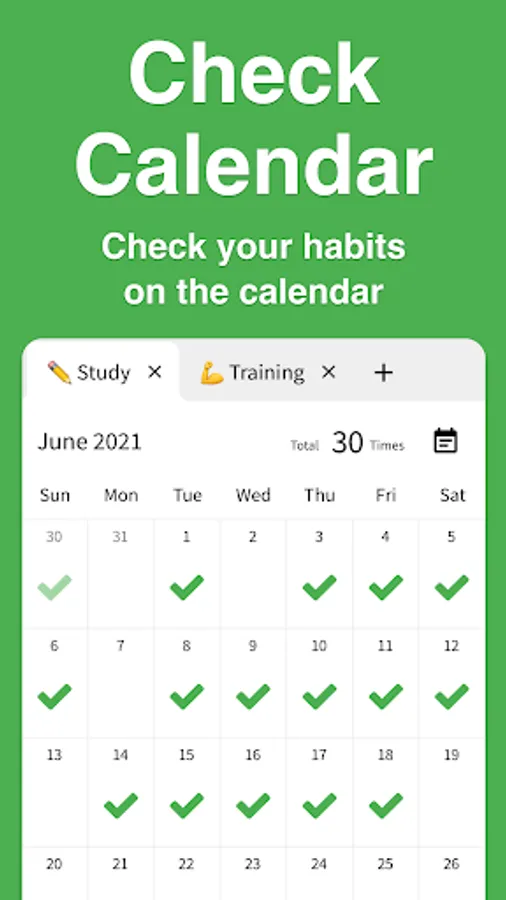
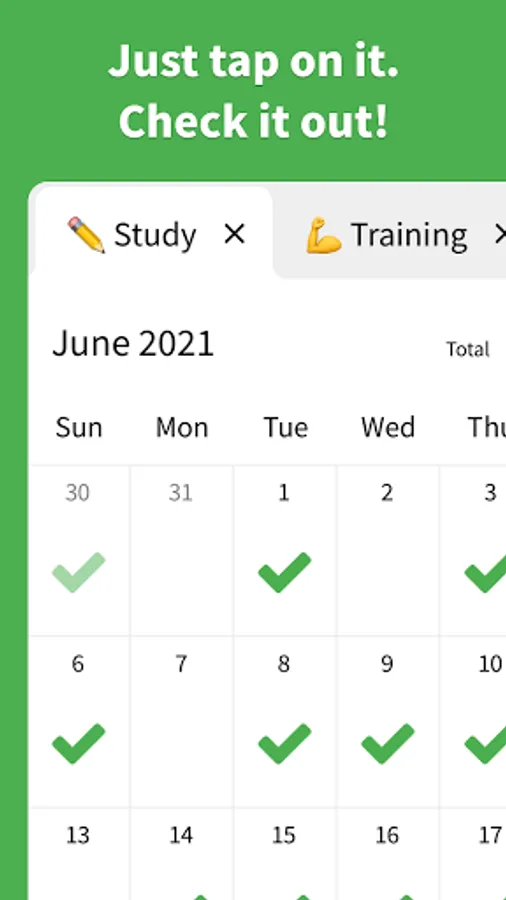
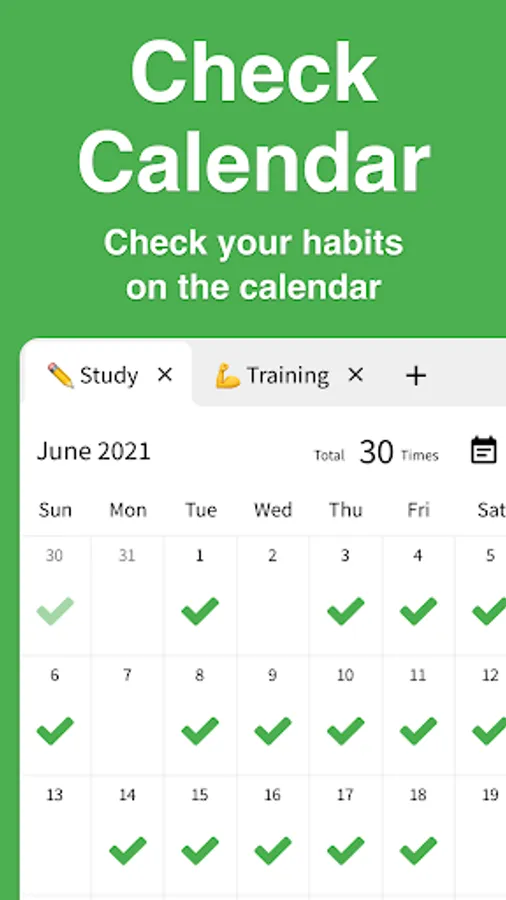
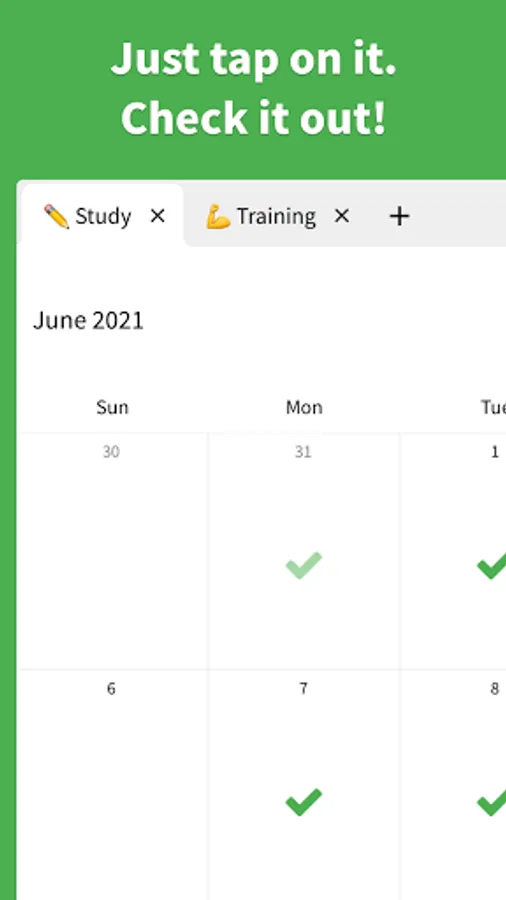
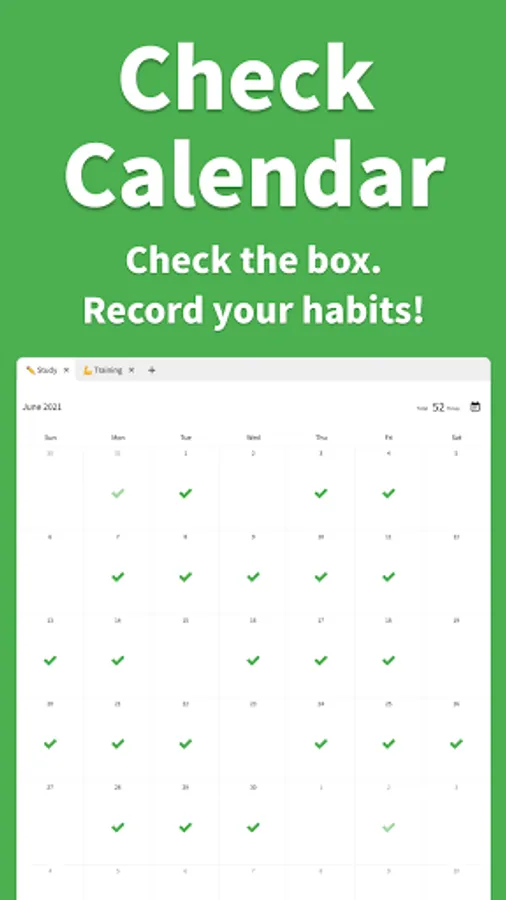
Check Calendar lets you tick your calendar to record habits.
It packs one-tap checks, notes, unlimited tabs, emojis, reports, notifications, backup/restore, dark mode, and more.
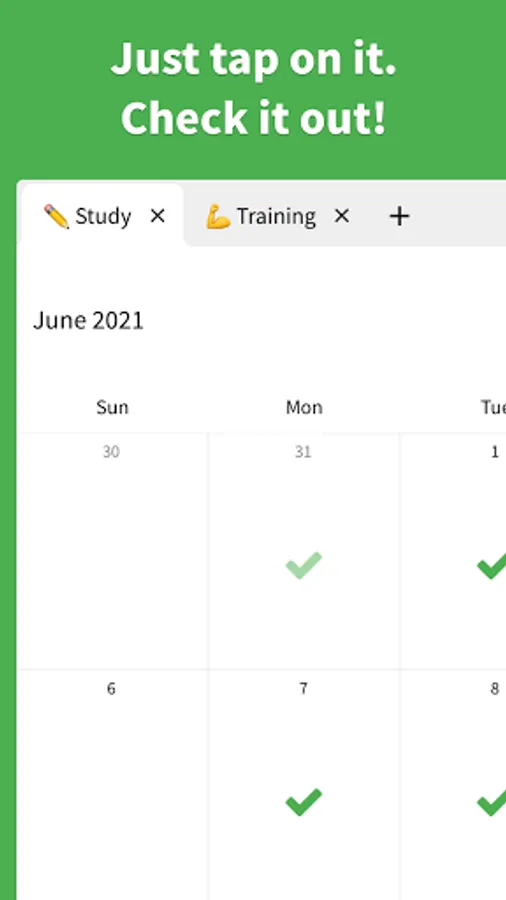
■ Check on the calendar
Record habits with a single tap on the calendar.
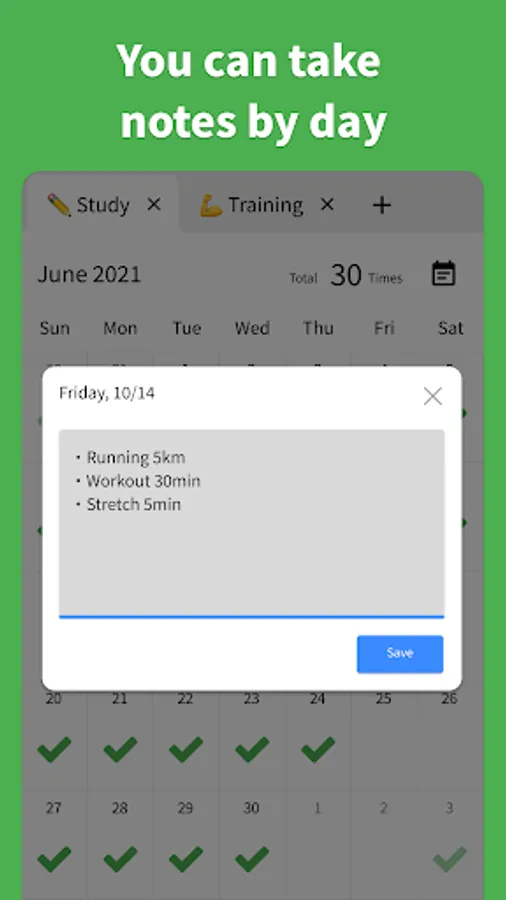
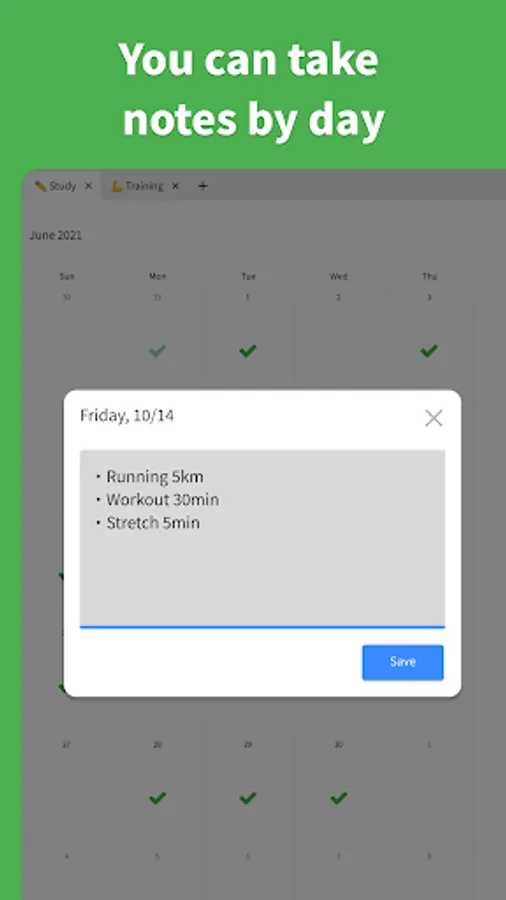
■ Notes
Supports short or long notes—write freely and keep everything.
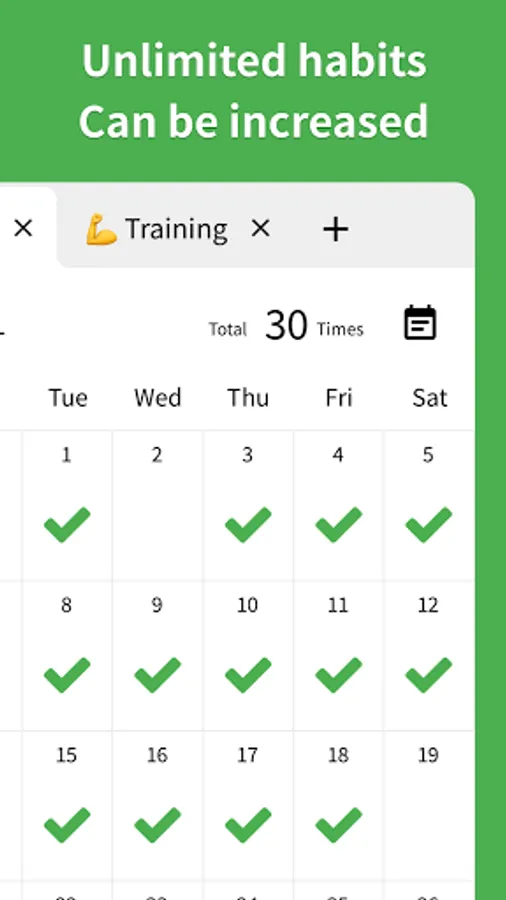
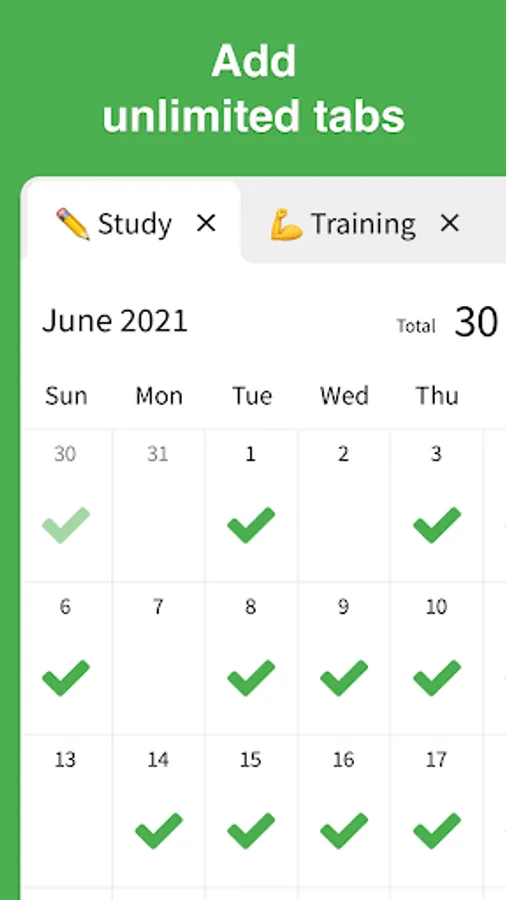
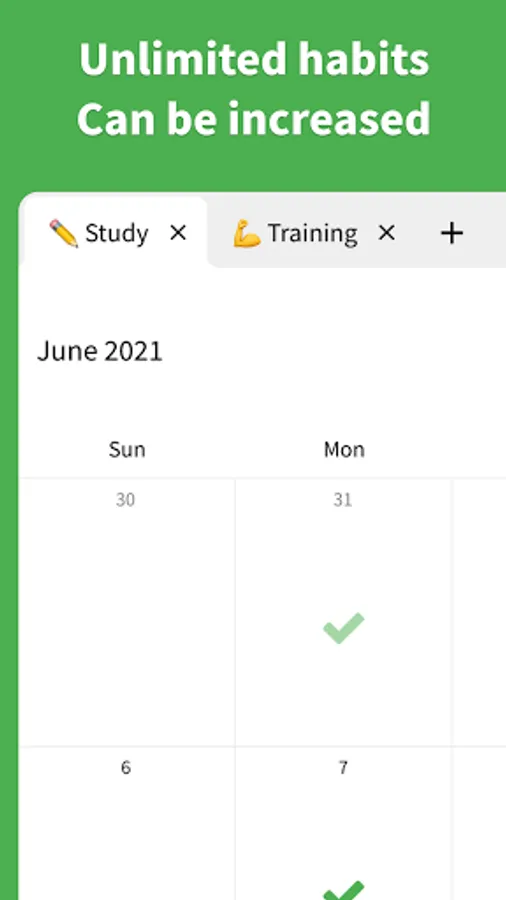
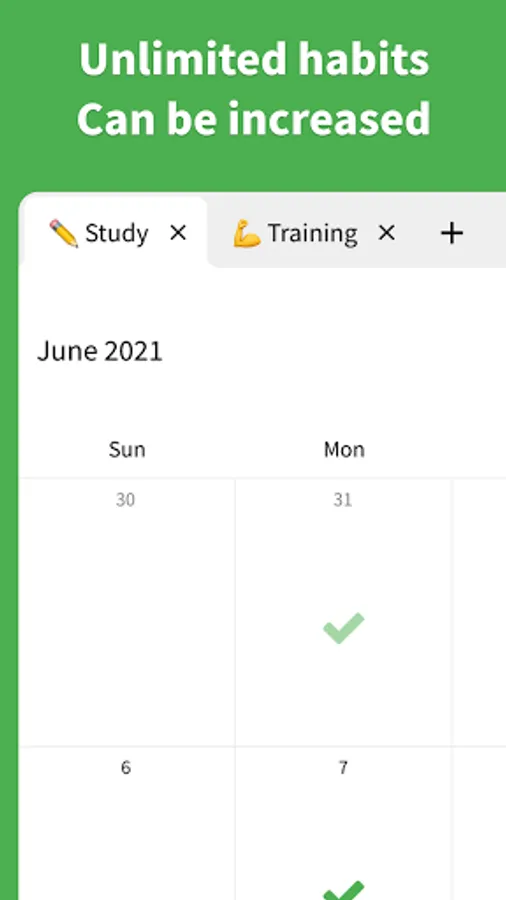
■ Unlimited tabs
Create limitless categories like "Workout," "Study," or "Reading."
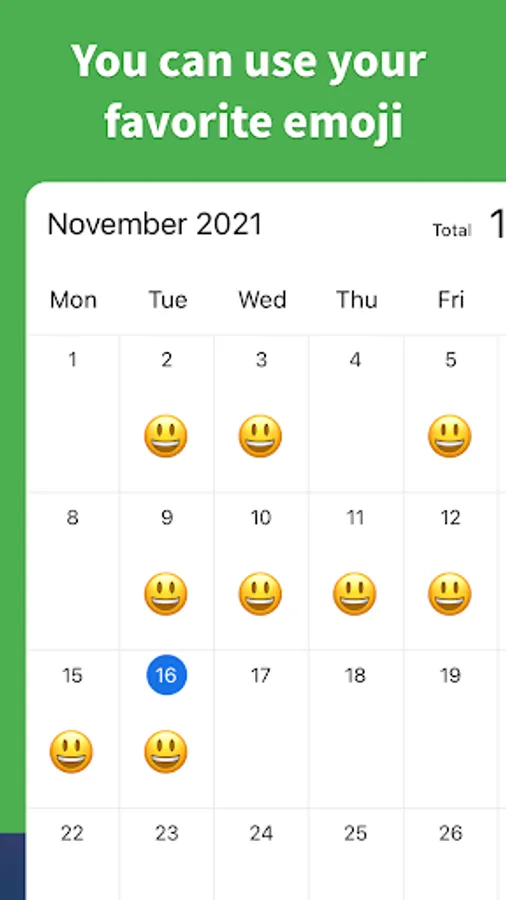
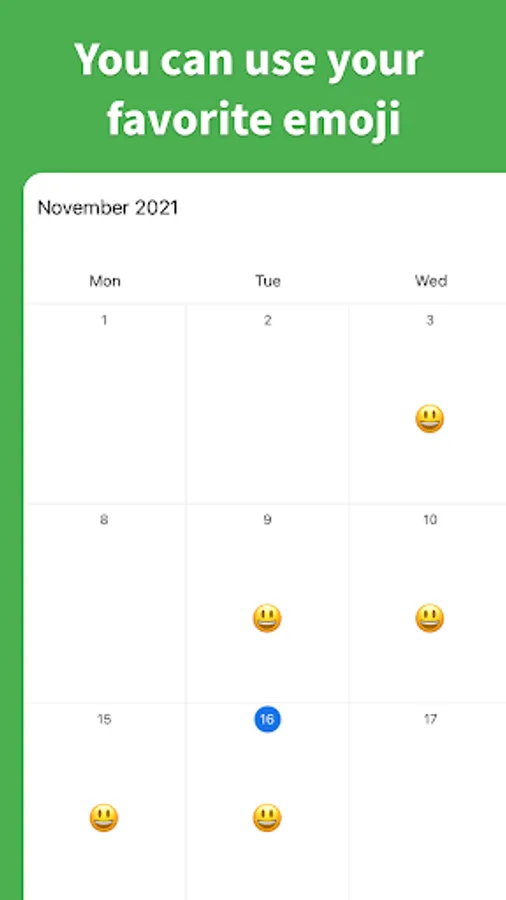
■ Emojis
Change checkmarks to any emoji you like.
■ Reports
Visualize habit progress with graphs. Switch periods such as "Last 7 days," "Last 28 days," or "Last 6 months."
■ History
View check history and past note lists in one place.
■ Notifications
Send reminders with your preferred message at your preferred time to prevent forgetting habits.
■ Backup/Restore
Automatically back up and restore data, even when moving to a different device.
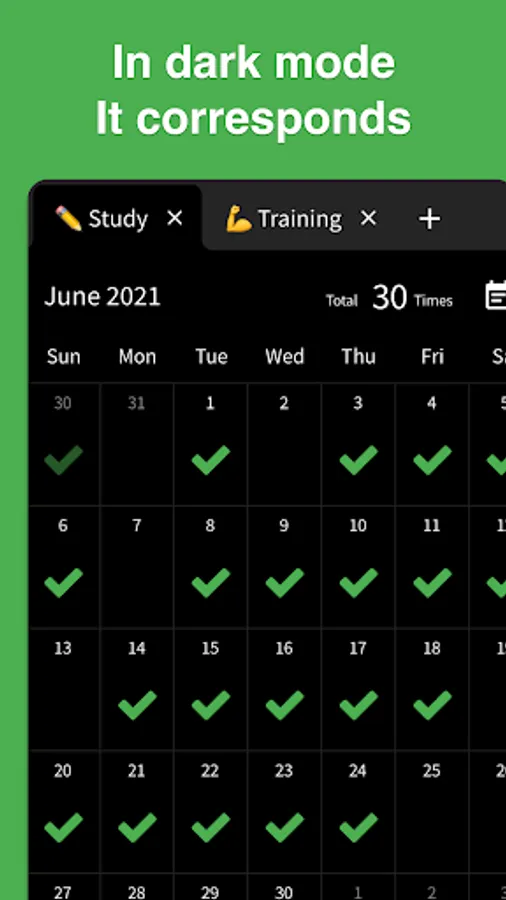
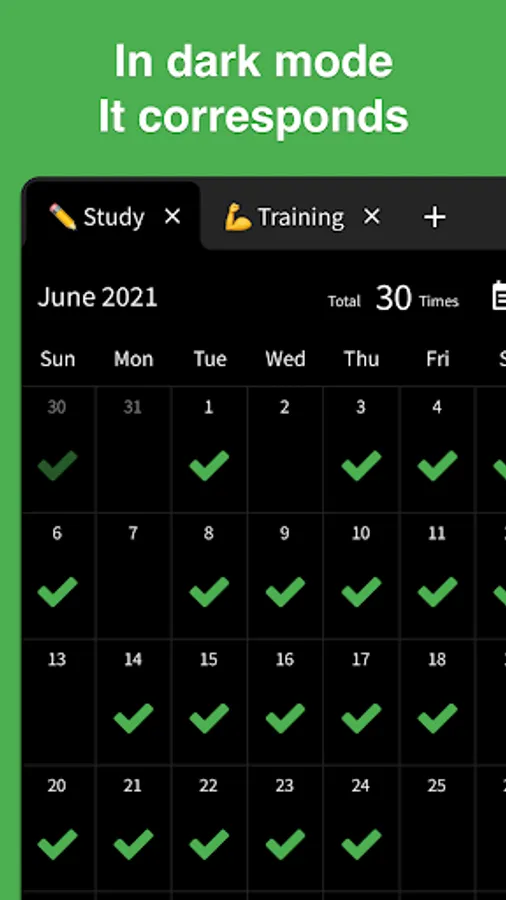
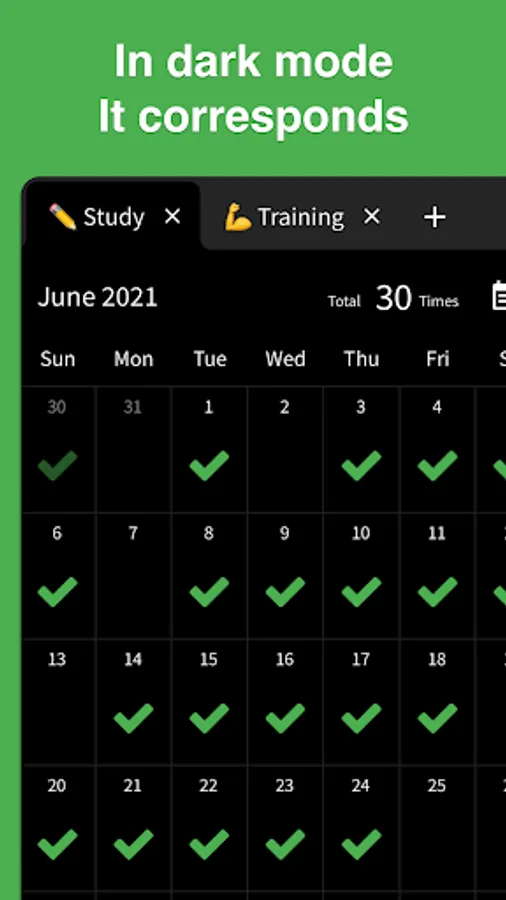
■ Dark mode
Choose from Light mode, Dark mode, or Auto based on device settings.
■ Color themes
Change the background to any color you like.
■ Archive
Hide calendars you don't want to display.
■ Biometric authentication
Supports Face ID and Touch ID to protect your valuable records.
■ CSV export
Export individual calendars or all data in CSV format.
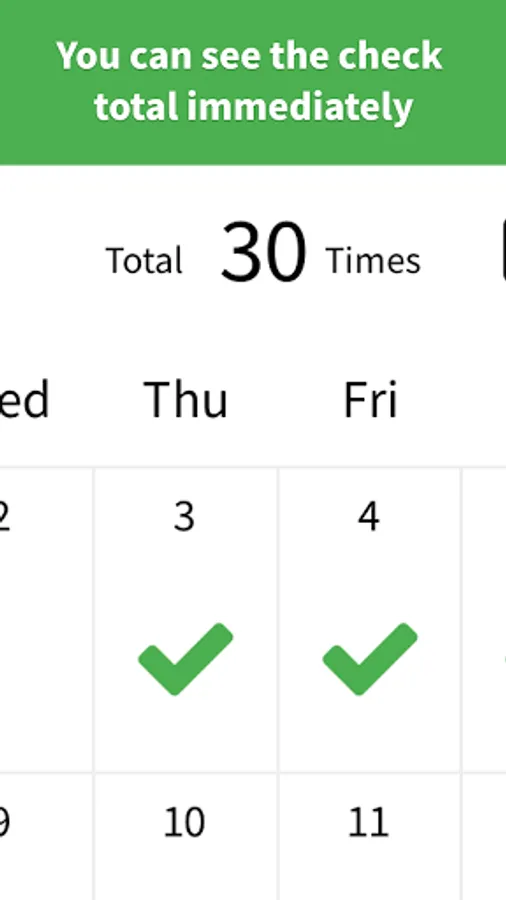
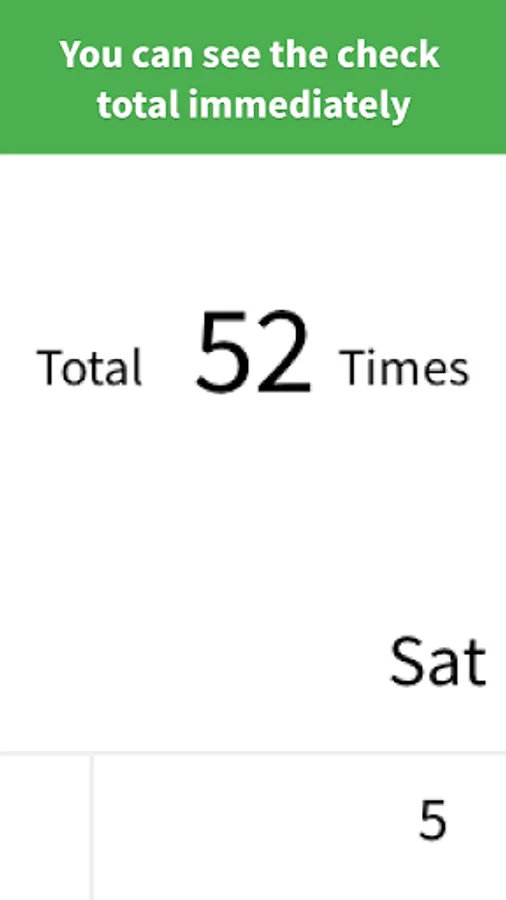
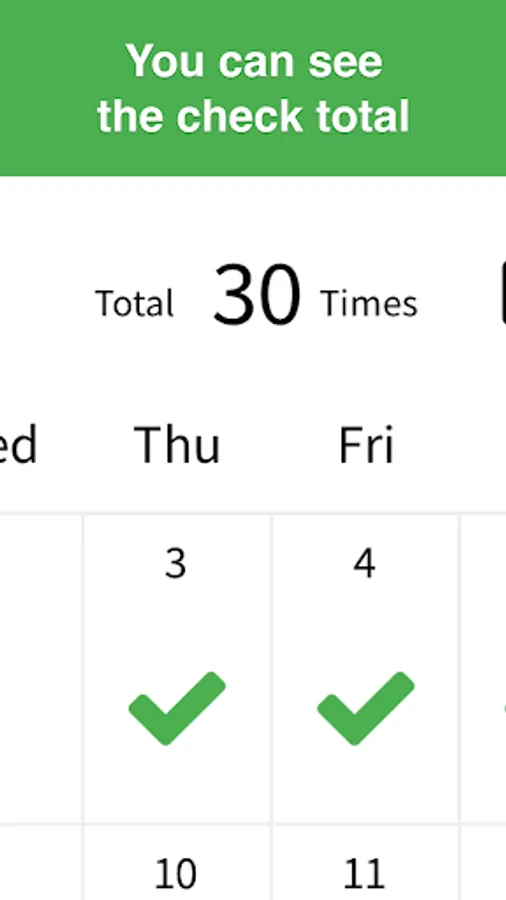
■ Check count
Set how many times per day you can check.
■ Security
Data is stored only on your device and never sent to third parties.
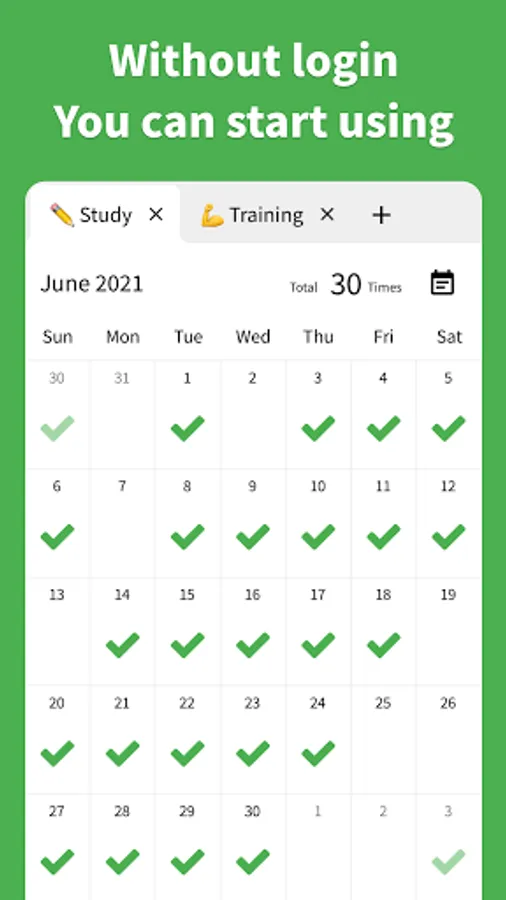
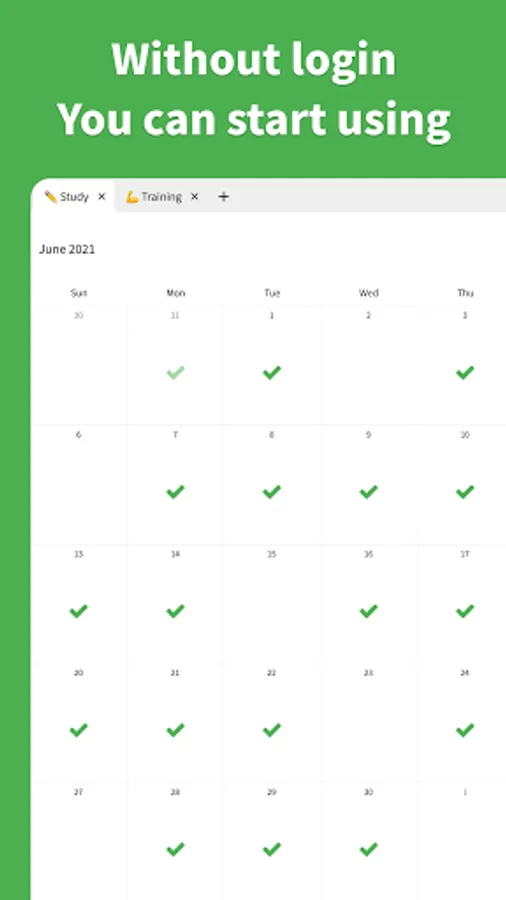
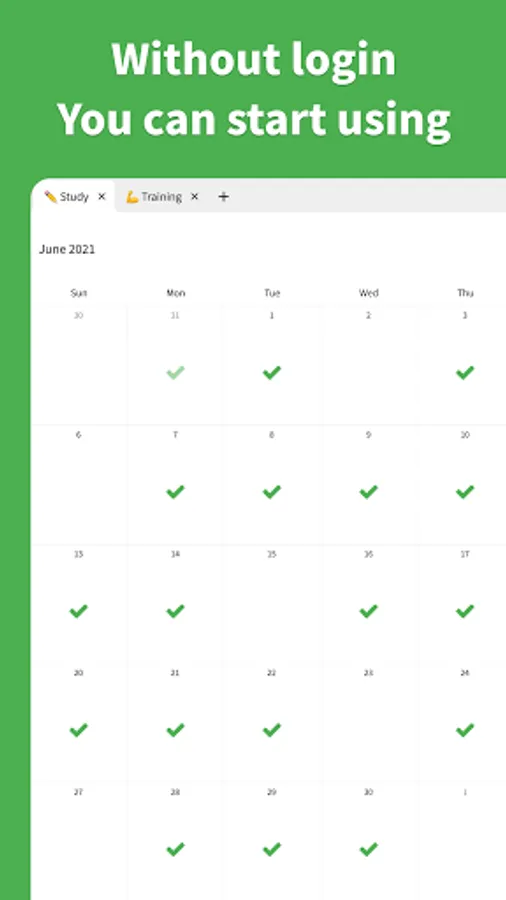
■ No login required
Start using the app right away without signing in.
■ Offline support
Works even without an internet connection.
■ Privacy Policy
https://checkcalendar.app/privacy-policy
■ Contact
info@checkcalendar.app
It packs one-tap checks, notes, unlimited tabs, emojis, reports, notifications, backup/restore, dark mode, and more.
■ Check on the calendar
Record habits with a single tap on the calendar.
■ Notes
Supports short or long notes—write freely and keep everything.
■ Unlimited tabs
Create limitless categories like "Workout," "Study," or "Reading."
■ Emojis
Change checkmarks to any emoji you like.
■ Reports
Visualize habit progress with graphs. Switch periods such as "Last 7 days," "Last 28 days," or "Last 6 months."
■ History
View check history and past note lists in one place.
■ Notifications
Send reminders with your preferred message at your preferred time to prevent forgetting habits.
■ Backup/Restore
Automatically back up and restore data, even when moving to a different device.
■ Dark mode
Choose from Light mode, Dark mode, or Auto based on device settings.
■ Color themes
Change the background to any color you like.
■ Archive
Hide calendars you don't want to display.
■ Biometric authentication
Supports Face ID and Touch ID to protect your valuable records.
■ CSV export
Export individual calendars or all data in CSV format.
■ Check count
Set how many times per day you can check.
■ Security
Data is stored only on your device and never sent to third parties.
■ No login required
Start using the app right away without signing in.
■ Offline support
Works even without an internet connection.
■ Privacy Policy
https://checkcalendar.app/privacy-policy
■ Contact
info@checkcalendar.app
Check Calendar - Habit Tracker Screenshots
Tap to Rate:
Reviews for Check Calendar - Habit Tracker
Deepak
12/23/2025
very Good
Pradeep Kumar
12/19/2025
good