With this app manager, you can search for applications, view details, and apply filters to organize apps. Includes filters for application type, system or user apps, and optimization status.
AppRecs review analysis
AppRecs rating 3.8. Trustworthiness 87 out of 100. Review manipulation risk 22 out of 100. Based on a review sample analyzed.
★★★☆☆
3.8
AppRecs Rating
Ratings breakdown
5 star
54%
4 star
21%
3 star
0%
2 star
8%
1 star
17%
What to know
✓
Low review manipulation risk
22% review manipulation risk
✓
Credible reviews
87% trustworthiness score from analyzed reviews
✓
Good user ratings
75% positive sampled reviews
About App Manager
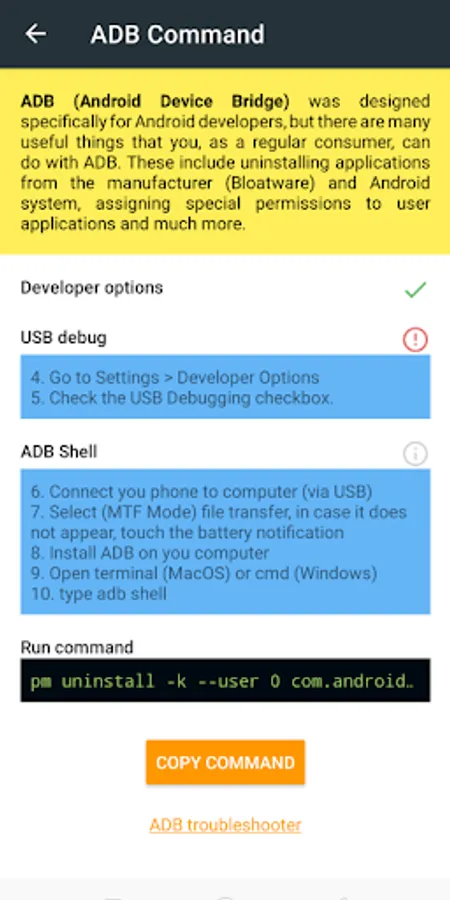
It is not necessary that you have rooted your device, to remove the bloatware, it is removed with adb shell
The application offers a friendly interface, compliant with Google's Material Design guidelines and fluid.
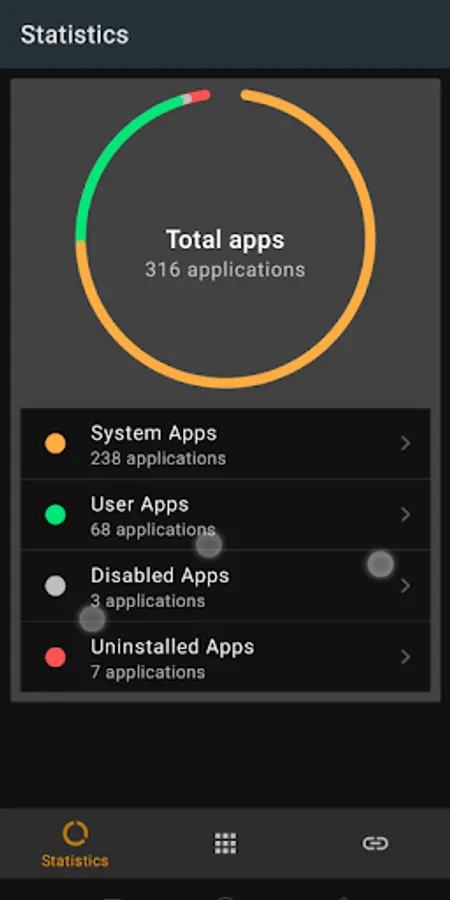
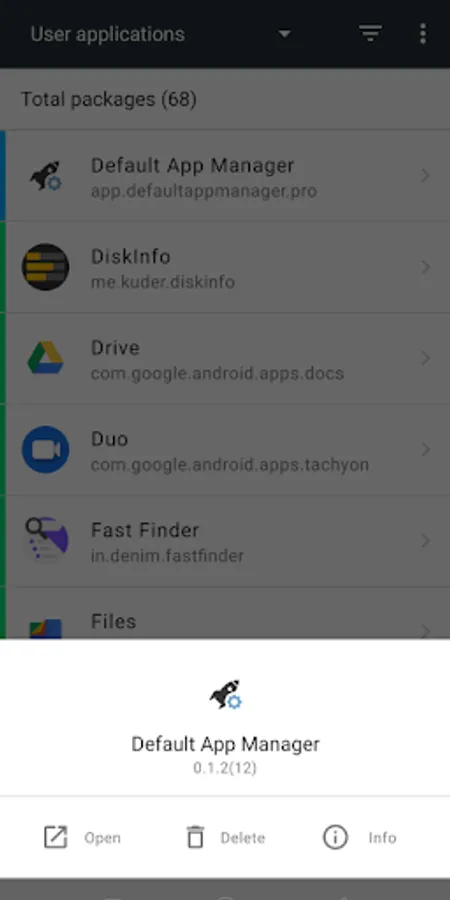
Among other basic functions, it offers us the possibility to perform quick searches of applications, to show a list grouped by:
• System applications
• User Applications
• Applications disabled
• Applications uninstalled
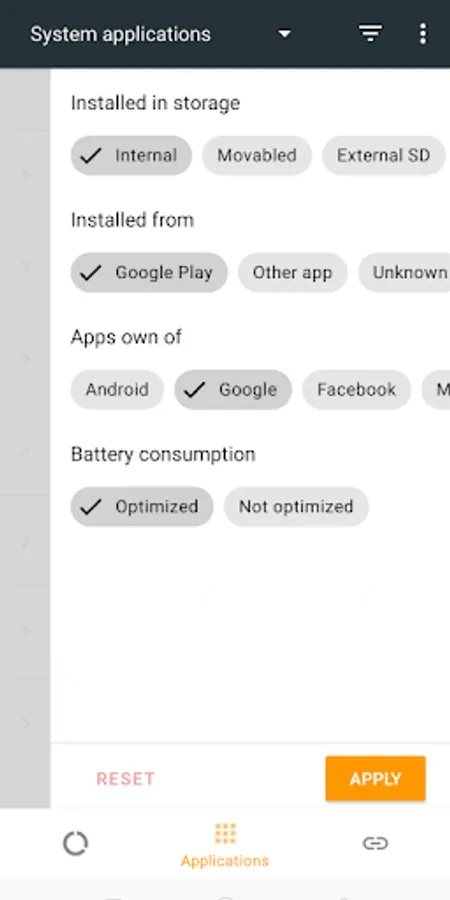
It also allows you to further segment the result by applying filters, some of the available ones:
◼ Functionalities
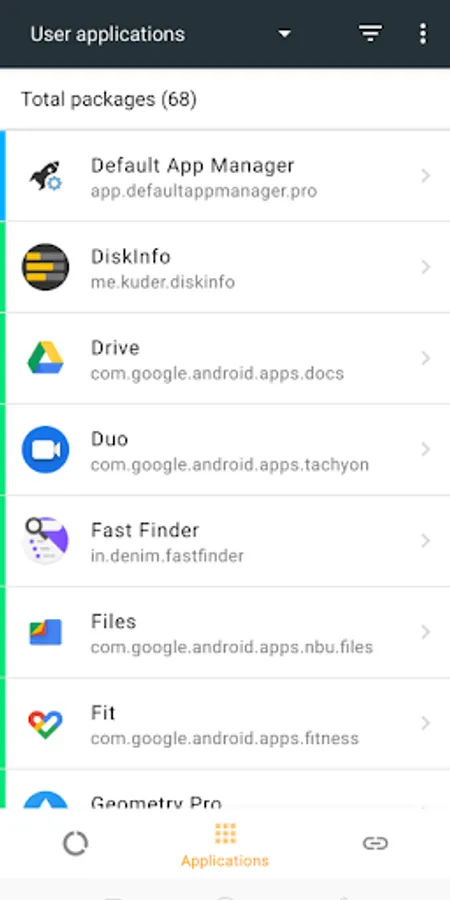
• List applications
• Apply filters to the result
• Open detailed application information
• Highlight with color the type of application that is
• View in more detail
• Icon to know if the app is optimized for the battery
• Icon to know if the app can be installed in the external memory or is already in the SD card
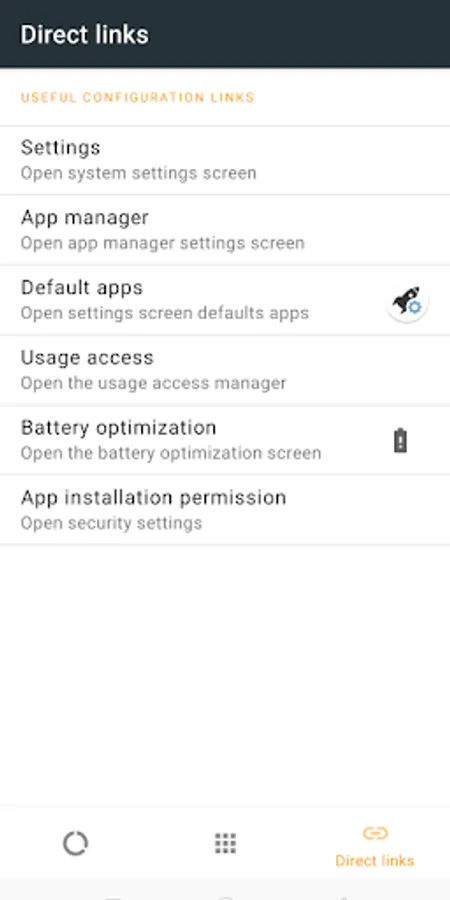
• Direct access to the system application manager
• Direct access to battery optimization management
The application offers a friendly interface, compliant with Google's Material Design guidelines and fluid.
Among other basic functions, it offers us the possibility to perform quick searches of applications, to show a list grouped by:
• System applications
• User Applications
• Applications disabled
• Applications uninstalled
It also allows you to further segment the result by applying filters, some of the available ones:
◼ Functionalities
• List applications
• Apply filters to the result
• Open detailed application information
• Highlight with color the type of application that is
• View in more detail
• Icon to know if the app is optimized for the battery
• Icon to know if the app can be installed in the external memory or is already in the SD card
• Direct access to the system application manager
• Direct access to battery optimization management
App Manager Screenshots
Tap to Rate:
Reviews for App Manager
Andrew Leach
10/31/2022
DEAD APP! Great app! I use it more than I thought I would need to. EDIT 05/20/22: Works intermittently when you need/want it. Within time, it'll get updated and work again until it doesn't.
Tige
12/29/2021
Just sits and spins. Never loads my app list.