Audio Switch Disable Headphone
Miled Apps Studio
2.1 ★
1K ratings
100,000+
downloads
Free
+ in-app
With this app, you can easily switch audio output between headphones and speakers and disable specific audio routes. Includes options to control wired and wireless headphone connections and access via a floating action button.
AppRecs review analysis
AppRecs rating 1.9. Trustworthiness 79 out of 100. Review manipulation risk 20 out of 100. Based on a review sample analyzed.
★☆☆☆☆
1.9
AppRecs Rating
Ratings breakdown
5 star
23%
4 star
2%
3 star
4%
2 star
0%
1 star
72%
What to know
⚠
Ad complaints
Many low ratings mention excessive ads
⚠
Mixed user feedback
Average 2.1★ rating suggests room for improvement
⚠
High negative review ratio
72% of sampled ratings are 1–2 stars
About Audio Switch Disable Headphone
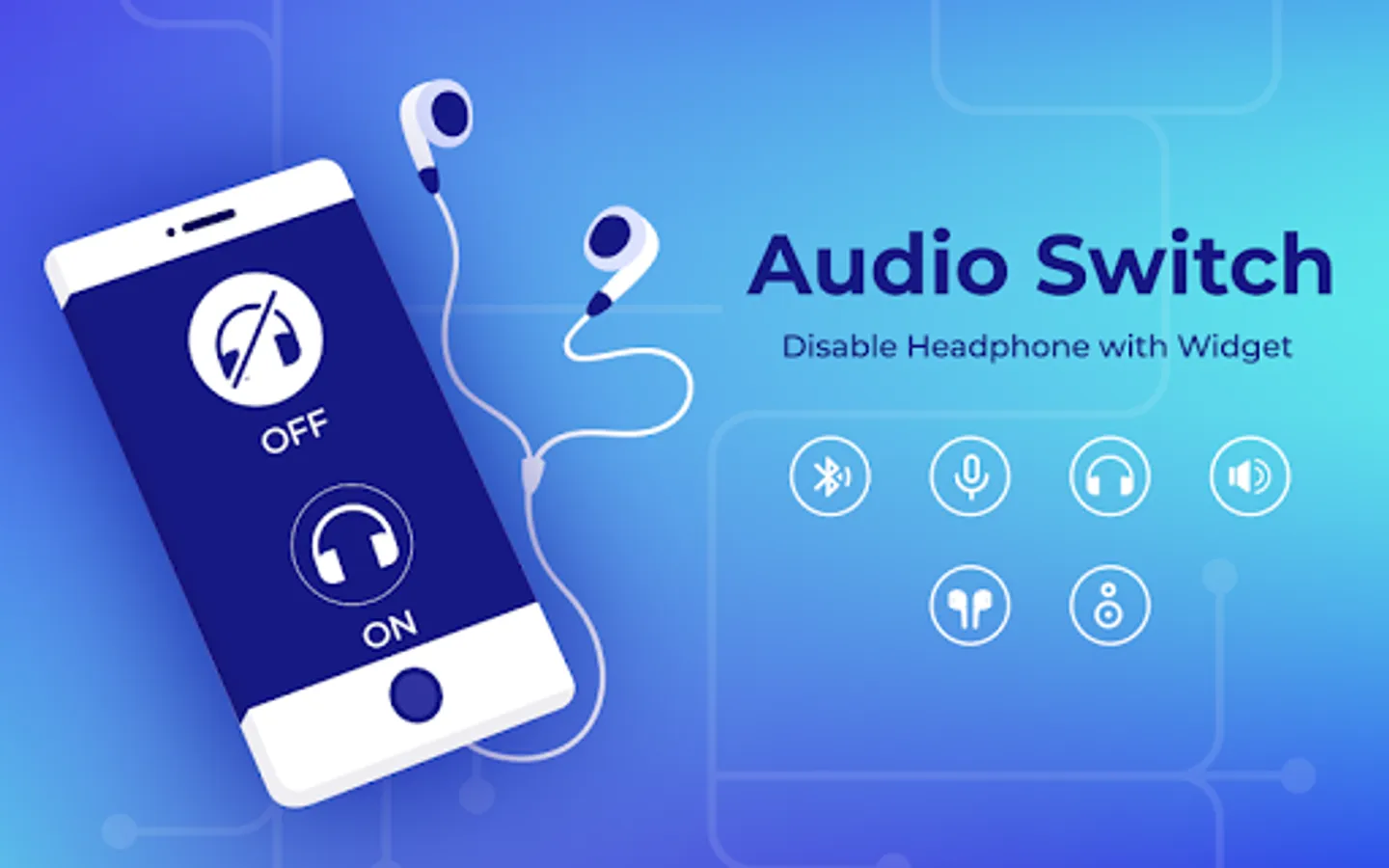
Audio Switch or Earphone Mode Off or Disable Headphone app is very helpful to all users experiencing problems with their headphone jack. With this app you can very easily play all your audio through your built in smartphone speakers bypassing the connected headphones just with the flick of a switch.
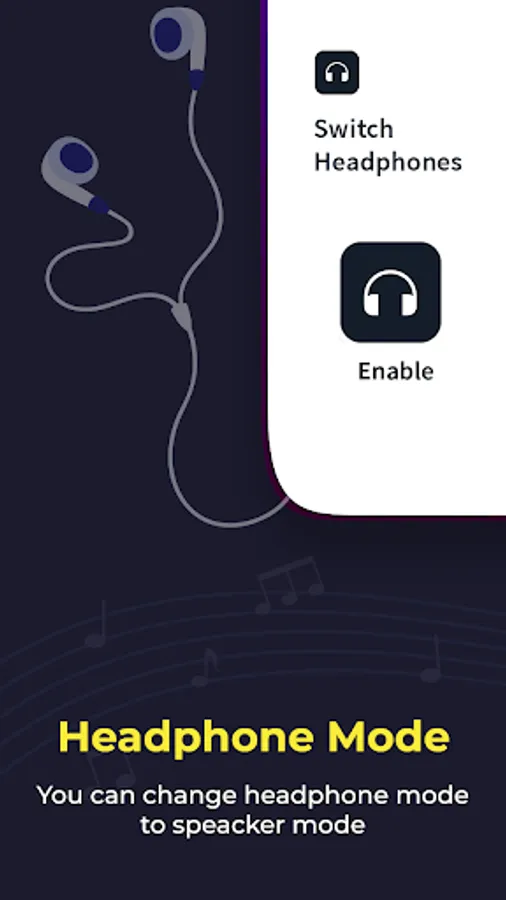
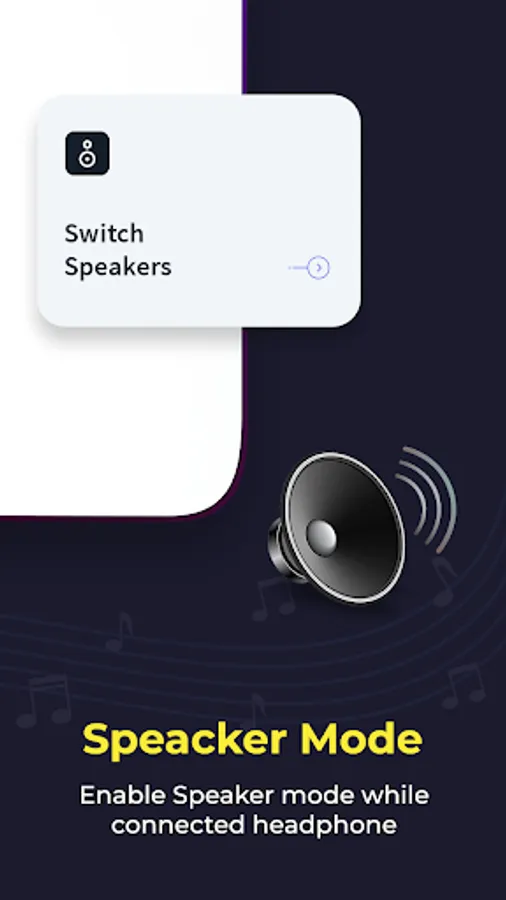
Some mobiles shows earphone's plugged in but we cannot connect earphone to our device but Disable Headphone app has a solution for this problem. When your headset still shows plugged in, you can switch to the speaker mode and the sound will come from the phone speaker.
Application Features :-
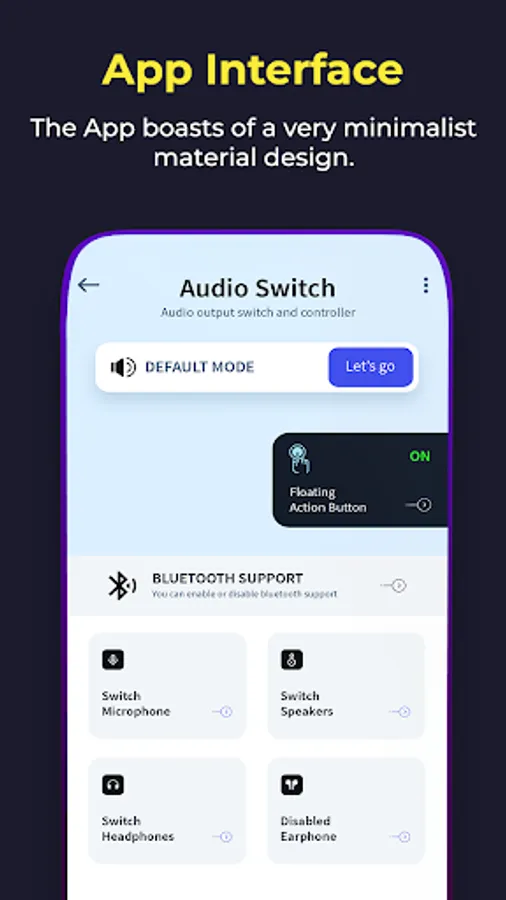
- This apps main purpose is to manage audio output or control audio output.
- We can force or set audio output to followings:
- Microphone (Enable or disable)
- Speaker (Enable or disable)
- Wired Headphone (Earphone) (Enable or disable)
- Bluetooth support (Enable or disable)
- Wireless Headphone (Earphone) (Enable or disable)
- Disable all types of earphone or headphones connectivity (Enable or disable)
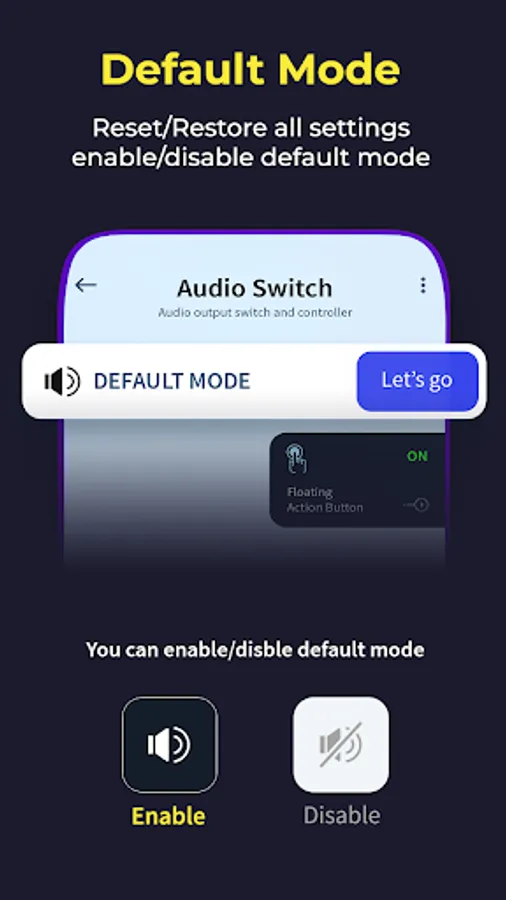
- Switch to default device mode
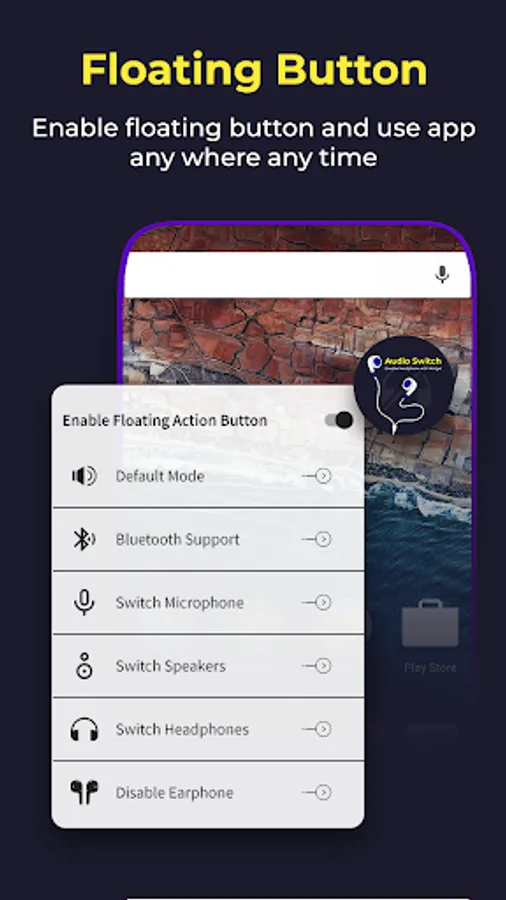
- We are providing floating action button for easy use of app from anywhere in device by only enabling floating action button.
- We can also use this app when device headphone jack is not working properly and force audio to specific audio output.
Download the all new Audio Switch - Disable Headphone with Widget App for FREE!!!
Some mobiles shows earphone's plugged in but we cannot connect earphone to our device but Disable Headphone app has a solution for this problem. When your headset still shows plugged in, you can switch to the speaker mode and the sound will come from the phone speaker.
Application Features :-
- This apps main purpose is to manage audio output or control audio output.
- We can force or set audio output to followings:
- Microphone (Enable or disable)
- Speaker (Enable or disable)
- Wired Headphone (Earphone) (Enable or disable)
- Bluetooth support (Enable or disable)
- Wireless Headphone (Earphone) (Enable or disable)
- Disable all types of earphone or headphones connectivity (Enable or disable)
- Switch to default device mode
- We are providing floating action button for easy use of app from anywhere in device by only enabling floating action button.
- We can also use this app when device headphone jack is not working properly and force audio to specific audio output.
Download the all new Audio Switch - Disable Headphone with Widget App for FREE!!!