Mouse Pad for Big Phones
Miled Apps Studio
2.3 ★
2K ratings
100,000+
downloads
Free
AppRecs review analysis
AppRecs rating 2.1. Trustworthiness 79 out of 100. Review manipulation risk 24 out of 100. Based on a review sample analyzed.
★★☆☆☆
2.1
AppRecs Rating
Ratings breakdown
5 star
27%
4 star
6%
3 star
2%
2 star
2%
1 star
63%
What to know
⚠
Ad complaints
Many low ratings mention excessive ads
⚠
Mixed user feedback
Average 2.3★ rating suggests room for improvement
⚠
High negative review ratio
65% of sampled ratings are 1–2 stars
About Mouse Pad for Big Phones
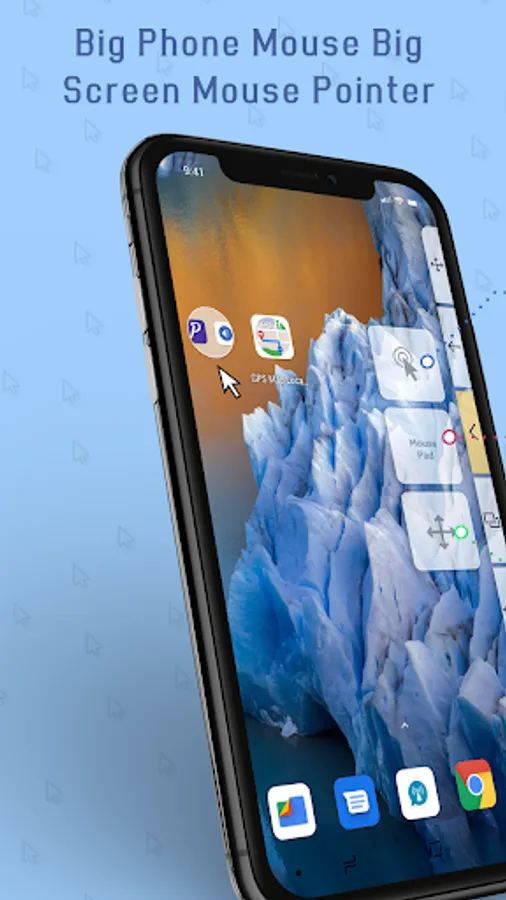
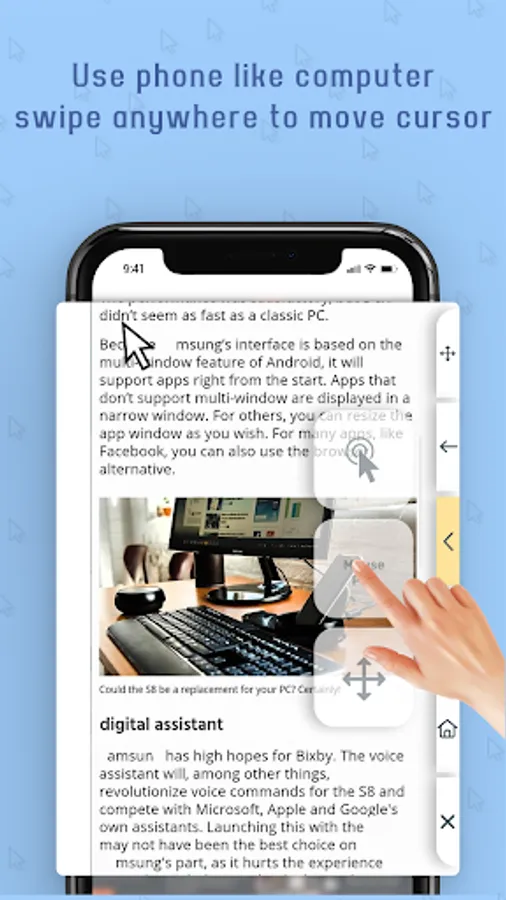
Use a computer-mouse-like cursor/pointer to control big smartphones like the Note series or Tablet Phone effortlessly with one hand. Increasingly, the size of the cell phone is increasing, making it difficult to operate the cell phone / pad with one hand. Big Phone Mouse Big Screen Mouse Pointer is the perfect app for power users that make extensive use of swipe gestures for Navigation + Mouse pointer.
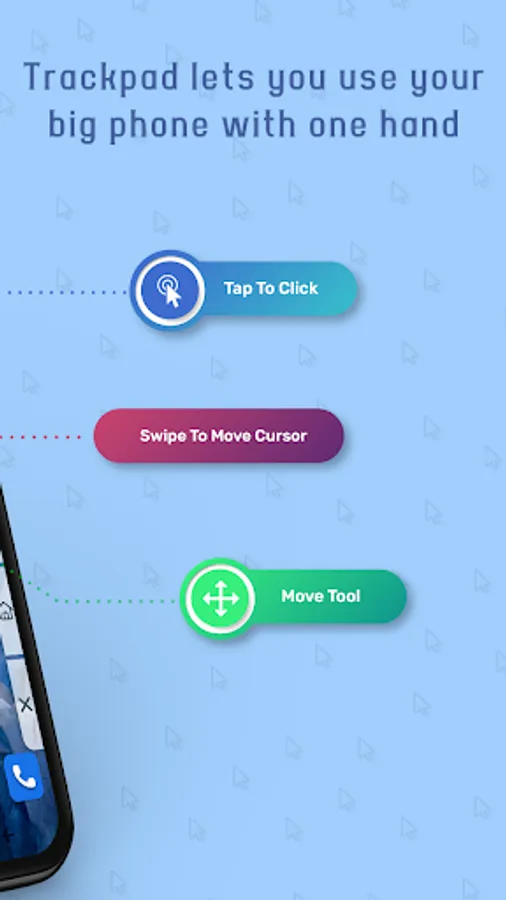
Big phone mouse or Big Screen Mouse Pointer help you for tapping, long pressing, and swiping/dragging anywhere on the screen, so that you can control your big phone without having any finger acrobatics yourself.
Function of Big Phone Mouse Big Screen Mouse Pointer :-
1. On Screen Mouse with Cursor, Mouse Pad With Click and Move Mouse :
With On Screen Mouse function you can get a Mouse cursor on screen, with that you get click option, you get mouse pad and you get option to move whole Mouse Side Bar widget to any area of the screen.
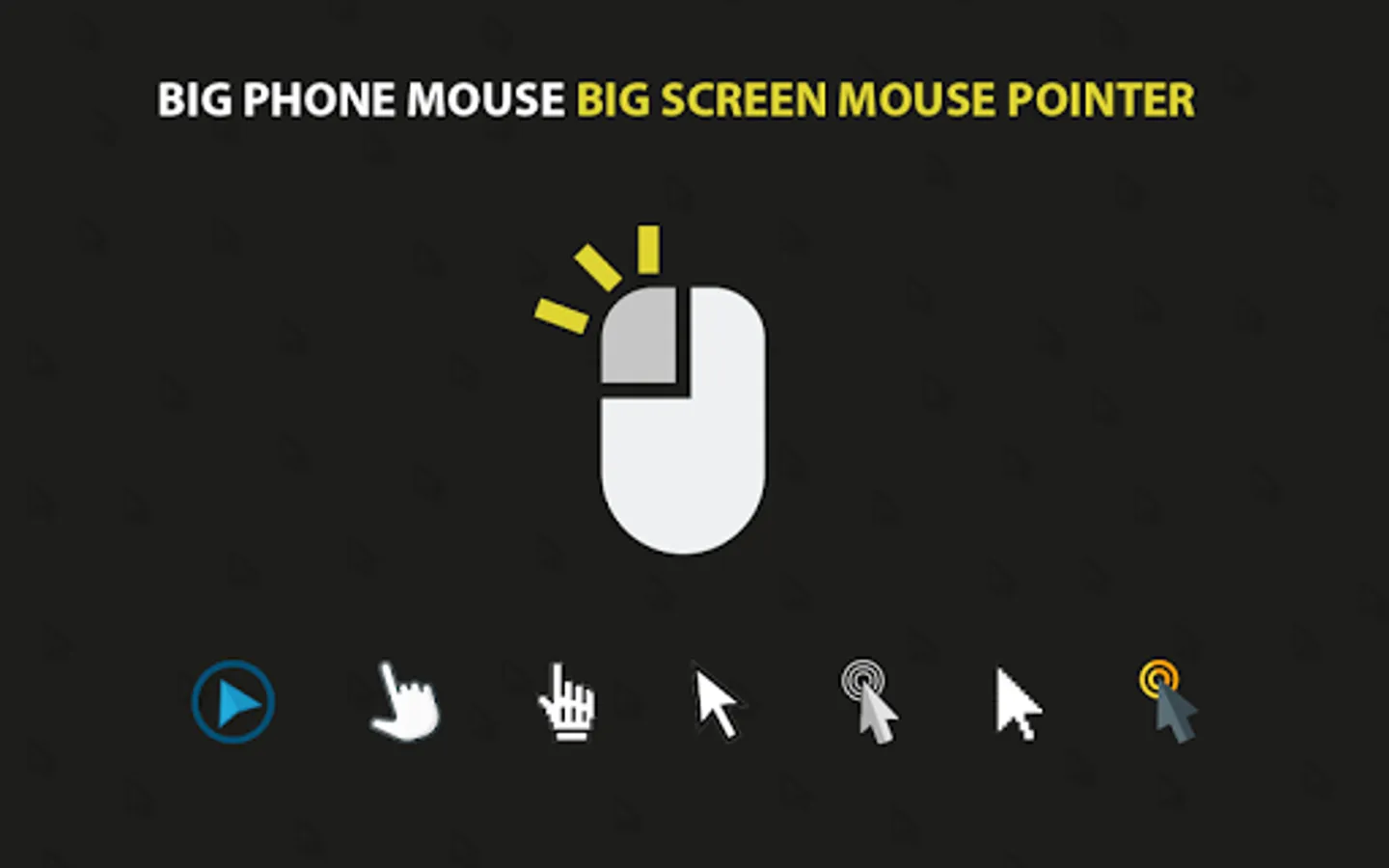
2. Mouse Cursors Icons :
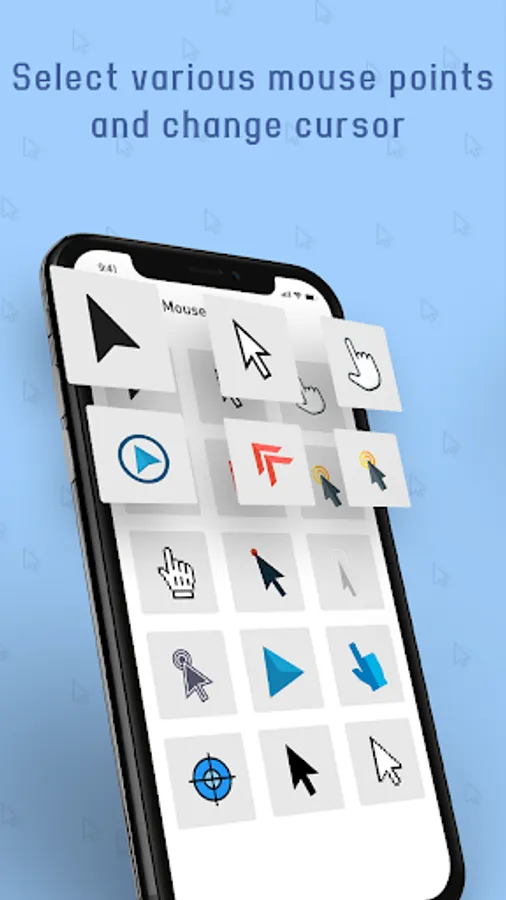
Big Phone Mouse Big Screen Mouse Pointer app gives you 15 types of different cursor icons option and you can select any suitable cursor from it.
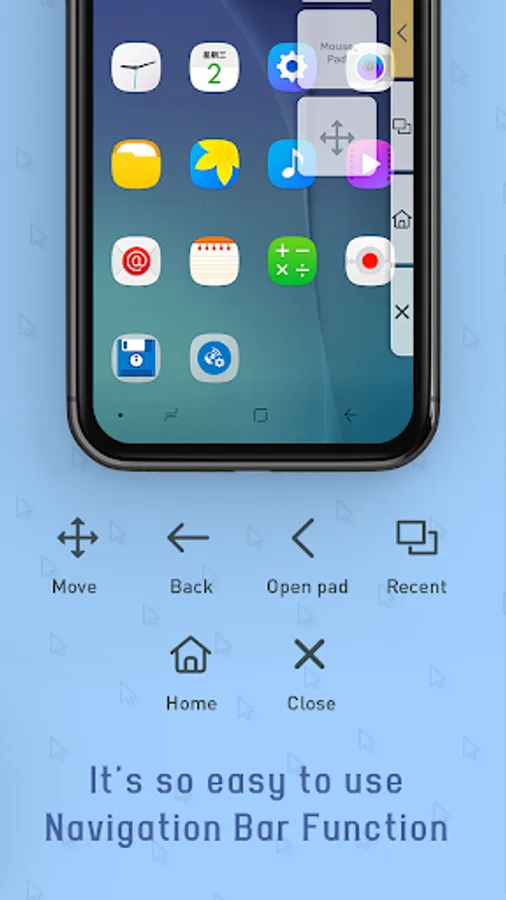
3. On Screen Side Bar With 6 Options :
- Change Position of Side bar
- Expand / Collapse Mouse Pad View
- Perform Back Action (Back Button)
- Back to Home Screen
- View Recent Apps
- Close whole Sidebar
4. Setting :
In Big Phone Mouse Big Screen Mouse Pointer app has screen setting option which includes On / Off touch Vibration and Appear Side Bar to Left side panel or Right side panel.
Accessibility Permission :
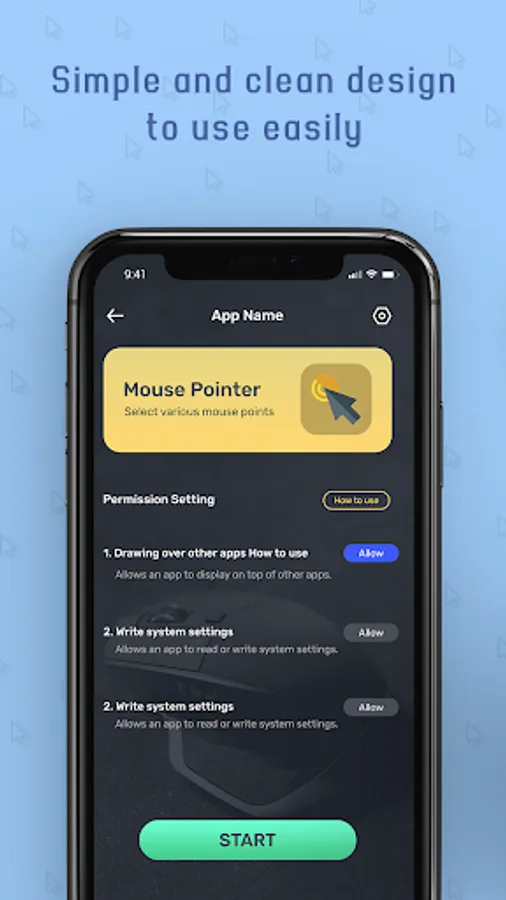
This permission allows the app to simulate touch interactions on your device based on your clicks on the mouse pad. Without granting this permission, the core feature of controlling your phone remotely will not work, and you won’t be able to interact with your device using the mouse pad. We do not collect or store any personal information, and this permission is used solely to enable this functionality.
Get All New Mouse Pad for Big Phones app Now!!!
Big phone mouse or Big Screen Mouse Pointer help you for tapping, long pressing, and swiping/dragging anywhere on the screen, so that you can control your big phone without having any finger acrobatics yourself.
Function of Big Phone Mouse Big Screen Mouse Pointer :-
1. On Screen Mouse with Cursor, Mouse Pad With Click and Move Mouse :
With On Screen Mouse function you can get a Mouse cursor on screen, with that you get click option, you get mouse pad and you get option to move whole Mouse Side Bar widget to any area of the screen.
2. Mouse Cursors Icons :
Big Phone Mouse Big Screen Mouse Pointer app gives you 15 types of different cursor icons option and you can select any suitable cursor from it.
3. On Screen Side Bar With 6 Options :
- Change Position of Side bar
- Expand / Collapse Mouse Pad View
- Perform Back Action (Back Button)
- Back to Home Screen
- View Recent Apps
- Close whole Sidebar
4. Setting :
In Big Phone Mouse Big Screen Mouse Pointer app has screen setting option which includes On / Off touch Vibration and Appear Side Bar to Left side panel or Right side panel.
Accessibility Permission :
This permission allows the app to simulate touch interactions on your device based on your clicks on the mouse pad. Without granting this permission, the core feature of controlling your phone remotely will not work, and you won’t be able to interact with your device using the mouse pad. We do not collect or store any personal information, and this permission is used solely to enable this functionality.
Get All New Mouse Pad for Big Phones app Now!!!