DSLR Camera Effect Maker
BG Studio
3.1 ★
4K ratings
1,000,000+
downloads
Free
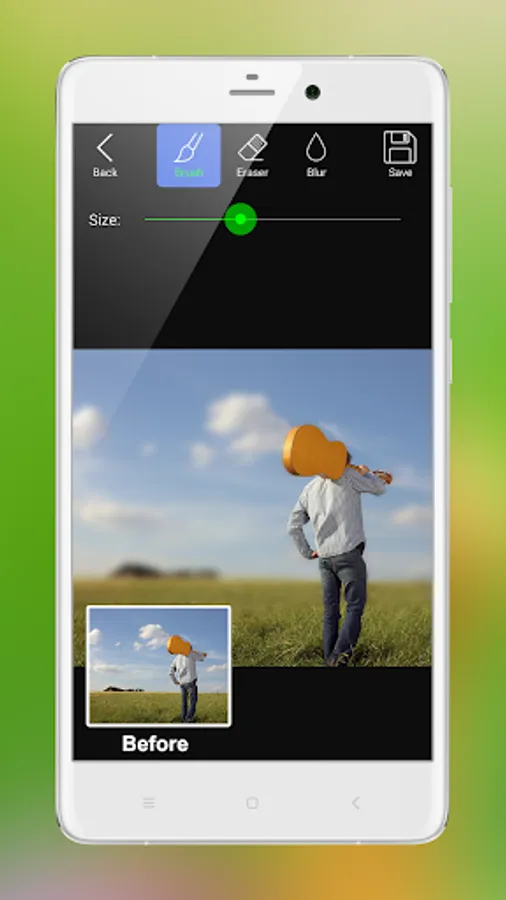
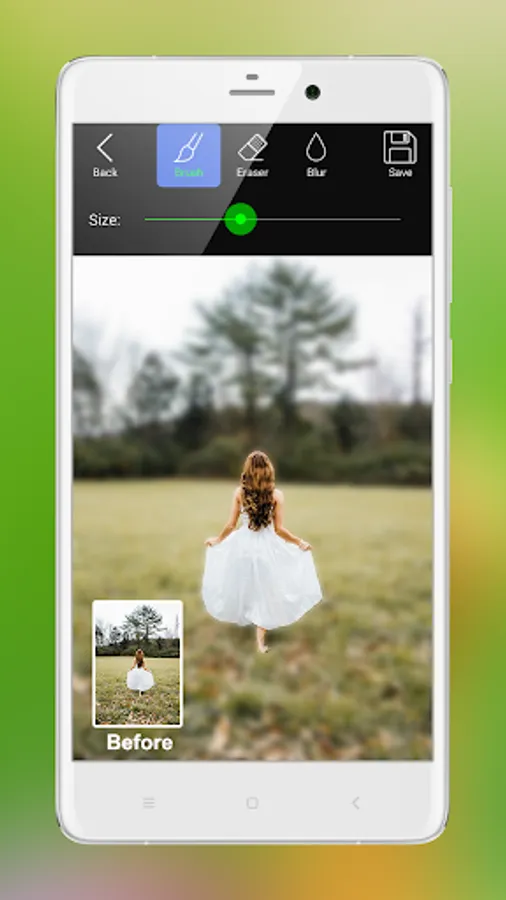
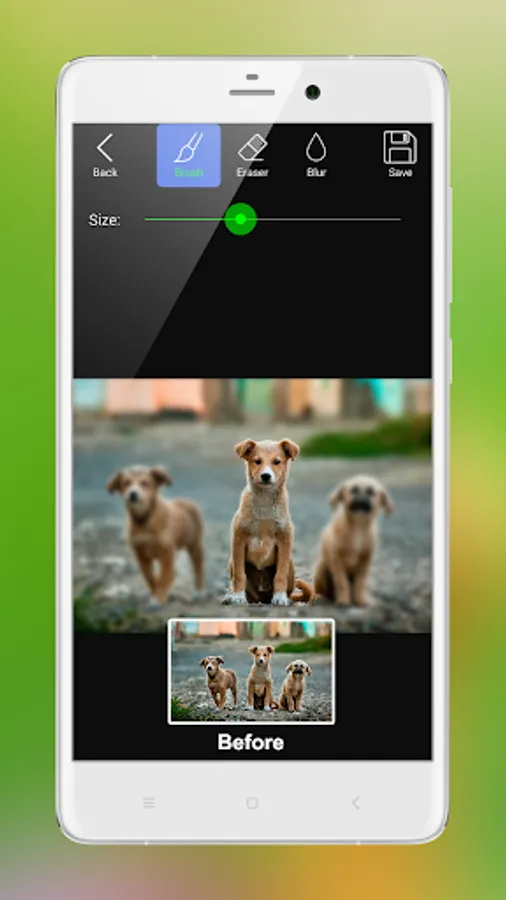
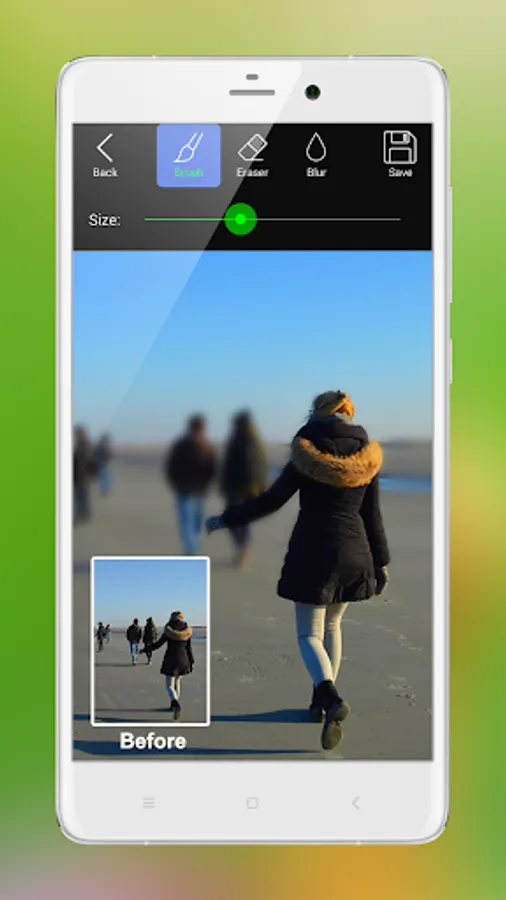
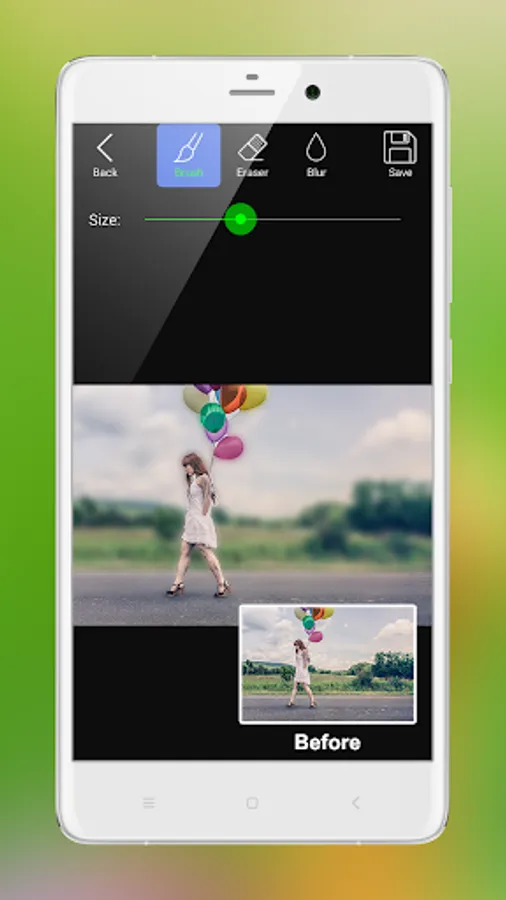
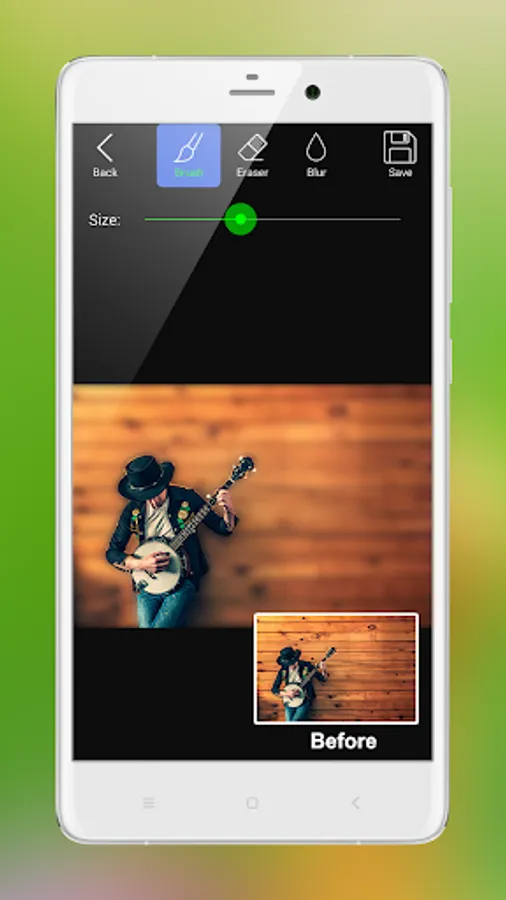
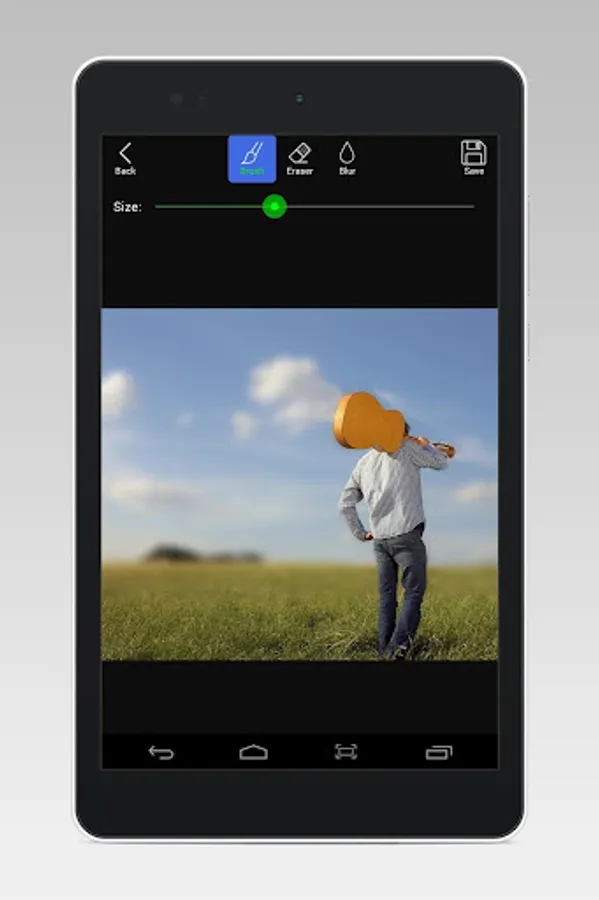
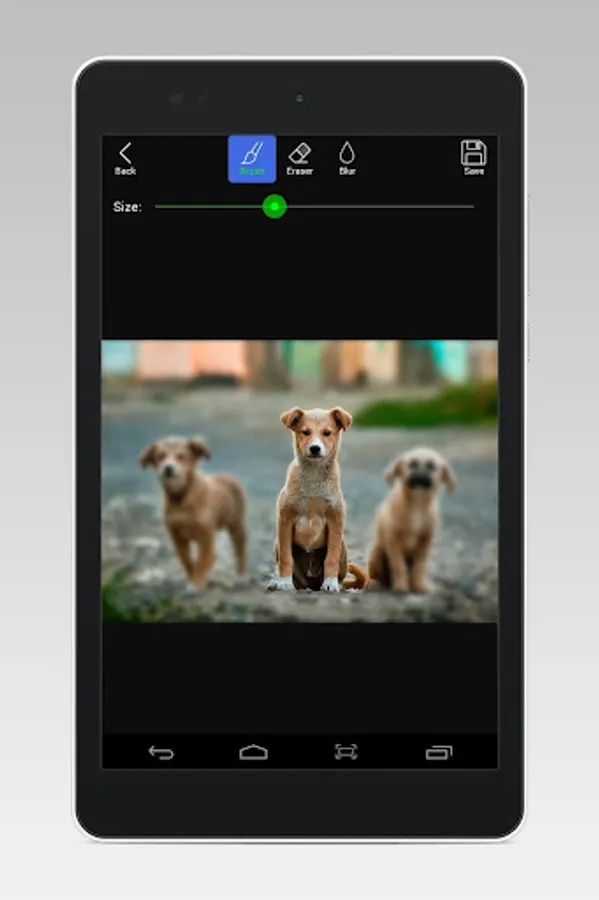
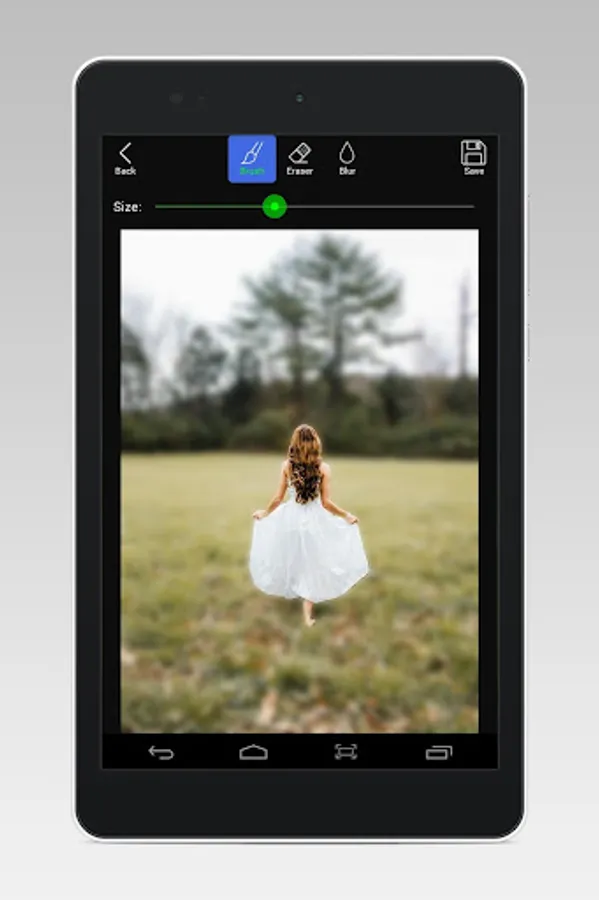
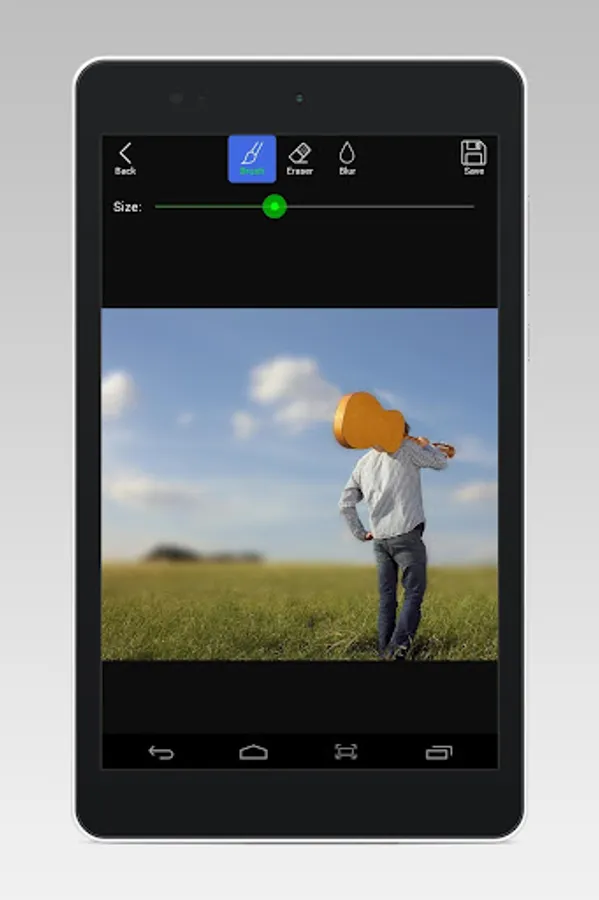
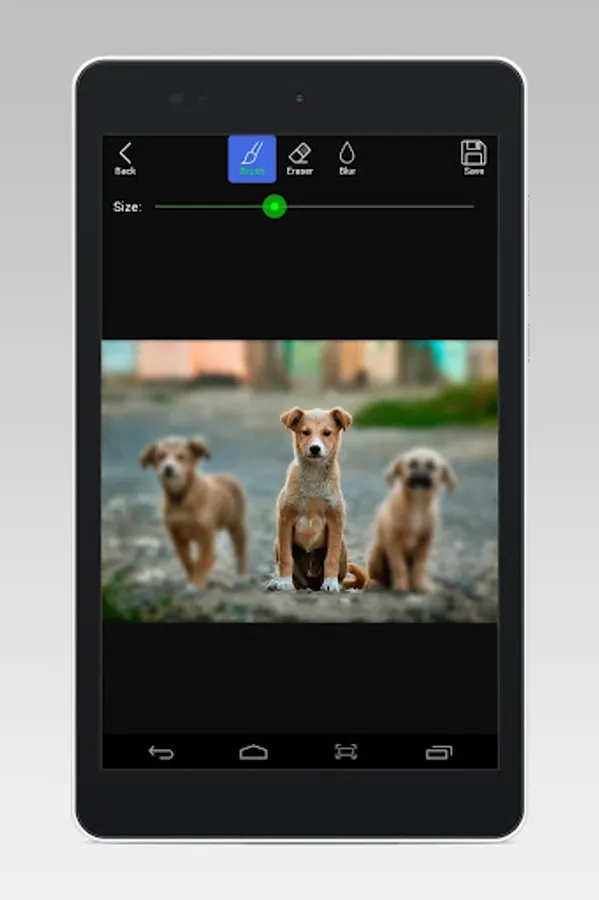
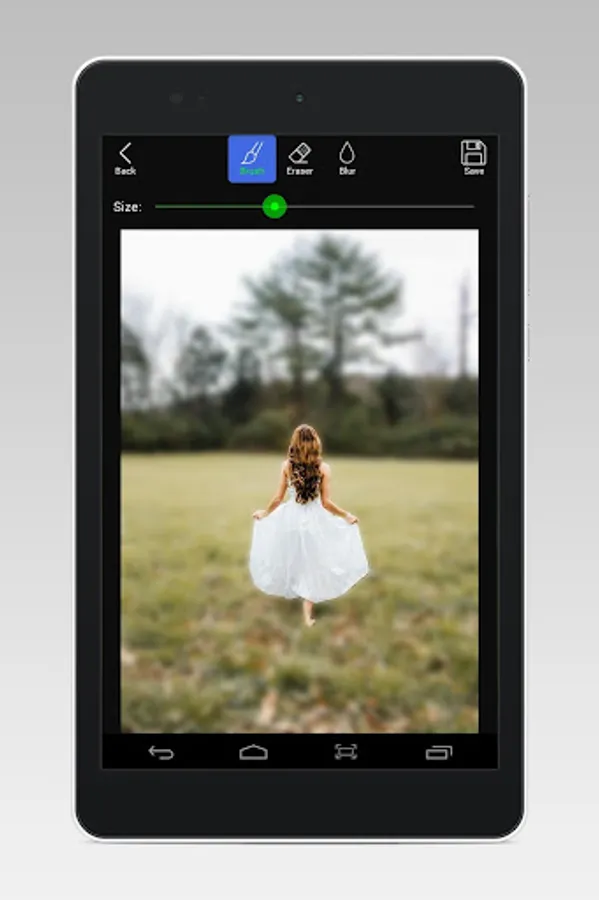
With this photo editing app, you can apply DSLR-style blur effects by using focus and blur brushes. Includes adjustable brush size and blur intensity controls.
AppRecs review analysis
AppRecs rating 3.1. Trustworthiness 0 out of 100. Review manipulation risk 0 out of 100. Based on a review sample analyzed.
★★★☆☆
3.1
AppRecs Rating
Ratings breakdown
5 star
29%
4 star
14%
3 star
29%
2 star
0%
1 star
29%
What to know
✓
Authentic reviews
Natural distribution, no red flags
About DSLR Camera Effect Maker
'DSLR Camera Effect Maker' lets you create a great looking DLSR blur effect for your favorite Photos. Blur the unwanted part of your photo to make focusing effect.
There are two modes for your to choose: Focus Brush and Blur Brush.
- The Focus Brush Mode is very efficient to make focusing effect.
- The Blur Brush Mode is the simplest way to blur the unwanted part of the picture.
With this app, you can change the brush/eraser size, you can adjust the blur intensity, and you can save the image and share it to social media like Facebook, Instagram, Whatsapp,etc.
Feature:
- Two brush modes: Focus Brush and Blur Brush.
- Blur intensity adjustment.
- Brush/Eraser size adjustment.
- Save image and share it to social networks.
- File manager for viewing, sharing and deleting the created images.
How To Use:
1. Select the brush mode.
2. Select an image from the gallery.
3. Touch on the image to make the blur effect or the focusing effect.
4. Save and share the image.
There are two modes for your to choose: Focus Brush and Blur Brush.
- The Focus Brush Mode is very efficient to make focusing effect.
- The Blur Brush Mode is the simplest way to blur the unwanted part of the picture.
With this app, you can change the brush/eraser size, you can adjust the blur intensity, and you can save the image and share it to social media like Facebook, Instagram, Whatsapp,etc.
Feature:
- Two brush modes: Focus Brush and Blur Brush.
- Blur intensity adjustment.
- Brush/Eraser size adjustment.
- Save image and share it to social networks.
- File manager for viewing, sharing and deleting the created images.
How To Use:
1. Select the brush mode.
2. Select an image from the gallery.
3. Touch on the image to make the blur effect or the focusing effect.
4. Save and share the image.