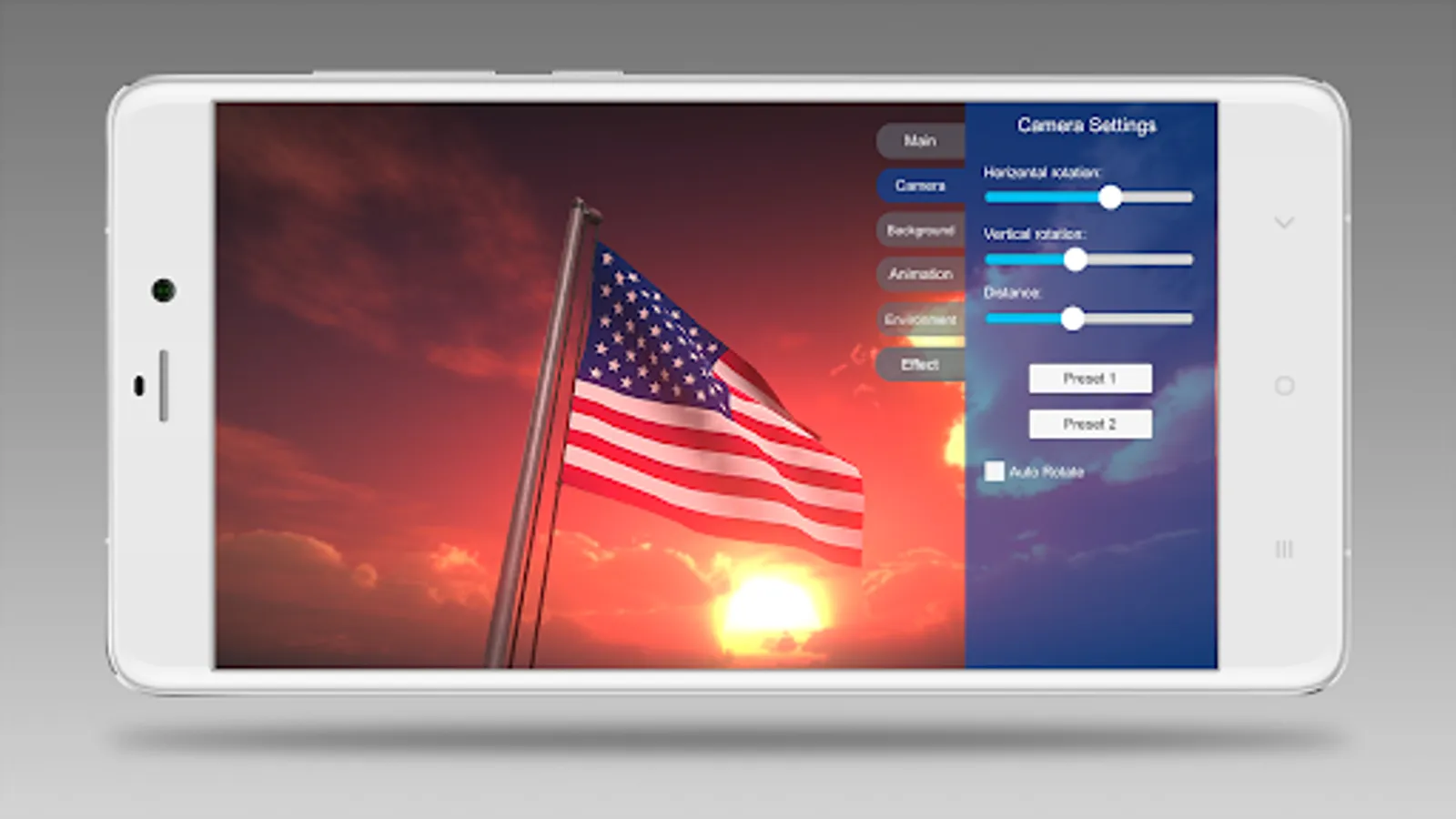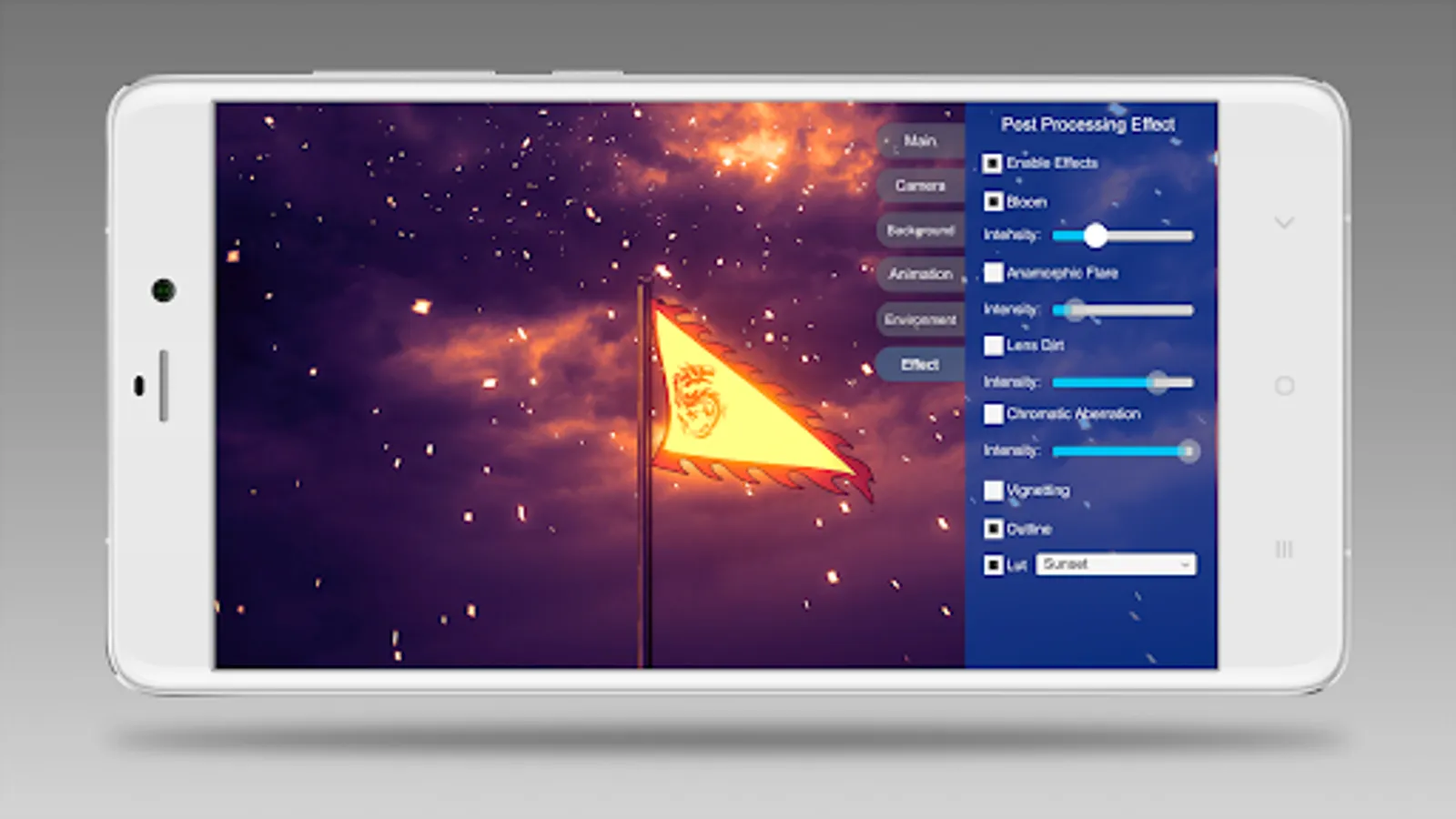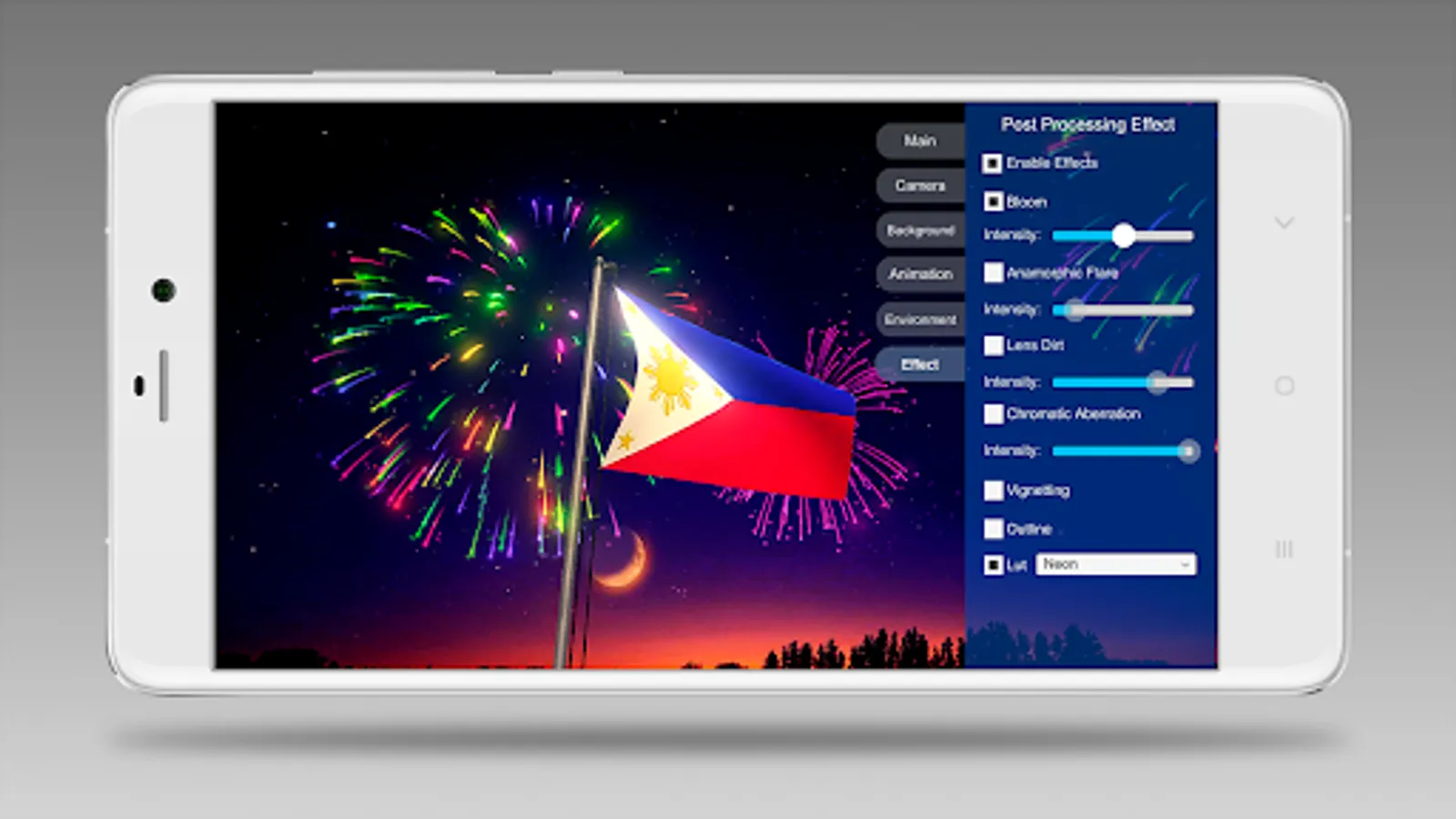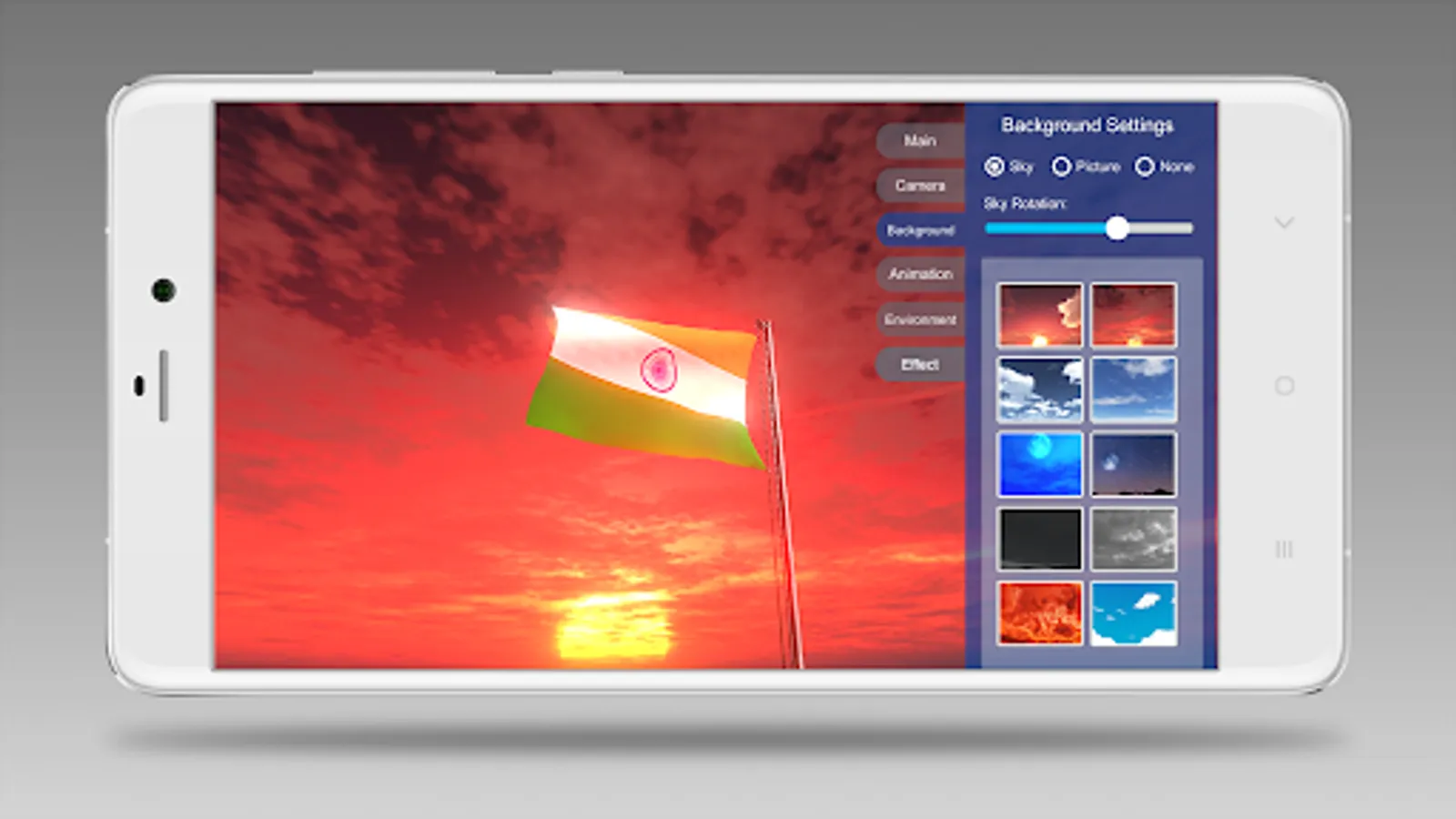
With this 3D flag maker, you can create realistic flags with customizable wind, fabric hardness, and background effects, and record animations or screenshots. Includes built-in flags, camera controls, lighting adjustments, and post-processing effects.
AppRecs review analysis
AppRecs rating 4.3. Trustworthiness 76 out of 100. Review manipulation risk 29 out of 100. Based on a review sample analyzed.
★★★★☆
4.3
AppRecs Rating
Ratings breakdown
5 star
71%
4 star
9%
3 star
3%
2 star
5%
1 star
11%
What to know
✓
Low review manipulation risk
29% review manipulation risk
✓
Credible reviews
76% trustworthiness score from analyzed reviews
✓
High user satisfaction
80% of sampled ratings are 4+ stars (4.2★ average)
About 3D Flag Maker
"3D Flag Maker" is a free application for making 3D flags. If you want a realistic flag waving your logo, this is the app for you! It's perfect for personal profile, event celebration, companies’ presentation, etc.
Features:
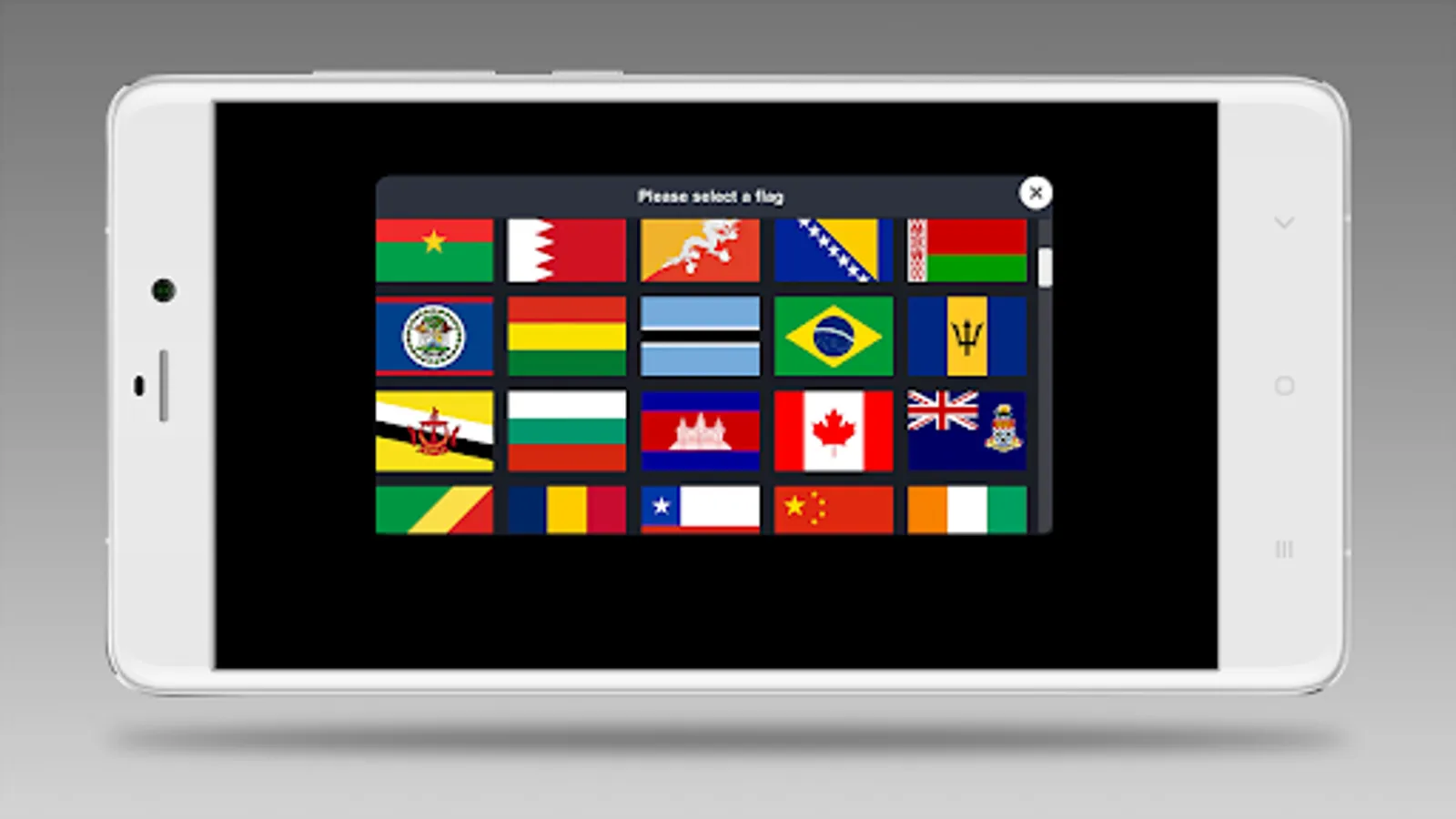
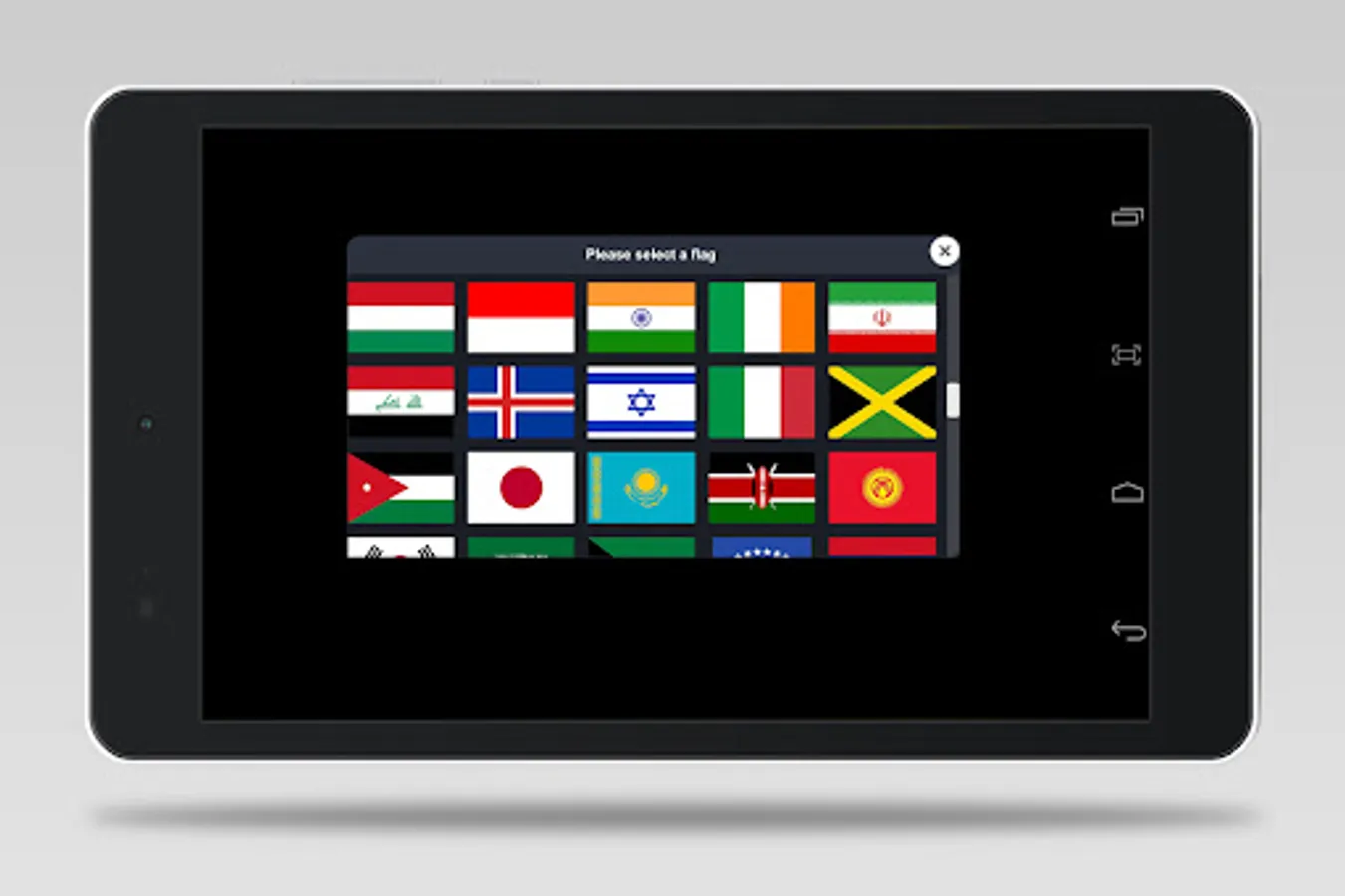
* 200+ built-in flags.
* You can control the direction and the distance of the camera.
* You can record a video of the flag animation or save a screenshot.
* You can show/hide the flagpole.
* You can adjust the hardness of the flag fabric.
* You can change the strength of the wind.
* You can use a skybox or a picture as the background.
* You can set the light intensity.
* You can use non-rectangular flag images.
* You can use the auto-rotate camera to make a video that rotates around the flag.
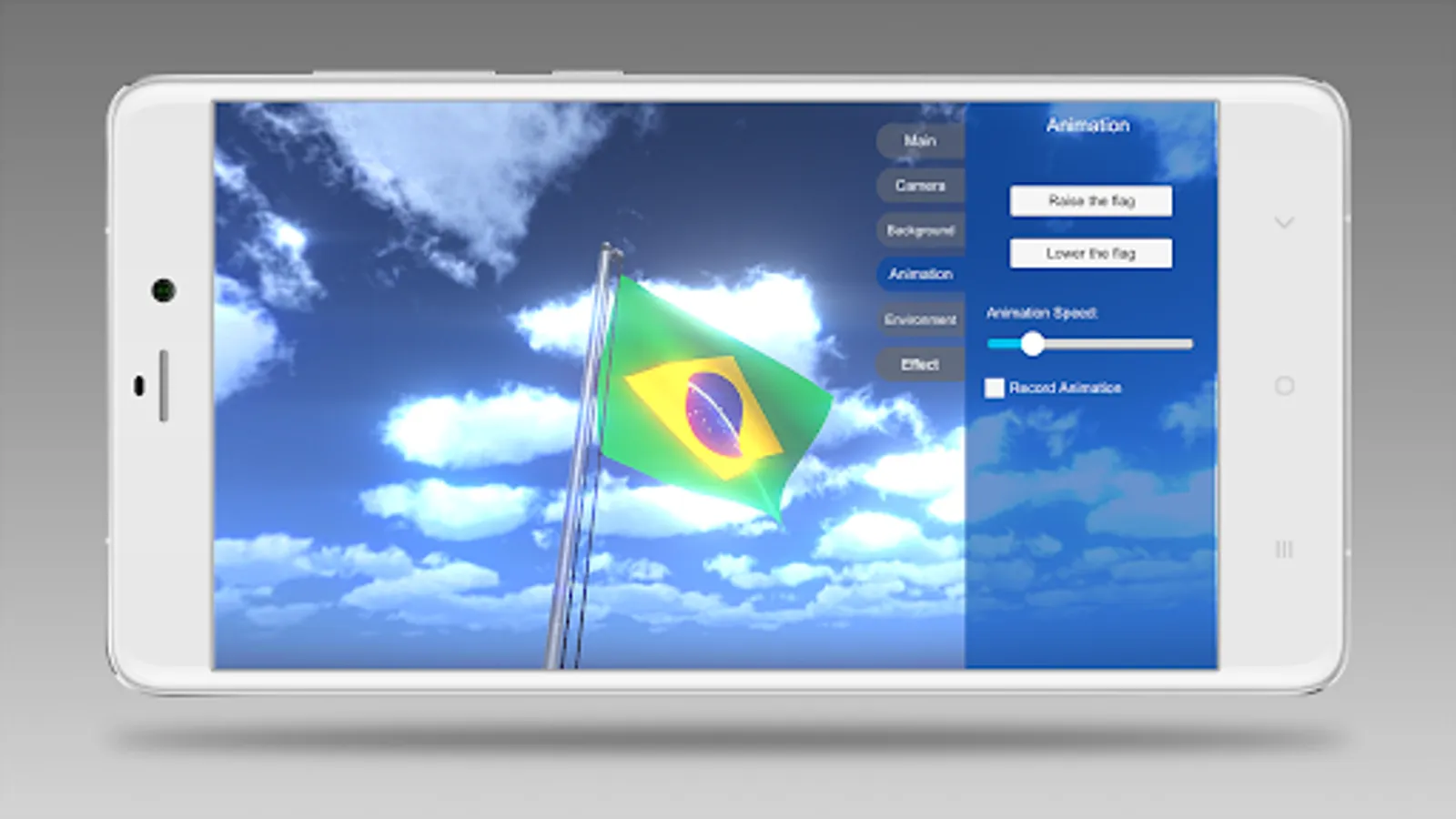
* You can make a video with the "Flag Raising" or "Flag Lowering" animation. The speed of the animation can be adjusted.
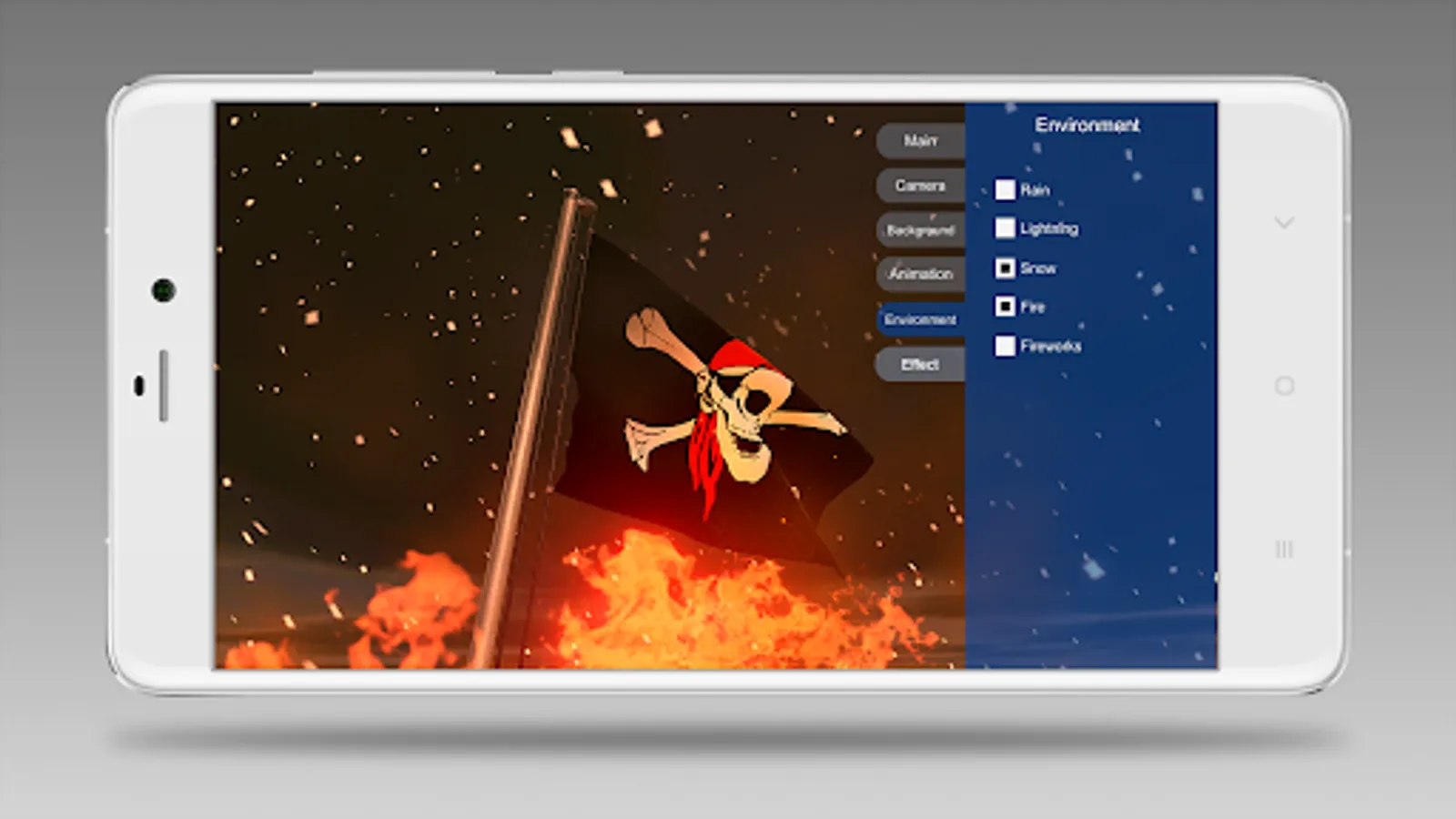
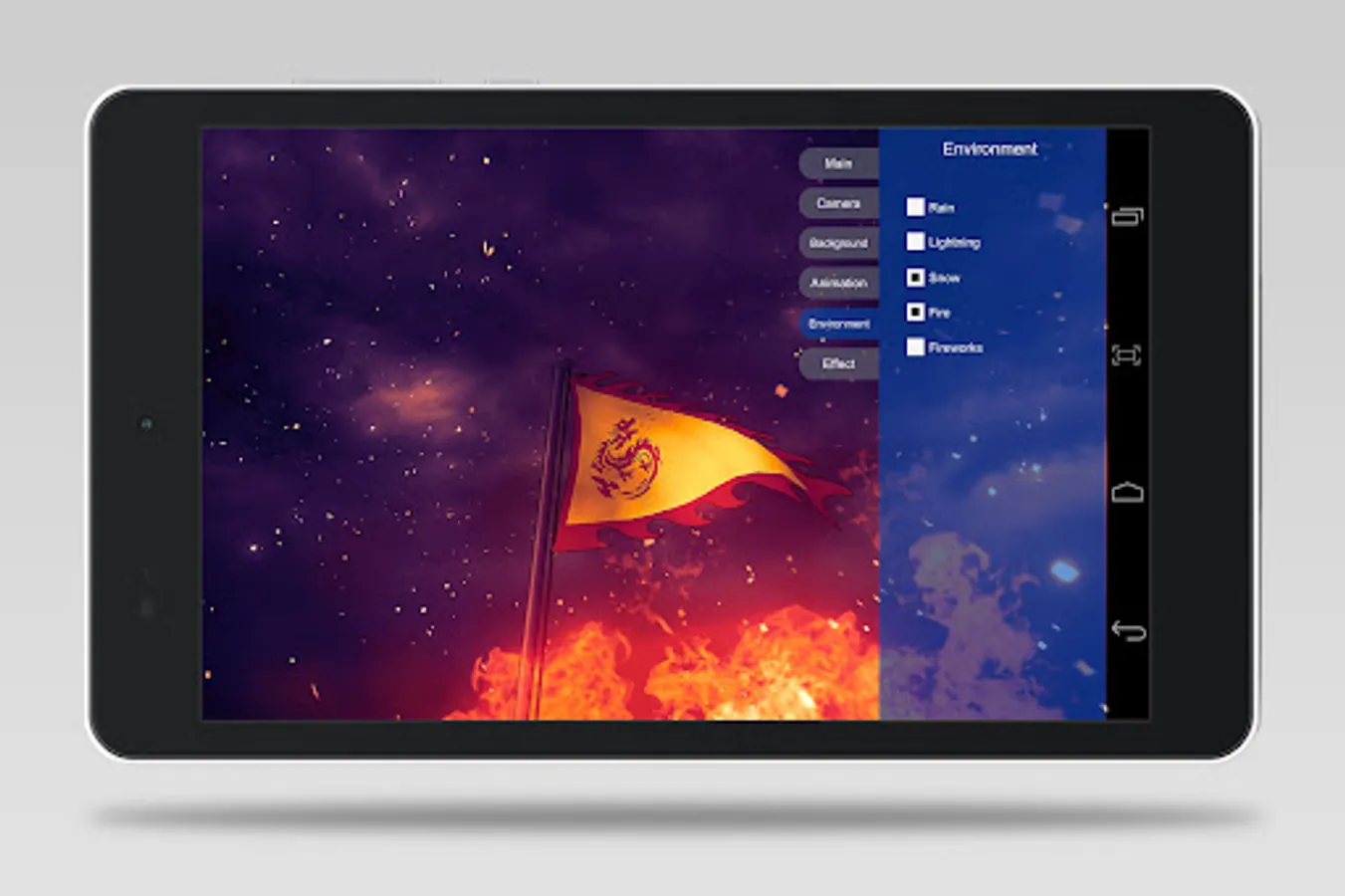
* You can enable/disable effects: rain, lightning, snow, fire, fireworks.
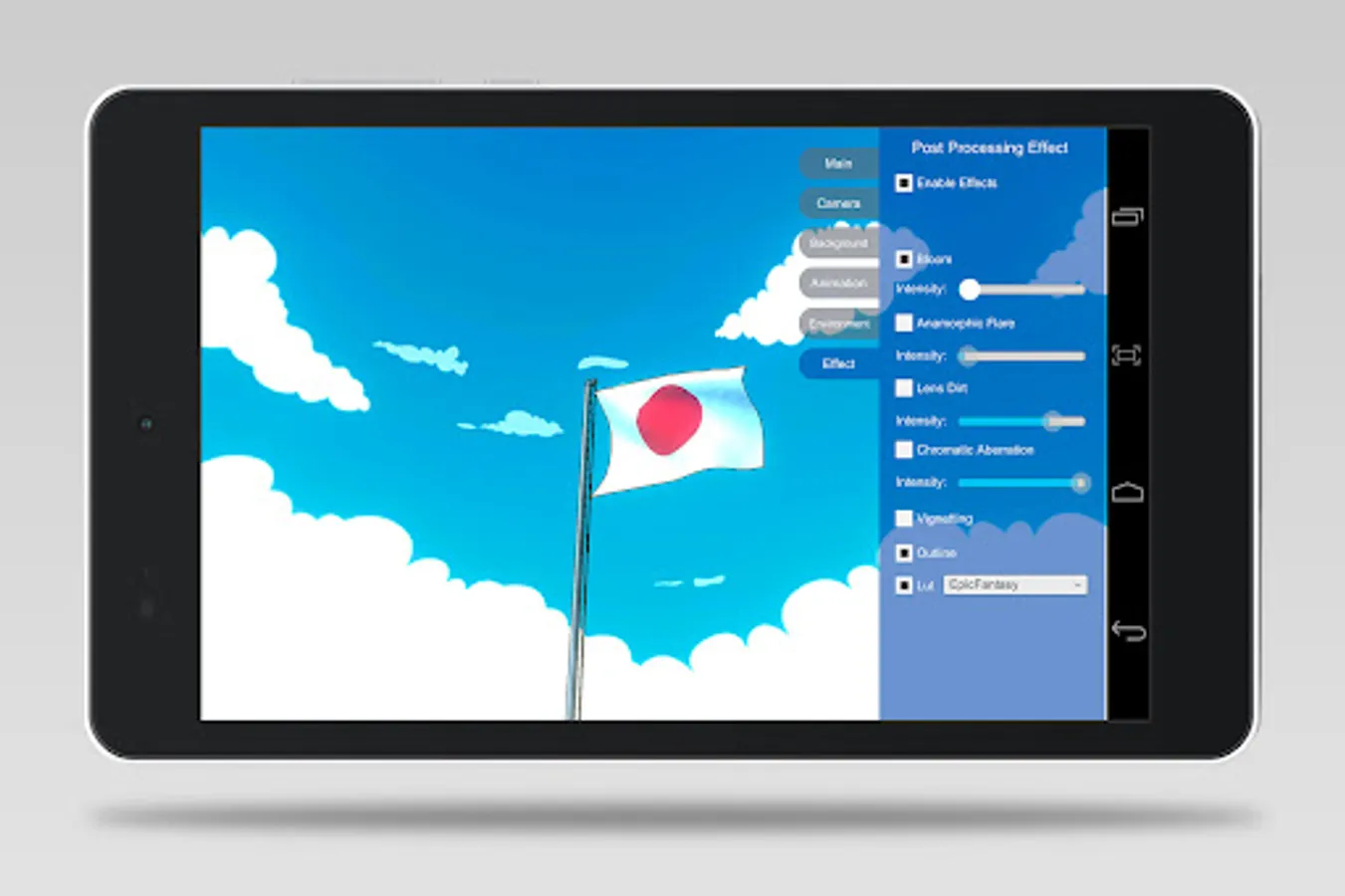
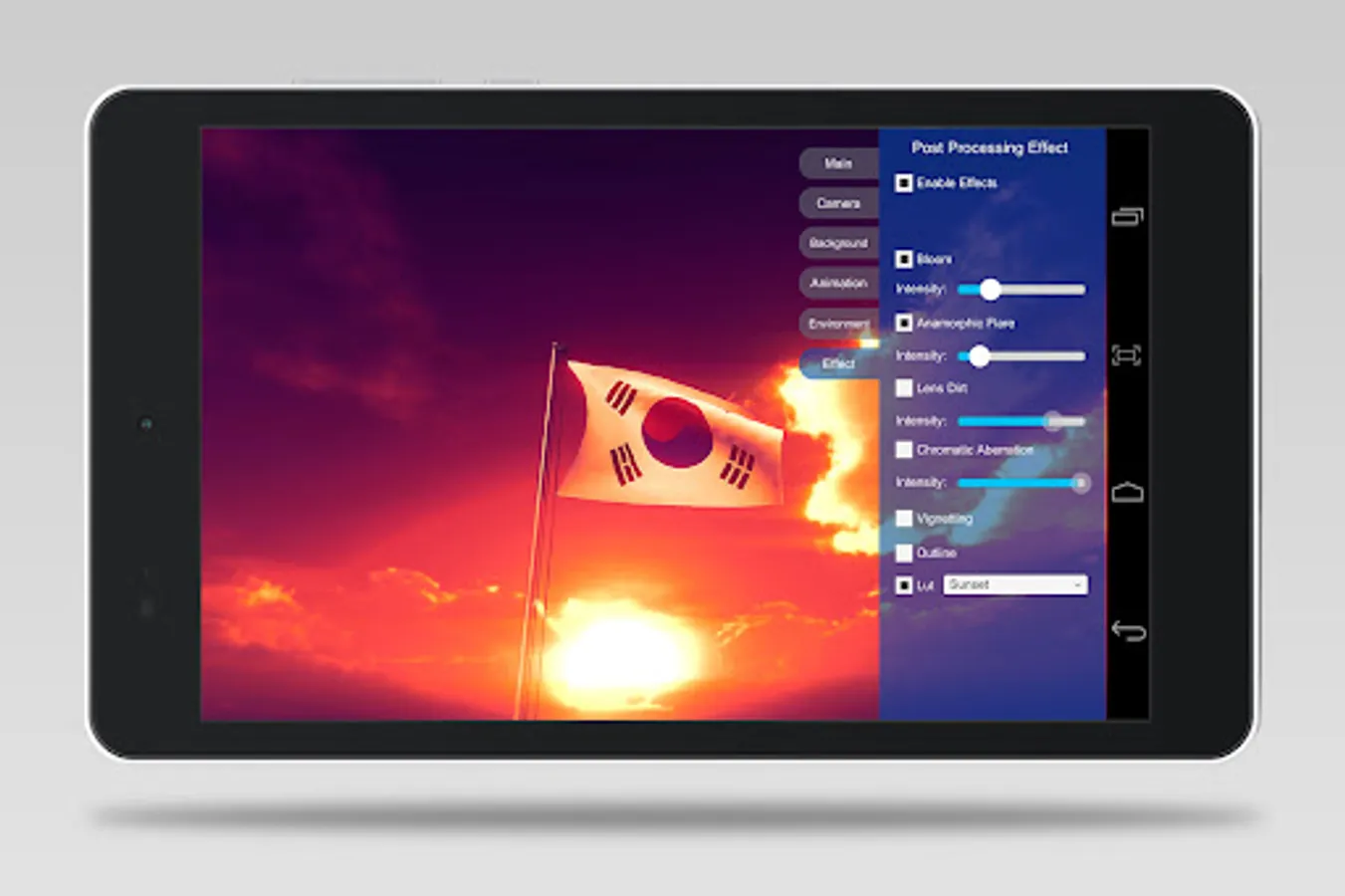
* You can use these post effects processing options: Bloom, Anamorphic Flare, Lens Dirt, Chromatic Aberration, Vignetting, Outline and 30 cinematic LUTs.
You may download 3D Flag Maker for Windows on this page:
https://www.bagestudio.com/3d-flag-maker.htm
Features:
* 200+ built-in flags.
* You can control the direction and the distance of the camera.
* You can record a video of the flag animation or save a screenshot.
* You can show/hide the flagpole.
* You can adjust the hardness of the flag fabric.
* You can change the strength of the wind.
* You can use a skybox or a picture as the background.
* You can set the light intensity.
* You can use non-rectangular flag images.
* You can use the auto-rotate camera to make a video that rotates around the flag.
* You can make a video with the "Flag Raising" or "Flag Lowering" animation. The speed of the animation can be adjusted.
* You can enable/disable effects: rain, lightning, snow, fire, fireworks.
* You can use these post effects processing options: Bloom, Anamorphic Flare, Lens Dirt, Chromatic Aberration, Vignetting, Outline and 30 cinematic LUTs.
You may download 3D Flag Maker for Windows on this page:
https://www.bagestudio.com/3d-flag-maker.htm