Bulk Message Sending - SMS
BAU YAZILIM
2.4 ★
2K ratings
500,000+
downloads
Free
+ in-app
In this messaging app, you can send SMS to multiple contacts by selecting groups of 20 and manually sending each group. Includes contact selection, grouped messaging, and manual send options.
AppRecs review analysis
AppRecs rating 2.4. Trustworthiness 100 out of 100. Review manipulation risk 21 out of 100. Based on a review sample analyzed.
★★☆☆☆
2.4
AppRecs Rating
Ratings breakdown
5 star
20%
4 star
20%
3 star
0%
2 star
0%
1 star
60%
What to know
✓
Low review manipulation risk
21% review manipulation risk
⚠
Mixed user feedback
Average 2.4★ rating suggests room for improvement
⚠
High negative review ratio
60% of sampled ratings are 1–2 stars
About Bulk Message Sending - SMS
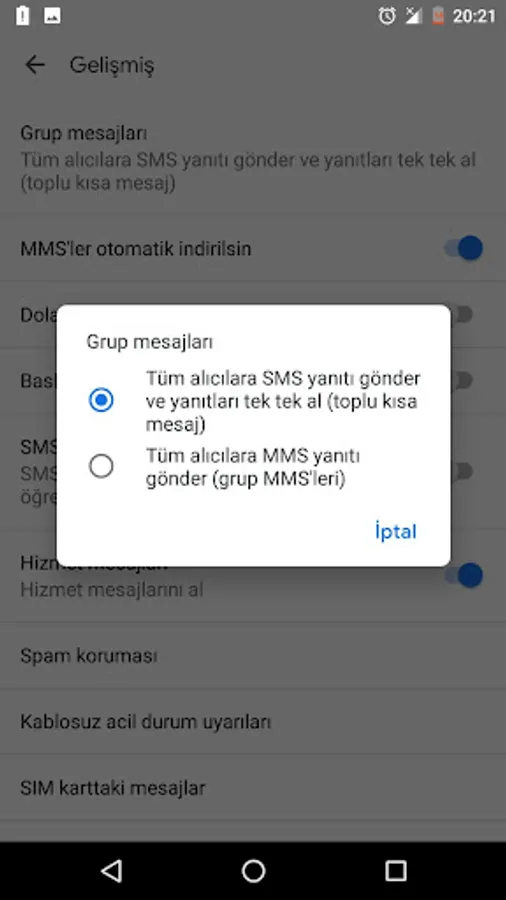
In some phones, you can first make the phone send as SMS, not mms, by selecting the settings> advanced> group messages setting of the phone's own message application, "Send sms to all recipients and receive replies one by one".
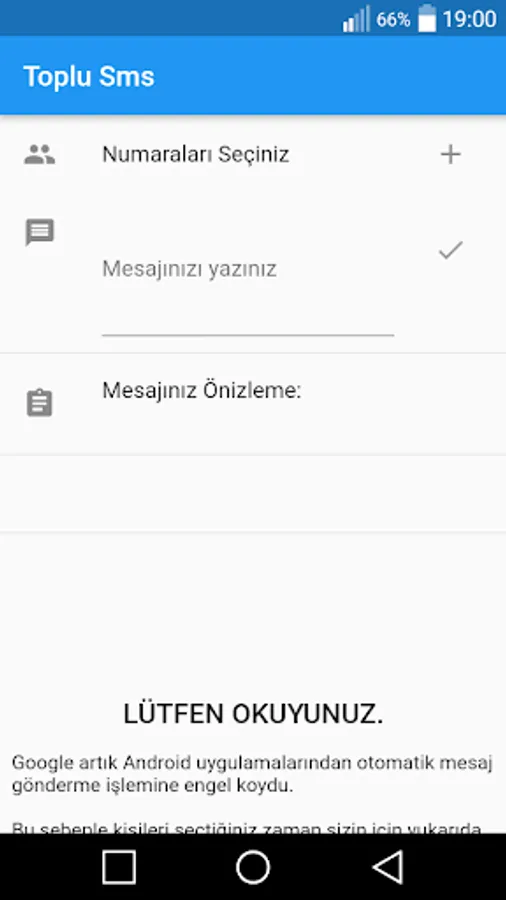
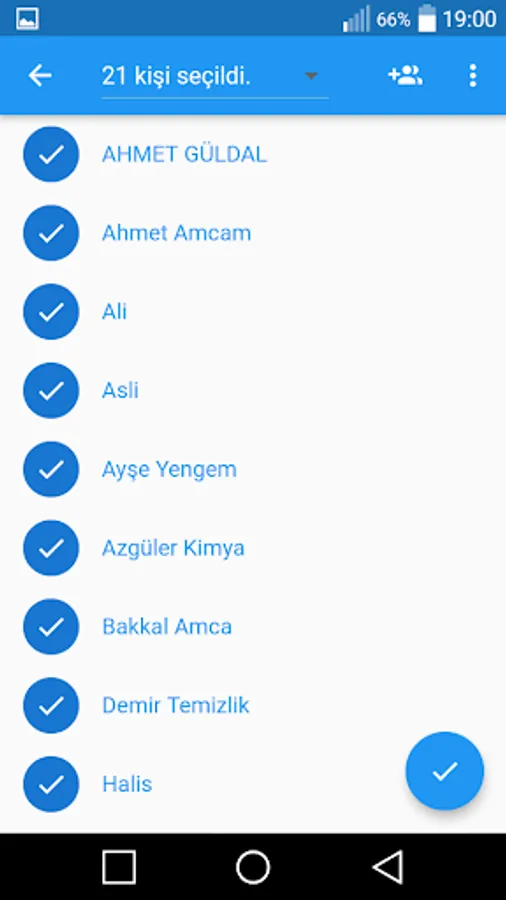
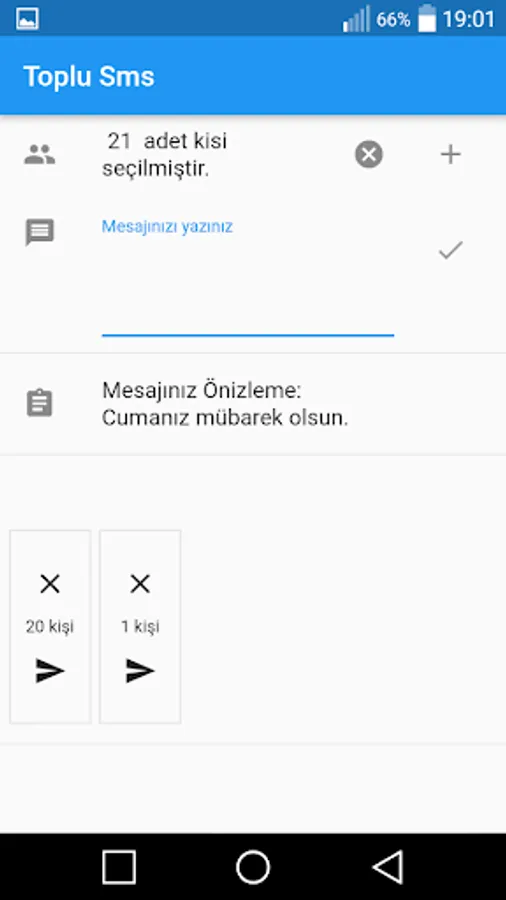
When you want to send a message from your phone's sms application, you are stuck in the limit of 20 people. Thanks to this application, you will be able to send the people you choose one by one in groups of 20.
So why do you send them individually in groups of 20? Let's explain.
Reason: GOOGLE PLAY ASTS TO SEND A MESSAGE THROUGH THE MESSAGES APP.
In accordance with the new Google Play rules, sending bulk sms with an automatic button on the program was restricted. For this reason, you will be able to click and send the people you choose on the application in groups of 20. It's a little difficult, but it's the easiest! :)
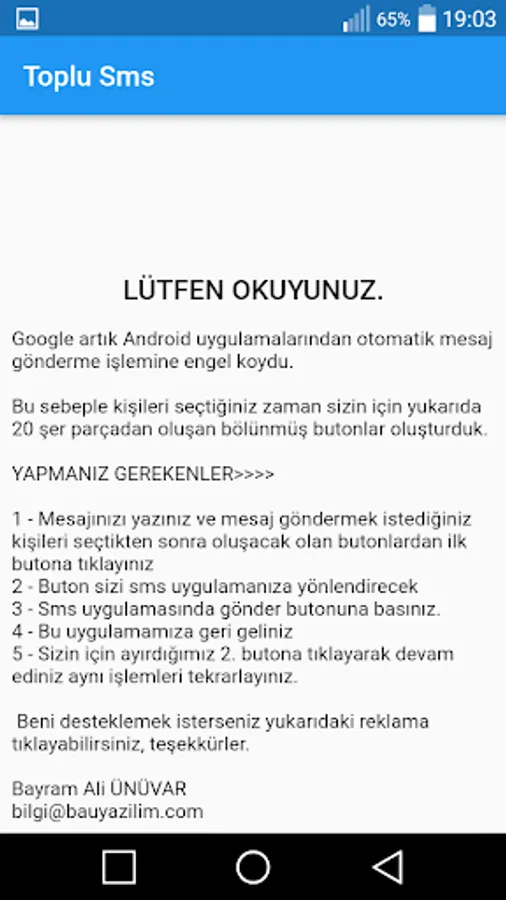
Google has now blocked the automatic sending of messages from Android apps. For this reason, when you choose the people, we have created 20 divided buttons for you above.
WHAT YOU MUST DO
1 - Write your message and click the first button from the buttons that will appear after selecting the people you want to send a message to.
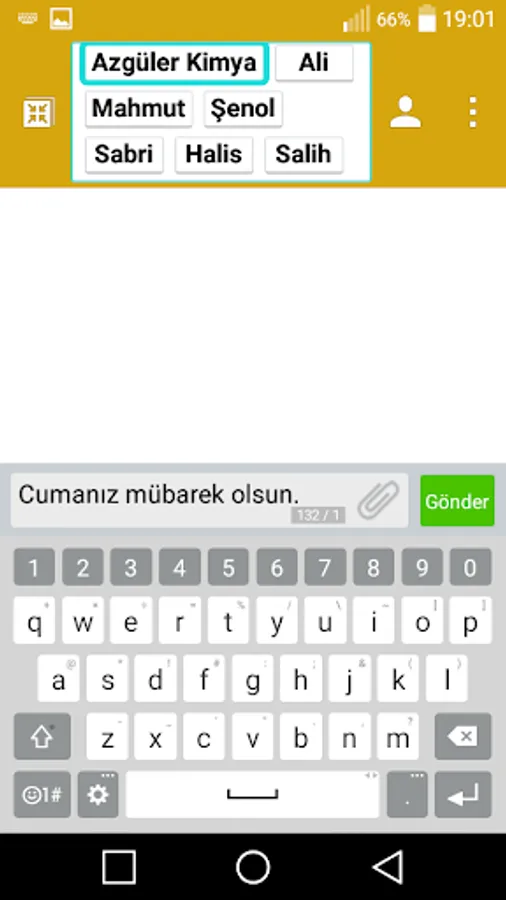
2 - Button will direct you to your sms application
3 - Click the send button in the Sms application.
4 - Come back to this application
5 - Continue by clicking on the 2nd button we reserved for you and repeat the same process.
Bayram Ali ÜNÜVAR
bilgi@bauyazilim.com
You can send an e-mail to bilgi@bauyazilim.com address for your requests, suggestions and complaints, if any.
Whether you want to send a message piece by piece, you can send a message by selecting from the phone book one by one.
Phrases for availability:
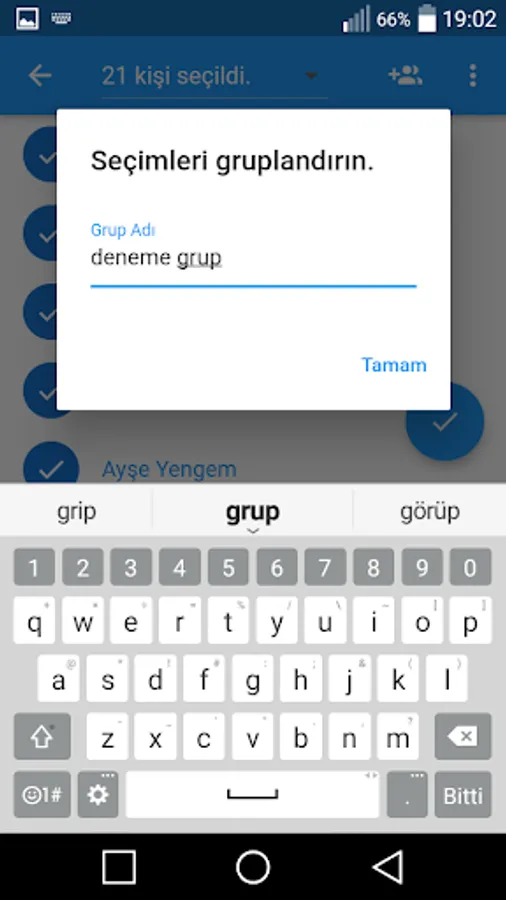
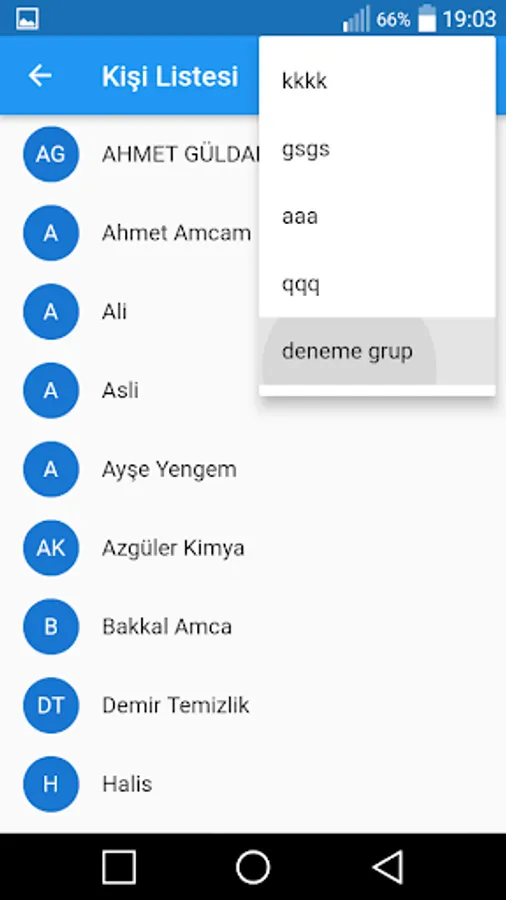
If you want to send mass messages on special days, our application is for you. You can no longer send messages in bulk with a single click. To prevent this, we have created message sending buttons divided into 20 equal parts in the application. By pressing these buttons, you will be able to easily send sms on Fridays. Of course, you can choose our bulk sms application at night and lamps. You can send as many messages as your defined sms package to your line. There are no restrictions. If you say "I cannot send a message", you can try sending it from our bulk sms application. By grouping the contacts you have selected in the application, you can easily select the group in your next message sending process and send sms more easily and quickly.
Bulk Message Sending - SMS Screenshots
Tap to Rate:
Reviews for Bulk Message Sending - SMS
Thabang Edwin
12/15/2025
1. cant send to numbers that arent saved into contacts 2. isn't fully translated to english 3. no way to add recipient's name
ganda duit
12/4/2025
Useful tools for mass messaging. It would be good if we could set the number of phone numbers in a batch. For example, we could choose to send to 5 or 10 phone numbers instead of the default 20, because some telcos block messages if a batch contains more than 10 phone numbers. WhatsApp is too strict, they ban so fast even the batch less 20 peoples