Brilliant Weather Complication
Brilliant Blue Productions LLC
3.5 ★
34 ratings
5,000+
downloads
Free
+ in-app
With this watch face app, you can view current weather conditions, daily forecasts, and customize backgrounds. Includes automatic location detection and support for multiple watch face complications.
AppRecs review analysis
AppRecs rating 3.5. Trustworthiness 0 out of 100. Review manipulation risk 0 out of 100. Based on a review sample analyzed.
★★★☆☆
3.5
AppRecs Rating
Ratings breakdown
5 star
58%
4 star
6%
3 star
0%
2 star
0%
1 star
36%
What to know
✓
Good user ratings
64% positive sampled reviews
About Brilliant Weather Complication
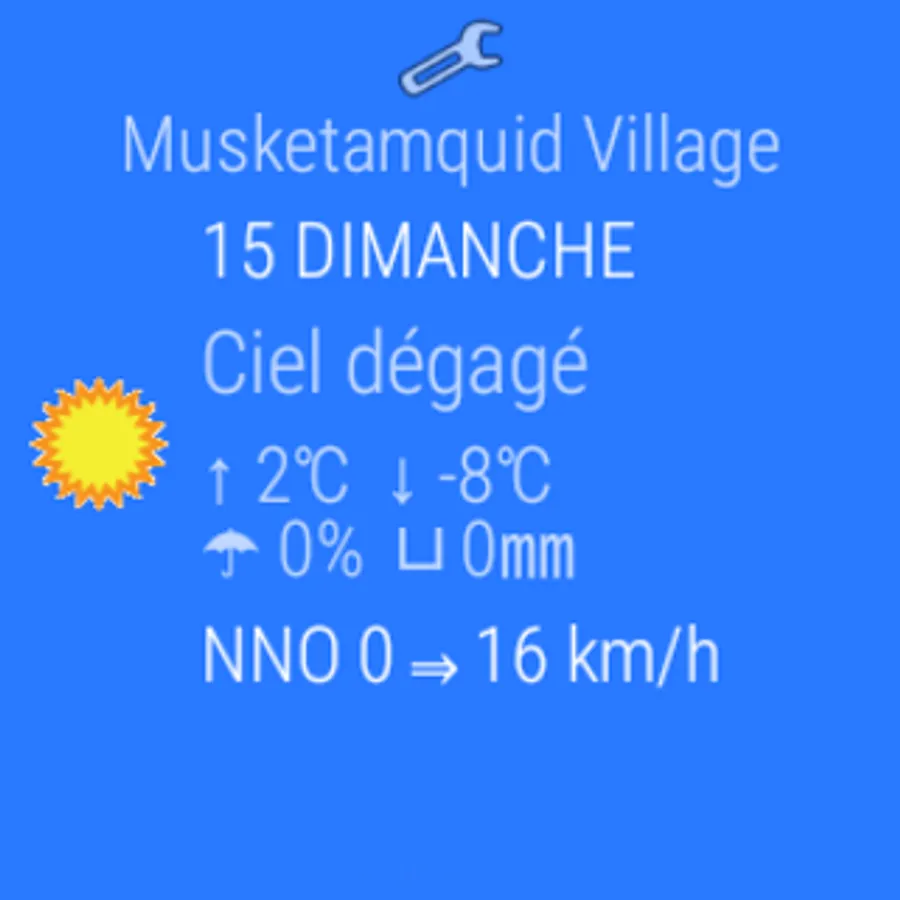
See what the local weather is with a quick glance at your watch!
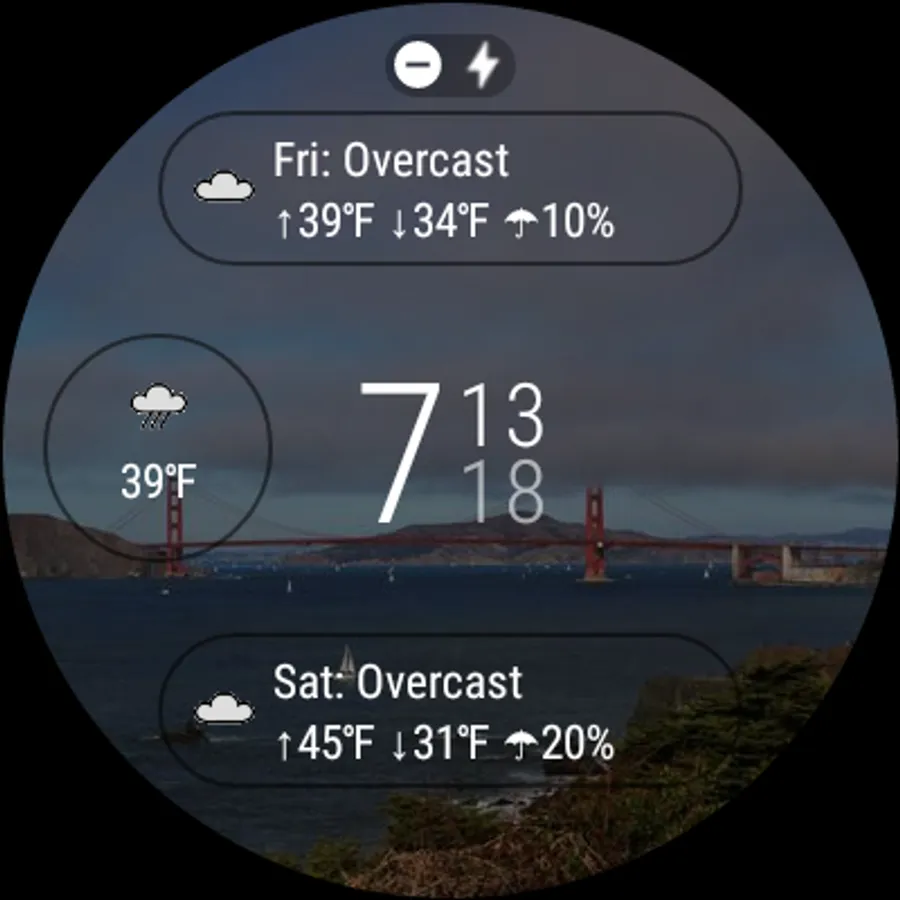
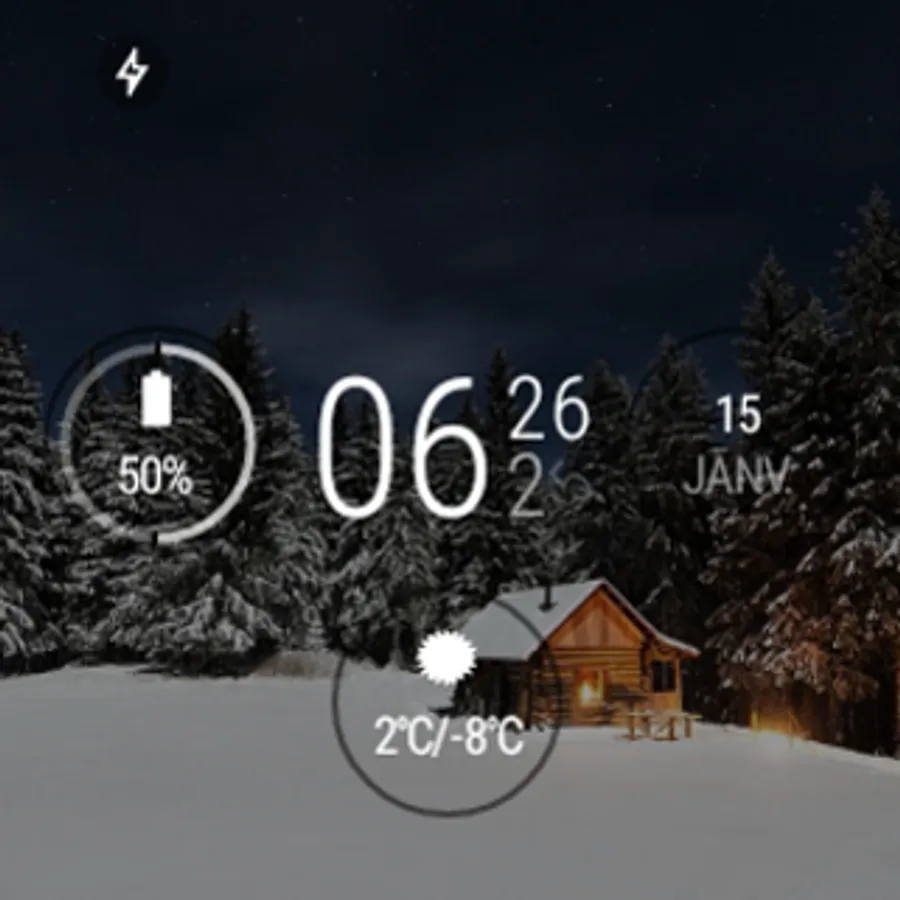
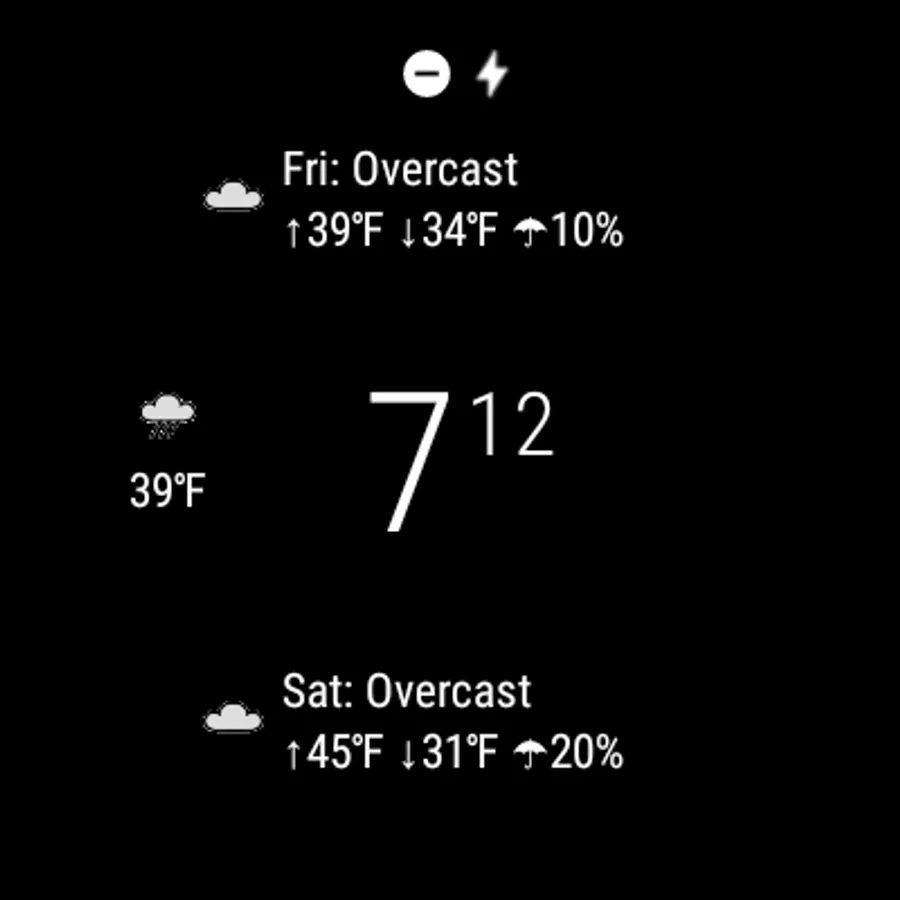
Get the current conditions, today's forecast or tomorrow's forecast as a complication on your favorite compatible Android Wear watch face.
Set your watch background to a beautiful image relevant to the current weather.
Touch any complication to open the multi-day forecast.
Automatically detects your location and provides weather for where you are.
Uses your devices locale to display the weather summary in your preferred language.
Works best with an Android Wear 2.0 watch face which supports custom complications such as:
• Elements Analog
• Elements Digital
See Android Wear 2.0 Watch Faces and the Complications that Love them for more. (link: http://whatwear.brilliantblueproductions.com/2017/04/android-wear-20-watch-faces-and.html)
To report an issue go to:
https://bitbucket.org/jwc905/brilliantweather/issues?status=new&status=open
Weather services powered by www.wunderground.com, darksky.net and openweathermap.org
Get the current conditions, today's forecast or tomorrow's forecast as a complication on your favorite compatible Android Wear watch face.
Set your watch background to a beautiful image relevant to the current weather.
Touch any complication to open the multi-day forecast.
Automatically detects your location and provides weather for where you are.
Uses your devices locale to display the weather summary in your preferred language.
Works best with an Android Wear 2.0 watch face which supports custom complications such as:
• Elements Analog
• Elements Digital
See Android Wear 2.0 Watch Faces and the Complications that Love them for more. (link: http://whatwear.brilliantblueproductions.com/2017/04/android-wear-20-watch-faces-and.html)
To report an issue go to:
https://bitbucket.org/jwc905/brilliantweather/issues?status=new&status=open
Weather services powered by www.wunderground.com, darksky.net and openweathermap.org
Brilliant Weather Complication Screenshots
Tap to Rate: