Bubble Level - Spirit Level
1 Bit
4.2 ★
14K ratings
1,000,000+
downloads
Free
AppRecs review analysis
AppRecs rating 3.7. Trustworthiness 82 out of 100. Review manipulation risk 30 out of 100. Based on a review sample analyzed.
★★★☆☆
3.7
AppRecs Rating
Ratings breakdown
5 star
68%
4 star
14%
3 star
2%
2 star
4%
1 star
12%
What to know
✓
Credible reviews
82% trustworthiness score from analyzed reviews
✓
High user satisfaction
82% of sampled ratings are 4+ stars (4.2★ average)
⚠
Ad complaints
Many low ratings mention excessive ads
About Bubble Level - Spirit Level
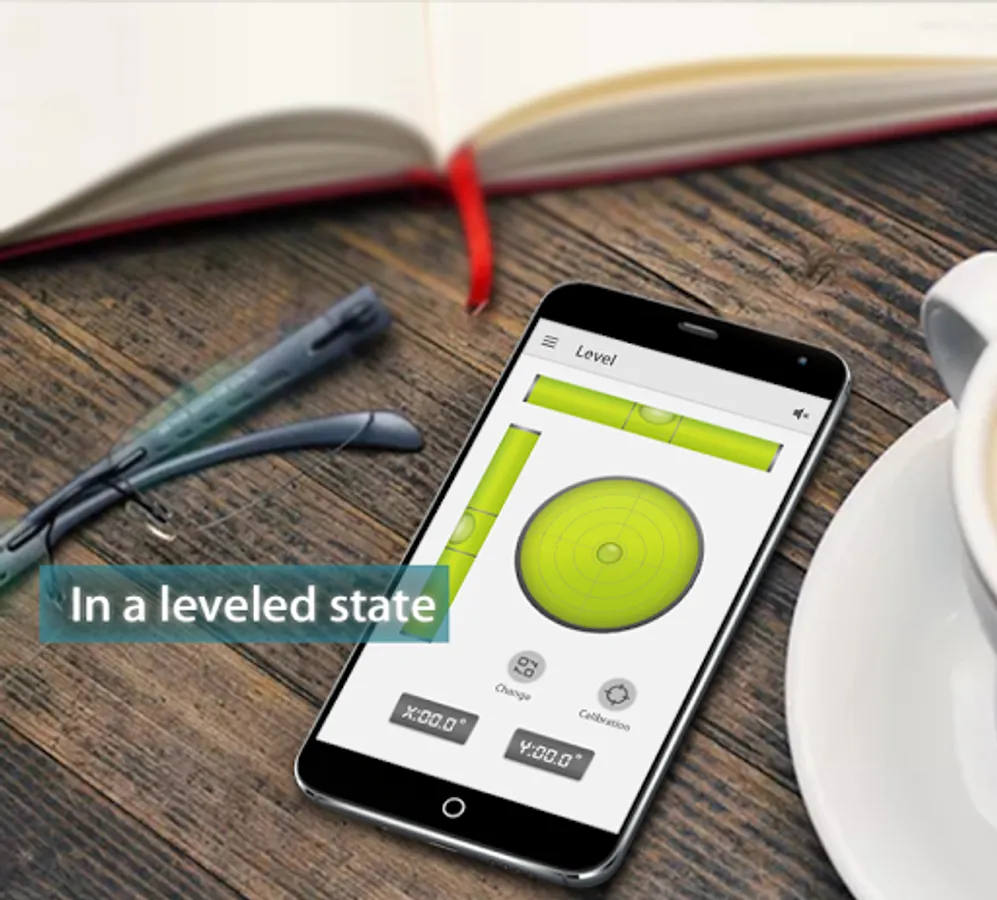
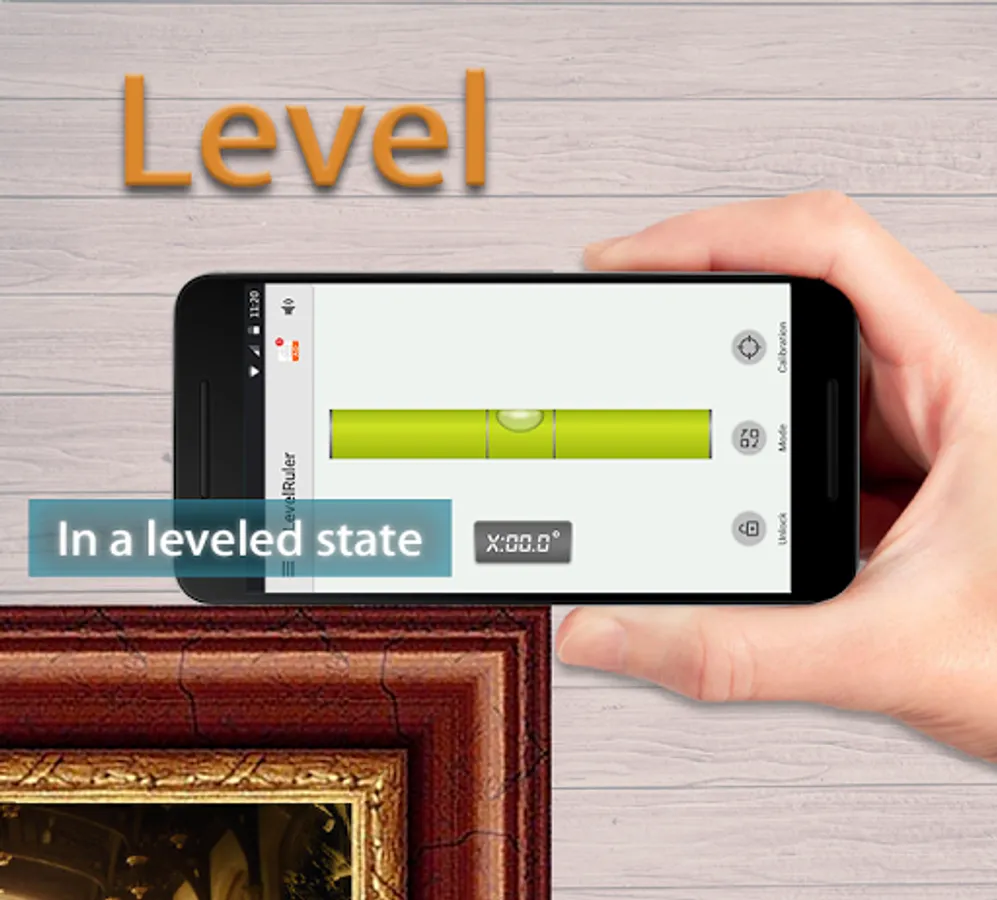
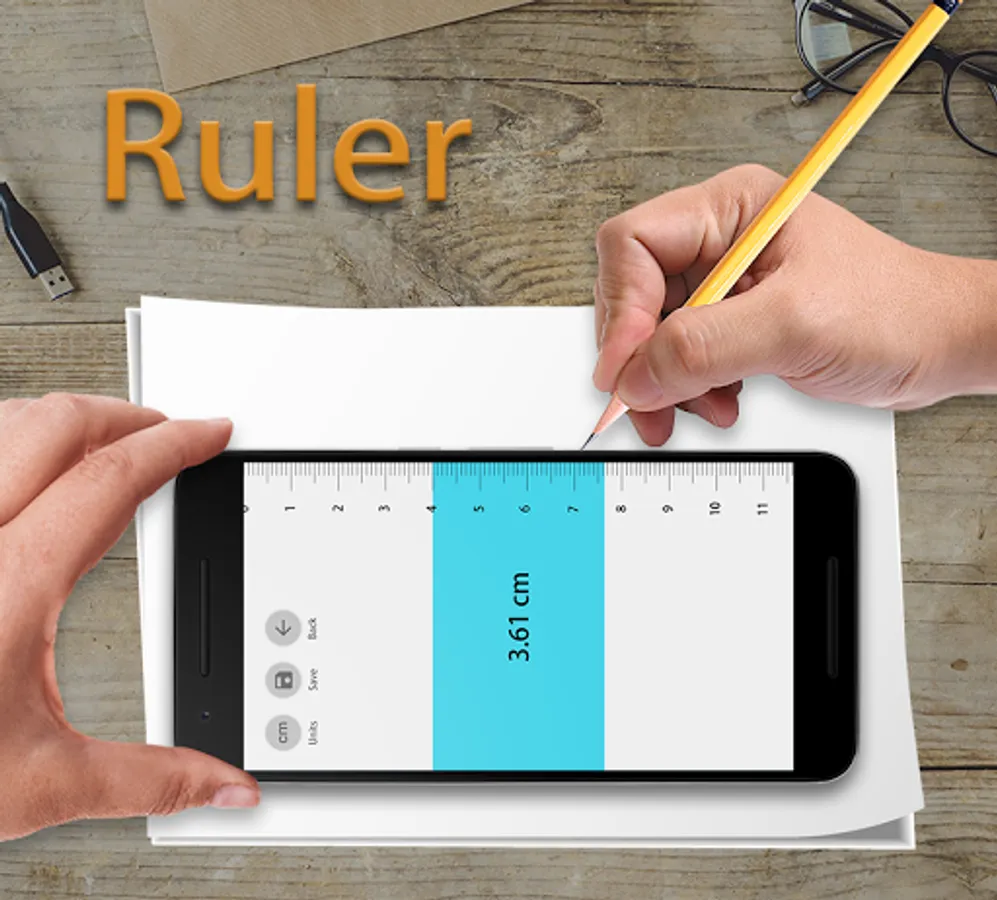
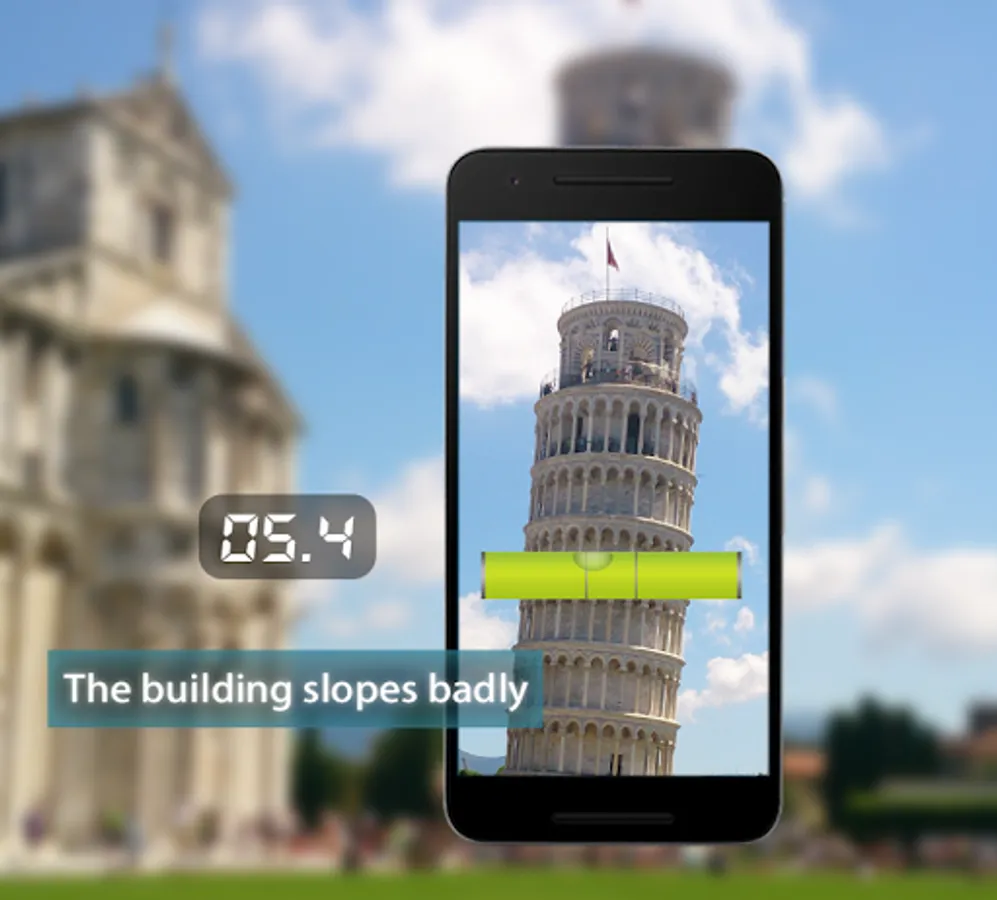
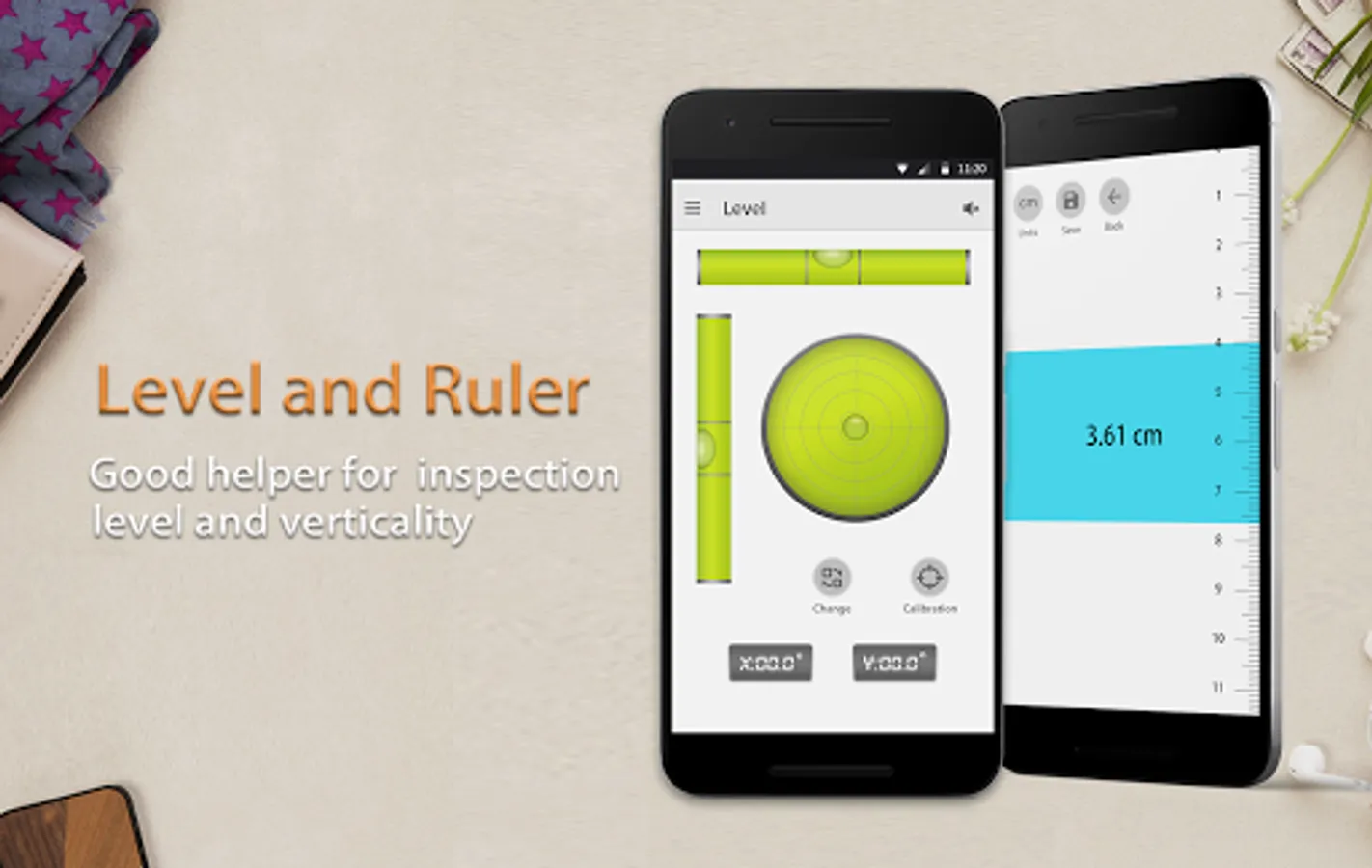
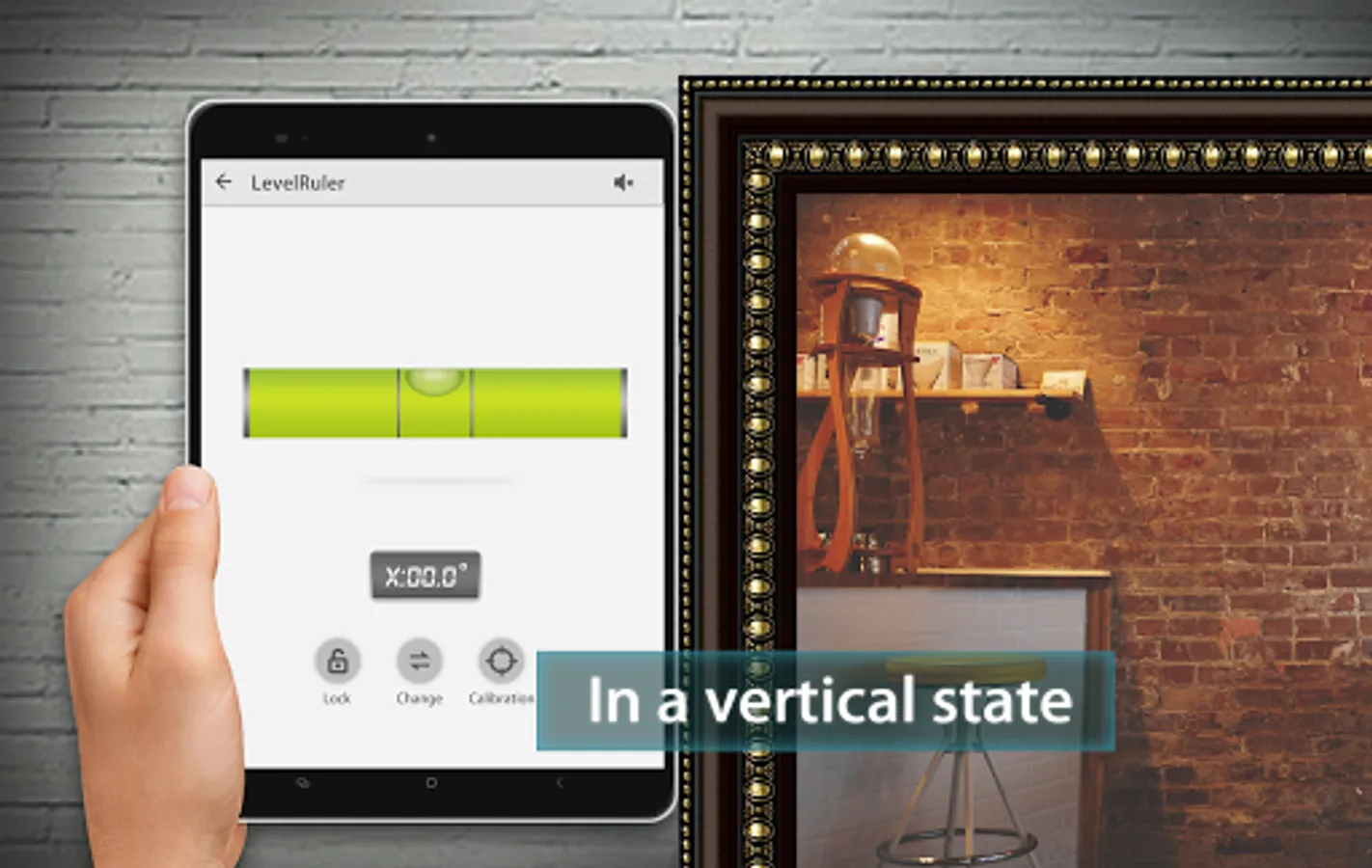
This Bubble Level app provides not just spirit level, but also a straight ruler and 2D ruler, making the measurement more comprehensive. The tools in this Bubble Ruler is user-friendly. In the ruler functions, you can change the unit of the measurement, and in the bubble level function, you can lock the interface and change the bubble level mode.
Tips
Place the device on a relatively flat surface (such as a table) to ensure that the bubbles in the tubes are stably in the center of the tube. You can also watch the bubble position and adjust the direction of the device appropriately. After determining the position of the bubble, you can click the calibration button, so that your measurement will be more accurate.
Just put the device against the surface of the object you need to measure, you can start measuring.
We provide accurate measurements for every user with this bubble level free. But in order to get more real data, please calibrate before use. If you have any questions, please feel free to ask.
Bubble Level - Spirit Level Screenshots
Tap to Rate:
Reviews for Bubble Level - Spirit Level
Joseph Rumpsa
12/27/2025
it does work, but the ads are far too much. what happened to basic banner ads? even during the setup, it tries to trick you into clicking on ads by changing the position of "next"
Seth Mitchell
12/26/2025
I didn't mind ads on the app, as it's free. but these are some of the most intrusive ads I've seen. immediately uninstalled.