
SetEdit SettingsDatabaseEditor
4A
4.1 ★
23K ratings
10,000,000+
downloads
Free
AppRecs review analysis
AppRecs rating 4.1. Trustworthiness 79 out of 100. Review manipulation risk 34 out of 100. Based on a review sample analyzed.
★★★★☆
4.1
AppRecs Rating
Ratings breakdown
5 star
72%
4 star
3%
3 star
5%
2 star
2%
1 star
18%
What to know
✓
Credible reviews
79% trustworthiness score from analyzed reviews
✓
High user satisfaction
75% of sampled ratings are 4+ stars (4.1★ average)
About SetEdit SettingsDatabaseEditor
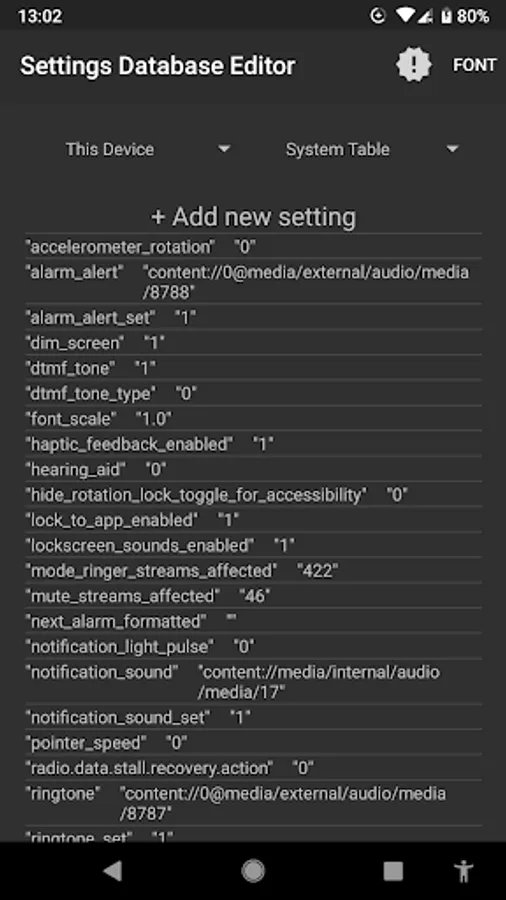
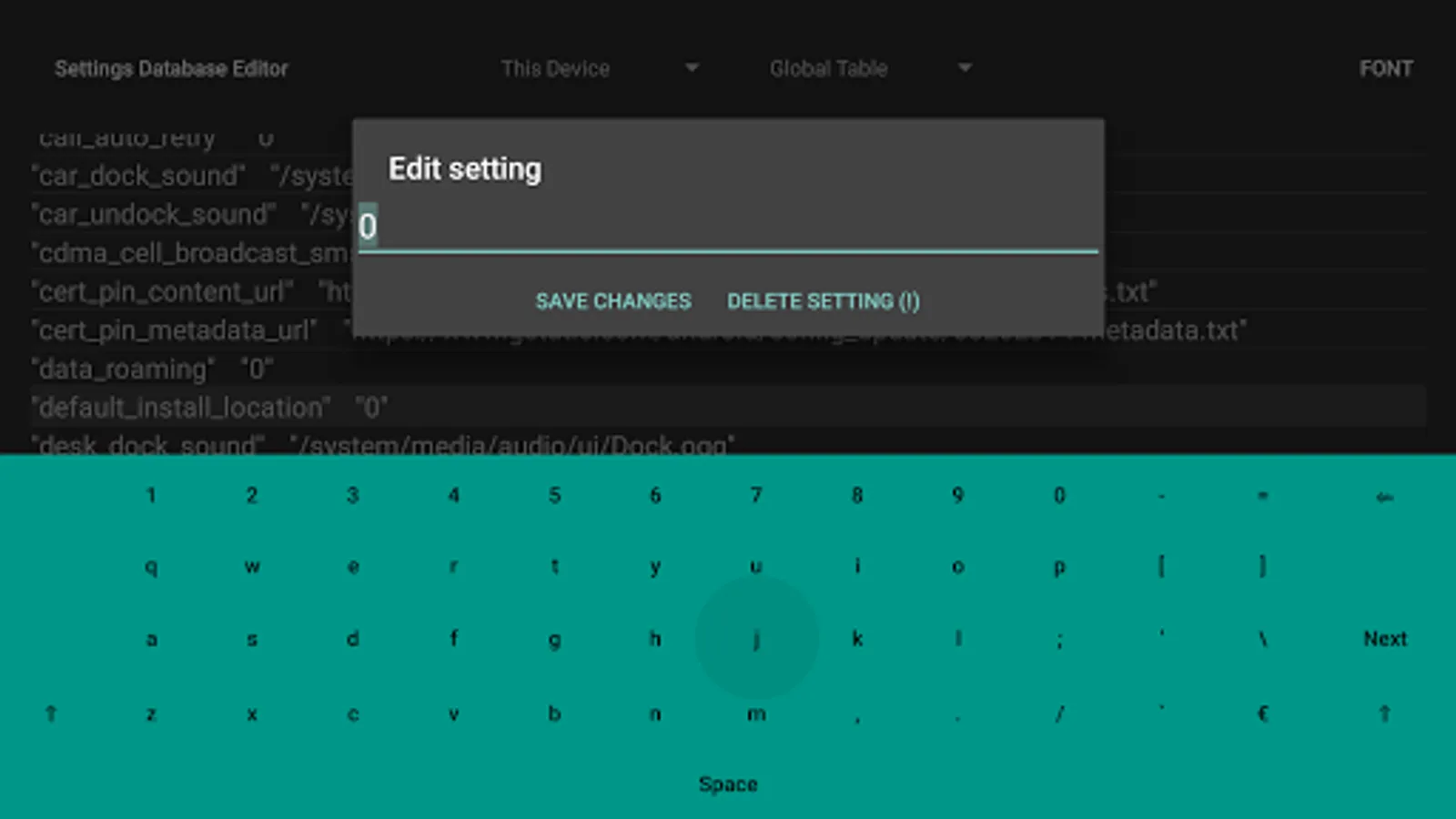
WARNING -- We do not guarantee that problems caused by the improper use of this utility can be fixed, and we are unable to help you with any such problems. We support only this app, not your device's system software. Settings Database Editor (SetEdit) is invaluable if you need it, but if you're not careful you're very likely to mess something up.
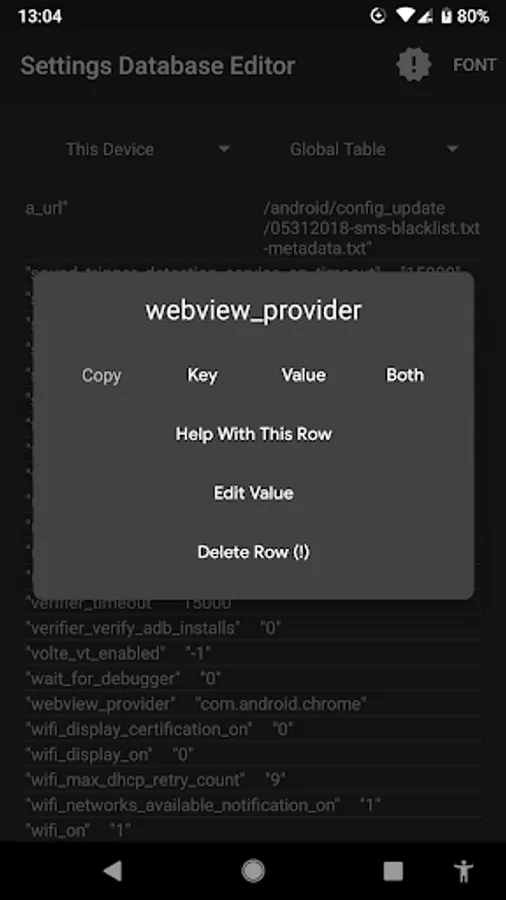
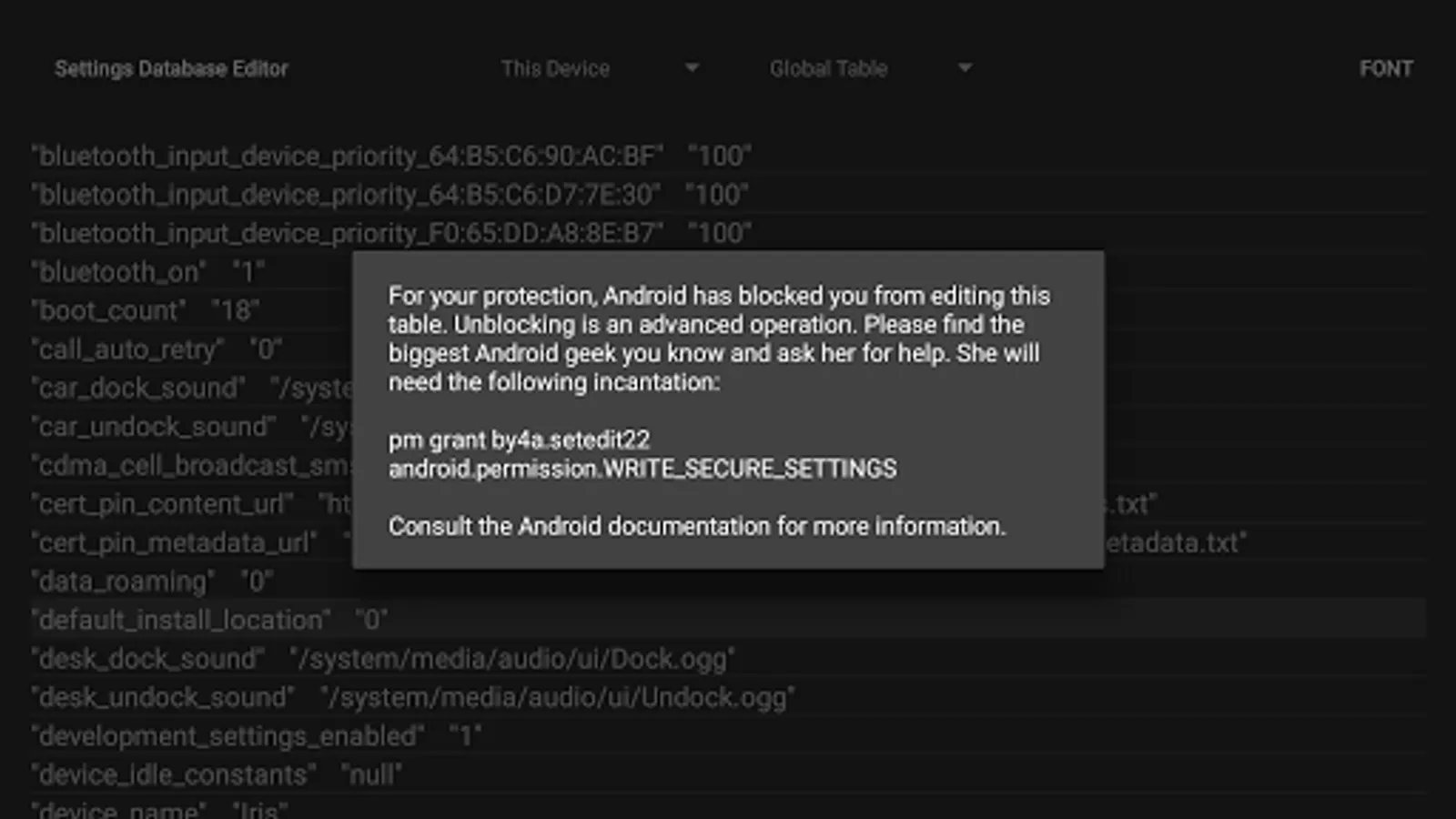
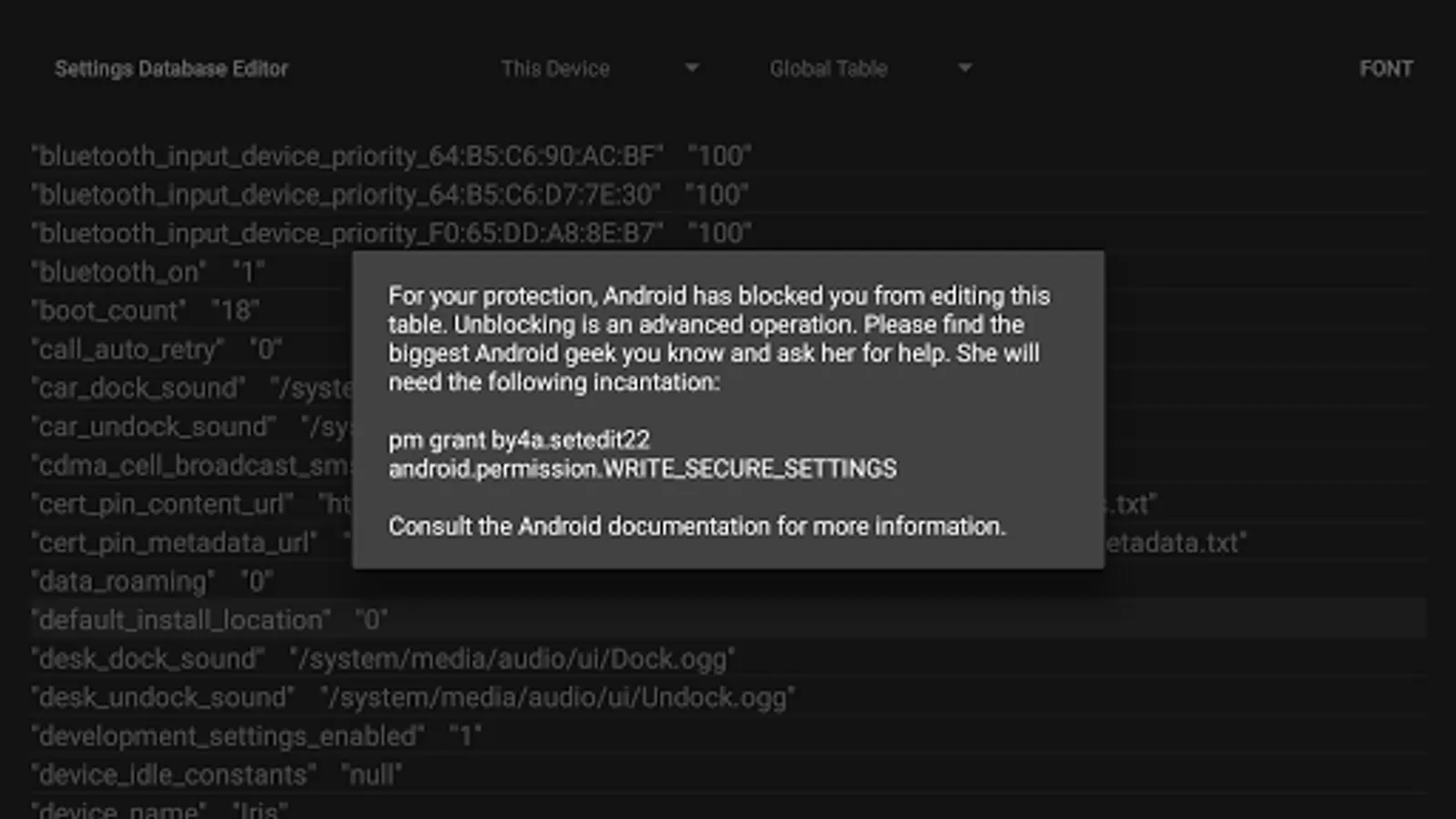
By default, for your protection, Android prevents you from modifying the SECURE and GLOBAL tables. If you have Android Jellybean or later, you can remove this protection from an ADB shell using the command "pm grant by4a.setedit22 android.permission.WRITE_SECURE_SETTINGS". On earlier versions, you can only remove this protection on a rooted device by installing SetEdit to the system partition.
Some versions of Android will ask you to "check for update". If Google Play does not offer any updated version, then please ignore this. You have the best version of SetEdit for your device.
By default, for your protection, Android prevents you from modifying the SECURE and GLOBAL tables. If you have Android Jellybean or later, you can remove this protection from an ADB shell using the command "pm grant by4a.setedit22 android.permission.WRITE_SECURE_SETTINGS". On earlier versions, you can only remove this protection on a rooted device by installing SetEdit to the system partition.
Some versions of Android will ask you to "check for update". If Google Play does not offer any updated version, then please ignore this. You have the best version of SetEdit for your device.
SetEdit SettingsDatabaseEditor Screenshots
Tap to Rate:
Reviews for SetEdit SettingsDatabaseEditor
Sahil Jani
12/26/2025
good
Icidudjdjdjd Dbdjsjsjwh
12/17/2025
Every time I give it a code, it gets rejected and gives an error. Please fix the problem for Android 15 and later. Thank you.