About Threads Downloader
Threads Downloader is a handy and fast Threads downloader.
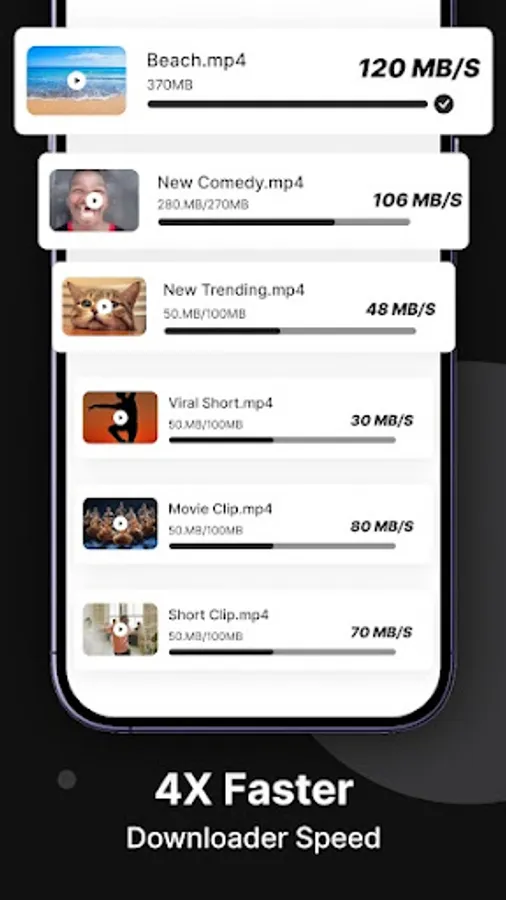
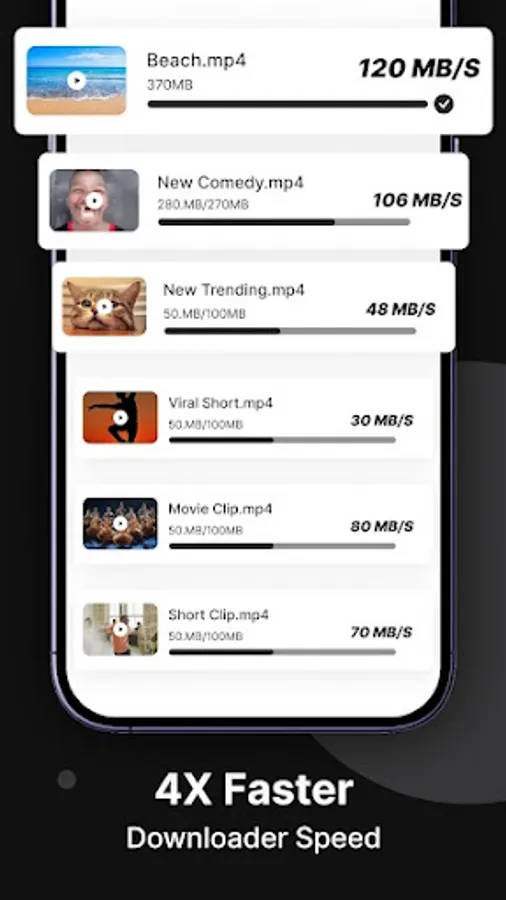
After each download, no interfering full-screen ads will be displayed. Easily save Threads videos and download the highest quality photos, gifs.
Threads Downloader allows you to download from Threads in two ways.
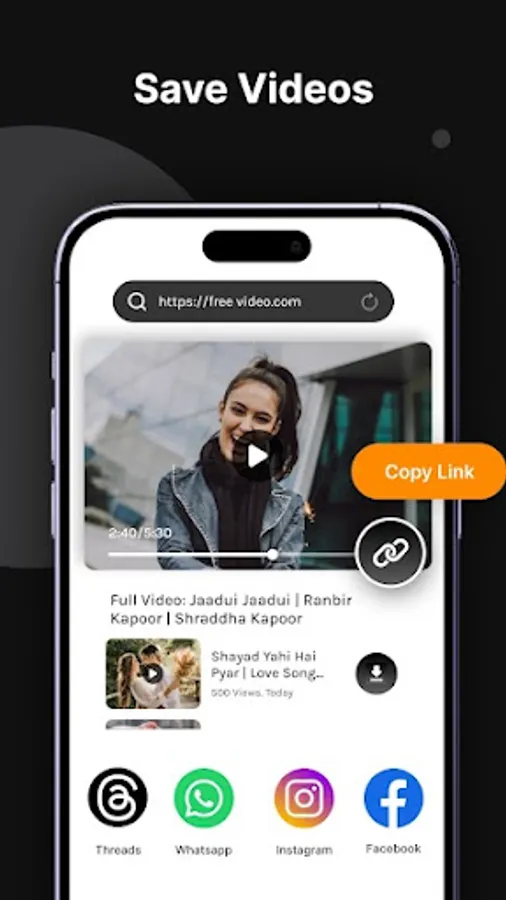
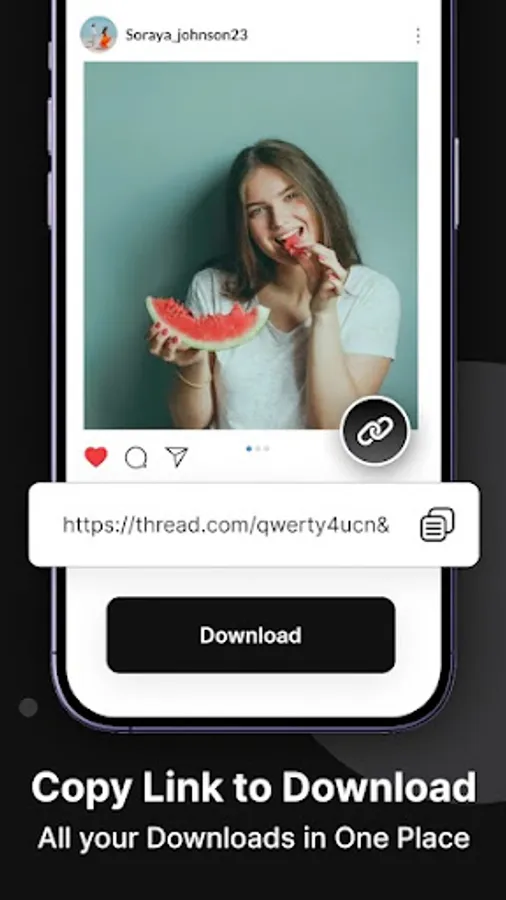
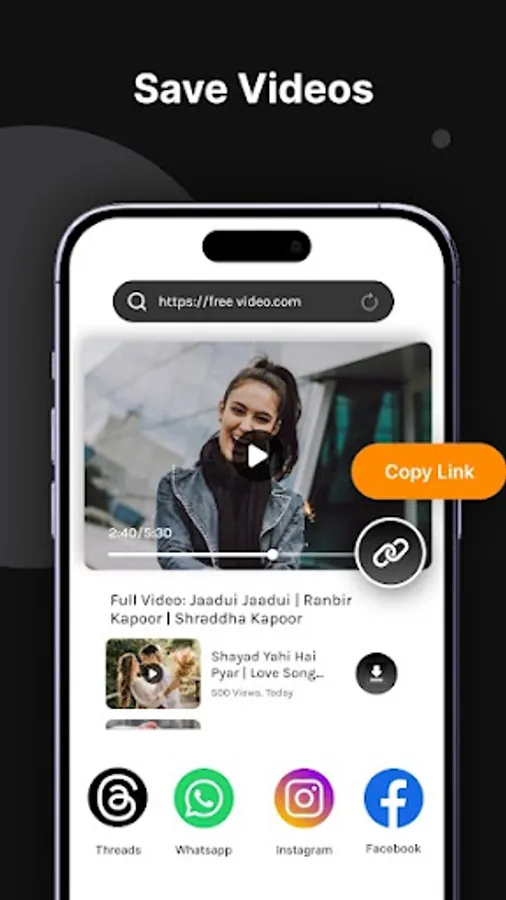
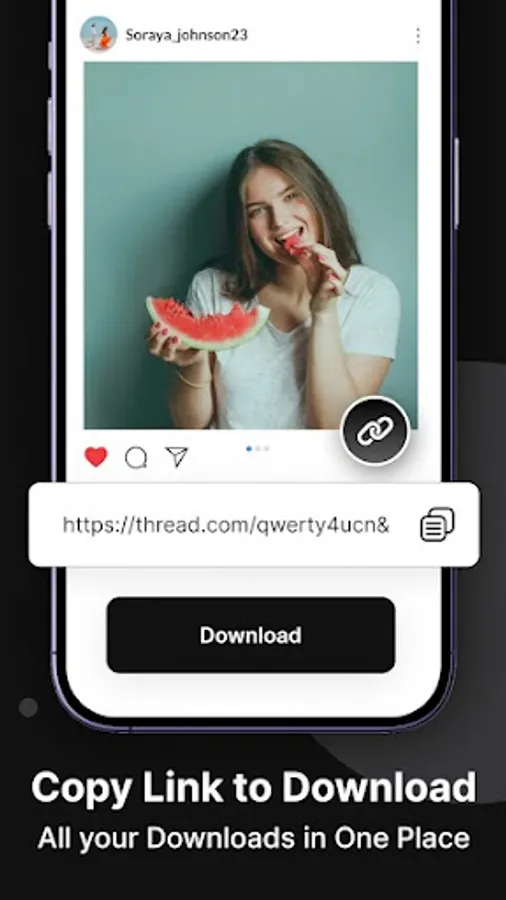
1) Open the Topics menu, click "Copy Link", then go to Topics Downloader app, paste the link and click the "Download" button.
2) Click the "Share" button and choose the Topic Downloader app. Downloading images and videos will start automatically.
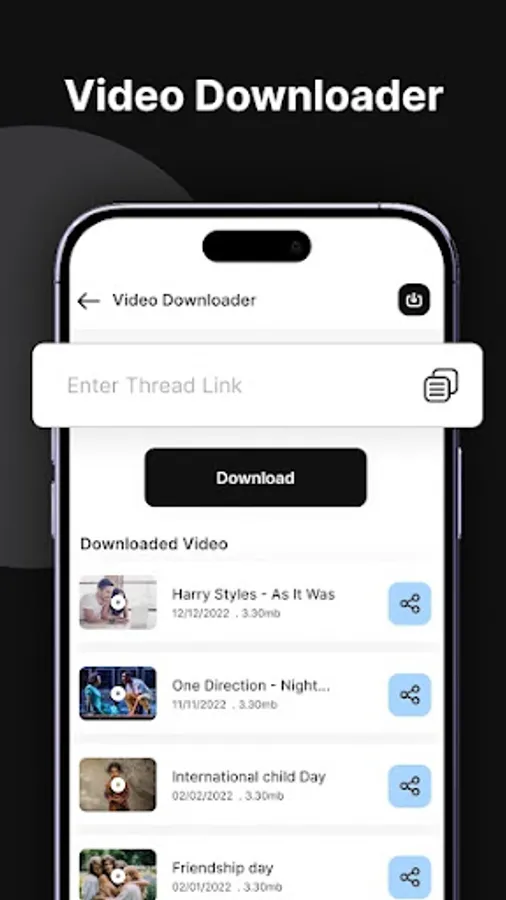
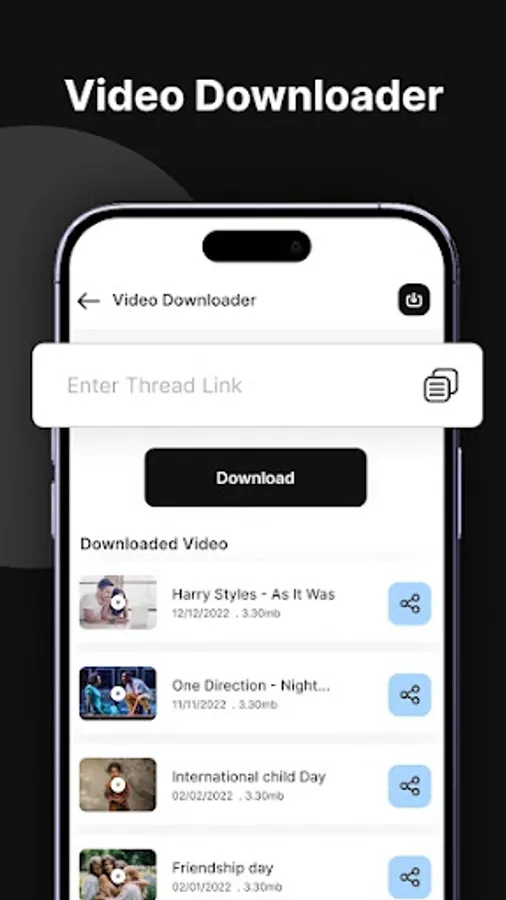
Topic downloader has all the tools that make it easy to view your downloaded photos and videos. In addition to media files, it also stores short descriptions of posts and authors and adds downloaded photos or videos to the gallery.
To download an image or video from a thread in a non-public account, you must log in to the application and subscribe to the author of the topic who wants to download the image or video. Otherwise, you will not be able to download videos or images from the series.
If you need to save the chained video from a closed account, you can securely enter your username and password. Threads Downloader app does not process, store or share this data with third parties.
If you need to save images or videos from topics, you need the Topic Downloader app! Download Threads Downloader today and enjoy it in a fun and convenient way!
※ Attention
1) Download photos or videos from topics and get permission from the owner before reposting.
2) Videos, photos, etc. We are not responsible for any infringement of intellectual property rights resulting from its unauthorized transmission.
3) This app is not related to Topics.
After each download, no interfering full-screen ads will be displayed. Easily save Threads videos and download the highest quality photos, gifs.
Threads Downloader allows you to download from Threads in two ways.
1) Open the Topics menu, click "Copy Link", then go to Topics Downloader app, paste the link and click the "Download" button.
2) Click the "Share" button and choose the Topic Downloader app. Downloading images and videos will start automatically.
Topic downloader has all the tools that make it easy to view your downloaded photos and videos. In addition to media files, it also stores short descriptions of posts and authors and adds downloaded photos or videos to the gallery.
To download an image or video from a thread in a non-public account, you must log in to the application and subscribe to the author of the topic who wants to download the image or video. Otherwise, you will not be able to download videos or images from the series.
If you need to save the chained video from a closed account, you can securely enter your username and password. Threads Downloader app does not process, store or share this data with third parties.
If you need to save images or videos from topics, you need the Topic Downloader app! Download Threads Downloader today and enjoy it in a fun and convenient way!
※ Attention
1) Download photos or videos from topics and get permission from the owner before reposting.
2) Videos, photos, etc. We are not responsible for any infringement of intellectual property rights resulting from its unauthorized transmission.
3) This app is not related to Topics.