
Photo Translator -CamTranslate
Imagination AI
4.0 ★
58K ratings
10,000,000+
downloads
Free
+ in-app
AppRecs review analysis
AppRecs rating 1.0. Trustworthiness 20 out of 100. Review manipulation risk 80 out of 100. Based on a review sample analyzed.
★☆☆☆☆
1.0
AppRecs Rating
Ratings breakdown
5 star
71%
4 star
4%
3 star
2%
2 star
3%
1 star
21%
What to know
⚠
Ad complaints
Many low ratings mention excessive ads
⚠
Questionable review trustworthiness
20% trustworthiness - reviews show concerning patterns
⚠
High review manipulation risk
High risk of manipulated reviews (80%)
About Photo Translator -CamTranslate
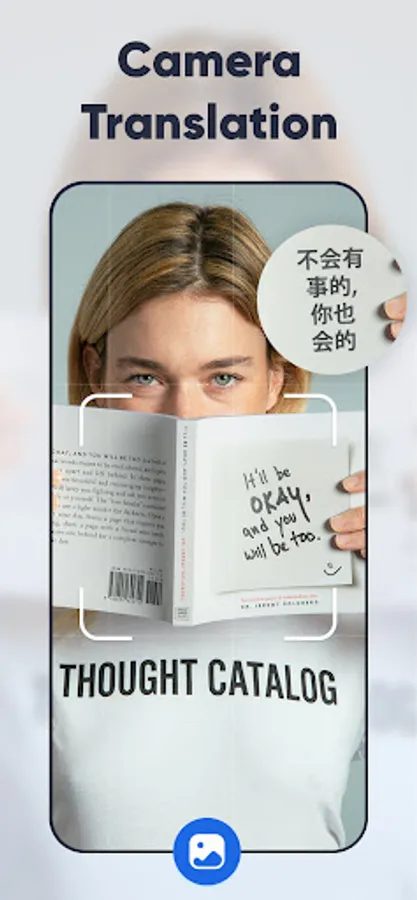
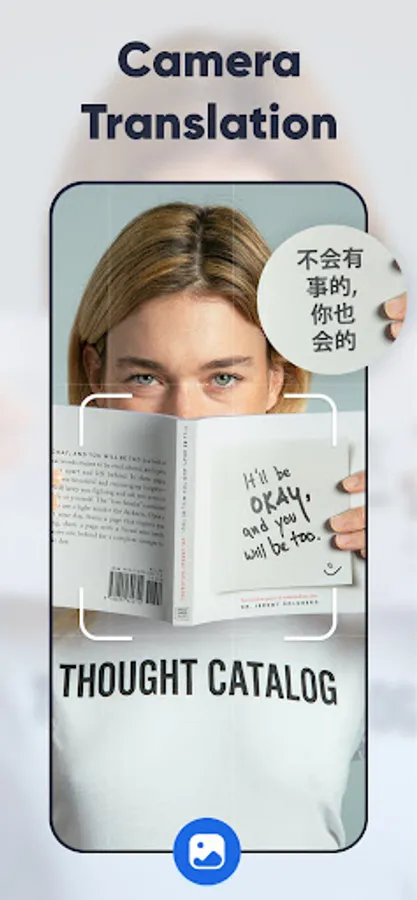
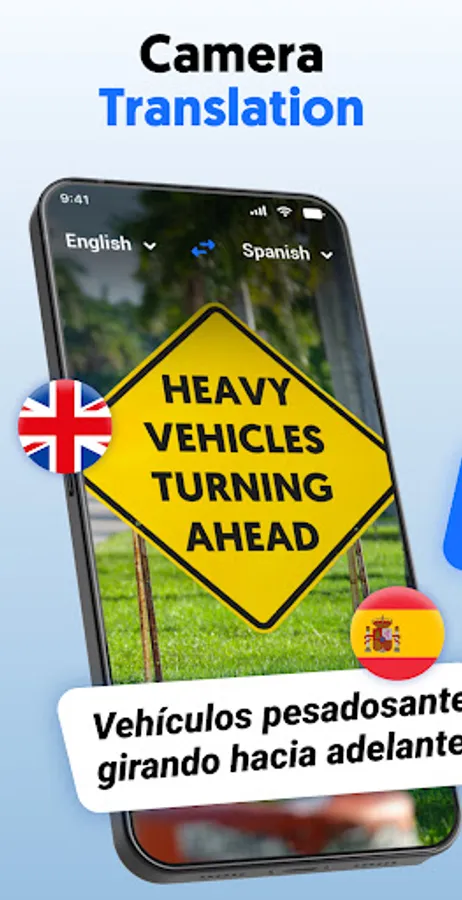
Photo Translator – CamTranslate transforms your mobile camera into a powerful translation tool. Whether you're exploring a new city, studying foreign documents, or simply deciphering signs, menus, or PDFs, CamTranslate delivers fast and accurate translation—no typing needed.
Snapshot Features:
OCR & Smart Language Detection:
Instant photo-to-text conversion using advanced OCR. Auto-detects languages—just point, capture, and translate.
100+ Languages Supported:
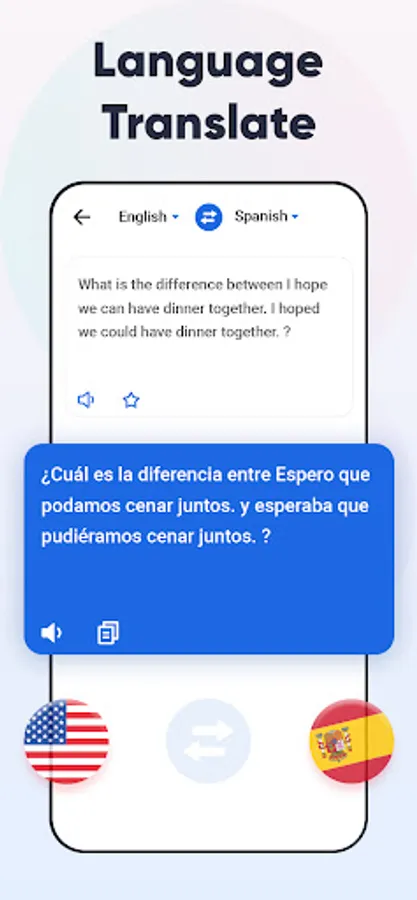
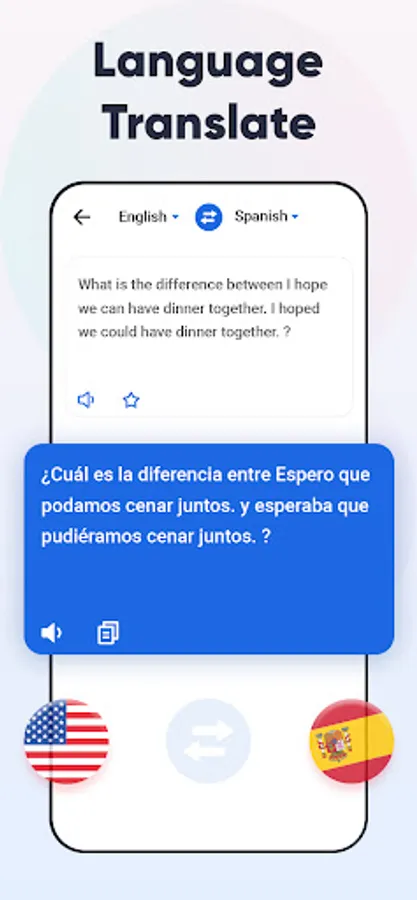
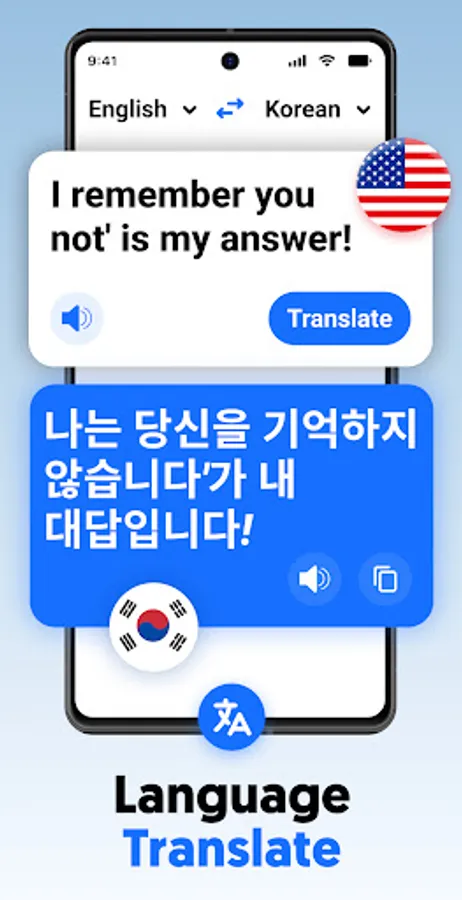
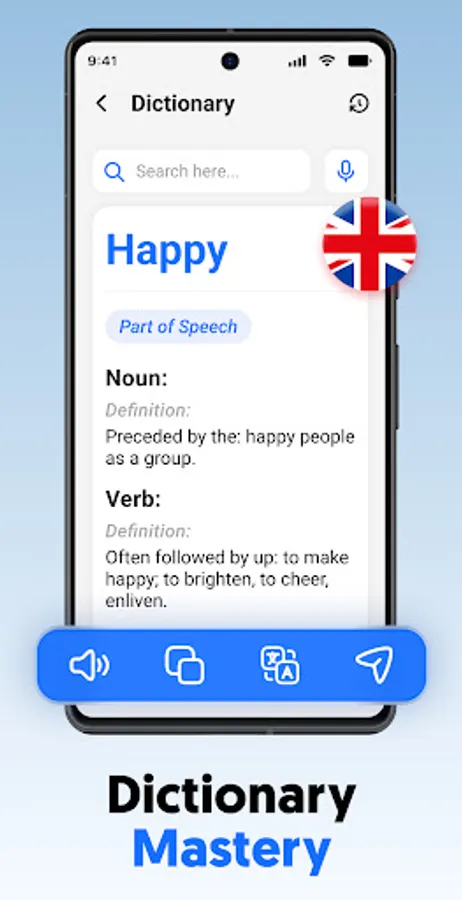
Translate between all major and minor languages with ease.
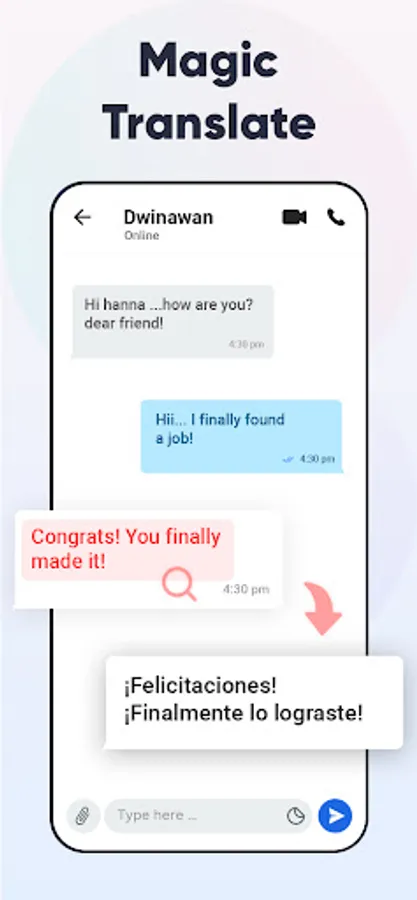
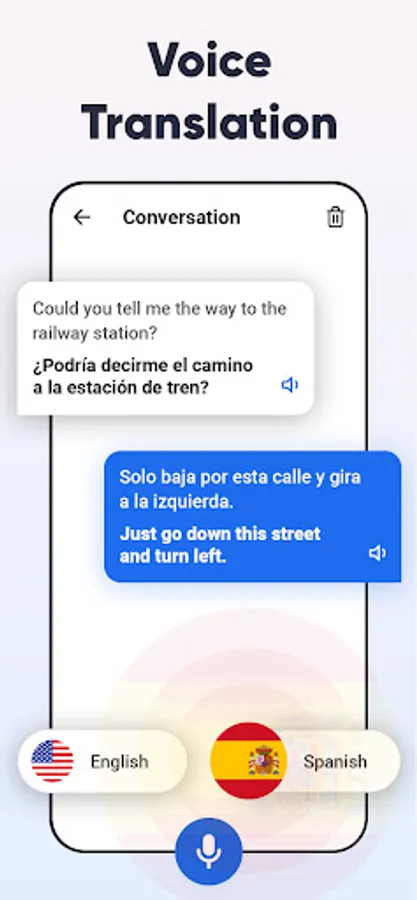
Two-Way Instant Translation & Voice Recognition:
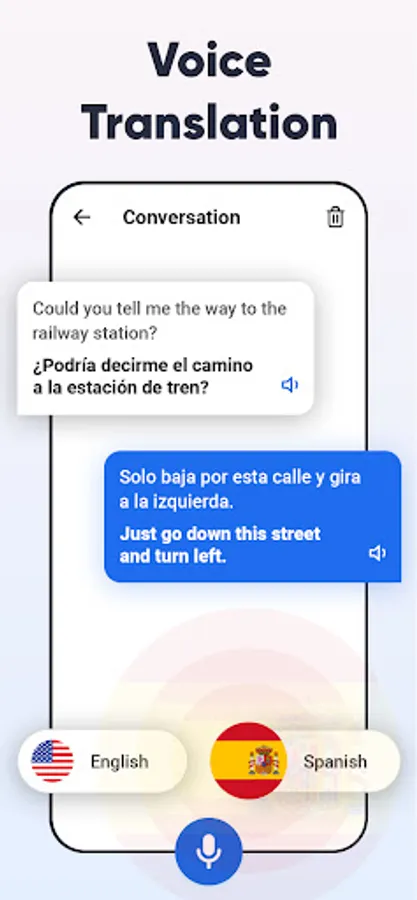
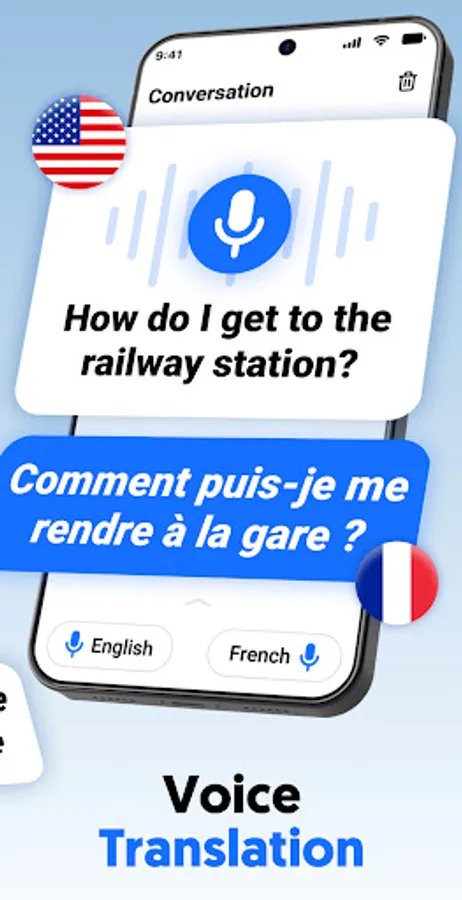
Converse effortlessly: speak or show text, get instant translated replies aloud or on-screen.
Offline Mode:
Translate text and photos even without an internet connection. Ideal for use when traveling or in low-signal areas.
PDF & Image Support:
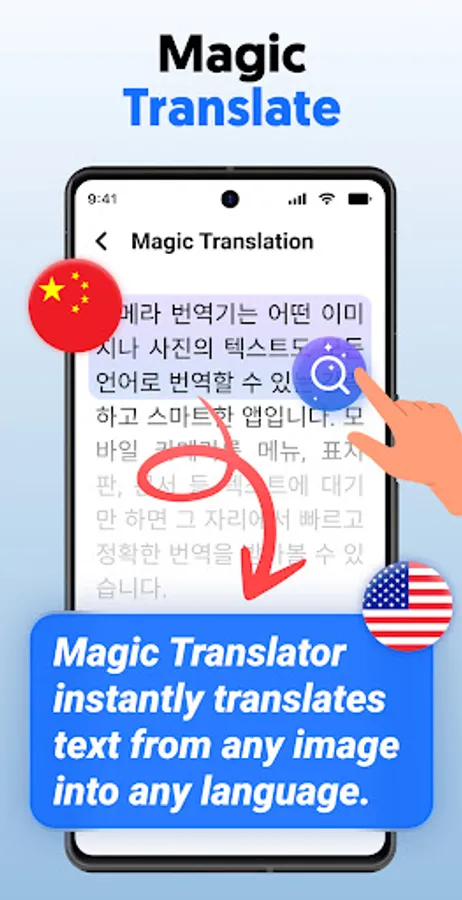
Scan, convert, and translate documents, signs, and receipts—perfect for students and professionals.
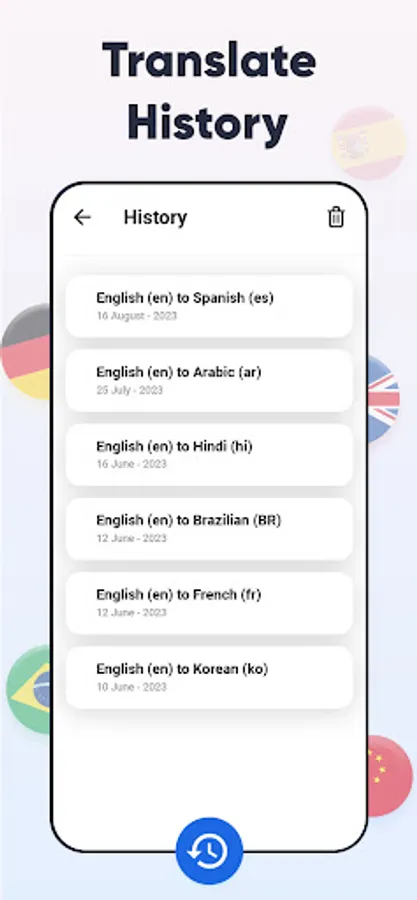
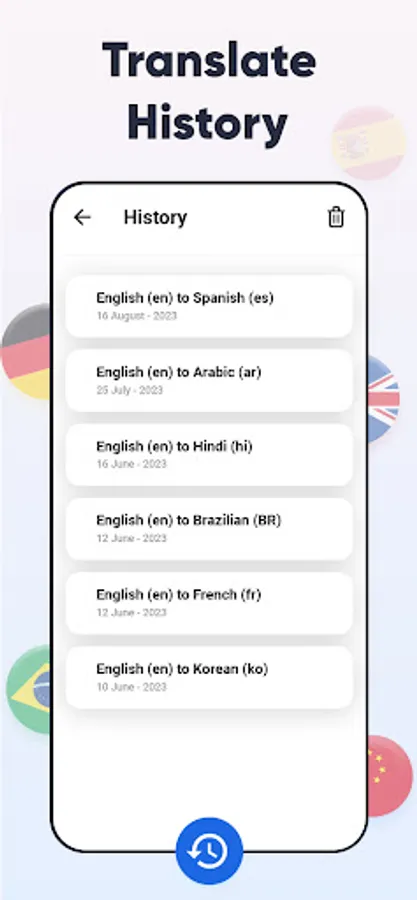
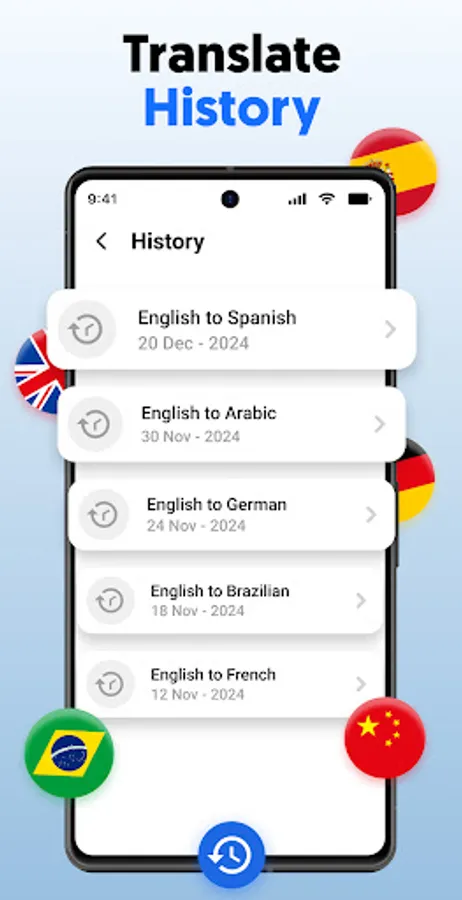
History, Favorites & Easy Sharing:
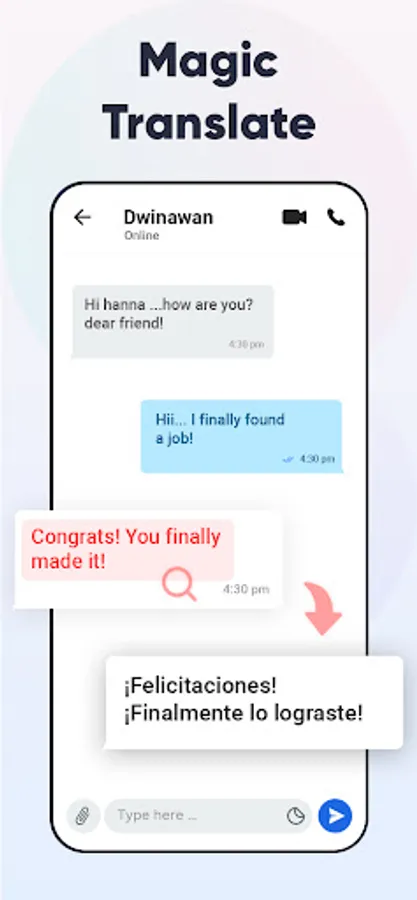
Keep track of recent translations, bookmark useful phrases, and share translations through your favorite apps.
Why You'll Love CamTranslate:
• Efficient & Speedy: Translate unlimited photos quickly with a simple tap—no manual typing or complex menus.
• Smart OCR: Built for accuracy—even works on tricky fonts, menus, street signs, and detailed documents.
• Always Accessible: Offline mode ensures you’re never stuck, even when Wi-Fi is out of reach.
• Travel-Friendly: Perfect for navigating foreign places, reading menus, directions, or translating document snippets on the go.
• Student & Professional Tool: Great for translating study materials, notes, or business documents fast and accurately.
How to Get Started:
• Open the app and select your target language.
• Snap a photo of any text (printed, handwritten, signs, PDFs).
• Tap to translate instantly—then save or share as needed.
• Prefer speaking? Use voice mode to instantly translate spoken phrases in real-time.
• Use offline mode when you're away from reliable internet.
A Few Smart Tips:
• Pro Tip: Tap the star to save commonly used phrases or favorite translations.
• Settings: Enable offline mode in Settings to download language packs for smooth on-the-go use.
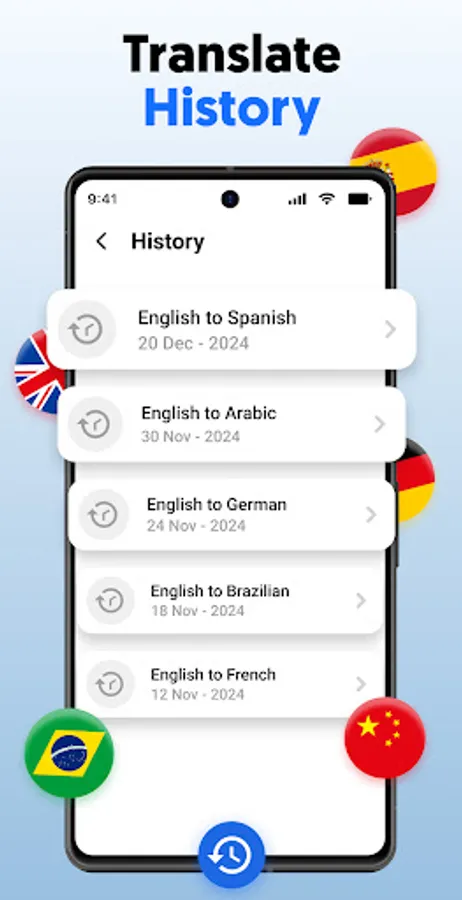
• History: Access your previous translations anytime from the “History” tab.
• Document Translation: Use OCR + PDF mode to convert and translate scans instantly.
Unlock a world of languages at your fingertips—download Photo Translator – CamTranslate now and start translating with a tap!
Permissions:
This app uses the AccessibilityService API to help users translate text on their screen. It allows the app to read text from images or on-screen content that users choose to translate.
Note: The app does not collect or share personal data and does not perform any actions on behalf of the user.
Snapshot Features:
OCR & Smart Language Detection:
Instant photo-to-text conversion using advanced OCR. Auto-detects languages—just point, capture, and translate.
100+ Languages Supported:
Translate between all major and minor languages with ease.
Two-Way Instant Translation & Voice Recognition:
Converse effortlessly: speak or show text, get instant translated replies aloud or on-screen.
Offline Mode:
Translate text and photos even without an internet connection. Ideal for use when traveling or in low-signal areas.
PDF & Image Support:
Scan, convert, and translate documents, signs, and receipts—perfect for students and professionals.
History, Favorites & Easy Sharing:
Keep track of recent translations, bookmark useful phrases, and share translations through your favorite apps.
Why You'll Love CamTranslate:
• Efficient & Speedy: Translate unlimited photos quickly with a simple tap—no manual typing or complex menus.
• Smart OCR: Built for accuracy—even works on tricky fonts, menus, street signs, and detailed documents.
• Always Accessible: Offline mode ensures you’re never stuck, even when Wi-Fi is out of reach.
• Travel-Friendly: Perfect for navigating foreign places, reading menus, directions, or translating document snippets on the go.
• Student & Professional Tool: Great for translating study materials, notes, or business documents fast and accurately.
How to Get Started:
• Open the app and select your target language.
• Snap a photo of any text (printed, handwritten, signs, PDFs).
• Tap to translate instantly—then save or share as needed.
• Prefer speaking? Use voice mode to instantly translate spoken phrases in real-time.
• Use offline mode when you're away from reliable internet.
A Few Smart Tips:
• Pro Tip: Tap the star to save commonly used phrases or favorite translations.
• Settings: Enable offline mode in Settings to download language packs for smooth on-the-go use.
• History: Access your previous translations anytime from the “History” tab.
• Document Translation: Use OCR + PDF mode to convert and translate scans instantly.
Unlock a world of languages at your fingertips—download Photo Translator – CamTranslate now and start translating with a tap!
Permissions:
This app uses the AccessibilityService API to help users translate text on their screen. It allows the app to read text from images or on-screen content that users choose to translate.
Note: The app does not collect or share personal data and does not perform any actions on behalf of the user.
Photo Translator -CamTranslate Screenshots
Tap to Rate:
Reviews for Photo Translator -CamTranslate
Manish Kumar
12/30/2025
🙏🙏🙏
Rafiul Islam Rafi
12/28/2025
This app has not bangla language translator that I needed. Not satisfied 😔