
With this launcher app, you can customize your home screen layout, support adaptive icons, and access Android recents. Includes support for dark mode, notification dots, and integrated Google Feed.
AppRecs review analysis
AppRecs rating 4.0. Trustworthiness 76 out of 100. Review manipulation risk 31 out of 100. Based on a review sample analyzed.
★★★★☆
4.0
AppRecs Rating
Ratings breakdown
5 star
57%
4 star
14%
3 star
9%
2 star
6%
1 star
13%
What to know
✓
Credible reviews
76% trustworthiness score from analyzed reviews
✓
Good user ratings
71% positive sampled reviews
✓
Authentic reviews
Natural distribution, no red flags
About Lawnchair Legacy
Lawnchair Legacy is an older, feature-complete version of Lawnchair based on Launcher3 from Android 9.
This version is in maintenance mode only, so only critical updates relating to Play Store and security will be made.
Key Features
— Support for Adaptive Icons.
— Flexible Desktop, Dock, and Drawer.
— Drawer Categories (Tabs & Folders).
— Integration with Android Recents.¹
— Automatic Dark Mode.
— Contextual data in At a Glance.
— Notification Dots.
— Integration with Google Feed and Homefeeder.²
Get Support
— twitter.com/lawnchairapp.
— t.me/lccommunity.
1. Requires QuickSwitch (t.me/QuickstepSwitcherReleases). Works on Android 9.
2. Requires Lawnfeed (lawnchair.app/lawnfeed) and Homefeeder (t.me/homefeeder) respectively.
Note: this release doesn’t officially support Android 10.
Lawnchair uses the AccessibilityService permission for optional support of making certain system functions more accessible, such as with desktop gestures, like turning the screen off. Lawnchair will automatically prompt you to enable this if it is necessary for your configuration; for many cases it is not! No data is collected from the AccessibilityService; it is merely used to invoke system actions.
Lawnchair uses the Device Administrator permission to lock the screen when a selected gesture is detected. This is optional and disabled by default.
This version is in maintenance mode only, so only critical updates relating to Play Store and security will be made.
Key Features
— Support for Adaptive Icons.
— Flexible Desktop, Dock, and Drawer.
— Drawer Categories (Tabs & Folders).
— Integration with Android Recents.¹
— Automatic Dark Mode.
— Contextual data in At a Glance.
— Notification Dots.
— Integration with Google Feed and Homefeeder.²
Get Support
— twitter.com/lawnchairapp.
— t.me/lccommunity.
1. Requires QuickSwitch (t.me/QuickstepSwitcherReleases). Works on Android 9.
2. Requires Lawnfeed (lawnchair.app/lawnfeed) and Homefeeder (t.me/homefeeder) respectively.
Note: this release doesn’t officially support Android 10.
Lawnchair uses the AccessibilityService permission for optional support of making certain system functions more accessible, such as with desktop gestures, like turning the screen off. Lawnchair will automatically prompt you to enable this if it is necessary for your configuration; for many cases it is not! No data is collected from the AccessibilityService; it is merely used to invoke system actions.
Lawnchair uses the Device Administrator permission to lock the screen when a selected gesture is detected. This is optional and disabled by default.
Lawnchair Legacy Screenshots
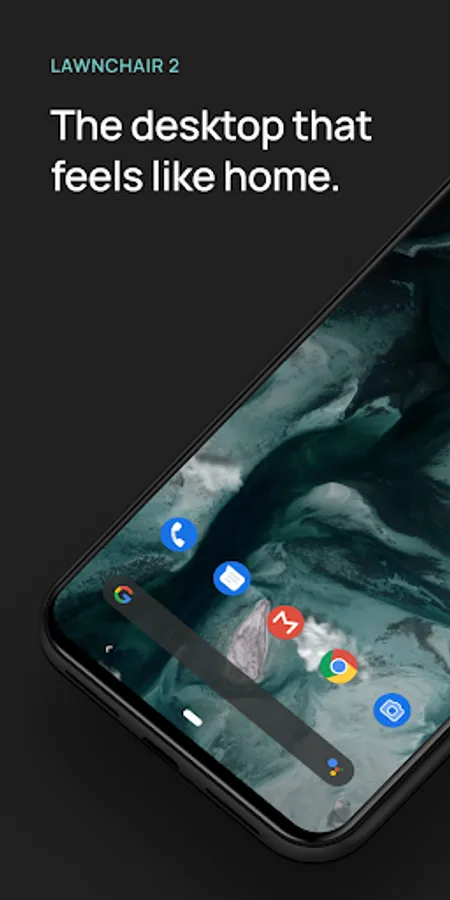
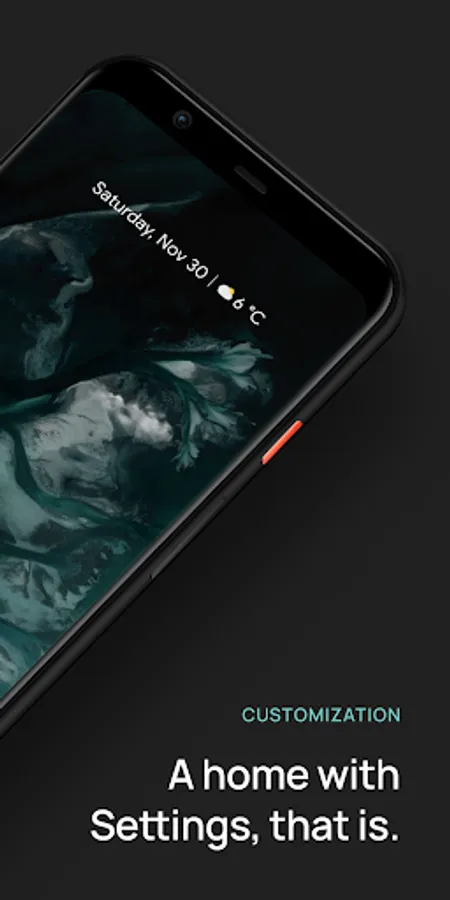
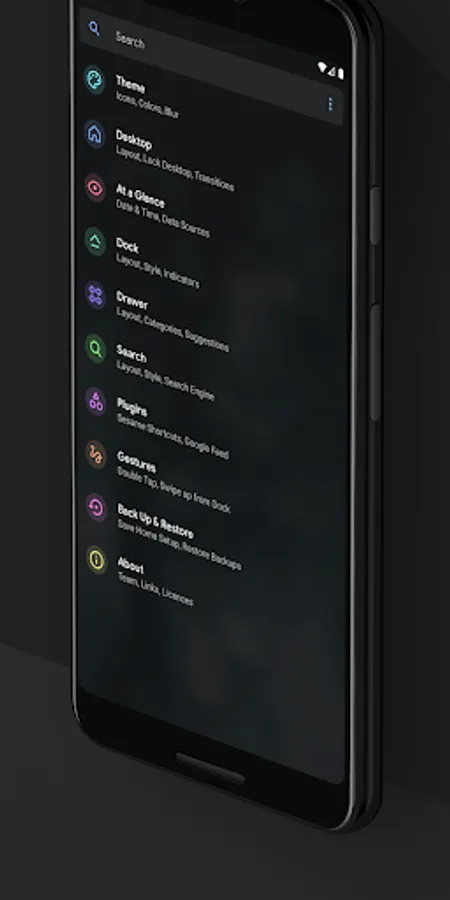
Tap to Rate:
Reviews for Lawnchair Legacy
Kevin Hulse
12/11/2025
no messing
Moksh Gupta
11/25/2025
Best Google Pixel-like launcher. Much more stable than the newer,beta version as of now. Best part is NO ADS, NO PAYWALLS. Keep up the FOSS spirit!👍