
Notes On Blindness VR
ARTE Experience
4.0 ★
81 ratings
5,000+
downloads
Free
Use this VR experience to explore John Hull's journey through blindness with binaural audio and 3D animations. Includes multi-language support and compatibility with various devices.
AppRecs review analysis
AppRecs rating 4.0. Trustworthiness 56 out of 100. Review manipulation risk 32 out of 100. Based on a review sample analyzed.
★★★★☆
4.0
AppRecs Rating
Ratings breakdown
5 star
72%
4 star
0%
3 star
0%
2 star
14%
1 star
14%
What to know
✓
High user satisfaction
72% of sampled ratings are 4+ stars (4.0★ average)
✓
Authentic reviews
No red flags detected
About Notes On Blindness VR
"A magical VR Experience" - Guardian
"Mesmerizing" - Motherboard - Vice
"Poetic and timeless" - Le Monde
In 1983, after decades of steady deterioration, John Hull became totally blind.
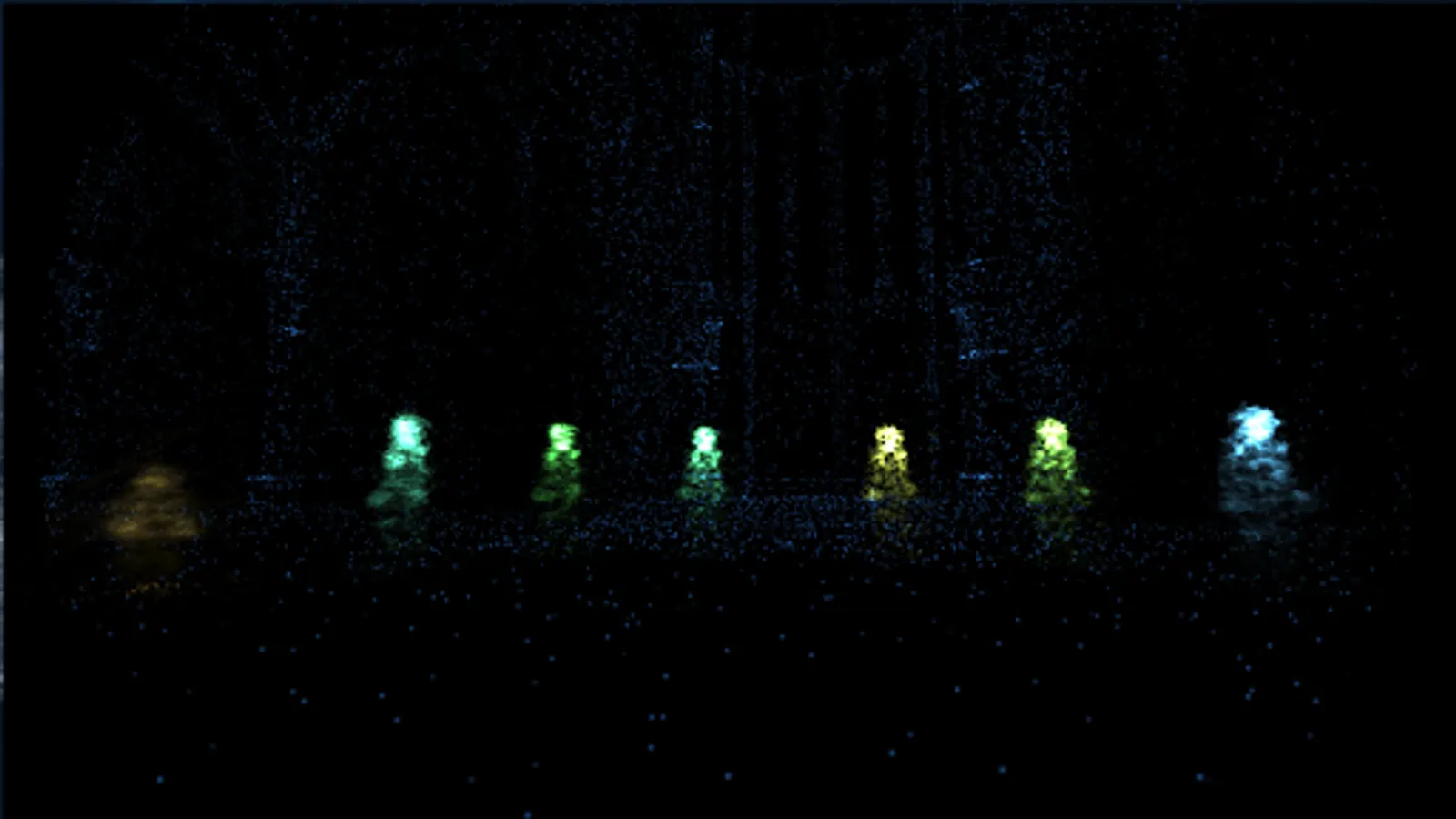
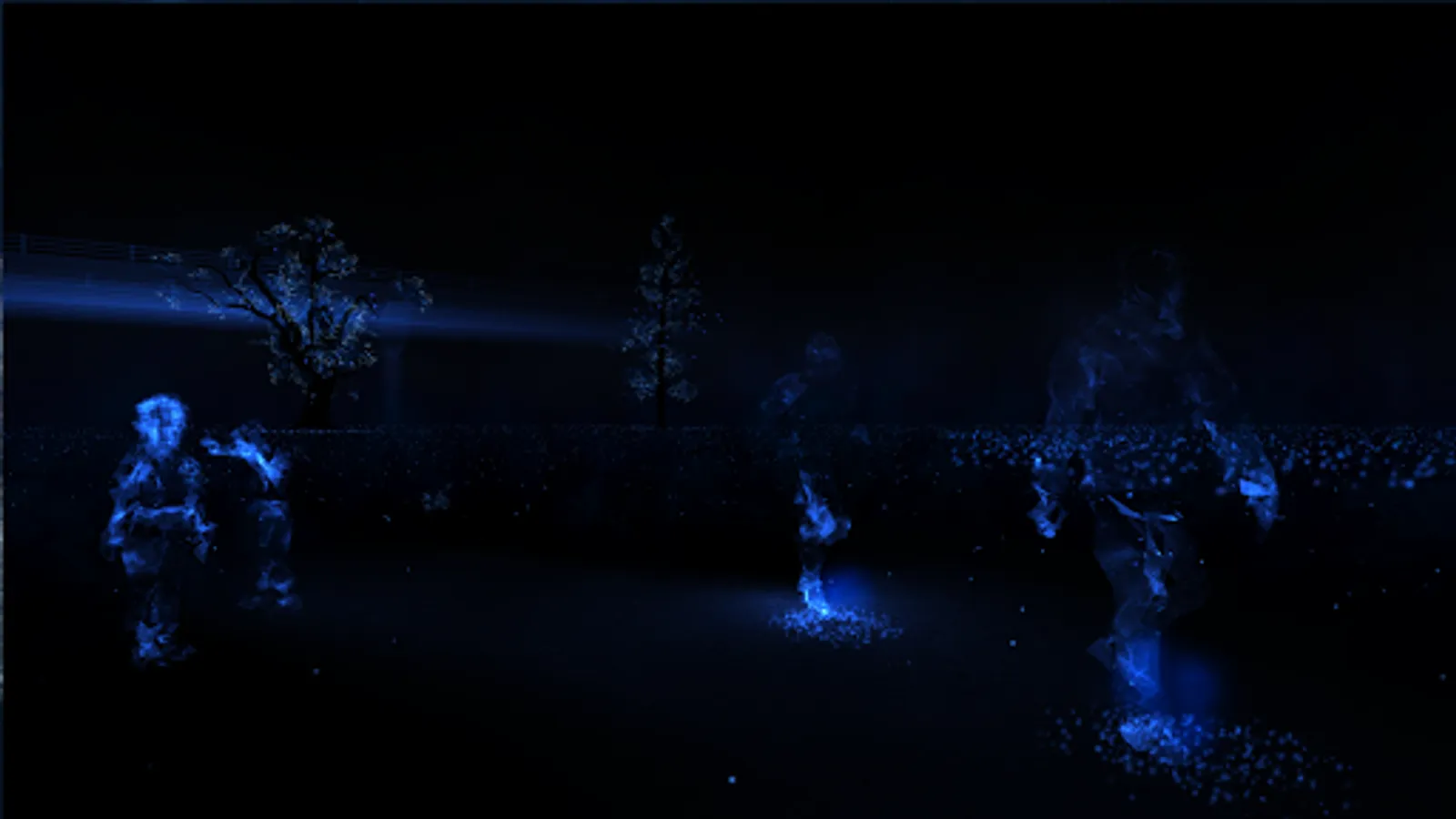
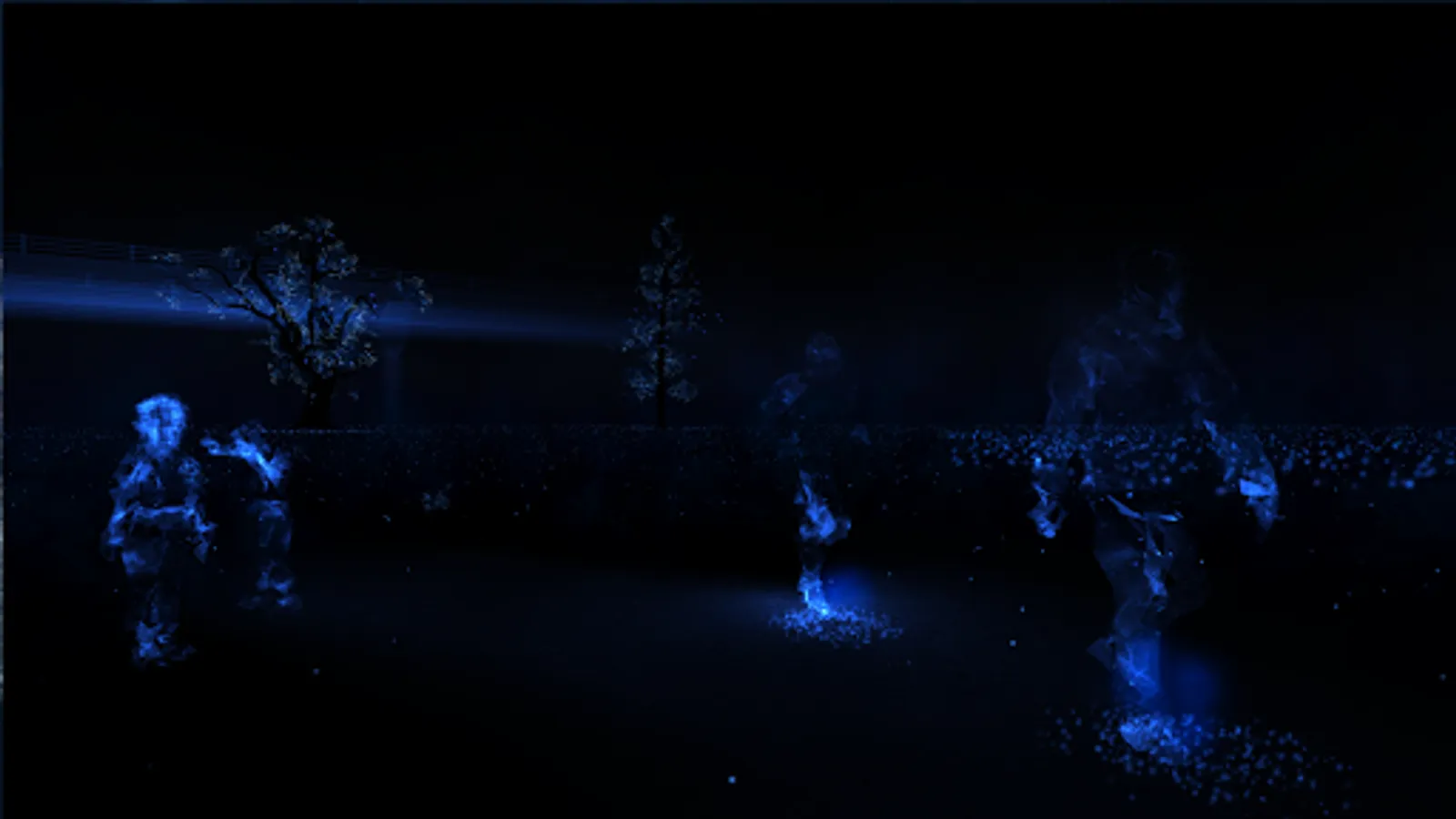
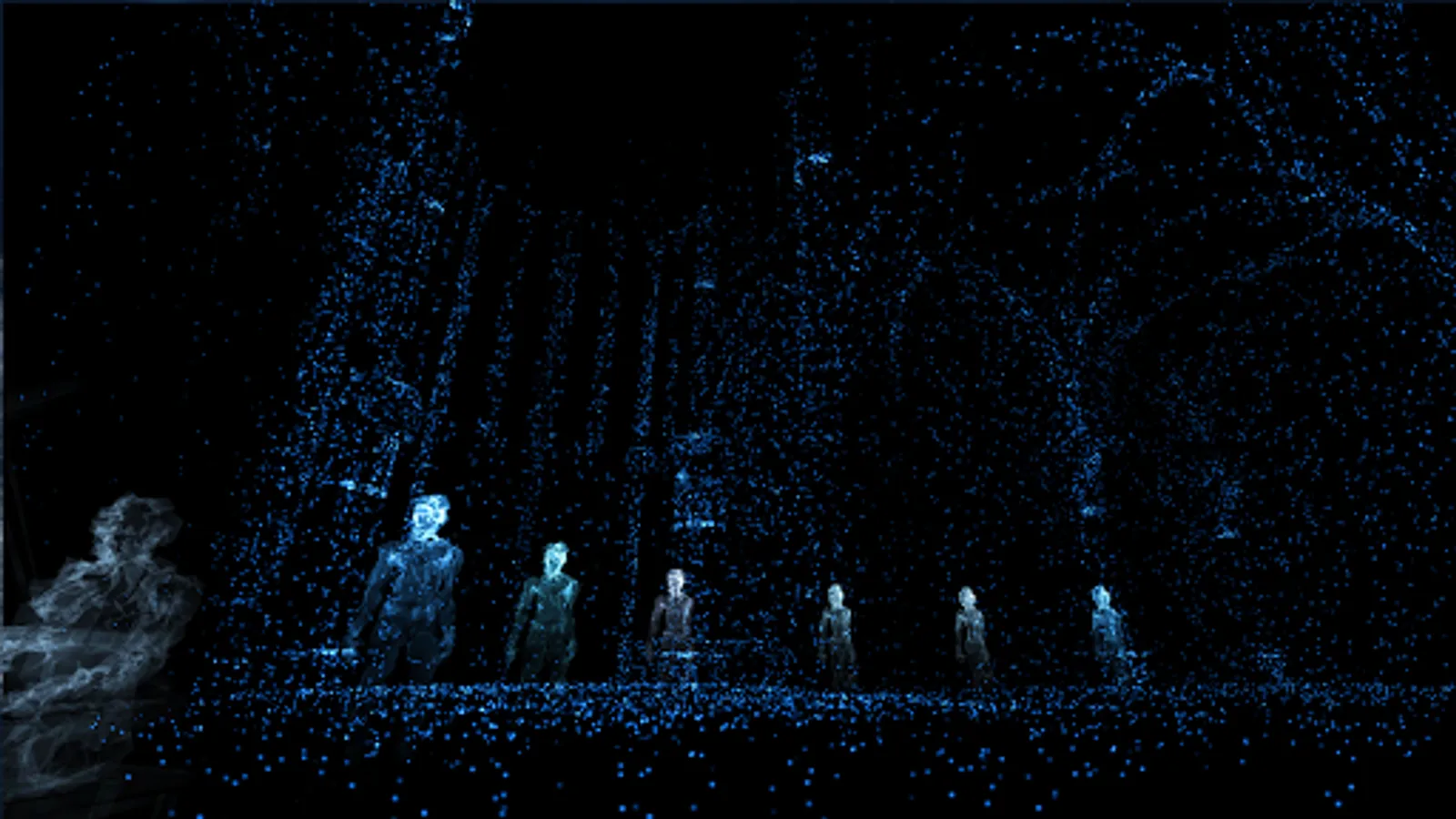
To help him make sense of the upheaval in his life, he began documenting his experiences on audio cassette. These original diary recordings form the basis of this six-part VR experience, an interactive non fiction using new forms of storytelling and gameplay mechanics to explore his cognitive and emotional experience of blindness.
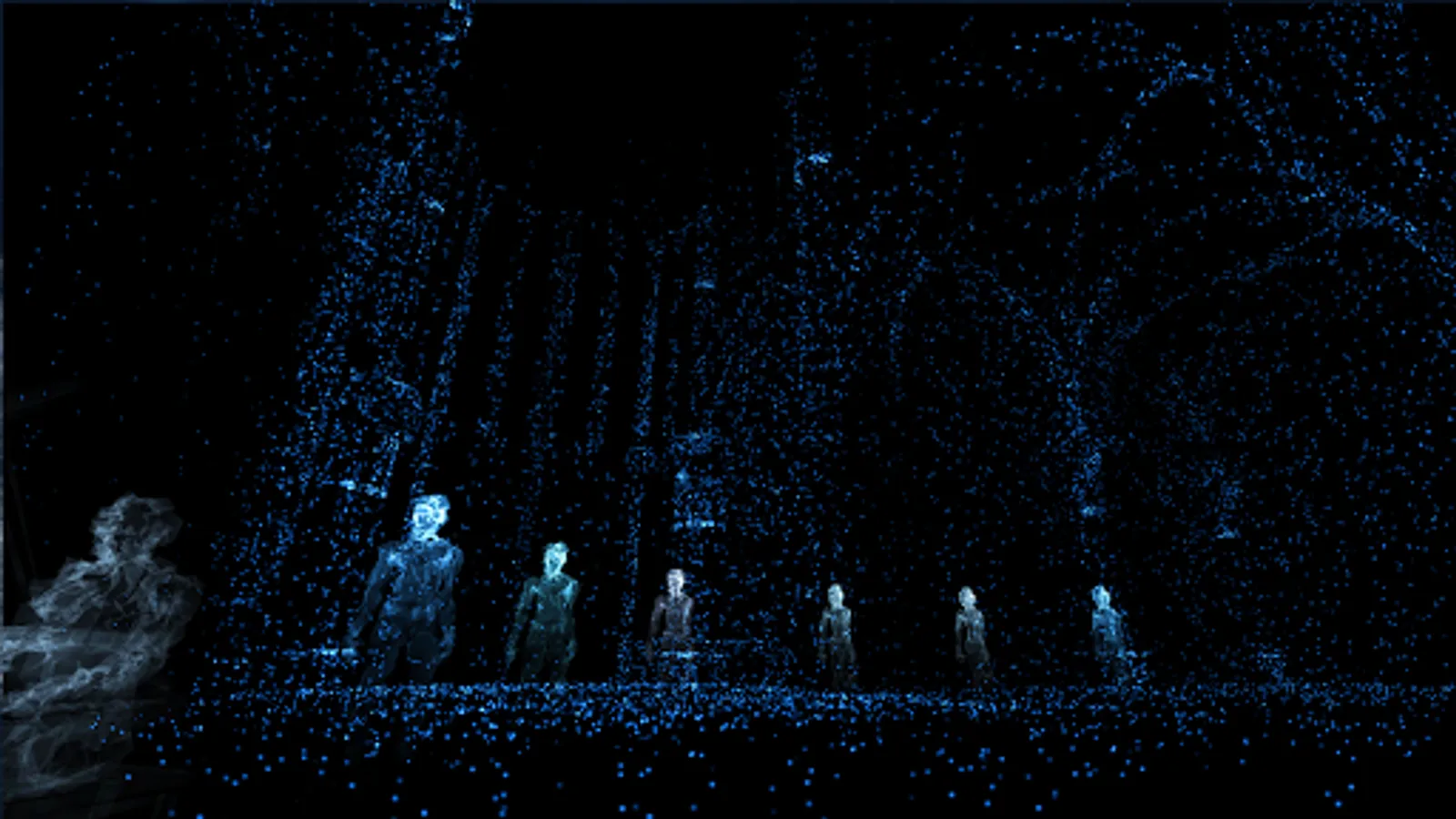
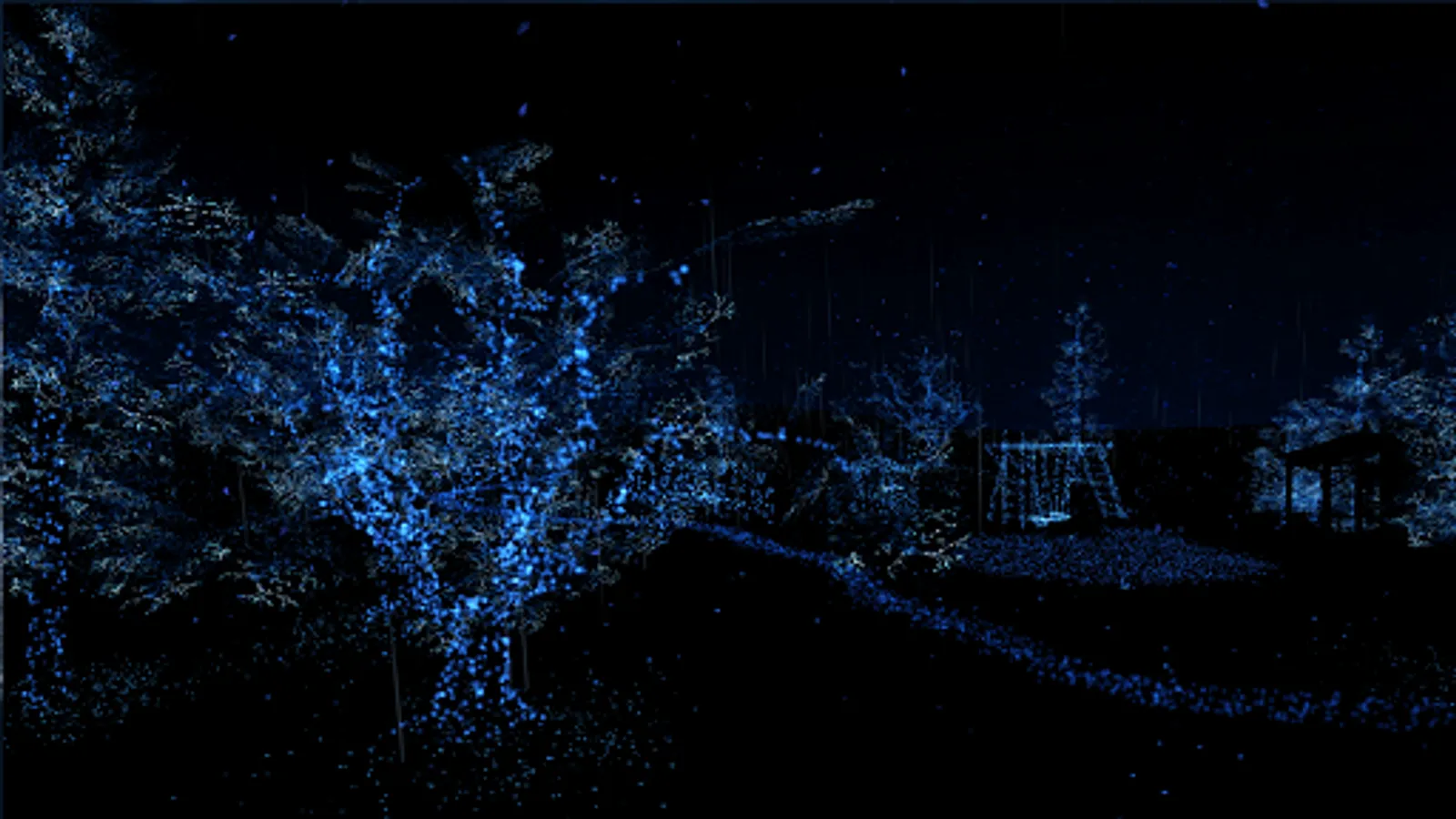
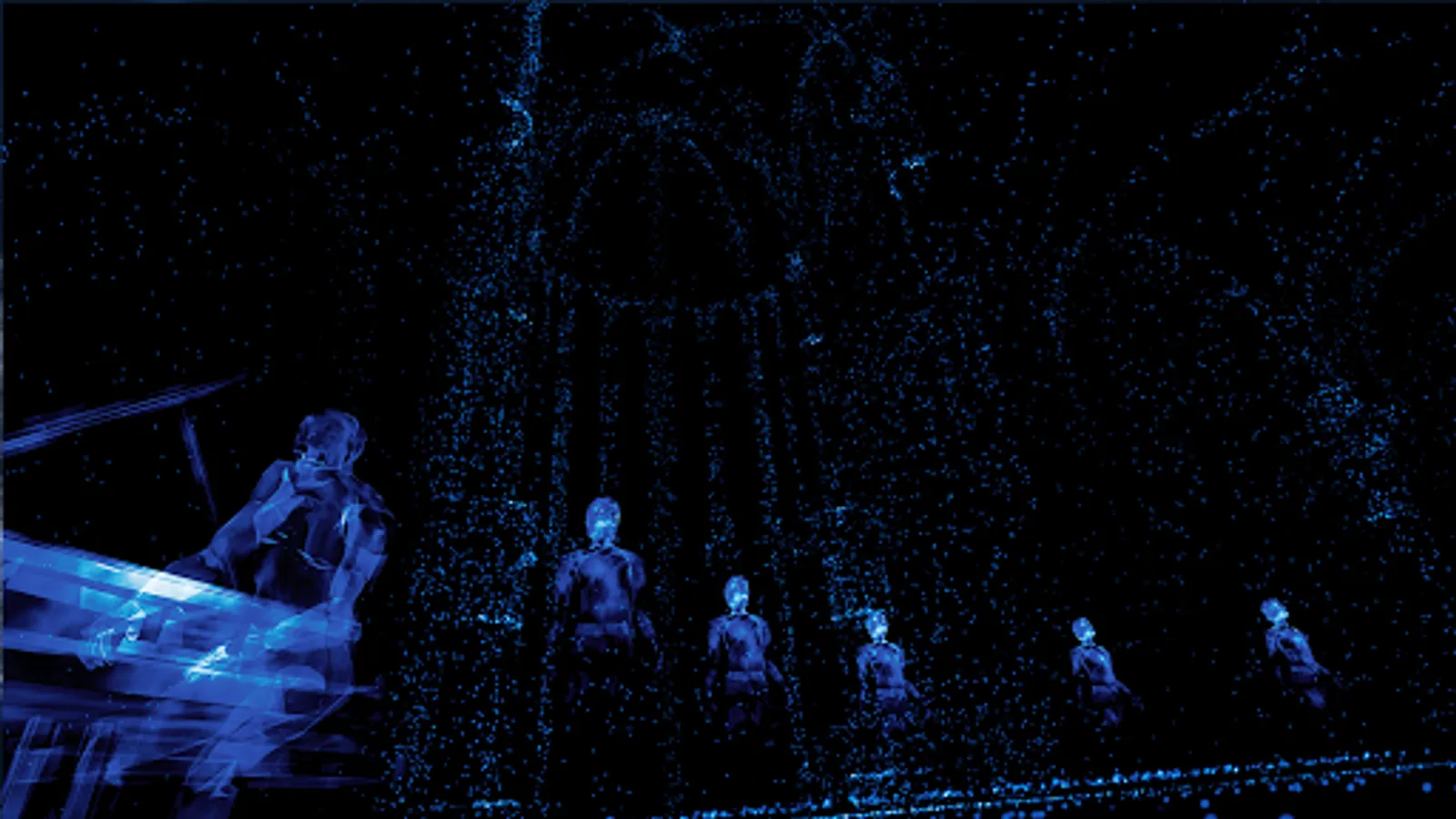
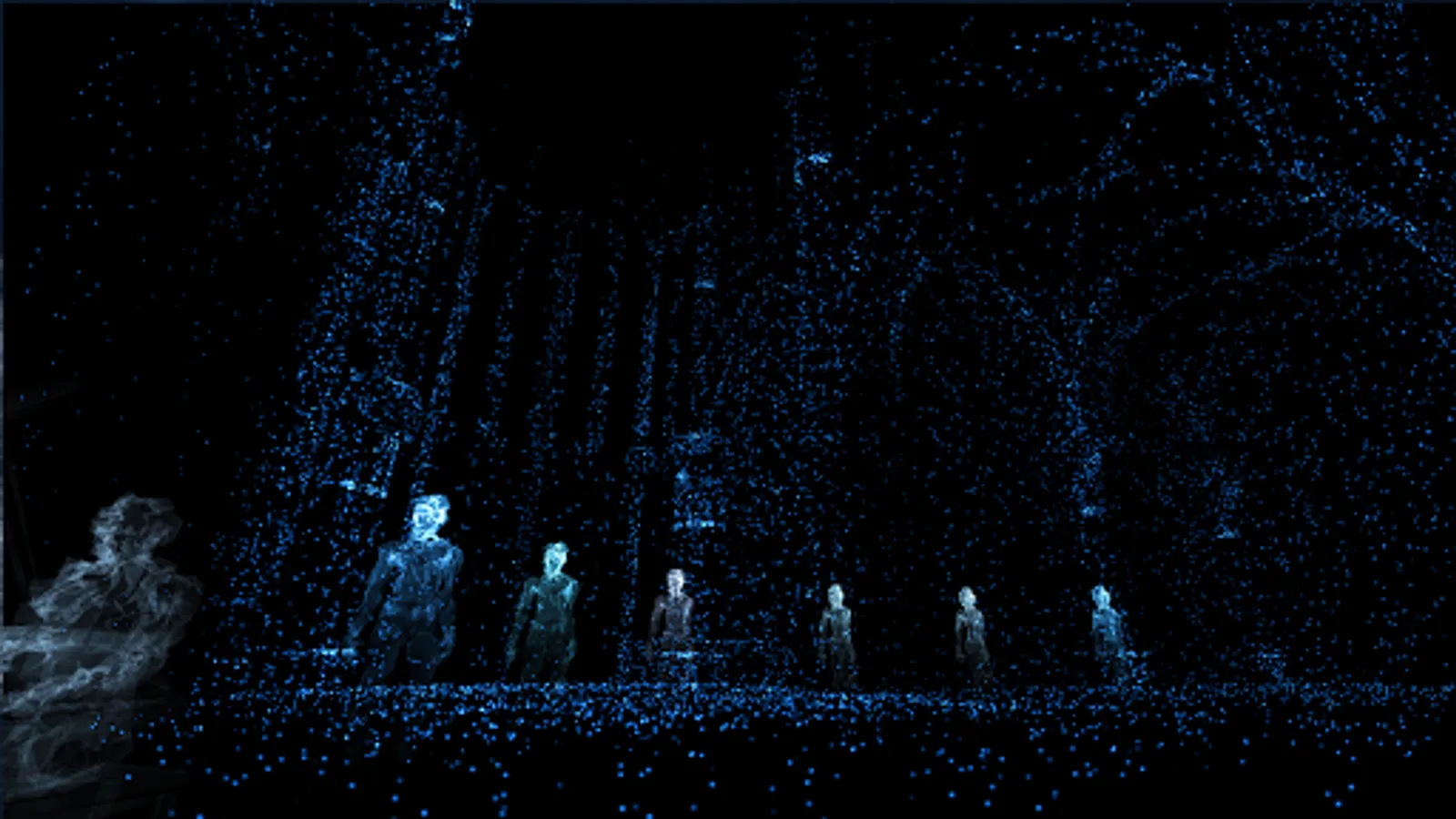
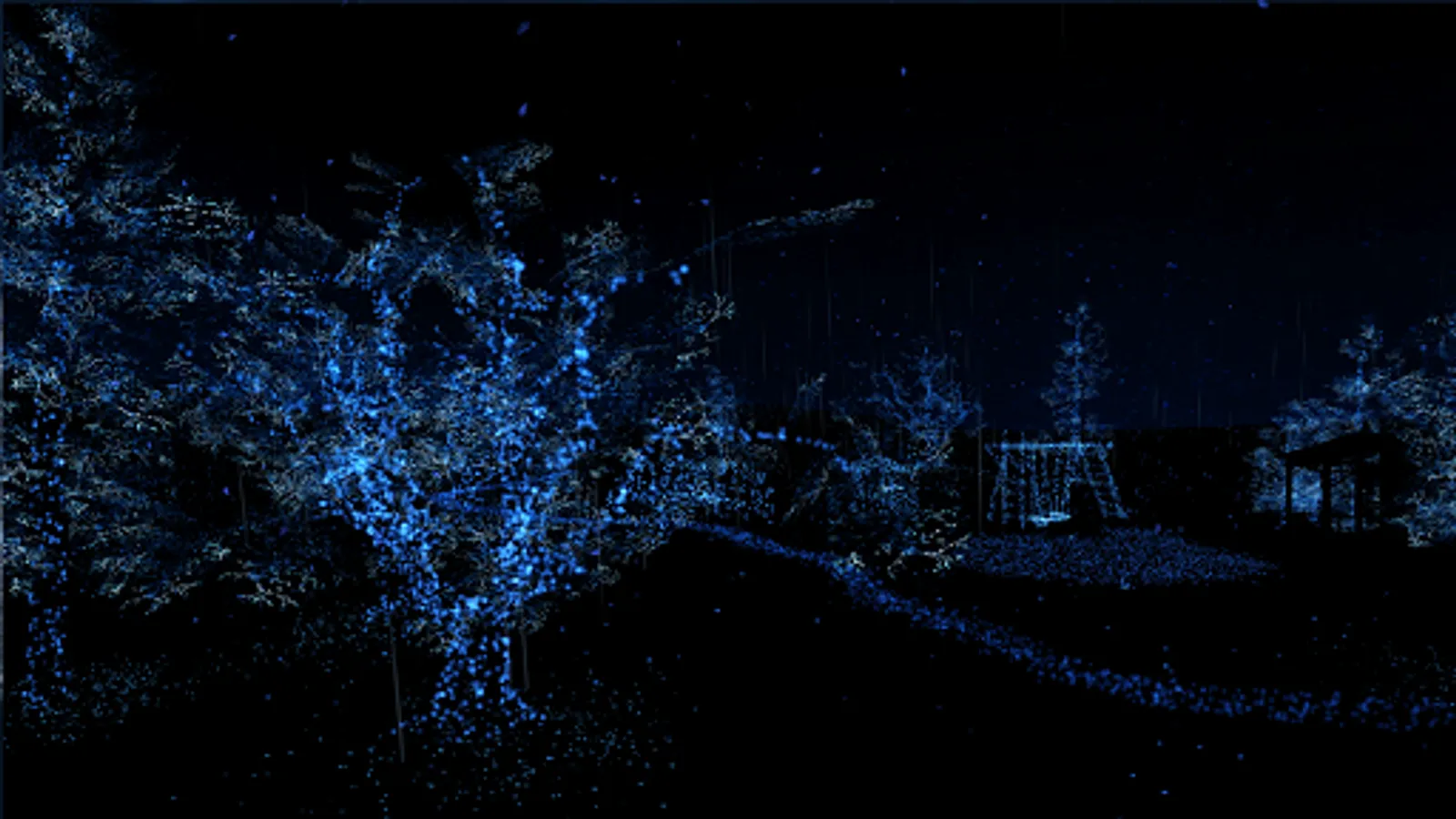
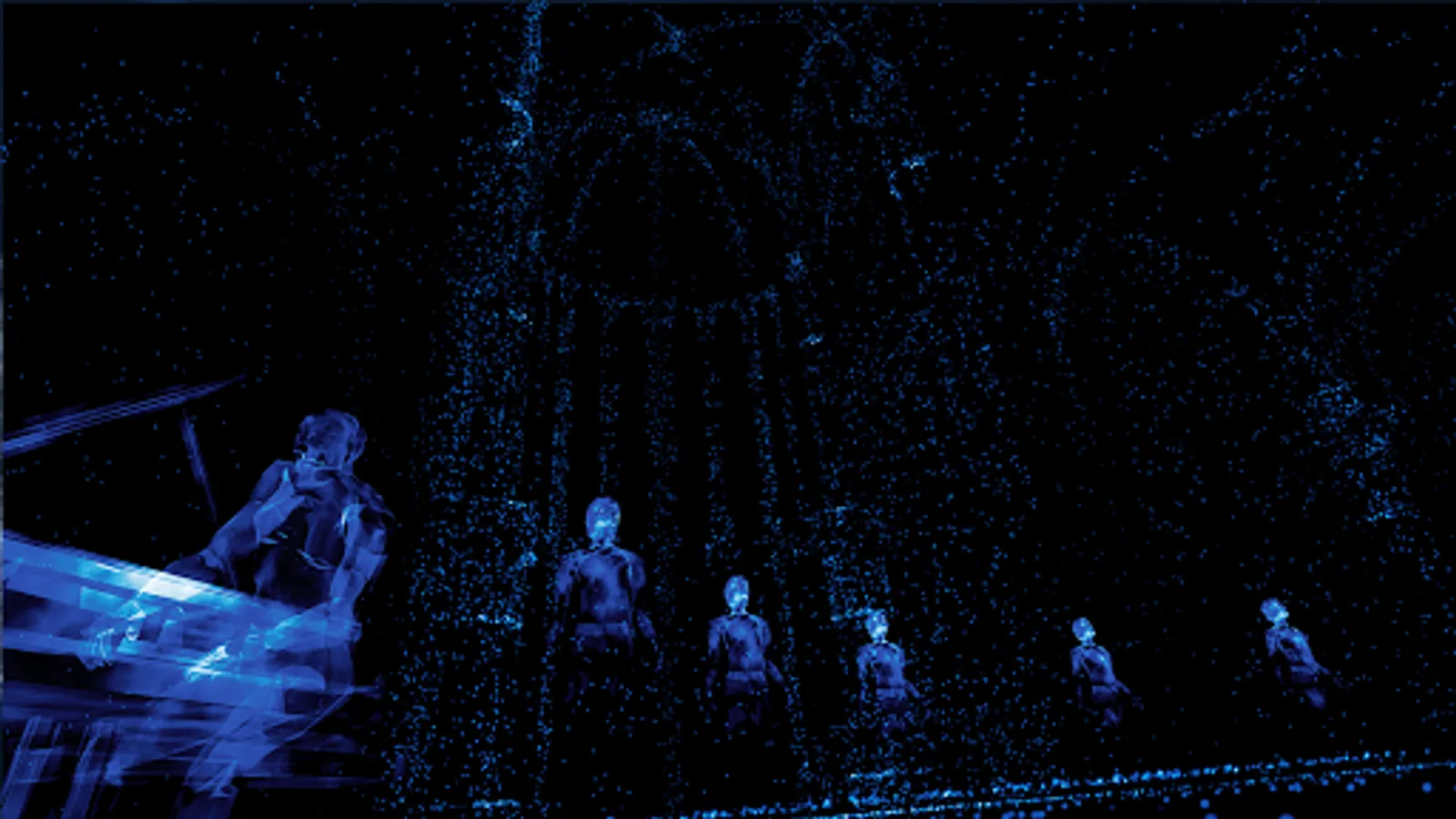
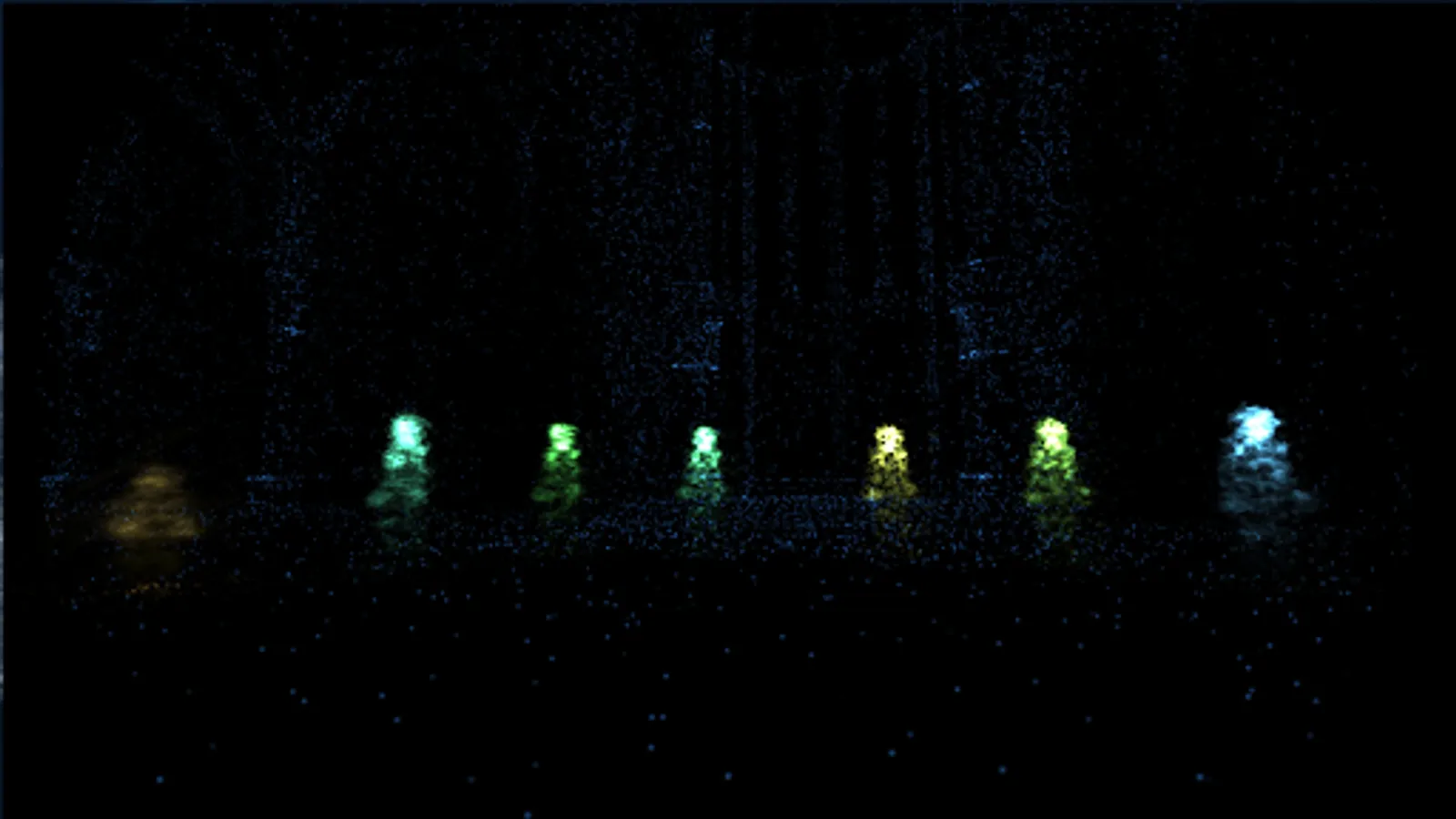
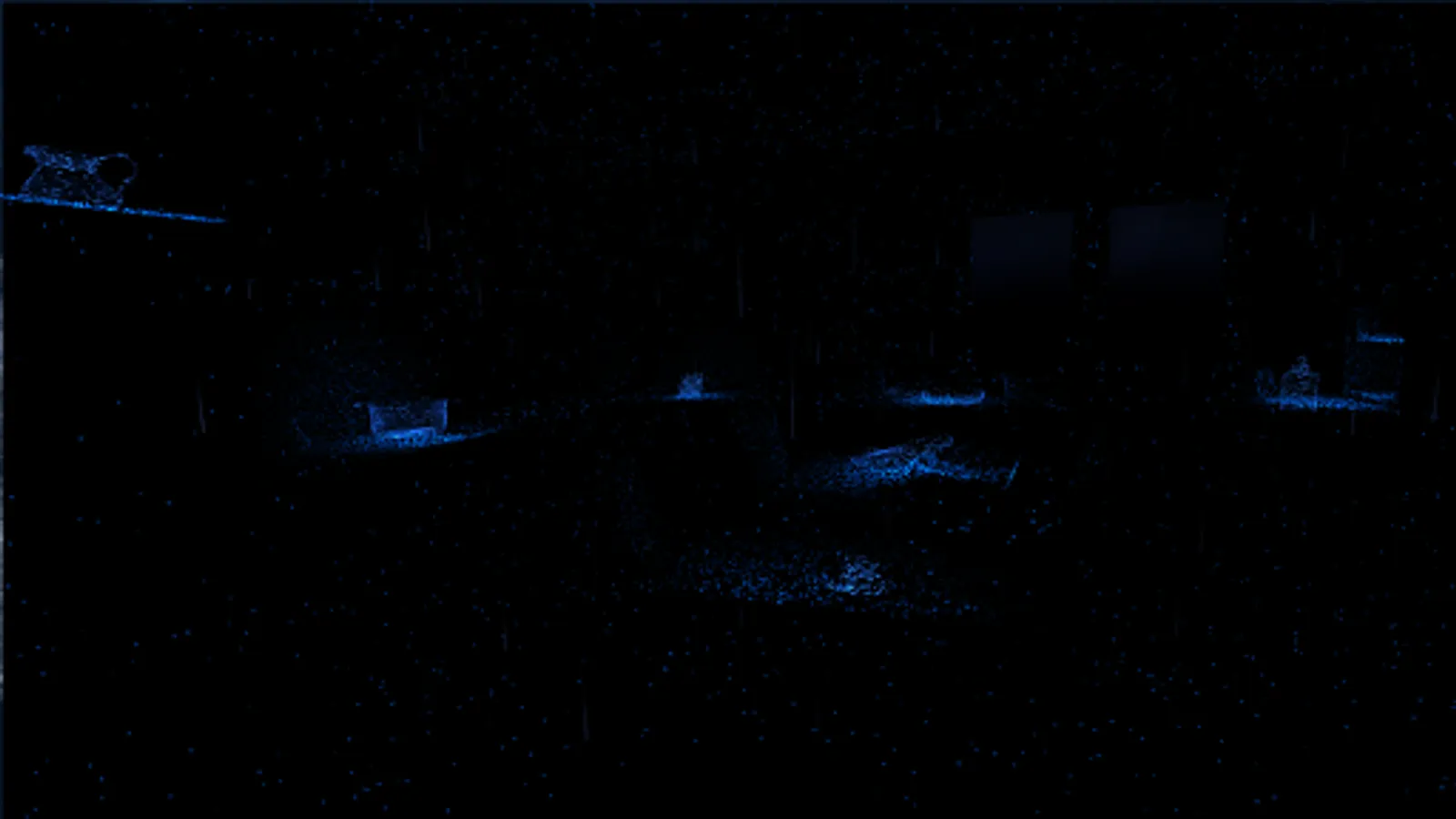
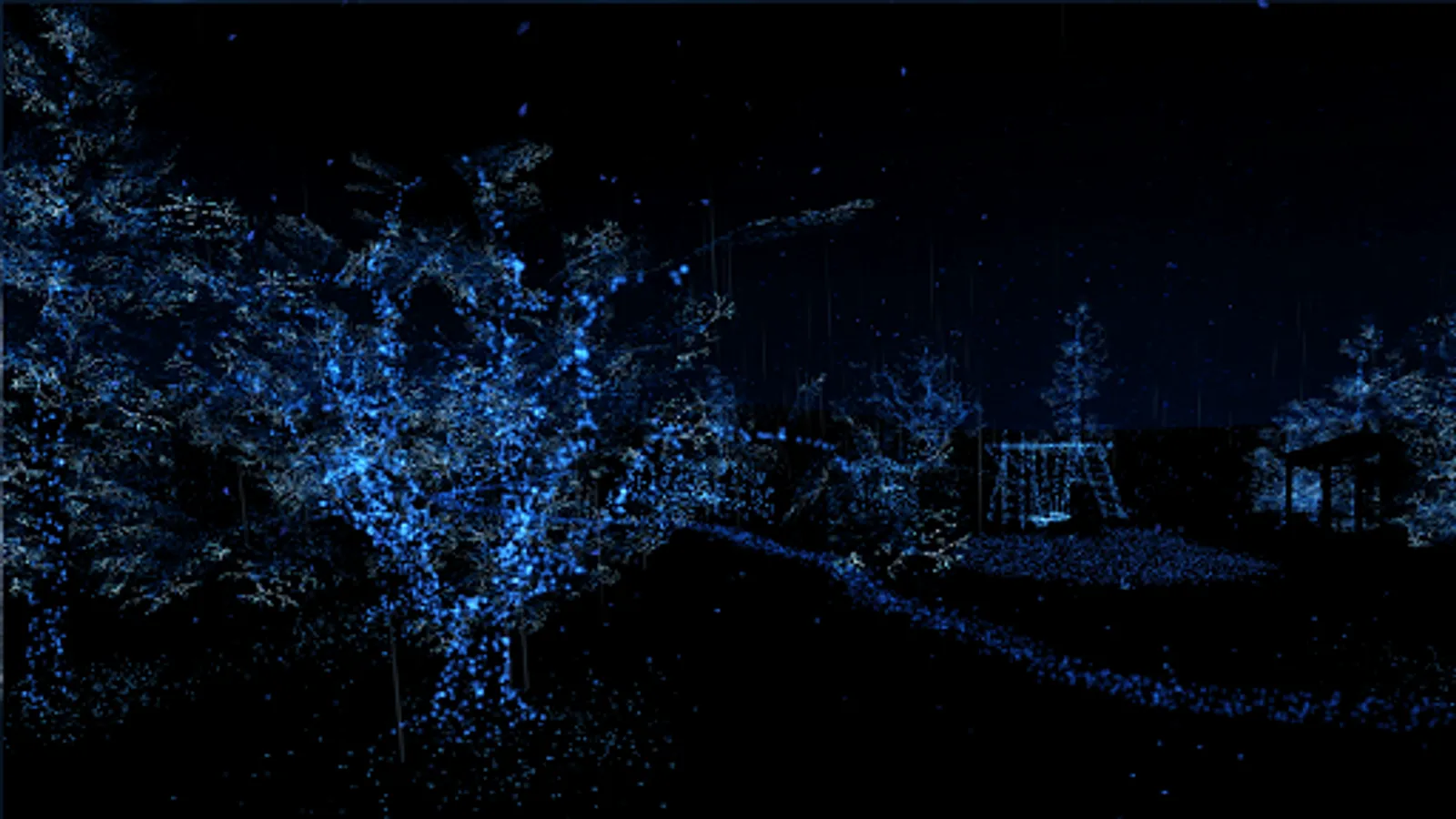
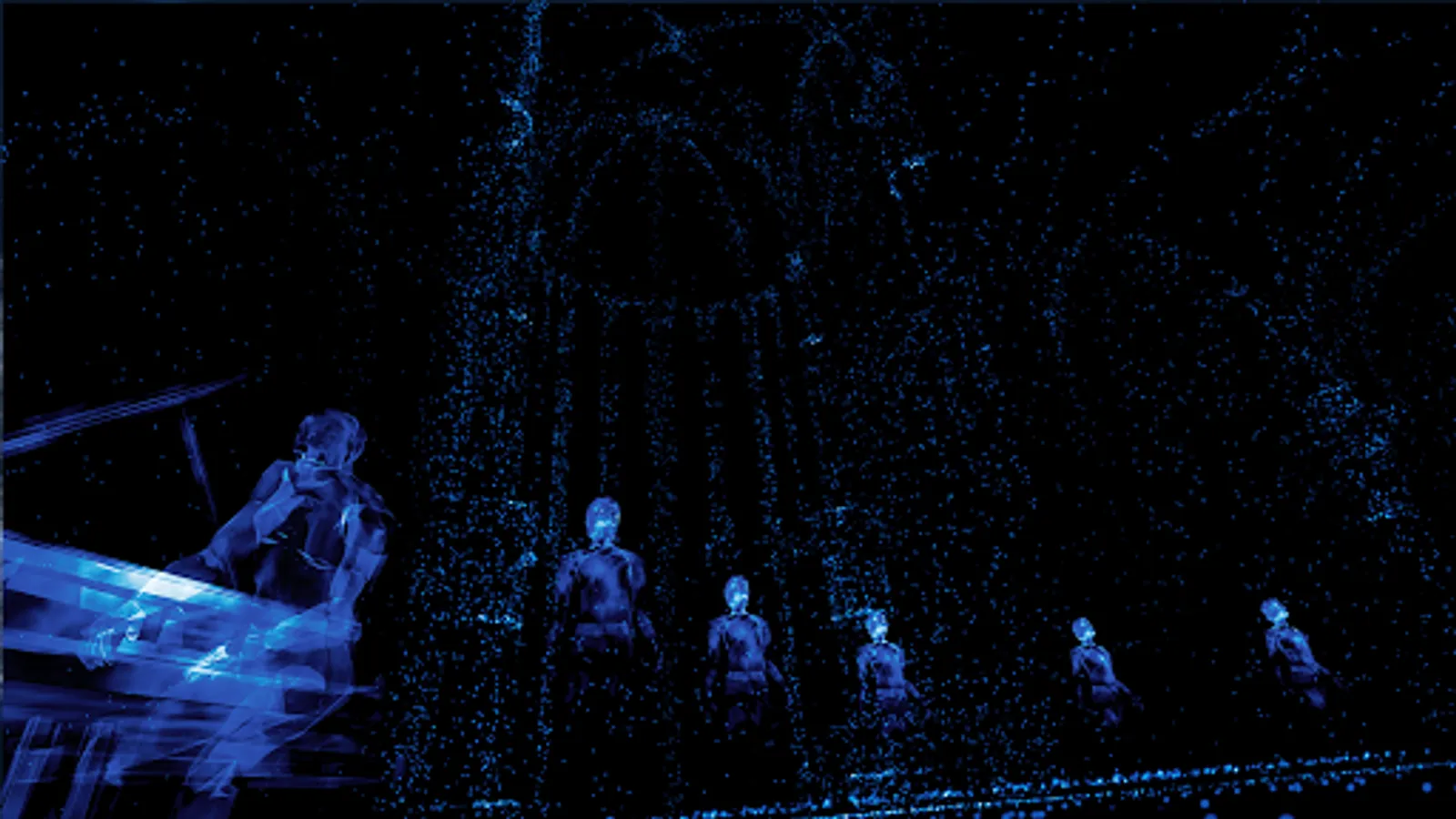
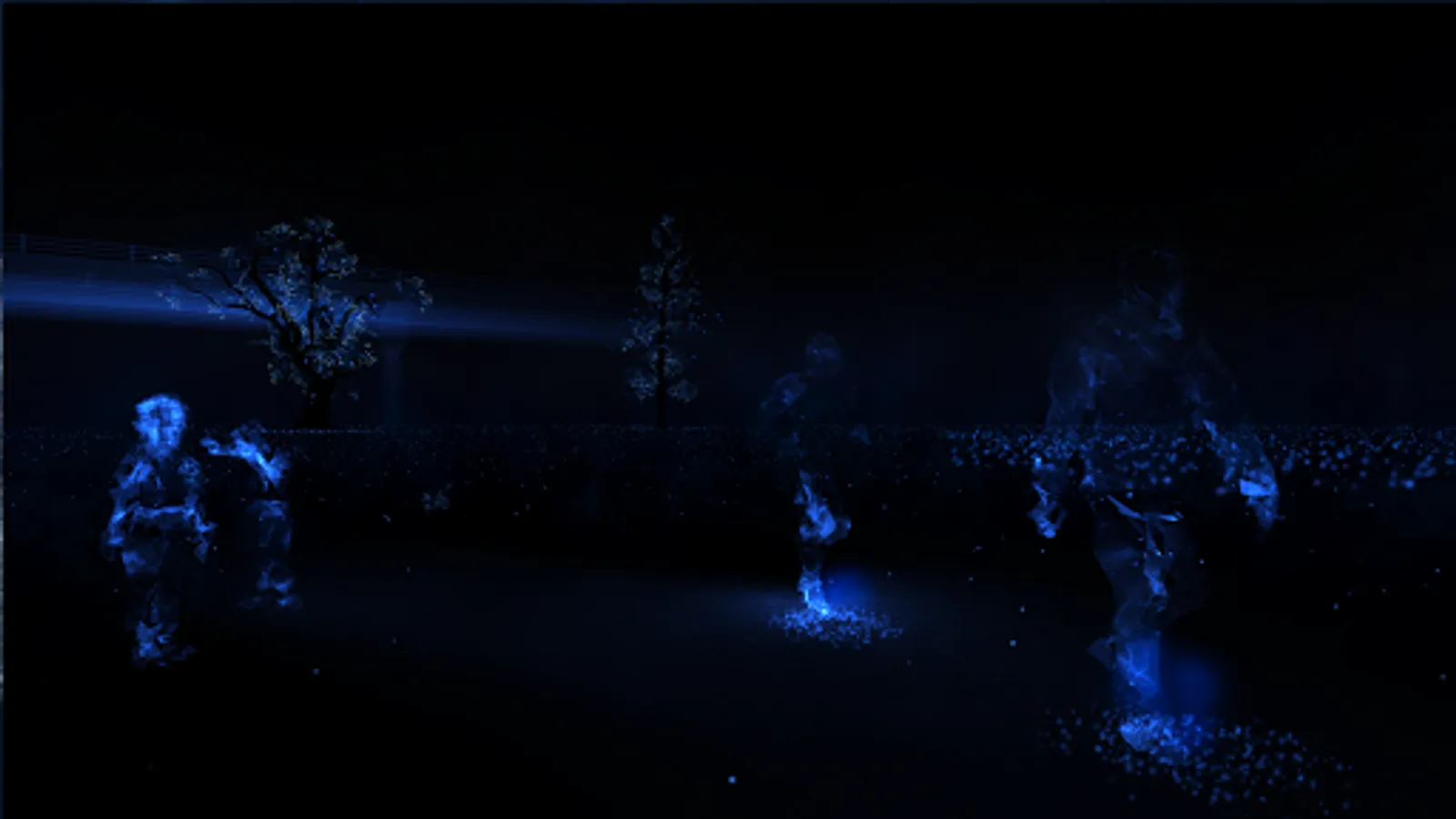
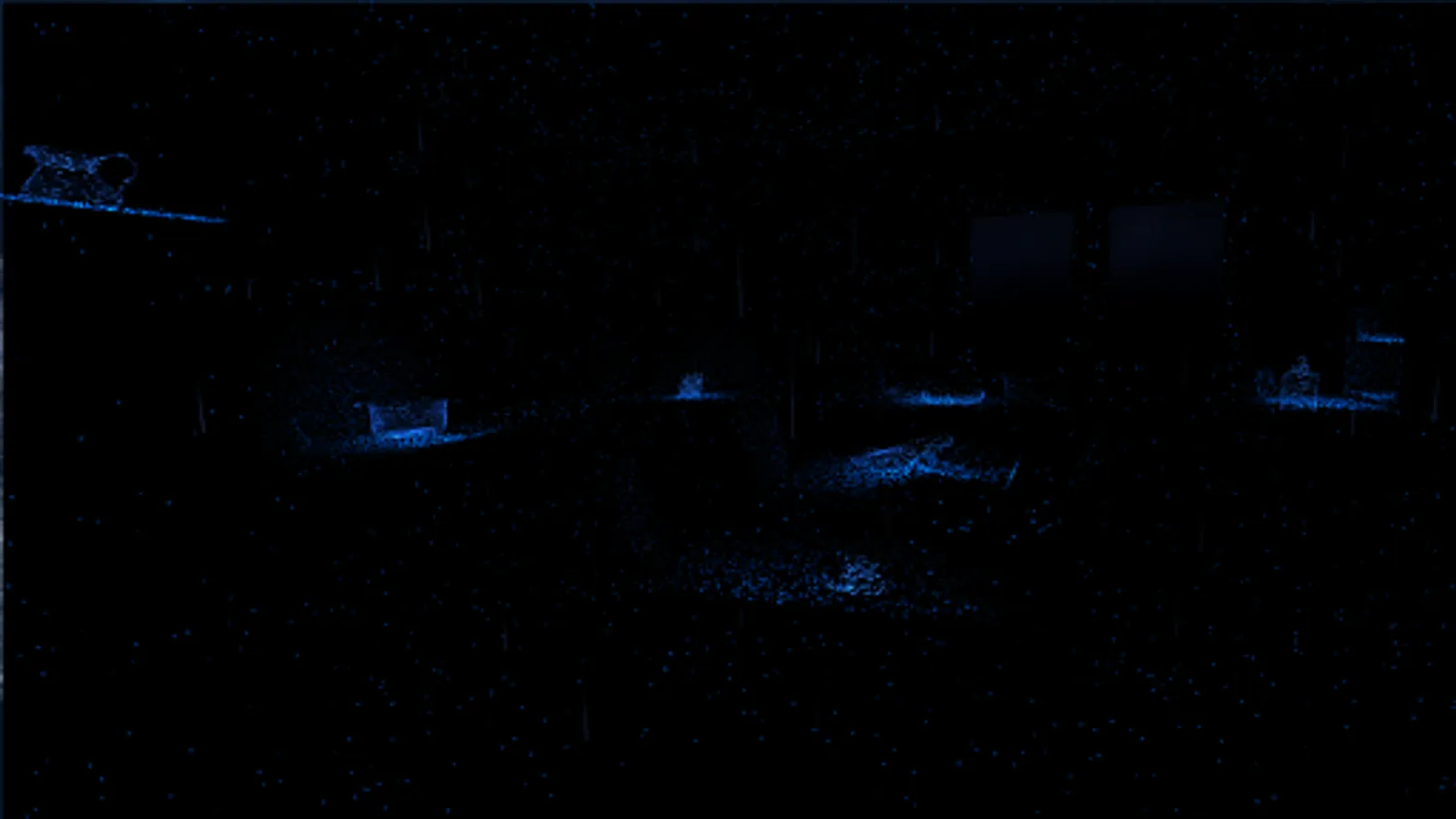
Each chapter will address a memory, a moment and a specific location from John’s audio diary, using binaural audio and real time 3D animations to create a fully immersive experience in a ‘world beyond sight’.
Notes on Blindness VR is viewable with or without virtual reality headset (cardboard mode or smartphone mode).
Notes on Blindness VR is available in English, French and German.
Runs on Samsung S6 (or later) and Nexus 9 or later, as well as on any device from a similar generation. Requires Android 5.1 or later versions.
For full user experience, please use headphones, raise the volume and increase the luminosity of your phone.
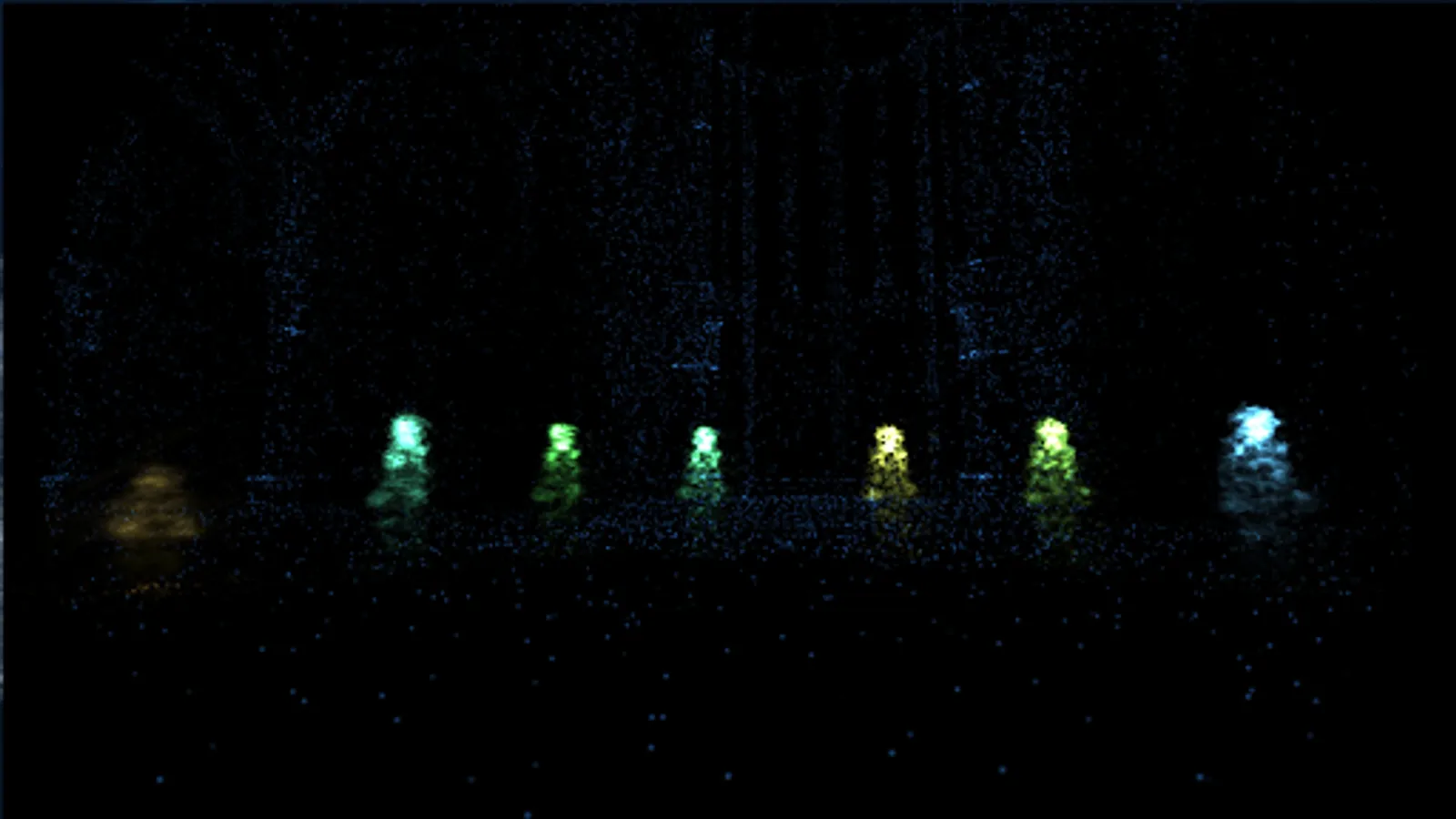
Notes On Blindness VR Screenshots
Tap to Rate:
Reviews for Notes On Blindness VR
Seanie Maxwell
1/7/2023
Amazing
A Google user
8/5/2019
it's a good vr experience. However; for those of us without any hardware buttons; the ONLY way to close the app is to press the power button and then select a notification, go into your open apps and close it from there. Not even Bixby works; although that's a good thing. being able to use my home button whilst in the app will return a 5* rating :)