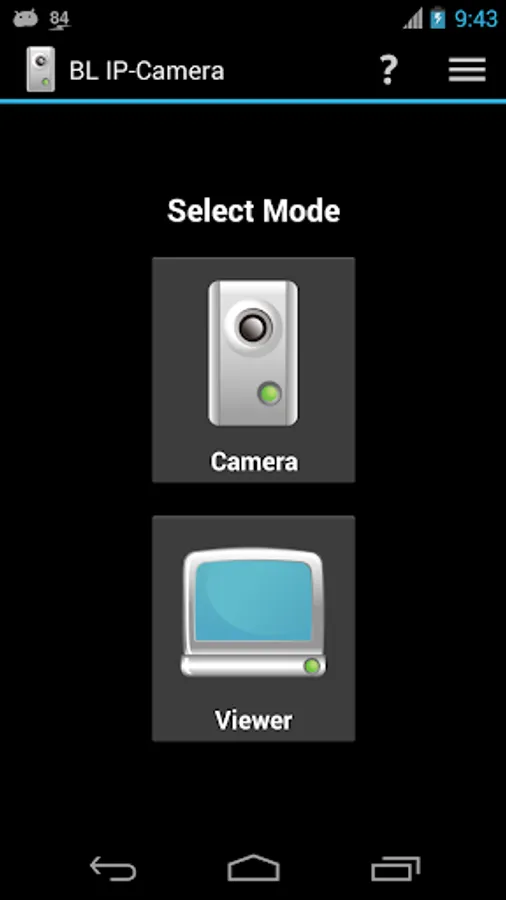
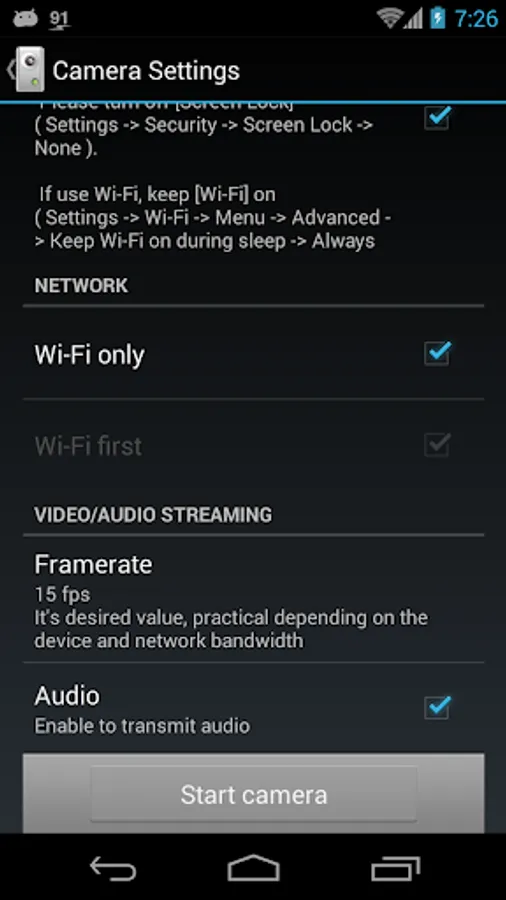
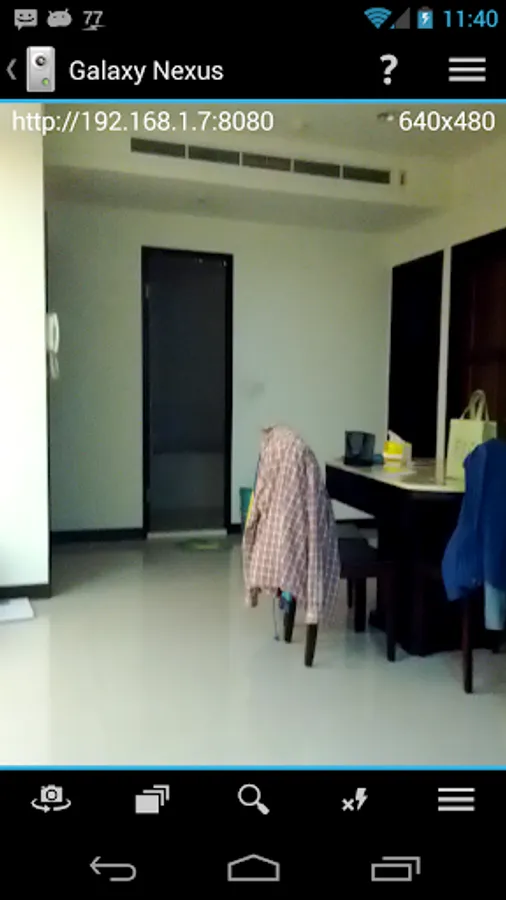
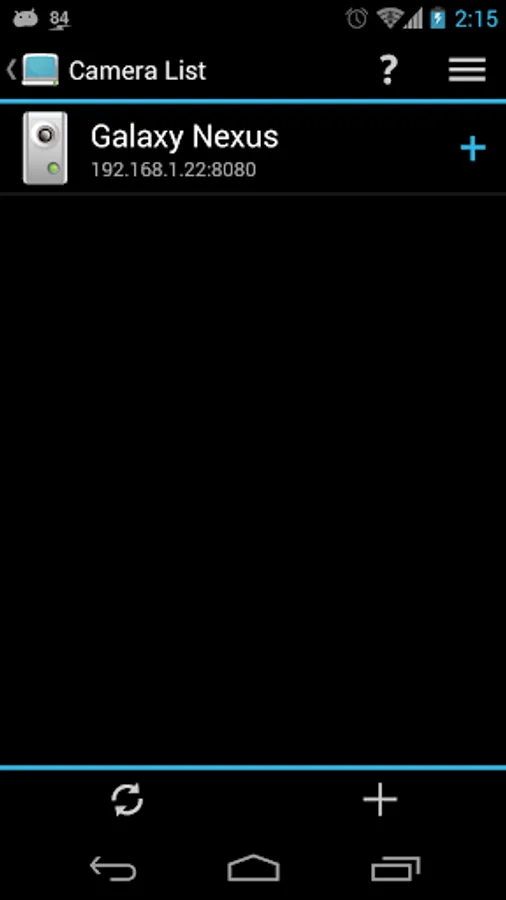
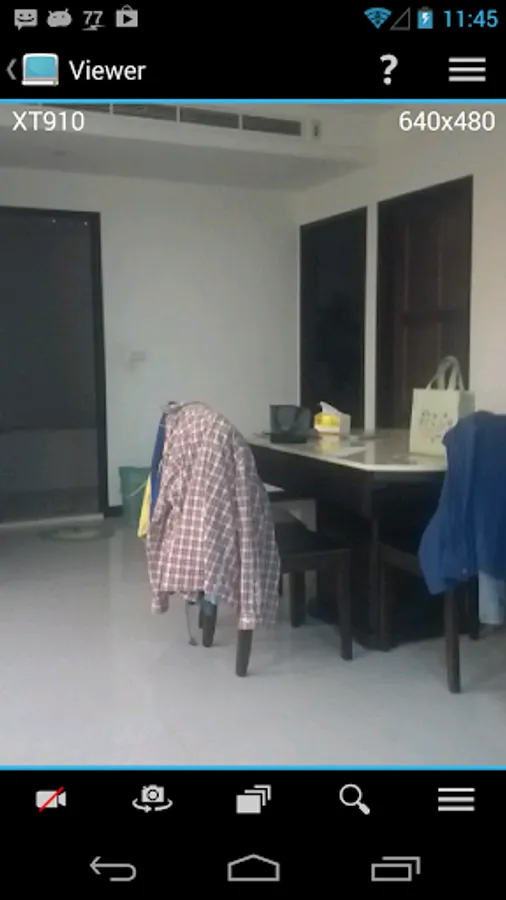
In this app, you can turn your mobile device into an IP camera or monitor and view the feed via a web browser on your PC or another device. Includes camera controls such as start/stop, zoom, focus, and resolution adjustments.
AppRecs review analysis
AppRecs rating 4.1. Trustworthiness 50 out of 100. Review manipulation risk 42 out of 100. Based on a review sample analyzed.
★★★★☆
4.1
AppRecs Rating
Ratings breakdown
5 star
63%
4 star
13%
3 star
9%
2 star
2%
1 star
13%
What to know
✓
Authentic reviews
Natural distribution, no red flags
⚠
Questionable review patterns
42% review manipulation risk - some review patterns appear unusual
⚠
Review quality concerns
43% of sampled 5-star reviews are very short
About BL IP-Camera - ADS
As long as your mobile phone or tablet with camera and internet functions,
this software can make it easily to become an IP-Camera or a Monitor.
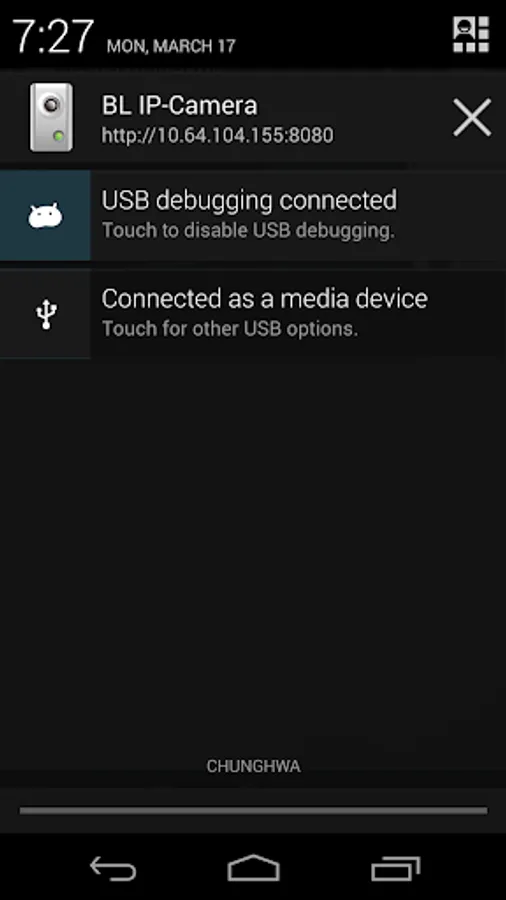
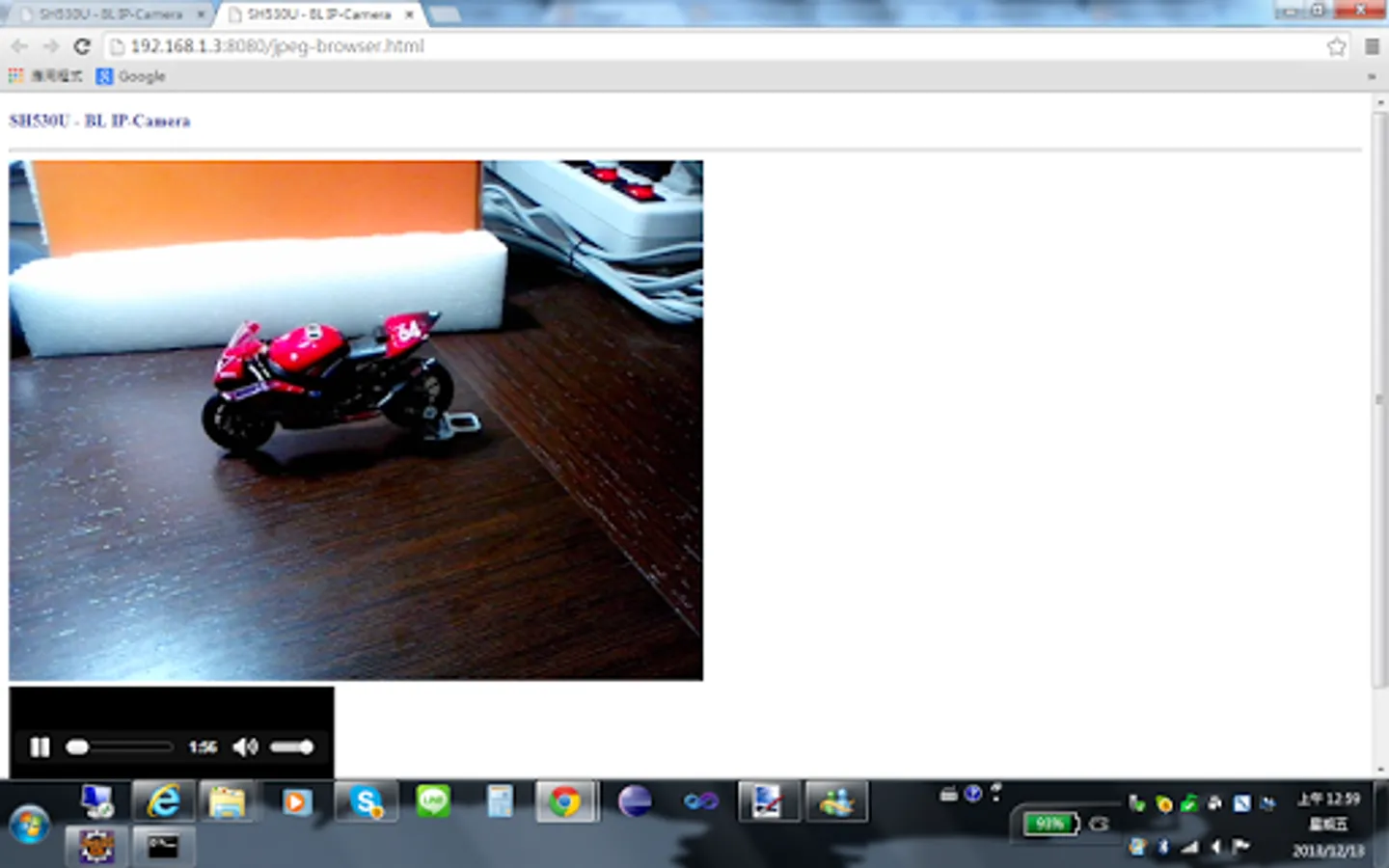
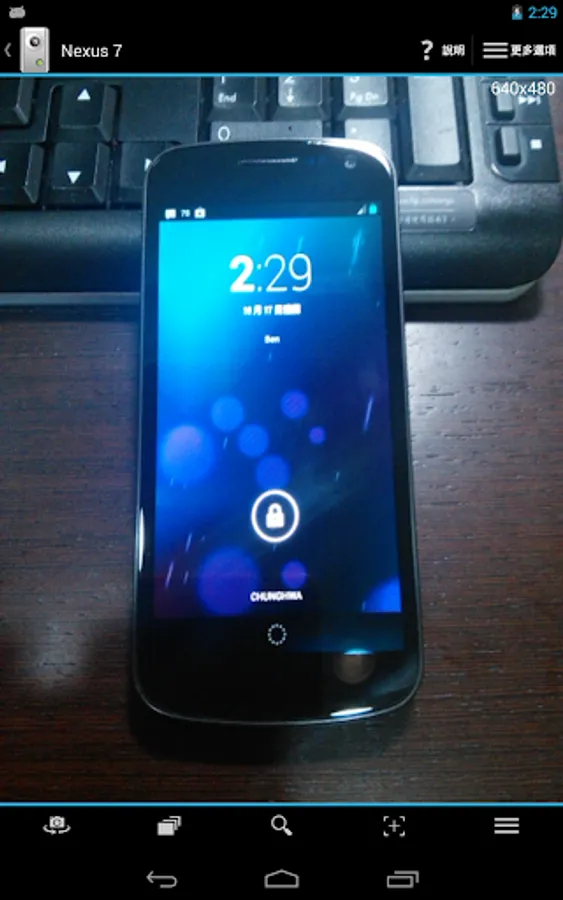
And you can use your PC/NB via the browser ( like IE, Chrome ... etc ) without having to install addition software to monitor your IP-Camera. Or use another phone or tablet as a monitor. All this as long as this one software.
If camera uses 3G network, please confirm with your operator whether the camera has real IP address. Only real IP address can work on camera.
If camera uses WiFi network and viewer uses 3G or other network, camera must configure NAT (Network Address Translation) settings in WiFi router. You can ask your WiFi manufacturer how to configure NAT settings.
Camera/Viewer Functions:
Account/Password settings ( Camera )
Start/Stop Camera ( Viewer )
Switch Camera
Resolution
Zoom In/Out
Flash Mode
Focus Mode
Exposure Compensation
Black Screen ( Camera )
Auto-Rotate Screen
Capture ( Viewer )
Volume On/Off ( Viewer )
Fit / Full Screen ( Viewer )
Video Rotation ( Viewer )
For more information, please refer to: http://ben-works.blogspot.tw/2013/10/bl-ip-camera.html
this software can make it easily to become an IP-Camera or a Monitor.
And you can use your PC/NB via the browser ( like IE, Chrome ... etc ) without having to install addition software to monitor your IP-Camera. Or use another phone or tablet as a monitor. All this as long as this one software.
If camera uses 3G network, please confirm with your operator whether the camera has real IP address. Only real IP address can work on camera.
If camera uses WiFi network and viewer uses 3G or other network, camera must configure NAT (Network Address Translation) settings in WiFi router. You can ask your WiFi manufacturer how to configure NAT settings.
Camera/Viewer Functions:
Account/Password settings ( Camera )
Start/Stop Camera ( Viewer )
Switch Camera
Resolution
Zoom In/Out
Flash Mode
Focus Mode
Exposure Compensation
Black Screen ( Camera )
Auto-Rotate Screen
Capture ( Viewer )
Volume On/Off ( Viewer )
Fit / Full Screen ( Viewer )
Video Rotation ( Viewer )
For more information, please refer to: http://ben-works.blogspot.tw/2013/10/bl-ip-camera.html
BL IP-Camera - ADS Screenshots
Tap to Rate:
Reviews for BL IP-Camera - ADS
STR-Satrio Wiseso
9/11/2023
Simple, Small Size, Remote Viewer Camera, Standard Function.
Jason Proctor
10/6/2022
Most awsome free ip web camera