Use this presentation remote app to control PowerPoint slides via WiFi or Bluetooth, preview slide notes, and navigate through slides with swipe gestures. Includes slide preview, time display, full-screen mode, and pen drawing options.
AppRecs review analysis
AppRecs rating 3.4. Trustworthiness 0 out of 100. Review manipulation risk 0 out of 100. Based on a review sample analyzed.
★★★☆☆
3.4
AppRecs Rating
Ratings breakdown
5 star
43%
4 star
14%
3 star
0%
2 star
29%
1 star
14%
About BL PowerPoint Remote
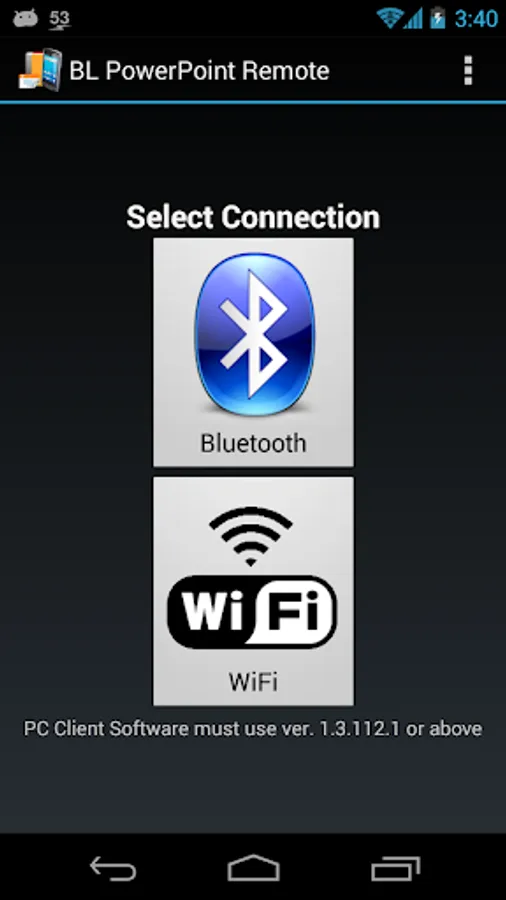
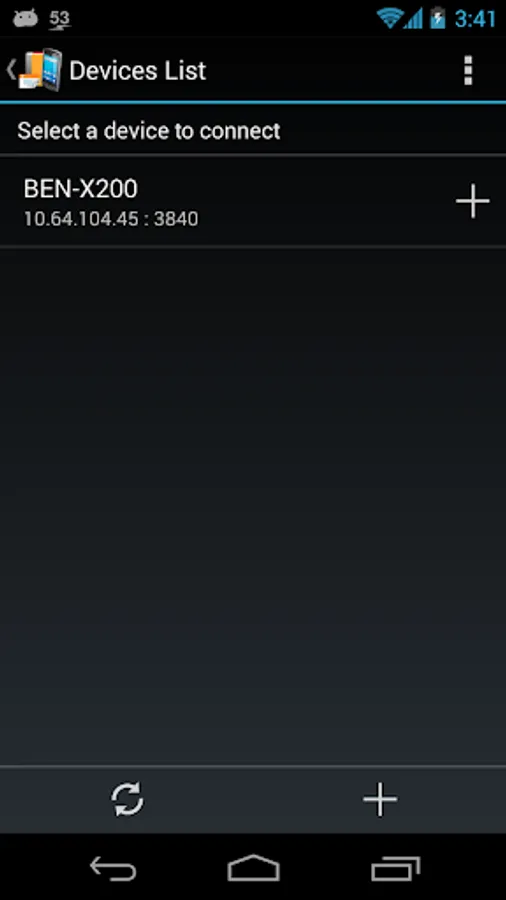
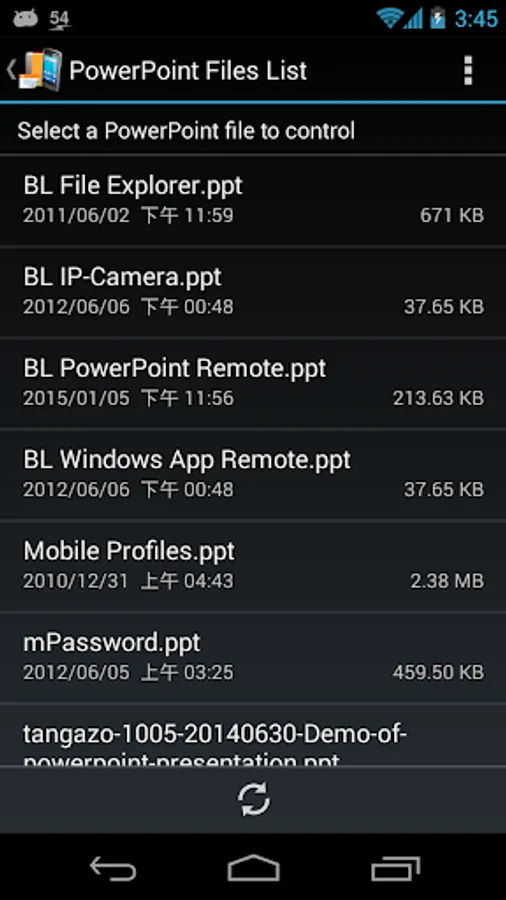
Via WiFi or Bluetooth connect to your PC/NB, BL PowerPoint Remote can control your PowerPoint presentations opened by Microsoft Office PowerPoint.
Functions:
1. WiFi and Bluetooth connection
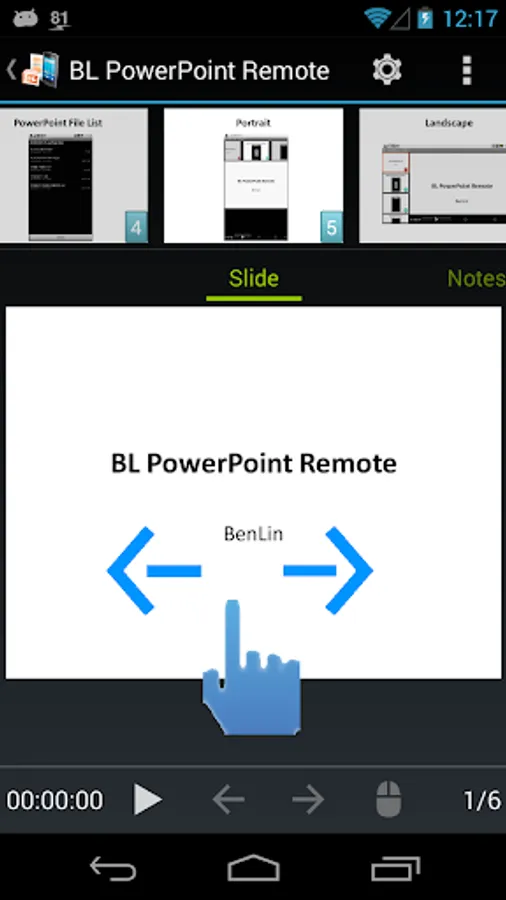
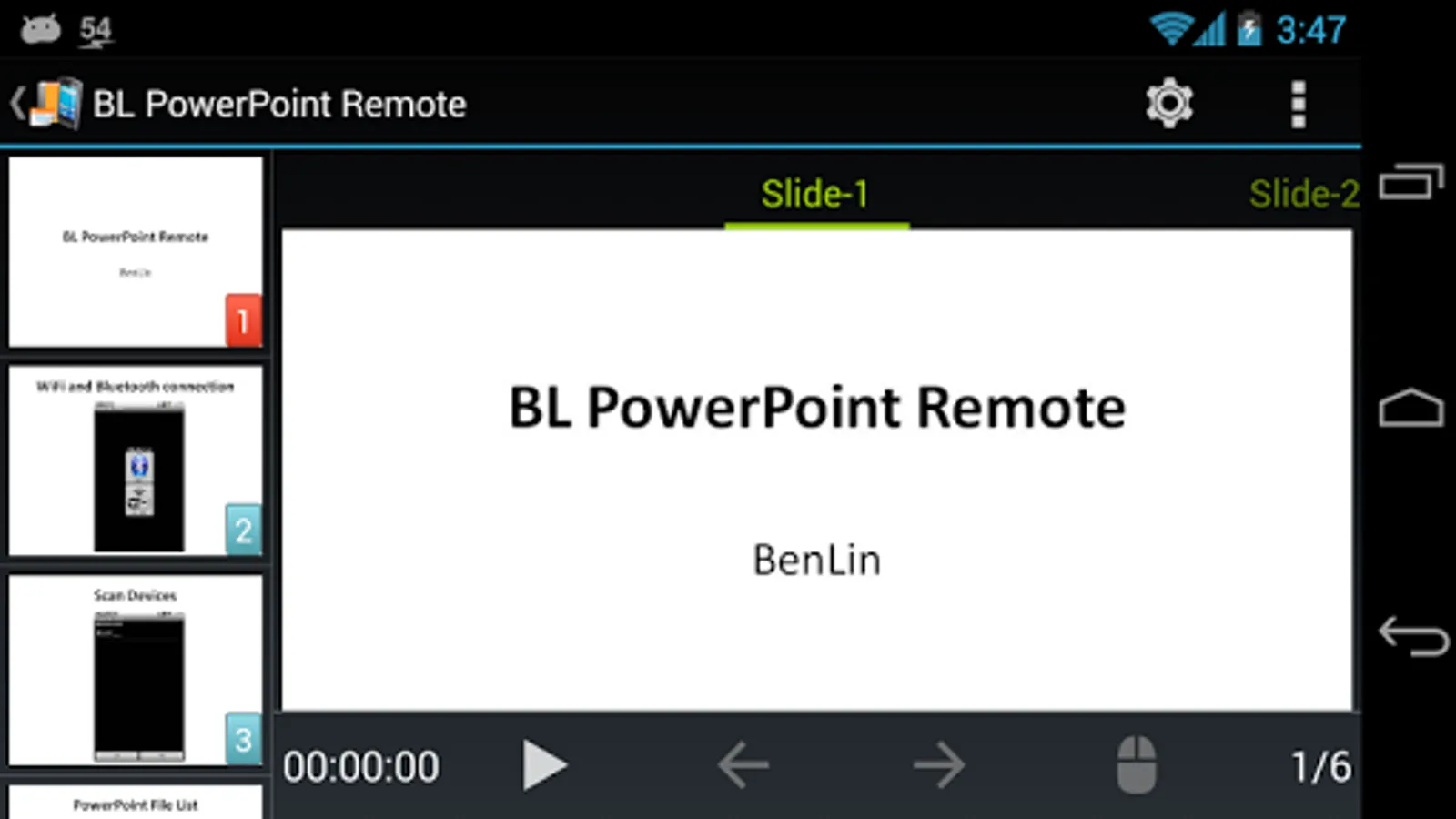
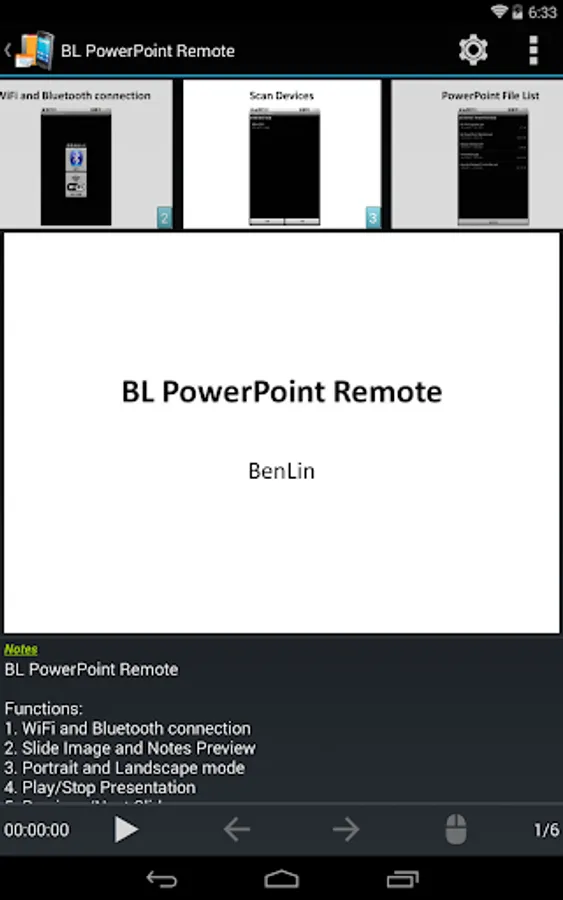
2. Slide Image and Notes Preview
3. Portrait and Landscape mode
4. Play/Stop Presentation
5. Previous/Next Slide
6. Slide Jump
7. Display Presentation's Time and Page
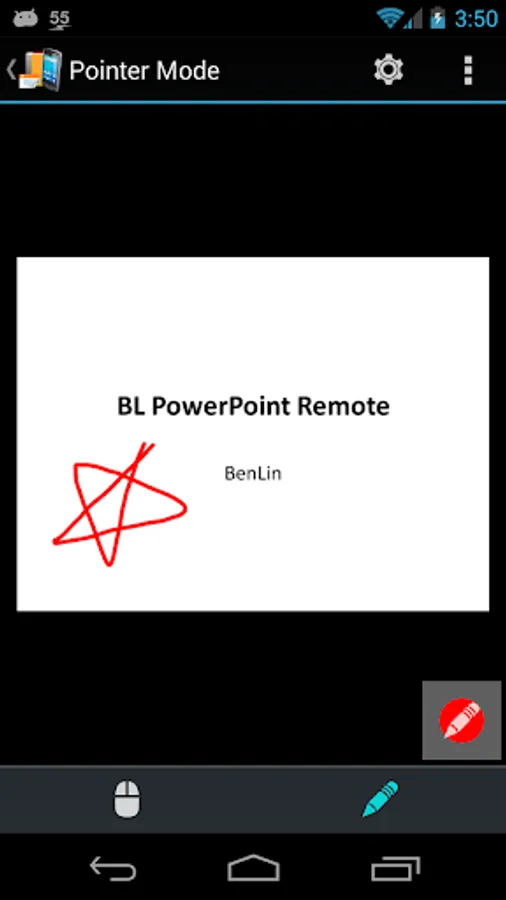
8. Arrow/Pen Pointer
9. Change slide through swiping
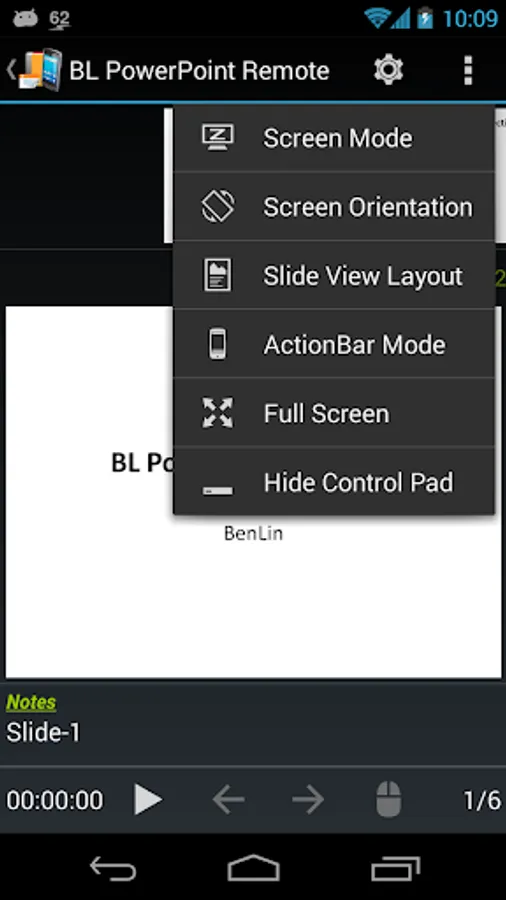
10. Full-Screen display
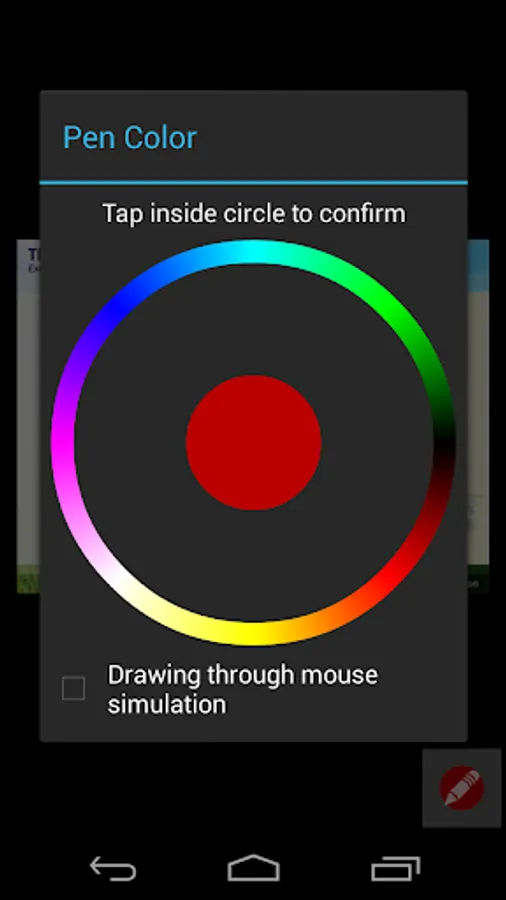
11. Settings of pen color and drawing mode
If pen color does not work on PC/NB, please try to change drawing mode setting.
You must download software of PC client to your PC/NB, install and run it.
Reference URL: http://ben-works.blogspot.tw/2012/06/bl-powerpoint-bl-powerpoint-remote.html
Release version: Remove Ad and Presentation Time Limit.
Functions:
1. WiFi and Bluetooth connection
2. Slide Image and Notes Preview
3. Portrait and Landscape mode
4. Play/Stop Presentation
5. Previous/Next Slide
6. Slide Jump
7. Display Presentation's Time and Page
8. Arrow/Pen Pointer
9. Change slide through swiping
10. Full-Screen display
11. Settings of pen color and drawing mode
If pen color does not work on PC/NB, please try to change drawing mode setting.
You must download software of PC client to your PC/NB, install and run it.
Reference URL: http://ben-works.blogspot.tw/2012/06/bl-powerpoint-bl-powerpoint-remote.html
Release version: Remove Ad and Presentation Time Limit.
BL PowerPoint Remote Screenshots
Tap to Rate: