
CallRec: Call recorder
CallRec
3.0 ★
102K ratings
5,000,000+
downloads
Free
+ in-app
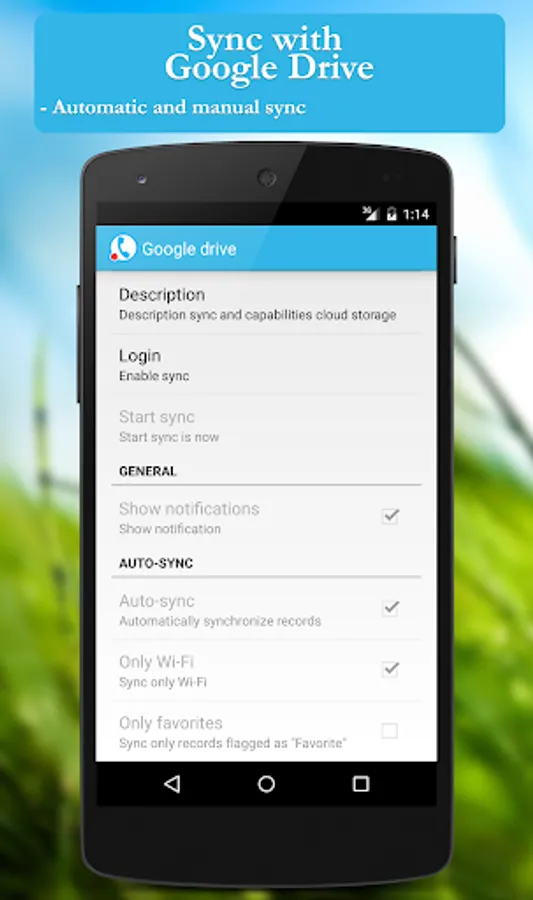
In this call recorder app, you can automatically record phone conversations and store them with customizable rules. Includes call management, storage options, and integration features.
AppRecs review analysis
AppRecs rating 3.1. Trustworthiness 79 out of 100. Review manipulation risk 22 out of 100. Based on a review sample analyzed.
★★★☆☆
3.1
AppRecs Rating
Ratings breakdown
5 star
39%
4 star
7%
3 star
9%
2 star
4%
1 star
41%
What to know
✓
Low review manipulation risk
22% review manipulation risk
⚠
Mixed user feedback
Average 3.0★ rating suggests room for improvement
⚠
High negative review ratio
45% of sampled ratings are 1–2 stars
About CallRec: Call recorder
UNIVERSAL mobile CRM for SMALL BUSINESSES and SELF-EMPLOYED
Client accounting, Tasks, Call recording, Financial accounting, Notes, Automation.
Manage leads and attract more clients with an all-in-one small business CRM.
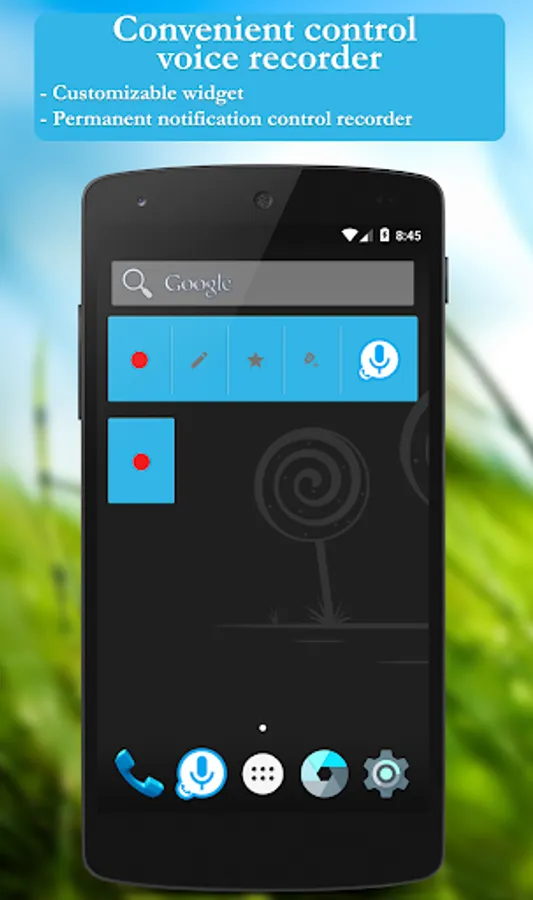
Flexible, customizable interface and functionality. Customize the interface as you need for your specific tasks.
・Customizable interface and functionality - you can enable/disable only the functionality you need
・Tasks - a simple and powerful task list that will help you organize your life and work. You can group tasks into folders and boards (lists or steps). You can set a date for a task. If you need additional fields, comments, or link contacts to tasks, you can add them in a couple of clicks. There are also flexible settings for displaying the list
・Notes - Use them as: notes, support tickets, deals, ideas, etc. etc. If you need additional fields, comments on a note, you can add them in a couple of clicks
・Folders and lists - help you organize your tasks, cards and contacts
・Custom fields - allow you to customize tasks, contacts, cards and your own input forms (custom entities) if standard fields are not enough
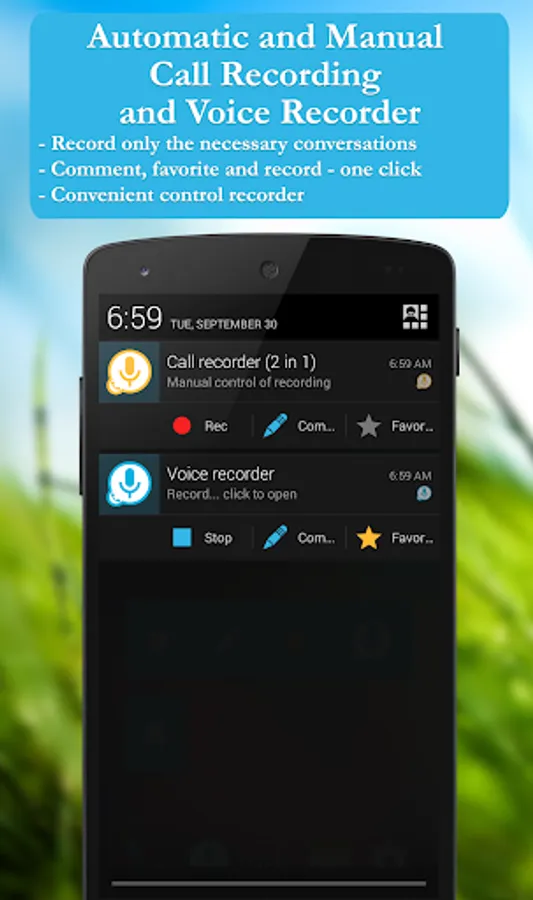
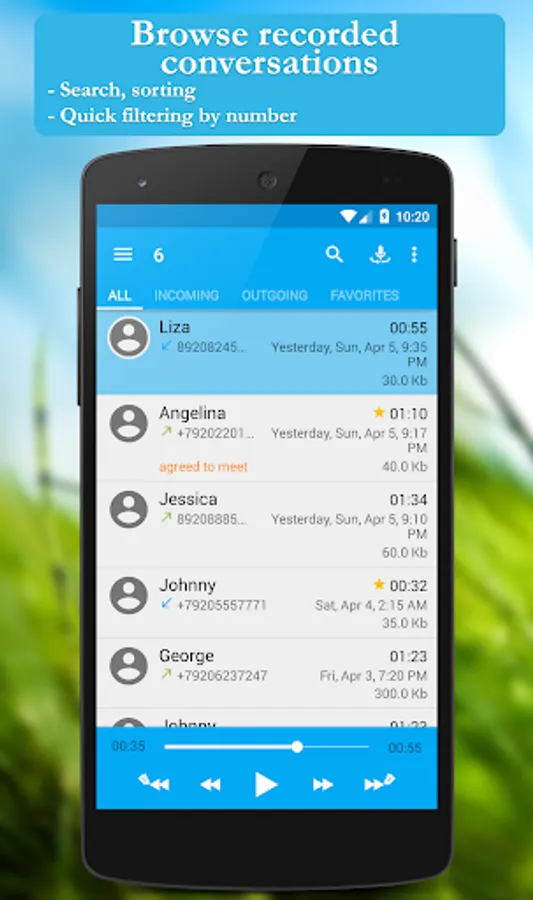
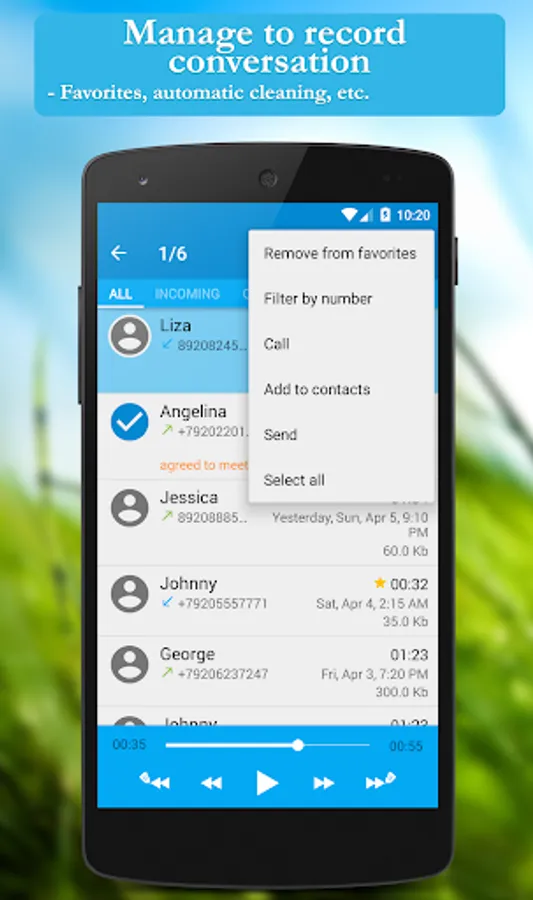
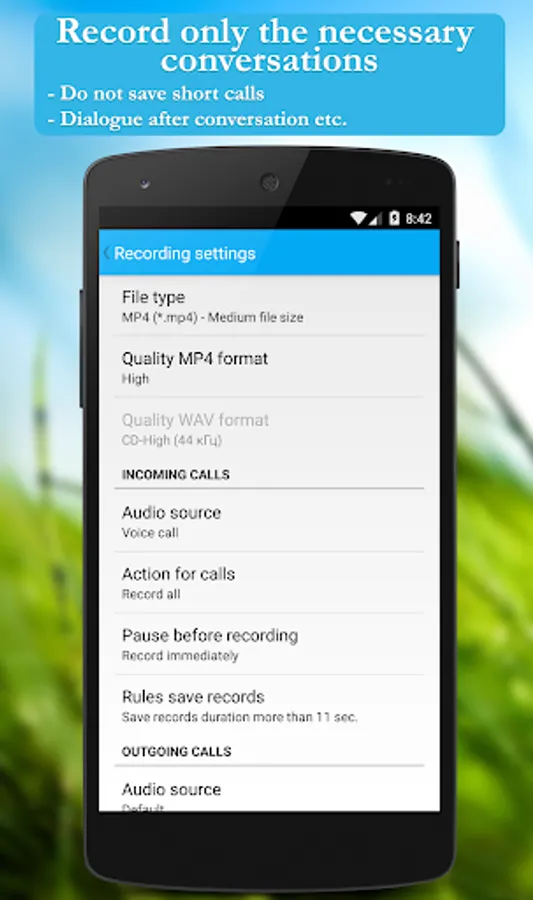
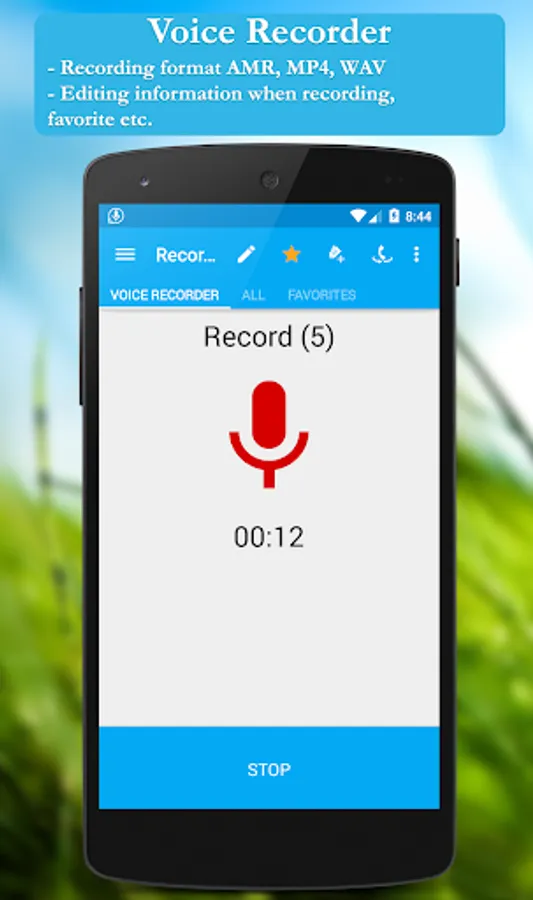
・Call Recording - Automatically records phone conversations with customizable recording and storage rules
・Custom data entry forms - adds the ability to create your own forms (forms are menu items on the main screen) with custom fields. You can customize the data entry form with a structure to suit your type of activity. For example, “Price lists” and add fields: Name, Description, Purchase price, Sale price, Warehouse number, etc. It is very convenient when you need to adjust the structure to your type of activity. You can create your custom object with any type of fields and any number of them
・Calendar - helps in planning and distributing to-do lists and tasks for the day, week, month, year, etc.
・CRM - converts your calls into clients. Helps to conclude more deals by systematizing work with potential and current clients
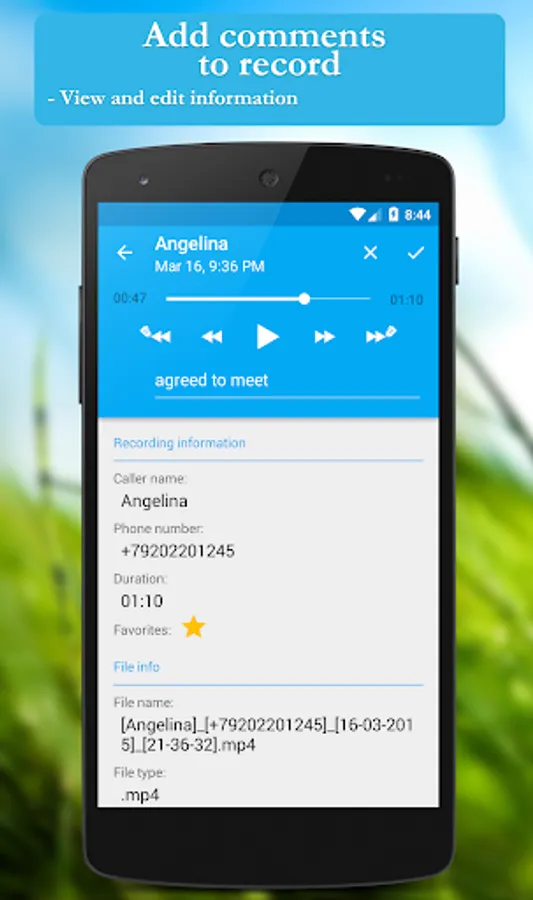
・Contacts - functionality helps you interact with customers more effectively. If you need additional fields, comments on contacts or tasks, you can add them in a couple of clicks, as well as view call history and conversation recordings
・Automates daily routine activities with clients
・Quick responses - save time when communicating with clients via instant messengers or email on similar issues. Allows you to create text template responses
Client accounting, Tasks, Call recording, Financial accounting, Notes, Automation.
Manage leads and attract more clients with an all-in-one small business CRM.
Flexible, customizable interface and functionality. Customize the interface as you need for your specific tasks.
・Customizable interface and functionality - you can enable/disable only the functionality you need
・Tasks - a simple and powerful task list that will help you organize your life and work. You can group tasks into folders and boards (lists or steps). You can set a date for a task. If you need additional fields, comments, or link contacts to tasks, you can add them in a couple of clicks. There are also flexible settings for displaying the list
・Notes - Use them as: notes, support tickets, deals, ideas, etc. etc. If you need additional fields, comments on a note, you can add them in a couple of clicks
・Folders and lists - help you organize your tasks, cards and contacts
・Custom fields - allow you to customize tasks, contacts, cards and your own input forms (custom entities) if standard fields are not enough
・Call Recording - Automatically records phone conversations with customizable recording and storage rules
・Custom data entry forms - adds the ability to create your own forms (forms are menu items on the main screen) with custom fields. You can customize the data entry form with a structure to suit your type of activity. For example, “Price lists” and add fields: Name, Description, Purchase price, Sale price, Warehouse number, etc. It is very convenient when you need to adjust the structure to your type of activity. You can create your custom object with any type of fields and any number of them
・Calendar - helps in planning and distributing to-do lists and tasks for the day, week, month, year, etc.
・CRM - converts your calls into clients. Helps to conclude more deals by systematizing work with potential and current clients
・Contacts - functionality helps you interact with customers more effectively. If you need additional fields, comments on contacts or tasks, you can add them in a couple of clicks, as well as view call history and conversation recordings
・Automates daily routine activities with clients
・Quick responses - save time when communicating with clients via instant messengers or email on similar issues. Allows you to create text template responses
CallRec: Call recorder Screenshots
Tap to Rate:
Reviews for CallRec: Call recorder
Mohd Danish Sheikh
10/23/2025
tell me how to delete my account with its data
Valerie James
8/14/2025
language options are only foreign, tried troubleshooting and could not get the app to set to English