
RefCanvas - Reference Board
Endvoid
3.9 ★
279 ratings
10,000+
downloads
Free
+ in-app
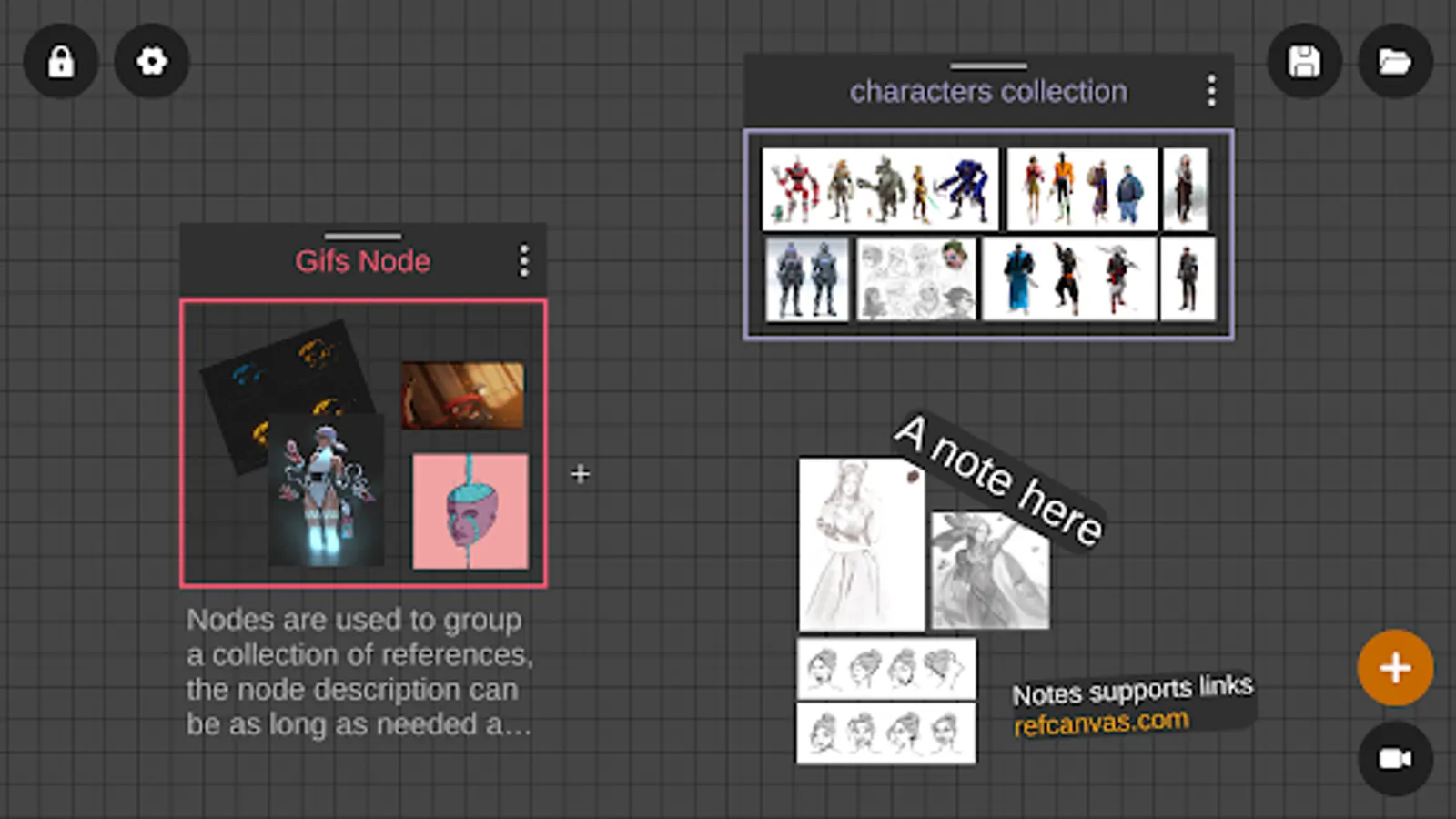
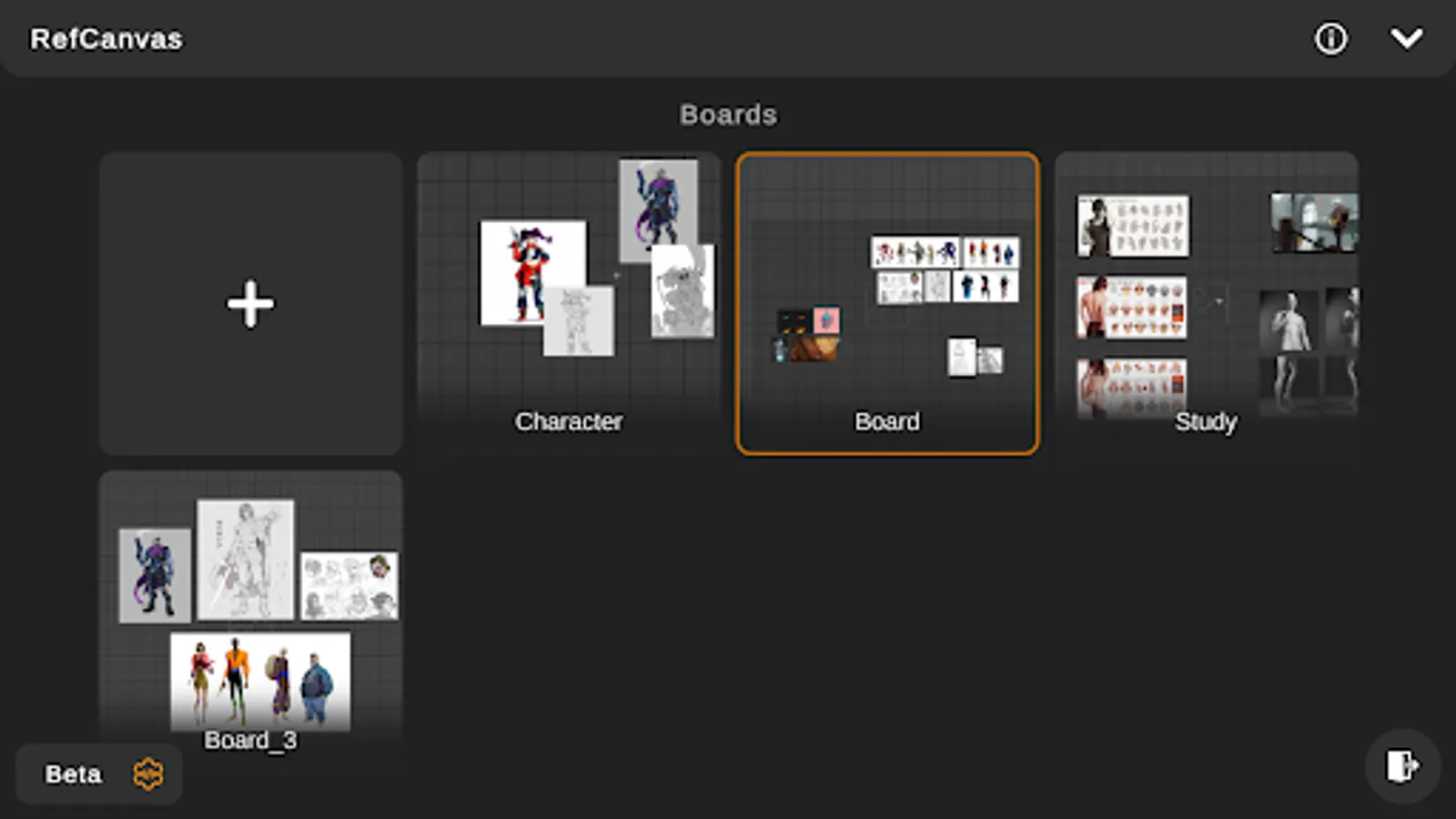
In this reference board app, you can import images and GIFs, arrange and annotate references, and save customizable boards. Includes support for split screen, auto thumbnails, and color sampling tools.
AppRecs review analysis
AppRecs rating 3.6. Trustworthiness 85 out of 100. Review manipulation risk 20 out of 100. Based on a review sample analyzed.
★★★☆☆
3.6
AppRecs Rating
Ratings breakdown
5 star
51%
4 star
18%
3 star
13%
2 star
2%
1 star
16%
What to know
✓
Low review manipulation risk
20% review manipulation risk
✓
Credible reviews
85% trustworthiness score from analyzed reviews
✓
Good user ratings
69% positive sampled reviews
About RefCanvas - Reference Board
Key Features:
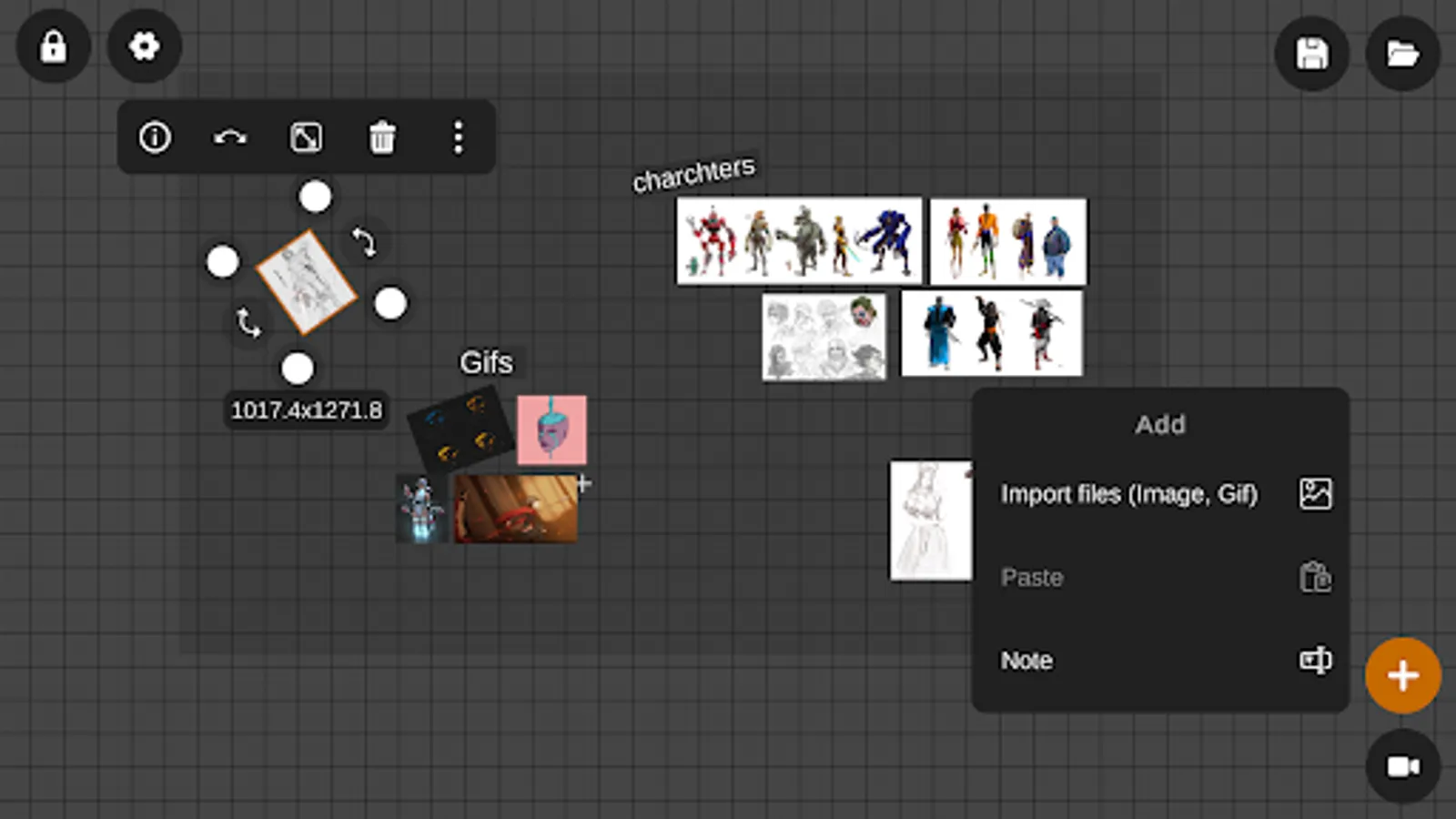
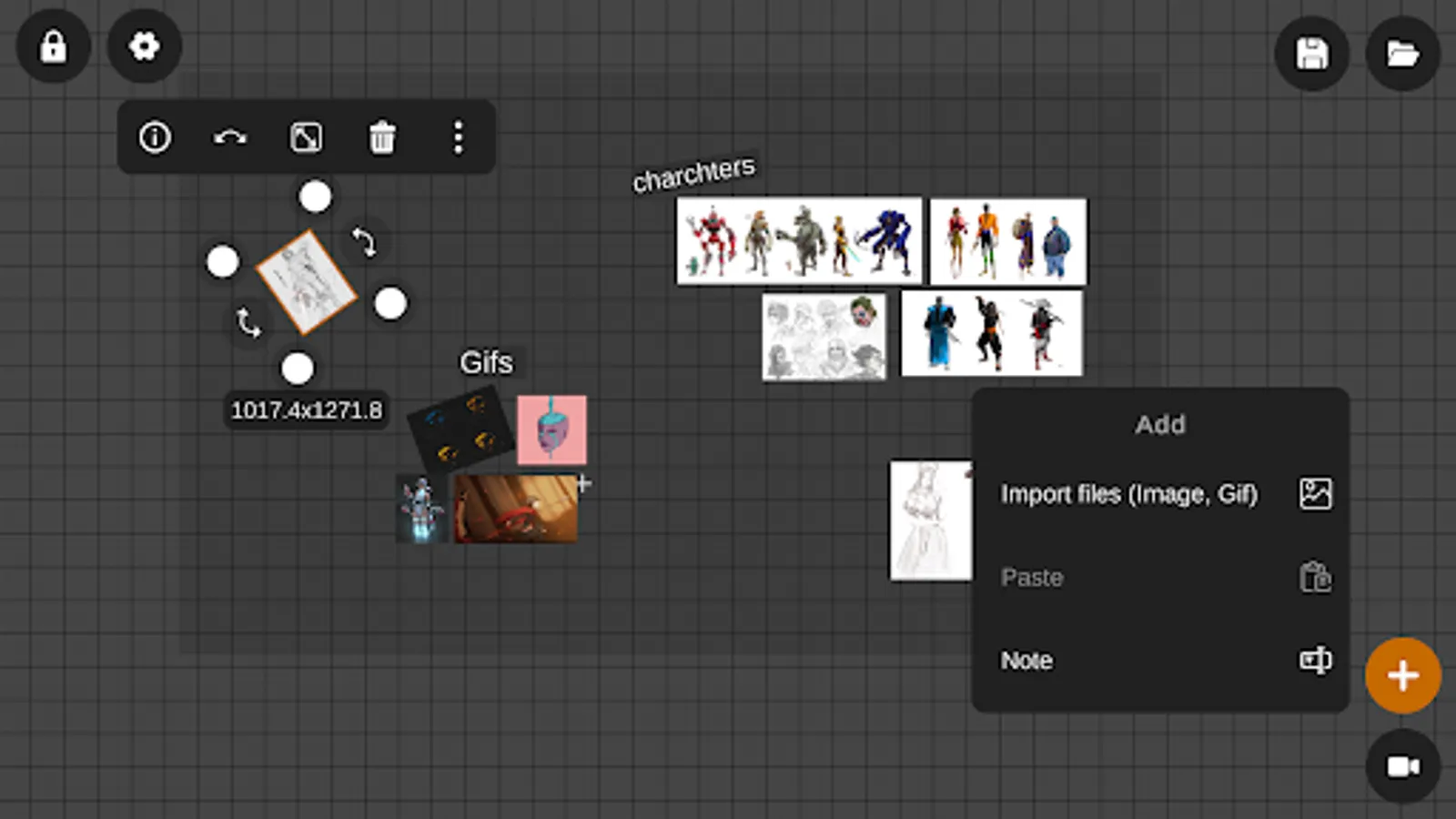
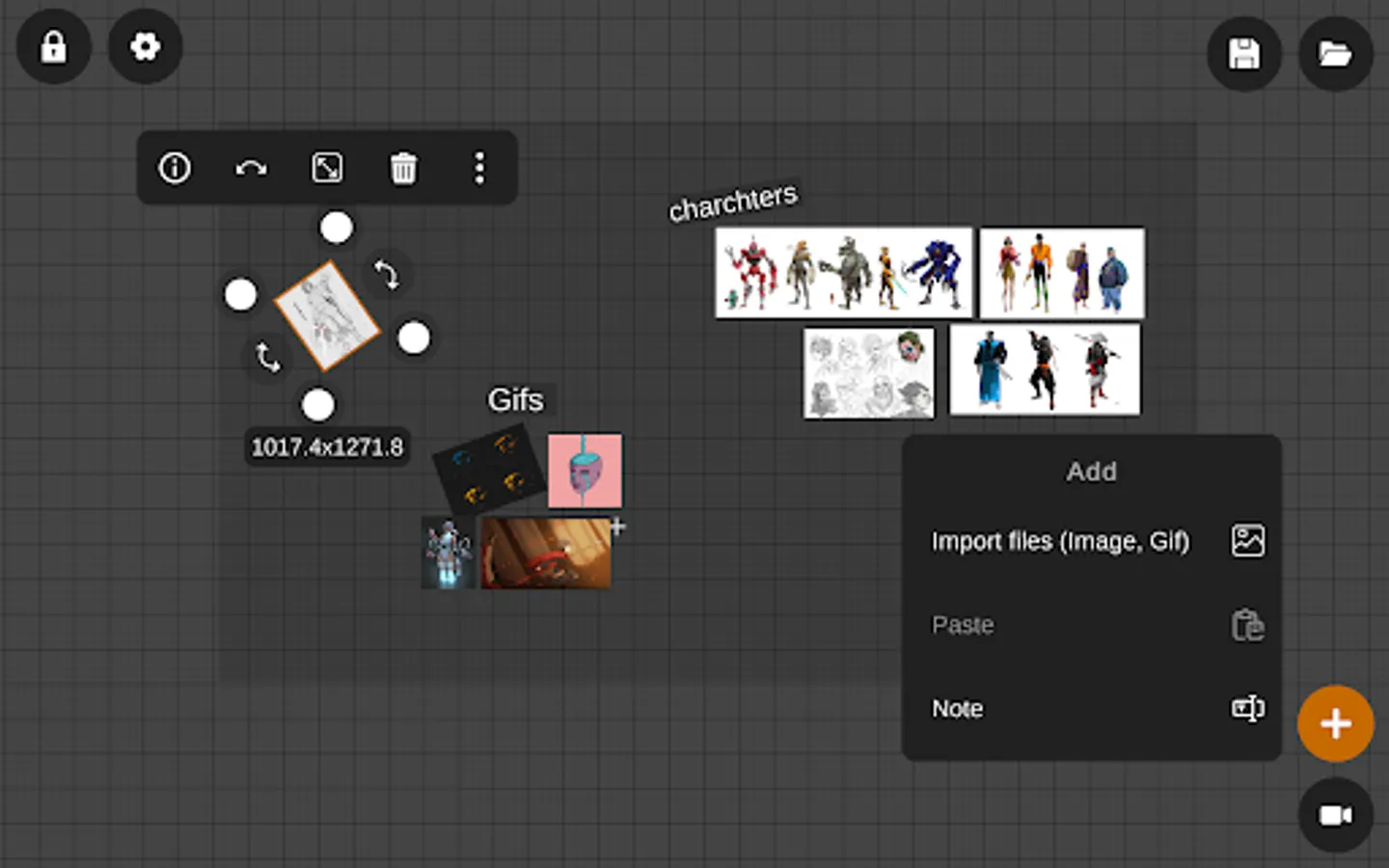
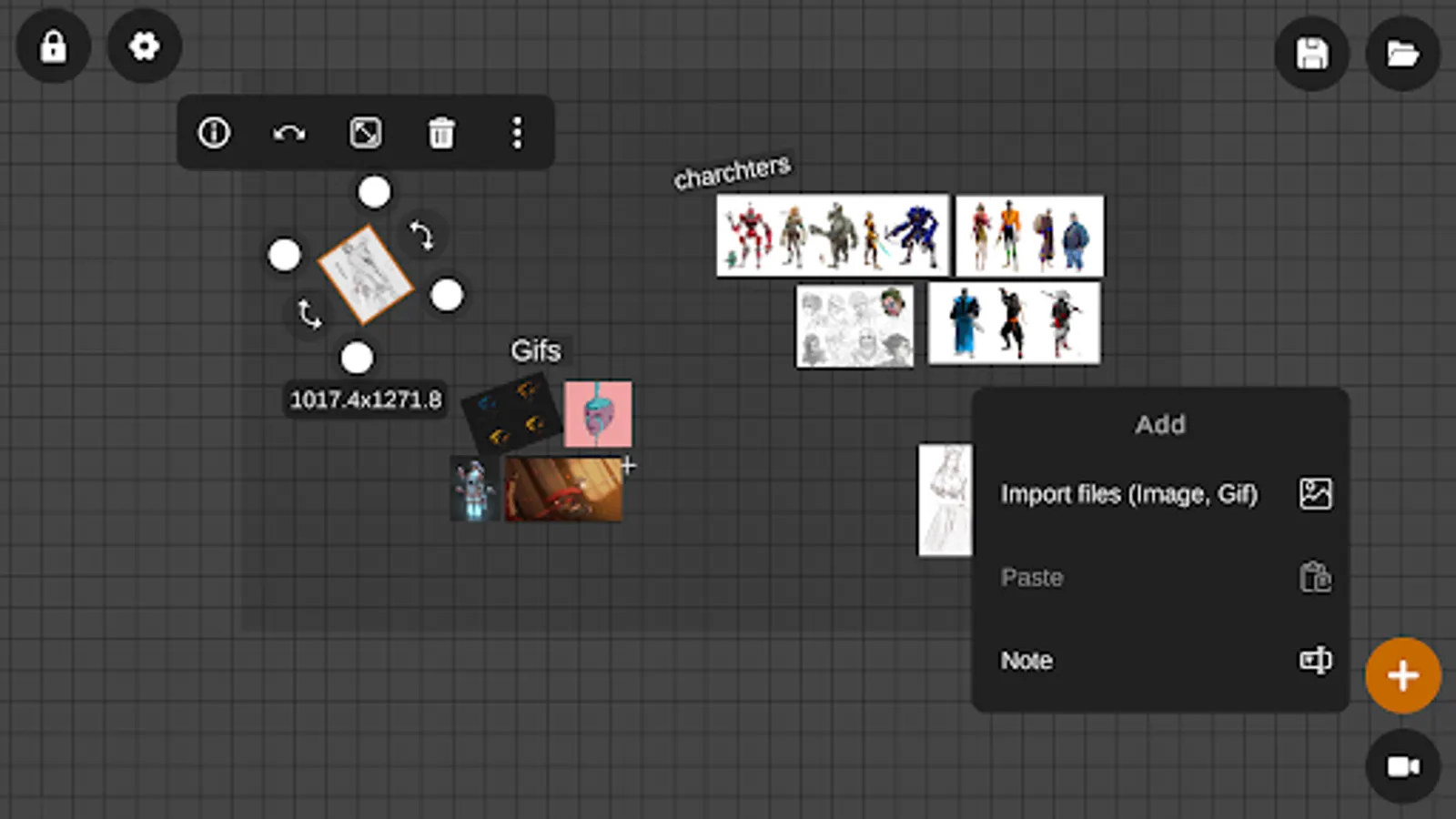
- Import images and gifs.
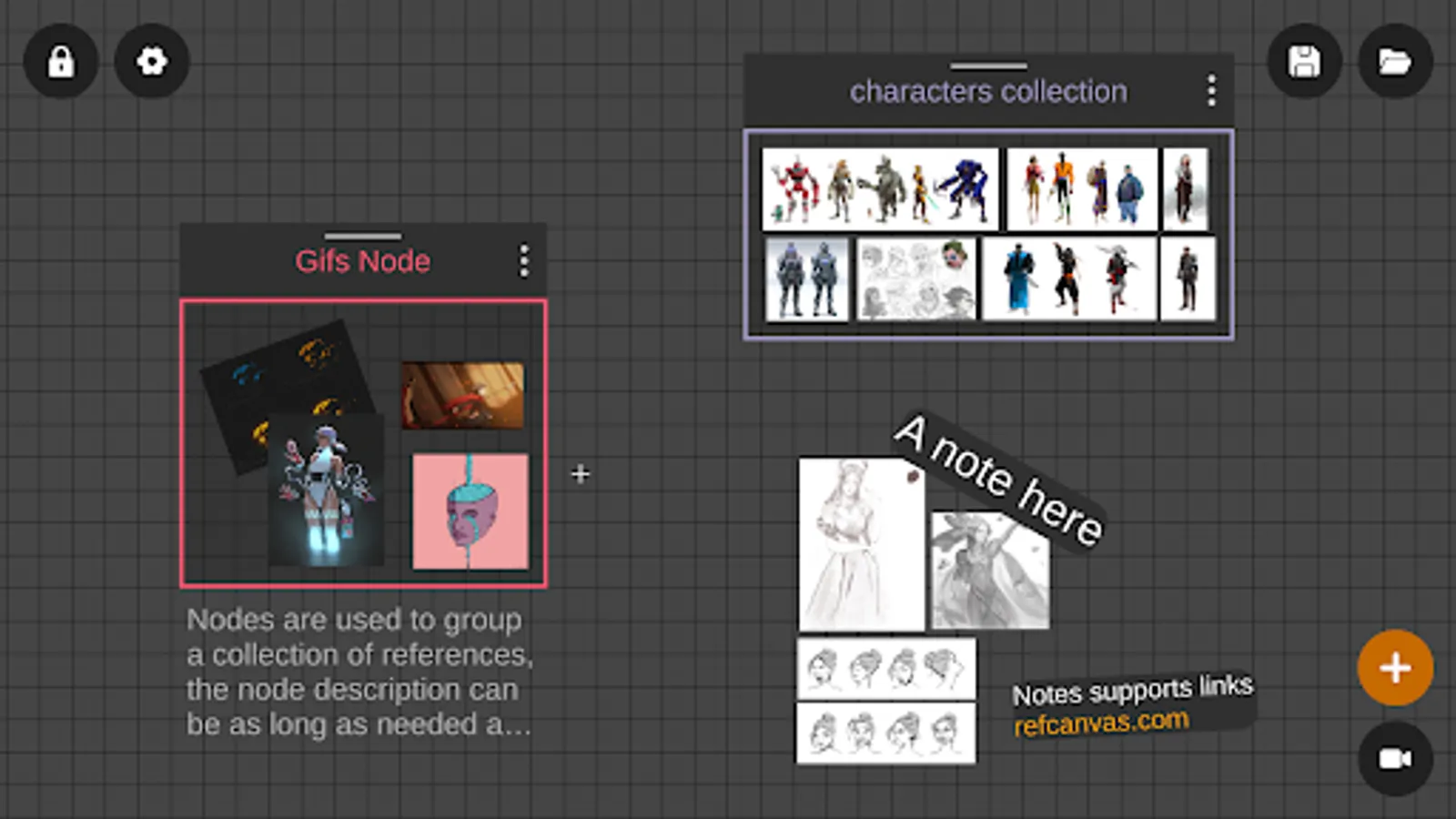
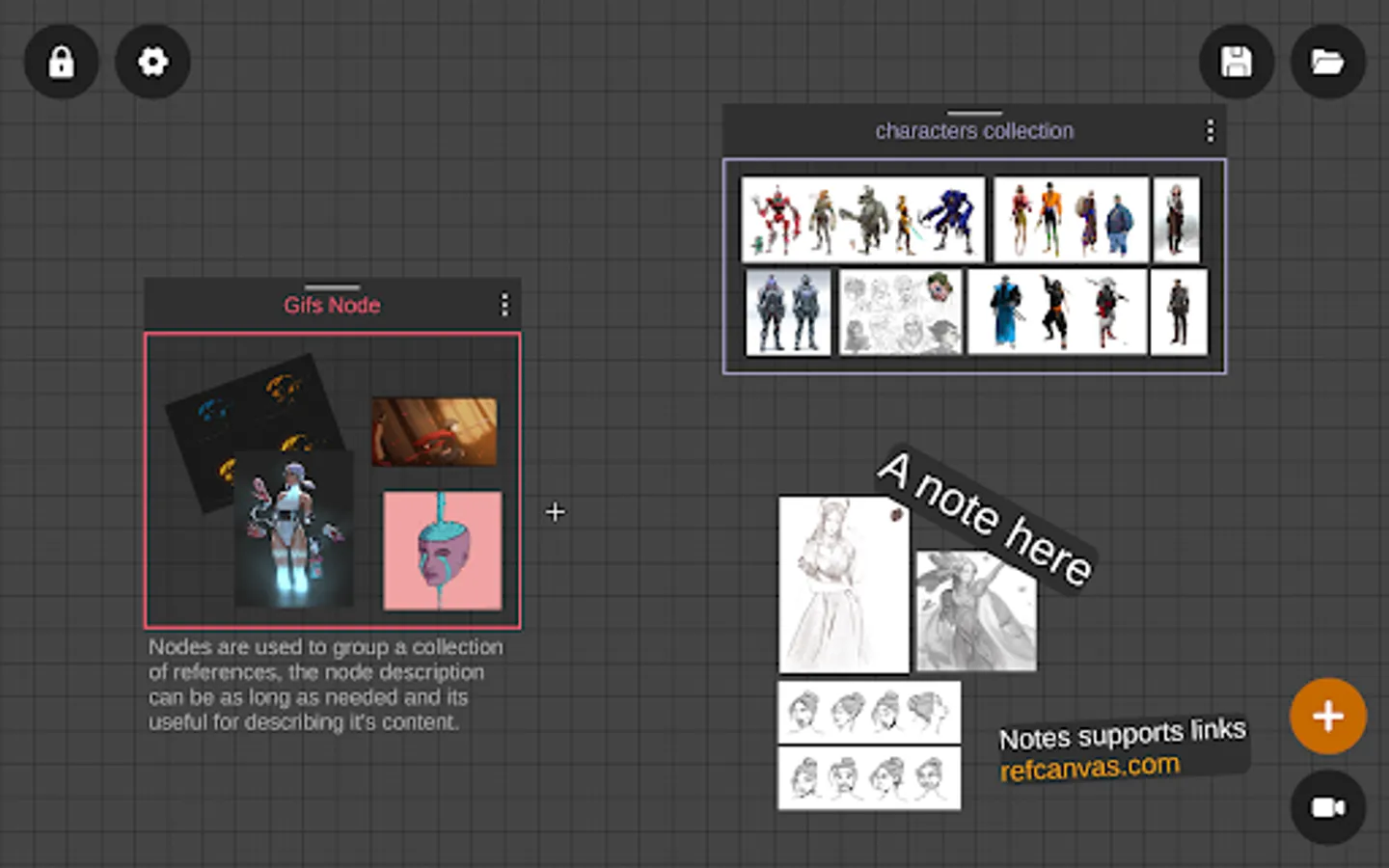
- Notes - Add text notes.
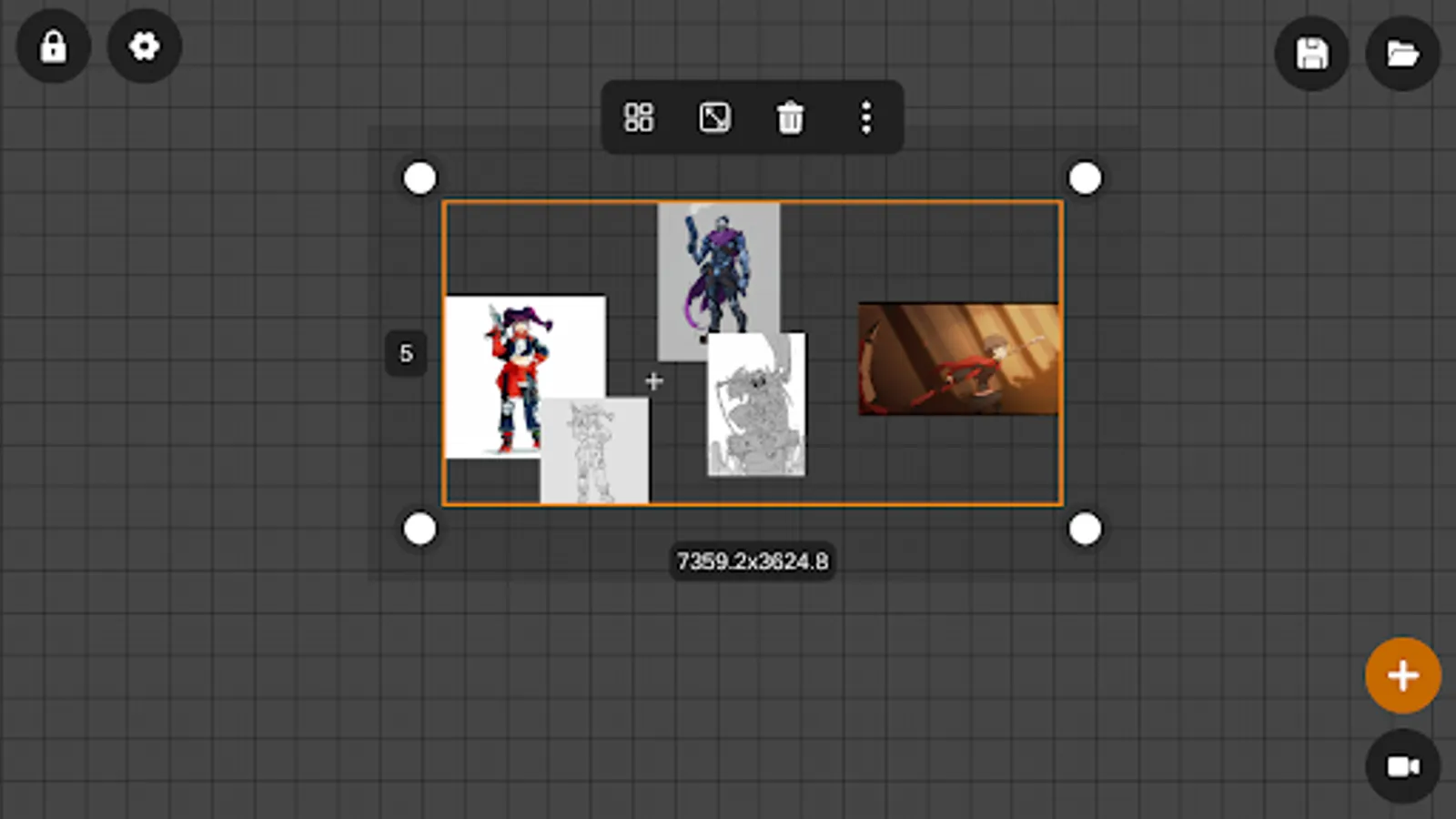
- Move, scale and rotate references to create the perfect layout.
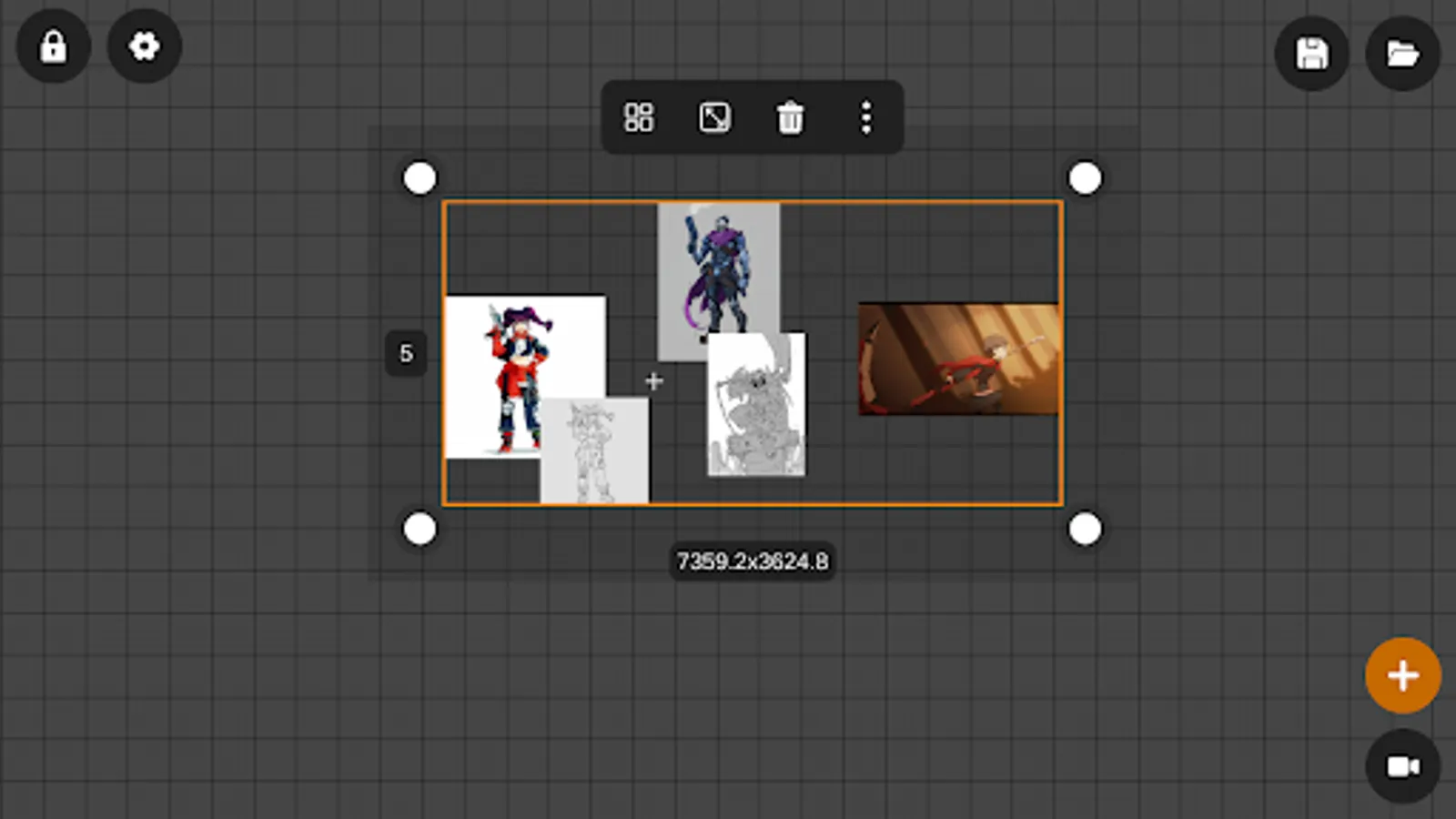
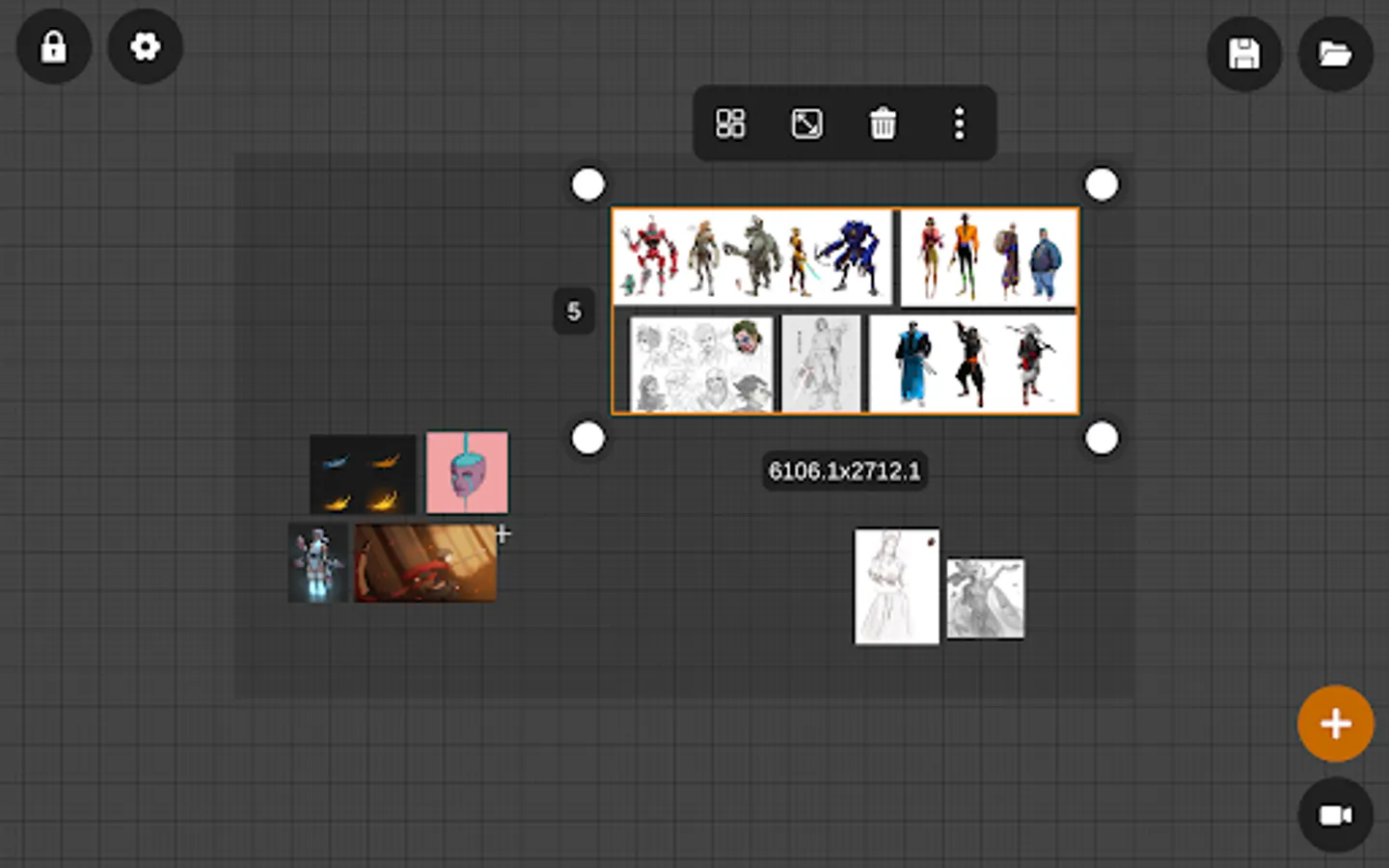
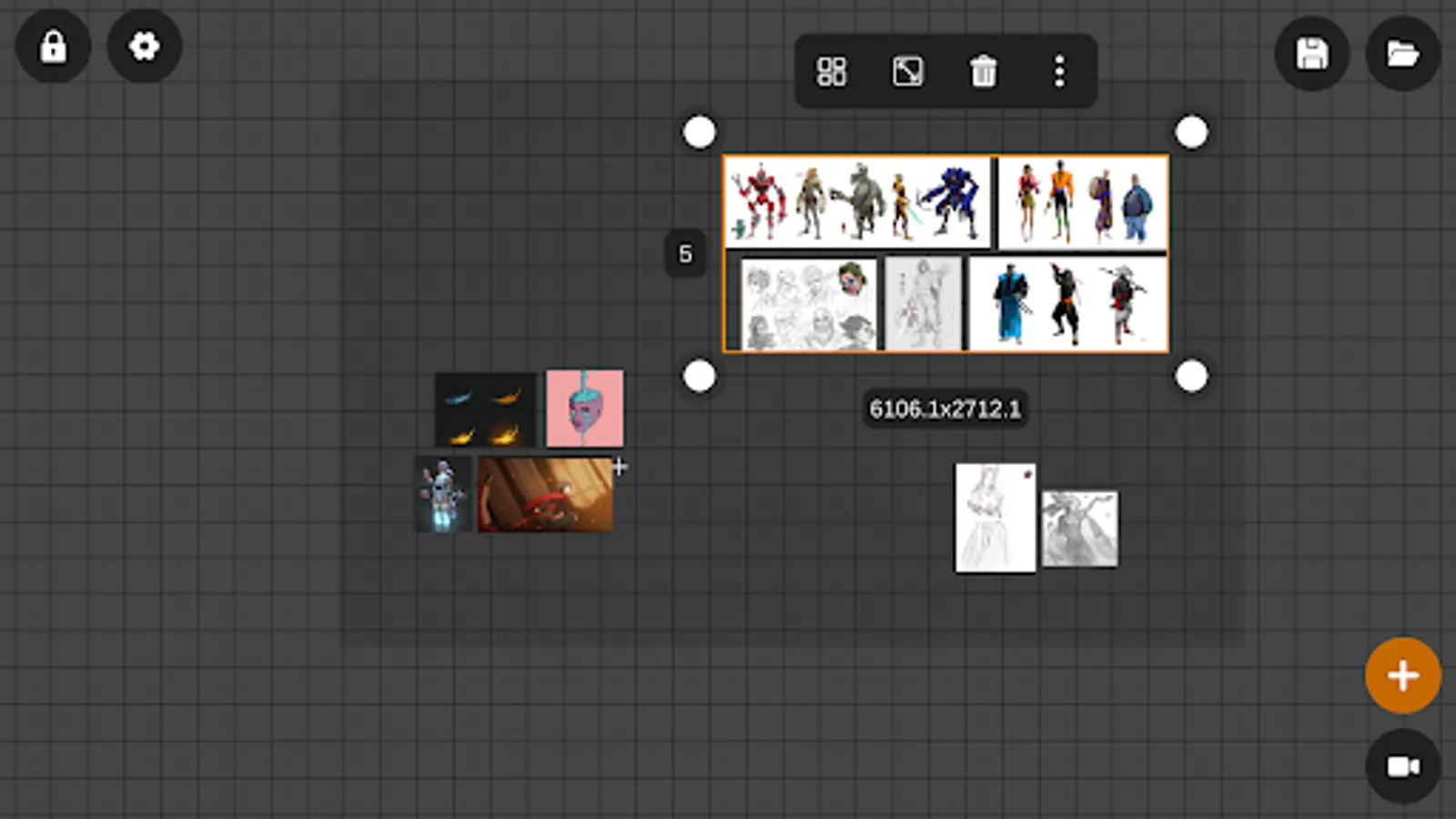
- Multi selection - edit multiple references at one.
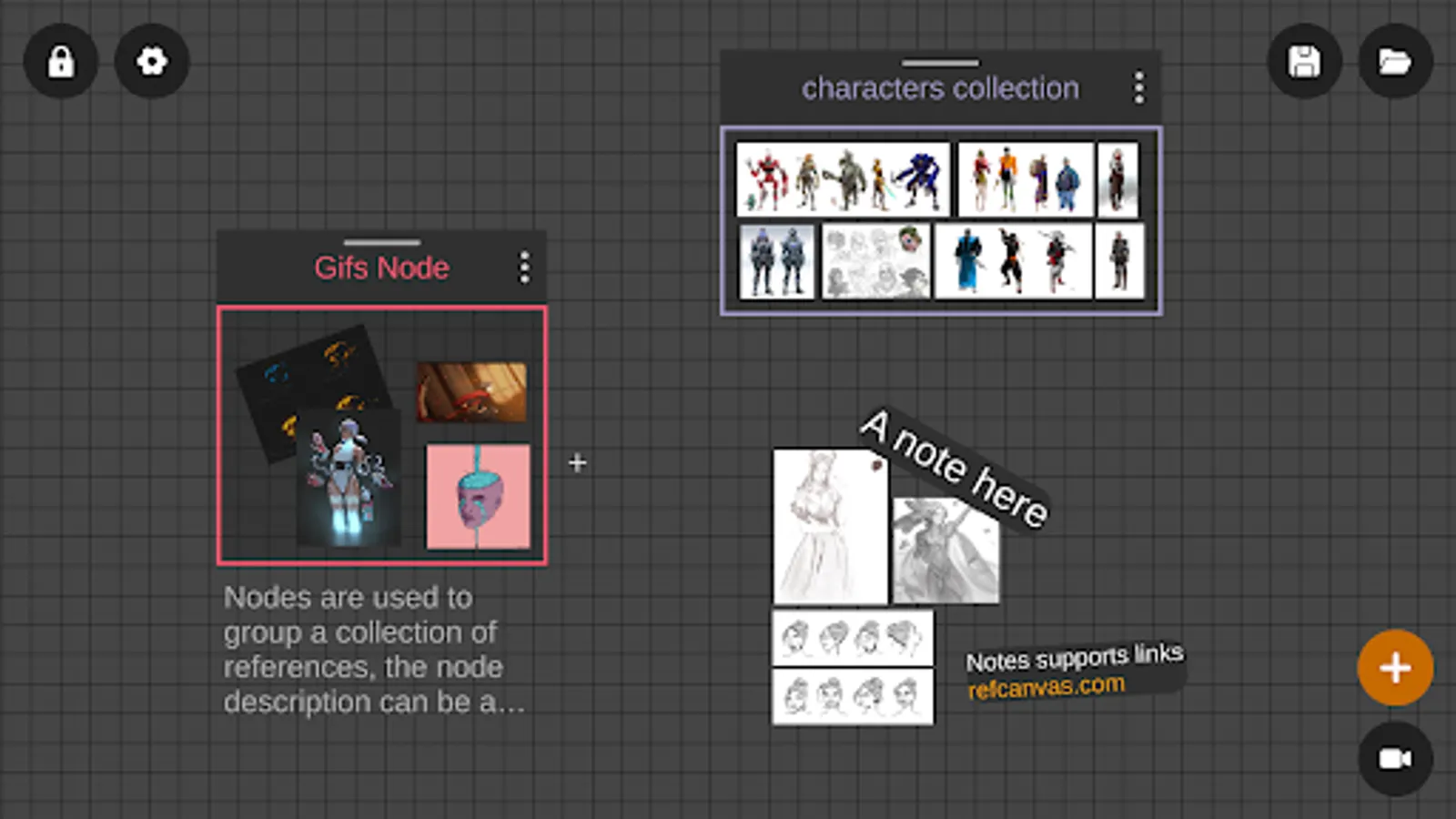
- Nodes - Useful for grouping references.
- Drag and drop - Drag and drop files from others apps like the gallery.
- Paste files from the clipboard.
- Supports split screen and pop-up view: Use it as a companion app with your favorite drawing app like Ibis Paint or Infinite Painter.
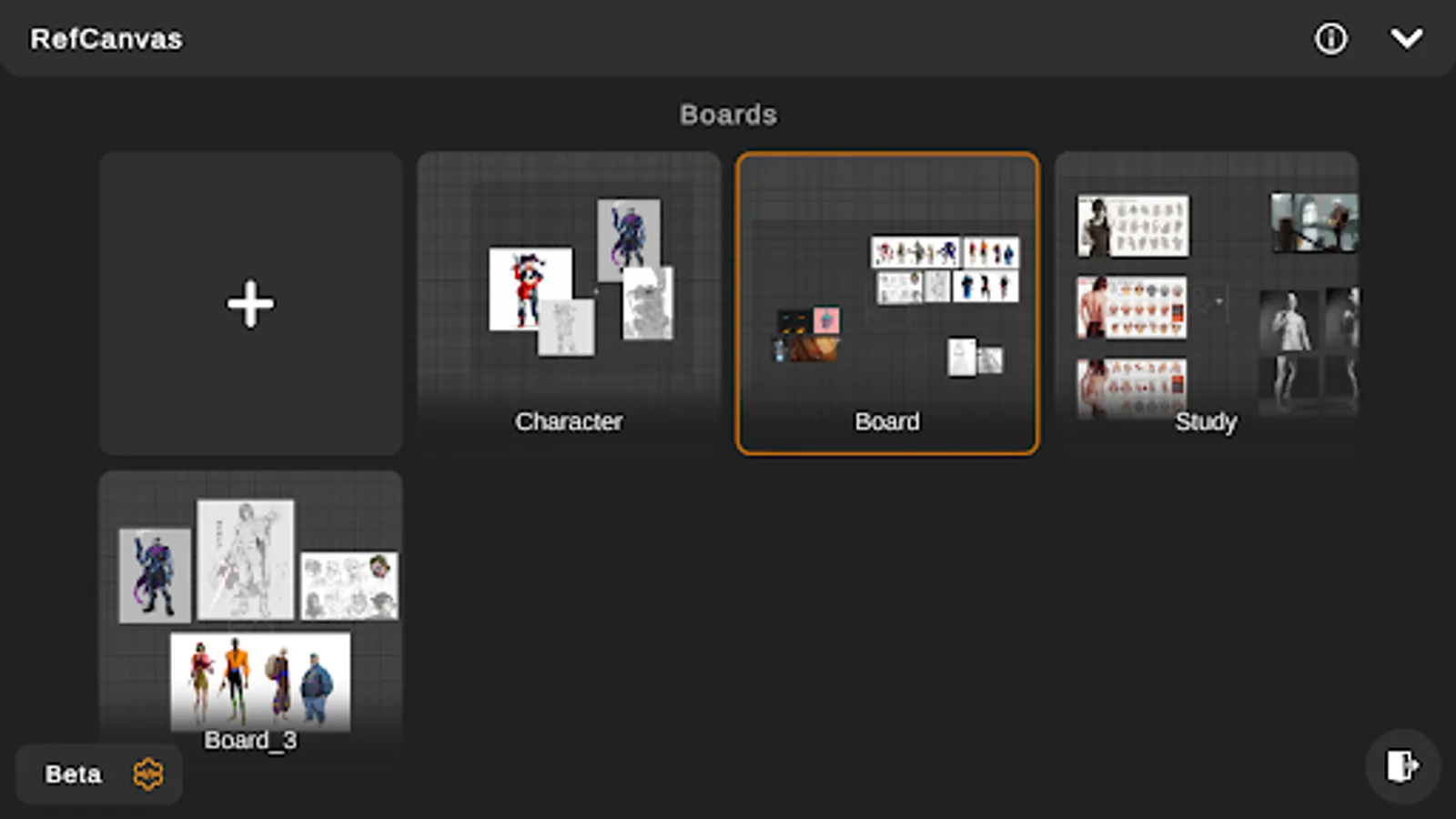
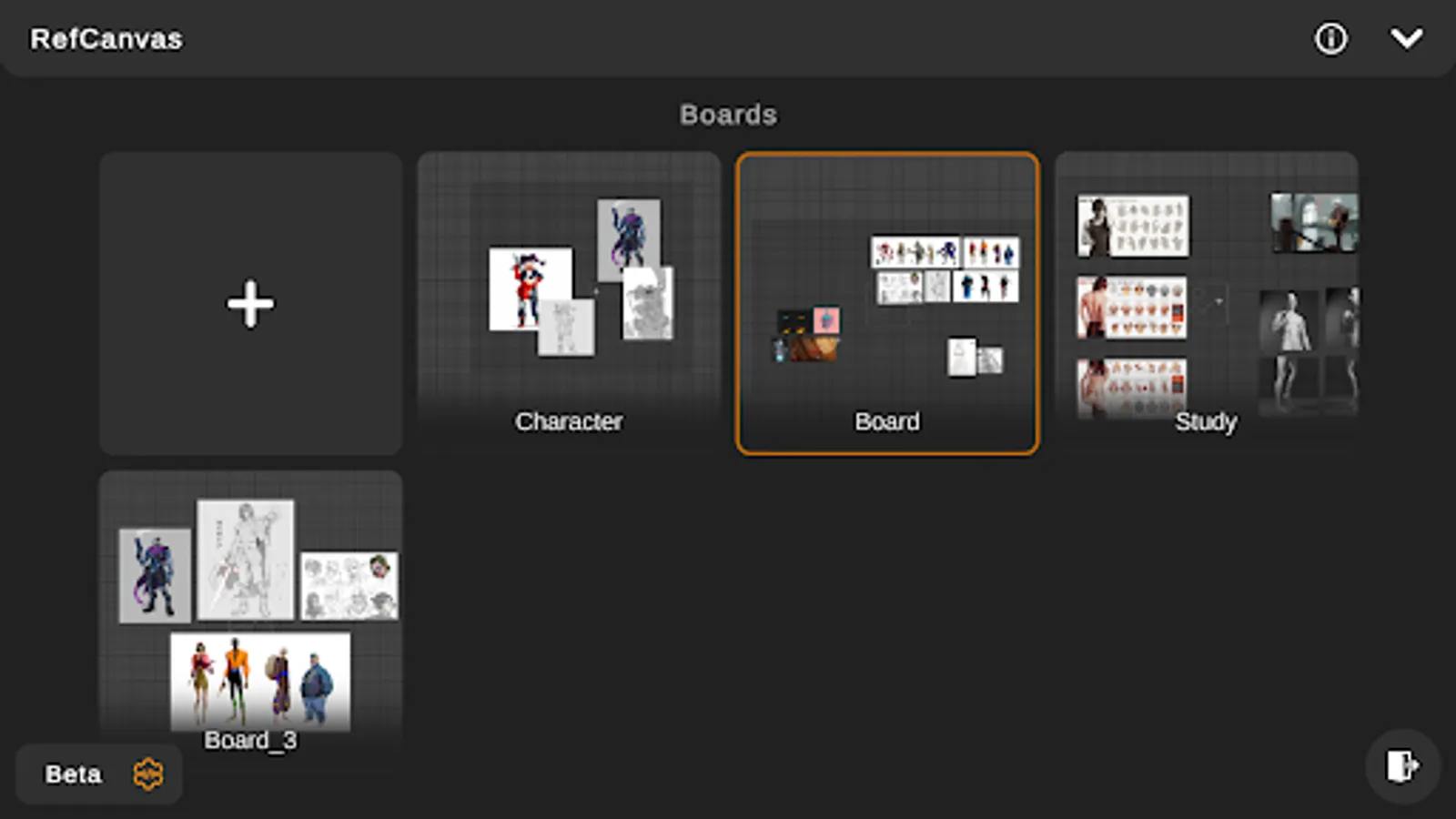
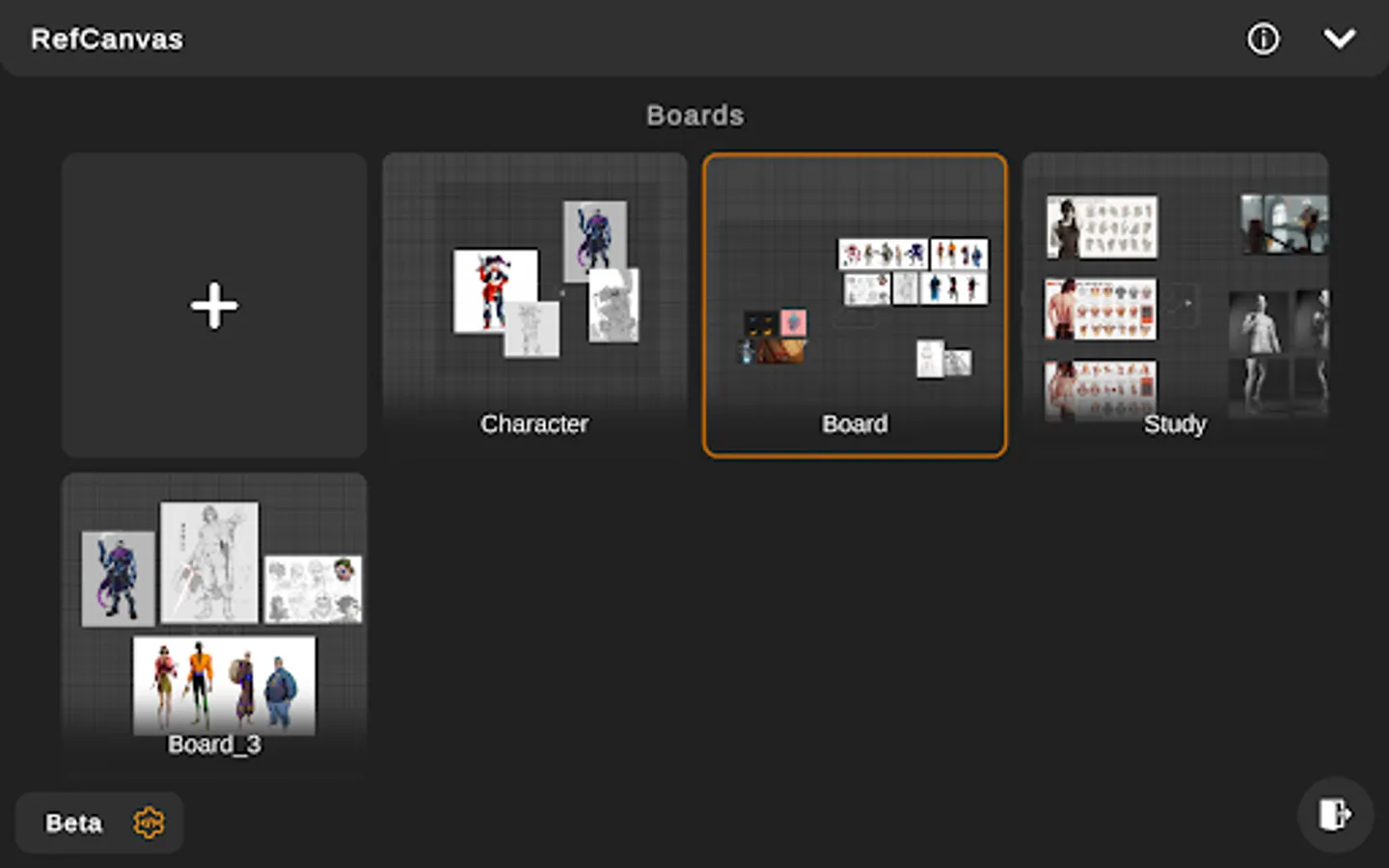
- Save your progress as boards for future use.
- Auto set thumbnails for boards after saving.
- Eye dropper - Tap and hold to pick a color from your references as a hex code.
Animated GIF support:
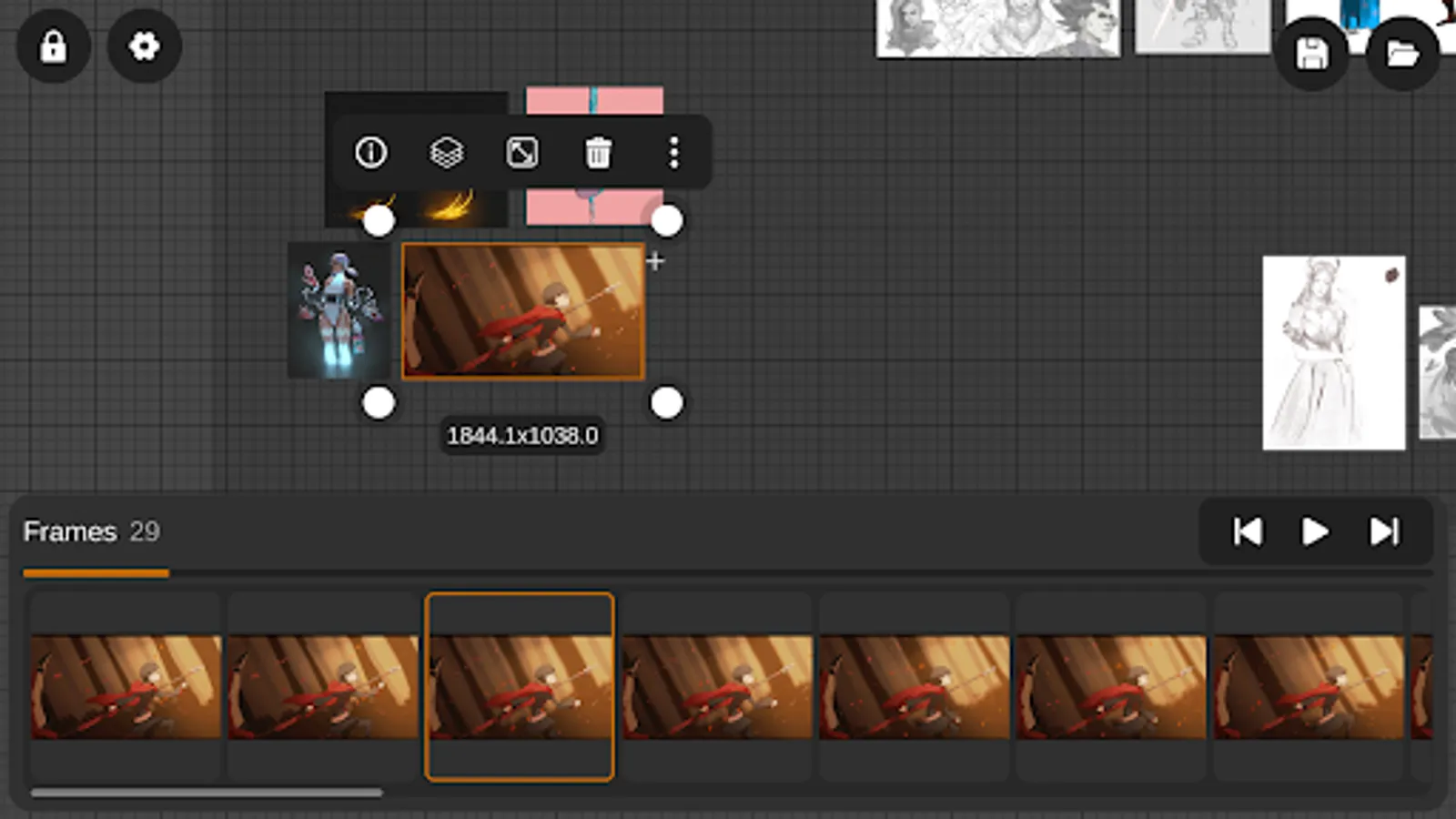
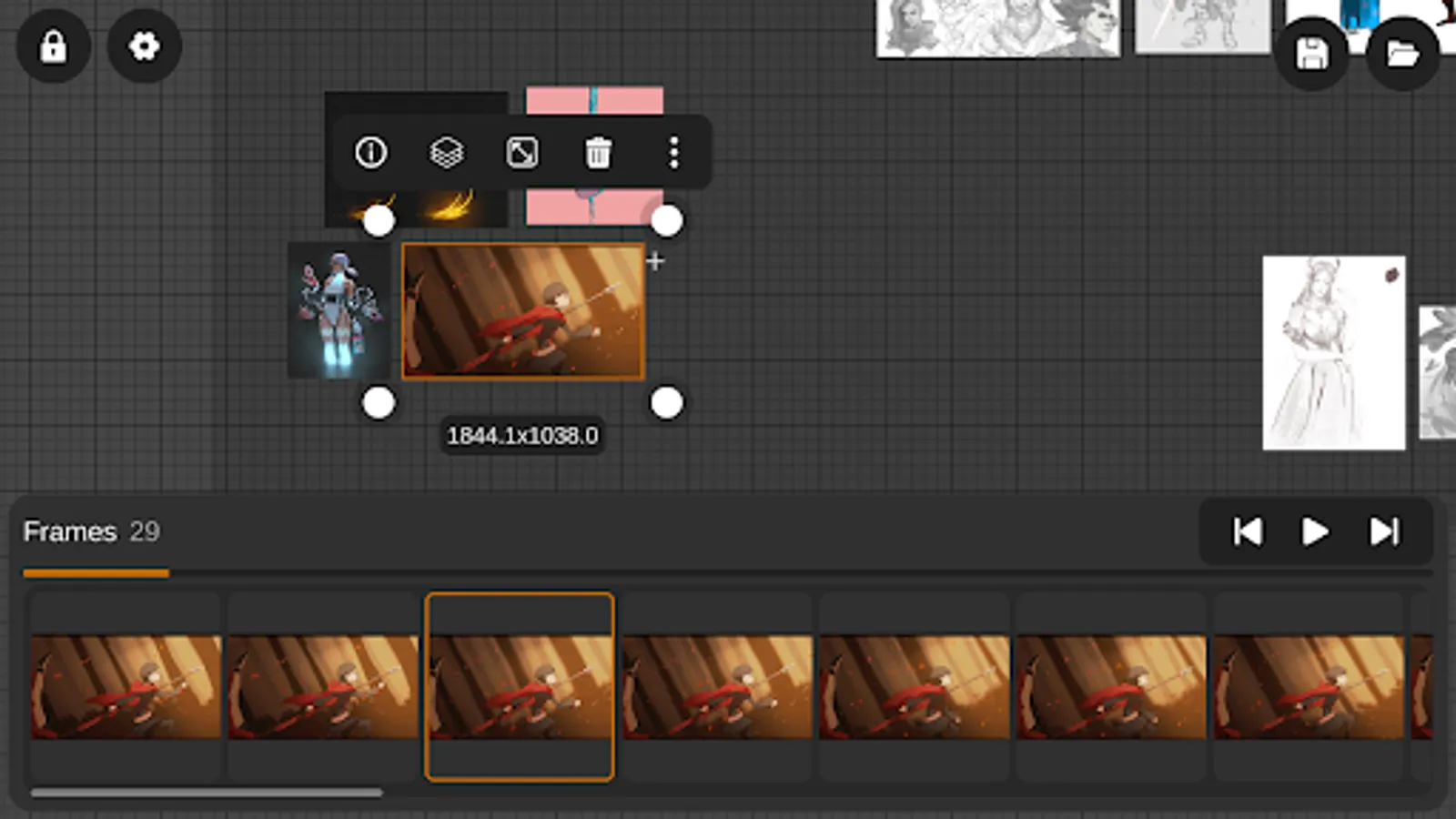
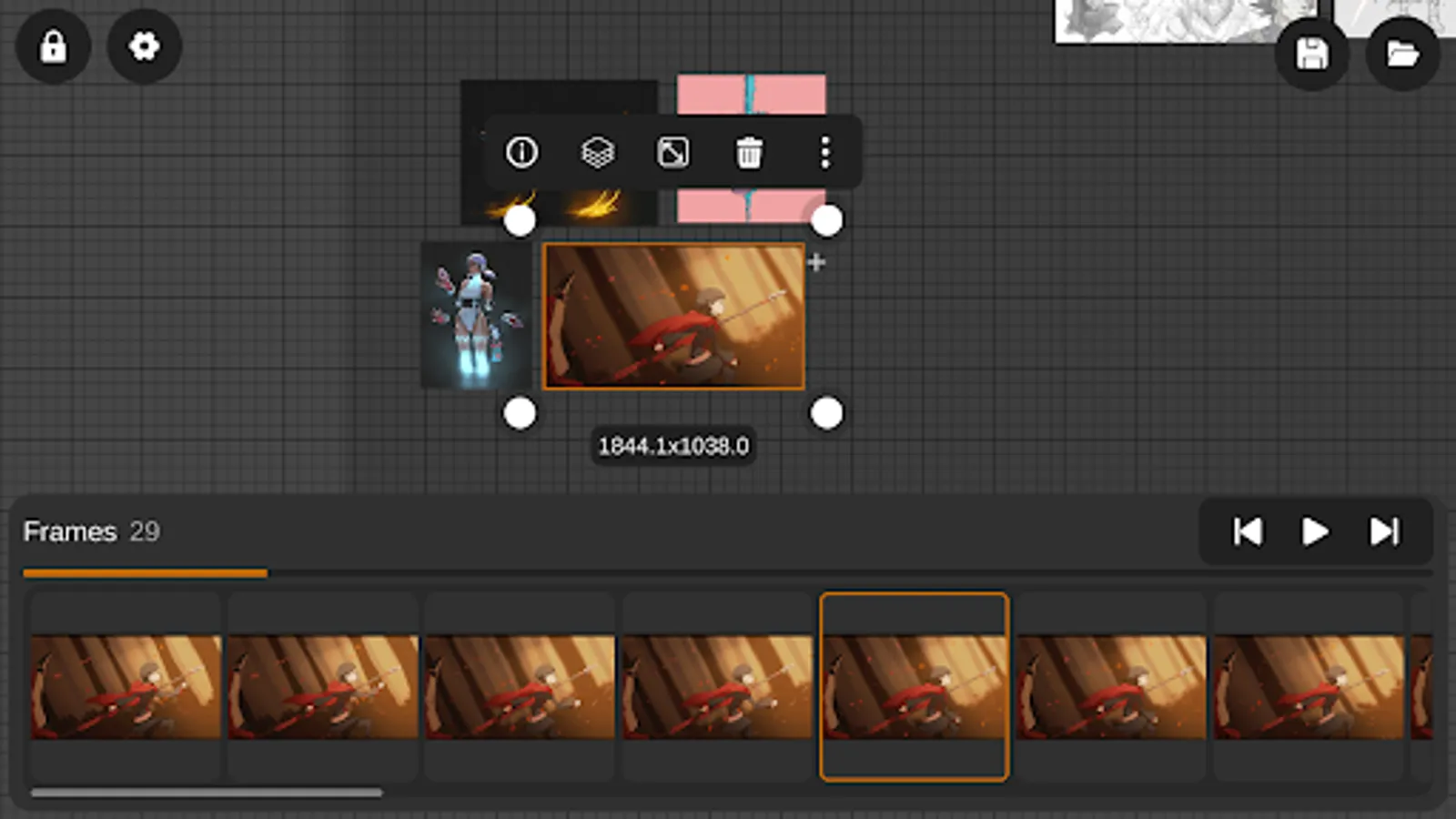
- Reference your favorite animated gifs.
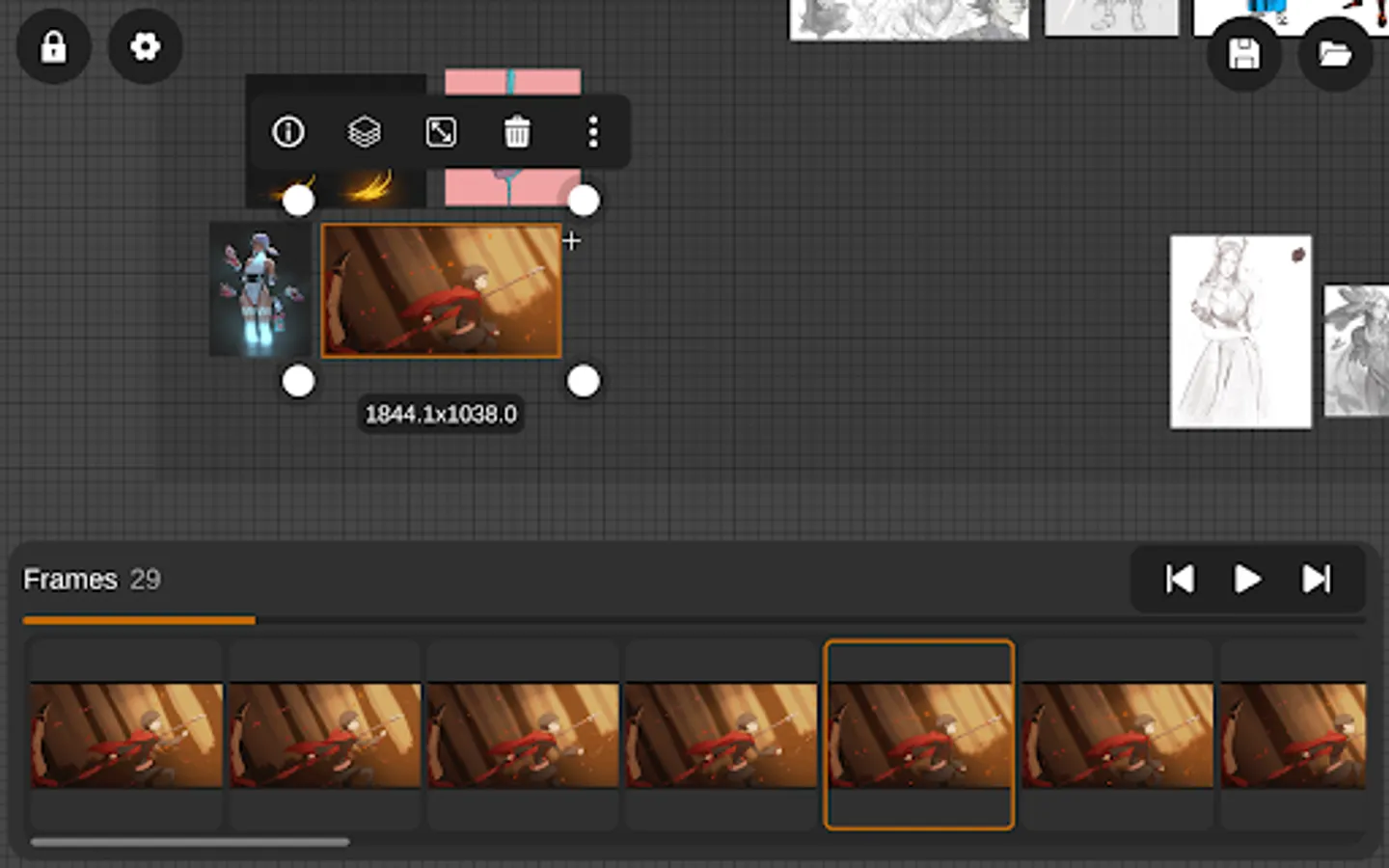
- Pause animation and play frame by frame to better understand referenced animations.
- Animation timeline gives you an interactive visual breakdown of all the frames.
Easy to use reference tools:
- Grayscale toggle.
- Flip horizontally and vertically.
- Add link - allows you to visit the source of your reference.
Using RefCanvas to make reference boards & mood boards is easy, simply import your images or gifs, and move them around the canvas to arrange them in the layout that works best for your project. You can adjust their size, rotation and position to your liking, giving you maximum control over your creative process.
RefCanvas - Reference Board Screenshots
Tap to Rate:
Reviews for RefCanvas - Reference Board
ryannxd
12/27/2025
Amazing app! Effectively a mobile equivalent for PureRef
Jesse J. Jones
12/24/2025
It's a pretty good mobile alternative to PureRef. I like that you can import gif animations. One big feature it's still missing is an auto-arrange photos, which would be very useful if you're importing 20+ images. There's also no way to change playback speed on gifs to aid in study. I'll increase my rating when these features get added in.