
Quick Copy: Clipboard Manager
Kaosc
3.4 ★
131 ratings
10,000+
downloads
Free
+ in-app
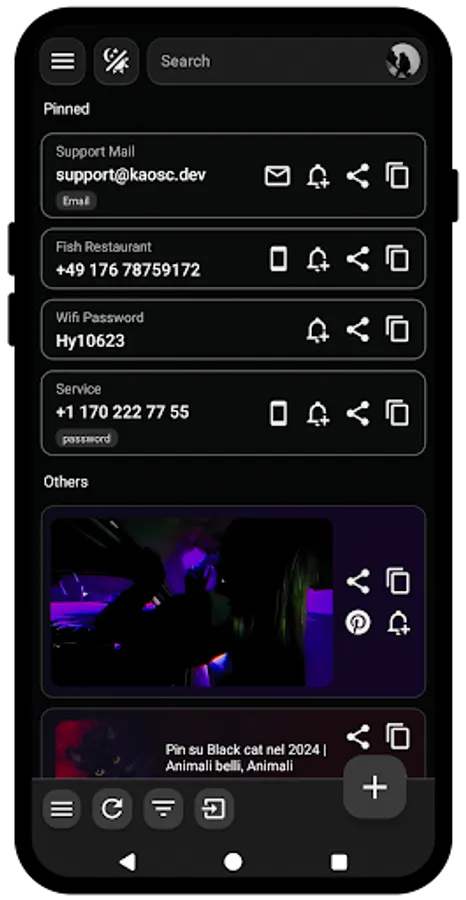
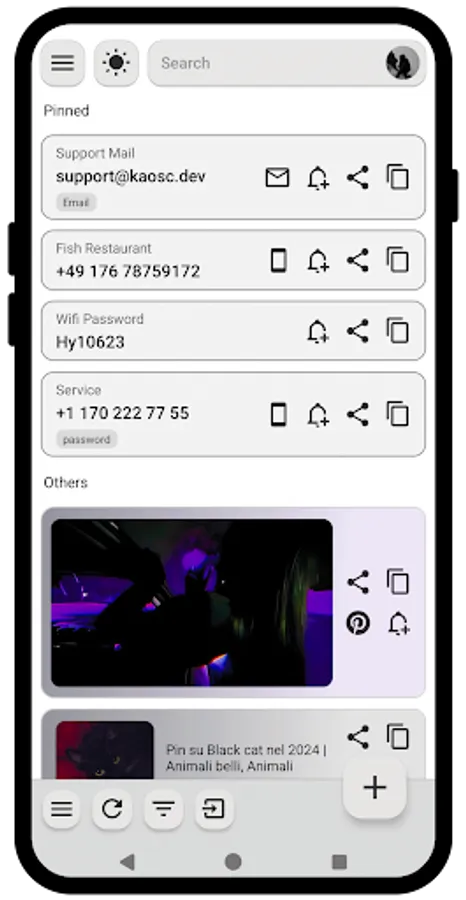
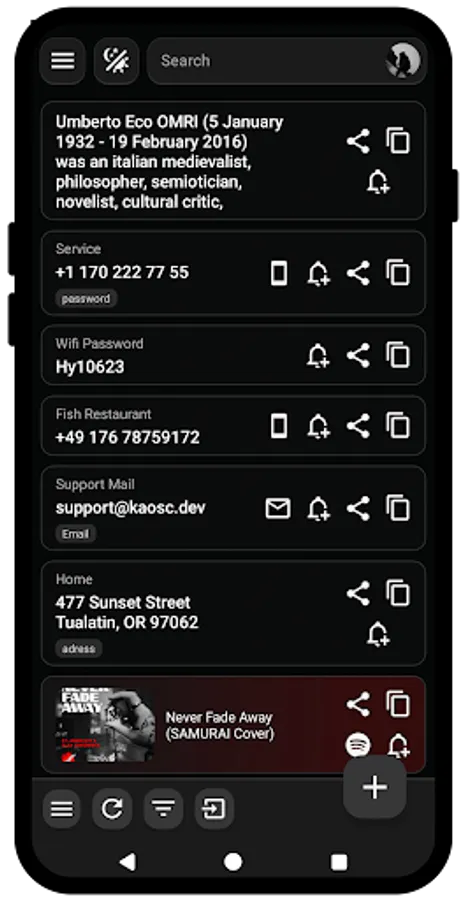
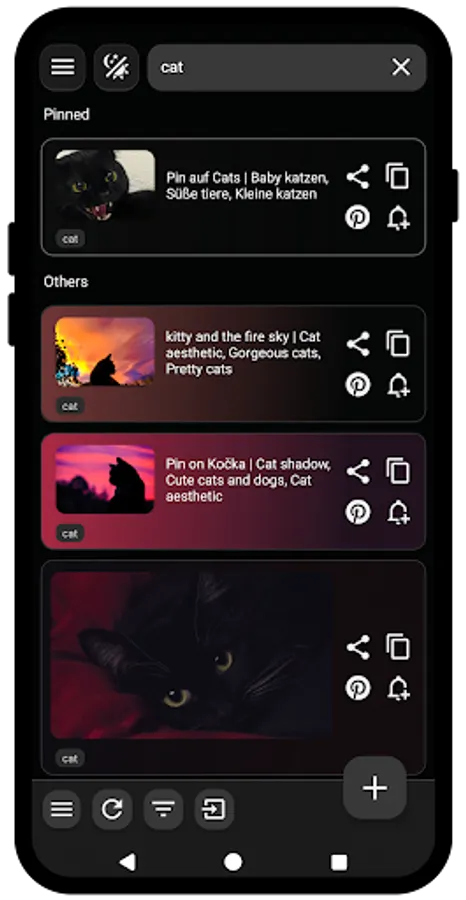
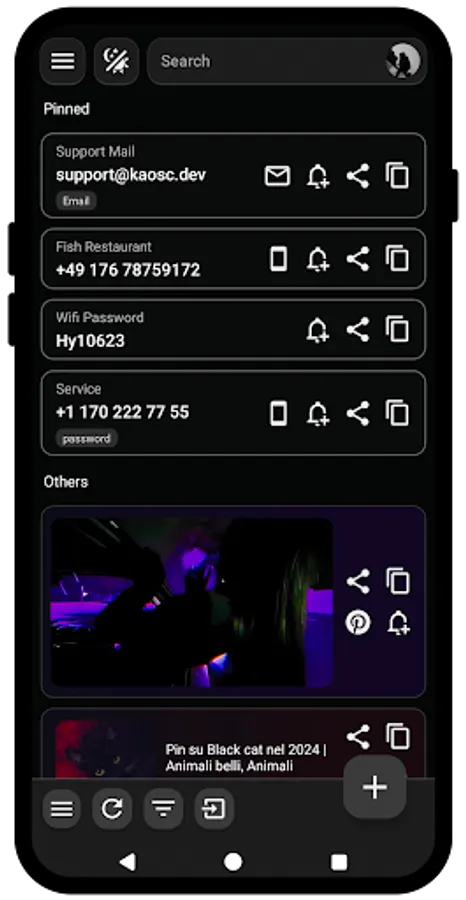
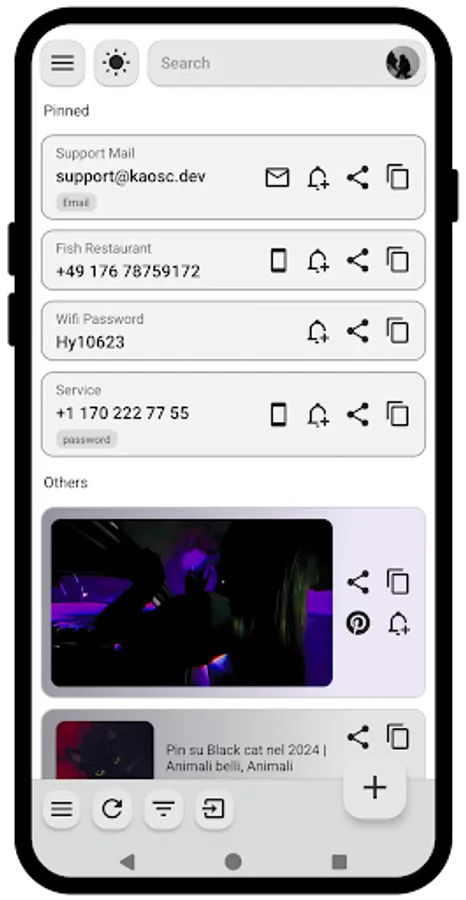
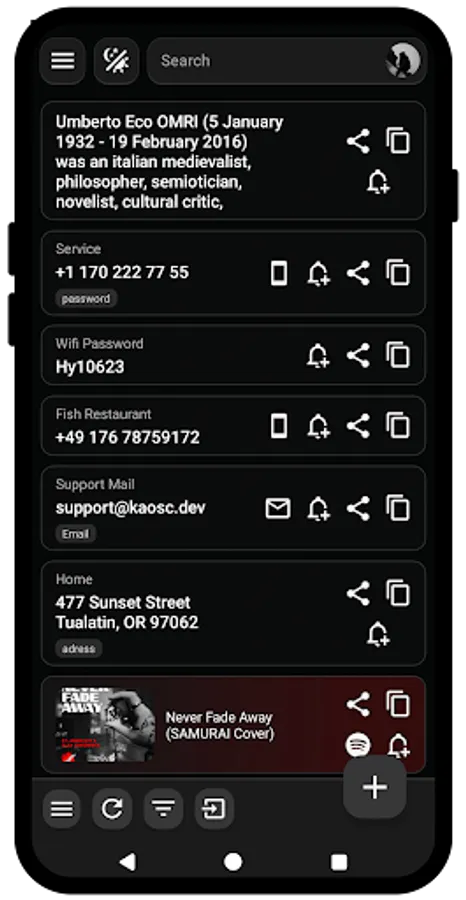
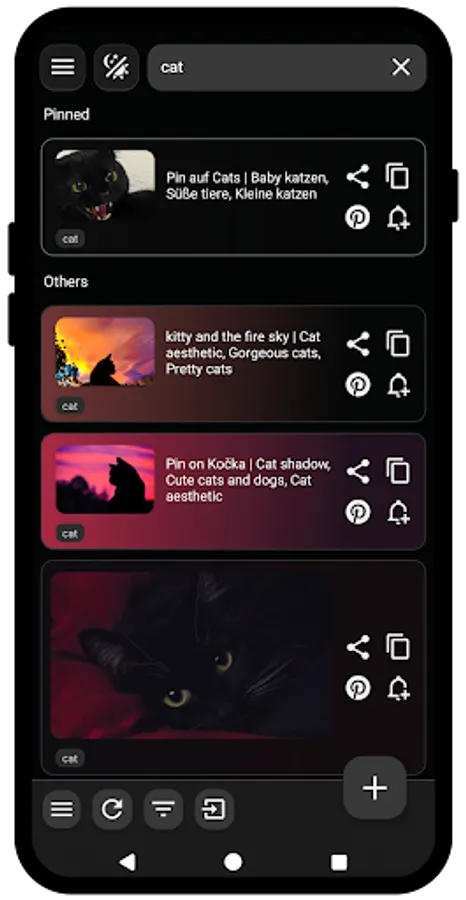
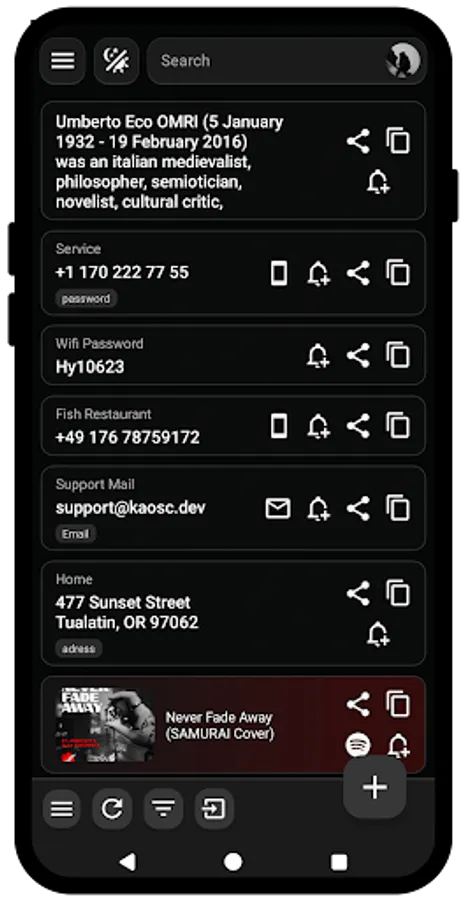
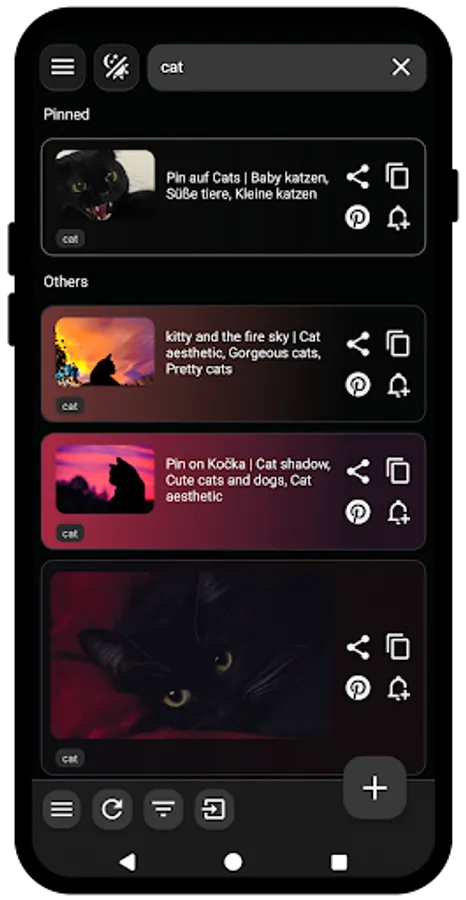
With this clipboard manager, you can add, organize, and share various clipboard items, including images and text. Includes options for app redirection, backup to Google Drive, and locking the app with a PIN or fingerprint.
AppRecs review analysis
AppRecs rating 3.1. Trustworthiness 83 out of 100. Review manipulation risk 15 out of 100. Based on a review sample analyzed.
★★★☆☆
3.1
AppRecs Rating
Ratings breakdown
5 star
44%
4 star
6%
3 star
19%
2 star
12%
1 star
19%
What to know
✓
Low review manipulation risk
15% review manipulation risk
⚠
Ad complaints
Many low ratings mention excessive ads
⚠
High negative review ratio
31% of sampled ratings are 1–2 stars
About Quick Copy: Clipboard Manager
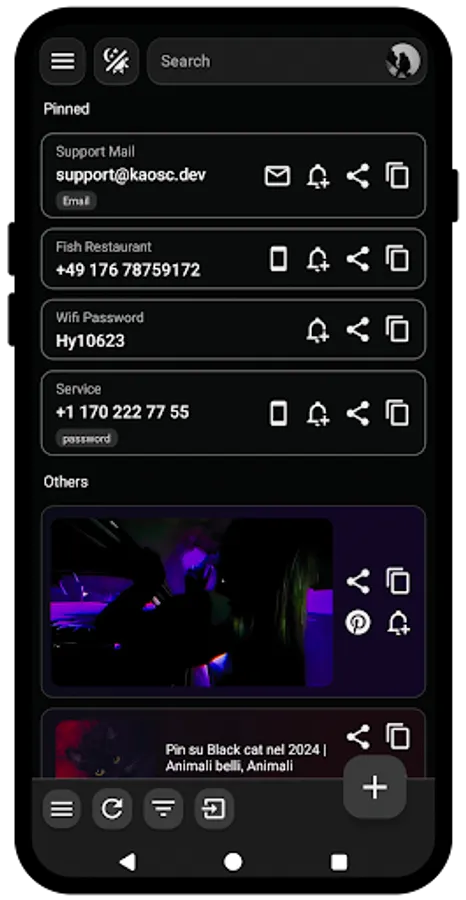
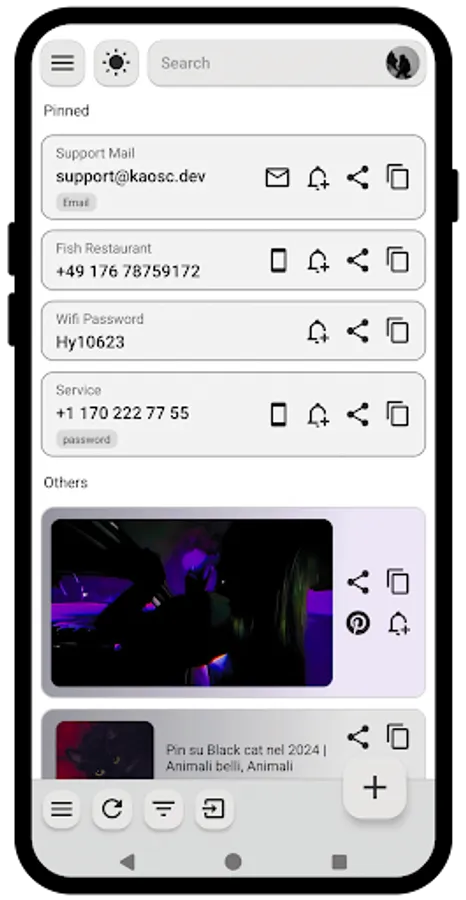
· You can add any type of clipboard item or image and copy them directly or redirect them to a specific app, depending on the item type.
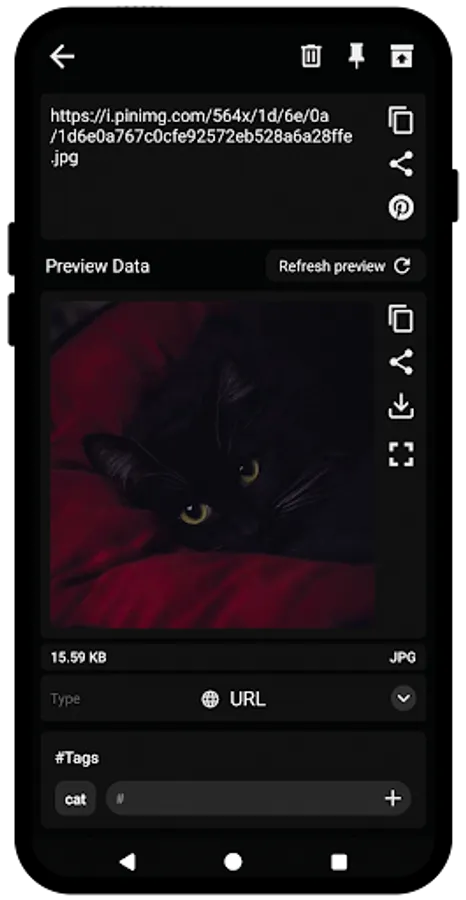
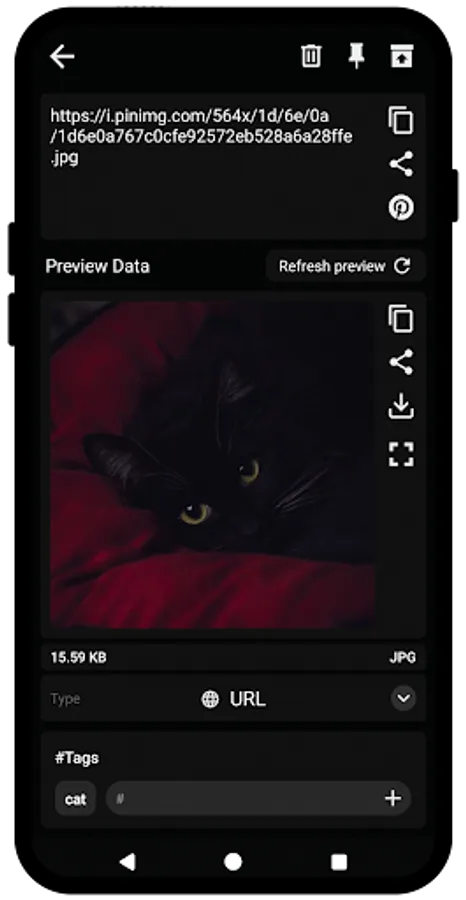
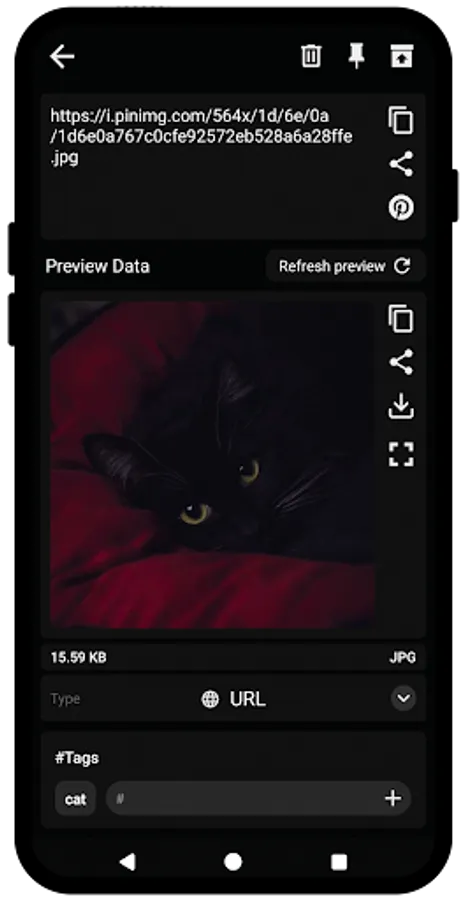
· You can redirect items to specific apps by selecting one of the following types: URL, WhatsApp, Telegram, SMS, e-mail, phone, or images, including SVG.
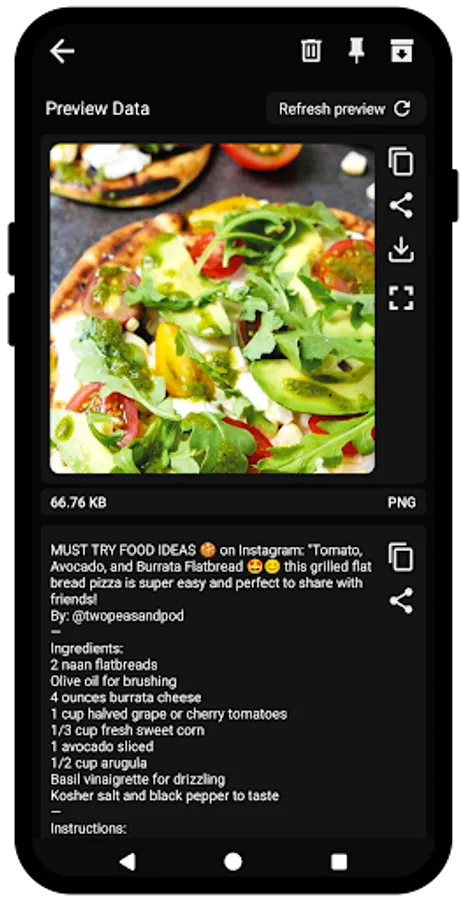
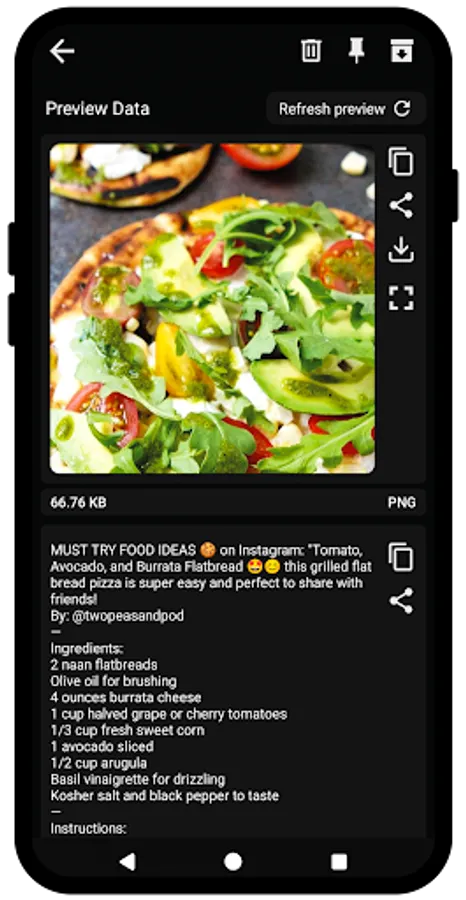
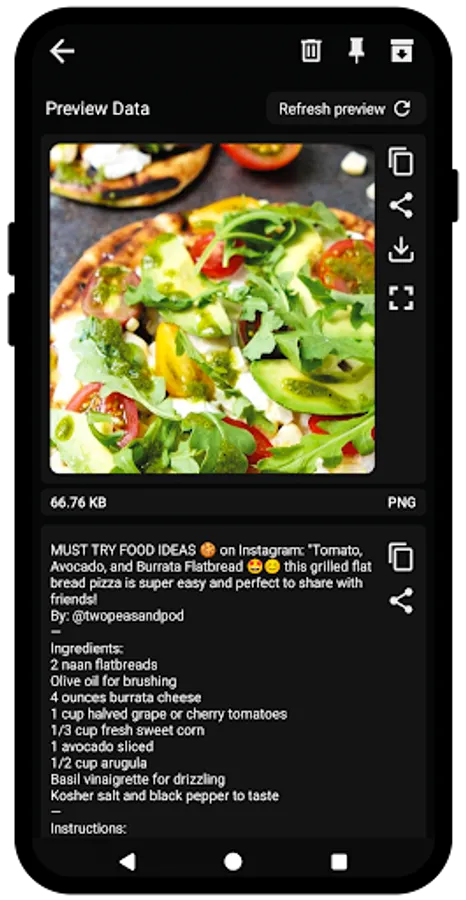
· Extract text and image data from Instagram posts, Tweets, or any other website and copy, share, or edit.
· You can add images to share or copy them directly to your clipboard. You can also paste supported images into the app from your clipboard.
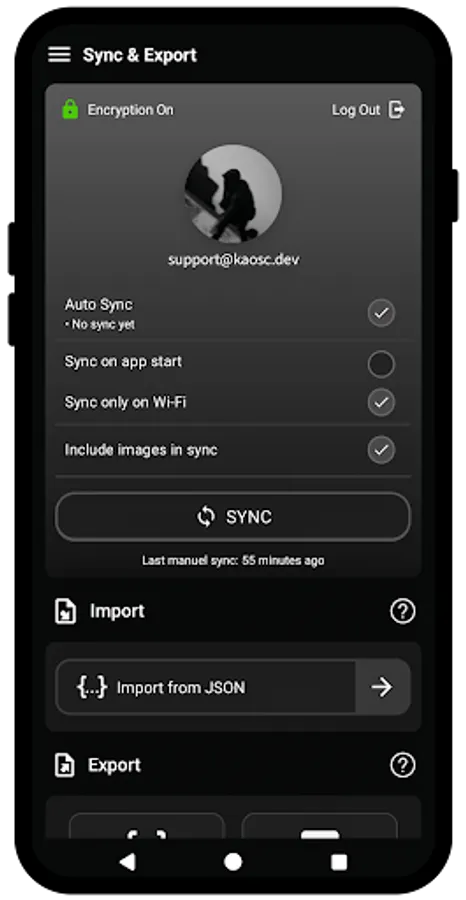
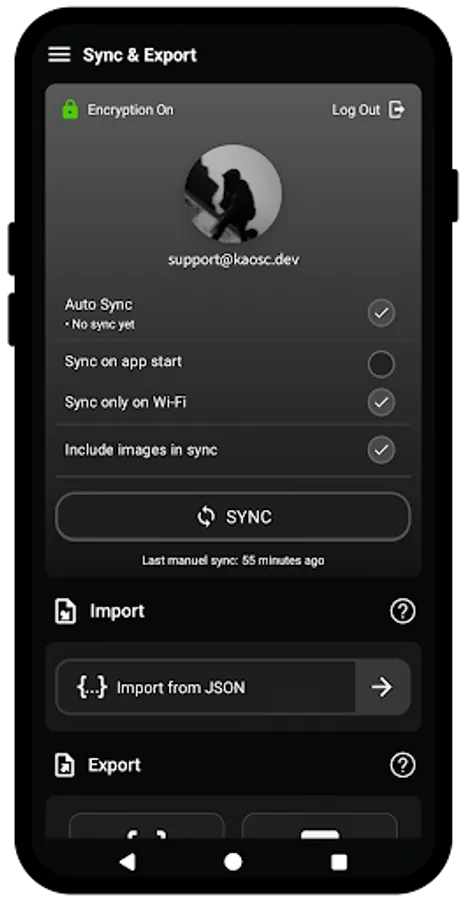
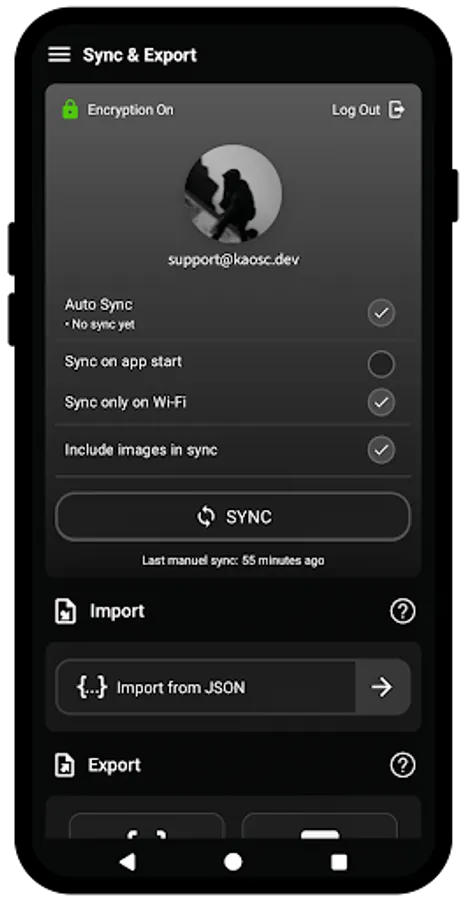
· Backup your items to your Google Drive automatically or manually and set a password to enable end-to-end encryption.
· Set a password to lock the app with a PIN or fingerprint.
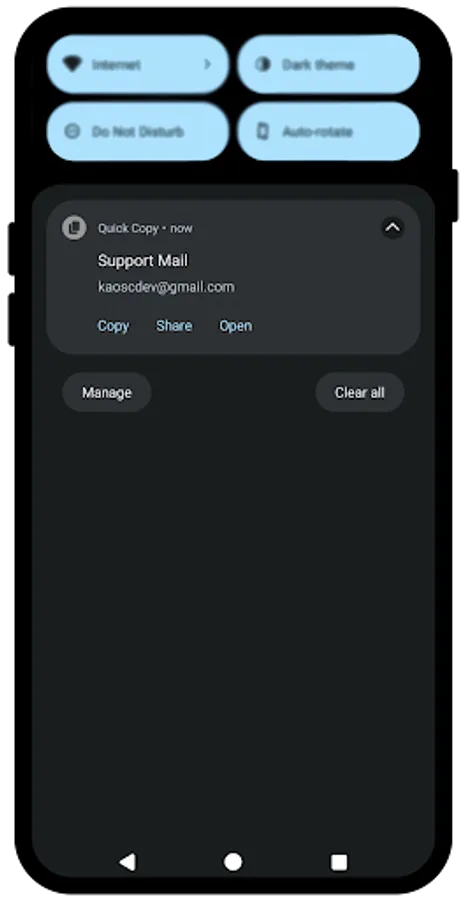
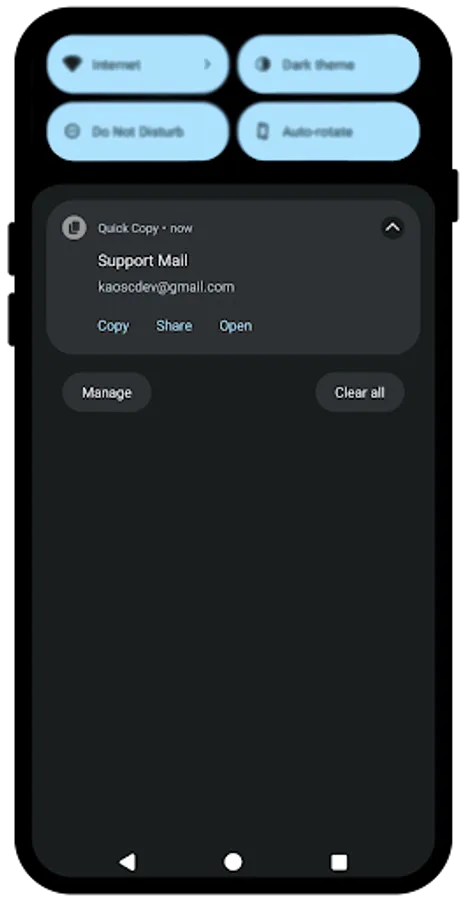
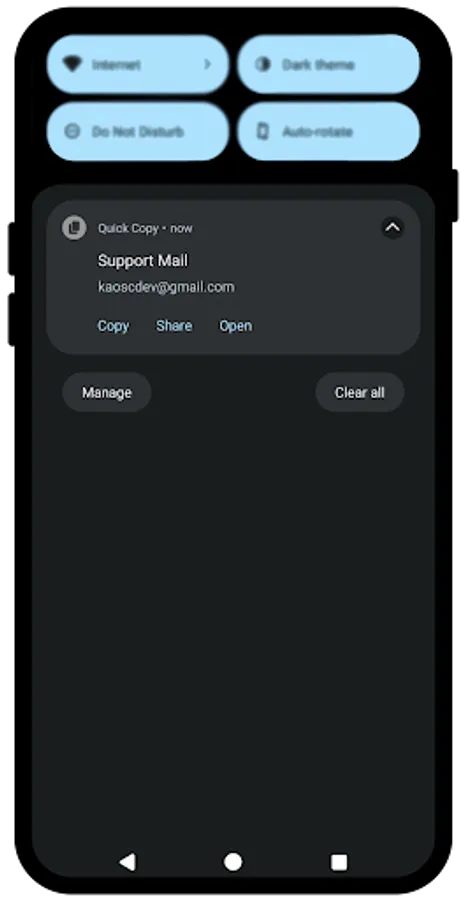
· Pin items to the notification bar to access items from outside of the app.
· Export your items as JSON, TXT, XLSX, and DOCX files.
· You can also backup your items yourself by exporting and importing them as JSON file if you prefer not to use the Google Drive backup option.
Feel free to share your ideas, feature requests, issues that you are experiencing via support@kaosc.dev
· You can redirect items to specific apps by selecting one of the following types: URL, WhatsApp, Telegram, SMS, e-mail, phone, or images, including SVG.
· Extract text and image data from Instagram posts, Tweets, or any other website and copy, share, or edit.
· You can add images to share or copy them directly to your clipboard. You can also paste supported images into the app from your clipboard.
· Backup your items to your Google Drive automatically or manually and set a password to enable end-to-end encryption.
· Set a password to lock the app with a PIN or fingerprint.
· Pin items to the notification bar to access items from outside of the app.
· Export your items as JSON, TXT, XLSX, and DOCX files.
· You can also backup your items yourself by exporting and importing them as JSON file if you prefer not to use the Google Drive backup option.
Feel free to share your ideas, feature requests, issues that you are experiencing via support@kaosc.dev
Quick Copy: Clipboard Manager Screenshots
Tap to Rate:
Reviews for Quick Copy: Clipboard Manager
Michael Wilson II
11/22/2025
cant use the app because ads pop up ever 3-5 seconds
Tai Tran
9/24/2025
good but starting up is slow