AppRecs review analysis
AppRecs rating . Trustworthiness 80 out of 100. Review manipulation risk 35 out of 100. Based on a review sample analyzed.
★
AppRecs Rating
Ratings breakdown
5 star
50%
4 star
0%
3 star
0%
2 star
0%
1 star
50%
What to know
✓
Credible reviews
80% trustworthiness score from analyzed reviews
About MCM Token
How to activate MCM Token:
1. Login to Mandiri Cash Management. Make sure the token is registered with the user.
2. Select the menu Utilities, Mobile Token Activation
3. Press the activate button
4. After clicking the activate button, a QR Activation Code will appear which must be scanned by the soft token application via your mobile phone. Then, the soft token application will display an 18-digit device code that must be inputted into the device code.
5. After that, scan the 2nd QR Activation Code that appears by pressing the Scan Online Image button, then enter the local password and confirm the password on your mobile phone
6. Continue the process, enter the OTP from the soft token to the Mandiri Cash Management. Click the Next button.
7. Soft token has been activated successfully.
8. Click the OK button on the soft token on your mobile phone.
9. Customers can use the soft token application to approve transactions.
1. Login to Mandiri Cash Management. Make sure the token is registered with the user.
2. Select the menu Utilities, Mobile Token Activation
3. Press the activate button
4. After clicking the activate button, a QR Activation Code will appear which must be scanned by the soft token application via your mobile phone. Then, the soft token application will display an 18-digit device code that must be inputted into the device code.
5. After that, scan the 2nd QR Activation Code that appears by pressing the Scan Online Image button, then enter the local password and confirm the password on your mobile phone
6. Continue the process, enter the OTP from the soft token to the Mandiri Cash Management. Click the Next button.
7. Soft token has been activated successfully.
8. Click the OK button on the soft token on your mobile phone.
9. Customers can use the soft token application to approve transactions.
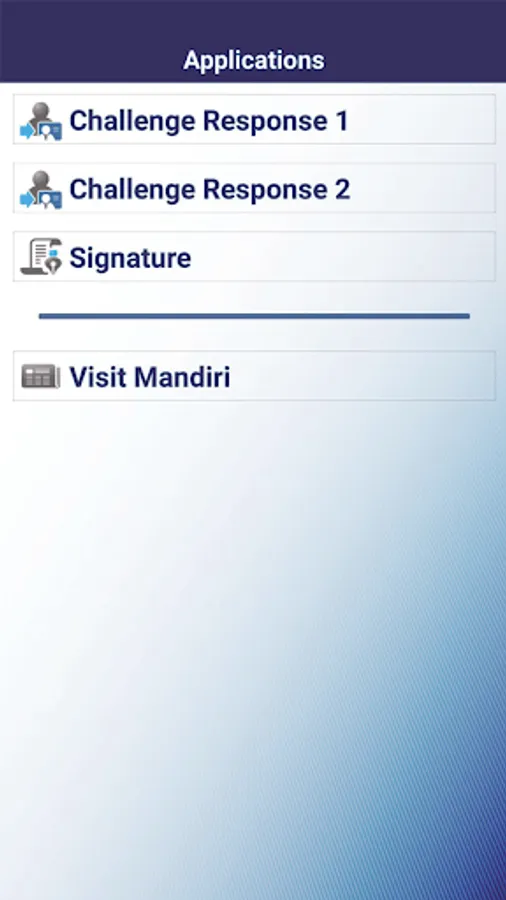
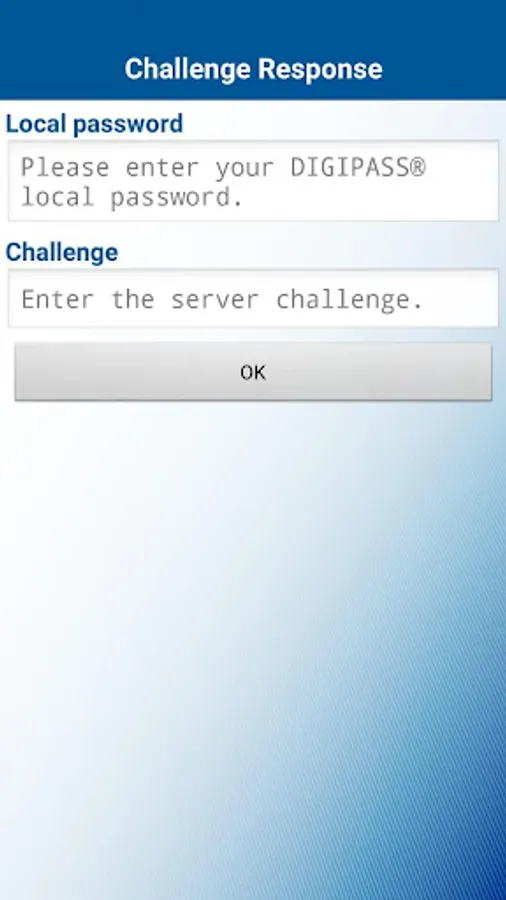
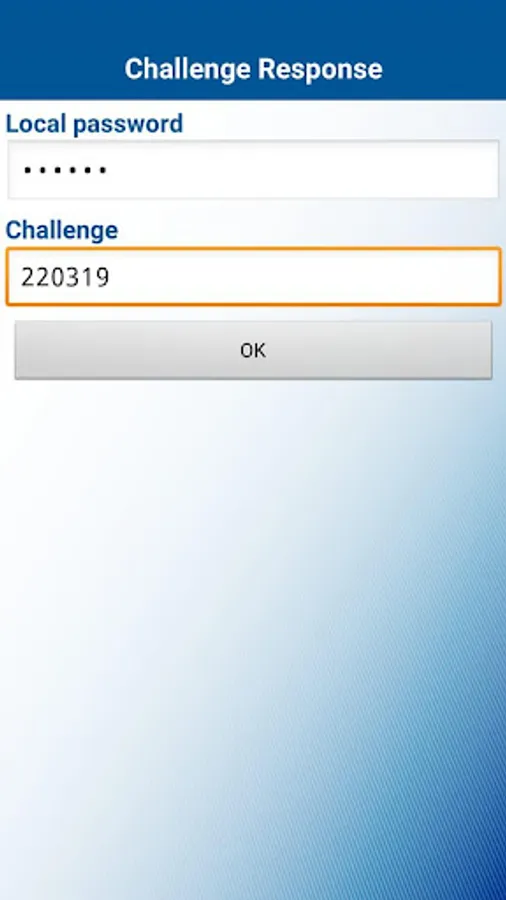
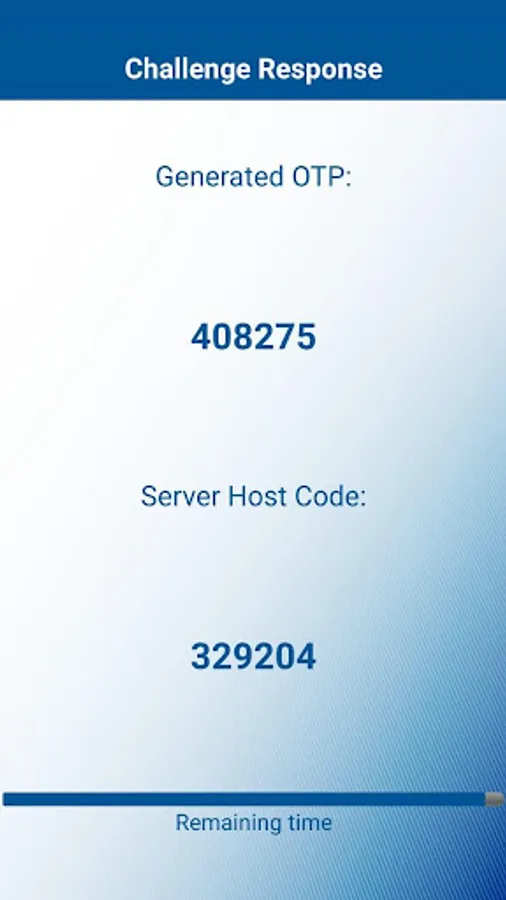
MCM Token Screenshots

Tap to Rate:
Reviews for MCM Token
Gatot Gandhi
10/6/2023
Ok
Augustinus Ivan Christian
8/9/2023
Ga bisa suram eror teruz