
Mandiri Mobile Token
PT Bank Mandiri (Persero) Tbk
4.6 ★
638 ratings
100,000+
downloads
Free
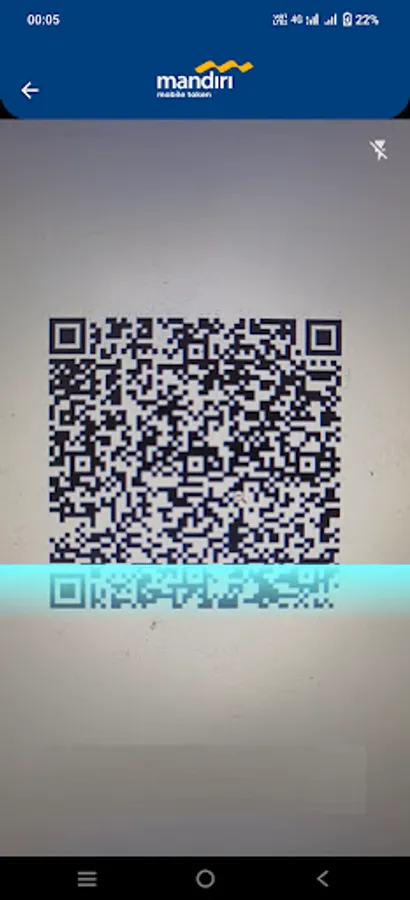
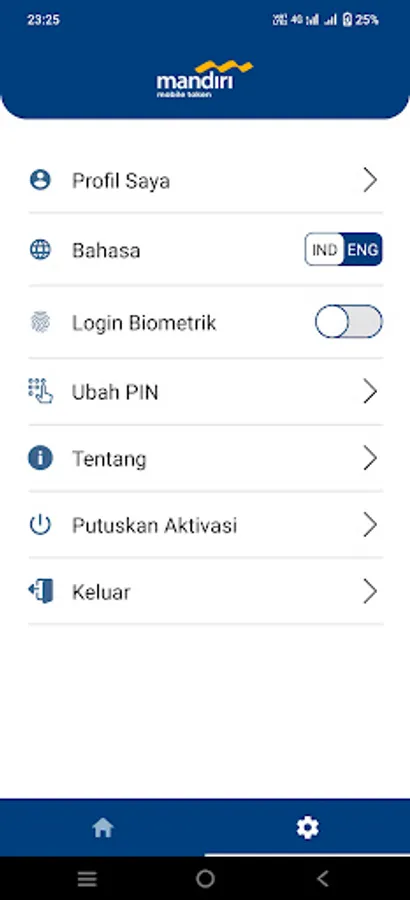
With this app, you can generate OTPs and scan QR codes to authenticate transactions. Includes QR code scanning and PIN setup features.
AppRecs review analysis
AppRecs rating 4.5. Trustworthiness 85 out of 100. Review manipulation risk 20 out of 100. Based on a review sample analyzed.
★★★★☆
4.5
AppRecs Rating
Ratings breakdown
5 star
60%
4 star
40%
3 star
0%
2 star
0%
1 star
0%
What to know
✓
Low review manipulation risk
20% review manipulation risk
✓
Credible reviews
85% trustworthiness score from analyzed reviews
✓
High user satisfaction
100% of sampled ratings are 4+ stars (4.6★ average)
About Mandiri Mobile Token
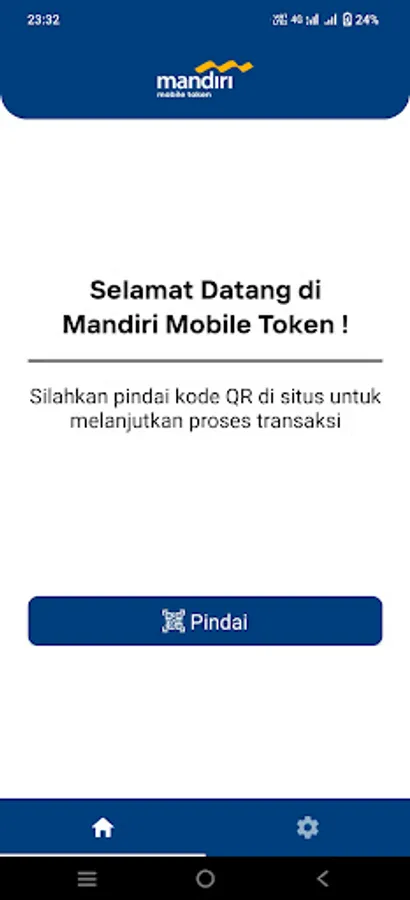
The Mandiri Mobile Token provide you the quicker way of transaction approval by Scanning QR Code or using OTP.
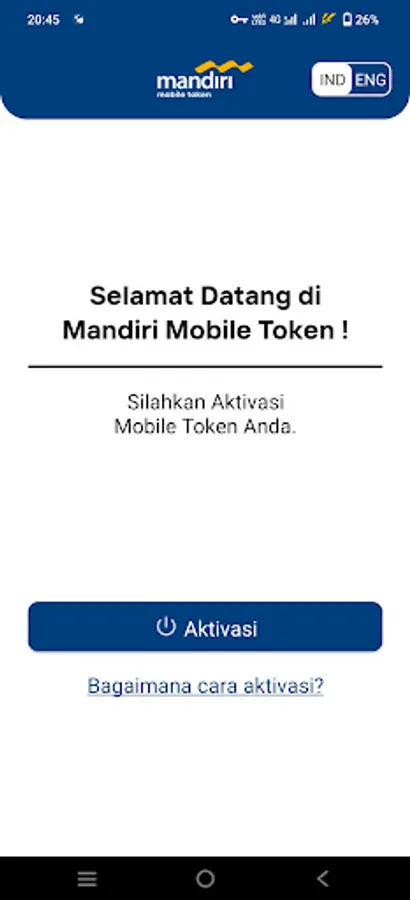
How to Activate Your Mandiri Mobile Token App:
1. Click “Activate” in the Mobile Token App
2. Read and Agree the Mobile Token’s Terms and Conditions
3. Log into MCM/MCM Lite account in the MCM 2.0 website
4. Open the Mobile Token Activation menu
5. Input Your phone number to request OTP and click “Request OTP”.
6. Input OTP into the website and click "Activate".
7. Scan QR Code from the website
8. Input Verification Code from the website into the Mobile Token App
9. Click “OK” to confirm the Verification Code
10. Input Registration Code into the website
11. Click “Next” to complete the activation process in the website
12. Click “Next” in the application
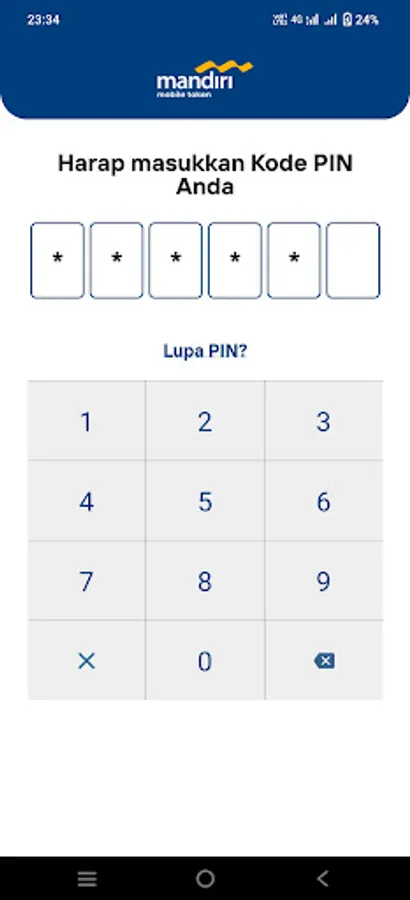
13. Create and confirm Your PIN Code to complete the activation process in the App
14. Click "OK" to use the Mobile Token.
Mandiri Mobile Token Screenshots

Tap to Rate:
Reviews for Mandiri Mobile Token
sobar sururi
12/23/2025
Praktis dan aman,saya mau ngasih masukan untuk nambah fitur bisa scan qr dari foto, supaya bisa approve / rilis dari perangkat yang sama
YES Furniture - Batam
12/19/2025
kelamaan gk buka suka gk bisa buka. sgt merepotkan ketika harus tf jadi lama hrs telp ke call ctr lebih baik pakai token key biasa.