Voice Notes
Pacific Fisher Group
Free
rated 4.1 stars
10,000,000+
downloads
About Voice Notes
Features:
- Only one touch needed.
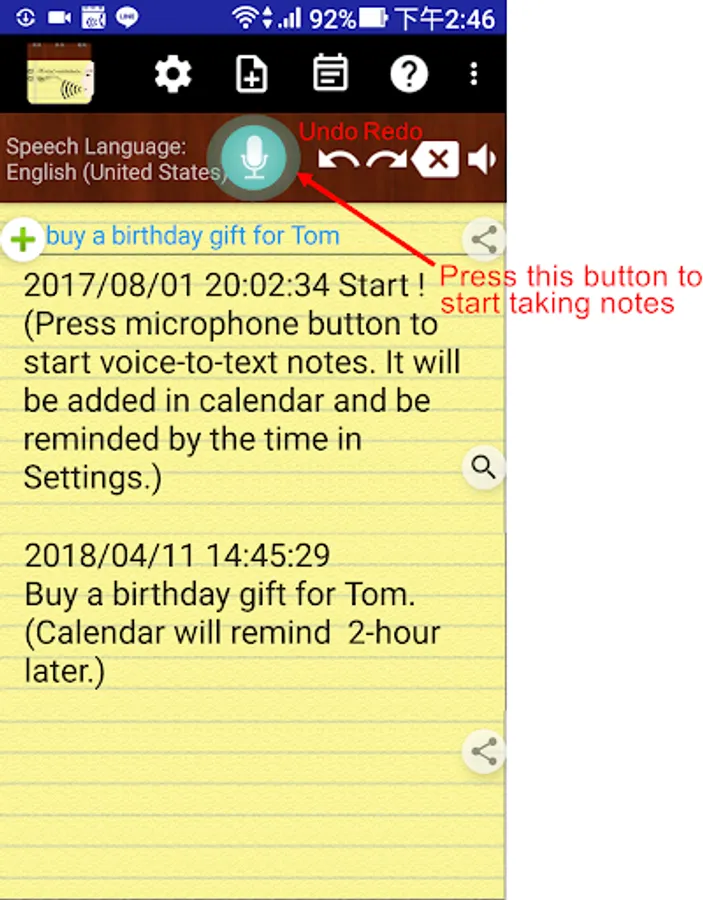
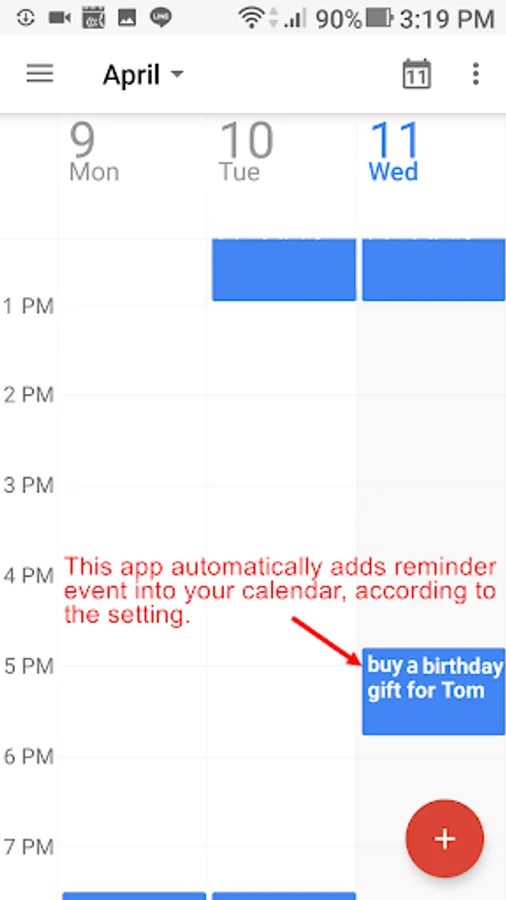
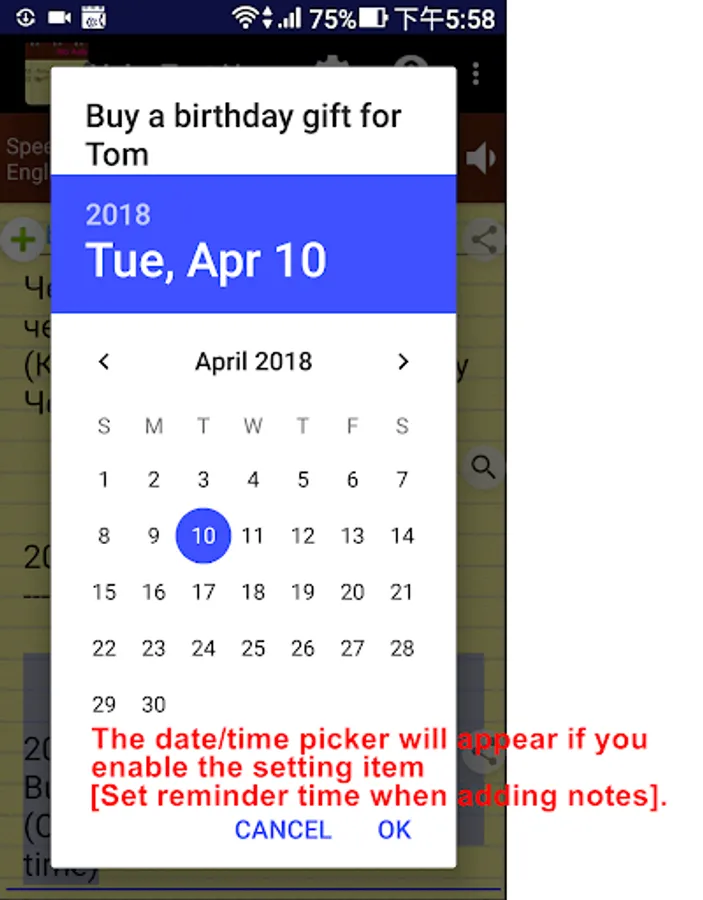
It can keep receiving your speech and convert to text. Note down and remind you later at the date/time you set.
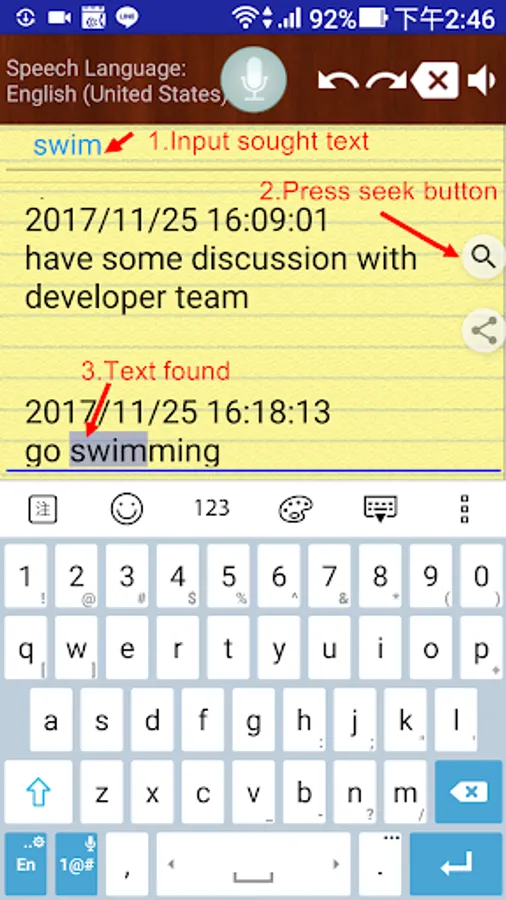
- Easily take notes, memos, to-do list and more just by speaking!
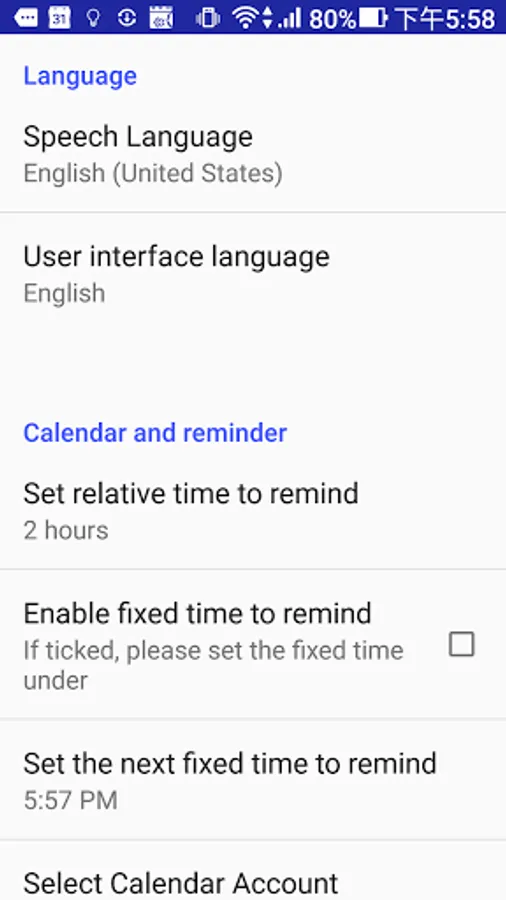
- Integrated with your Android calendars, you need not maintain another one.
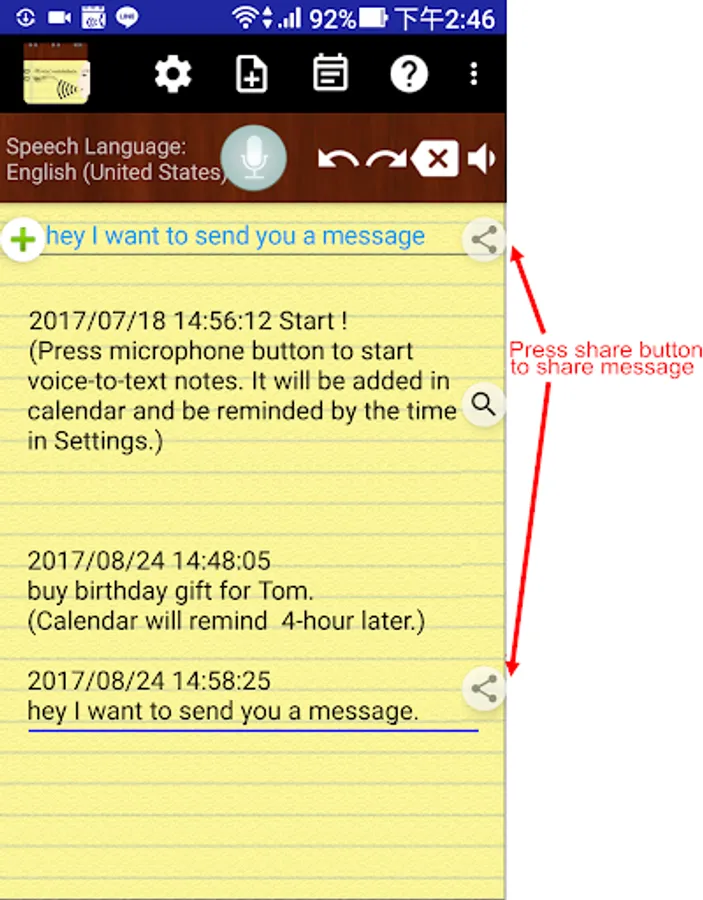
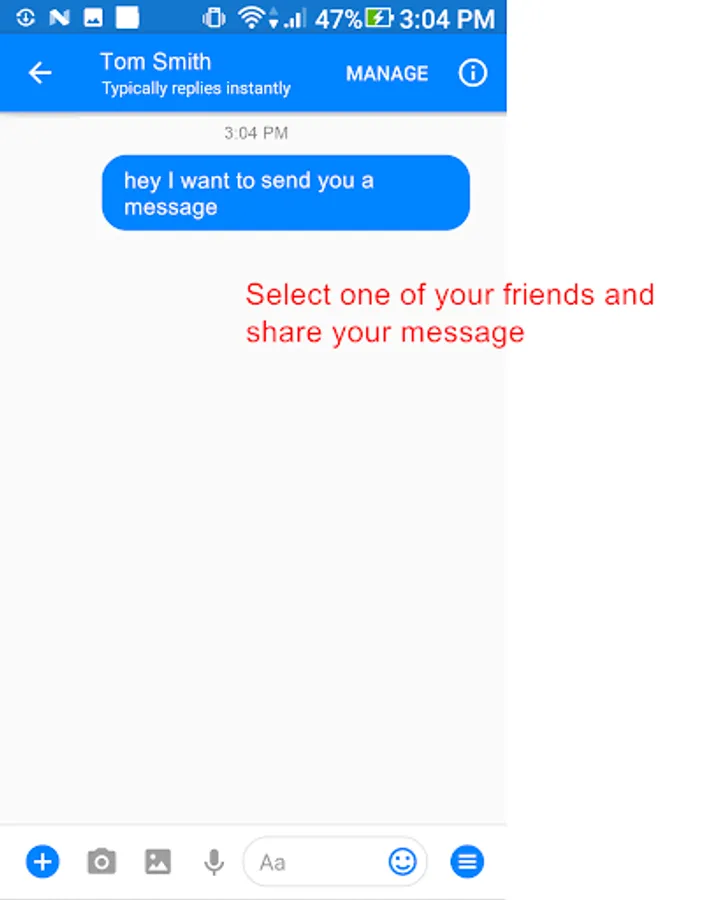
- Also easy to share voice-to-text to friends.
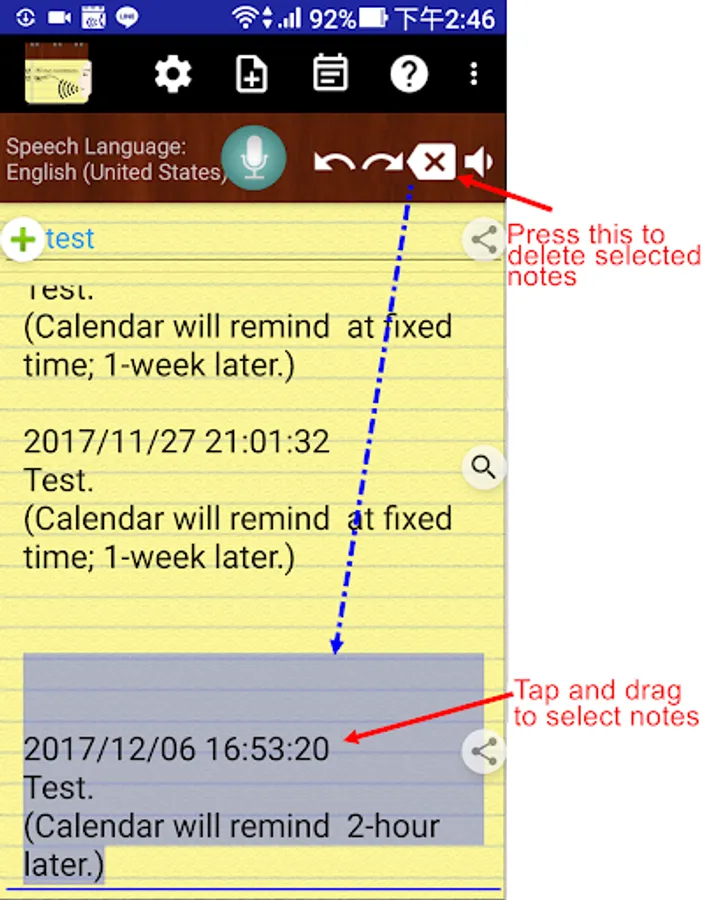
- Automatically save your notes in a storage file, and easily back up to cloud.
- Support to create note files by projects or categories.
- It can work when the phone screen is turned off.
With the Recite option, you can make sure the notes are correctly recorded.
- Support headset button to control Start/Stop voice recognition.
- Supported speech recognition 120 languages.
- Supported 20 user interface languages (including English)
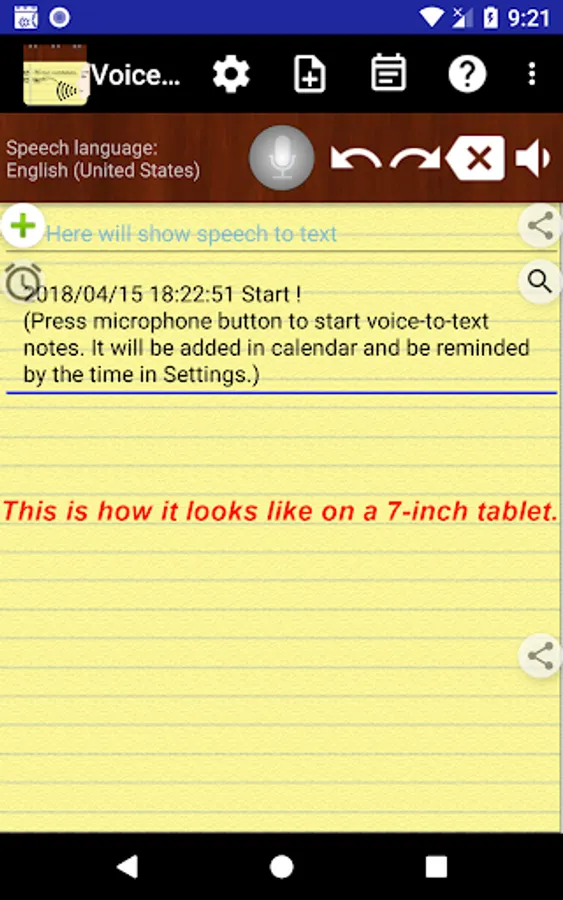
- Simple user interface. Just press the microphone button and speak to take note!
Requirements:
- "Google Speech Recognition & Synthesis" or "Google voice search (Google App)" is required as a speech to text engine. It's used as a voice input or voice typing method. Most devices have it pre-installed. If your devices do not install it, This app will guide you to install.
https://play.google.com/store/apps/details?id=com.google.android.tts
https://play.google.com/store/apps/details?id=com.google.android.googlequicksearchbox
Permissions Notice:
This app may ask for permission to access the following features
• Microphone for speech recognition
• Calendar for adding reminder events
- Only one touch needed.
It can keep receiving your speech and convert to text. Note down and remind you later at the date/time you set.
- Easily take notes, memos, to-do list and more just by speaking!
- Integrated with your Android calendars, you need not maintain another one.
- Also easy to share voice-to-text to friends.
- Automatically save your notes in a storage file, and easily back up to cloud.
- Support to create note files by projects or categories.
- It can work when the phone screen is turned off.
With the Recite option, you can make sure the notes are correctly recorded.
- Support headset button to control Start/Stop voice recognition.
- Supported speech recognition 120 languages.
- Supported 20 user interface languages (including English)
- Simple user interface. Just press the microphone button and speak to take note!
Requirements:
- "Google Speech Recognition & Synthesis" or "Google voice search (Google App)" is required as a speech to text engine. It's used as a voice input or voice typing method. Most devices have it pre-installed. If your devices do not install it, This app will guide you to install.
https://play.google.com/store/apps/details?id=com.google.android.tts
https://play.google.com/store/apps/details?id=com.google.android.googlequicksearchbox
Permissions Notice:
This app may ask for permission to access the following features
• Microphone for speech recognition
• Calendar for adding reminder events
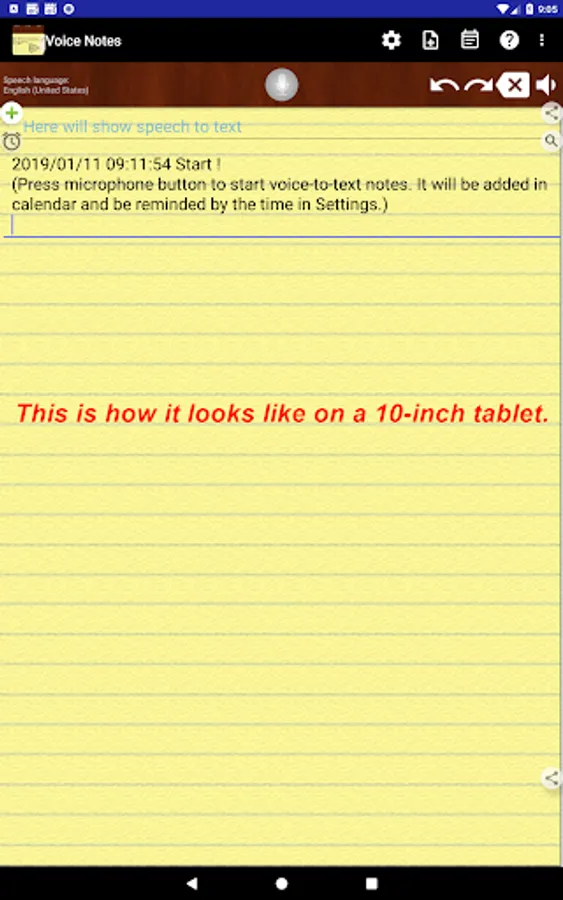
Voice Notes Screenshots
Reviews for Voice Notes
Christopher Klinger
11/29/2025
really helps keep track of my work tasks when away from my log. I can then easily log notes when I am back to my work log. 5 stars
James McKibbin
11/10/2025
good
Erik Castillo
10/25/2025
GARBAGE.
Dac Dmelo
10/11/2025
nice app
Teri
8/25/2025
This app is brilliant! Now I'll never forget the things I can never seem to remember. Thank you, dev. 👍👍
Tap to Rate: