
Star Setting Utility
STAR MICRONICS CO.,LTD.
2.8 ★
38 ratings
10,000+
downloads
Free
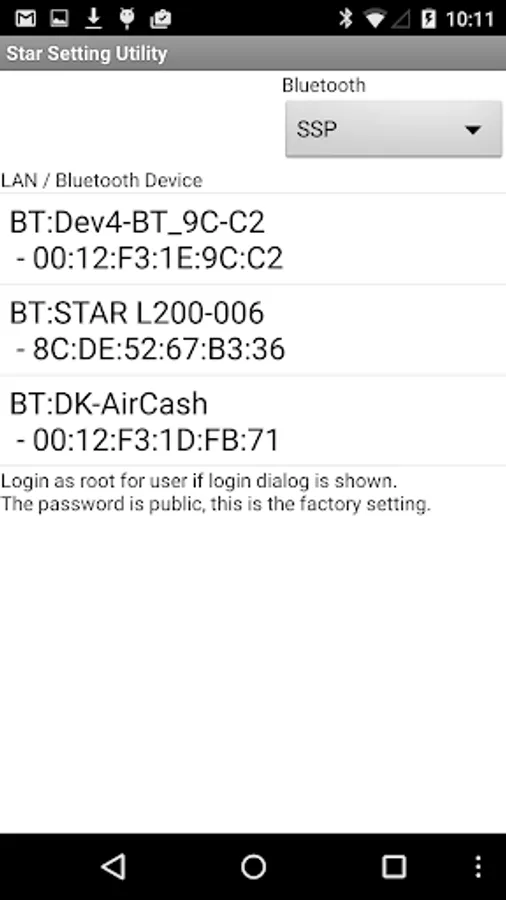
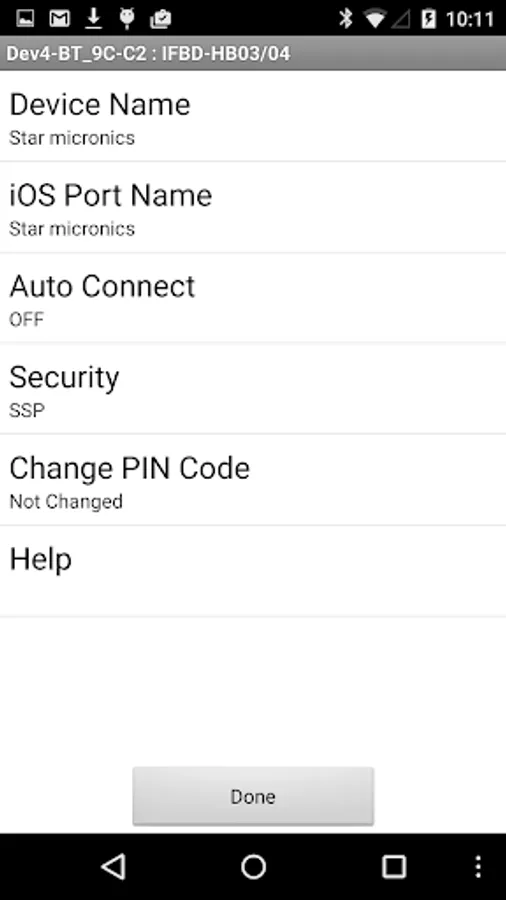
With this utility app, you can modify Bluetooth and Ethernet settings of Star Micronics products, including device name, security, and network connection. Includes device search, setting adjustments, and security configuration options.
AppRecs review analysis
AppRecs rating 2.8. Trustworthiness 68 out of 100. Review manipulation risk 42 out of 100. Based on a review sample analyzed.
★★☆☆☆
2.8
AppRecs Rating
Ratings breakdown
5 star
24%
4 star
24%
3 star
0%
2 star
0%
1 star
51%
What to know
⚠
Questionable review patterns
42% review manipulation risk - some review patterns appear unusual
⚠
Mixed user feedback
Average 2.8★ rating suggests room for improvement
About Star Setting Utility
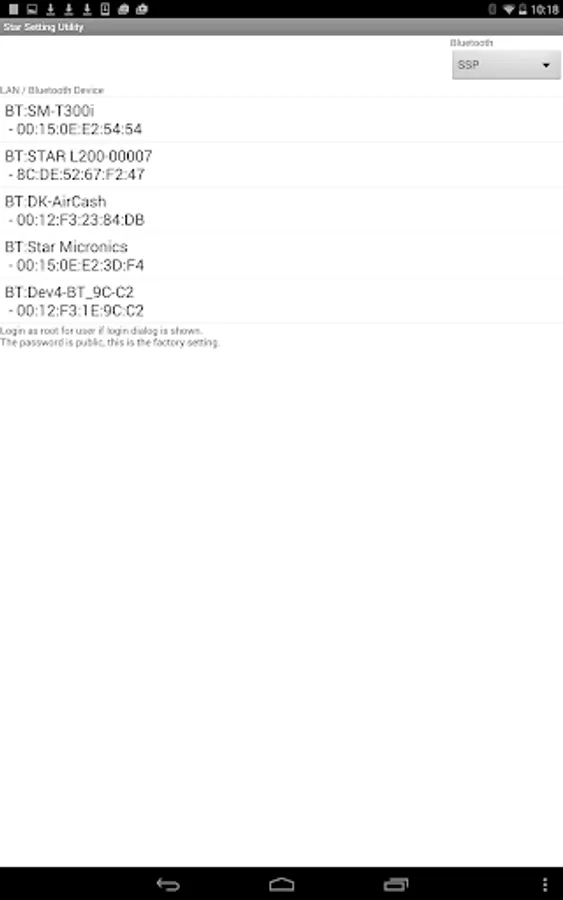
Star Setting Utility enables the user to change the Bluetooth and Ethernet setting of Star Micronics products.
Application features:
For Bluetooth setting
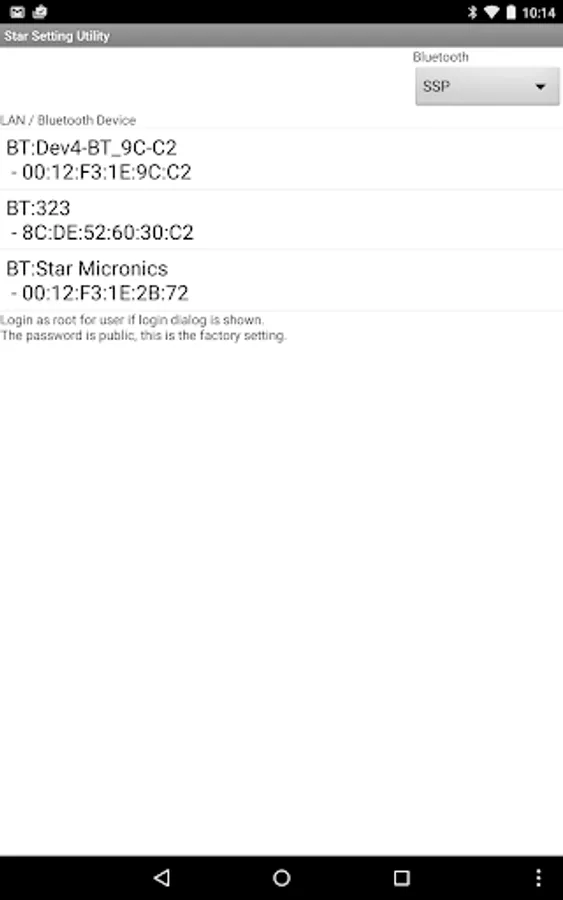
- Connect the Star Micronics products to Android devices
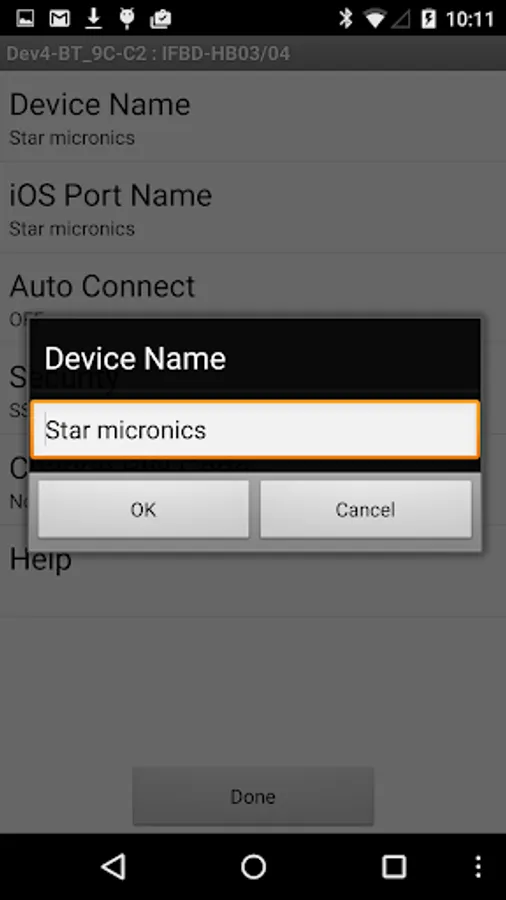
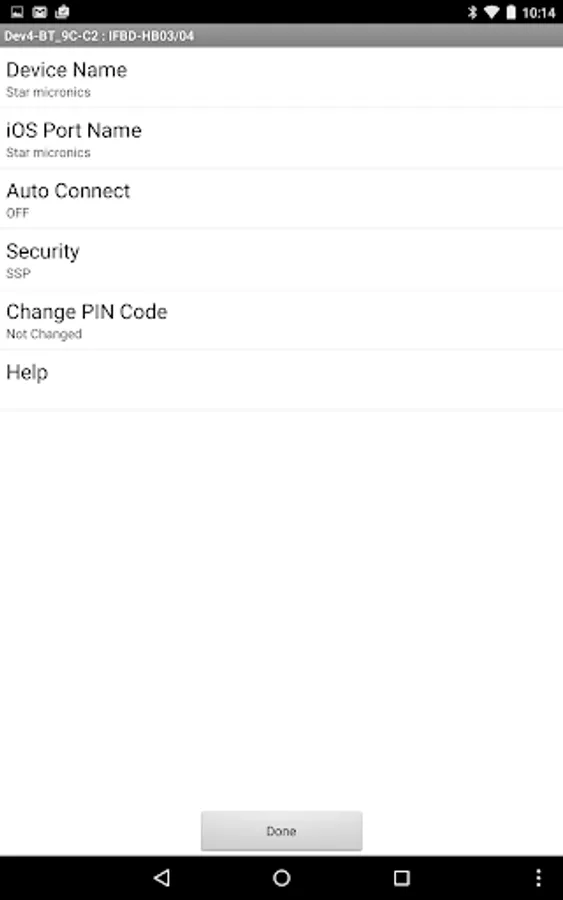
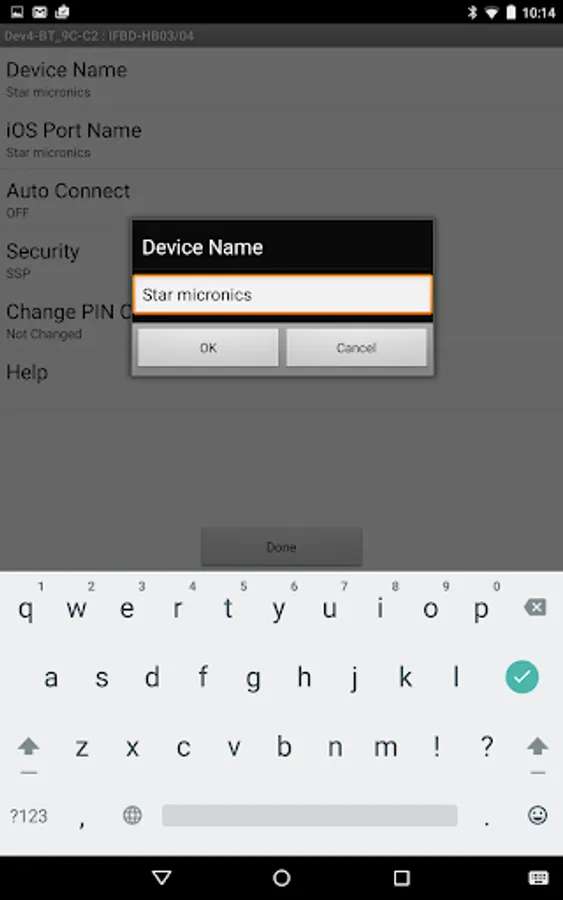
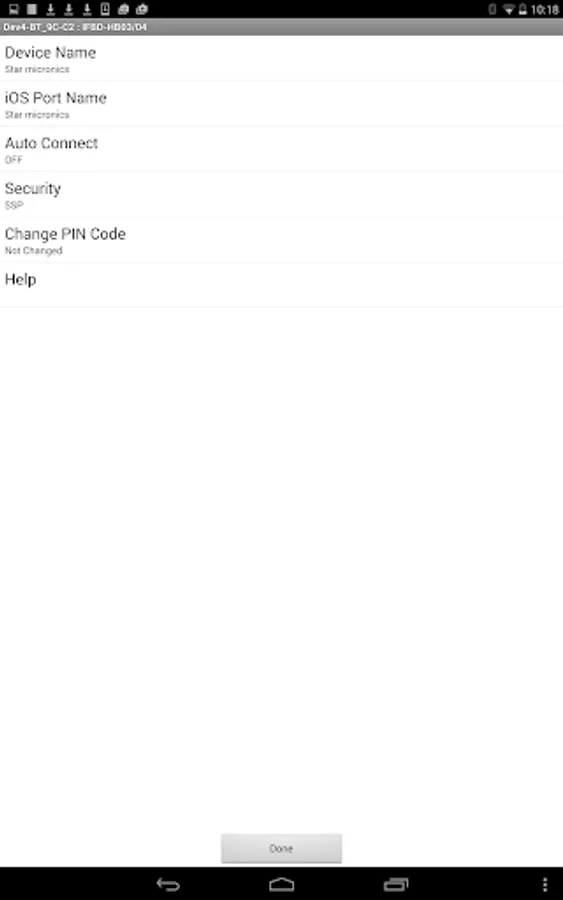
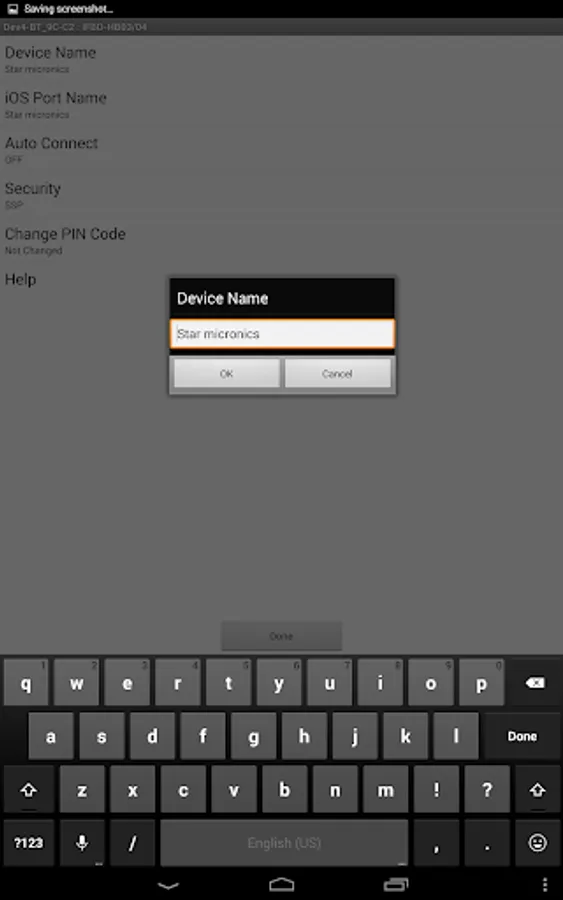
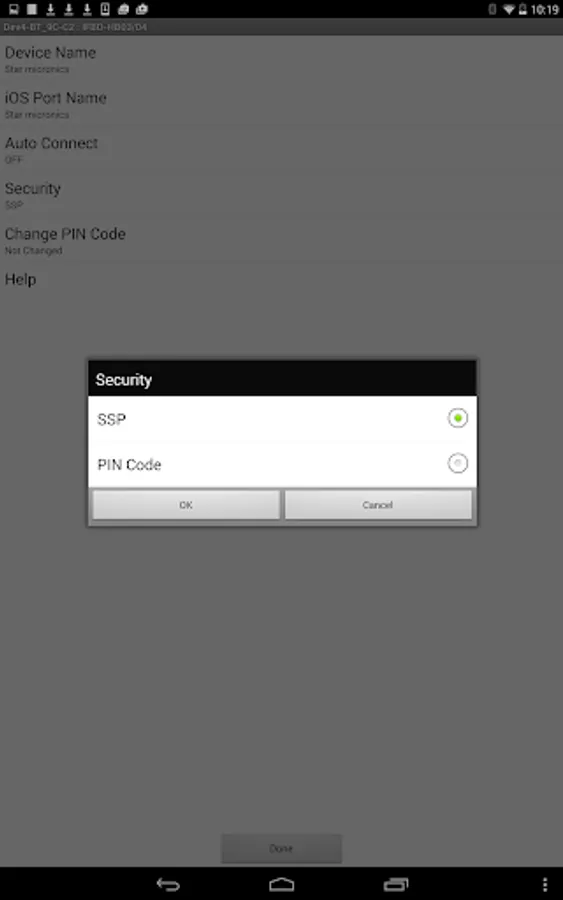
- Change Device Name and iOS Port Name
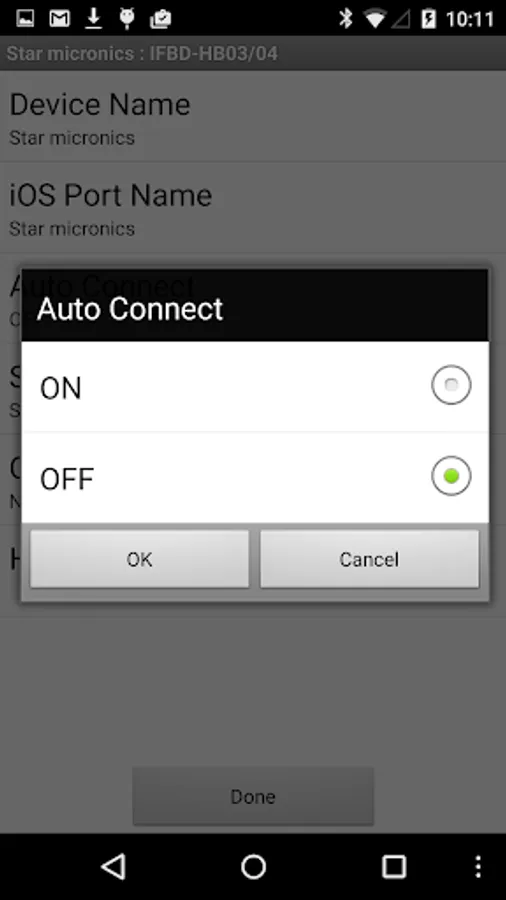
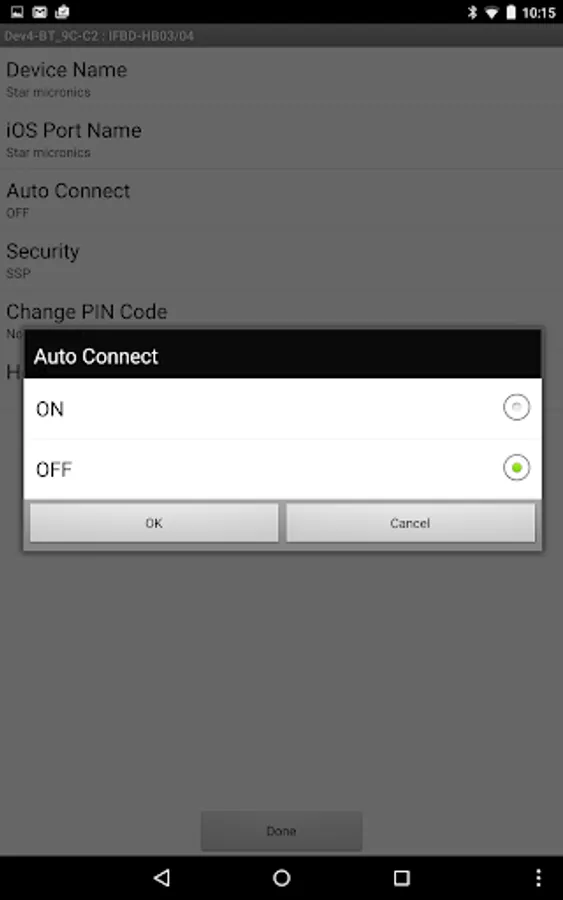
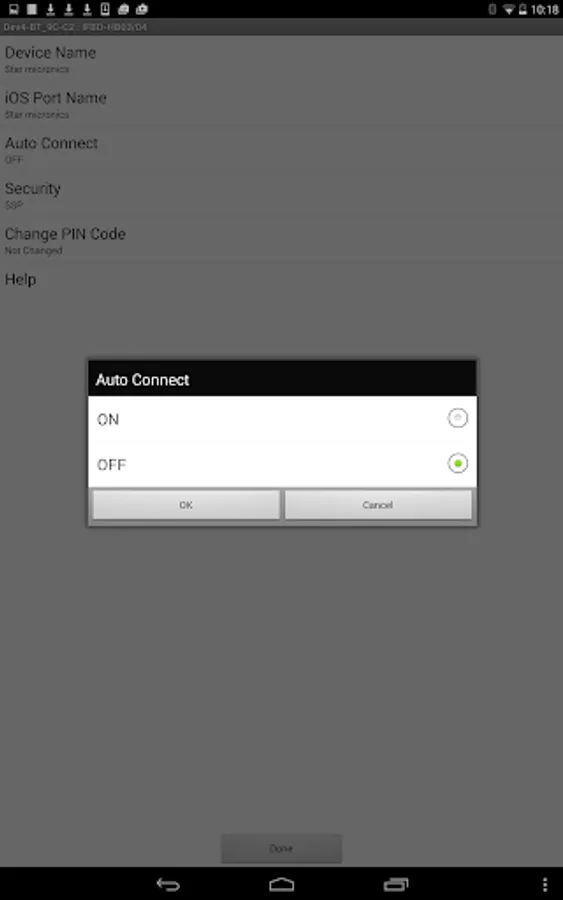
- Auto connection ON/OFF
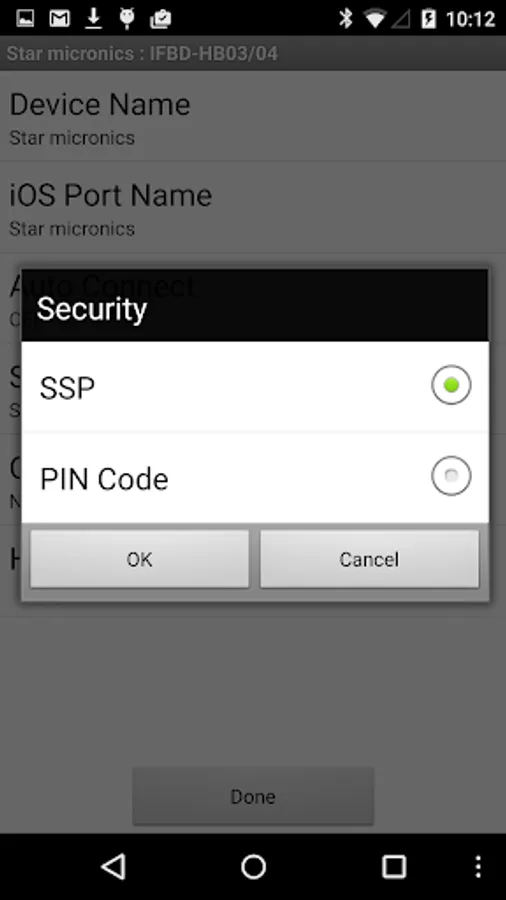
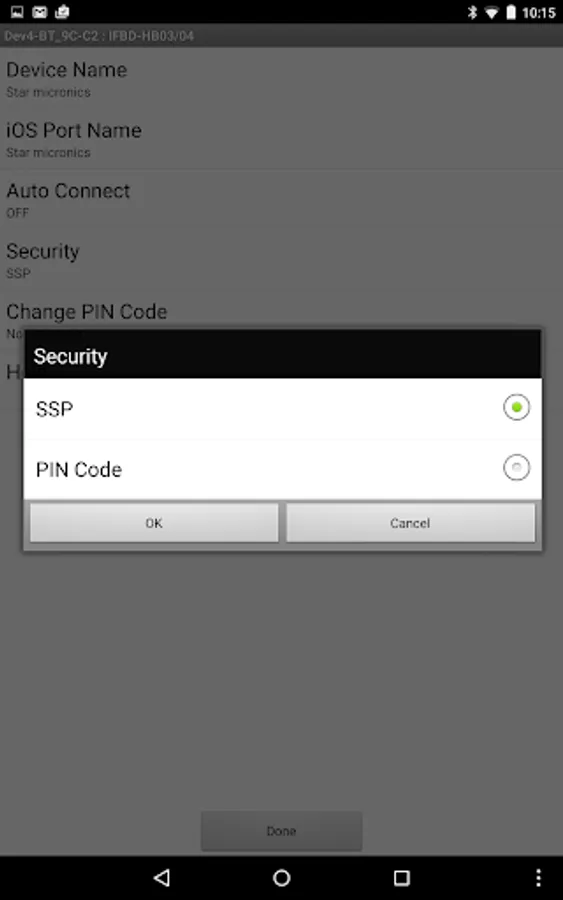
- Security setting
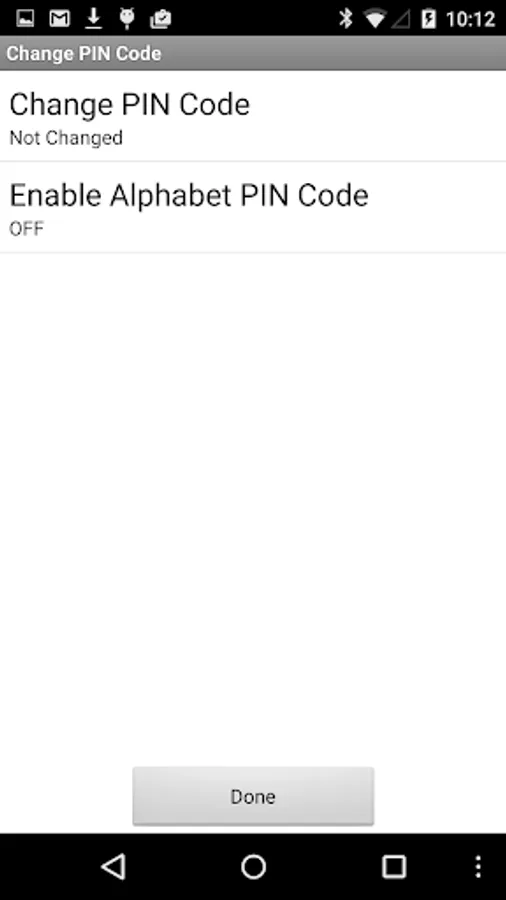
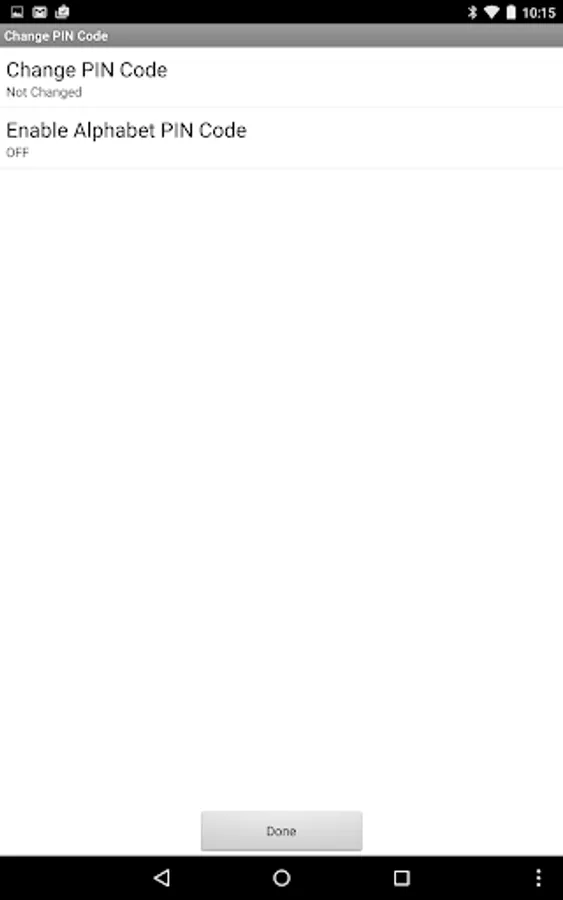
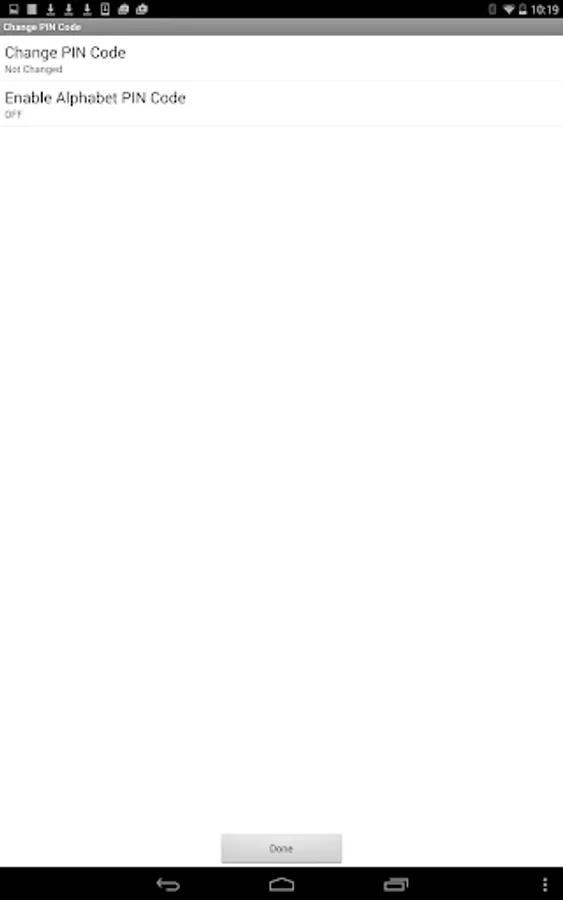
- Change the PIN code
- Enable Alphabet PIN code
Note:
In the case of Bluetooth setting, the devices which are not Star Micronics products may be displayed on the list. Please do not use this tool other than our product.
For Ethernet setting
- Search the Star Micronics products on a network.
- Open Ethernet setting page
Supported Star Micronics Desktop Receipt Printers:
- FVP10 : Ethernet/Bluetooth
- TSP650II : Ethernet/Bluetooth
- TSP700II : Ethernet/Bluetooth
- TSP800II : Ethernet/Bluetooth
- SP700 : Ethernet/Bluetooth
Supported Star Micronics Portable Printers:
- SM-S210I : Bluetooth (Required F/W Ver: 3.0 or later)
- SM-S230I : Bluetooth
- SM-T300I : Bluetooth (Required F/W Ver: 3.0 or later)
- SM-T400I : Bluetooth (Required F/W Ver: 3.0 or later)
- SM-L200 : Bluetooth
- SM-L300 : Bluetooth
Application features:
For Bluetooth setting
- Connect the Star Micronics products to Android devices
- Change Device Name and iOS Port Name
- Auto connection ON/OFF
- Security setting
- Change the PIN code
- Enable Alphabet PIN code
Note:
In the case of Bluetooth setting, the devices which are not Star Micronics products may be displayed on the list. Please do not use this tool other than our product.
For Ethernet setting
- Search the Star Micronics products on a network.
- Open Ethernet setting page
Supported Star Micronics Desktop Receipt Printers:
- FVP10 : Ethernet/Bluetooth
- TSP650II : Ethernet/Bluetooth
- TSP700II : Ethernet/Bluetooth
- TSP800II : Ethernet/Bluetooth
- SP700 : Ethernet/Bluetooth
Supported Star Micronics Portable Printers:
- SM-S210I : Bluetooth (Required F/W Ver: 3.0 or later)
- SM-S230I : Bluetooth
- SM-T300I : Bluetooth (Required F/W Ver: 3.0 or later)
- SM-T400I : Bluetooth (Required F/W Ver: 3.0 or later)
- SM-L200 : Bluetooth
- SM-L300 : Bluetooth
Star Setting Utility Screenshots
Tap to Rate:
Reviews for Star Setting Utility
Pink Gorilla
8/26/2021
Clean and efficient. Does it's job well.
A Google user
3/9/2015
I'm running Android 4.4.4. I have my bluetooth on and when I click pair on the printer I'm not getting any printers showing up on my device. Tested it out on a colleagues phone which is running Android 5.0 and it's working fine.