
AppRecs review analysis
AppRecs rating . Trustworthiness 71 out of 100. Review manipulation risk 17 out of 100. Based on a review sample analyzed.
★
AppRecs Rating
Ratings breakdown
5 star
0%
4 star
0%
3 star
0%
2 star
50%
1 star
50%
What to know
✓
Low review manipulation risk
17% review manipulation risk
✓
Credible reviews
71% trustworthiness score from analyzed reviews
⚠
Mixed user feedback
Average 1.5★ rating suggests room for improvement
About Star PassPRNT
Your Android App can call Star PassPRNT by using URL schemes and pass print data made from HTML to Star PassPRNT, then Star Printer prints that data.
Supported Star Printers are listed below.
Star Micronics Desktop Printers:
TSP650II F/W2.1 or later Bluetooth/Ethernet/USB
TSP700II F/W5.1 or later Bluetooth/Ethernet/USB
TSP800II F/W2.1 or later Bluetooth/Ethernet/USB
FVP10 F/W2.0 or later Bluetooth/Ethernet/USB
TSP100IIIBI F/W1.0 or later Bluetooth
TSP100IIIW F/W1.4 or later Wireless LAN
TSP100IIILAN F/W1.3 or later Ethernet
TSP100IIIU F/W1.0 or later USB
TSP100IV F/W1.0 or later Bluetooth/Ethernet/Wireless LAN/USB
BSC10 F/W1.0 or later Ethernet/USB
mPOP F/W1.0.1 or later Bluetooth/USB
mC-Print2 F/W1.0 or later Bluetooth/Ethernet/USB
mC-Print3 F/W1.0 or later Bluetooth/Ethernet/USB
mC-Label2 F/W1.0 or later Bluetooth/Ethernet/Wireless LAN/USB
mC-Label3 F/W1.0 or later Bluetooth/Ethernet/USB
Star Micronics Portable Printers:
SM-S220I F/W3.0 or later Bluetooth(StarPRNT)
F/W2.1 or later Bluetooth(ESC/POS)
SM-S230I F/W1.0 or later Bluetooth(StarPRNT)
F/W1.0 or later Bluetooth(ESC/POS)
SM-T300I F/W3.0 or later Bluetooth(StarPRNT)
F/W2.5 or later Bluetooth(ESC/POS)
SM-T400I F/W3.0 or later Bluetooth(StarPRNT)
F/W2.5 or later Bluetooth(ESC/POS)
SM-L200 F/W1.1 or later Bluetooth
SM-L300 F/W1.0 or later Bluetooth
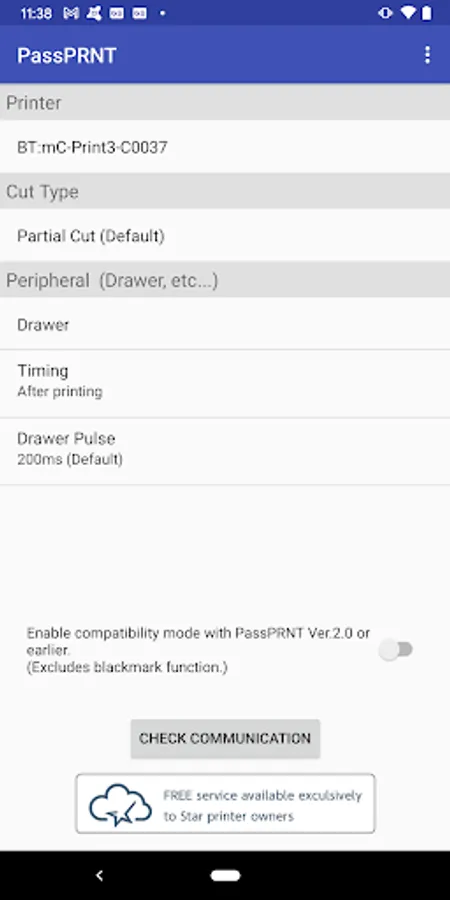
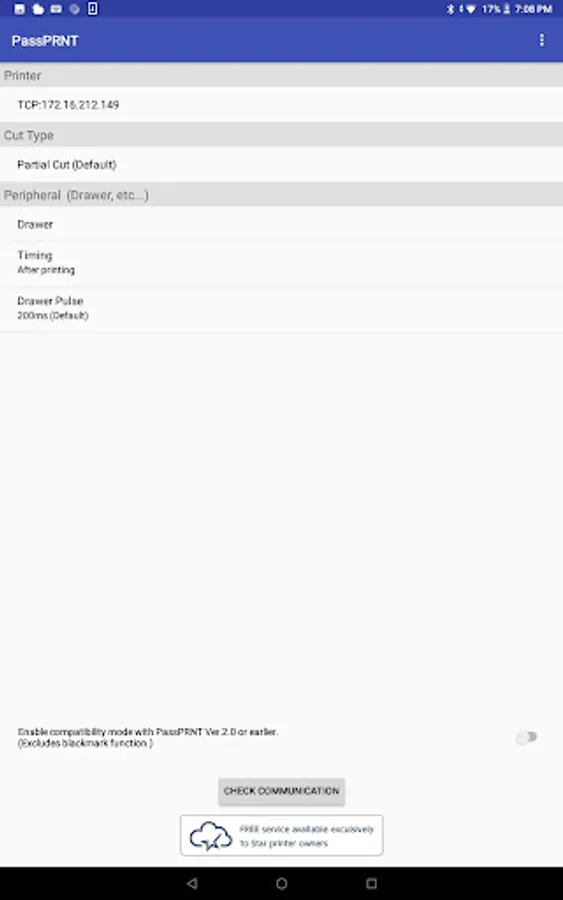
Star PassPRNT Screenshots
Tap to Rate:
Reviews for Star PassPRNT
Erick C
4/11/2024
Garbage, does not show up as a viable printer service
Tiny Pixels
11/10/2020
I am unable to connect to my mC-Print3 (the firmware is up to date), From both my galaxy note 9 and my chromebook, both report te same issue. "Please confirm configuration settings and device connection" the device is working from a mac and a linux device. and I've conencted to it via bluetooth and the mC-Print utility.