Video Editor : Square Video
VideoVibe
3.6 ★
751 ratings
100,000+
downloads
Free
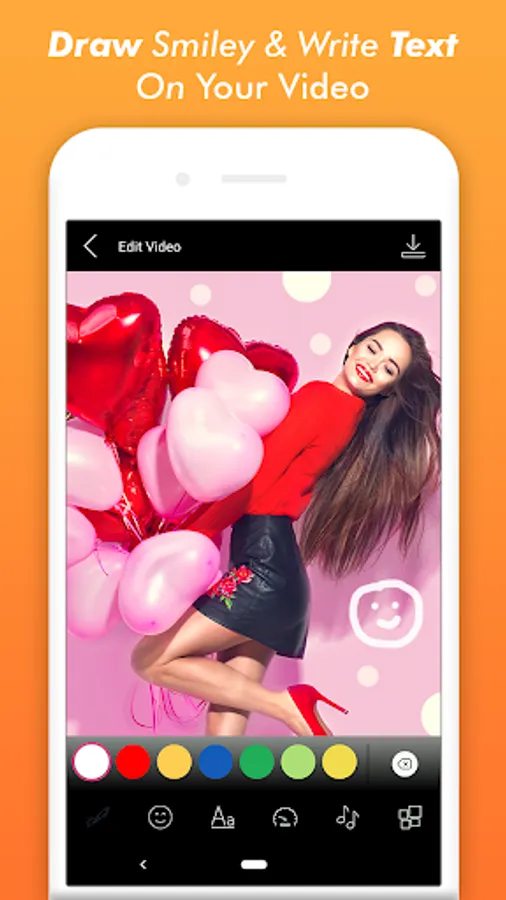
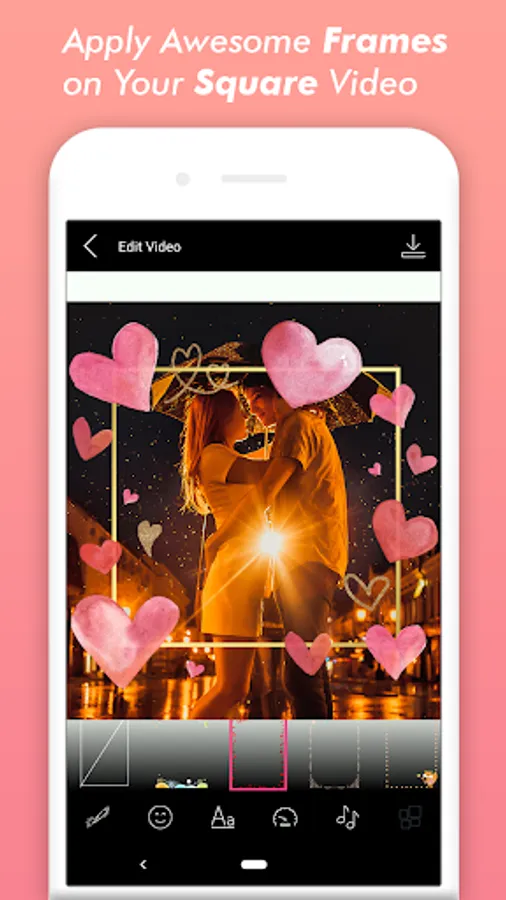
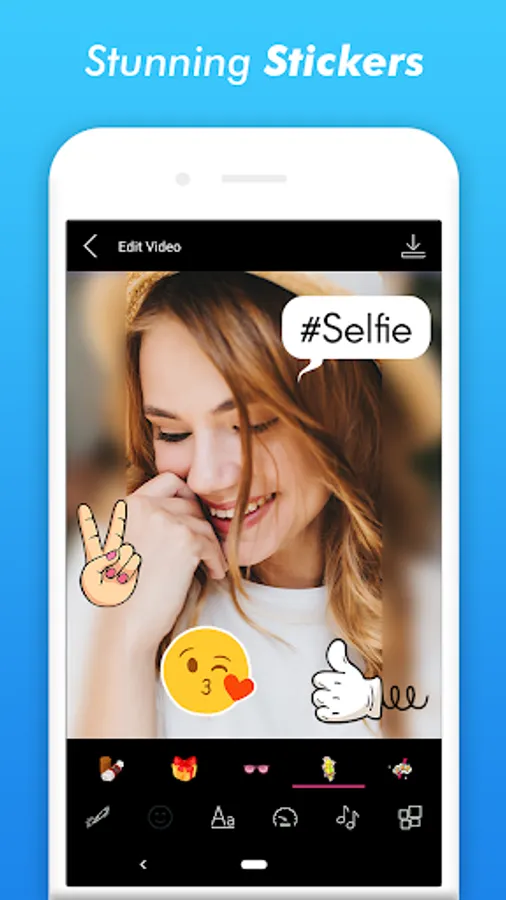
In this video editing app, you can create square videos with customizable blur backgrounds, add music, and crop clips. Includes real-time editing, background options, and orientation adjustments.
AppRecs review analysis
AppRecs rating 3.6. Trustworthiness 0 out of 100. Review manipulation risk 0 out of 100. Based on a review sample analyzed.
★★★☆☆
3.6
AppRecs Rating
Ratings breakdown
5 star
54%
4 star
11%
3 star
4%
2 star
0%
1 star
31%
What to know
✓
Good user ratings
65% positive sampled reviews
✓
Authentic reviews
Natural distribution, no red flags
⚠
High negative review ratio
31% of sampled ratings are 1–2 stars
About Video Editor : Square Video
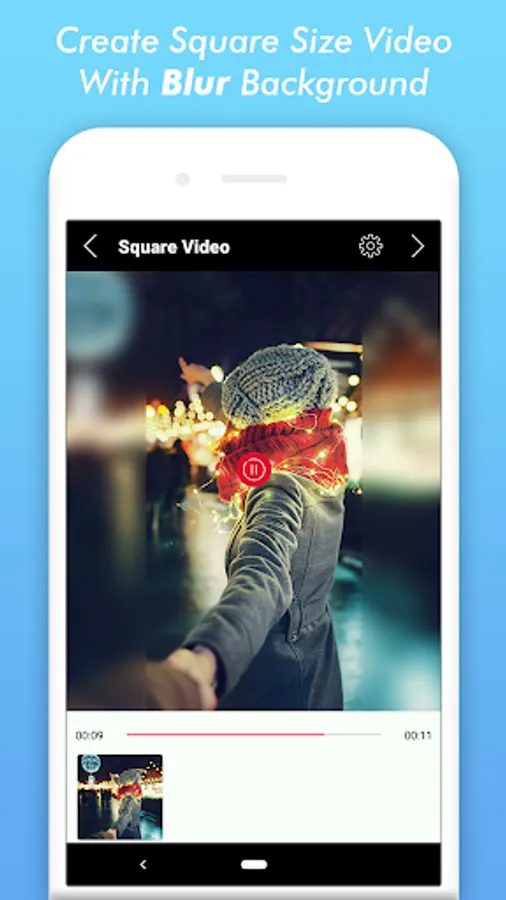
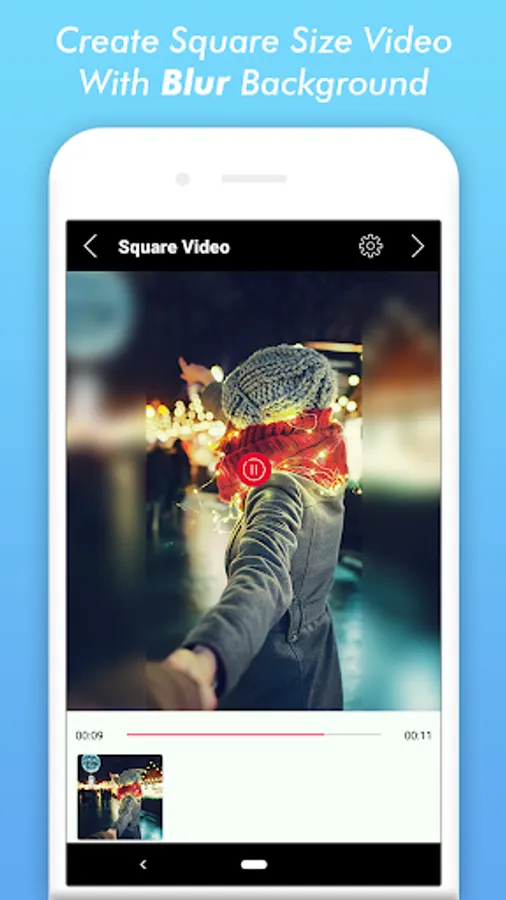
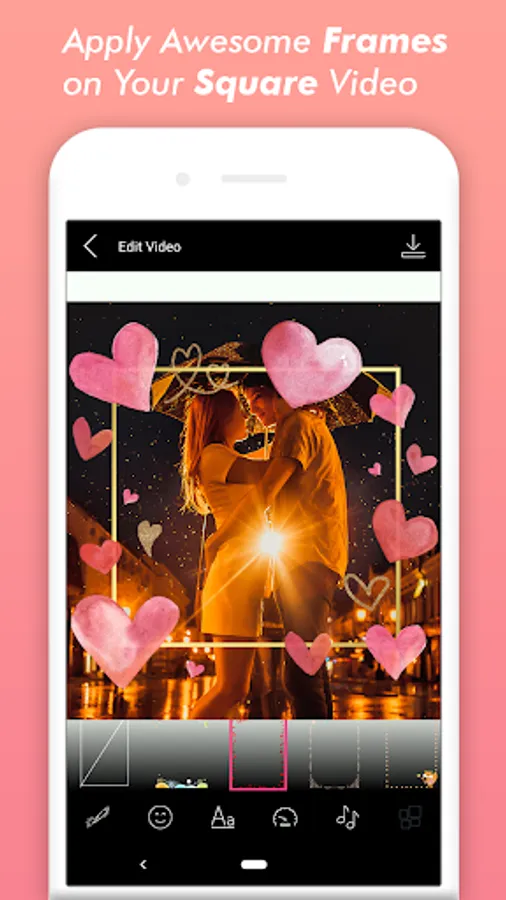
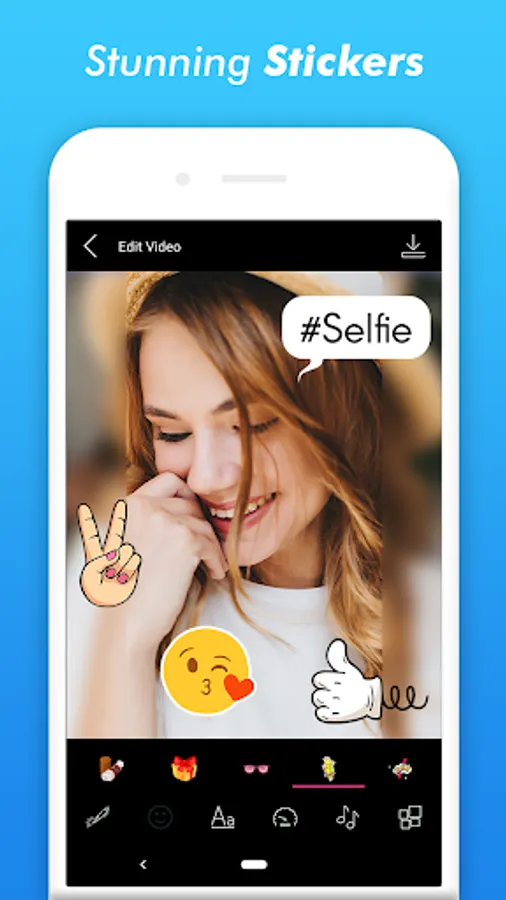
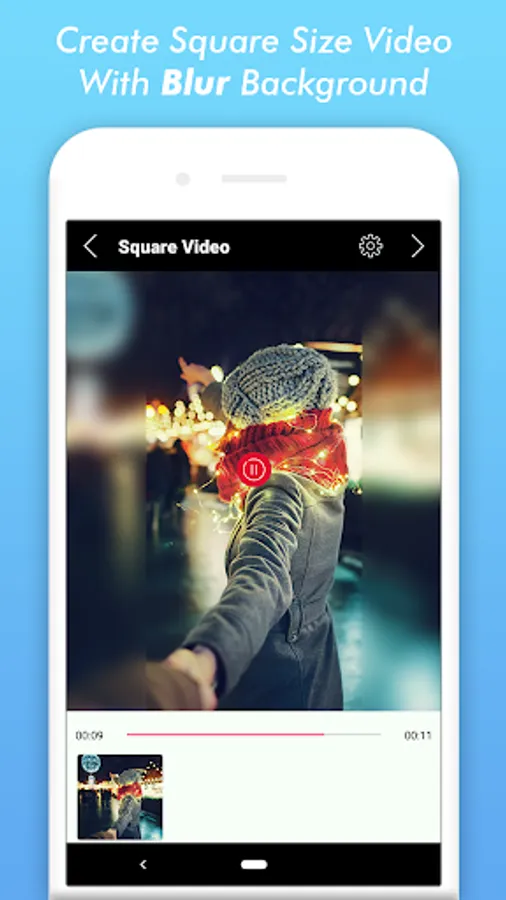
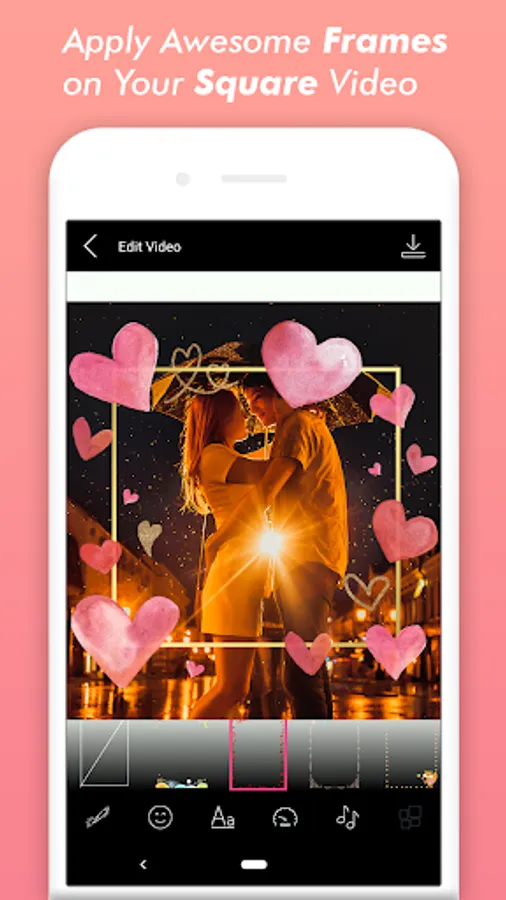
Square Video - Video Editor, is a easy-to-use app to create square size video with blur background, and can also capture video in a square size.
Square Video main features:
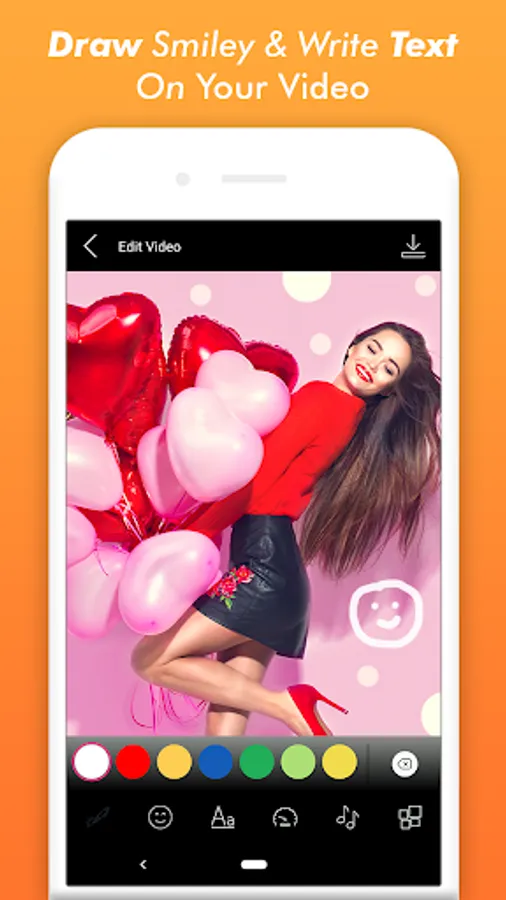
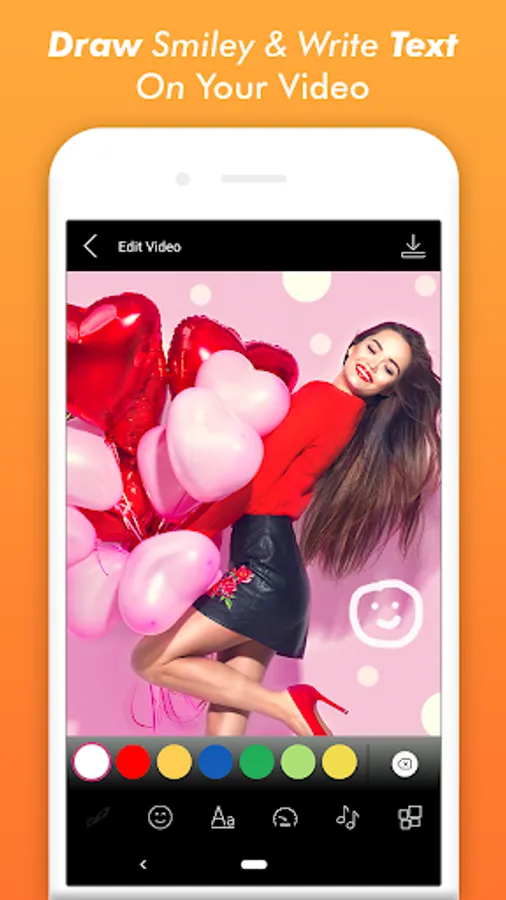
1) Real Time edit the video: You can edit the video and see the effect in real time.
2) Set blur background or color background.
3) Cut the video to the part you like.
4) Flip horizontally, vertically and rotate the video to any orientation.
5) Add music from your device.
6) Cut the music/song to the part you like.
Do you want to create square size videos and that too with blur background, then our square video with video editing option is the best application for you.
Now you can edit the videos in real time and see the effects. And set the blur background so that you can post your videos to Instagram with ease.
Easy to cut the video part from it, add music and do lot of other things.
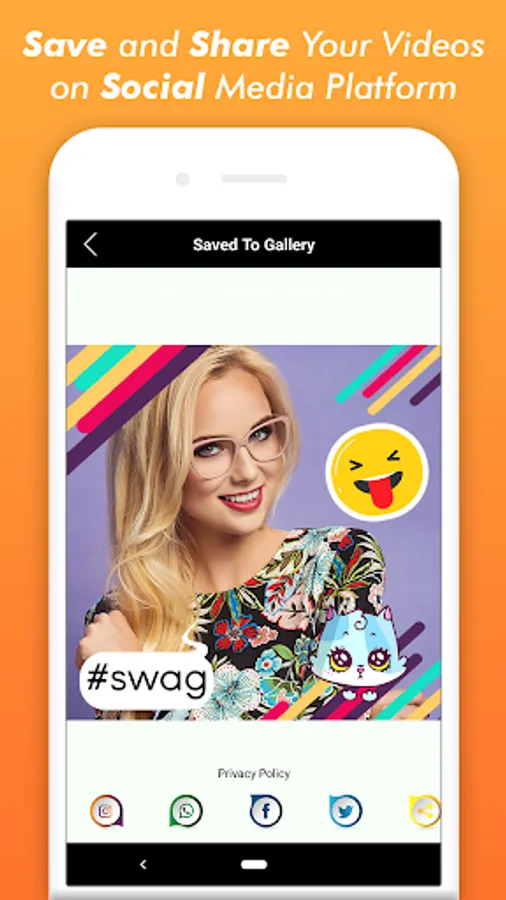
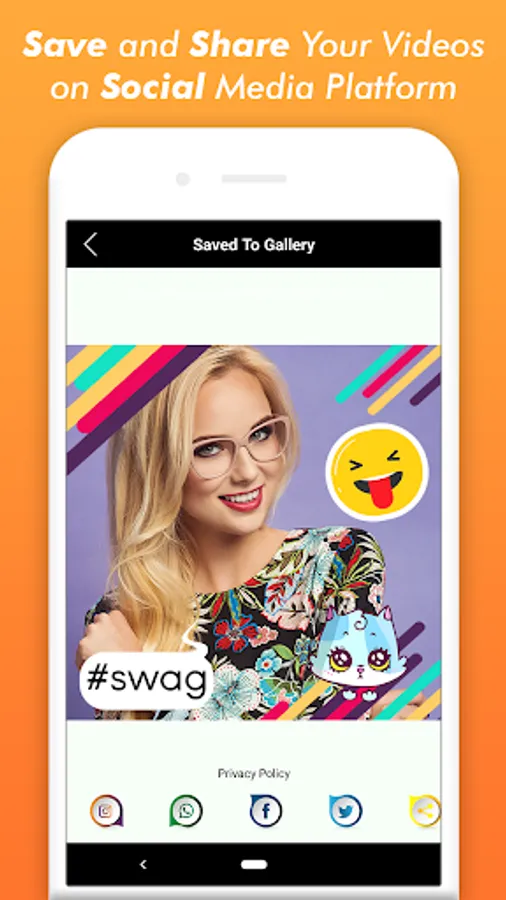
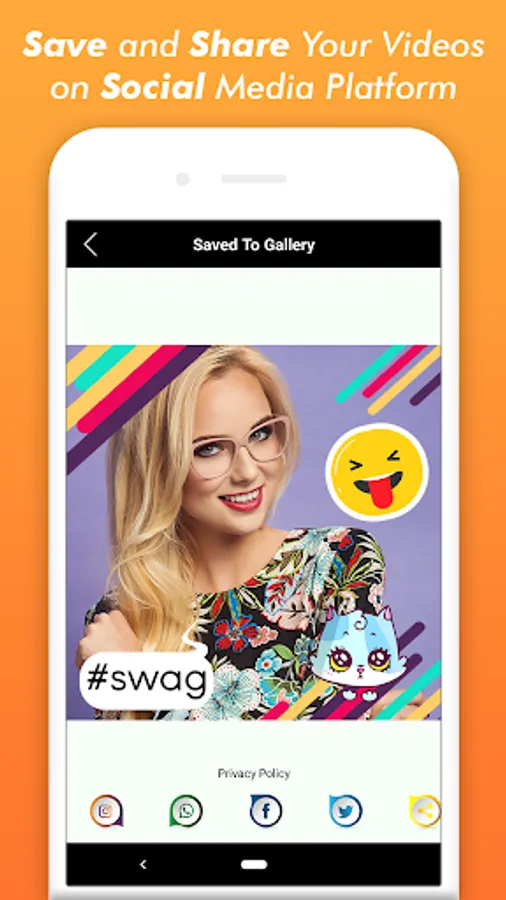
Save and share your videos on Instagram, Whatspp, Facebook and more.
Square Video main features:
1) Real Time edit the video: You can edit the video and see the effect in real time.
2) Set blur background or color background.
3) Cut the video to the part you like.
4) Flip horizontally, vertically and rotate the video to any orientation.
5) Add music from your device.
6) Cut the music/song to the part you like.
Do you want to create square size videos and that too with blur background, then our square video with video editing option is the best application for you.
Now you can edit the videos in real time and see the effects. And set the blur background so that you can post your videos to Instagram with ease.
Easy to cut the video part from it, add music and do lot of other things.
Save and share your videos on Instagram, Whatspp, Facebook and more.