AppRecs review analysis
AppRecs rating 3.3. Trustworthiness 90 out of 100. Review manipulation risk 18 out of 100. Based on a review sample analyzed.
★★★☆☆
3.3
AppRecs Rating
Ratings breakdown
5 star
50%
4 star
0%
3 star
0%
2 star
0%
1 star
50%
What to know
✓
Low review manipulation risk
18% review manipulation risk
✓
Credible reviews
90% trustworthiness score from analyzed reviews
About Route Tracker
The main purpose of this app is to keep a record of a user's daily journeys and to store them for later viewing (as individual routes) on a Google map.
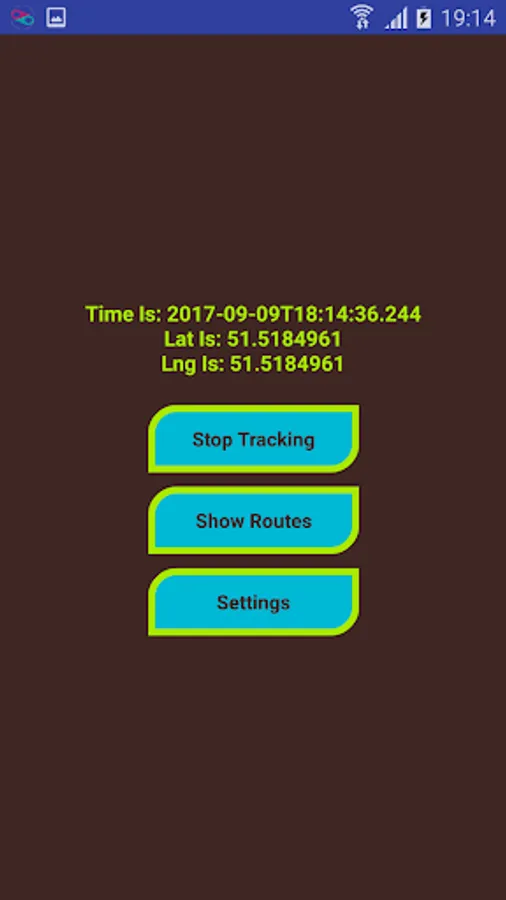
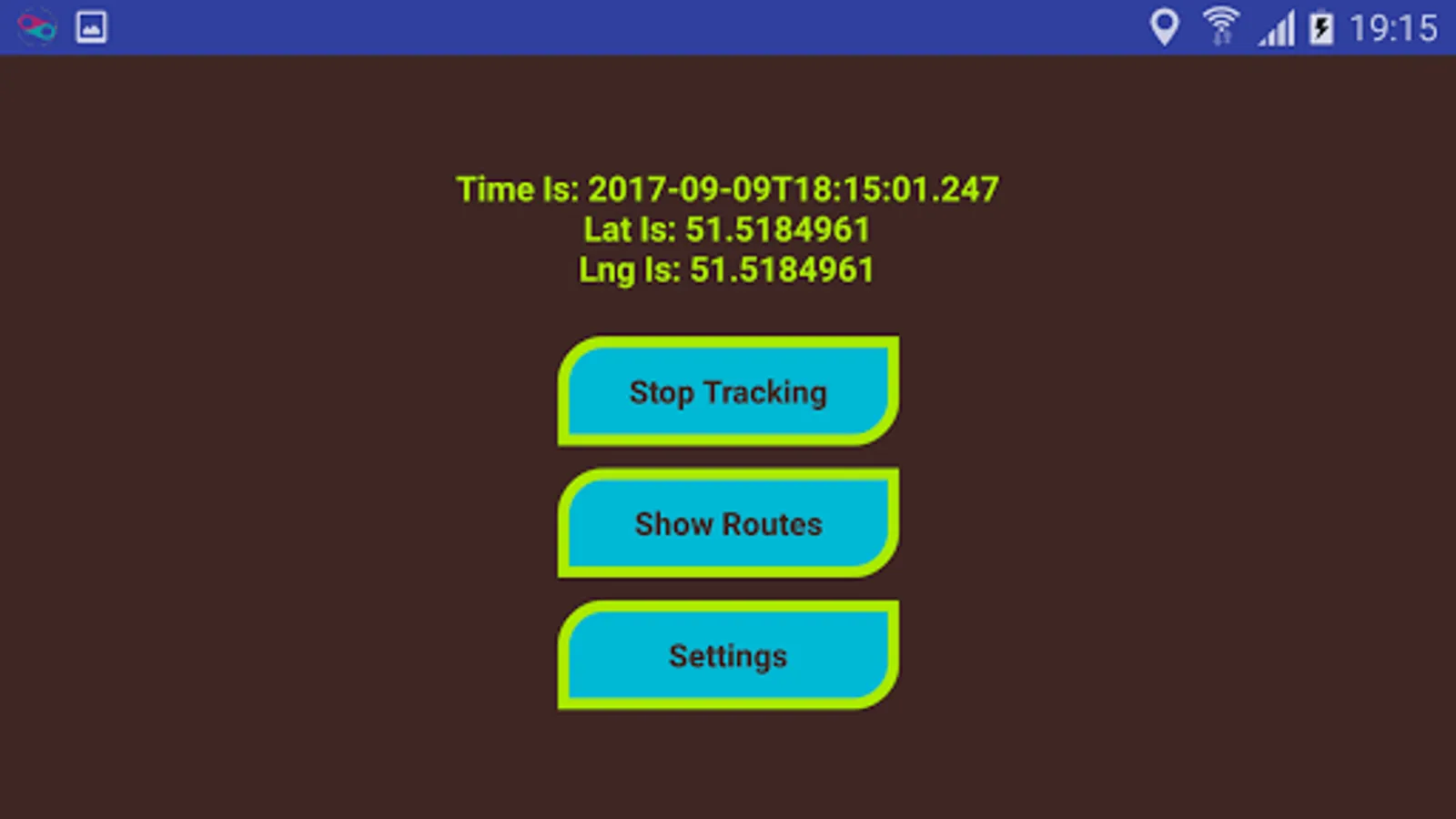
The usage of this app is very simple, just turn on your GPS, tap ‘Start Tracking’ and the app will track your journey, when finished just tap ‘Stop Tracking’. Every time you start tracking a new route will be saved to your device.
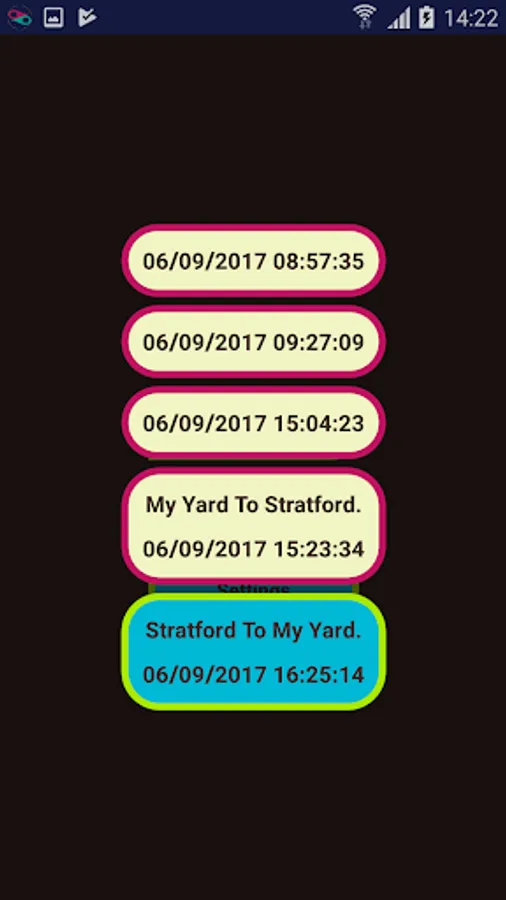
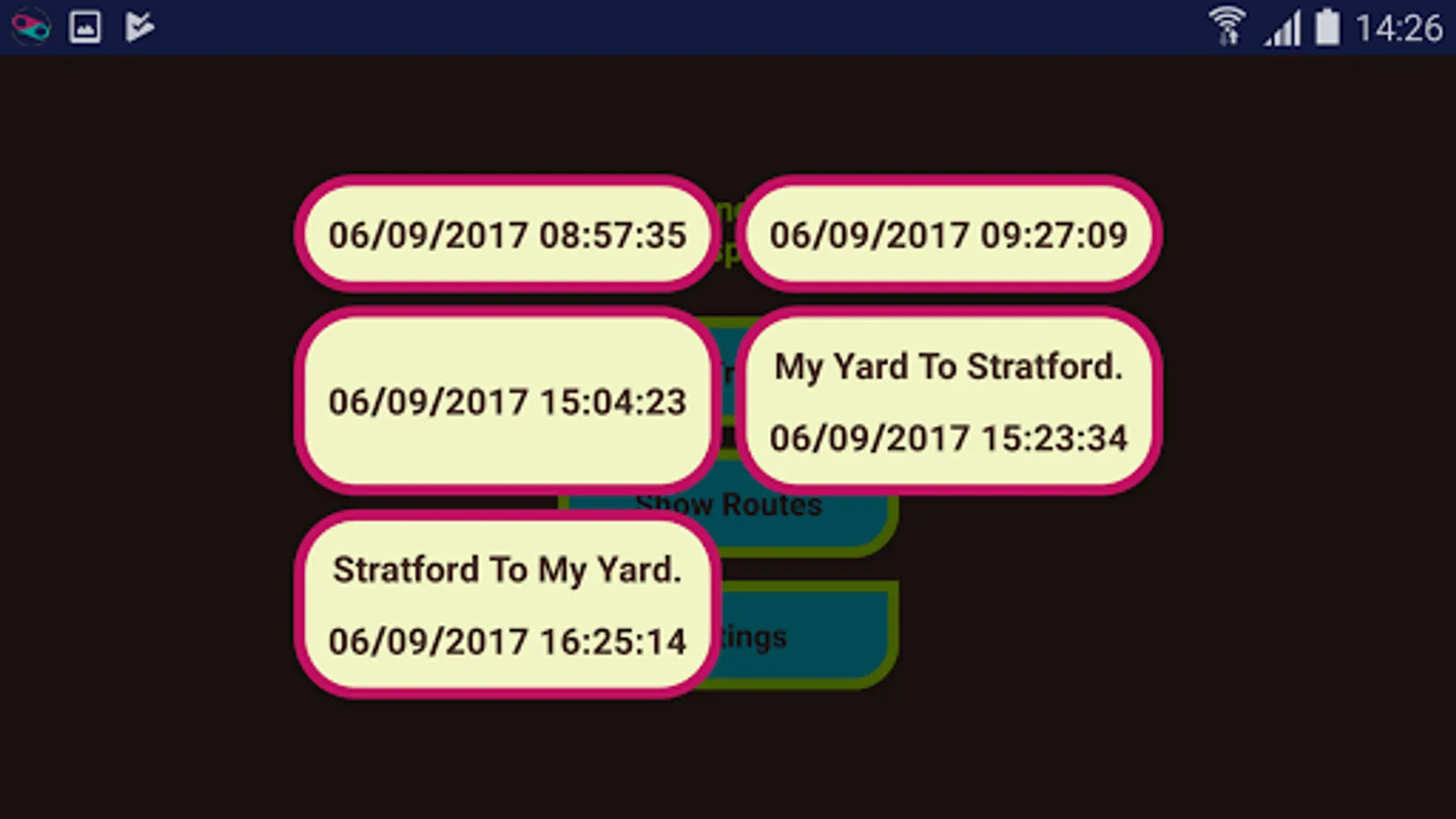
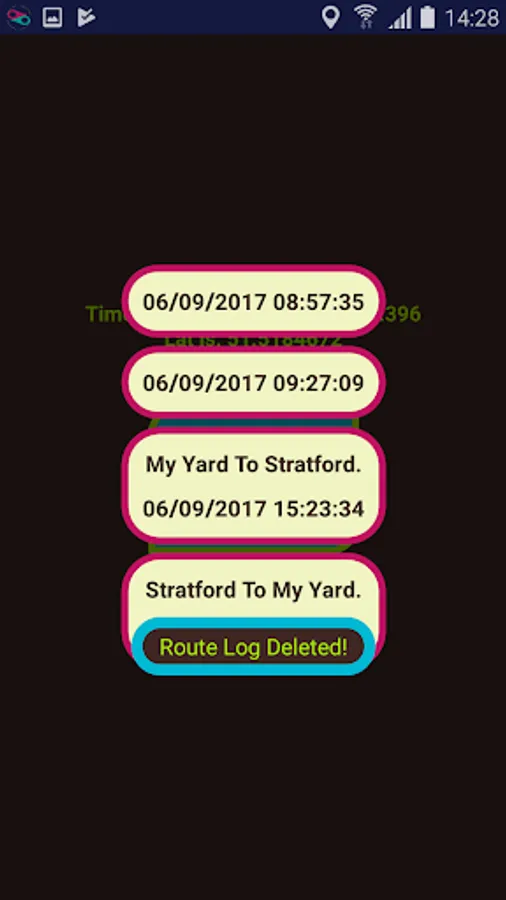
To view your routes tap ‘Show Routes’ and you will be presented with a list of your journeys labelled at the time the journey started. Select a journey and the map will show you your route.
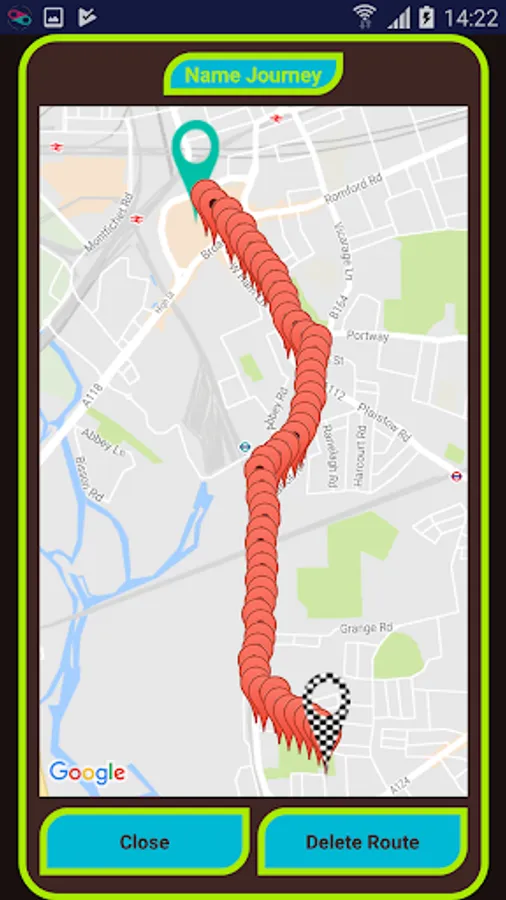
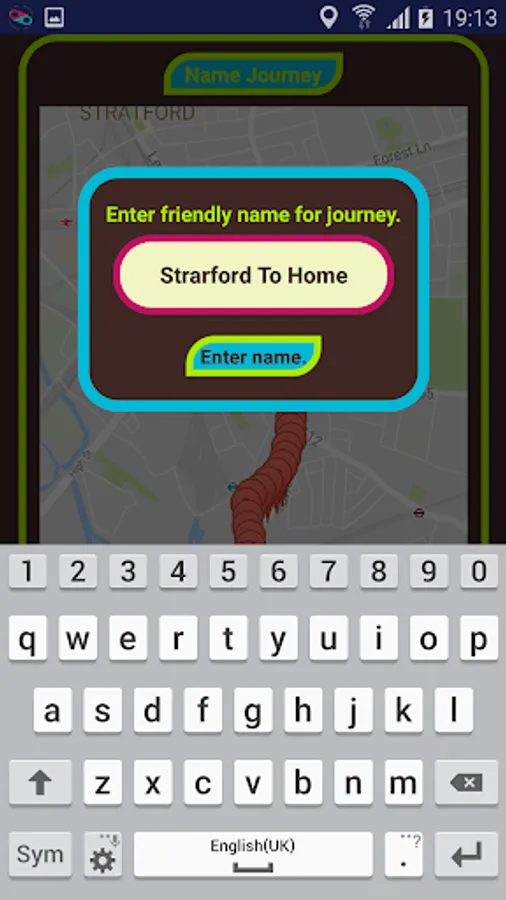
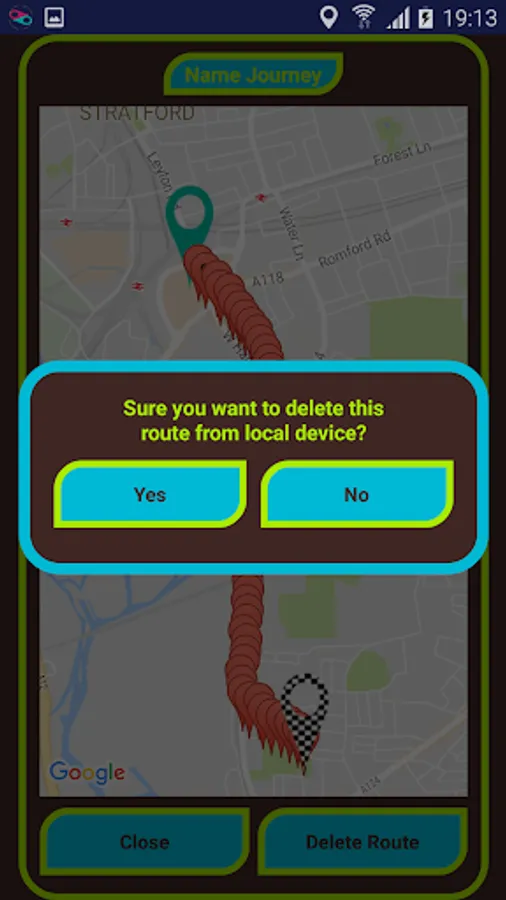
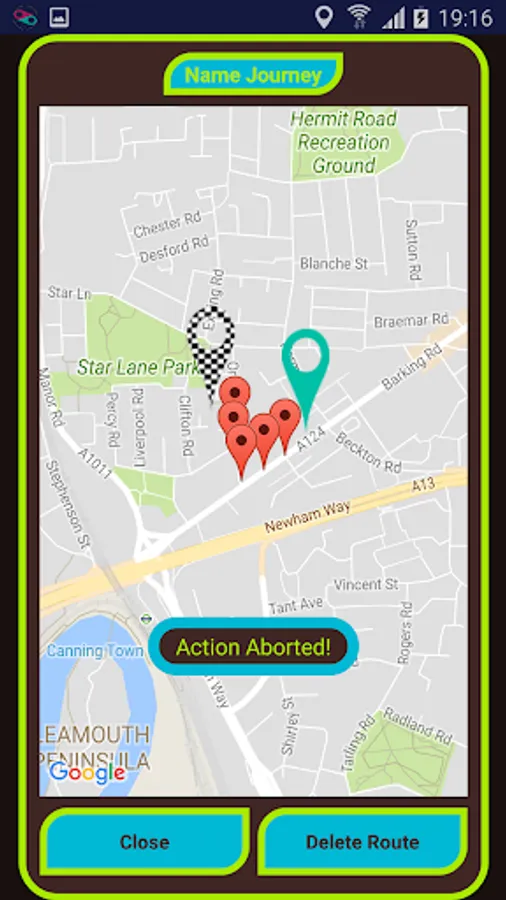
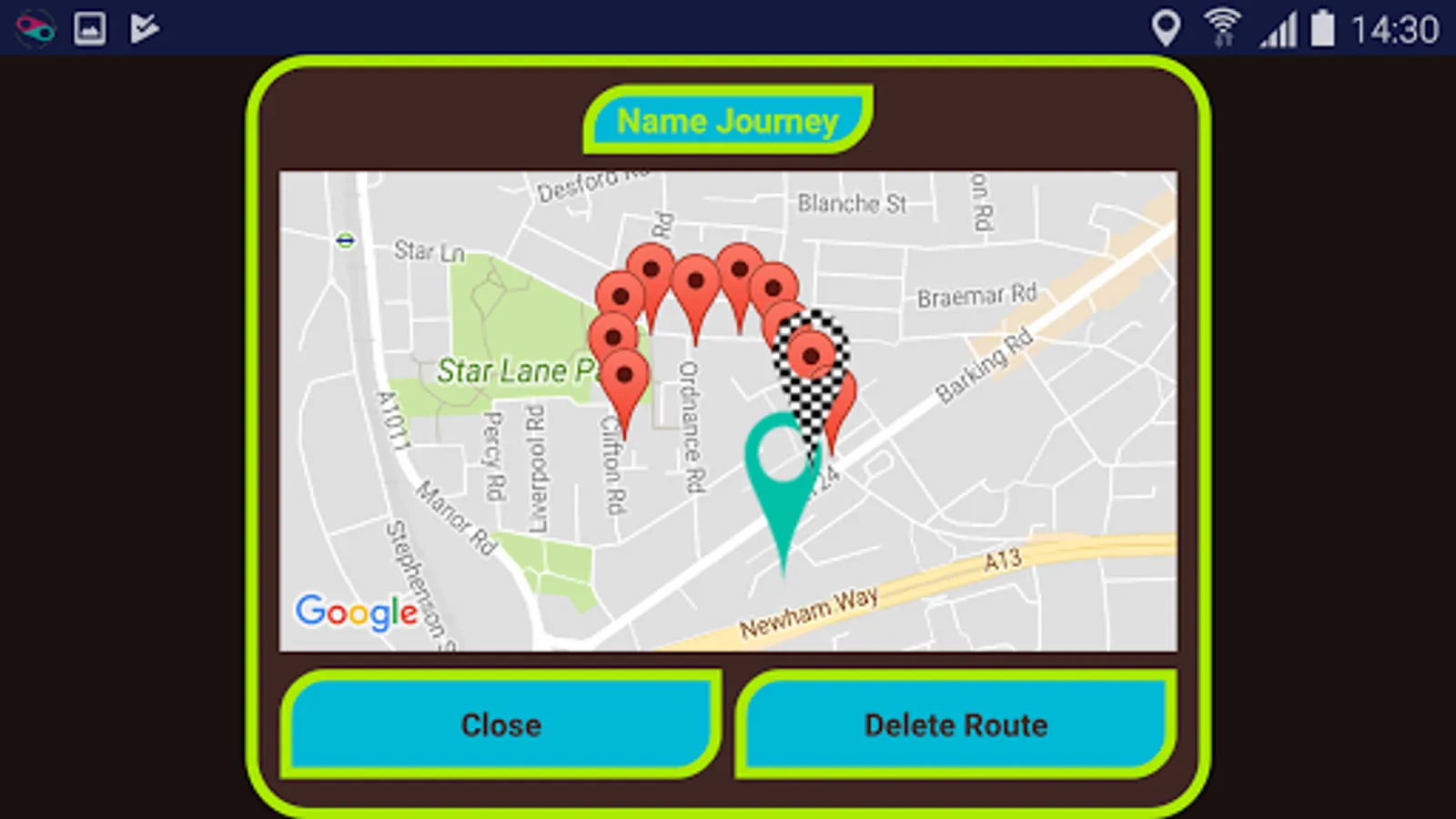
From the route map you can delete the viewed route, give the journey a friendly name or tap a map point to display the time that you where at that point. Additionally you can tap the ‘Show Summary’ button to show a summary of your journey. Summary will show: distance, time and average speed.
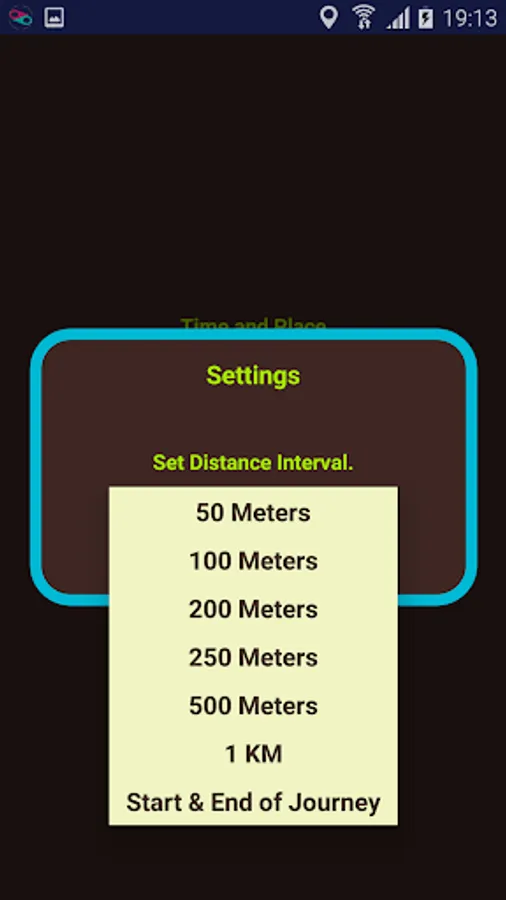
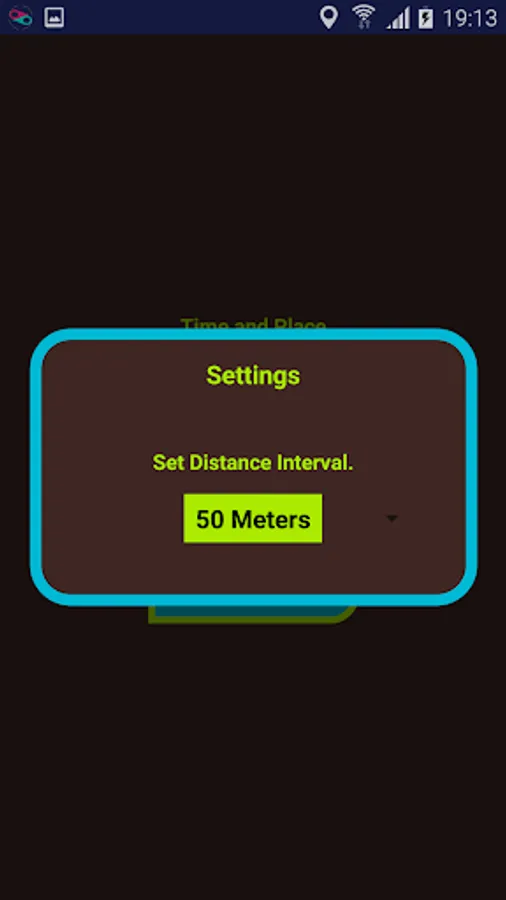
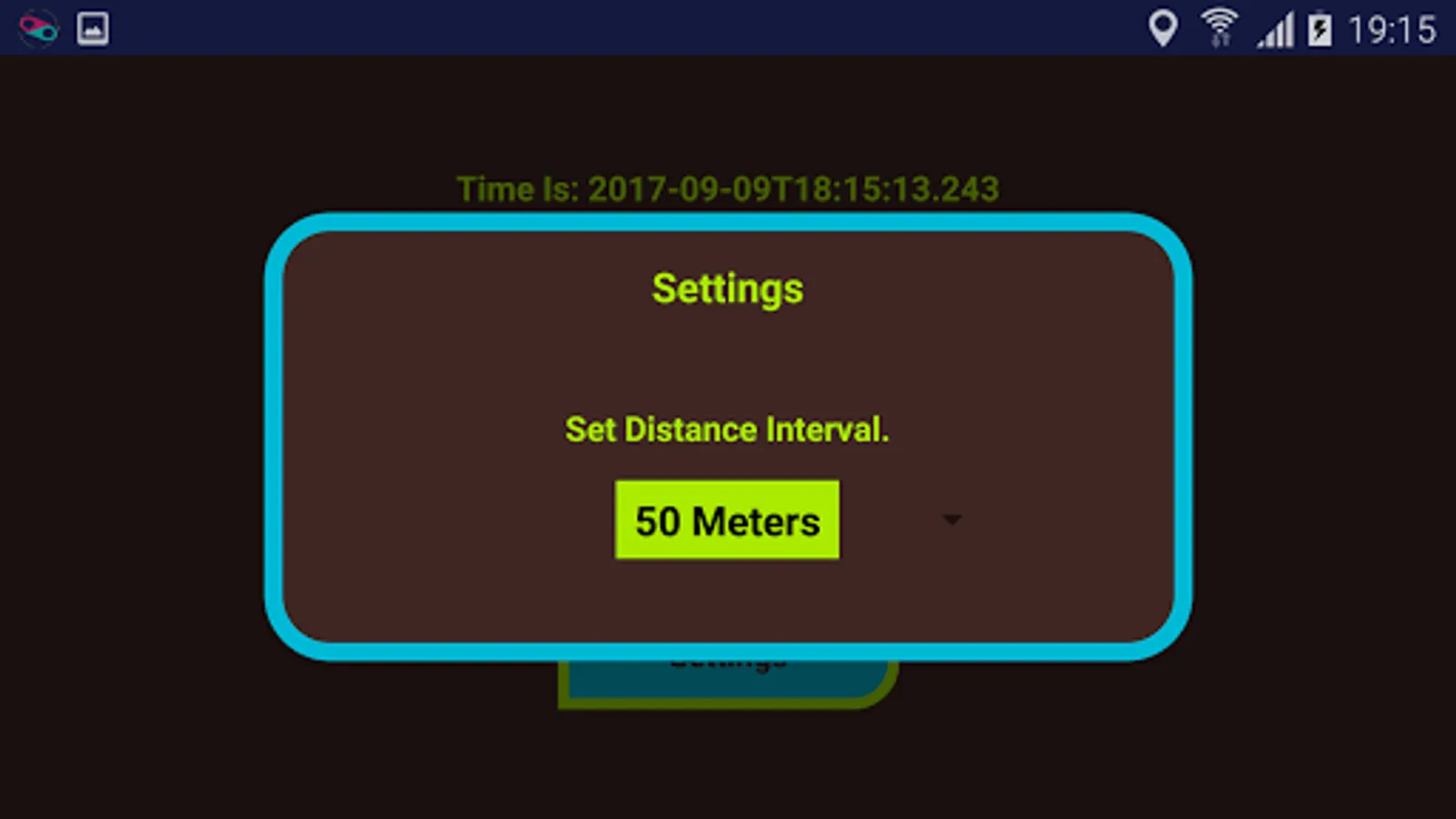
You can also configure the app by tapping ‘Settings’. From the settings menu you can set the distance interval; adjusting the distance between points on the map or you can select the bottom option that plots only the beginning of your journey and the end.
It is possible to view your journey while the journey is being tracked.
The usage of this app is very simple, just turn on your GPS, tap ‘Start Tracking’ and the app will track your journey, when finished just tap ‘Stop Tracking’. Every time you start tracking a new route will be saved to your device.
To view your routes tap ‘Show Routes’ and you will be presented with a list of your journeys labelled at the time the journey started. Select a journey and the map will show you your route.
From the route map you can delete the viewed route, give the journey a friendly name or tap a map point to display the time that you where at that point. Additionally you can tap the ‘Show Summary’ button to show a summary of your journey. Summary will show: distance, time and average speed.
You can also configure the app by tapping ‘Settings’. From the settings menu you can set the distance interval; adjusting the distance between points on the map or you can select the bottom option that plots only the beginning of your journey and the end.
It is possible to view your journey while the journey is being tracked.