
Libre by Abbott
Abbott Diabetes Care Inc.
4.3 ★
16K ratings
100,000+
downloads
Free
In this diabetes management app, you can monitor glucose levels automatically and access insights quickly. Includes automatic updates, trend analysis, and sensor compatibility.
AppRecs review analysis
AppRecs rating 4.2. Trustworthiness 65 out of 100. Review manipulation risk 21 out of 100. Based on a review sample analyzed.
★★★★☆
4.2
AppRecs Rating
Ratings breakdown
5 star
67%
4 star
15%
3 star
6%
2 star
5%
1 star
8%
What to know
✓
Low review manipulation risk
21% review manipulation risk
✓
High user satisfaction
81% of sampled ratings are 4+ stars (4.3★ average)
✓
Authentic reviews
Natural distribution, no red flags
About Libre by Abbott
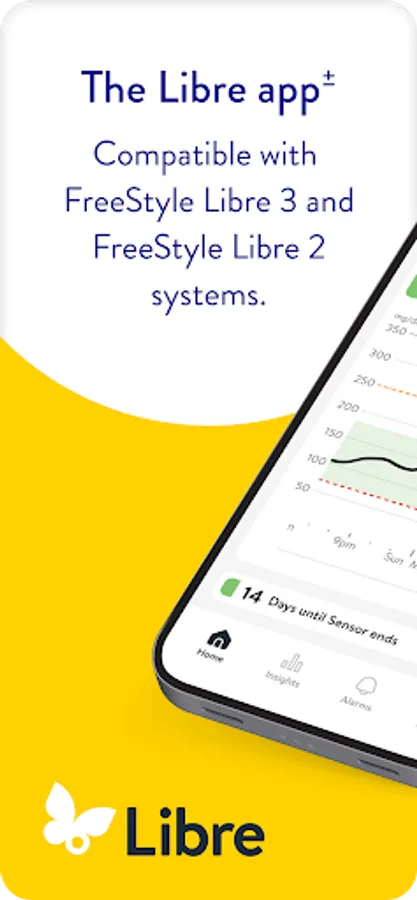
Libre app[±] is a continuous glucose-monitoring (CGM) app that helps people living with diabetes track their glucose.
Compatible with FreeStyle Libre 2 and 3 system sensors.
Why Libre app:
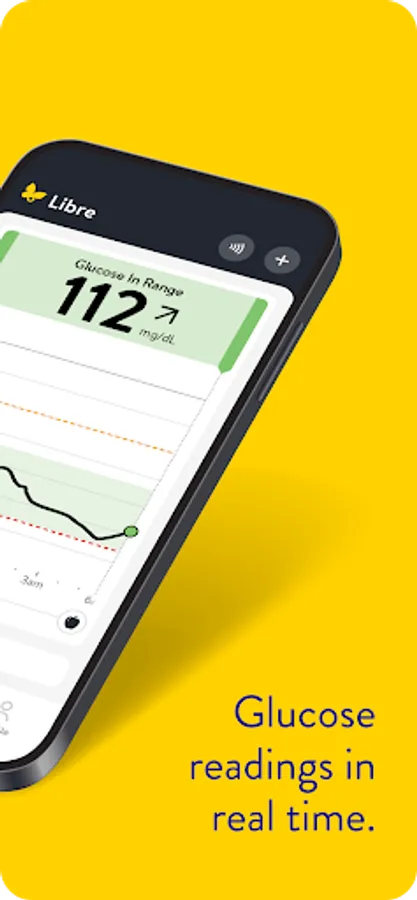
• Readings automatically update on your phone[±] every minute.
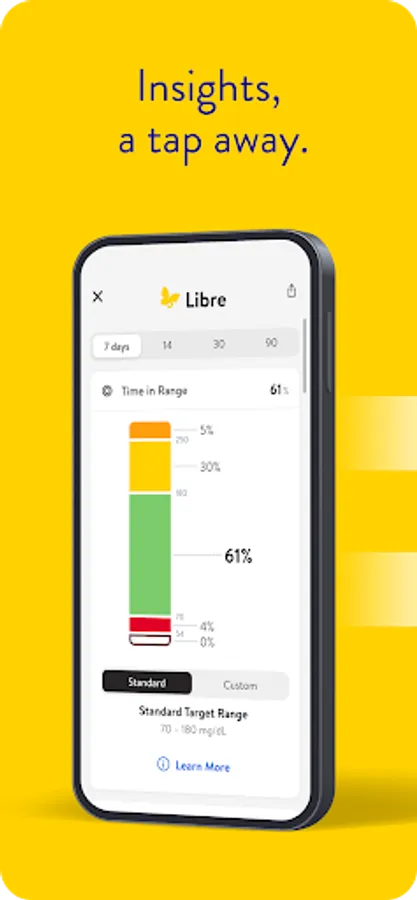
• Insights, a tap away. Designed to easily find readings, trends, and settings.
COMPATIBILITY
Compatibility may vary between operating systems. Learn more about compatible phones and devices at https://www.freestyle.abbott/us-en/support.html.
APP INFORMATION
Libre app[±] is intended for measuring glucose levels in people with diabetes age 4+ when used with FreeStyle Libre 2 and FreeStyle Libre 3 sensors, and for people with diabetes age 2+ when used with FreeStyle Libre 2 Plus and FreeStyle Libre 3 Plus sensors. For more information, refer to the user’s manual, accessible in the app.
Consult a healthcare professional to confirm if this product is right for you or if you have questions about how to use this product to make treatment decisions.
±. For information about device compatibility, see https://www.freestyle.abbott/us-en/support.html
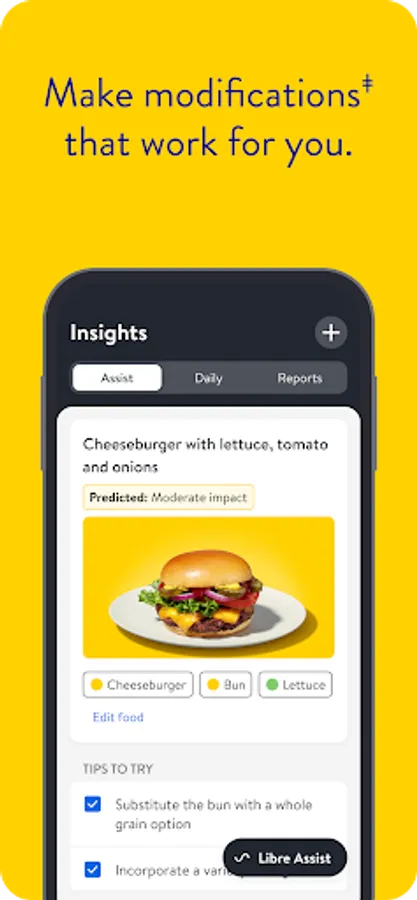
ǂ. Libre Assist is a feature within Libre app that uses generative artificial intelligence to provide information on how foods could impact your glucose levels. Generative artificial intelligence may not always be accurate, and it should not be used to make treatment decisions.
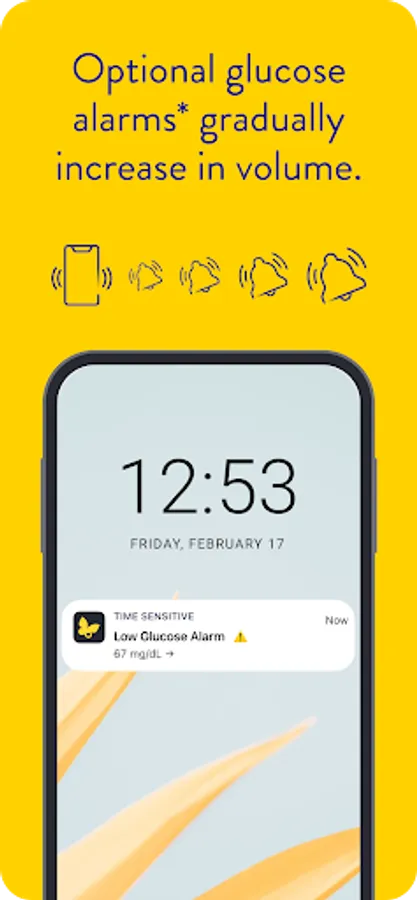
*. Notifications will only be received when alarms settings are enabled and turned on and sensor is within 20 feet (FreeStyle Libre 2 system) 33 feet (FreeStyle Libre 3 system) unobstructed of the reading device.
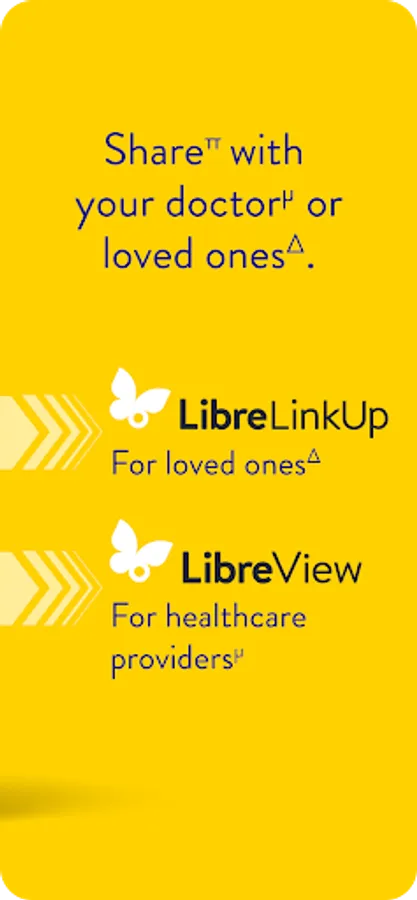
π. The user’s device must have internet connectivity for glucose data to automatically upload to LibreView and to transfer to connected LibreLinkUp app users.
µ. LibreView data management software is intended for use by both patients and healthcare professionals to assist people with diabetes and their healthcare professionals in the review, analysis, and evaluation of historical glucose meter data to support effective diabetes management. LibreView software is not intended to provide treatment decisions or to be used as a substitute for professional healthcare advice.
Δ. LibreLinkUp app is only compatible with certain mobile devices and operating systems. Check the Support section of www.librelinkup.com for more information about device compatibility before using the app. Use of the LibreLinkUp app requires registration with LibreView.
Product for prescription only, for Important Safety Information please visit FreeStyleLibre.us
The sensor housing, FreeStyle, Libre, and related brand marks are marks of Abbott. Other trademarks are the property of their respective owners.
For additional legal notices, terms of use, product labeling, and interactive tutorial, go to: http://www.FreeStyleLibre.com.
If you’re experiencing any issues, contact Customer Service directly.
Compatible with FreeStyle Libre 2 and 3 system sensors.
Why Libre app:
• Readings automatically update on your phone[±] every minute.
• Insights, a tap away. Designed to easily find readings, trends, and settings.
COMPATIBILITY
Compatibility may vary between operating systems. Learn more about compatible phones and devices at https://www.freestyle.abbott/us-en/support.html.
APP INFORMATION
Libre app[±] is intended for measuring glucose levels in people with diabetes age 4+ when used with FreeStyle Libre 2 and FreeStyle Libre 3 sensors, and for people with diabetes age 2+ when used with FreeStyle Libre 2 Plus and FreeStyle Libre 3 Plus sensors. For more information, refer to the user’s manual, accessible in the app.
Consult a healthcare professional to confirm if this product is right for you or if you have questions about how to use this product to make treatment decisions.
±. For information about device compatibility, see https://www.freestyle.abbott/us-en/support.html
ǂ. Libre Assist is a feature within Libre app that uses generative artificial intelligence to provide information on how foods could impact your glucose levels. Generative artificial intelligence may not always be accurate, and it should not be used to make treatment decisions.
*. Notifications will only be received when alarms settings are enabled and turned on and sensor is within 20 feet (FreeStyle Libre 2 system) 33 feet (FreeStyle Libre 3 system) unobstructed of the reading device.
π. The user’s device must have internet connectivity for glucose data to automatically upload to LibreView and to transfer to connected LibreLinkUp app users.
µ. LibreView data management software is intended for use by both patients and healthcare professionals to assist people with diabetes and their healthcare professionals in the review, analysis, and evaluation of historical glucose meter data to support effective diabetes management. LibreView software is not intended to provide treatment decisions or to be used as a substitute for professional healthcare advice.
Δ. LibreLinkUp app is only compatible with certain mobile devices and operating systems. Check the Support section of www.librelinkup.com for more information about device compatibility before using the app. Use of the LibreLinkUp app requires registration with LibreView.
Product for prescription only, for Important Safety Information please visit FreeStyleLibre.us
The sensor housing, FreeStyle, Libre, and related brand marks are marks of Abbott. Other trademarks are the property of their respective owners.
For additional legal notices, terms of use, product labeling, and interactive tutorial, go to: http://www.FreeStyleLibre.com.
If you’re experiencing any issues, contact Customer Service directly.
Libre by Abbott Screenshots
Tap to Rate:
Reviews for Libre by Abbott
Lori Whisman
2/22/2026
used it for 2 days and it lost signal and won't pick it back up and now im without a sensor
Edio Garzes
2/22/2026
this app is slower than my first app when reporting injections and carbs