Acer eDisplay Pro
Winner Wave Co.,Ltd.
Free
rated 3.6 stars
50,000+
downloads
About Acer eDisplay Pro
There're some new advanced features like host control, preferred device, 4 split screens display and others,
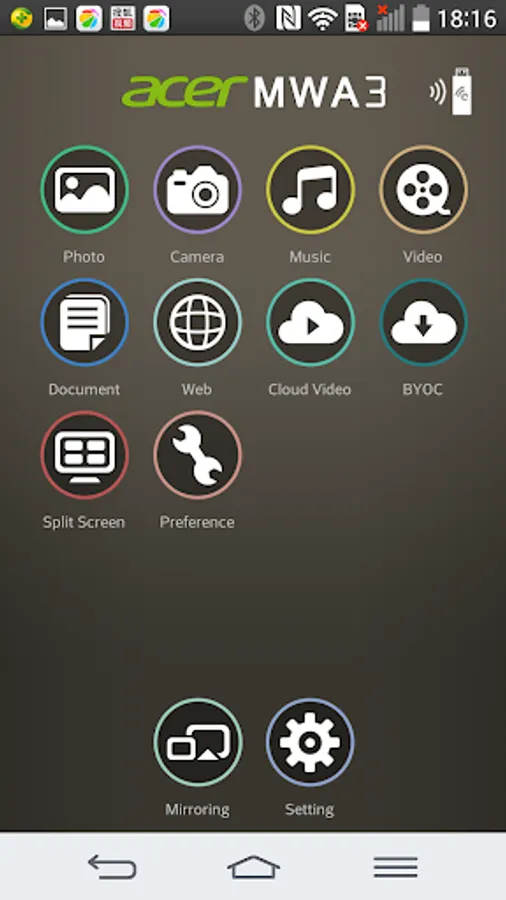
and it also keeps most popular functions like Multimedia streaming, On-line video, Document viewer and Live camera...etc.
New features for SW:
1. Split Screen: Allow 4 different devices to connect and display content on Acer projectors.
2. Host Control: Add Host role to control split screen
3. Preferred device: Remember the current device and WiFi environment as a favorite one to save the connection method
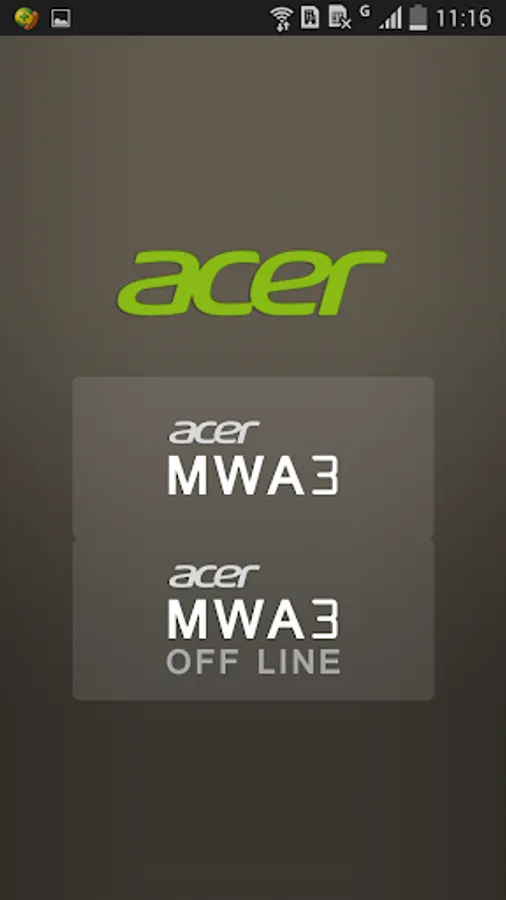
4. Off-line mode: Allow you to enter app and use some features without connect to wireless adapters
5. Conference control: Administrator mode to control all connections via Web browser
6. Client mode discovery: Can discover Acer projector and control under subnet instead of only peer to peer WiFi connection
Requirements:
OS:Android 4.4 above
Device Hardware: 1GHz CPU and 1GB+ DDR are prefered
Supports:
Local photo display, Local Music/Video Streaming
Web browsing and Internet Video Streaming
Office document presentation
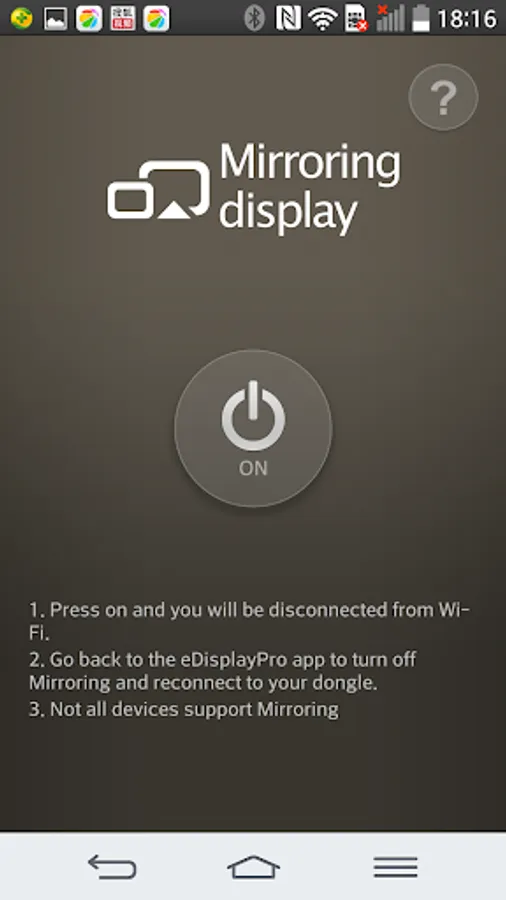
Mirroring Display
For further information and user's guide, please refer to Acer official site: www.acer.com
and it also keeps most popular functions like Multimedia streaming, On-line video, Document viewer and Live camera...etc.
New features for SW:
1. Split Screen: Allow 4 different devices to connect and display content on Acer projectors.
2. Host Control: Add Host role to control split screen
3. Preferred device: Remember the current device and WiFi environment as a favorite one to save the connection method
4. Off-line mode: Allow you to enter app and use some features without connect to wireless adapters
5. Conference control: Administrator mode to control all connections via Web browser
6. Client mode discovery: Can discover Acer projector and control under subnet instead of only peer to peer WiFi connection
Requirements:
OS:Android 4.4 above
Device Hardware: 1GHz CPU and 1GB+ DDR are prefered
Supports:
Local photo display, Local Music/Video Streaming
Web browsing and Internet Video Streaming
Office document presentation
Mirroring Display
For further information and user's guide, please refer to Acer official site: www.acer.com
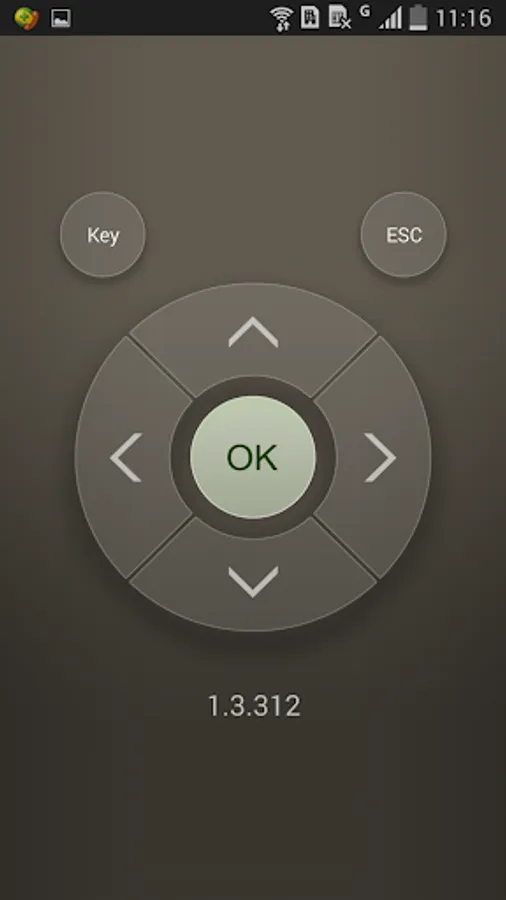
Acer eDisplay Pro Screenshots
Tap to Rate: