JPG to PDF Converter
Weeny Software
4.1 ★
19K ratings
10,000,000+
downloads
Free
With this app, you can select JPG files, specify PDF settings, and convert images to a single PDF file offline. Includes fast processing, multi-threaded conversion, and options for preset or custom page sizes.
AppRecs review analysis
AppRecs rating 4.1. Trustworthiness 74 out of 100. Review manipulation risk 36 out of 100. Based on a review sample analyzed.
★★★★☆
4.1
AppRecs Rating
Ratings breakdown
5 star
65%
4 star
10%
3 star
8%
2 star
3%
1 star
15%
What to know
✓
Credible reviews
74% trustworthiness score from analyzed reviews
✓
High user satisfaction
75% of sampled ratings are 4+ stars (4.1★ average)
✓
Authentic reviews
Natural distribution, no red flags
About JPG to PDF Converter
JPG to PDF Converter is an easy-to-use app to convert multiple JPG files to one PDF file offline.
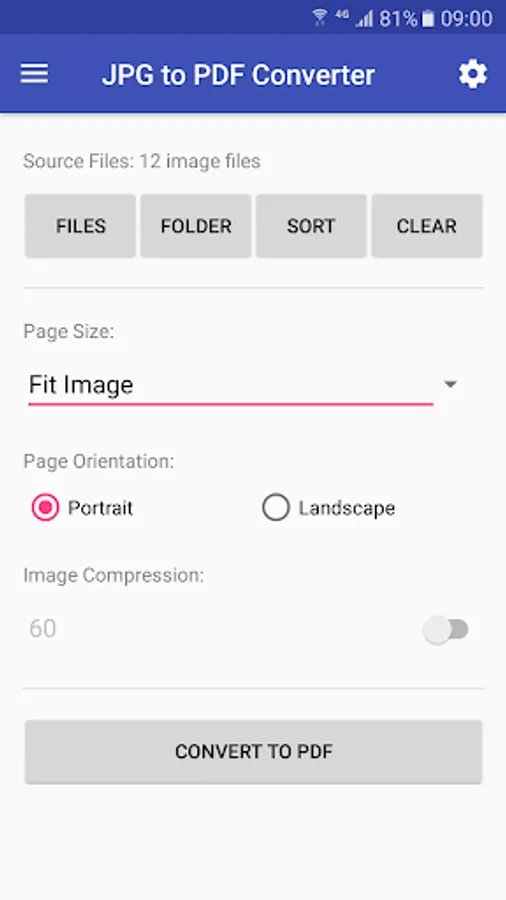
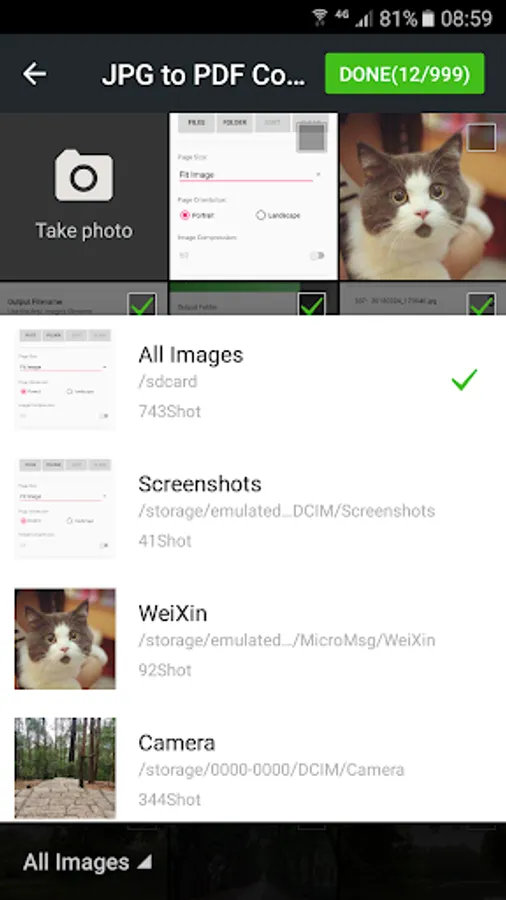
First, you choose any JPG files on your Android phone, select a preset PDF page size or enter page width and height, set PDF page orientation, then tap the "Convert to PDF" button to start conversion. JPG to PDF Converter uses multithreading to improve conversion speed. It only takes a few seconds to convert hundreds of image files.
Additionally, we provide free online conversion services to convert JPG to PDF or convert PDF back to JPG.
First, you choose any JPG files on your Android phone, select a preset PDF page size or enter page width and height, set PDF page orientation, then tap the "Convert to PDF" button to start conversion. JPG to PDF Converter uses multithreading to improve conversion speed. It only takes a few seconds to convert hundreds of image files.
Additionally, we provide free online conversion services to convert JPG to PDF or convert PDF back to JPG.
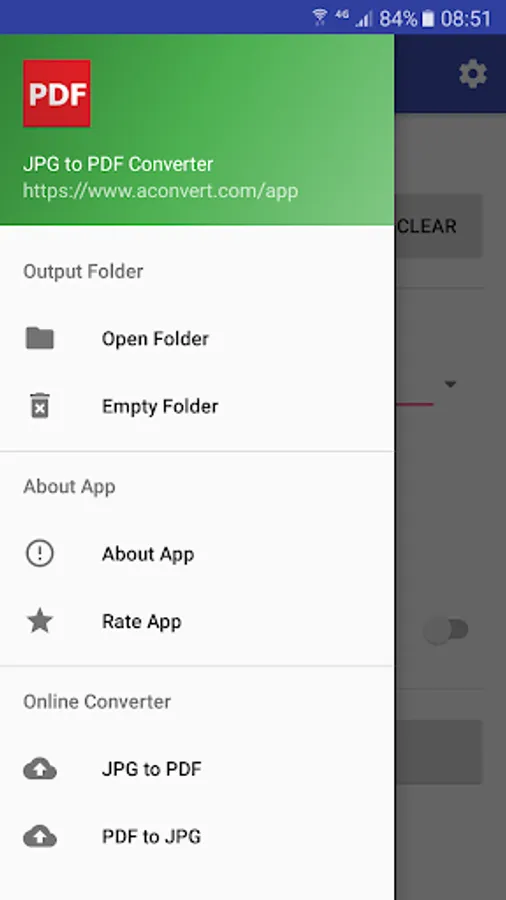
JPG to PDF Converter Screenshots
Tap to Rate:
Reviews for JPG to PDF Converter
Dollz Fragrance
12/23/2025
Really Good Still Now...Thanks Dear...🙂🙂🙂 Thank You Team
Bobby Ross
12/18/2025
Worked great for me.