New PDF Reader 2024
Android Candy
4.1 ★
867 ratings
100,000+
downloads
Free
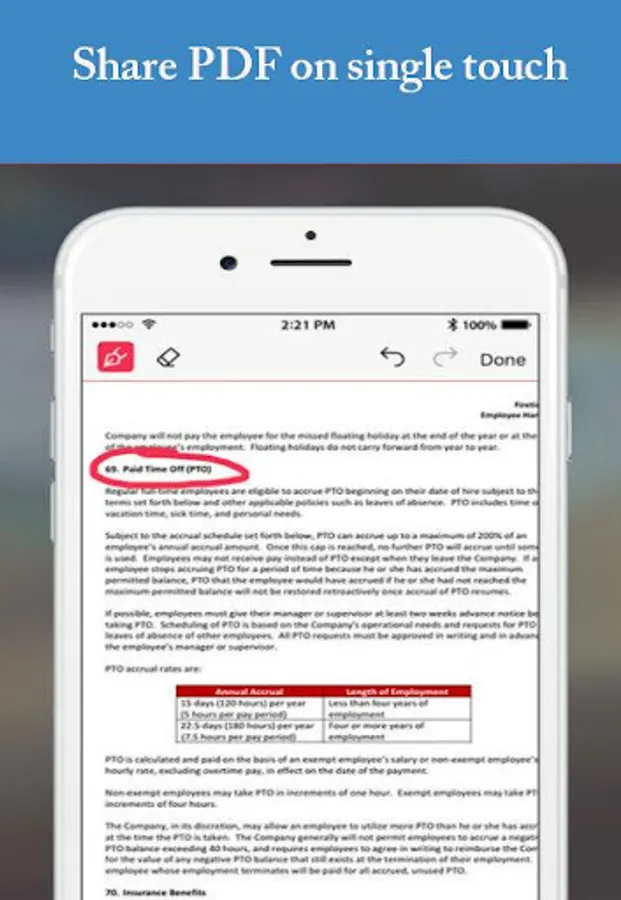
In this PDF reader app, you can view, annotate, and protect PDF files on your Android device. Includes features for handling large documents, zooming, and supporting common file types.
AppRecs review analysis
AppRecs rating 4.1. Trustworthiness 42 out of 100. Review manipulation risk 47 out of 100. Based on a review sample analyzed.
★★★★☆
4.1
AppRecs Rating
Ratings breakdown
5 star
63%
4 star
12%
3 star
8%
2 star
8%
1 star
8%
What to know
✓
Authentic reviews
Natural distribution, no red flags
⚠
Questionable review patterns
47% review manipulation risk - some review patterns appear unusual
⚠
Review quality concerns
86% of sampled 5-star reviews are very short
About New PDF Reader 2024
Want a free PDF viewer for your android devices? Try New PDF Reader. This is an easy-to-use PDF Reader and PDF Editor which allows you to view, annotate, and protect PDF files on your android. Unlike other PDF readers, the amazing app provides unique, powerful yet free Image viewer, a breakthrough technology that brings new levels of accountability, collaboration, and productivity to the sharing and tracking of PDF documents at one place!
★ Features
• PDF
Files' PDF reader handles large documents with ease, including vertical and horizontal page layouts.
- Double-tap to zoom into text regions or images.
- Files will even remember the last viewed page and zoom level.
• DOCUMENTS
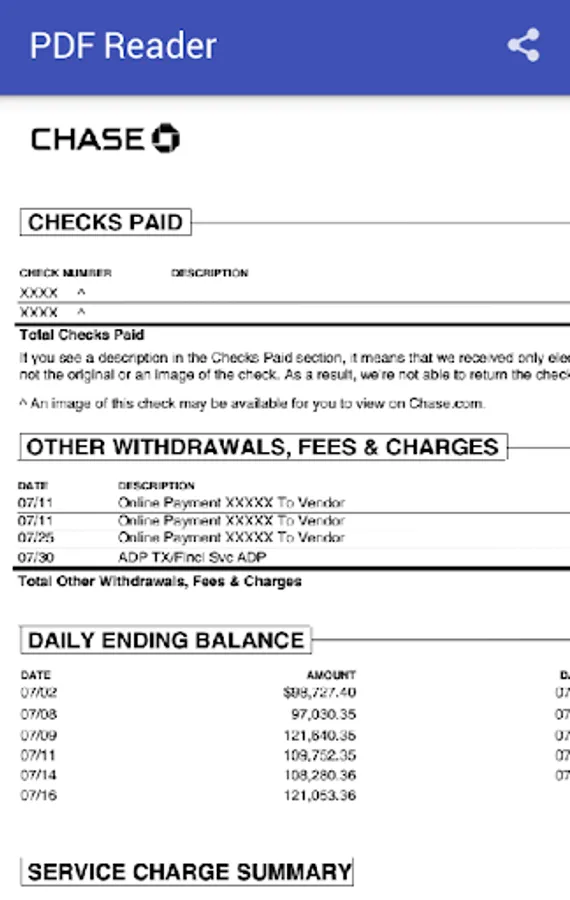
- View most common file types, including Microsoft Office documents, PDF documents, image etc.
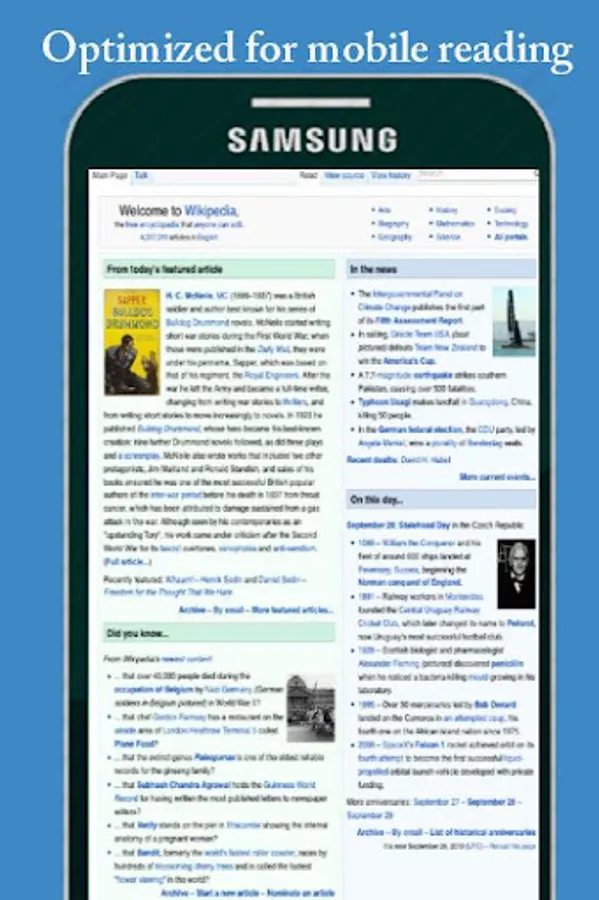
- Documents and images are all displayed fullscreen, in portrait or landscape mode. Zoom and pan via the standard pinch and swipe gestures.
• Many more features coming soon…
We value your feedback. Please contact us directly at our Email Id or leave your reviews. We are committed to serving our customers.
★ Features
Files' PDF reader handles large documents with ease, including vertical and horizontal page layouts.
- Double-tap to zoom into text regions or images.
- Files will even remember the last viewed page and zoom level.
• DOCUMENTS
- View most common file types, including Microsoft Office documents, PDF documents, image etc.
- Documents and images are all displayed fullscreen, in portrait or landscape mode. Zoom and pan via the standard pinch and swipe gestures.
• Many more features coming soon…
We value your feedback. Please contact us directly at our Email Id or leave your reviews. We are committed to serving our customers.
New PDF Reader 2024 Screenshots
Tap to Rate:
Reviews for New PDF Reader 2024
firstdiamond7
2/26/2025
Good
Emmanual Petersen
7/23/2020
The best one so fsr