In this file management app, you can open, extract, and organize zip and archive files on your device. Includes features for creating zip files, adding passwords, and managing extracted contents.
AppRecs review analysis
AppRecs rating 3.3. Trustworthiness 78 out of 100. Review manipulation risk 28 out of 100. Based on a review sample analyzed.
★★★☆☆
3.3
AppRecs Rating
Ratings breakdown
5 star
50%
4 star
17%
3 star
0%
2 star
0%
1 star
33%
What to know
✓
Low review manipulation risk
28% review manipulation risk
⚠
Ad complaints
Many low ratings mention excessive ads
⚠
High negative review ratio
33% of sampled ratings are 1–2 stars
About Extract Zip File
Easily open and extract your zip files and archives and store them inside the phone.
Extract RAR / ZIP File lets you open zip file attachments from your emails, browsers downloads or other applications that offer a share/’open in' feature.
Extracted files will be automatically extracted and stored in the separate folder in your phone.
Share extracted files via email, Twitter, Facebook - Pass them through to other applications that support the file format (e.g. for editing) or printed. (Functionality is depending on your device configuration).
Features of zip file extractor:
1. Create zip from files and folder
2. Attach password with zip file
3. choose multiple files and folder to create zip file
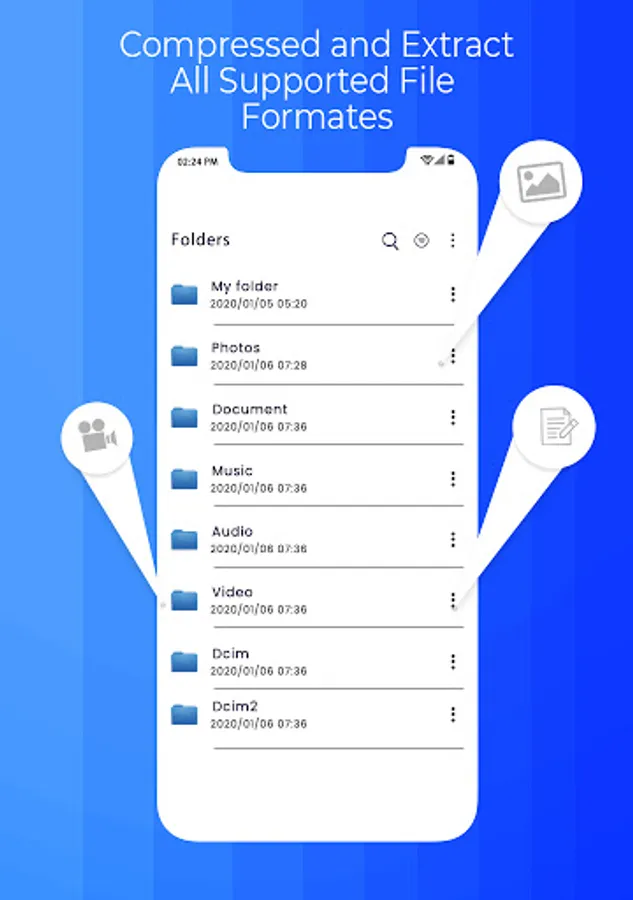
4. Show all unzip files in separate screen
How To Use:
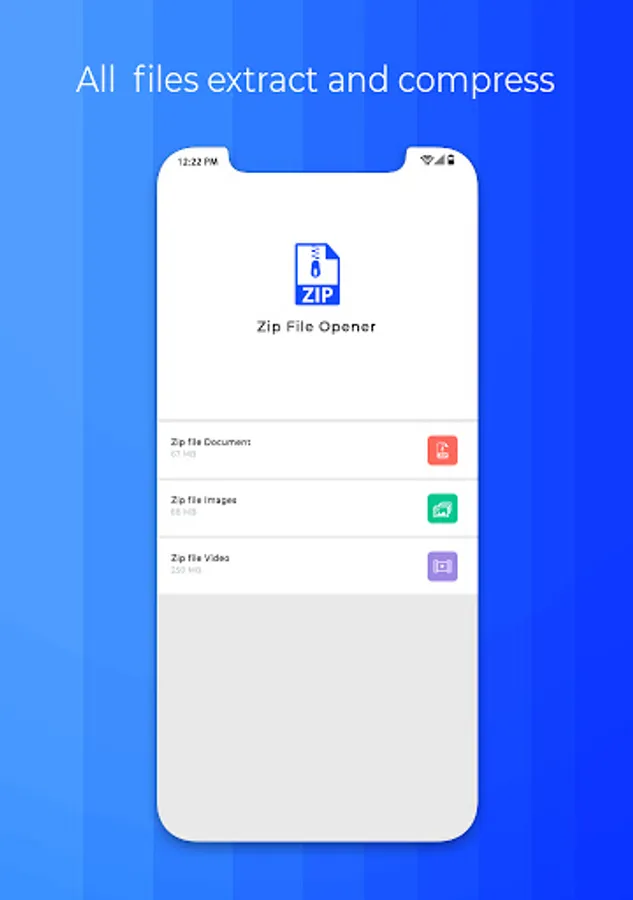
- Open zip files
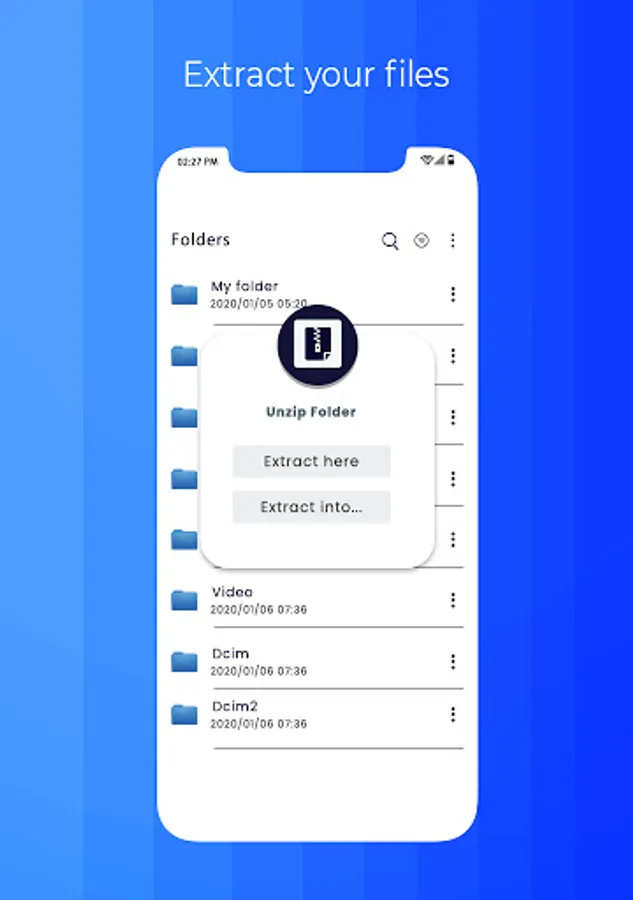
- Long press to see zip extractor operations
- Either extract separate or into a folder
With its simple interfaces, Extract ZIP File provides the easiest way to manage ZIP files on android devices.
Please express your feelings by evaluating our app to unzip files on android 5 *
Extract RAR / ZIP File lets you open zip file attachments from your emails, browsers downloads or other applications that offer a share/’open in' feature.
Extracted files will be automatically extracted and stored in the separate folder in your phone.
Share extracted files via email, Twitter, Facebook - Pass them through to other applications that support the file format (e.g. for editing) or printed. (Functionality is depending on your device configuration).
Features of zip file extractor:
1. Create zip from files and folder
2. Attach password with zip file
3. choose multiple files and folder to create zip file
4. Show all unzip files in separate screen
How To Use:
- Open zip files
- Long press to see zip extractor operations
- Either extract separate or into a folder
With its simple interfaces, Extract ZIP File provides the easiest way to manage ZIP files on android devices.
Please express your feelings by evaluating our app to unzip files on android 5 *
Extract Zip File Screenshots
Tap to Rate:
Reviews for Extract Zip File
KJPP KAMPIANUS & REKAN
4/15/2025
great
MIKE JAMIE
6/21/2024
Didn't work..