Full Screen Gestures
NorthRiver
3.9 ★
19K ratings
1,000,000+
downloads
Free
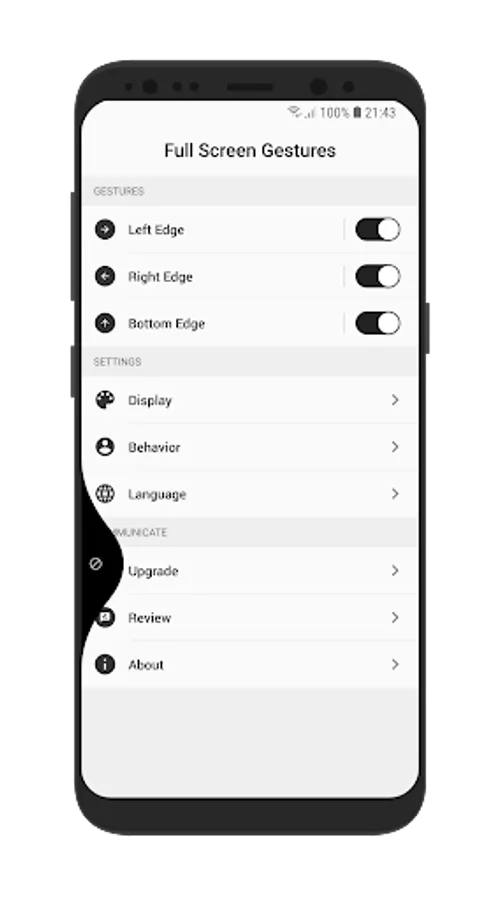
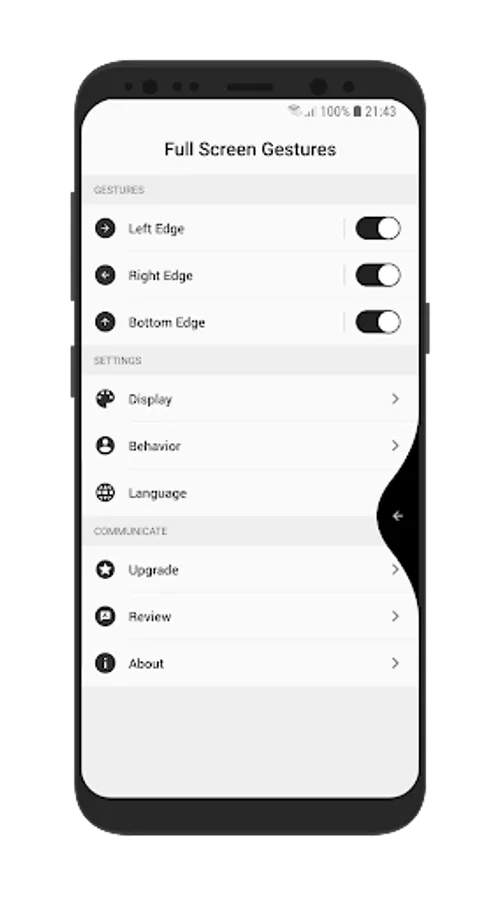
In this gesture control app, you can activate various device actions by swiping the edges of your screen. Includes customizable gesture settings and accessibility permissions.
AppRecs review analysis
AppRecs rating 4.0. Trustworthiness 70 out of 100. Review manipulation risk 36 out of 100. Based on a review sample analyzed.
★★★★☆
4.0
AppRecs Rating
Ratings breakdown
5 star
61%
4 star
10%
3 star
3%
2 star
5%
1 star
21%
What to know
✓
Credible reviews
70% trustworthiness score from analyzed reviews
✓
Good user ratings
71% positive sampled reviews
✓
Authentic reviews
Natural distribution, no red flags
About Full Screen Gestures
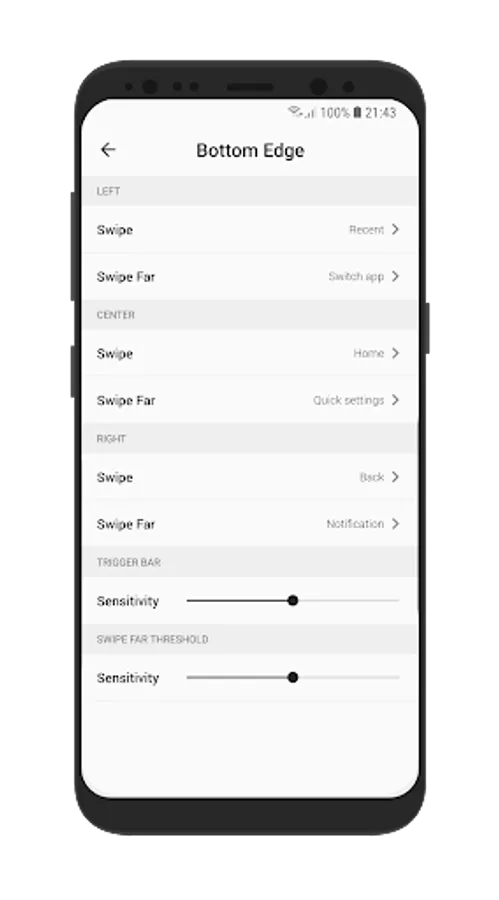
We bring you many features by swipe the edges of your device, it's very very convenient for devices have hard key button or infinity display.
GESTURES
* Swipe LEFT-RIGHT-BOTTOM edge to perform actions.
* Distinguish two near and far modes when you swipe.
* Custom display, size, sensitivity for each gesture...
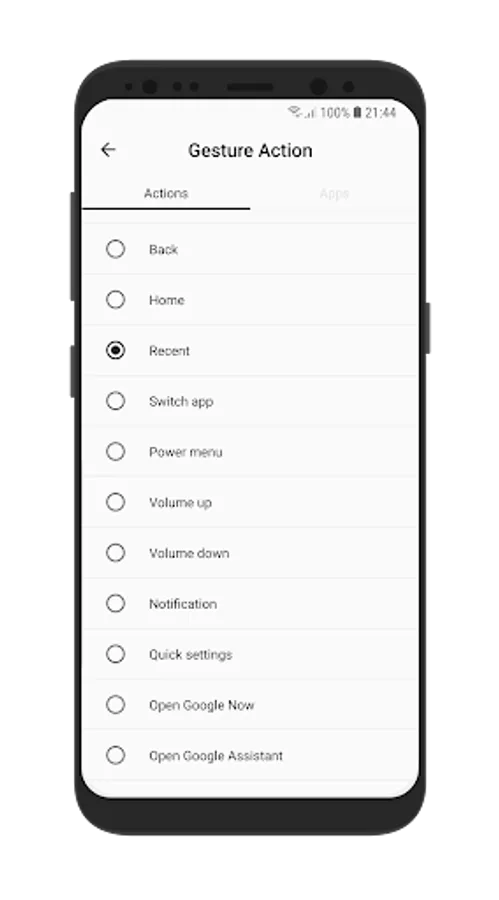
ACTIONS
* Navigate home action
* Navigate back action
* Navigate recent action
* Increase volume
* Decrease volume
* Switch top using application
* Open power menu
* Lock screen
* Open Notification
* Open Quick settings
* Capture screen
* Open Google Now
* Open Google Now
* Open Google Assistant
* Open an application
PERMISSION
+ ACCESSIBLITY :
* We need you activate this application in Accessibility Service because we have to use Accessibility API to do action BACK, RECENT, HOME.
* We ensure that we only use Accessibility API for above functions we don't collect any any users information.
+ DISPLAY_ON_TOP:
* We need you grant DISPLAY_ON_TOP permission to show animation gesture when you swipe.
USER VIDEO GUIDE
https://youtube.com/shorts/guLST4fTi-4?feature=share
NOTE
* Only support Android 6.0 and up.
FEEDBACK
If you have any problem while using the application, please give us some comments
we will check and update as soon as possible.
CONTACT US
Email : northriver.studioteam@gmail.com
Thank you very much!
GESTURES
* Swipe LEFT-RIGHT-BOTTOM edge to perform actions.
* Distinguish two near and far modes when you swipe.
* Custom display, size, sensitivity for each gesture...
ACTIONS
* Navigate home action
* Navigate back action
* Navigate recent action
* Increase volume
* Decrease volume
* Switch top using application
* Open power menu
* Lock screen
* Open Notification
* Open Quick settings
* Capture screen
* Open Google Now
* Open Google Now
* Open Google Assistant
* Open an application
PERMISSION
+ ACCESSIBLITY :
* We need you activate this application in Accessibility Service because we have to use Accessibility API to do action BACK, RECENT, HOME.
* We ensure that we only use Accessibility API for above functions we don't collect any any users information.
+ DISPLAY_ON_TOP:
* We need you grant DISPLAY_ON_TOP permission to show animation gesture when you swipe.
USER VIDEO GUIDE
https://youtube.com/shorts/guLST4fTi-4?feature=share
NOTE
* Only support Android 6.0 and up.
FEEDBACK
If you have any problem while using the application, please give us some comments
we will check and update as soon as possible.
CONTACT US
Email : northriver.studioteam@gmail.com
Thank you very much!
Full Screen Gestures Screenshots
Tap to Rate:
Reviews for Full Screen Gestures
Ayodeji Olu
12/19/2025
Very useful app!especially if you're using an old large screen, another W for Android!
RAJ MAYA
12/17/2025
best off any device not any back panel 🙂😄