With this app, you can easily toggle your screen on and off using gestures or buttons, even with a broken power button. Includes accessibility service and device administrator permissions for screen control and locking functions.
AppRecs review analysis
AppRecs rating 3.4. Trustworthiness 0 out of 100. Review manipulation risk 0 out of 100. Based on a review sample analyzed.
★★★☆☆
3.4
AppRecs Rating
Ratings breakdown
5 star
46%
4 star
14%
3 star
6%
2 star
5%
1 star
29%
What to know
✓
Authentic reviews
Natural distribution, no red flags
⚠
High negative review ratio
34% of sampled ratings are 1–2 stars
About Double Tap
We provide you a easy way to turn on and turn off screen without power button. It's very useful if your phone is broken power button or you don't like using hard key.
FEATURES
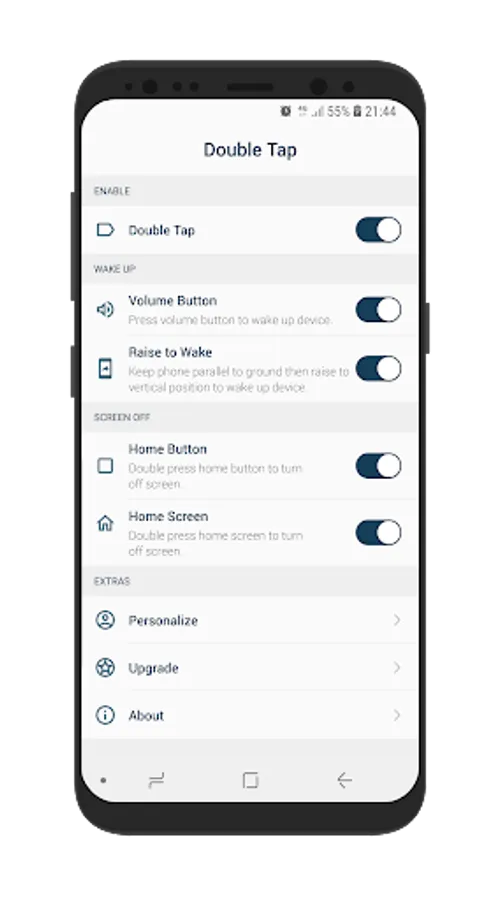
* Double tap home screen to turn off screen
* Double tap home button to turn off screen
* Press volume button to turn on screen.
* Pick phone to turn on screen, it's very useful if you have a smartphone supported face recognition.
PERMISSIONS
+ ACCESSIBILITY_SERVICE :
* We need you activate this application in ACCESSIBILITY SERVICE because we have to use Accessibility API to do action BACK, RECENT, HOME and LOCK the device.
* We ensure that we only use Accessibility API for above functions we don't collect any users information.
+ DISPLAY_ON_TOP:
* We need you grant DISPLAY_ON_TOP permission to show animation gesture when you swipe.
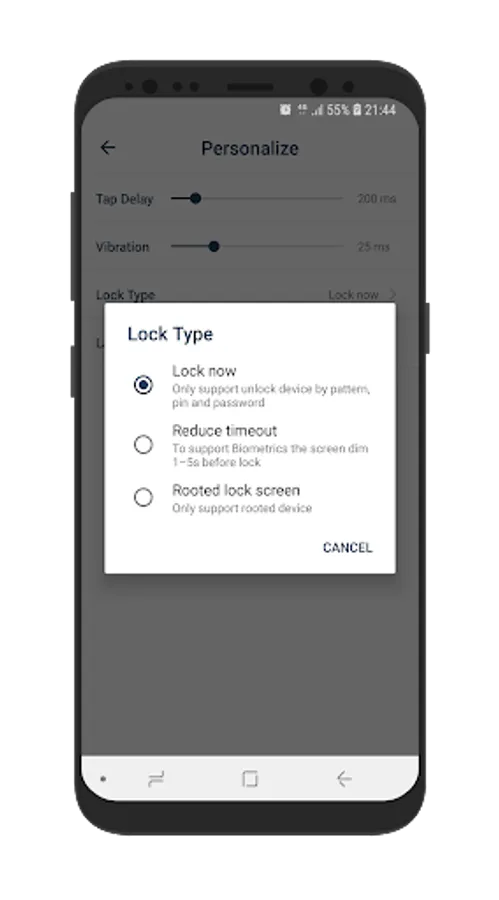
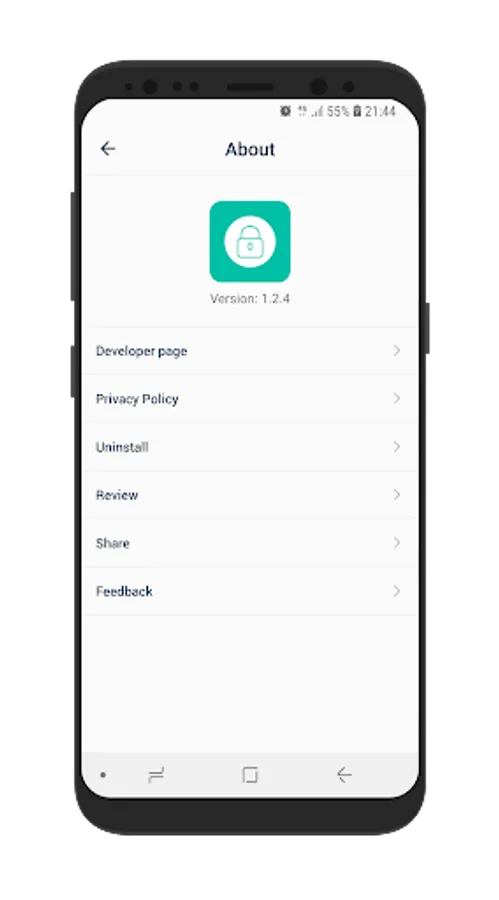
+ This app uses the Device Administrator permission to provide you lock screen function, you will not be able to uninstall this application from home screen. Please access app open About click uninstall to do it.
USER VIDEO GUIDE:
https://youtube.com/shorts/xgj_um4VUBQ?feature=share
NOTE
* Only support Android 6.0 and up.
FEEDBACK
If you have any problem while using the application, please give us some comments
we will check and update as soon as possible.
CONTACT US
Email : northriver.studioteam@gmail.com
Thank you very much!
FEATURES
* Double tap home screen to turn off screen
* Double tap home button to turn off screen
* Press volume button to turn on screen.
* Pick phone to turn on screen, it's very useful if you have a smartphone supported face recognition.
PERMISSIONS
+ ACCESSIBILITY_SERVICE :
* We need you activate this application in ACCESSIBILITY SERVICE because we have to use Accessibility API to do action BACK, RECENT, HOME and LOCK the device.
* We ensure that we only use Accessibility API for above functions we don't collect any users information.
+ DISPLAY_ON_TOP:
* We need you grant DISPLAY_ON_TOP permission to show animation gesture when you swipe.
+ This app uses the Device Administrator permission to provide you lock screen function, you will not be able to uninstall this application from home screen. Please access app open About click uninstall to do it.
USER VIDEO GUIDE:
https://youtube.com/shorts/xgj_um4VUBQ?feature=share
NOTE
* Only support Android 6.0 and up.
FEEDBACK
If you have any problem while using the application, please give us some comments
we will check and update as soon as possible.
CONTACT US
Email : northriver.studioteam@gmail.com
Thank you very much!
Double Tap Screenshots
Tap to Rate: